GrowEmail API
Send email from your code, or just ask your AI.
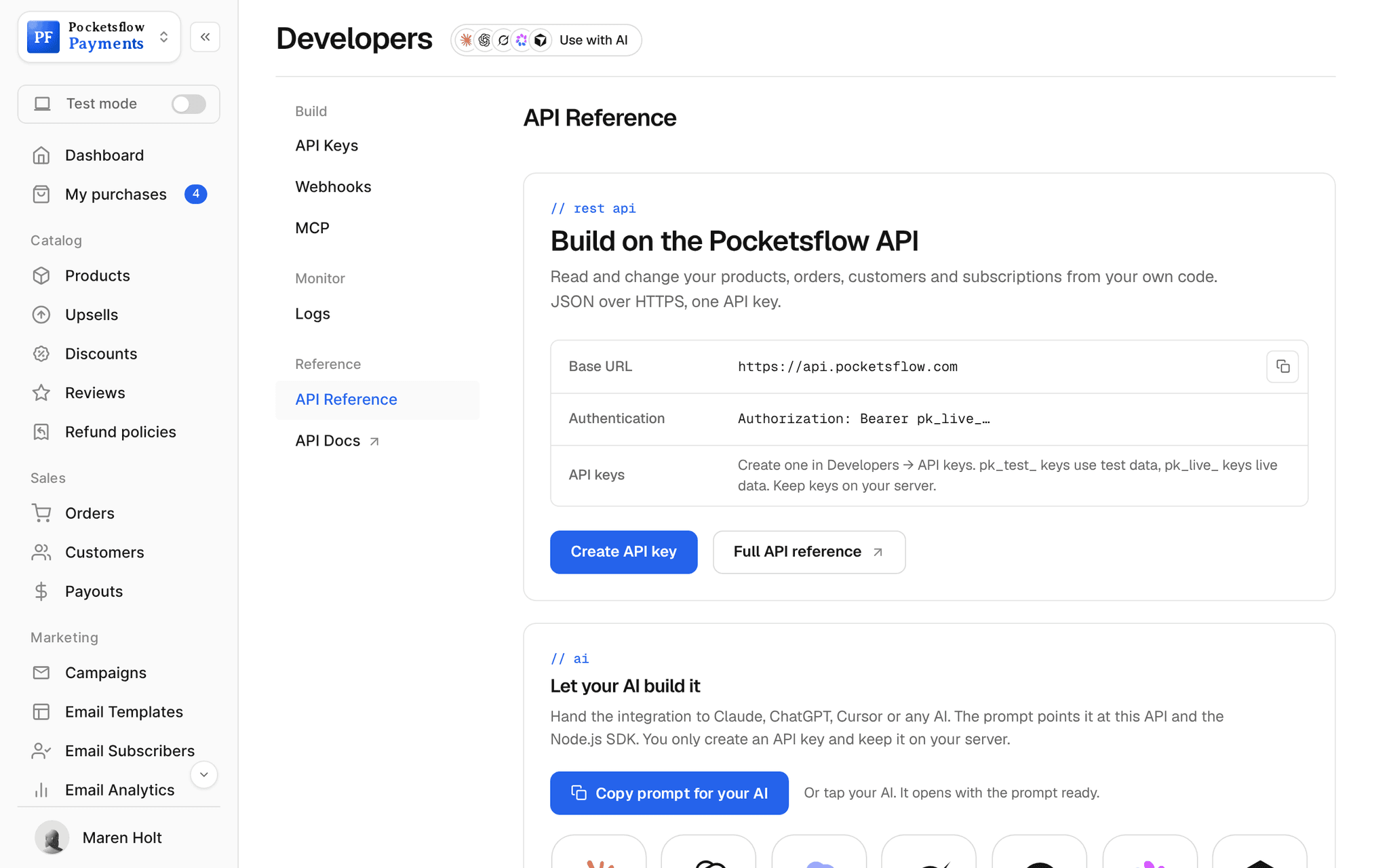
One REST call or one MCP tool sends an email to up to 100 people with your footer, address and unsubscribe link. It lands in your dashboard like any campaign, and it draws on the same monthly allowance as everything else.


- recipients per call
- 100
- per 1,000 emails on Scale
- $1.00
- ways to send: dashboard, API and MCP
- 3
- MCP tools your AI can use
- 53
// inside pocketsflow
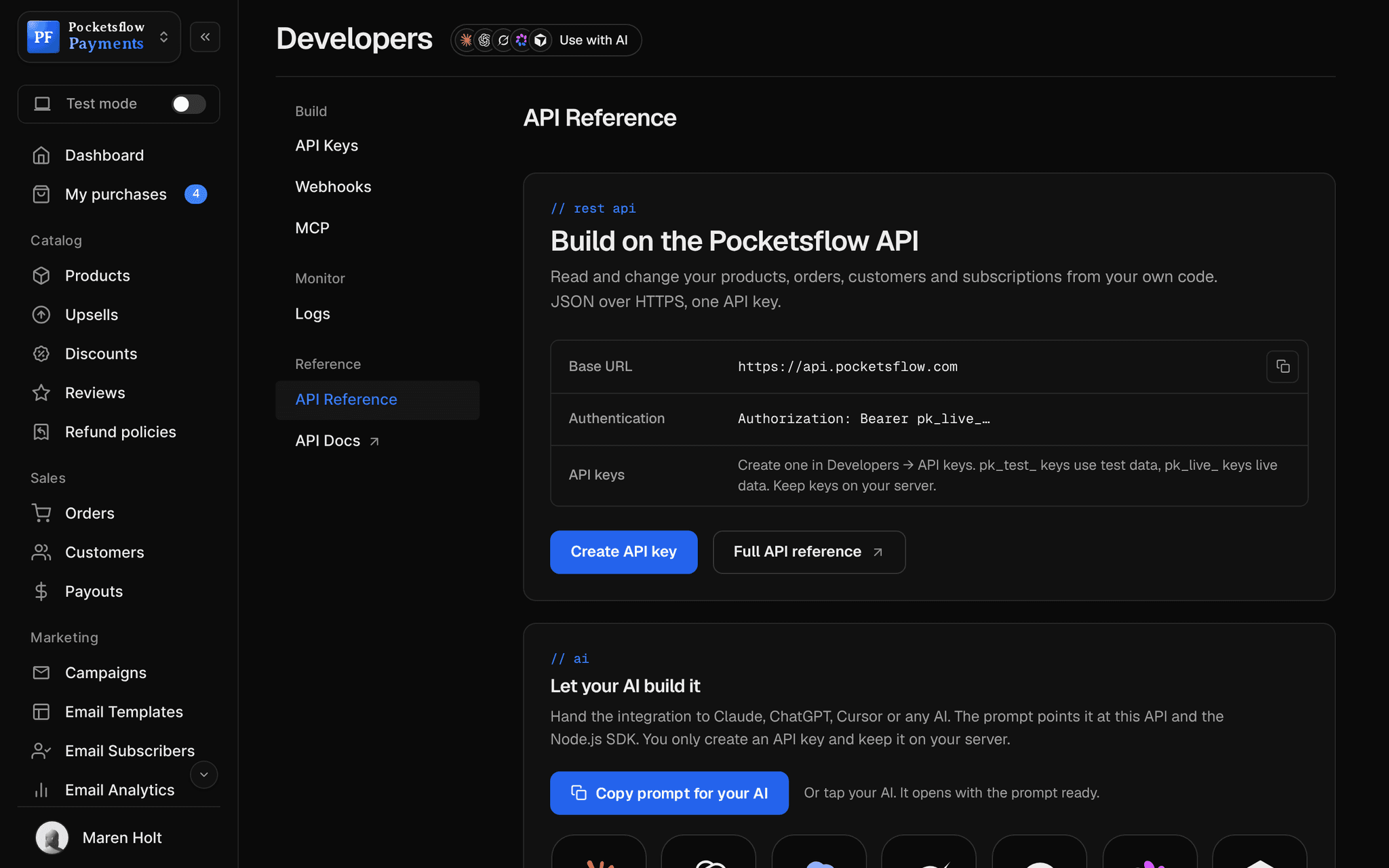
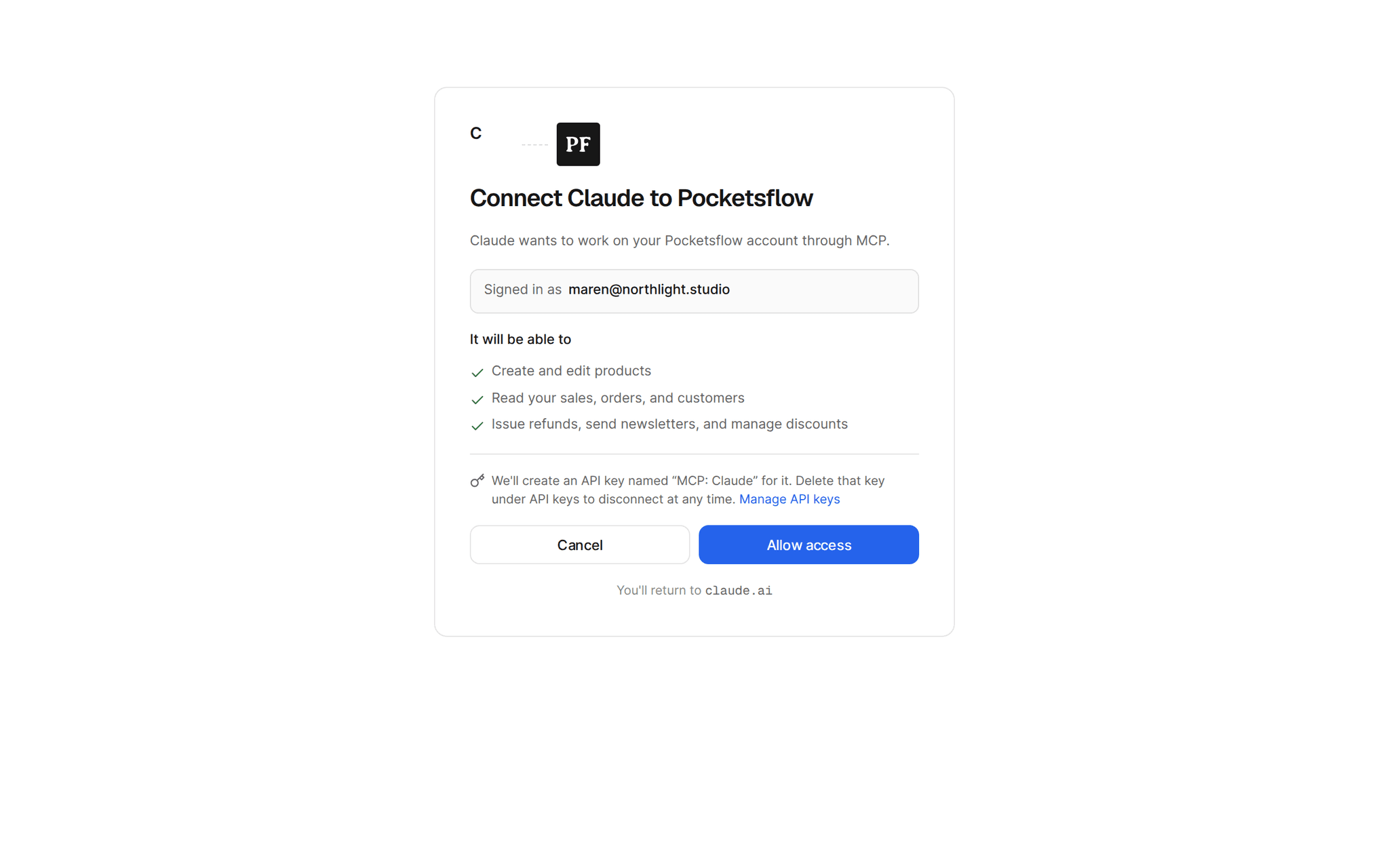
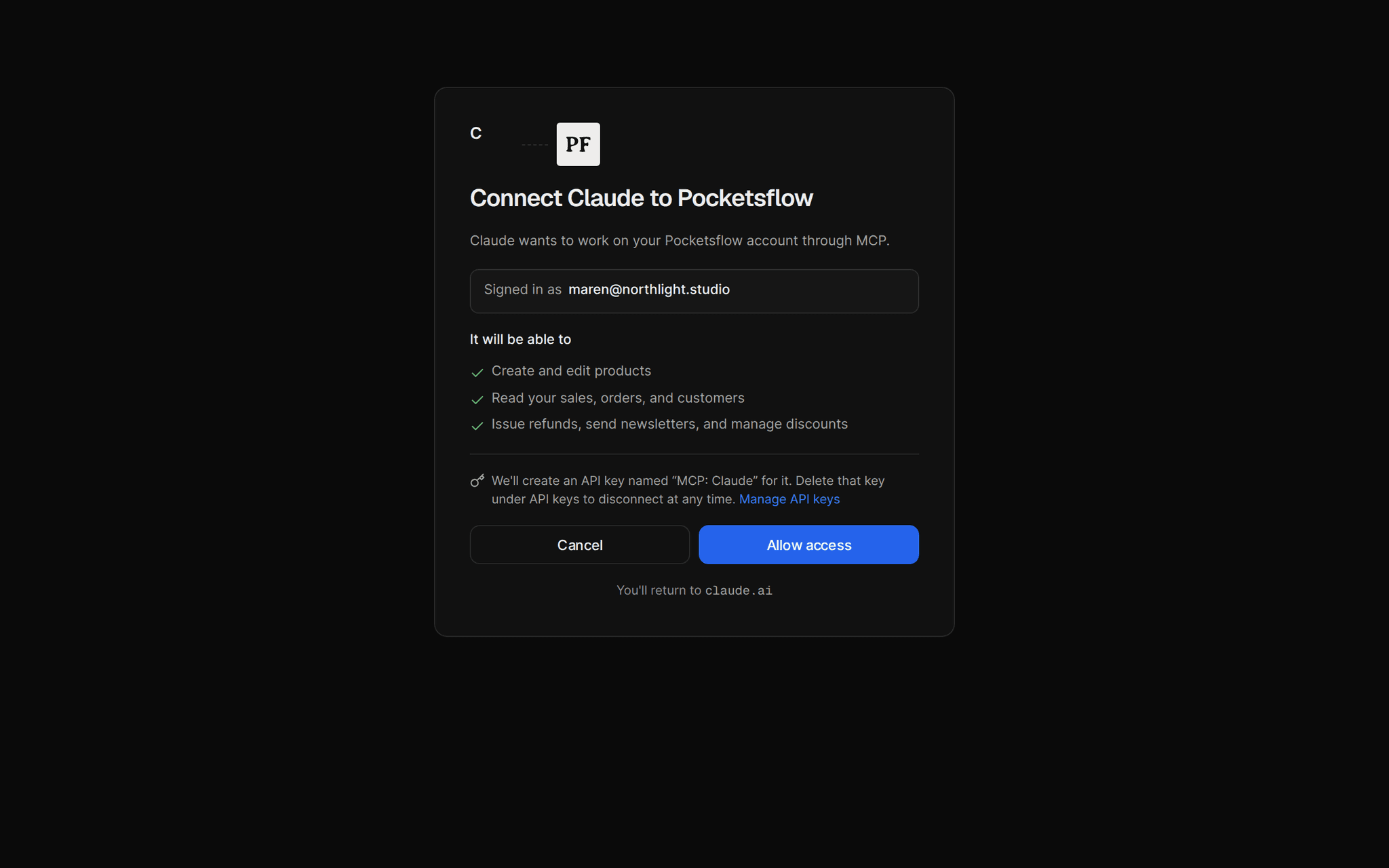
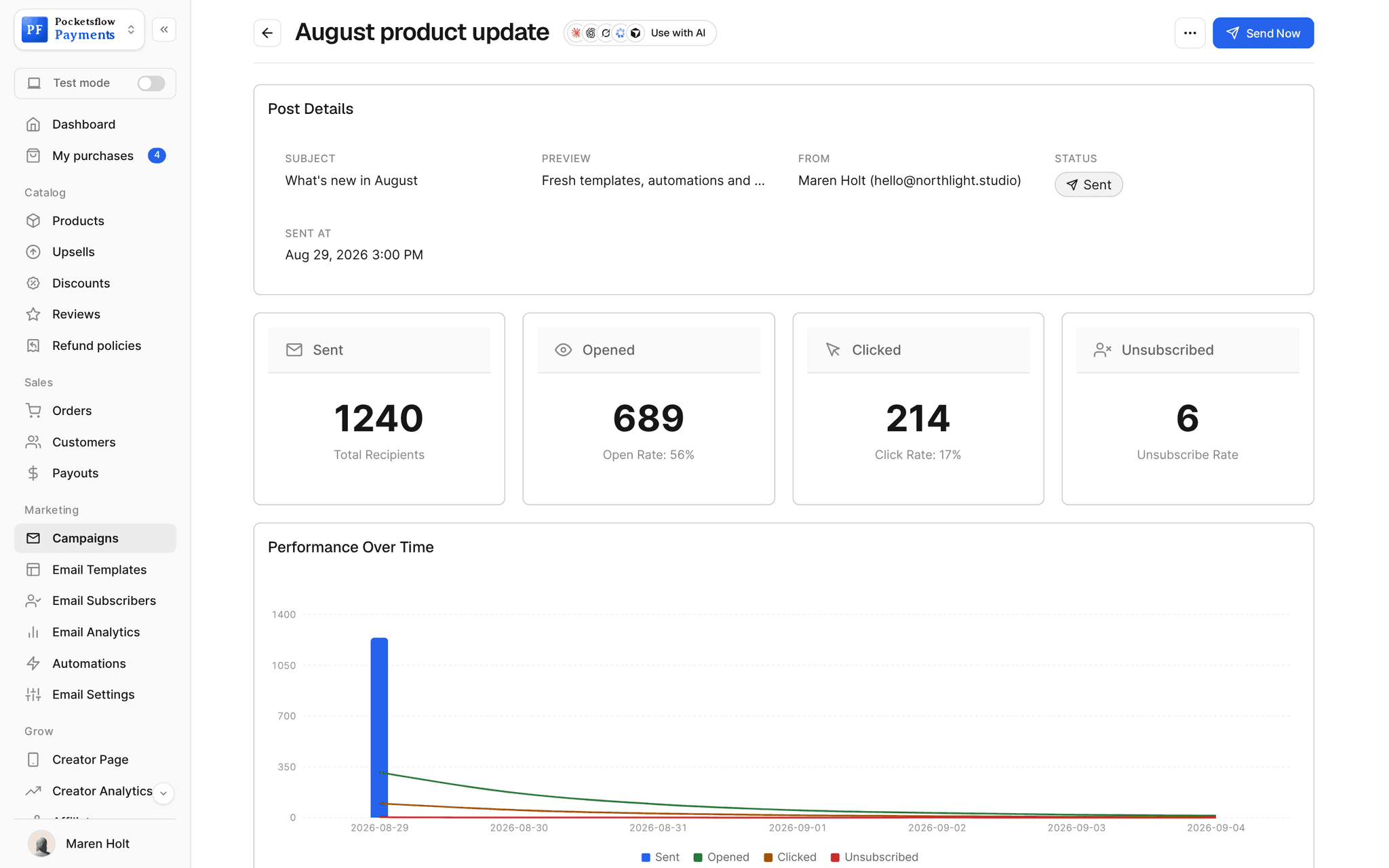
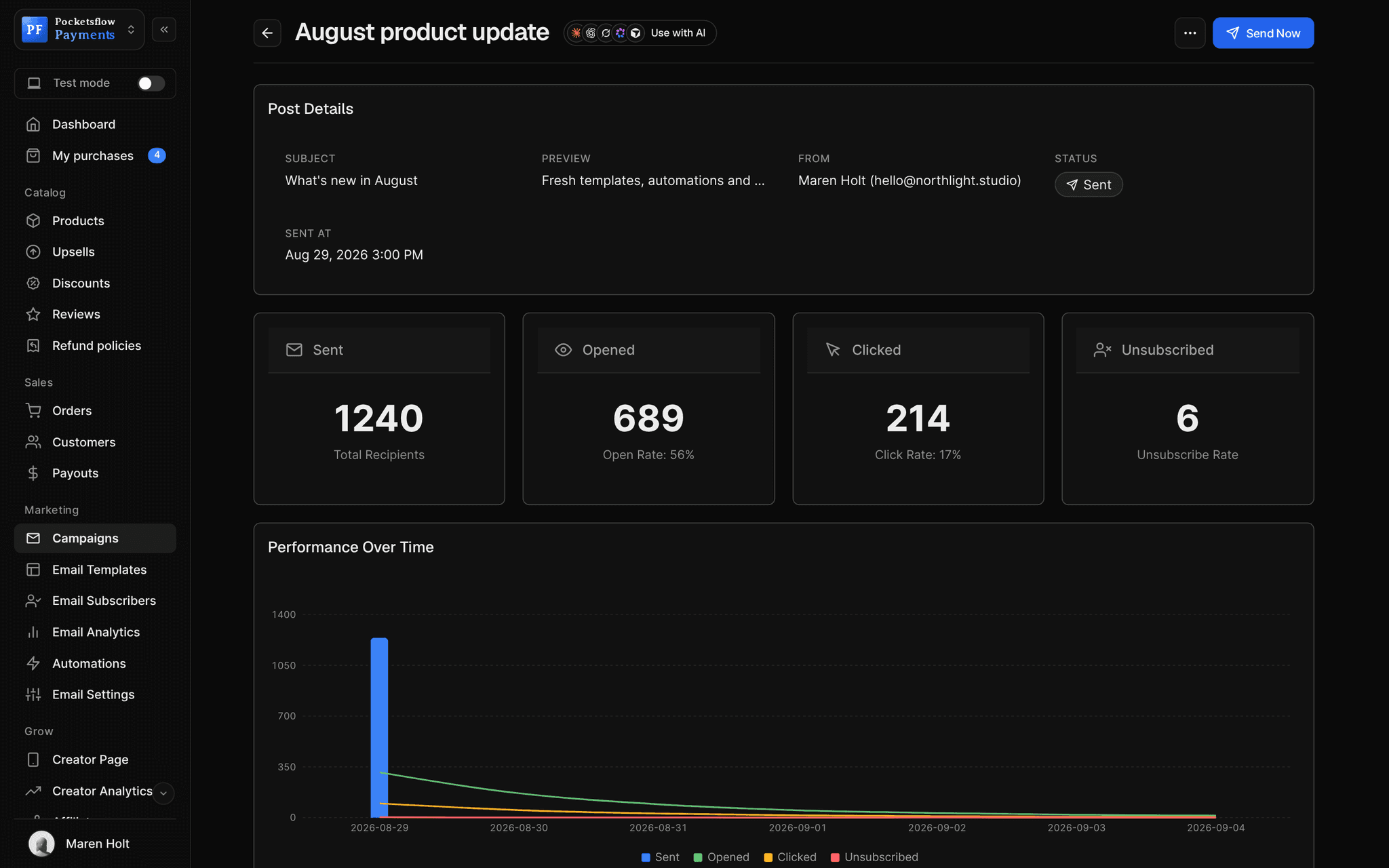
See how it works in the dashboard.
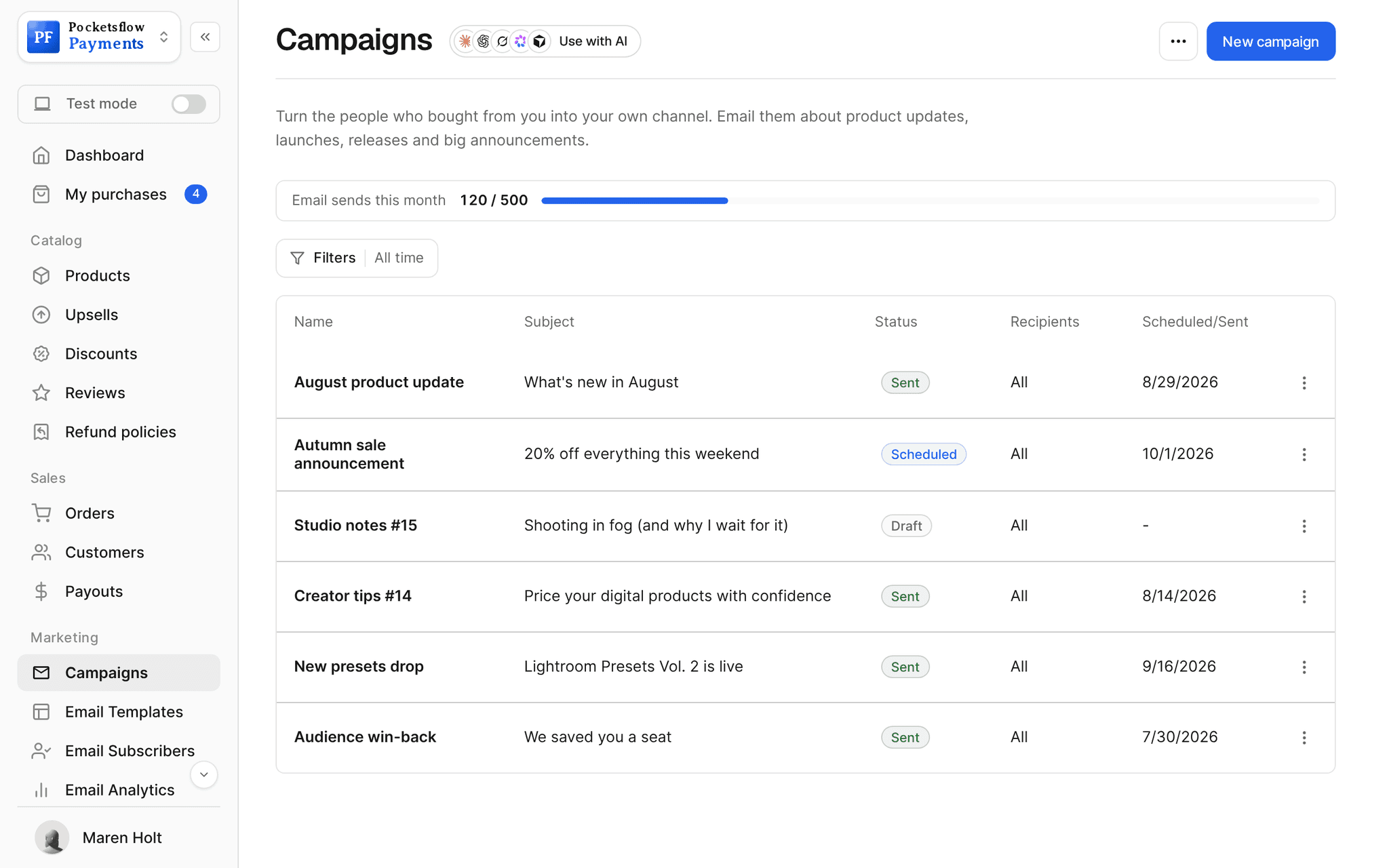
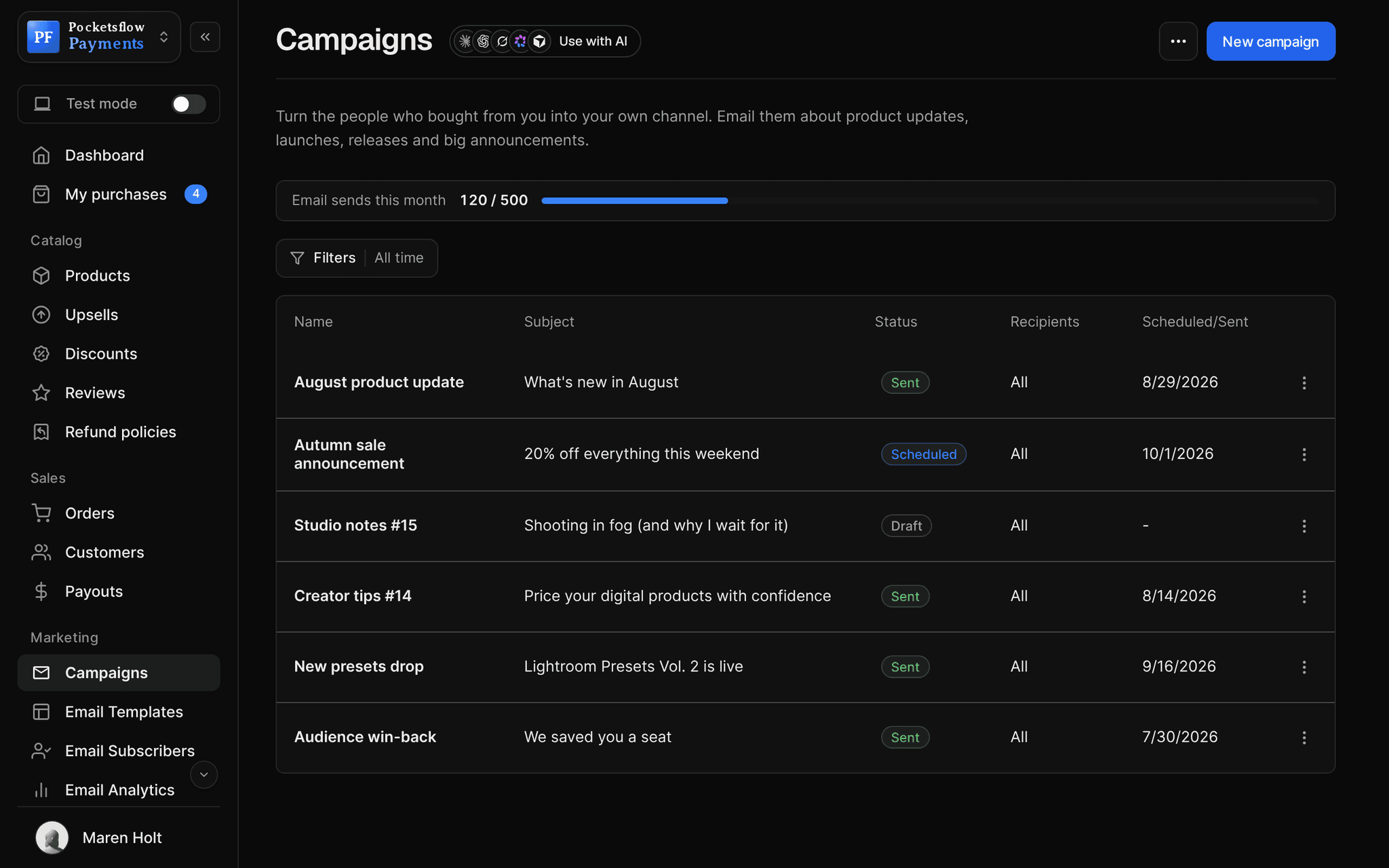
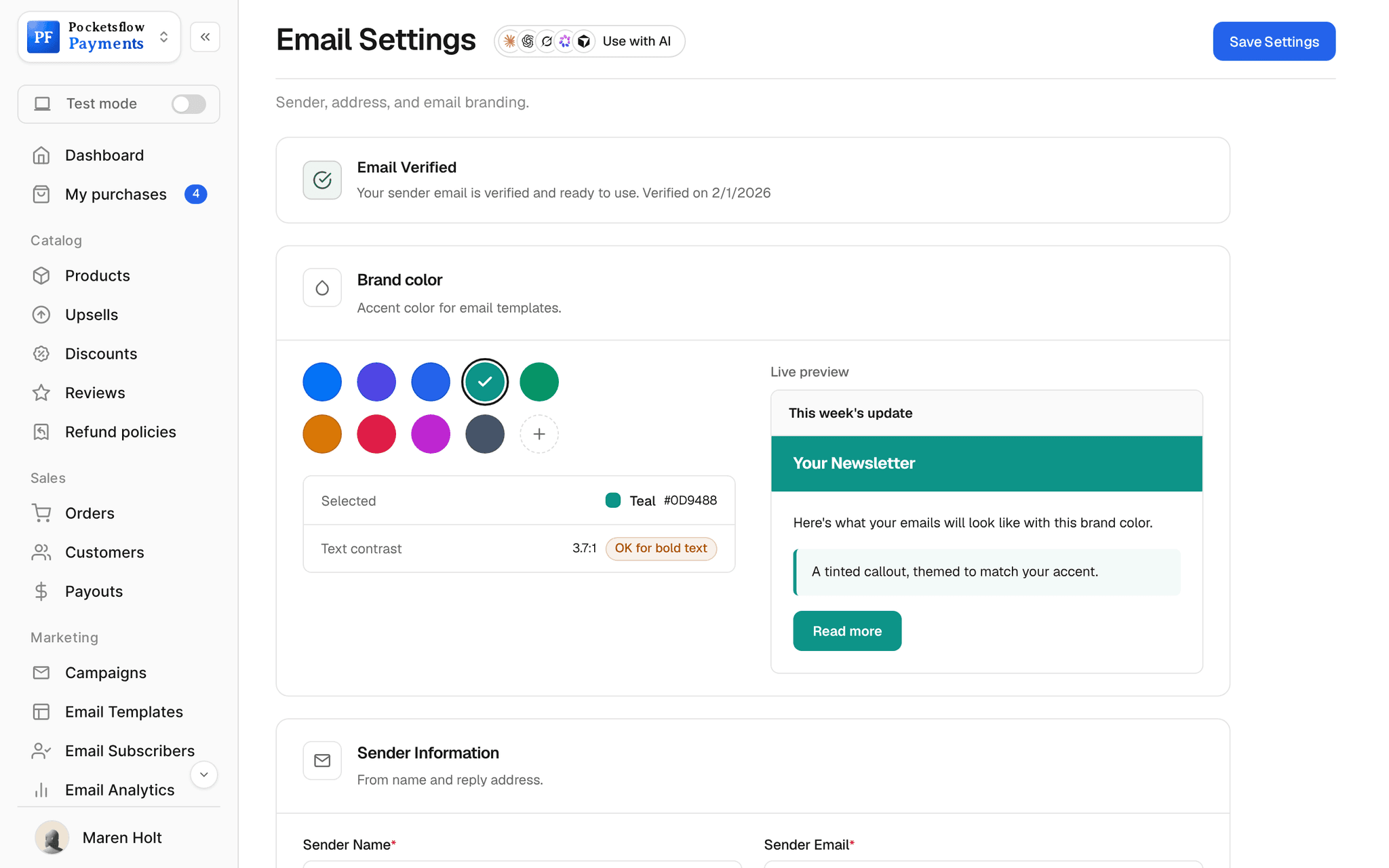
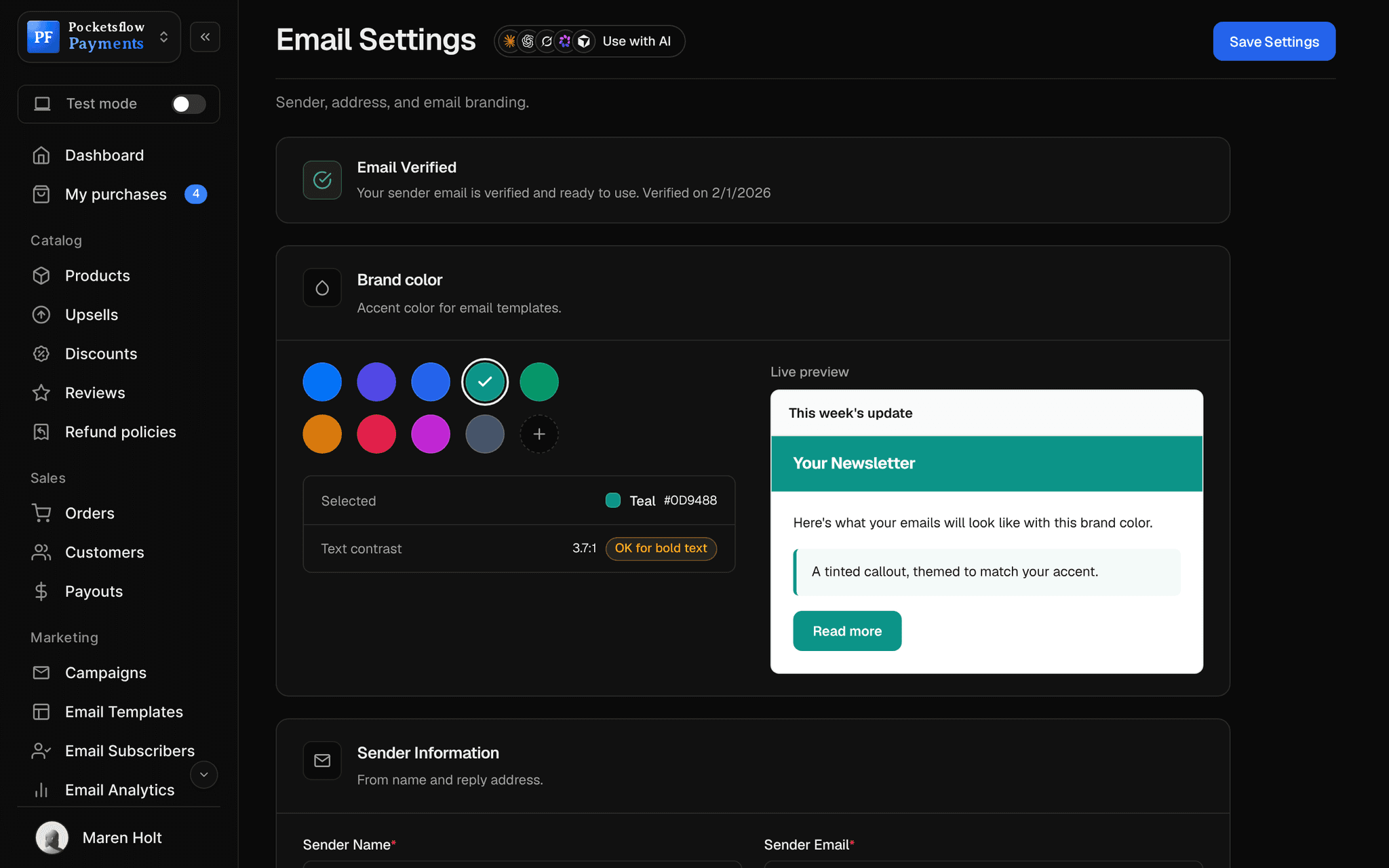
// more screens
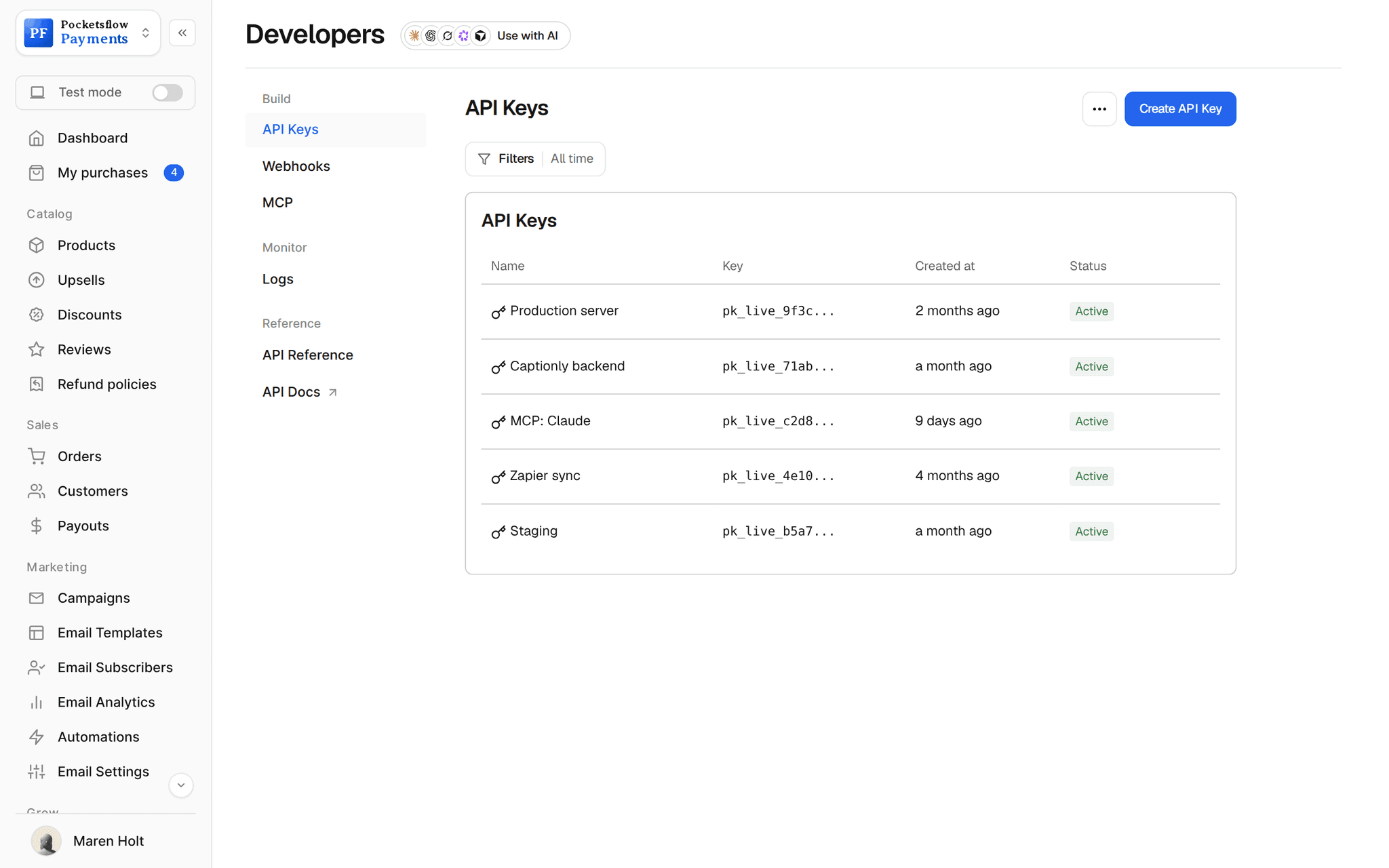
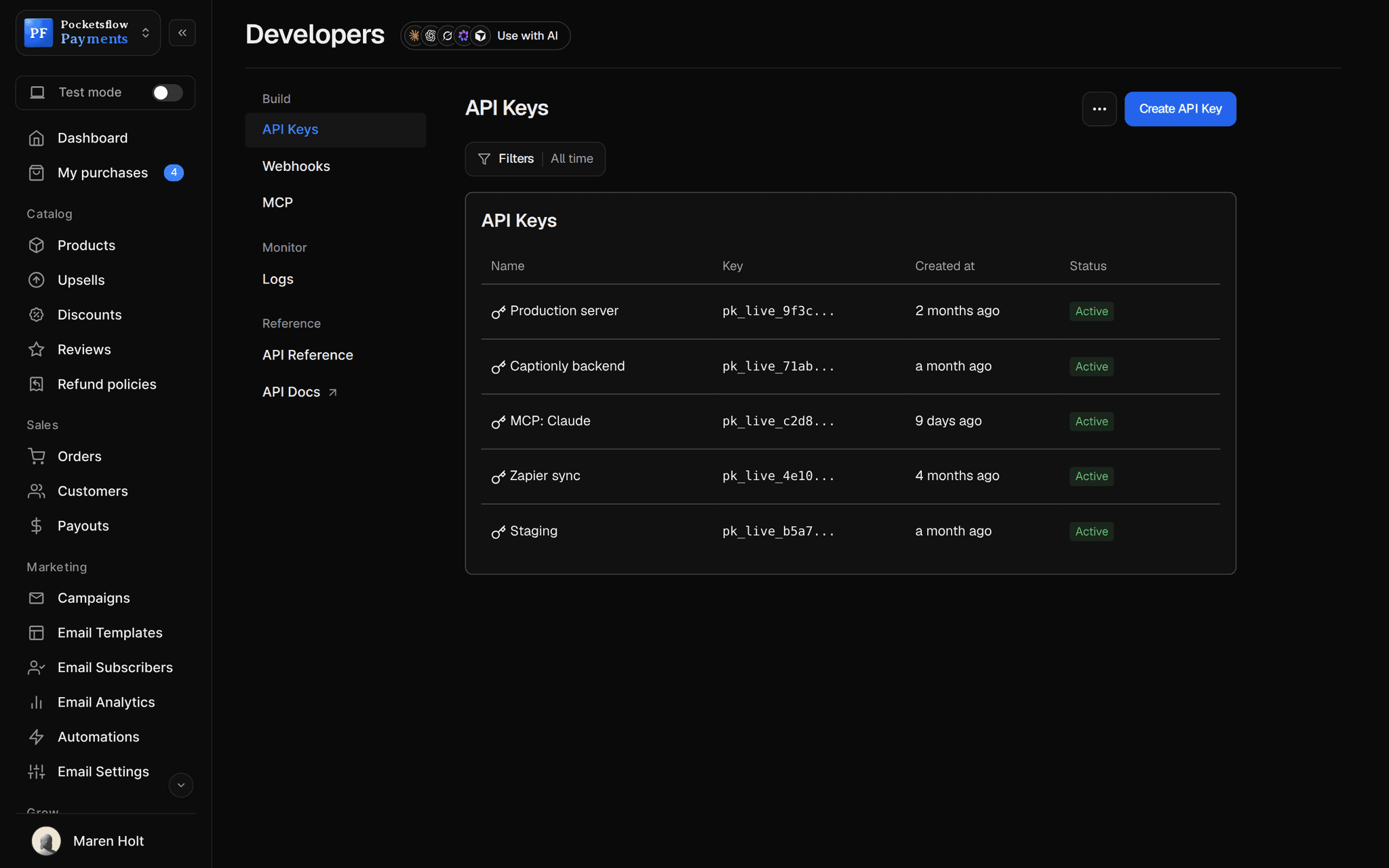
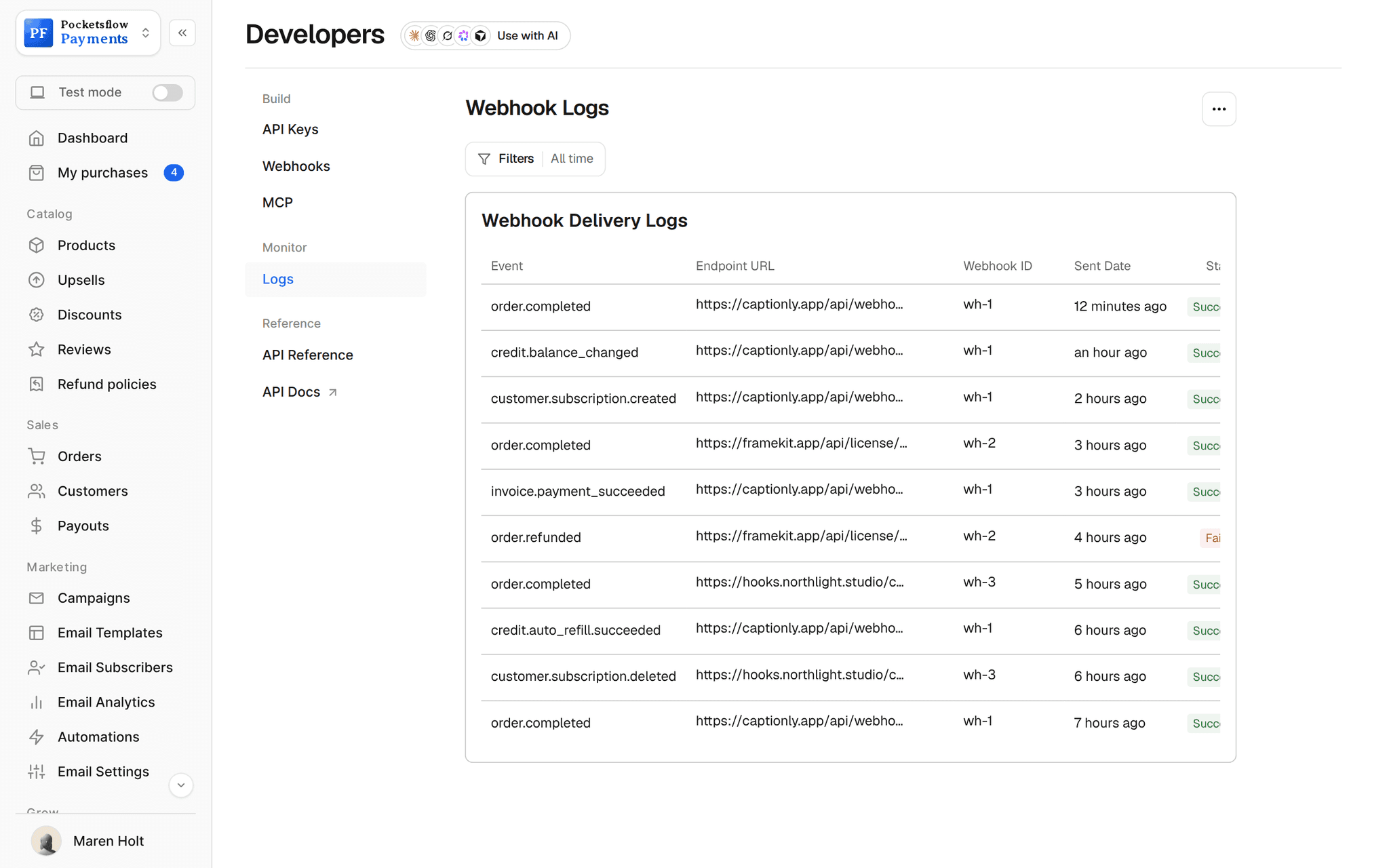
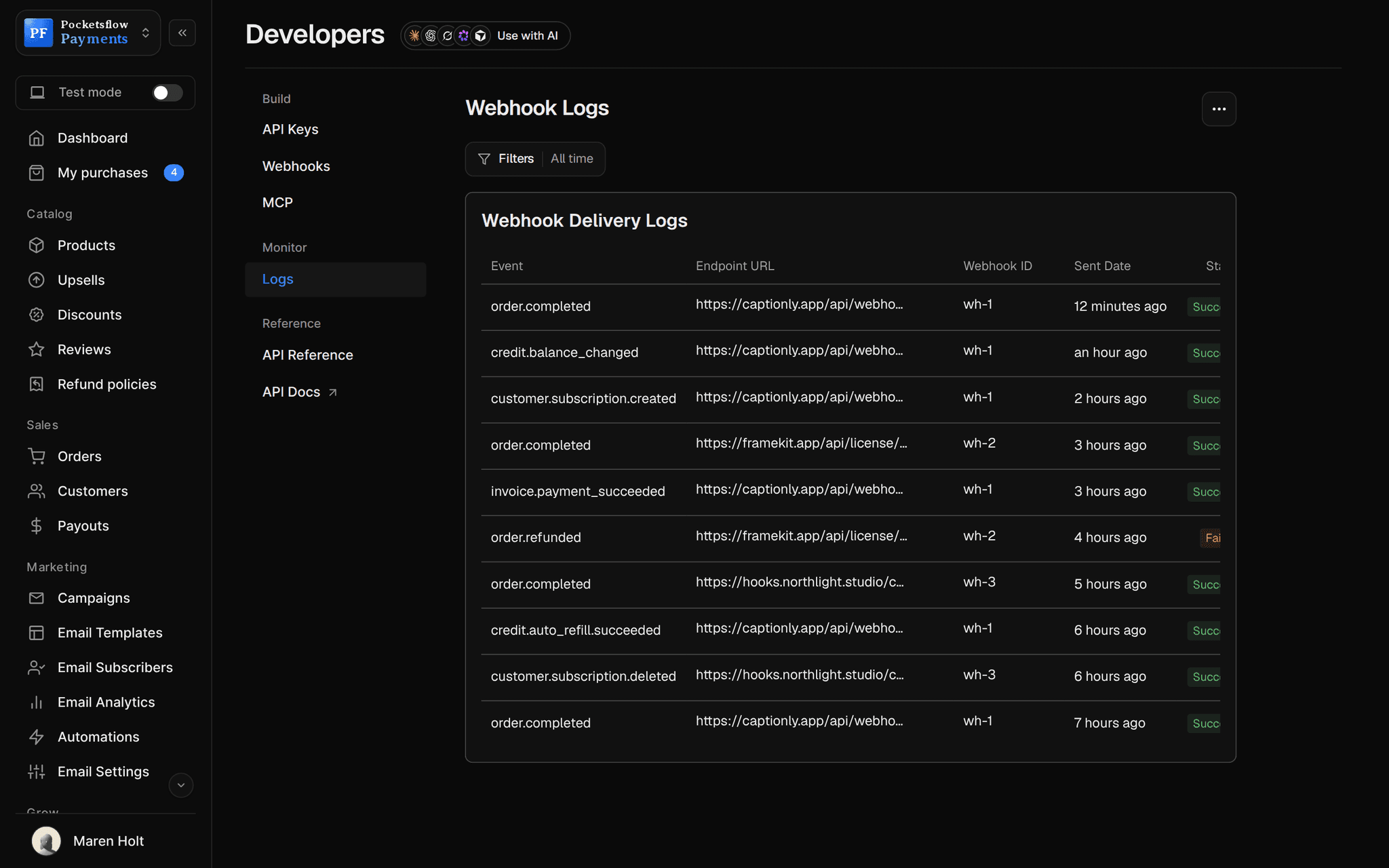
Every screen you will use.
// use cases
What people send from code.
Welcome a buyer
Send a personal note from your backend the moment an order lands.
Welcome to the courseAPI
Deliver a license
Email a key or a download link from your own app.
Your Pro licenseAPI
Ask your AI to send it
Draft, send and report back from Claude, ChatGPT or Cursor.
Thank today's buyersMCP
Send a saved draft
Write once in the editor, send from code when the launch goes live.
Vol. 3 is hereAPI
Small group updates
Email a cohort or a few customers without building an audience.
Cohort 4 starts MondayAPI
Win back a customer
Have your AI find a lapsed buyer and send a code.
Come back, 20% offMCP
// how it works
Live in four steps.
Verify your sender
Set your from address, reply to and footer once in Email settings.
Create a key or connect your AI
An API key for your code, or one click Allow access for MCP.
Send
POST to /newsletters/send, or ask your AI. Up to 100 recipients per call.
Read the result
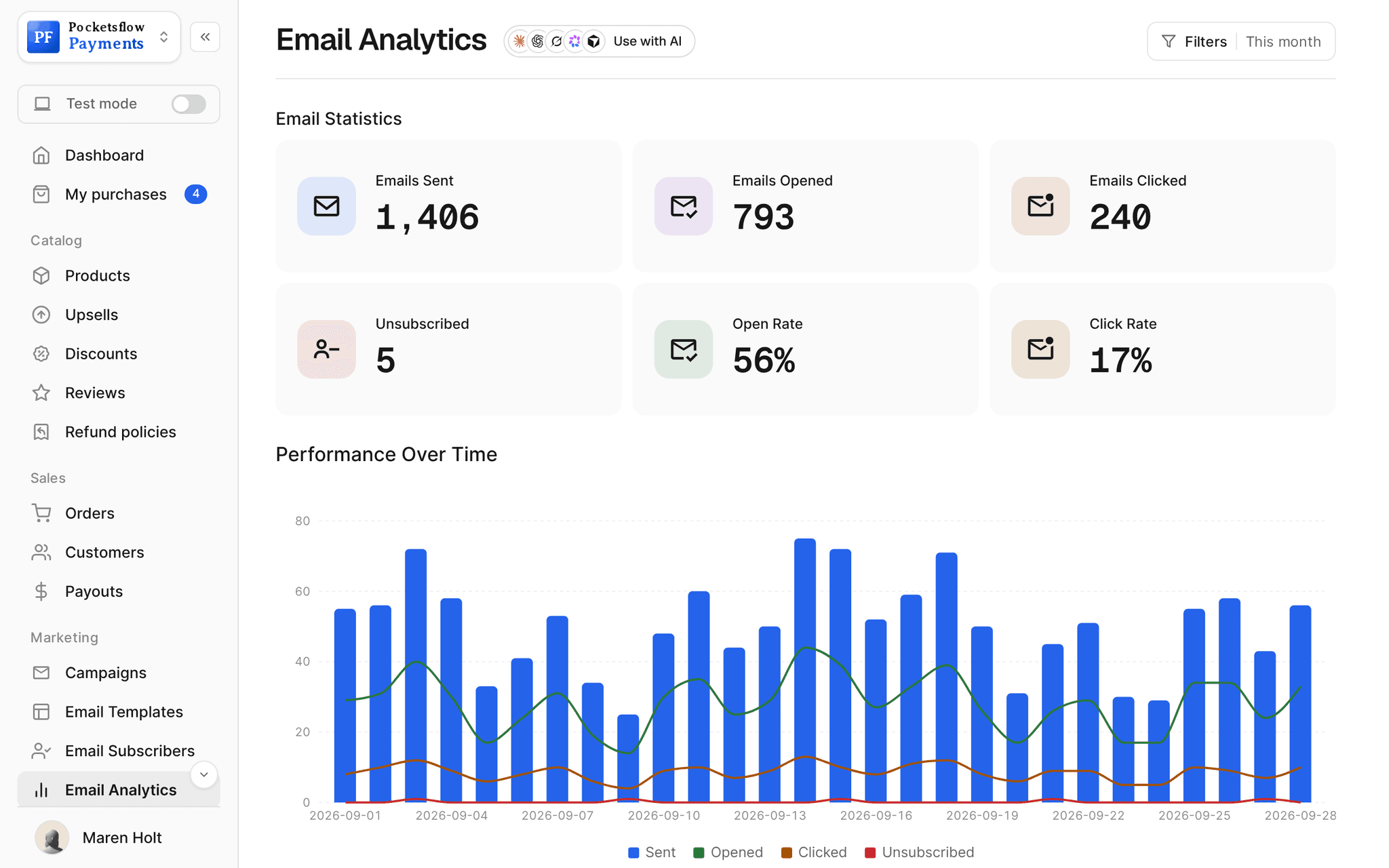
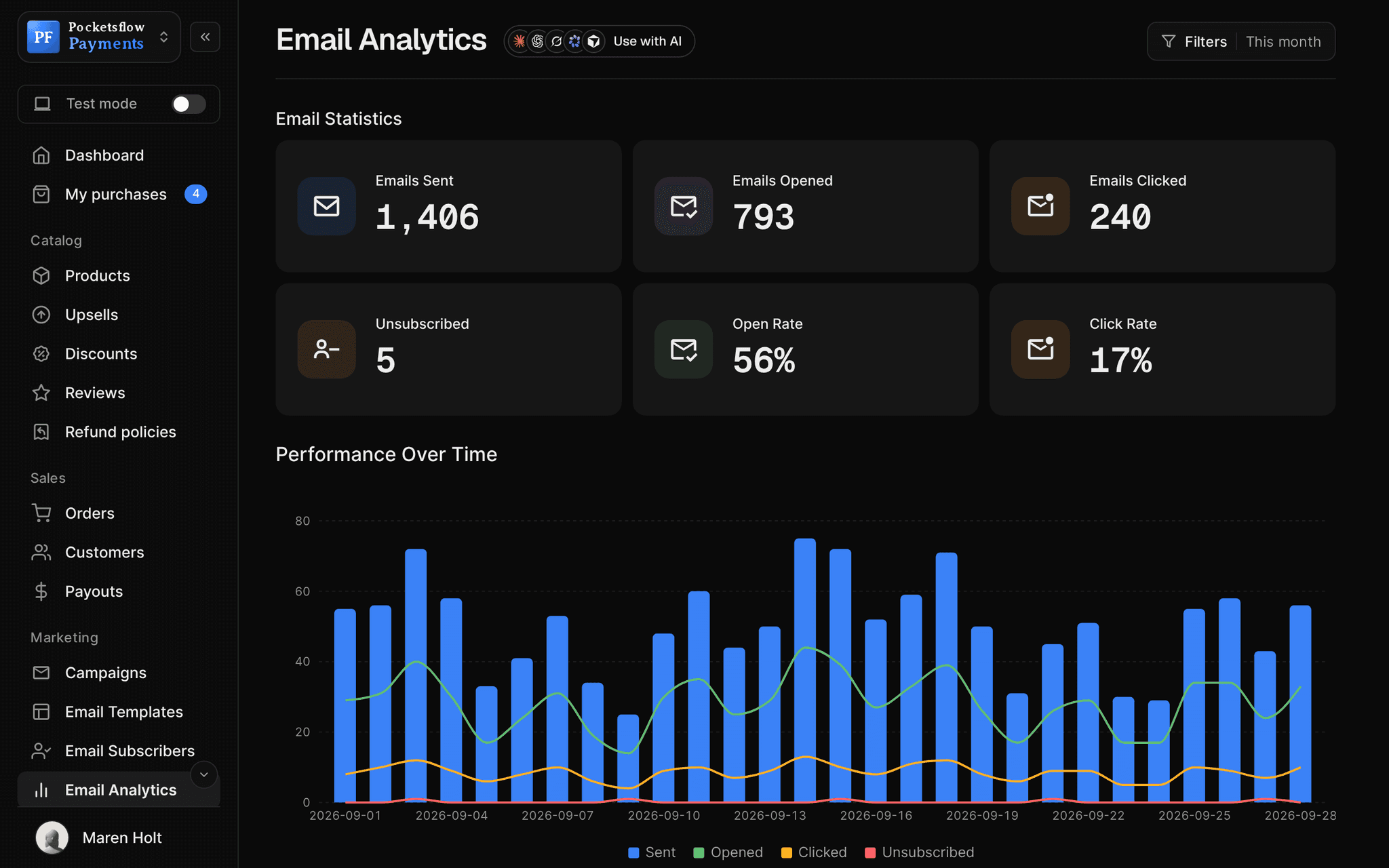
The response lists who got it and who was skipped; opens and clicks land in Email analytics.
// ai
Or just ask your AI.
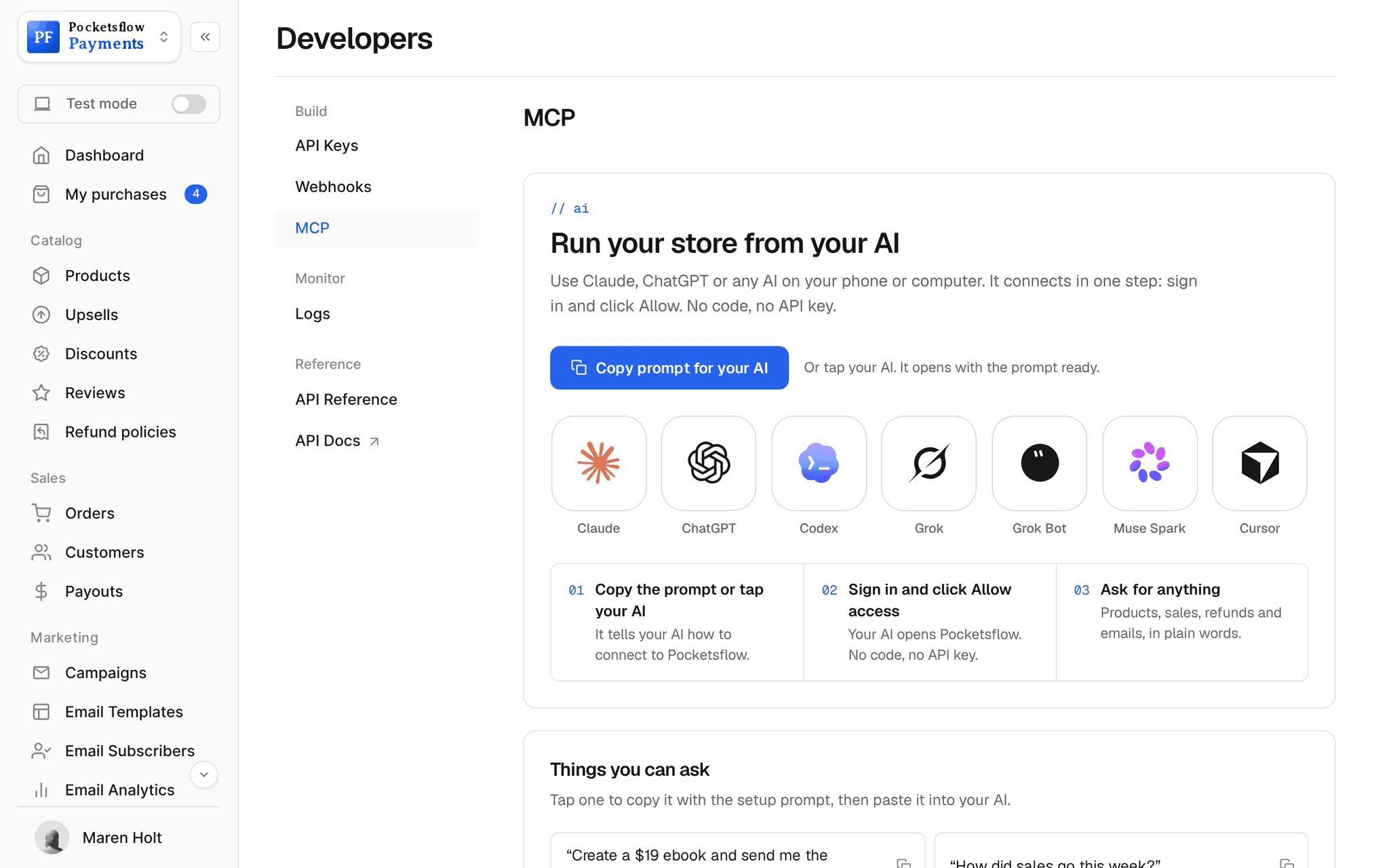
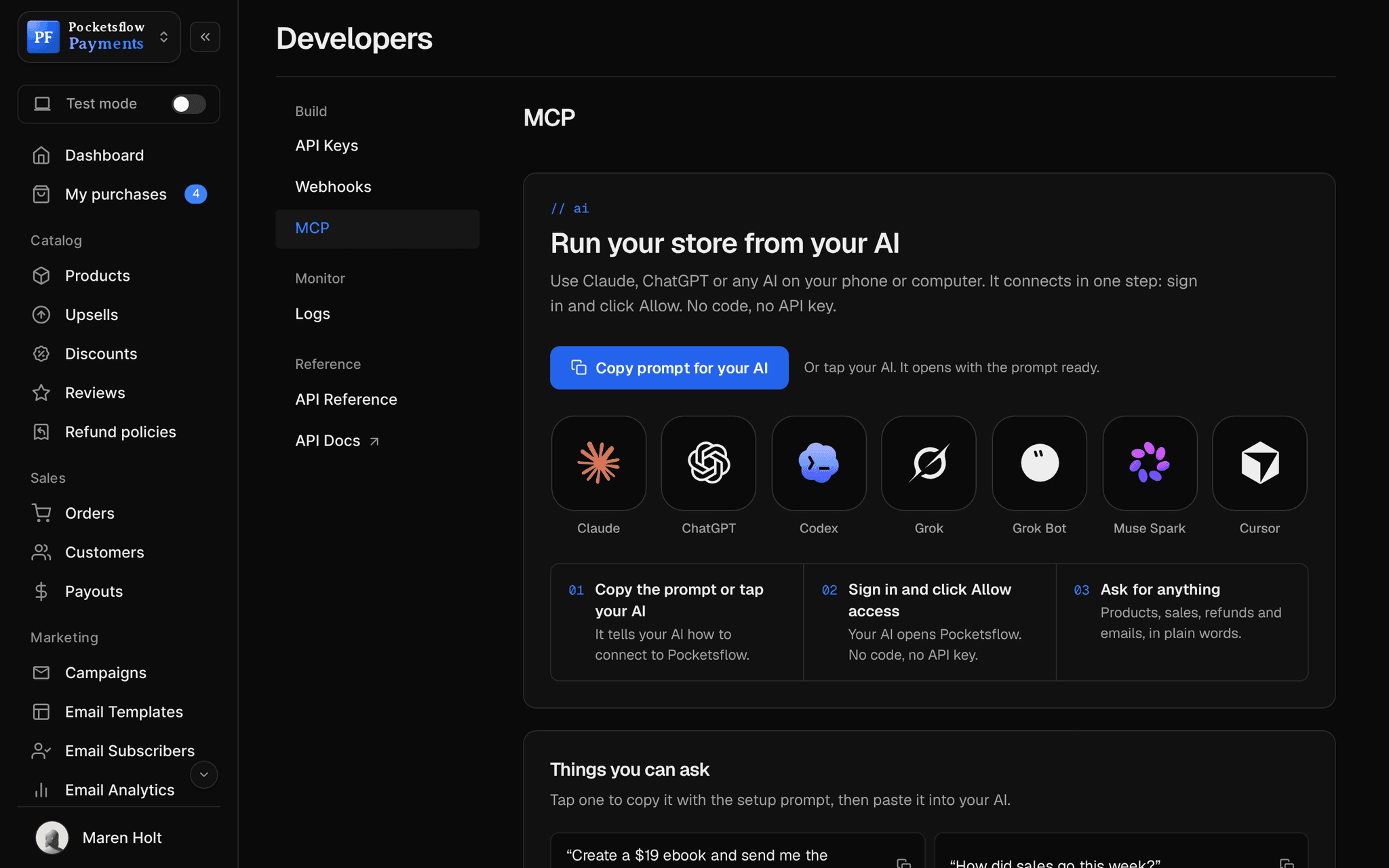
Connect Claude, ChatGPT, Codex, Grok, Cursor or any MCP client once. Then ask in plain words, and every change lands in your dashboard.
 Claude · Desktop app
Things to ask
- Email today's buyers a thank you with the download linklist_orders · send_email
- Draft the launch email and keep it as a draftcreate_post
- Send the draft called Vol. 3 is here to everyonelist_posts · send_post
- How many people are on my list?list_subscribers
- Send this customer their license key againget_customer · send_email
- How did my last email do?list_posts · get_post
// included
Everything in one endpoint.
- POST /newsletters/send: 1 to 100 recipients
- HTML or plain text, with preview text
- From name and reply to per email
- Your footer, address and unsubscribe link added
- Send a saved draft with one call
- MCP tools: send_email, create_post, send_post
- Unsubscribed recipients skipped automatically
- Bounced and spam addresses skipped for every sender
- Clear errors: allowance, paused, daily limit
- Recorded as a post with opens and clicks
- Same monthly allowance as the dashboard
- 53 MCP tools across the whole account
// why pocketsflowWhy sellers pick Pocketsflow.
One allowance, every tool
Dashboard, API, MCP and automations all draw on the same monthly emails. No second bill.
Safe by default
Unsubscribes, hard bounces and spam complaints are skipped before anything is sent.
Your buyers are already here
Orders, customers and subscribers sit in the same account, so your code and your AI can find who to email.
Cheaper than a separate email tool
Plans start at $15 a month and go down to $1.00 per 1,000 emails.
// connect
It's easy. Even your AI can do it.
Add Pocketsflow to the AI you already use, sign in and click Allow access. No API key, no code.
- 01Paste into your AI appIt's a connector address, not a web page.api.pocketsflow.com/mcp
Add Pocketsflow
Paste the server URL as a connector in your AI app.
- 02
Sign in and allow
Your AI opens Pocketsflow. Click Allow access.
- 03
Ask for anything
Products, orders, refunds, emails, in plain words.
# Send a campaign to up to 100 recipients in one call.
curl https://api.pocketsflow.com/newsletters/send \
  -H "Authorization: Bearer pk_live_..." \
  -H "Content-Type: application/json" \
  -d '{
    "to": ["customer@example.com"],
    "subject": "Your weekly update",
    "html": "<p>Hi there, here is what is new this week.</p>",
    "fromName": "Acme Studio",
    "replyTo": "hello@acme.com"
  }'

# 200 OK
# { "id": "665f1c2e…", "accepted": ["customer@example.com"], "status": "sent" }
Email is one call.
Send with a key from your server or ask your AI over MCP. The response lists who got it and who was skipped, and every refusal comes with a code.
Every resource is an HTTPS endpoint under one base URL with Bearer API keys. Live and test keys are scoped to their own data; the OpenAPI spec is served at /docs.json.
// email plans
Priced by your list, not your ambition.
Selling is free. Email plans add campaigns, automations, templates and analytics, with a monthly email allowance of three to four times your list.
| Plan | Free | Starter | Growth | Pro | Scale |
|---|---|---|---|---|---|
| Price | $0 | $15/ mo | $49/ mo | $119/ mo | $299/ mo |
| Subscribers | 1,000 | 3,000 | 10,000 | 25,000 | 75,000 |
| Emails a month | Paid plans only | 10,000 | 40,000 | 100,000 | 300,000 |
| Per 1,000 emails | Not included | $1.50 | $1.23 | $1.19 | $1.00 |
// faq
Common questions.
How many people can I email per call?
Up to 100 recipients per request, with HTML or plain text. Send more calls for a bigger group, or send a saved post to a whole audience with POST /newsletters/posts/{id}/send.
Does it work from Claude, ChatGPT or Cursor?
Yes. Add the Pocketsflow MCP server, sign in and click Allow access. Your AI can then use send_email, create_post and send_post, and every send shows up in your dashboard.
What counts against my plan?
Every recipient an email is sent to counts once against your plan's monthly allowance, the same as a campaign from the dashboard. Recipients who unsubscribed, hard-bounced or reported spam are skipped and not counted.
What happens if I go over?
The call answers 402 SEND_ALLOWANCE_EXCEEDED and nothing is sent. Upgrade your plan in Settings, Billing and send again.
Why would sending be paused?
To protect every sender's inbox placement, an account whose emails bounce or are marked as spam far above normal rates is paused for review and the call answers 403 EMAIL_SENDING_PAUSED. New accounts can send up to 1,000 emails a day while they warm up (429 DAILY_SEND_LIMIT).
Do I need a paid plan for email?
Selling never needs a plan. Email campaigns, automations, reusable templates and open and click analytics are part of the email plans, from $15 a month for 3,000 subscribers and 10,000 emails. Each plan includes three to four emails per subscriber a month, and addresses that bounced or reported spam are skipped automatically. The free plan keeps up to 1,000 subscribers. See the pricing page for every tier.
// related
Keep exploring.
Start accepting payments today.
Sell your first product today, and let the AI you already use run the busywork.