Product pages that convert.
Every product and subscription can have its own page. Start from one of 55 templates over 9 layouts, change the fonts, palette, corners and pattern, and preview it live. Or turn the page off and send buyers straight to checkout.


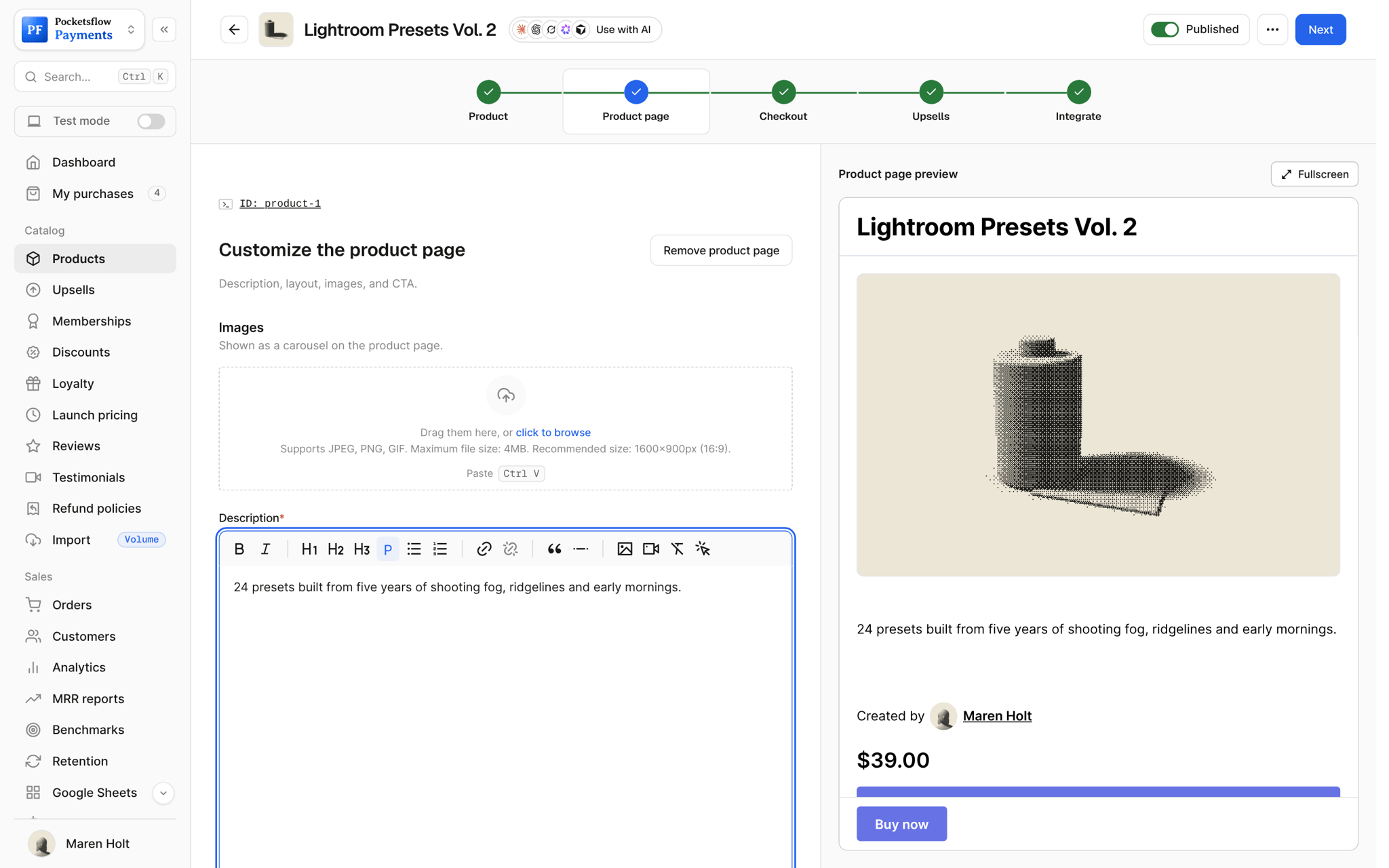
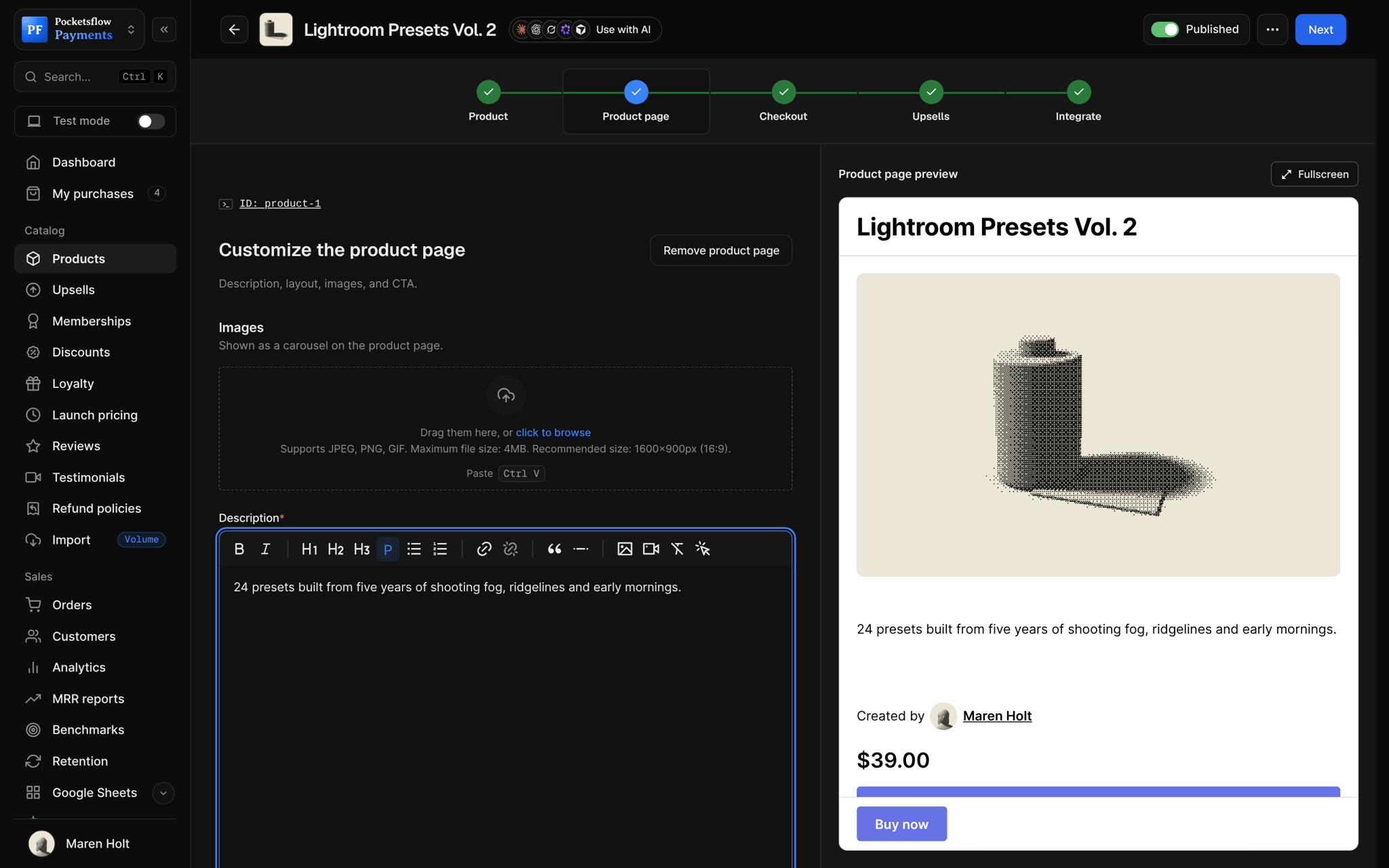
- product page templates
- 55
- layouts, from Classic to Poster
- 9
- matching checkout templates
- 13
- estimated per sale, no monthly fee
- 4.7% + $0.30
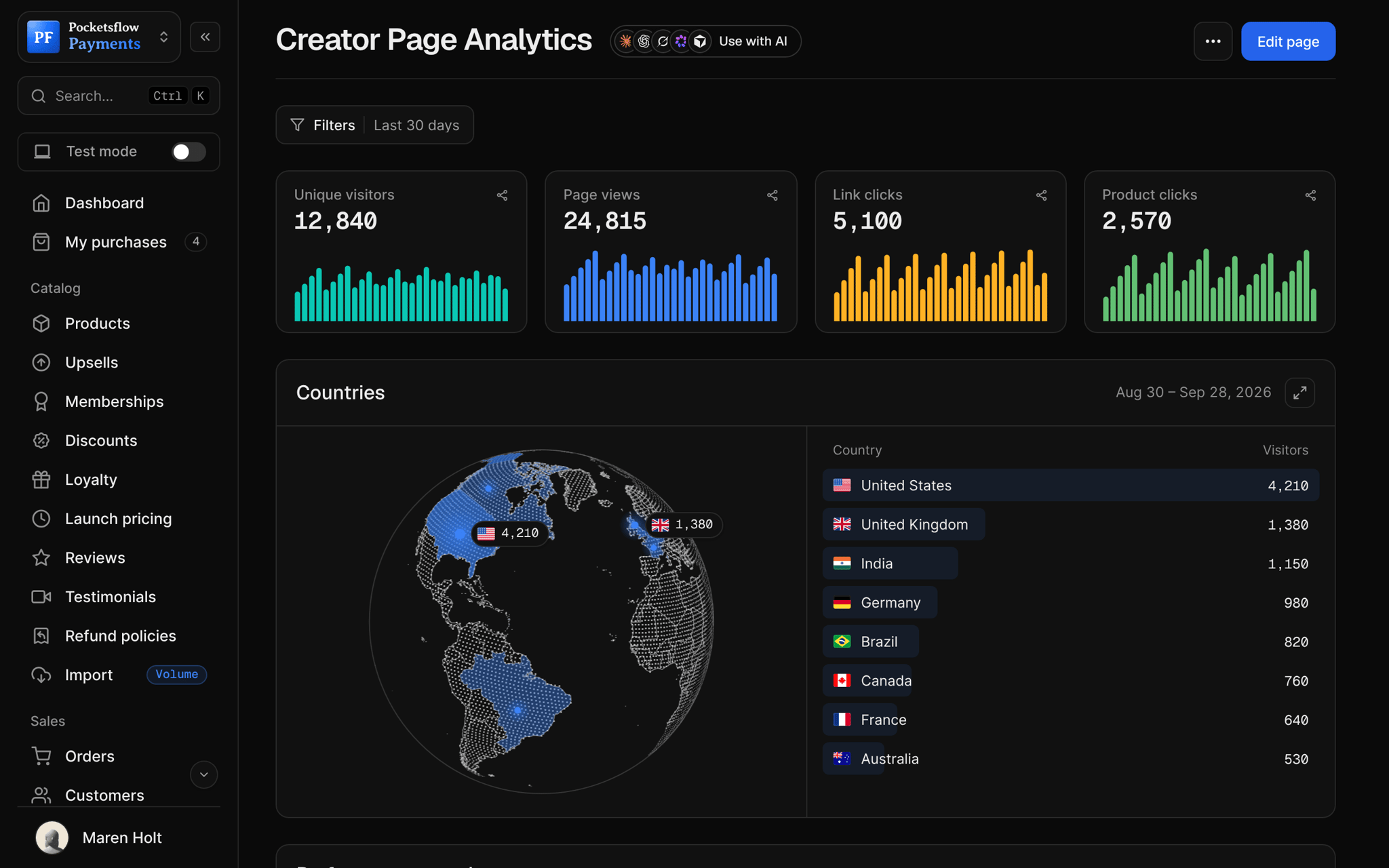
See how it works in the dashboard.
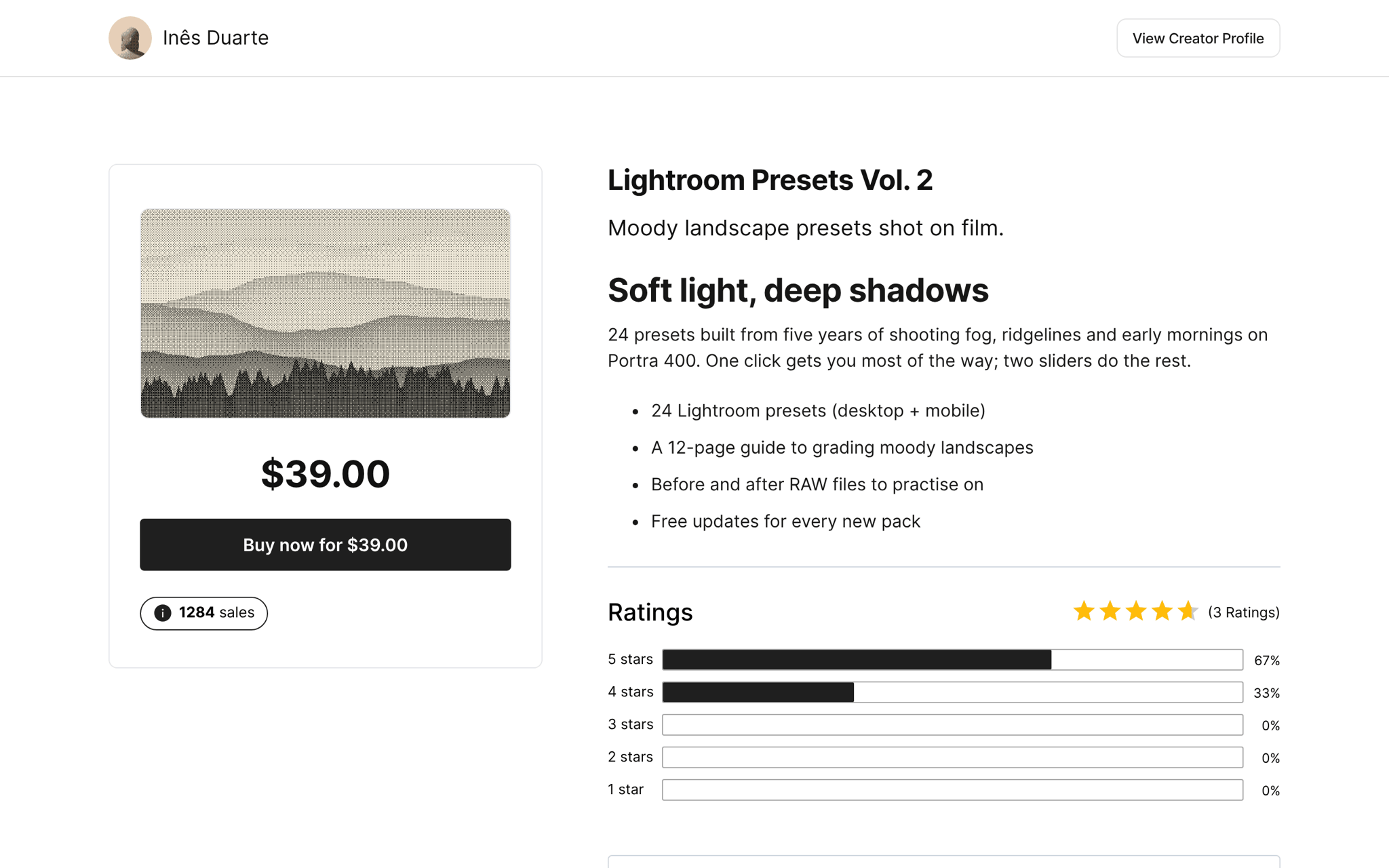
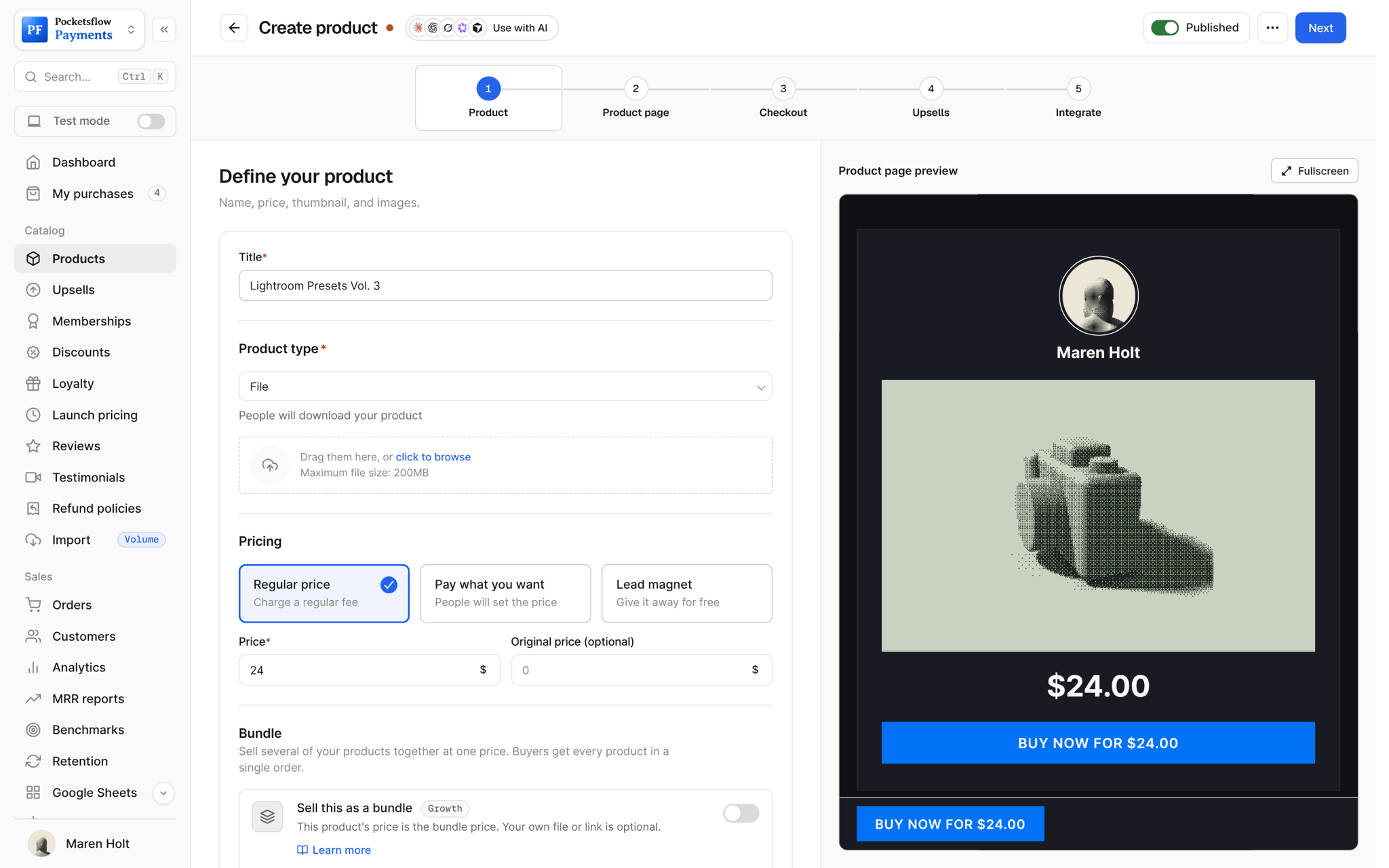
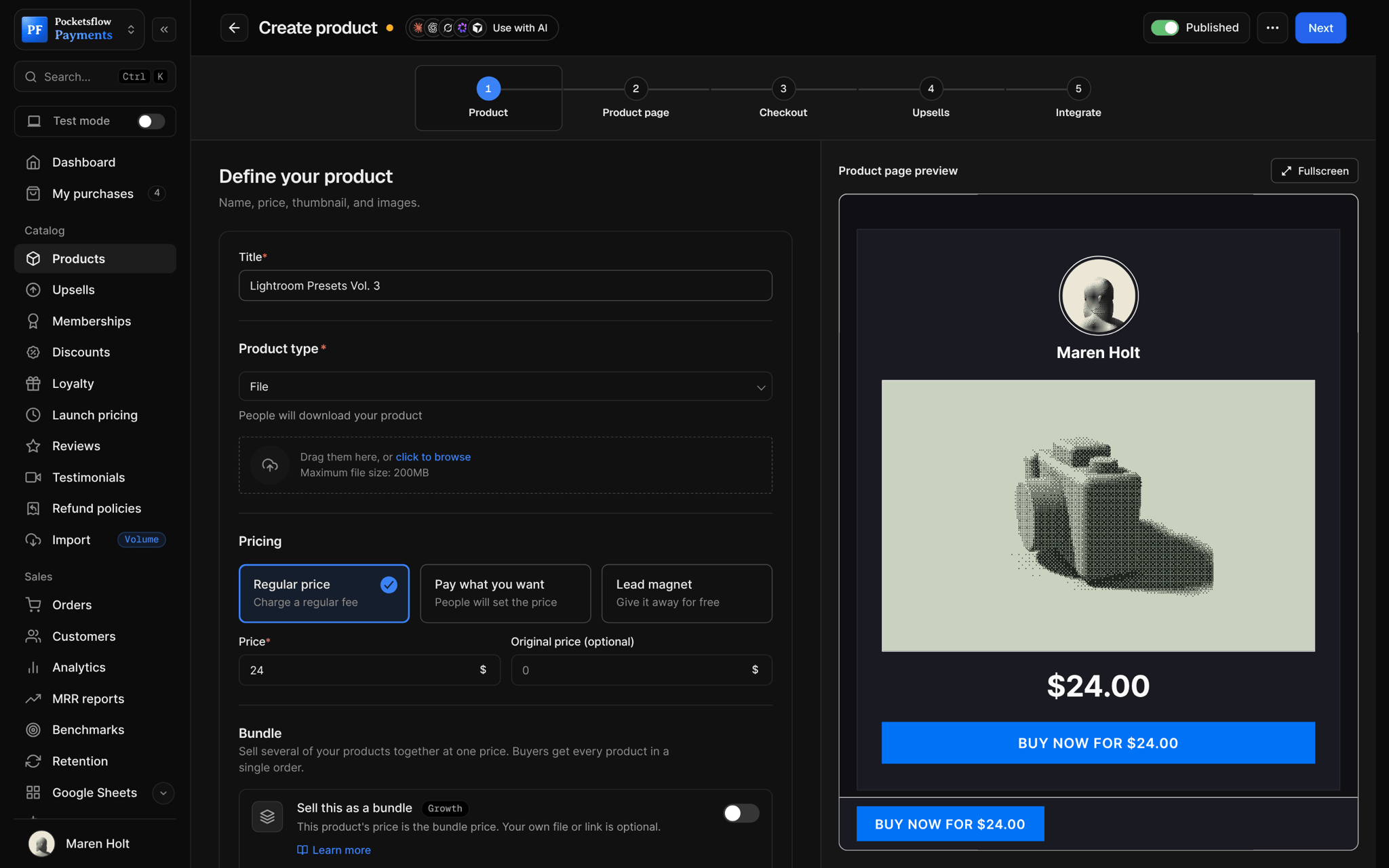
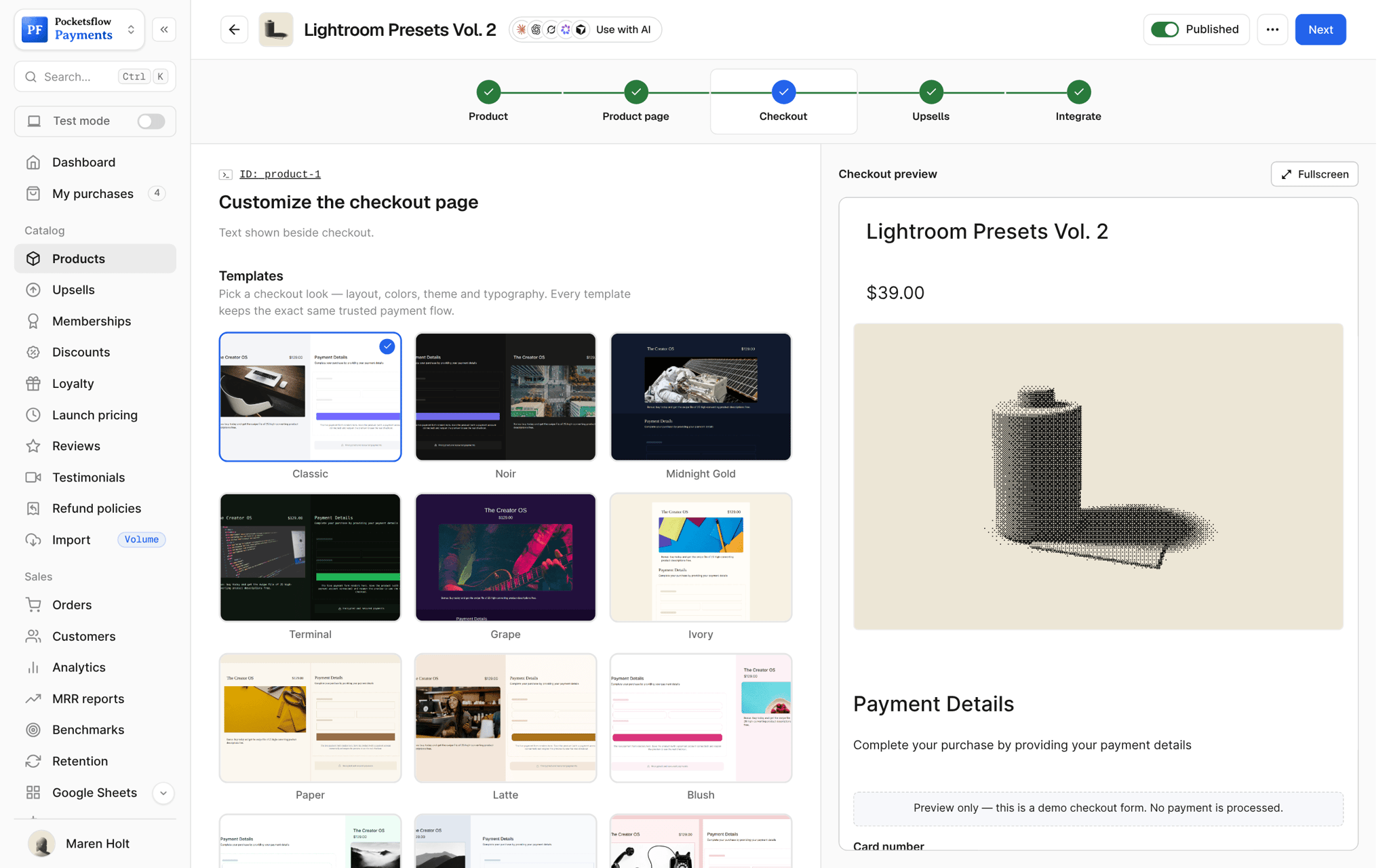
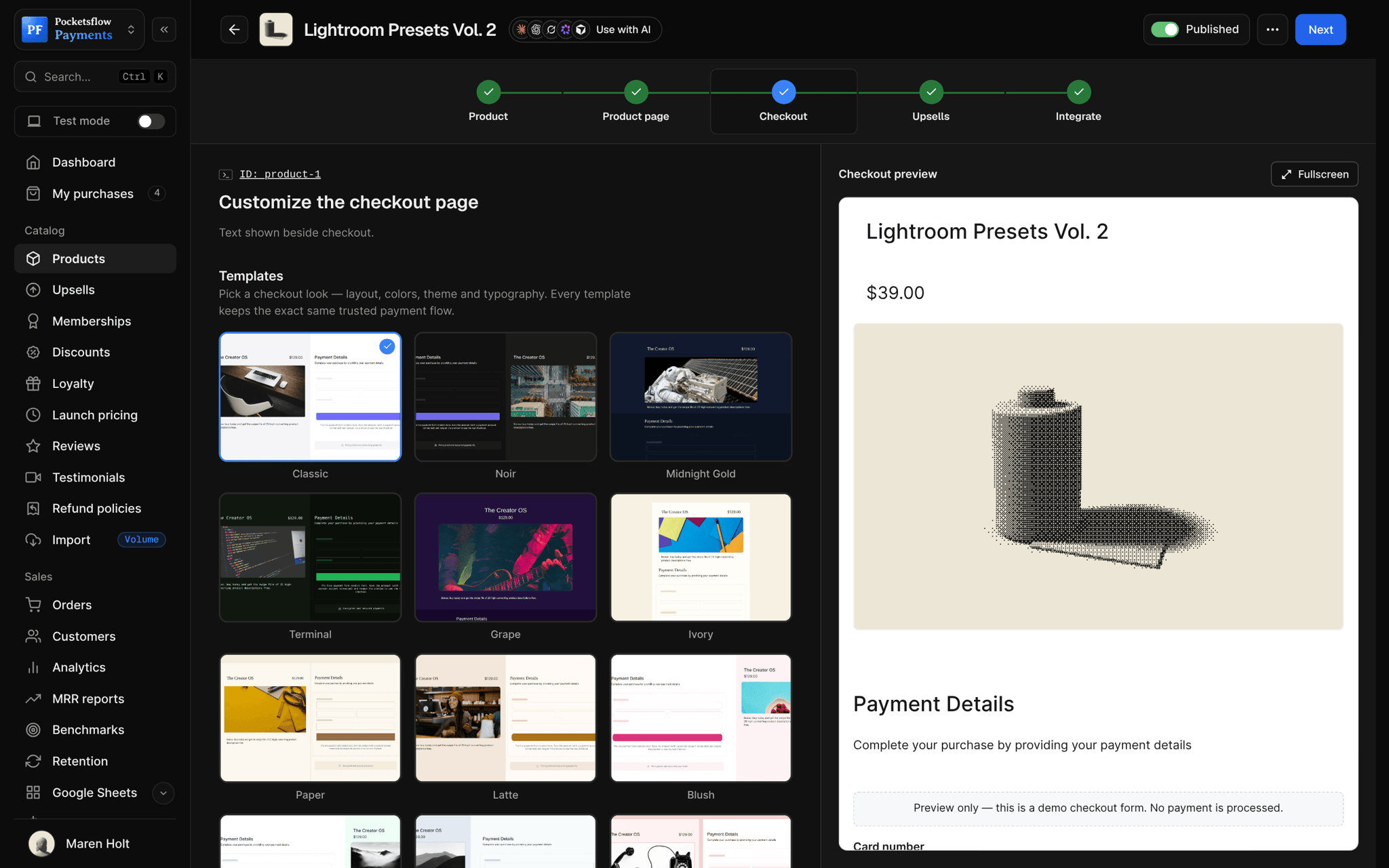
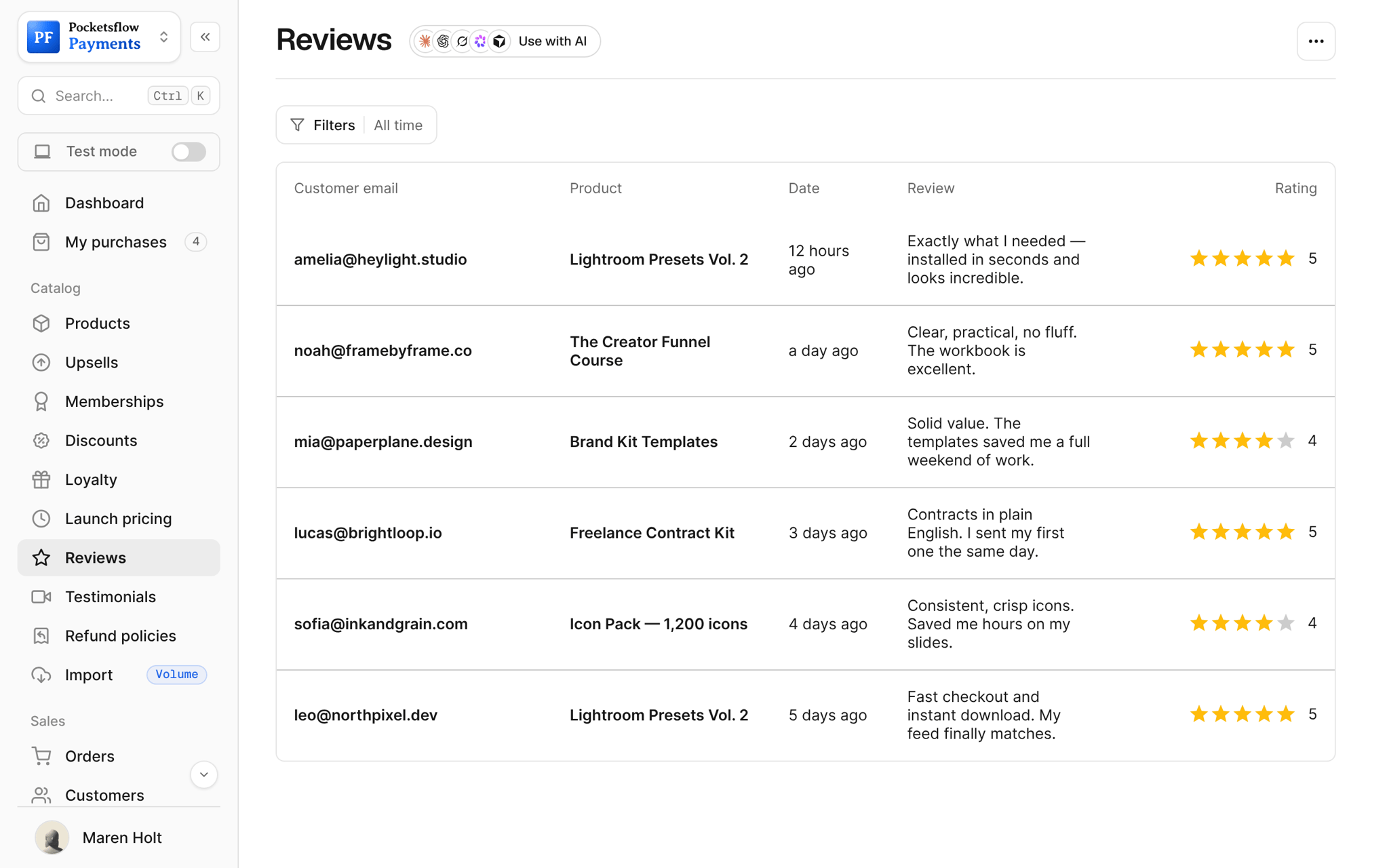
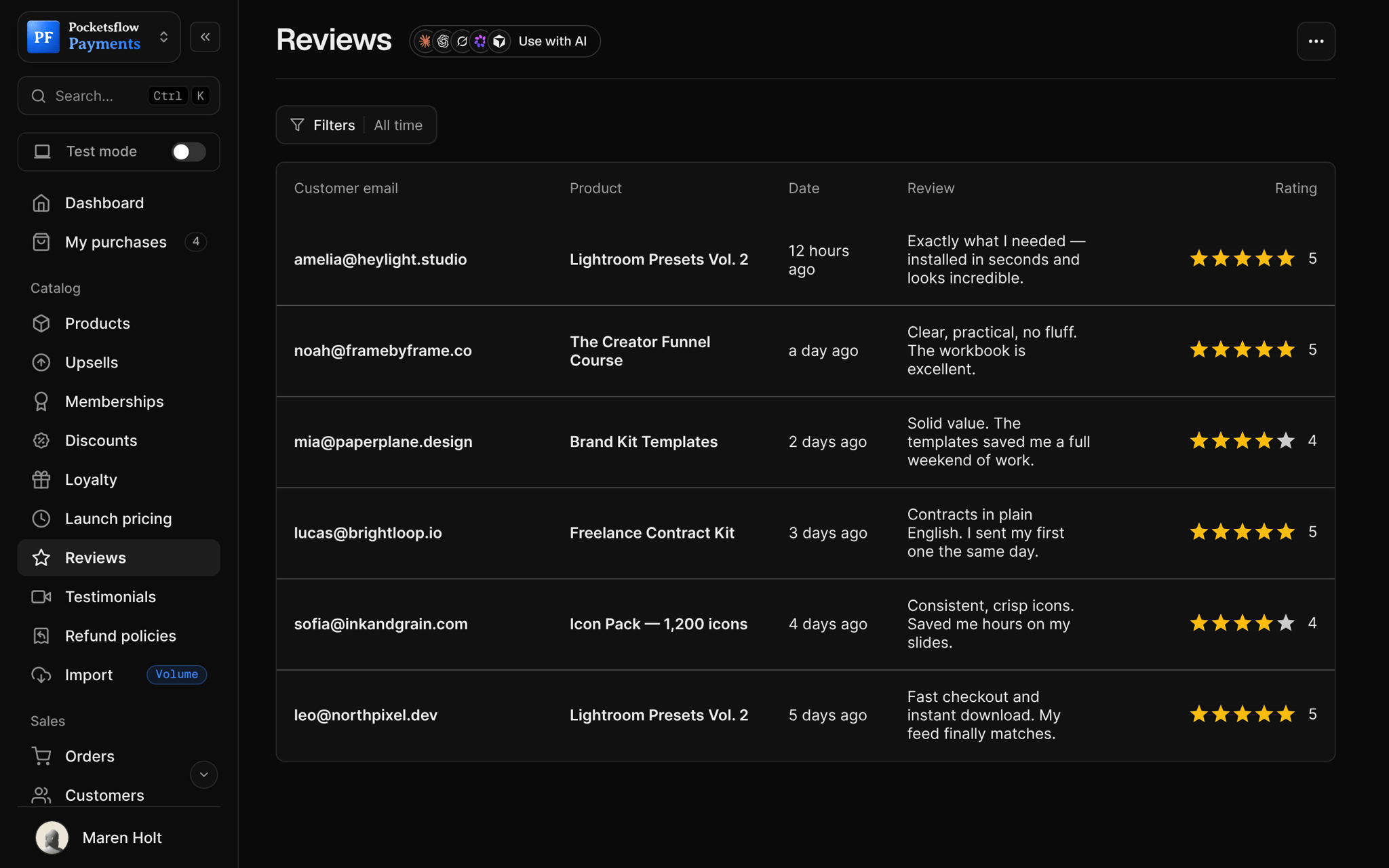
Every screen you will use.
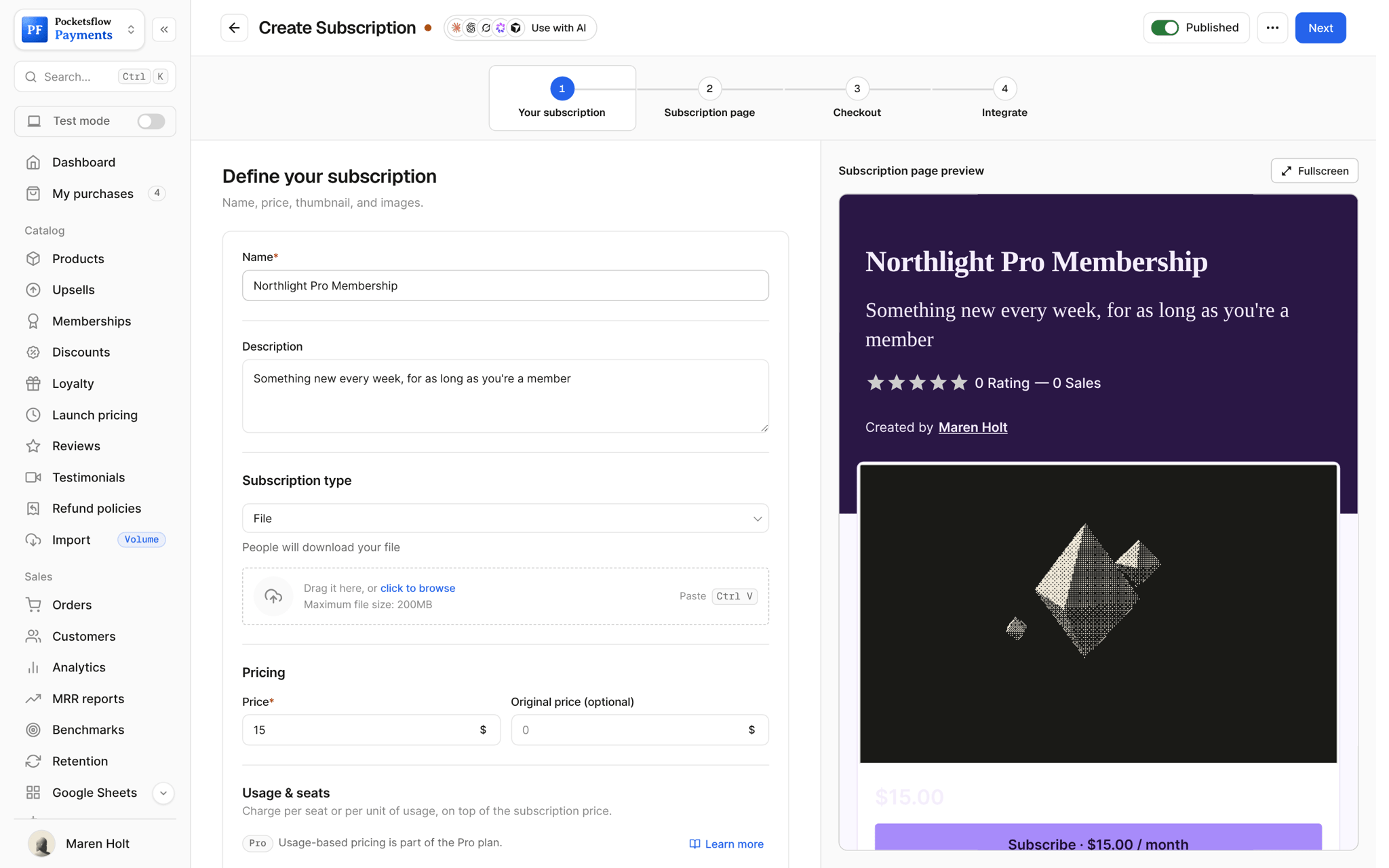
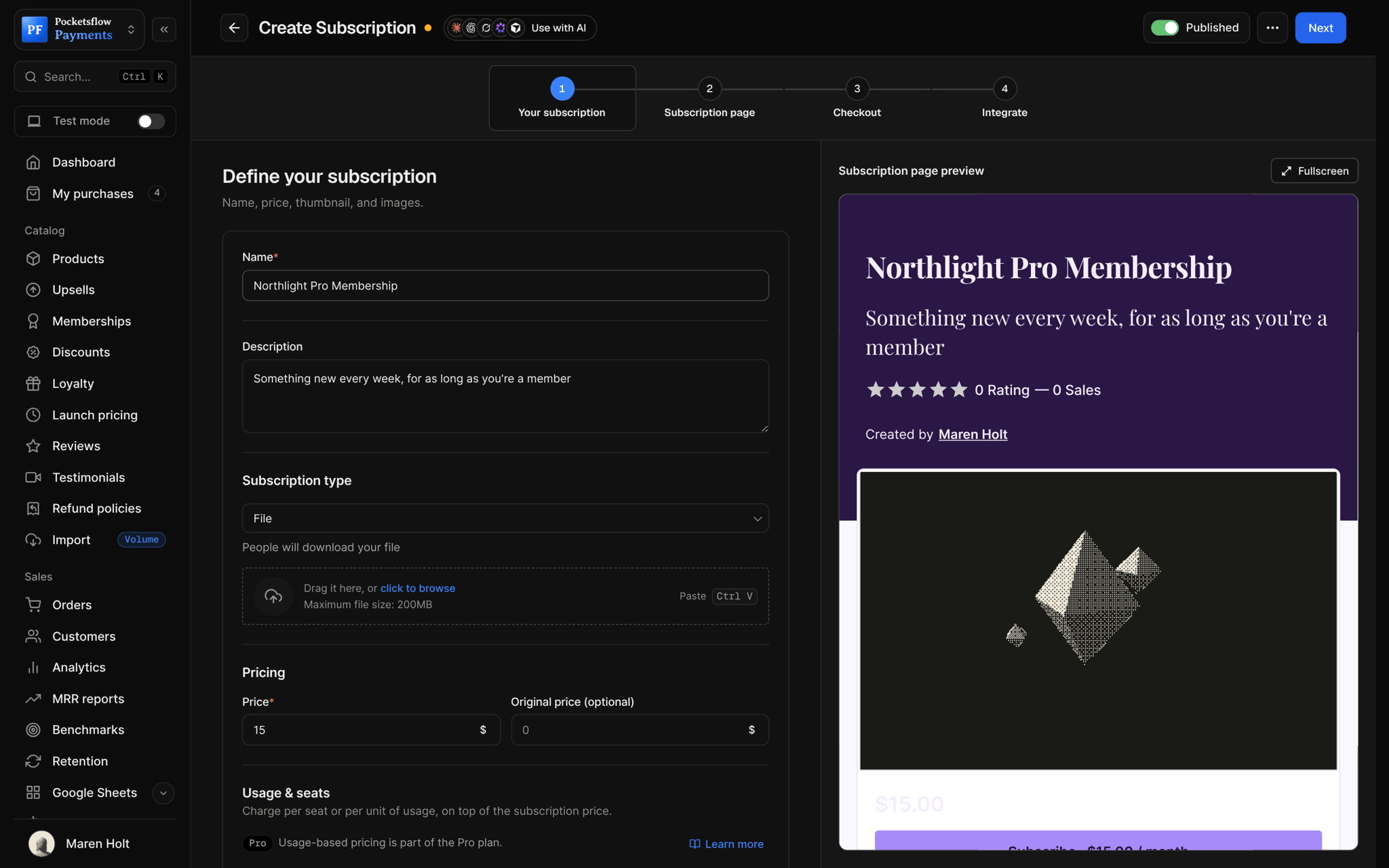
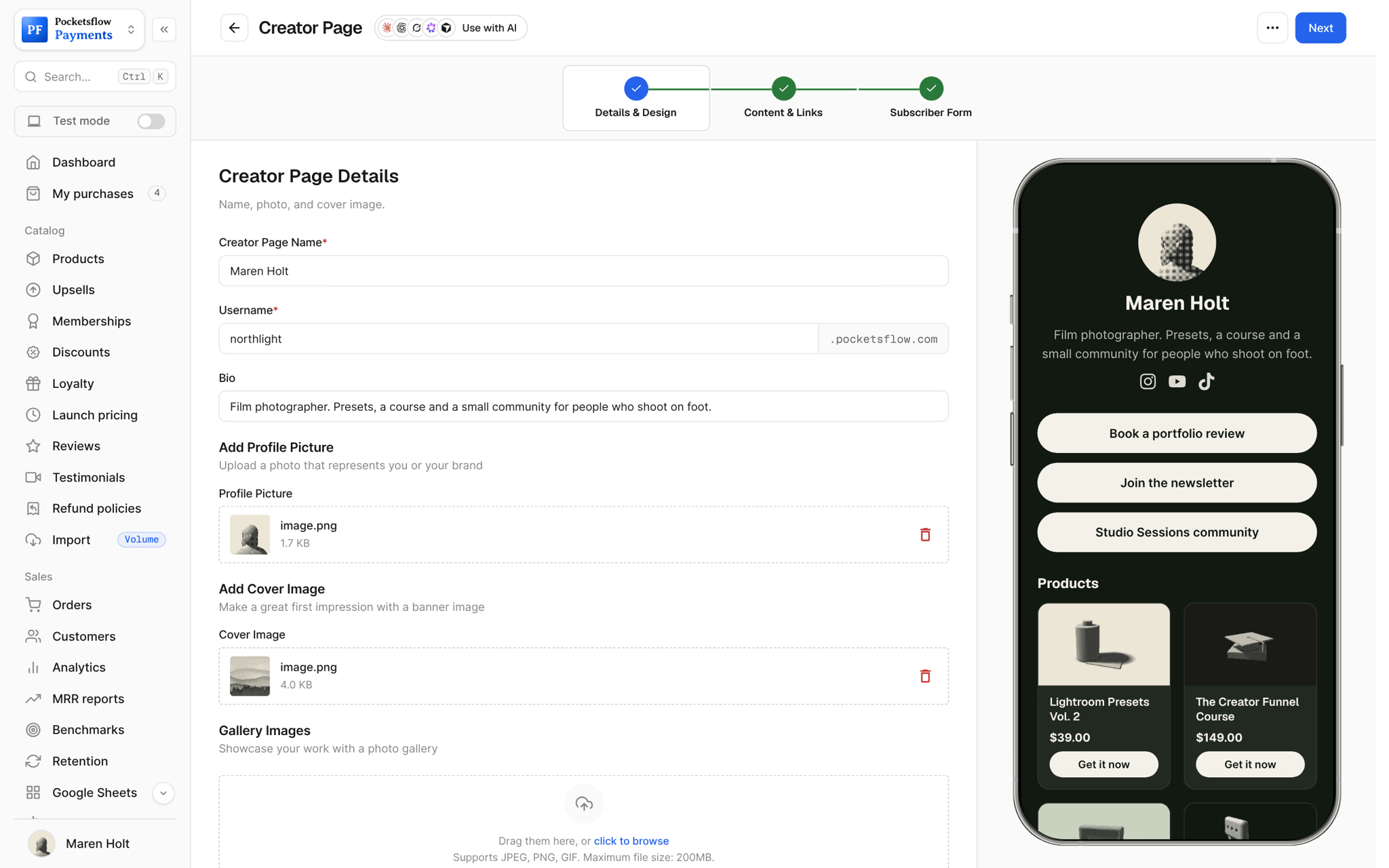
A layout for every offer.
Presets and photo packs
Gallery or Poster layouts that let the images sell.
Lightroom Presets Vol. 2$39
Courses
Editorial or Split layouts with room for a curriculum.
The Creator Funnel Course$149
Templates
Classic or Market layouts with what's inside up top.
Notion Business OS$59
Launches
The Launch layout: a huge headline, a CTA and a framed image.
Presets Vol. 3$29
Developer tools
A Mono font and sharp corners for code products.
Deploy CLI$149
Memberships
Hero card layout with the offer card beside the copy.
Pro Membership$19.99 / month
Live in four steps.
Create the product
Name, price and files first: the page wraps the offer.
Choose a template
Pick one of 55, each a preset over one of 9 layouts.
Make it yours
Change fonts, palette, corners, borders, title case and the background pattern.
Publish or skip it
Share the page, or turn it off and link straight to checkout.
Let your agents run and grow your business.
Connect Claude, ChatGPT, Codex, Grok, Cursor or any MCP client once. Then ask in plain words, and every change lands in your dashboard.
 Claude · Desktop app
Things to ask
- Rewrite my product description to sell the outcomeget_product · update_product
- Change the button to "Get the presets"update_product
- Create a product with a page and give me the linkcreate_product · create_checkout_session
- Show the sales count on my best sellerupdate_product
- List my products without a descriptionlist_products
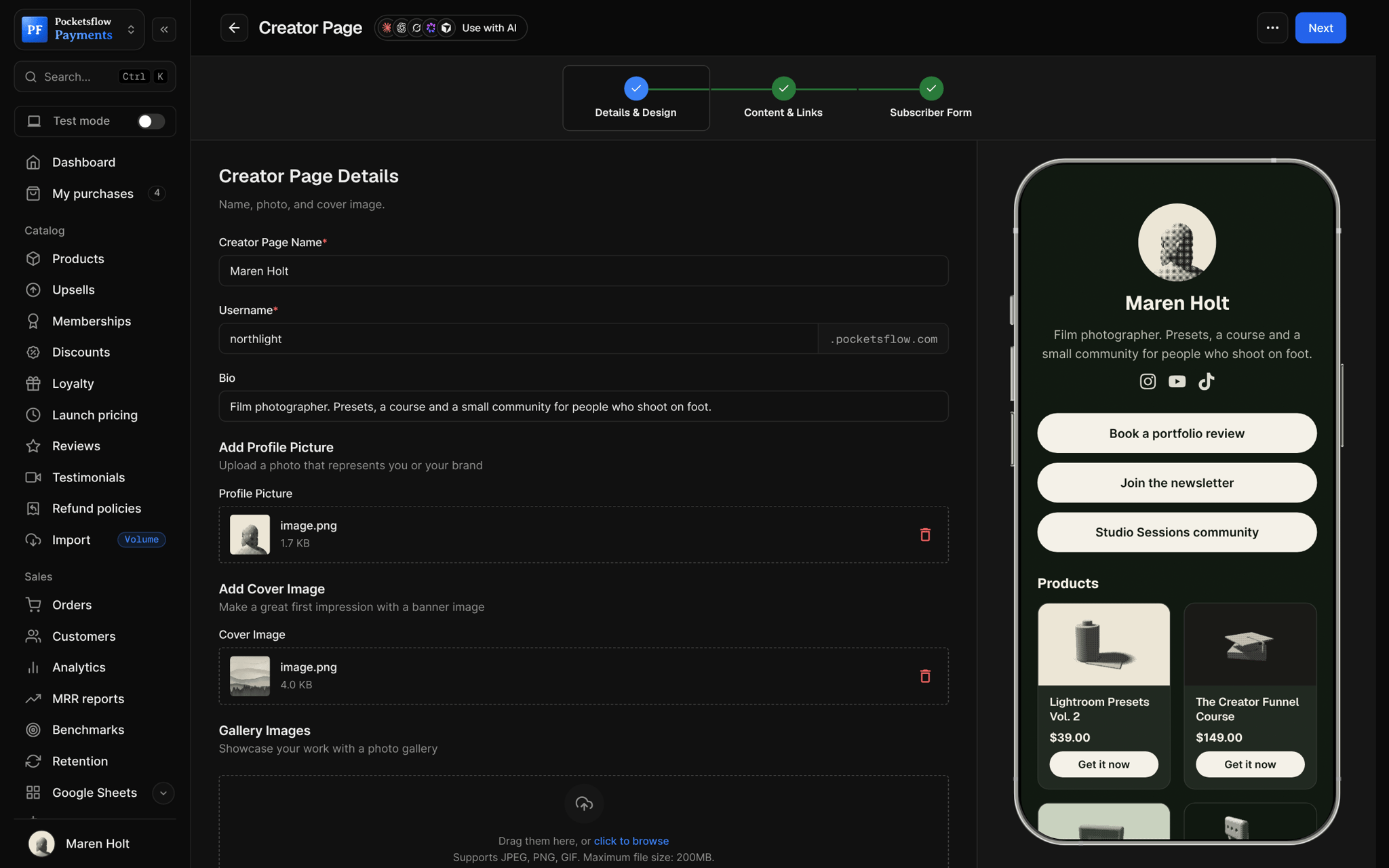
- Add the page to my creator pageupdate_creator_page
Everything included.
- 55 templates over 9 layouts
- Classic, Hero card, Editorial, Split, Minimal
- Poster, Gallery, Launch and Market layouts
- Eight font choices, including Mono
- Corners, borders and uppercase titles
- Background patterns with opacity and scale
- A full color palette per page
- Floating buy bar
- Reviews and sales count, if you want them
- Custom button text
- Same system for subscription pages
- Optional: skip the page, go to checkout
Why sellers pick Pocketsflow.
Built for one offer
One product, one call to action, no site navigation to get lost in.
No code
Every choice is a click, with a live preview.
Matched checkout
Pair each page with a checkout template in the same style.
Included
Templates come with every account. 4.7% + $0.30 estimated per sale.
It's easy. Even your AI can do it.
Add Pocketsflow to the AI you already use, sign in and click Allow access. No API key, no code.
- 01Paste into your AI appThen sign in and click Allow.www.pocketsflow.com/mcp
Add Pocketsflow
Paste the server URL as a connector in your AI app.
- 02
Sign in and allow
Your AI opens Pocketsflow. Click Allow access.
- 03
Ask for anything
Products, orders, discounts, emails, in plain words.
import { Pocketsflow } from "pocketsflow";

const pf = new Pocketsflow({ apiKey: process.env.POCKETSFLOW_API_KEY });

// A one time product. Buyers get their files the second payment clears.
const product = await pf.products.create({
  name: "Pro license",
  price: 49,
});

// A hosted checkout for that product.
const session = await pf.checkout.create({
  productId: product._id,
  successUrl: "https://example.com/welcome",
  customerEmail: "buyer@example.com",
});

// Send the buyer to session.url. Payment, tax, and delivery are handled.
redirect(session.url);
Launch pages from the API.
Create a checkout, attach a product, and let Pocketsflow handle the transaction lifecycle: payment, tax, delivery, and the receipt.
Every resource is an HTTPS endpoint under one base URL with Bearer API keys. Live and test keys are scoped to their own data; the OpenAPI spec is served at /docs.json.
Common questions.
Do I have to use a product page?
No. Pages are optional; turn the page off and the product link goes straight to checkout.
Do I need to code?
No. Choose a template and change it with clicks in the editor, with a live preview.
What can I change?
The layout, fonts, colors, corners, borders, title case, background pattern, button text, and whether reviews and the sales count show.
Do subscriptions get pages too?
Yes. Subscriptions use the same layouts and styling as products.
Can I use them with my own domain?
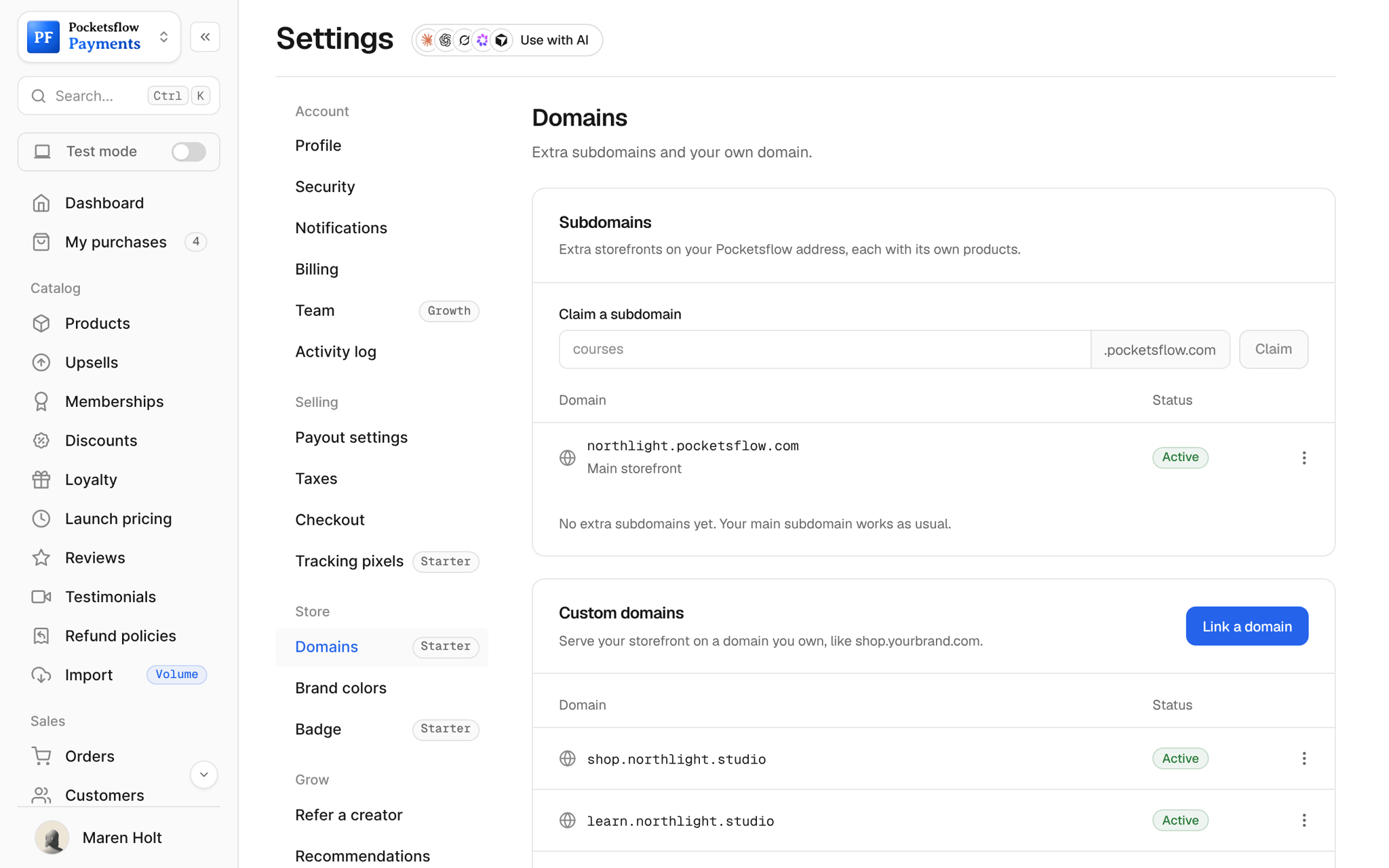
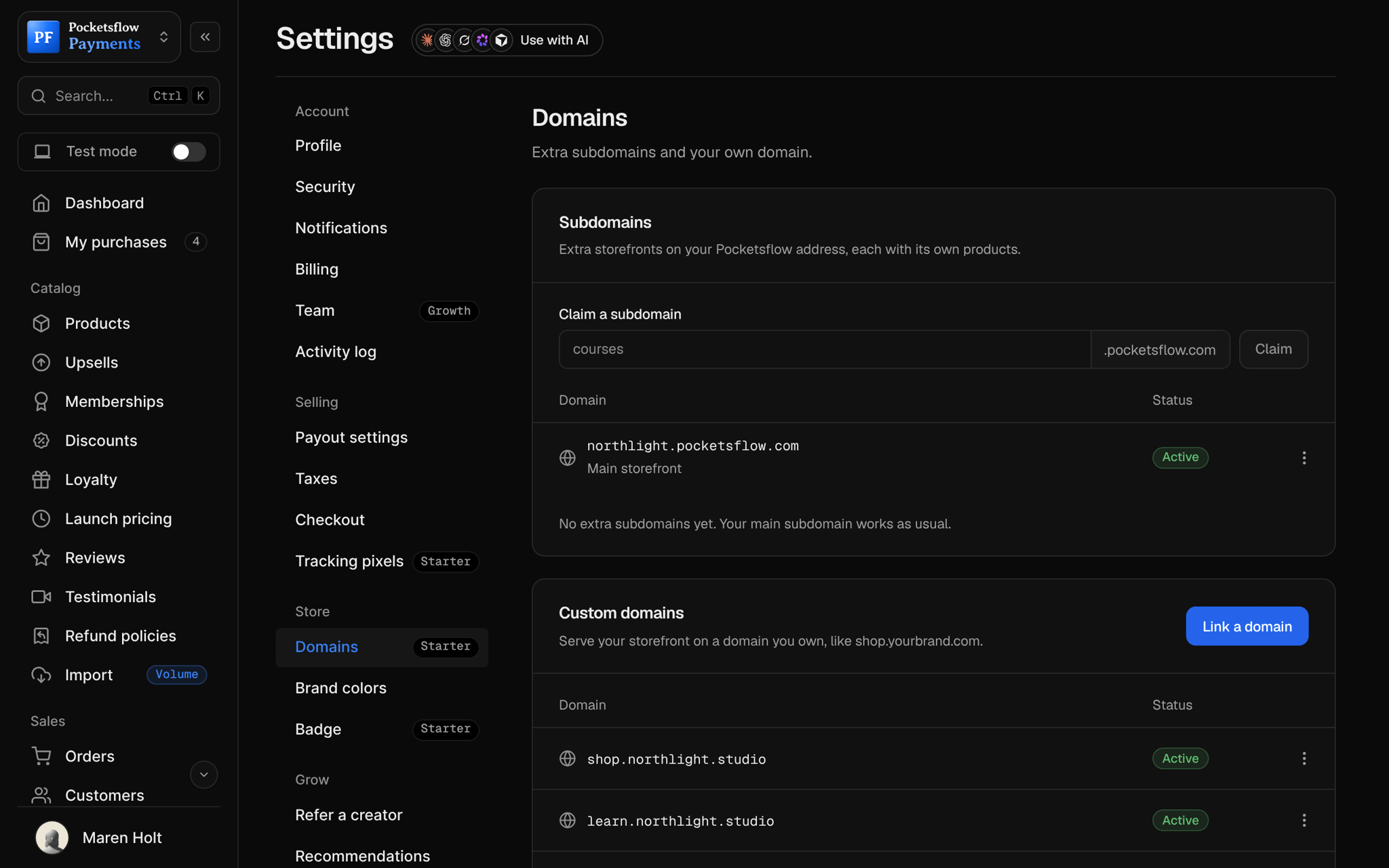
Yes. Pair pages with your creator page and a custom domain for a branded home for your products.
Can my AI do this for me?
Yes. Add the Pocketsflow MCP server to Claude, ChatGPT, Codex, Grok, Cursor or any MCP client, sign in and click Allow access. No API key. Your AI can then create products, set prices and discounts, open checkouts, read orders and send emails, and every change shows up in your dashboard.
Keep exploring.
Start selling today.
Sell your first product in minutes, keep more of every sale, and let the AI you already use run the busywork.