Sell morePayment Methods
Payments buyers already trust.
Buyers pay the way they already do: cards, Apple Pay and Google Pay, PayPal, and the local methods of their country, with prices shown in their own currency. You never open a merchant account, and payouts arrive on the schedule you pick.


- estimated per sale, no monthly fee
- 4.7% + $0.30
- countries where people use Pocketsflow
- 160+
- payout schedules: daily, weekly, monthly, manual
- 4
- merchant accounts to open
- 0
// local currency
Every buyer pays in their own money.
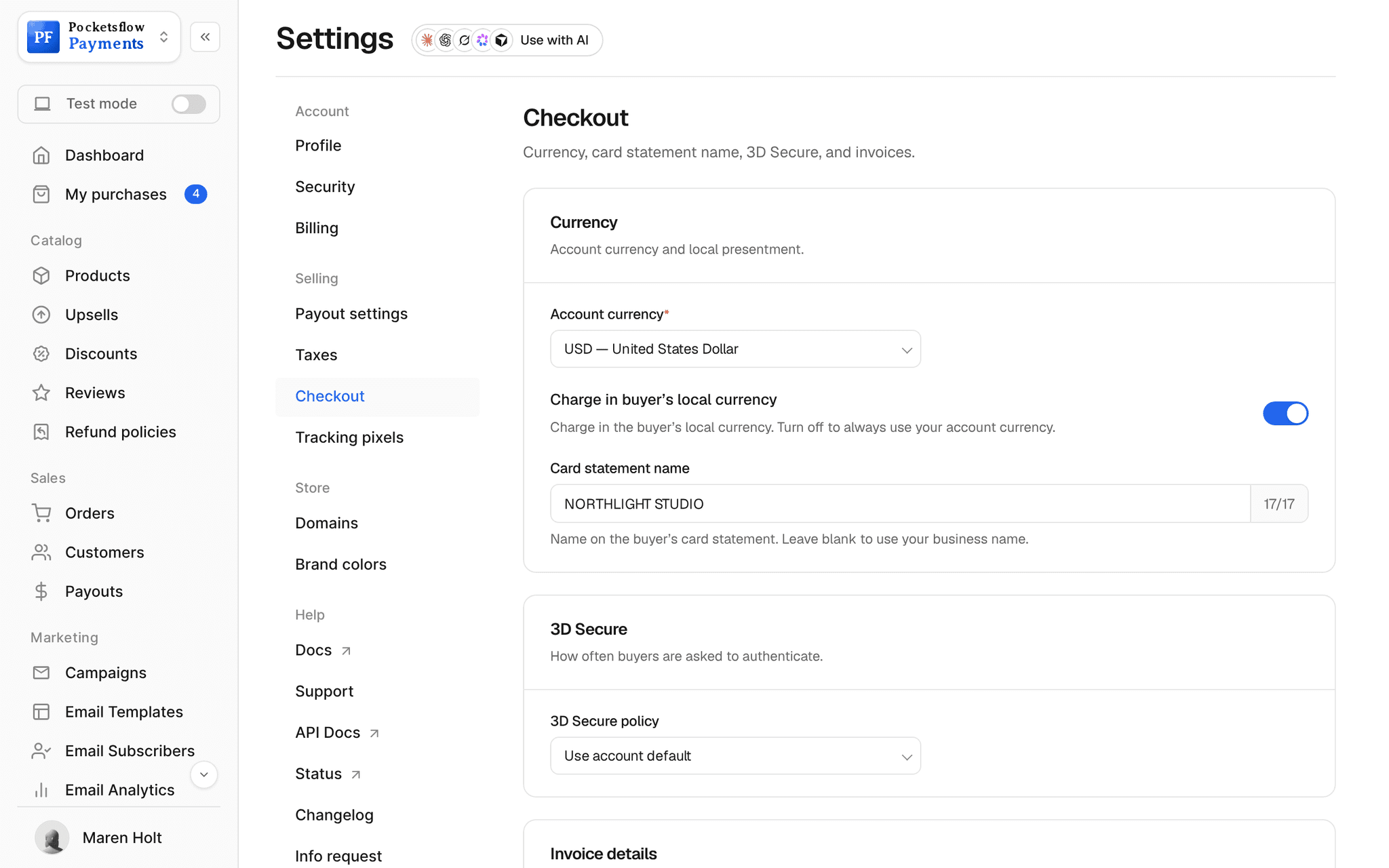
A buyer in Tokyo sees yen, one in Stockholm sees kronor, and each checkout adds the tax of their country. Your catalog and your payout stay in your account currency.
- Prices converted to the buyer's currency
- Cards, wallets, PayPal and local methods
- Tax added for the buyer's country, handled for you
// inside pocketsflow
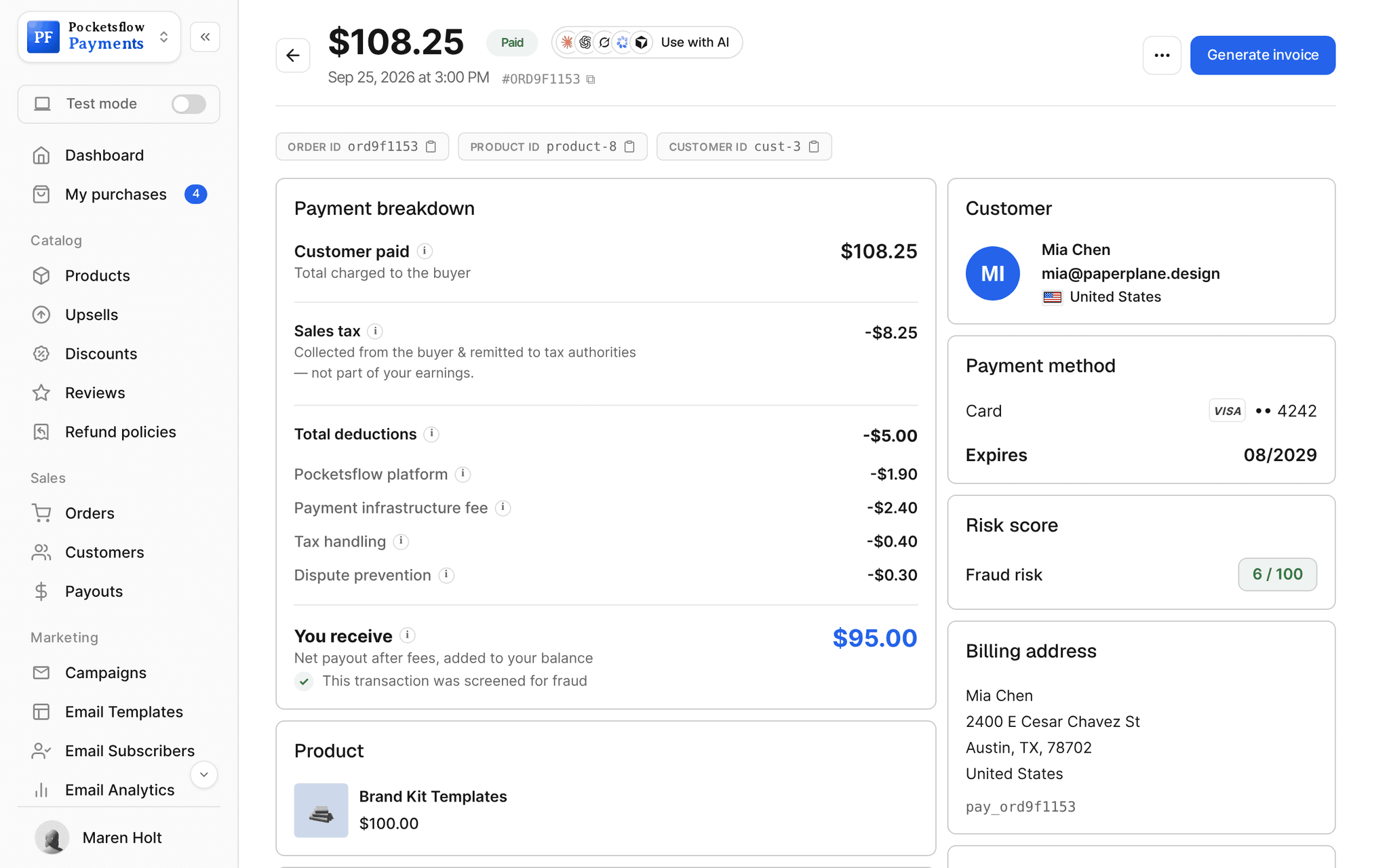
See how it works in the dashboard.
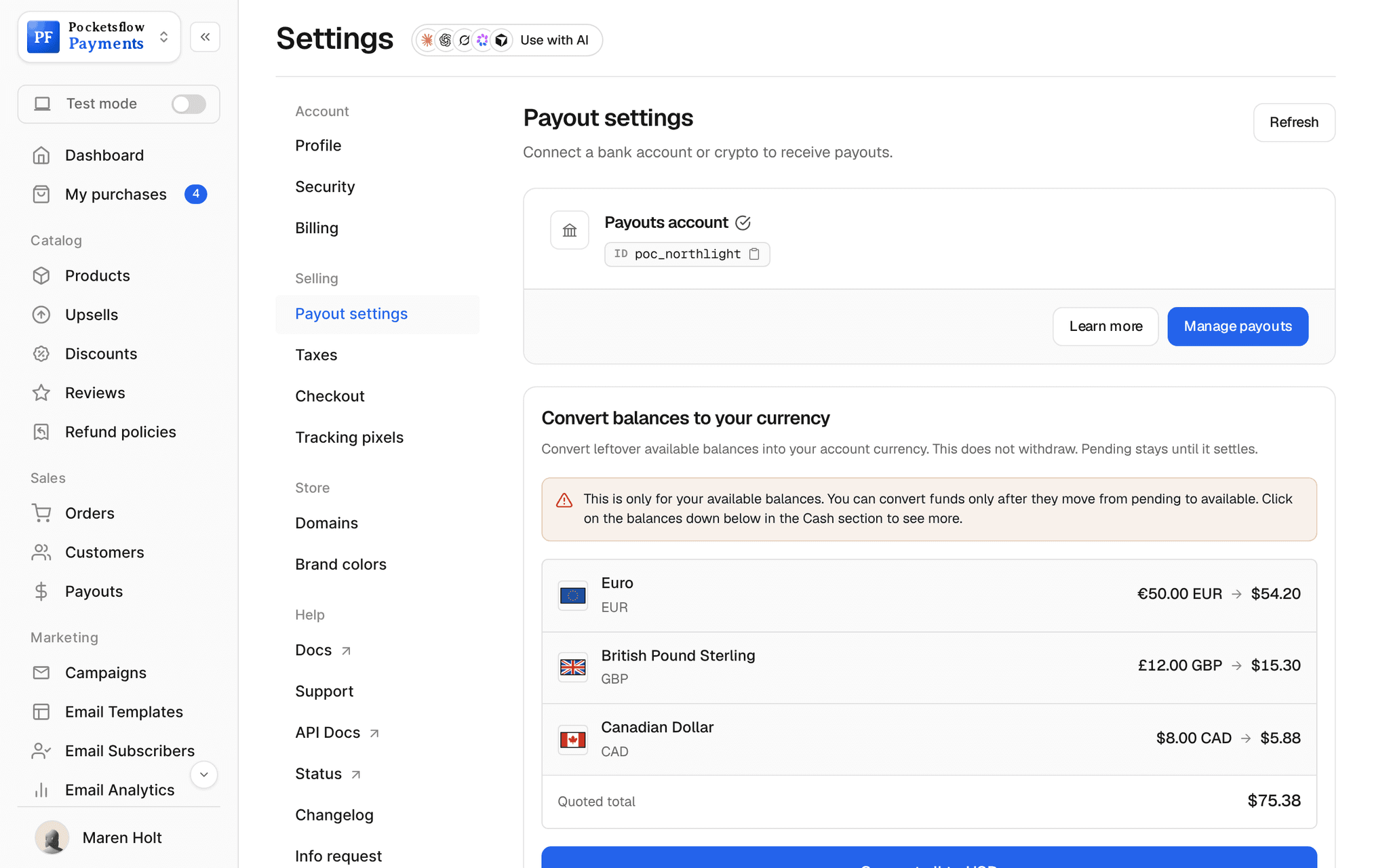
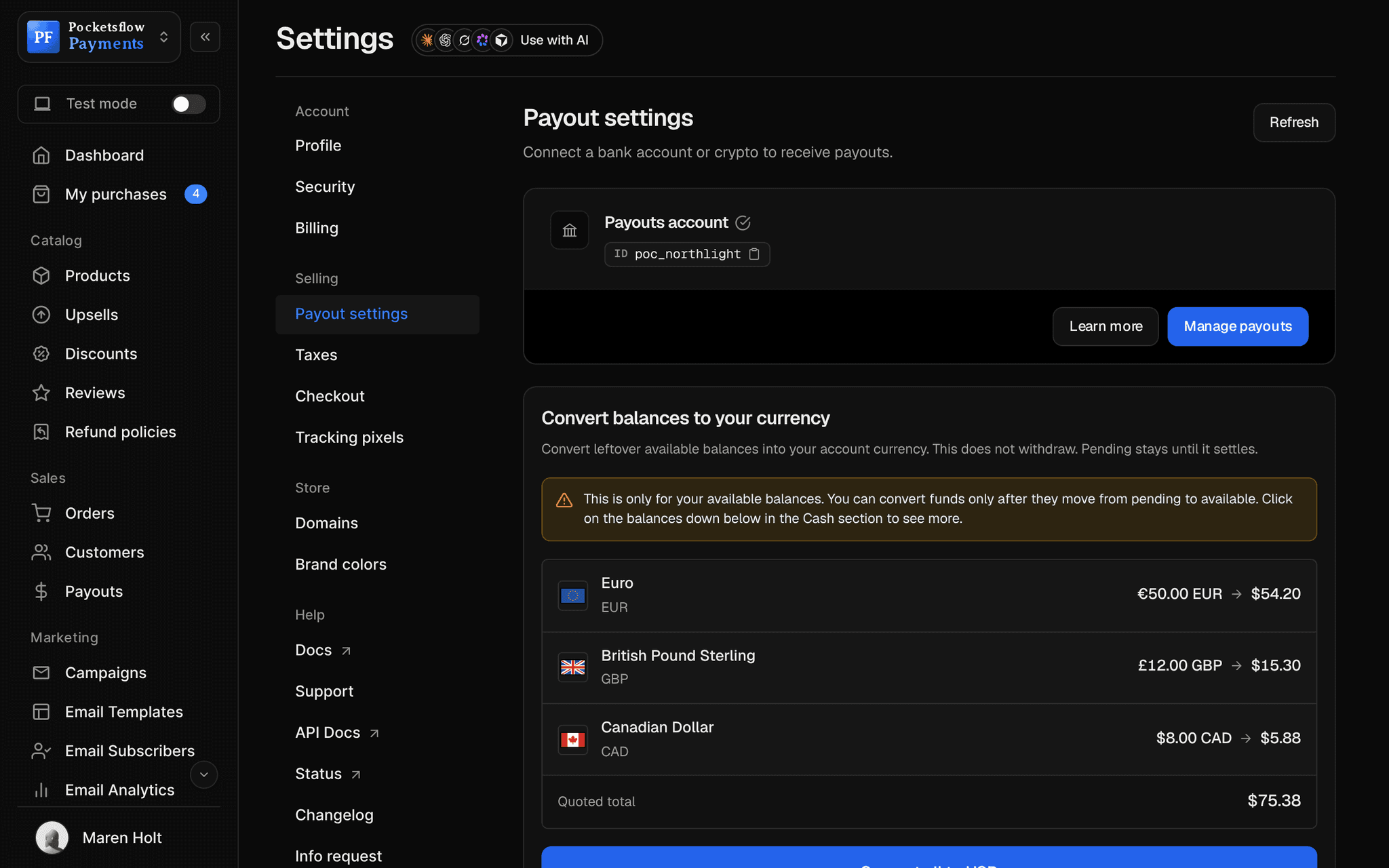
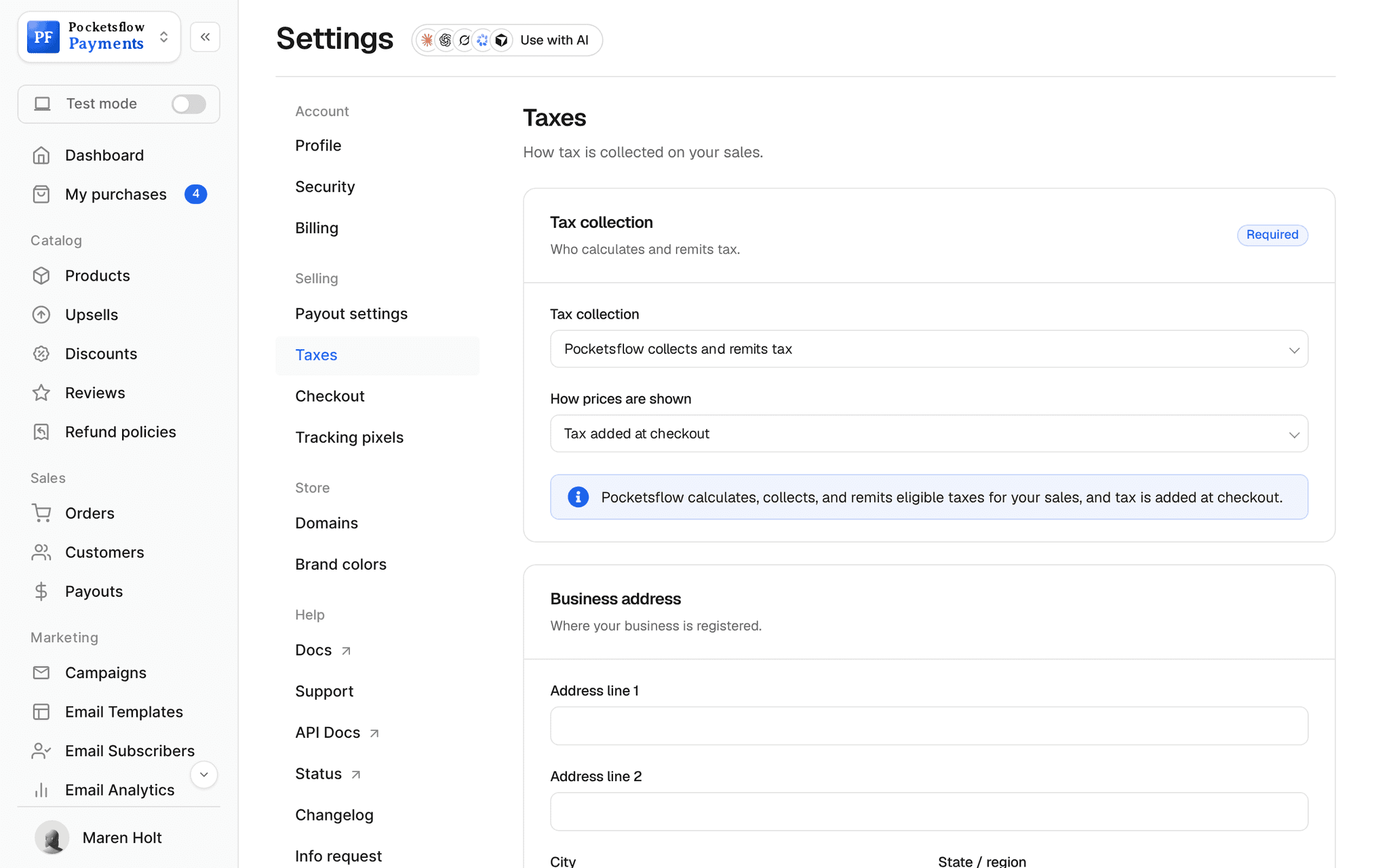
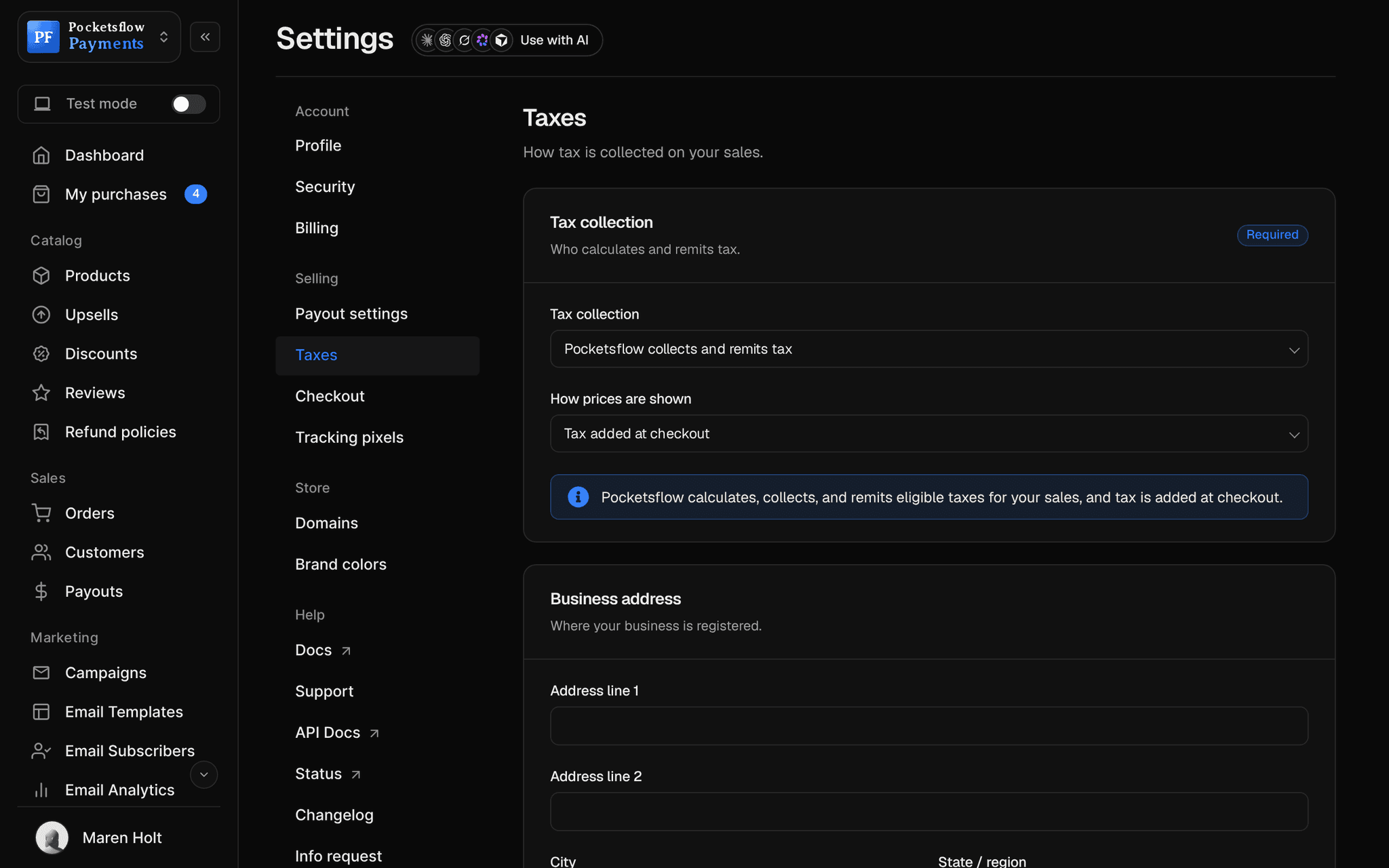
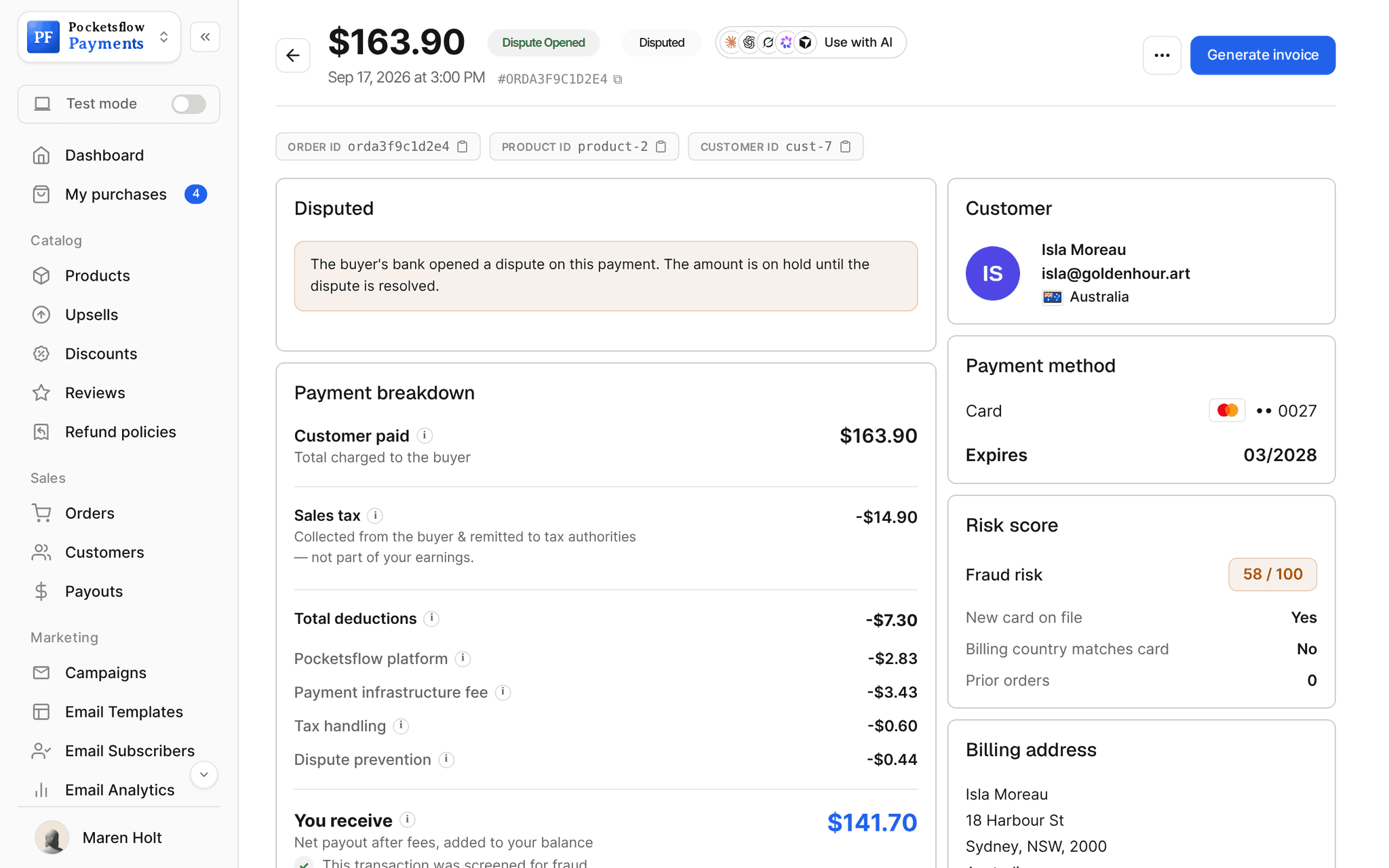
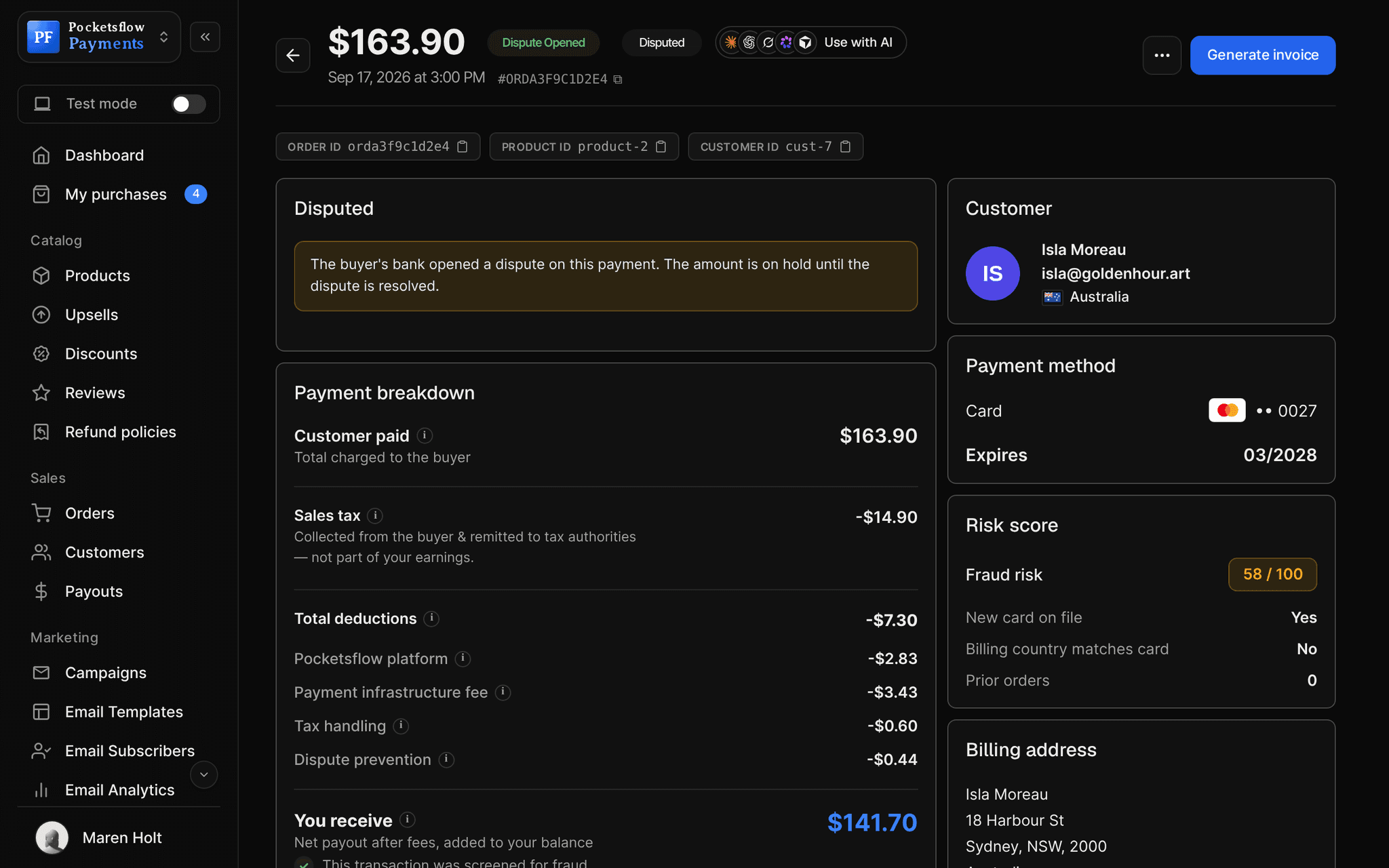
// more screens
Every screen you will use.
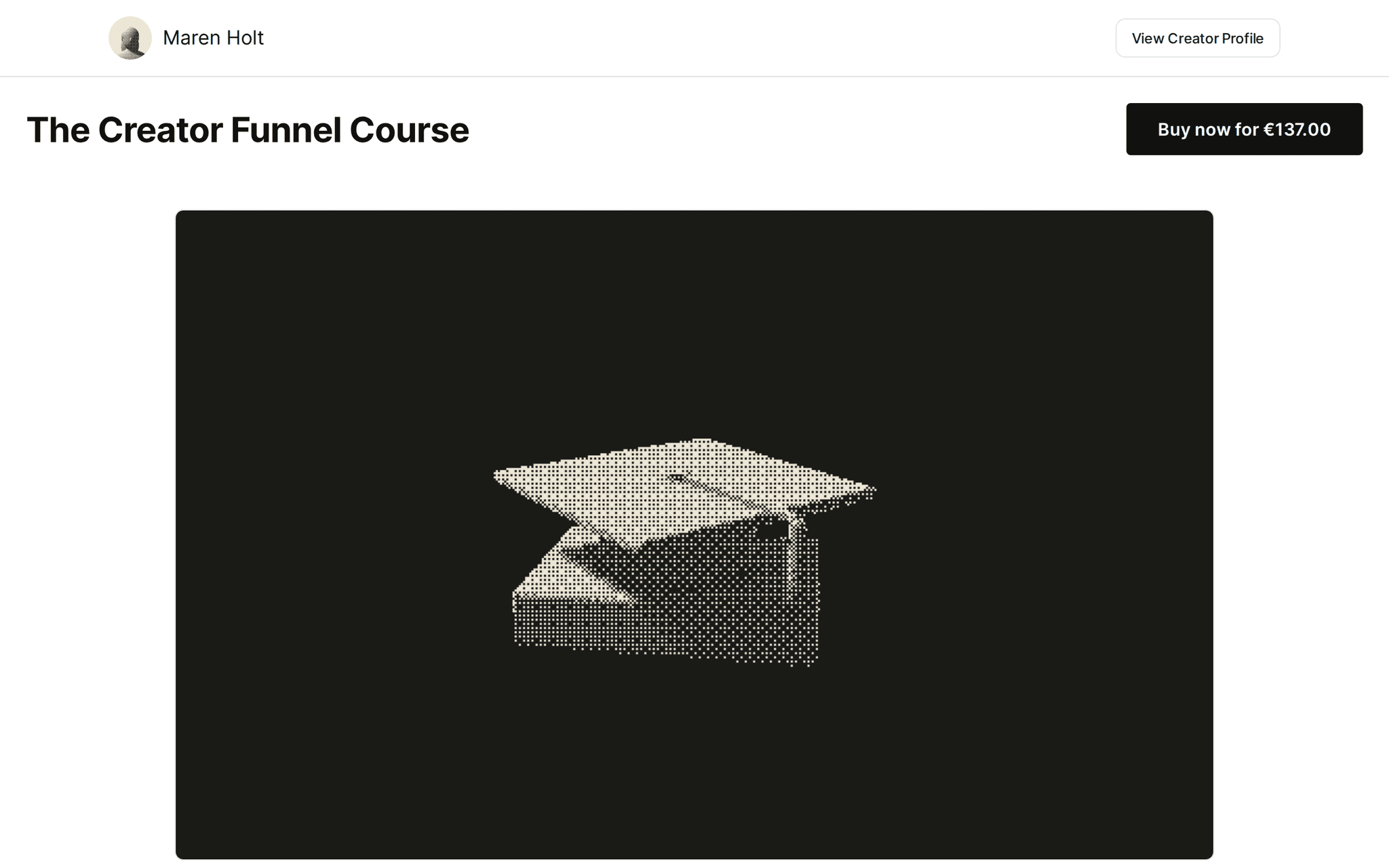
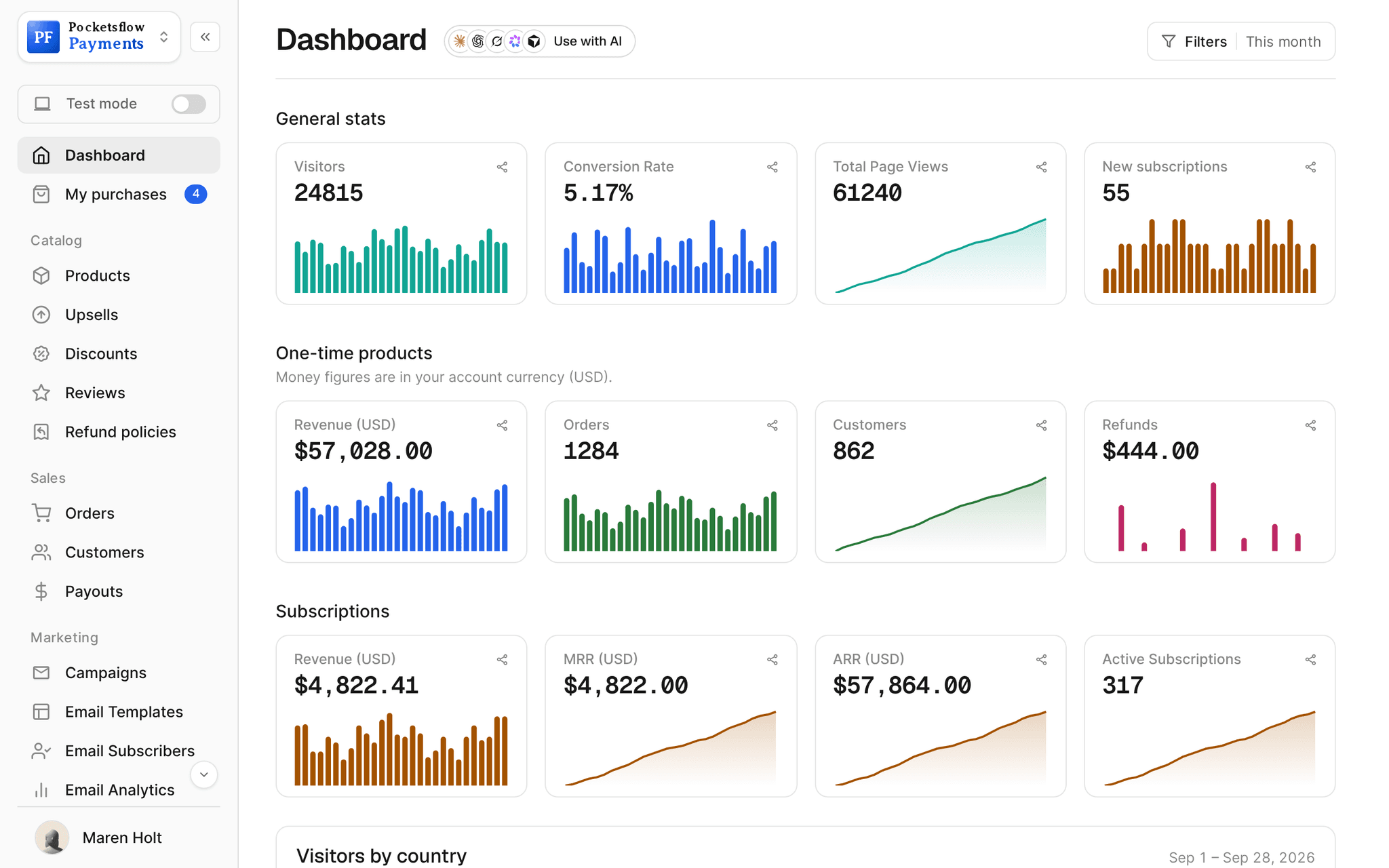
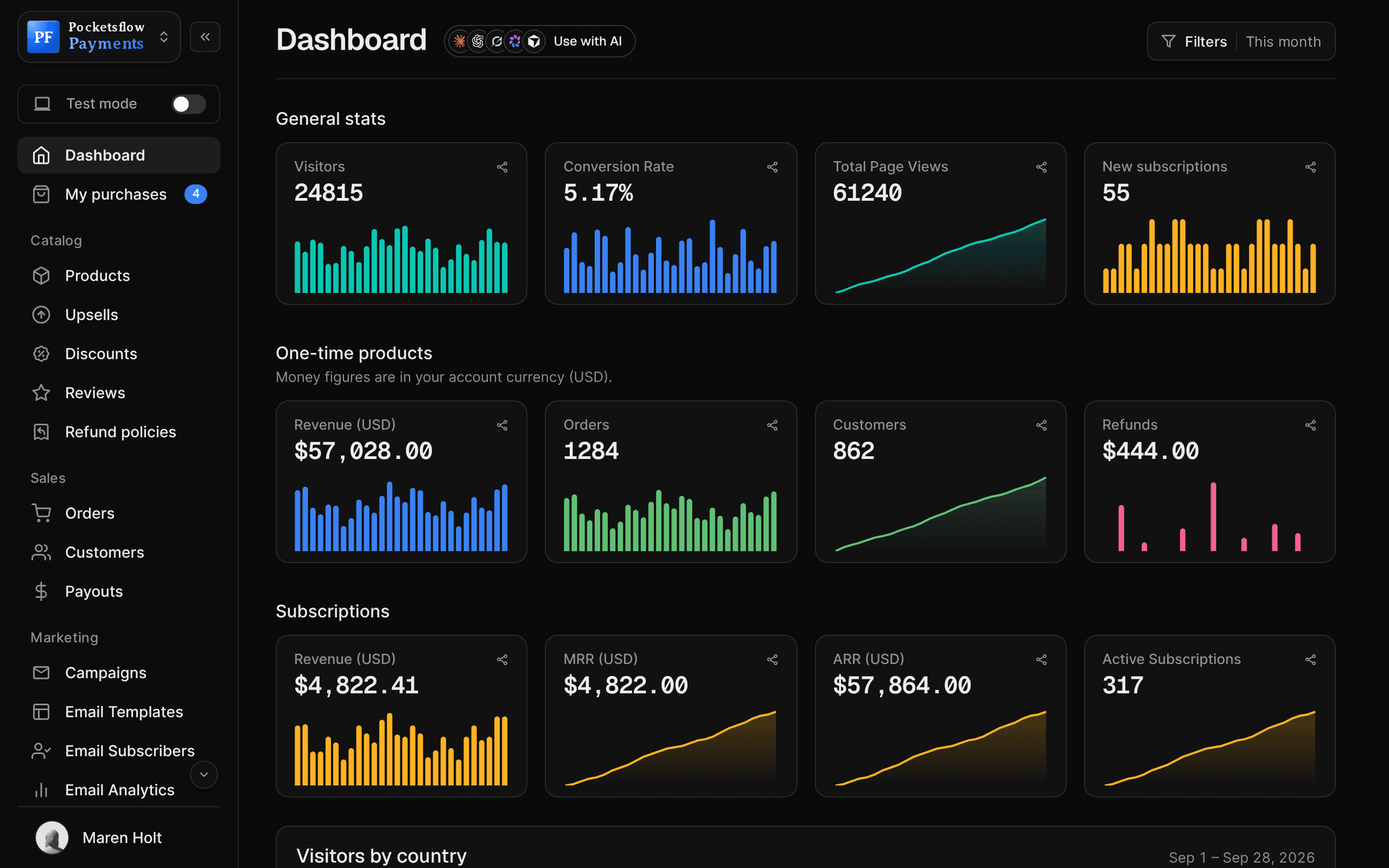
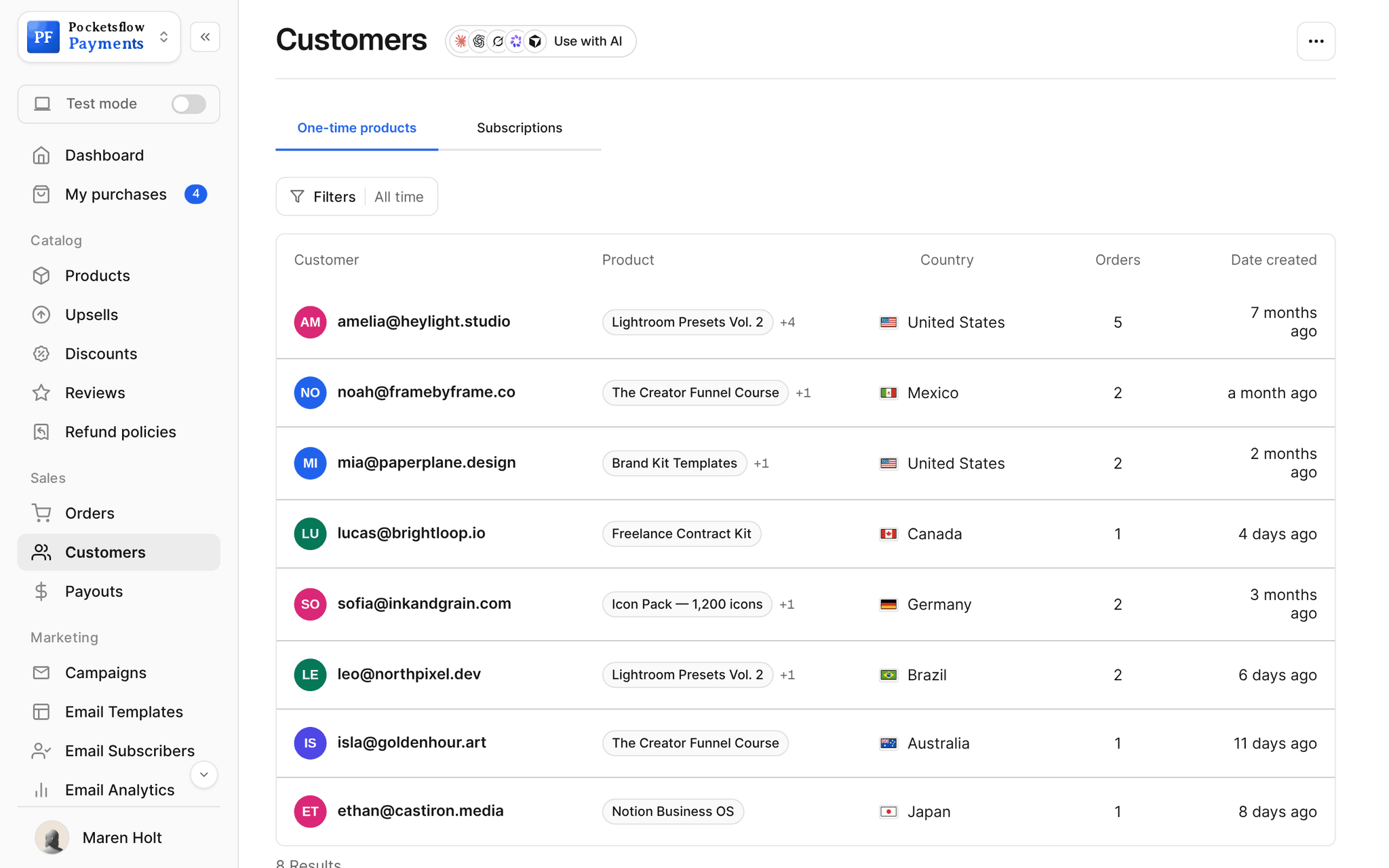
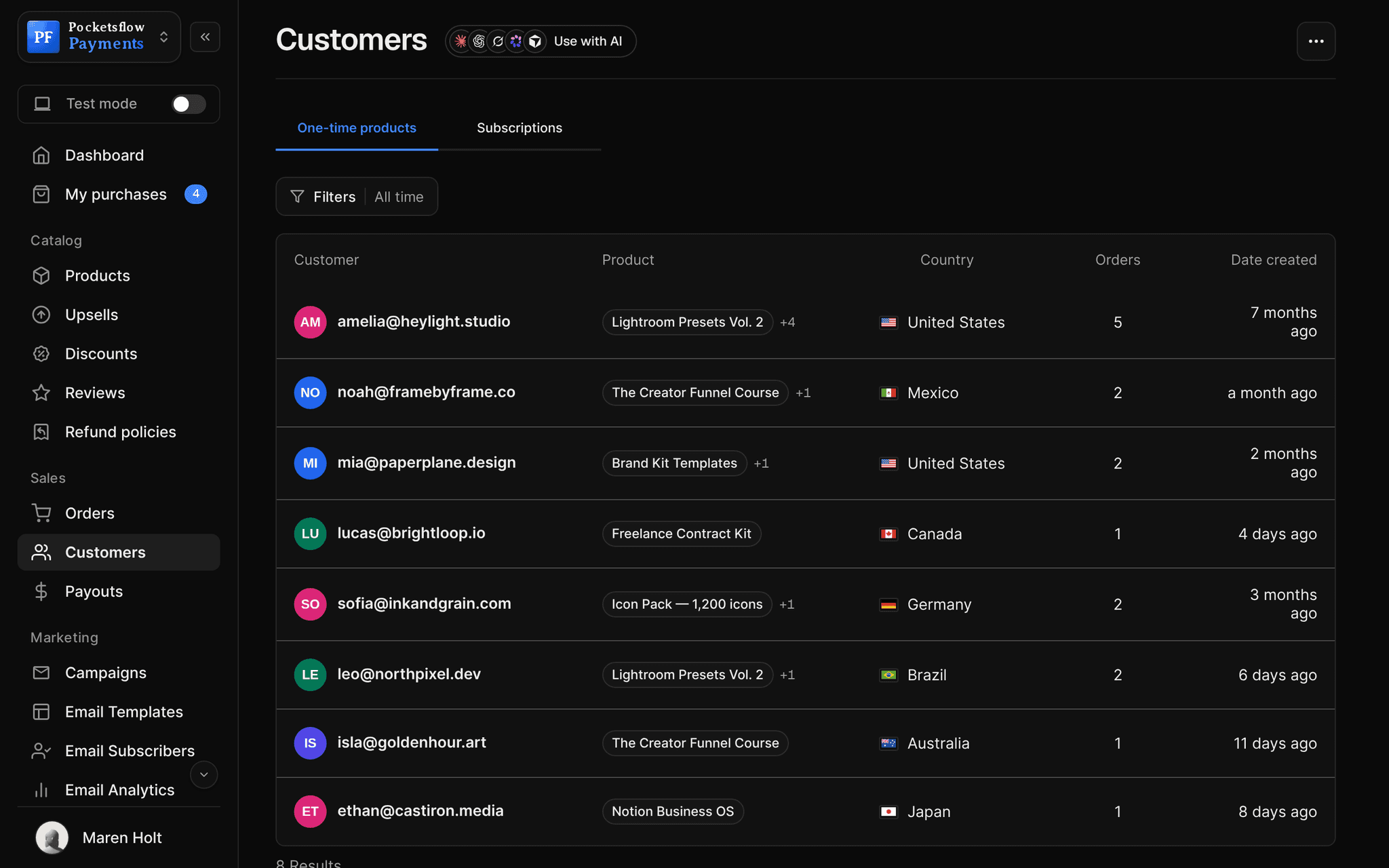
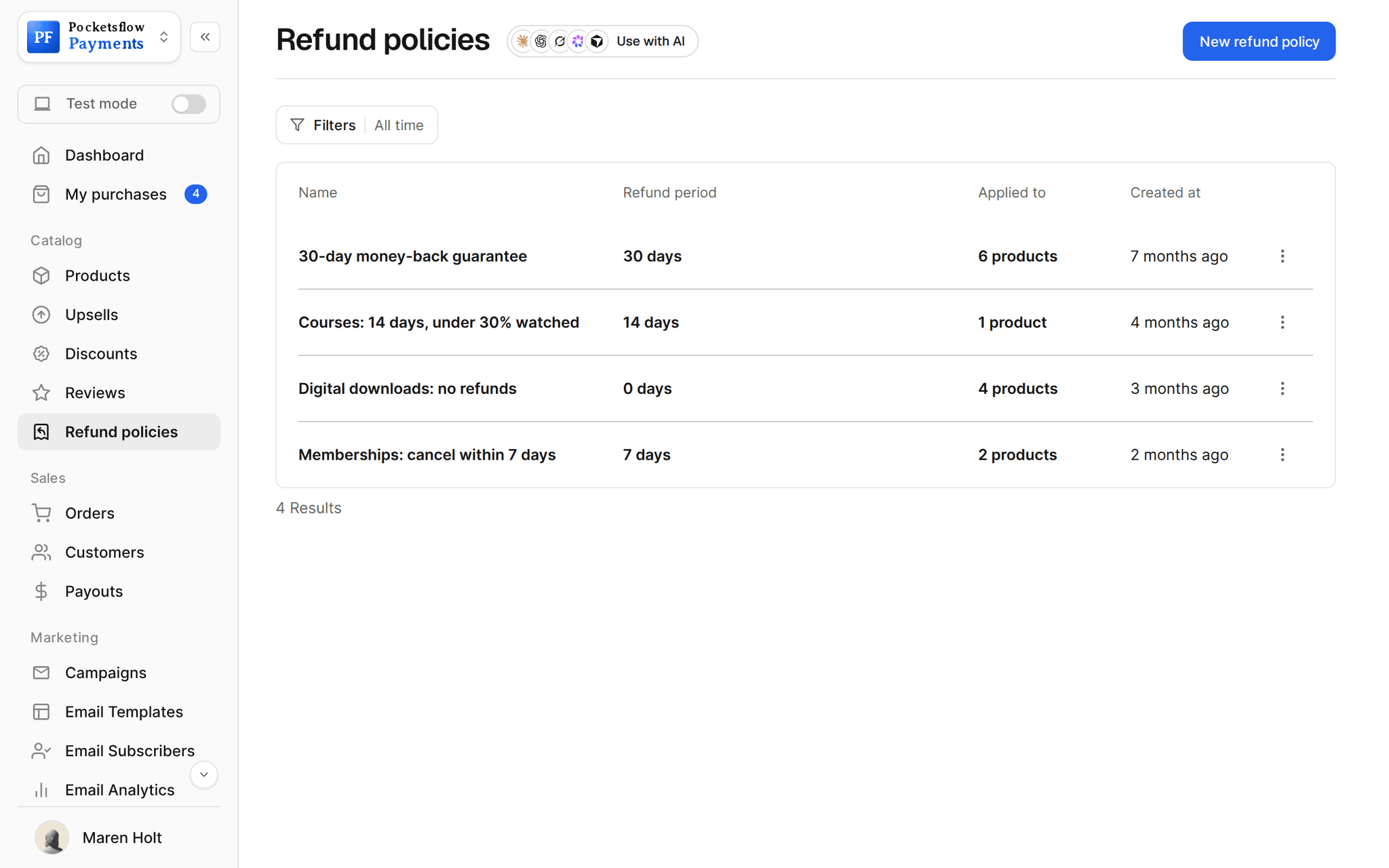
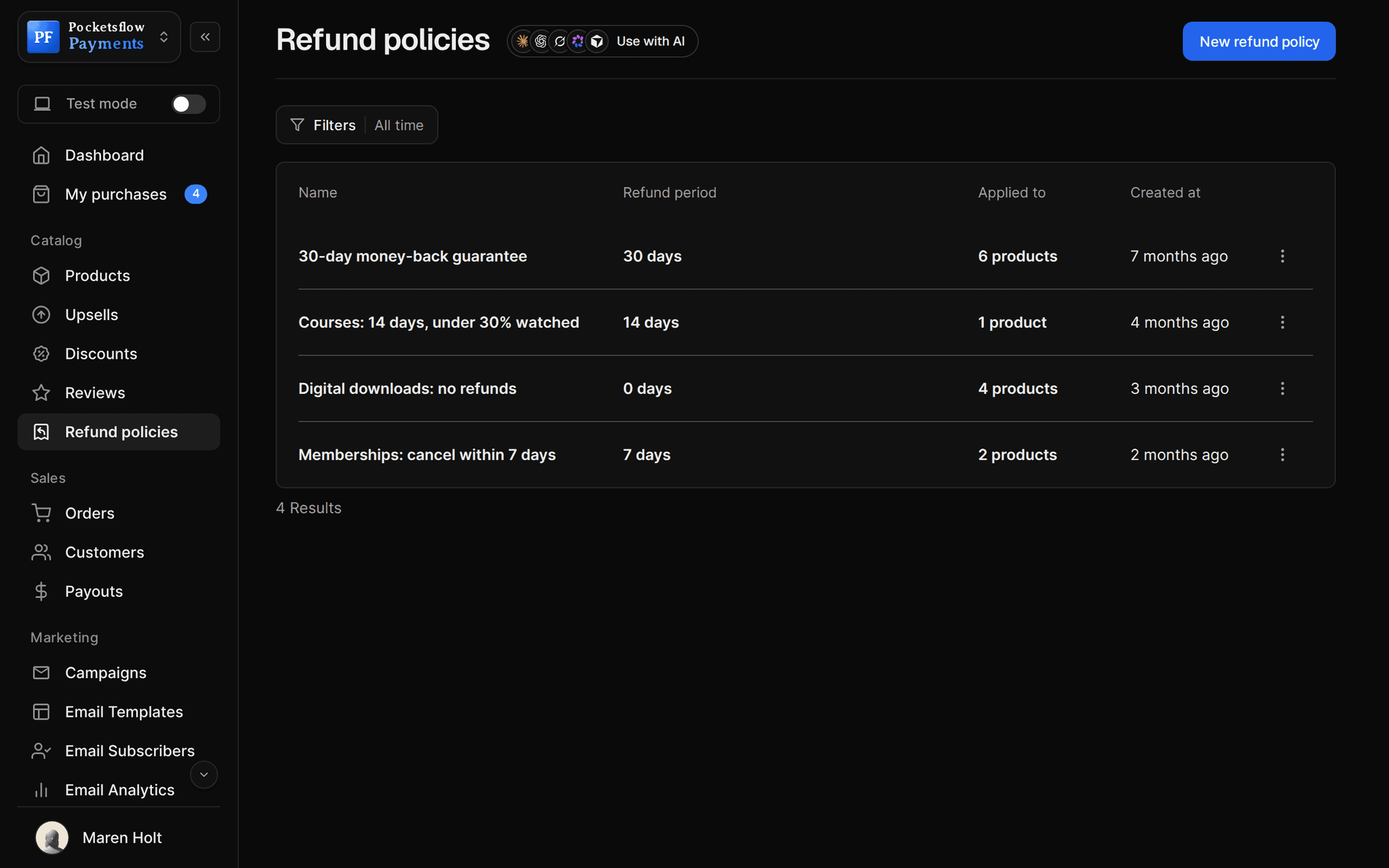
// use cases
However your buyers pay.
Cards worldwide
Visa, Mastercard, American Express and other major cards.
Notion Business OS$59
One tap on phones
Apple Pay and Google Pay appear on supported devices and browsers.
Icon Pack, 1,200 icons$29
PayPal buyers
Connect your PayPal merchant account to add a PayPal button.
Brand Kit Templates$59
European buyers
iDEAL in the Netherlands, Bancontact in Belgium, SEPA and more.
Lightroom Presets Vol. 2€36
Brazilian buyers
Pix and other local methods where supported.
Freelance Contract KitR$ 240
Subscriptions
The saved card renews automatically, with retries when it fails.
Pro Membership$19.99 / month
// how it works
Live in four steps.
Connect payouts
Add your payout account once in Settings, Payments. No gateway or merchant account.
Methods turn on
Cards, wallets and local methods show automatically to buyers who can use them.
Add PayPal if you like
Connect a PayPal merchant account to show a PayPal button at checkout.
Get paid
Pick daily, weekly, monthly or manual payouts, and download receipts for each one.
// ai
Or just ask your AI.
Connect Claude, ChatGPT, Codex, Grok, Cursor or any MCP client once. Then ask in plain words, and every change lands in your dashboard.
Things to ask
- Which countries are my buyers in this month?list_orders
- Open a checkout link I can send to a buyer in Europecreate_checkout_session
- Refund the duplicate order from todaylist_orders · create_refund
- Show the details of order 1153get_order
- List refunds from the last 30 dayslist_refunds
- Who are my top customers by spend?list_customers
// included
Everything included.
- Visa, Mastercard, American Express and more
- Apple Pay and Google Pay on supported devices
- PayPal with your connected merchant account
- iDEAL, Bancontact, SEPA, Pix and other local methods
- Prices shown in the buyer's local currency
- 3D Secure settings in Settings, Checkout
- Fraud screening and a risk score on each order
- Chargebacks handled as Merchant of Record
- Refunds to the original payment method
- Daily, weekly, monthly or manual payouts
- Payout receipts to download
- Available and pending balances per currency
// why pocketsflowWhy sellers pick Pocketsflow.
No merchant account
Connect your payout account once and start selling.
Higher conversion abroad
Local methods and local currency for buyers who would not pay by card.
Fraud and disputes handled
Screening, 3D Secure and chargeback handling come with every sale.
One fee for all methods
4.7% + $0.30 estimated per sale, itemized on every order.
// connect
It's easy. Even your AI can do it.
Add Pocketsflow to the AI you already use, sign in and click Allow access. No API key, no code.
- 01Paste into your AI appIt's a connector address, not a web page.api.pocketsflow.com/mcp
Add Pocketsflow
Paste the server URL as a connector in your AI app.
- 02
Sign in and allow
Your AI opens Pocketsflow. Click Allow access.
- 03
Ask for anything
Products, orders, refunds, emails, in plain words.
import { Pocketsflow } from "pocketsflow";

const pf = new Pocketsflow({
  apiKey: process.env.POCKETSFLOW_API_KEY,
});

// A one time product. Use subscriptionOffers.create() for plans.
const product = await pf.products.create({
  name: "Pro license",
  price: 49,
});

// A hosted checkout for that product.
const session = await pf.checkout.create({
  productId: product._id,
  successUrl: "https://example.com/welcome",
  customerEmail: "buyer@example.com",
});

// Send the buyer to session.url. Payment, tax, and delivery
// are handled; order.completed fires to your webhook.
redirect(session.url);
Open a checkout with one call.
Create a checkout, attach a product, and let Pocketsflow handle the transaction lifecycle: payment, tax, delivery, and the receipt.
Every resource is an HTTPS endpoint under one base URL with Bearer API keys. Live and test keys are scoped to their own data; the OpenAPI spec is served at /docs.json.
// faq
Common questions.
Which methods can buyers use?
Major cards, Apple Pay and Google Pay on supported devices, PayPal when you connect a PayPal merchant account, and local methods such as iDEAL, Bancontact, SEPA and Pix in the countries that support them.
Do buyers pay in their own currency?
Buyers see the price in their local currency at checkout. Your catalog stays in your account currency, and so does your payout.
Do I need my own payment processor account?
No. Connect your payout account once and Pocketsflow handles the payment stack as Merchant of Record. Only PayPal needs your own PayPal merchant account.
When do I get paid?
Choose daily, weekly, monthly or manual payouts. Recent sales sit in a pending balance before they become available, and every payout has a receipt you can download.
Where can I receive payouts?
Bank accounts in supported countries, and PayPal in its supported countries. See the countries page for the full list.
What does it cost?
No monthly fee and no setup fee. Each sale carries one itemized transaction cost, 4.7% + $0.30 estimated (about $5.00 on a $100 sale), covering the platform, payment infrastructure, tax handling and dispute prevention. Above $10,000 a month in sales, talk to us about reduced fees.
Who handles sales tax and VAT?
Pocketsflow is the Merchant of Record. By default it calculates, collects and remits eligible sales tax and VAT on every sale, handles fraud checks and chargebacks, and sends the buyer an invoice. You can also choose to remit tax yourself in Settings, Taxes.
Can my AI do this for me?
Yes. Add the Pocketsflow MCP server to Claude, ChatGPT, Codex, Grok, Cursor or any MCP client, sign in and click Allow access. No API key. Your AI can then create products, set prices and discounts, open checkouts, read orders and send emails, and every change shows up in your dashboard.
// related
Keep exploring.
Start accepting payments today.
Sell your first product today, and let the AI you already use run the busywork.