What you can sellCredits
Prepaid credits, topped off automatically.
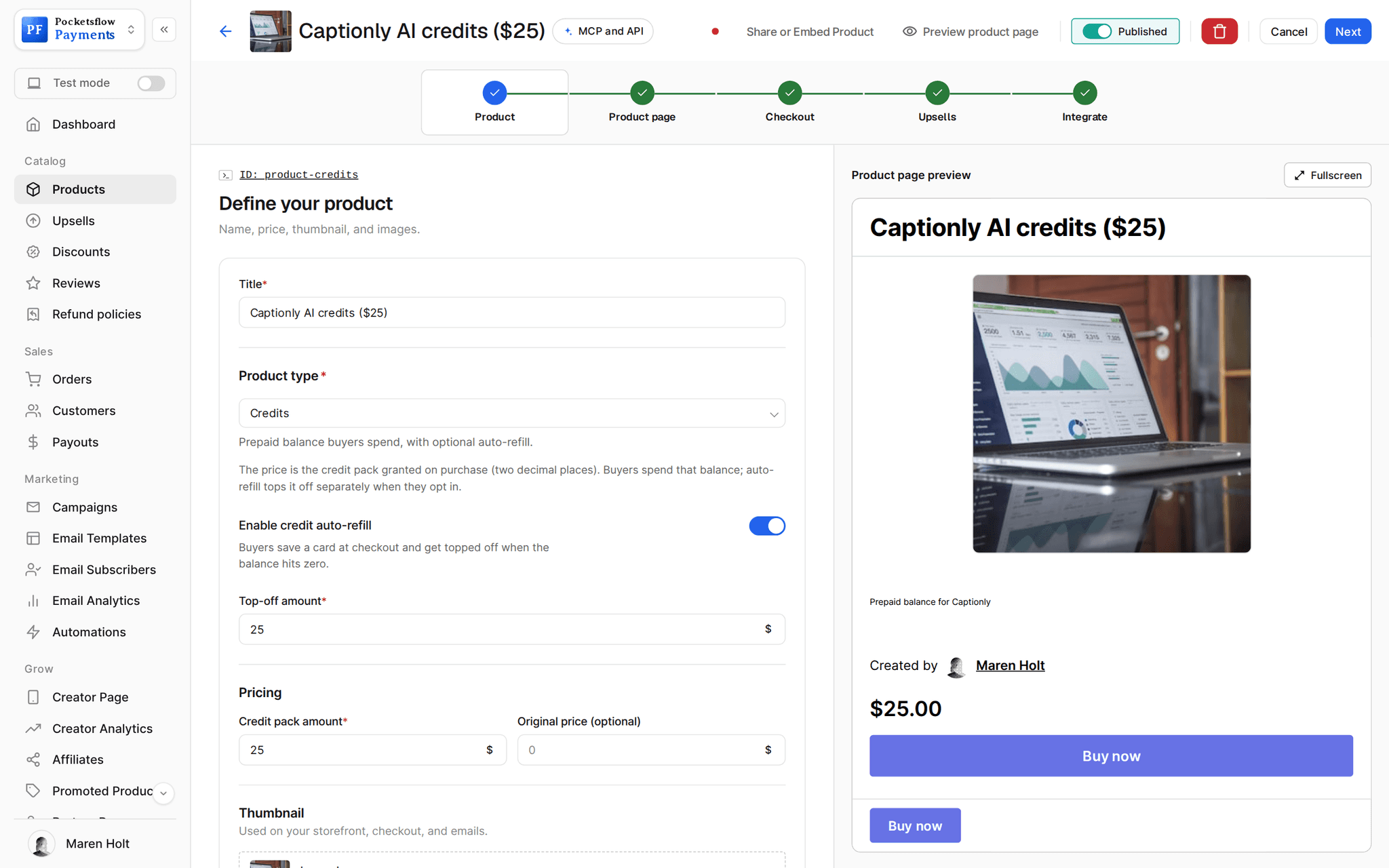
Sell a credit pack, deduct usage from your backend in cents, and let buyers opt in to an automatic top off when their balance hits zero. Perfect for AI tools, APIs and anything priced by use.


- estimated per sale, no monthly fee
- 4.7% + $0.30
- balances kept to two decimal places
- Cents
- credit webhook events
- 6
- auto refill only with buyer consent
- Opt in
// inside pocketsflow
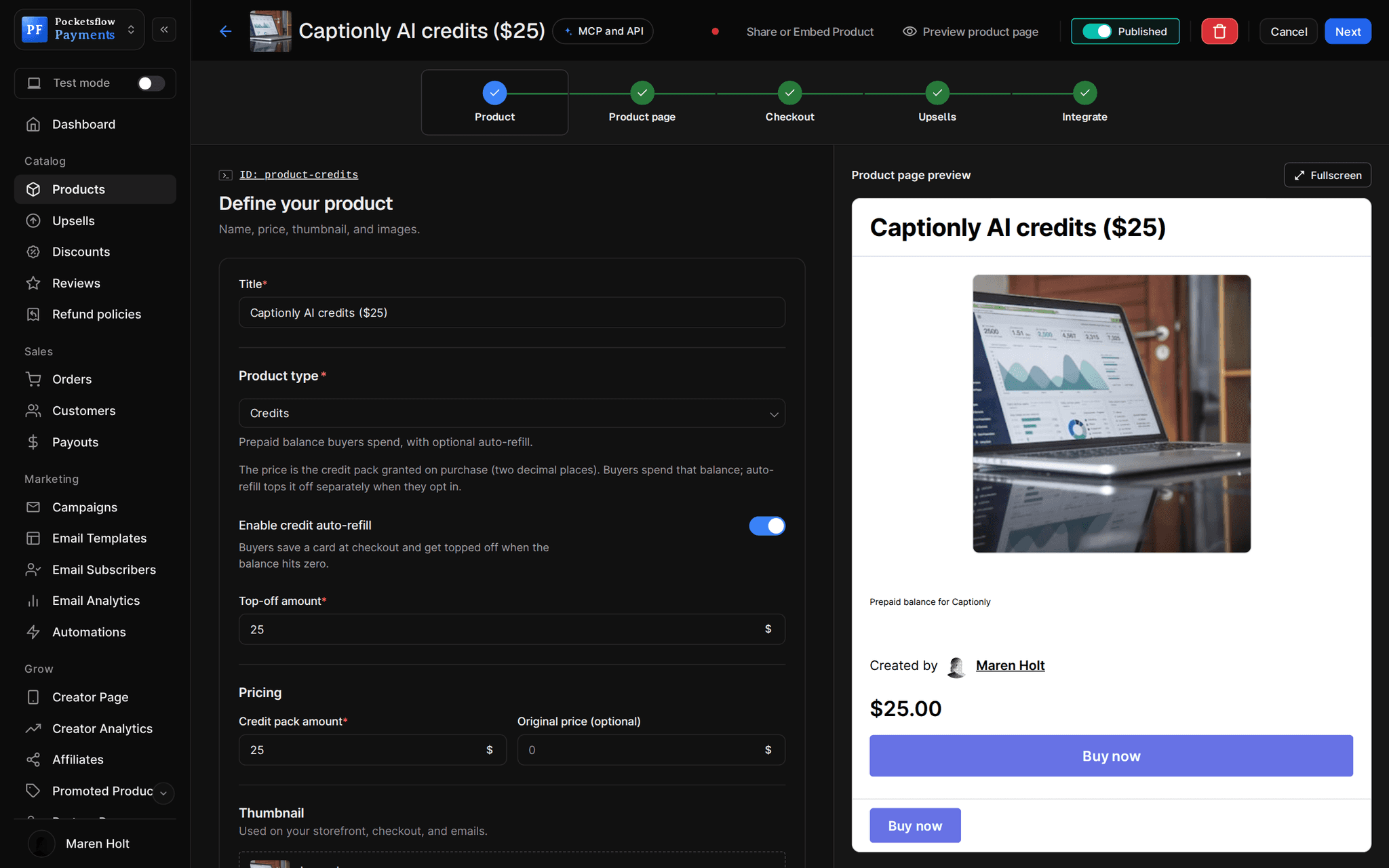
See how it works in the dashboard.
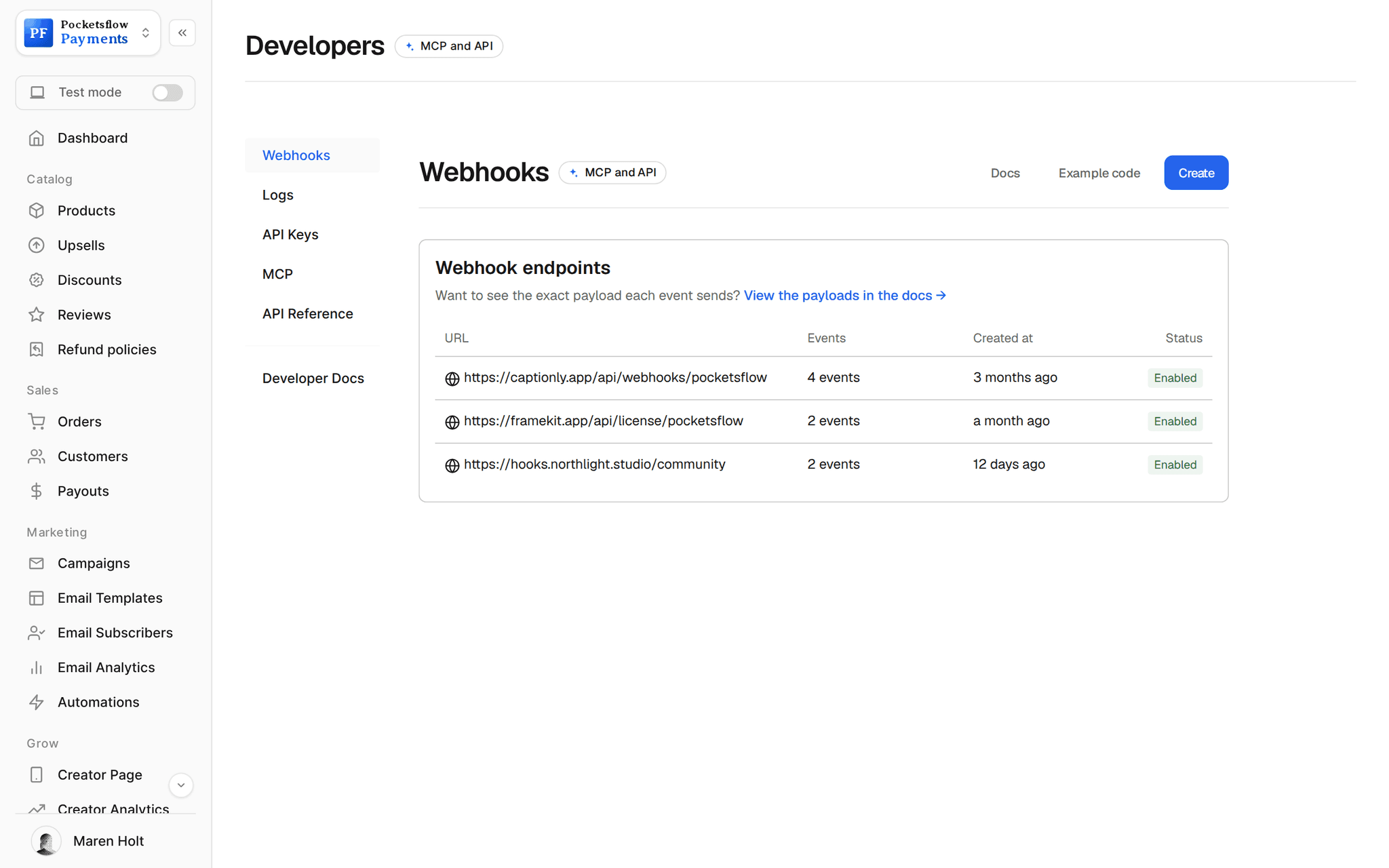
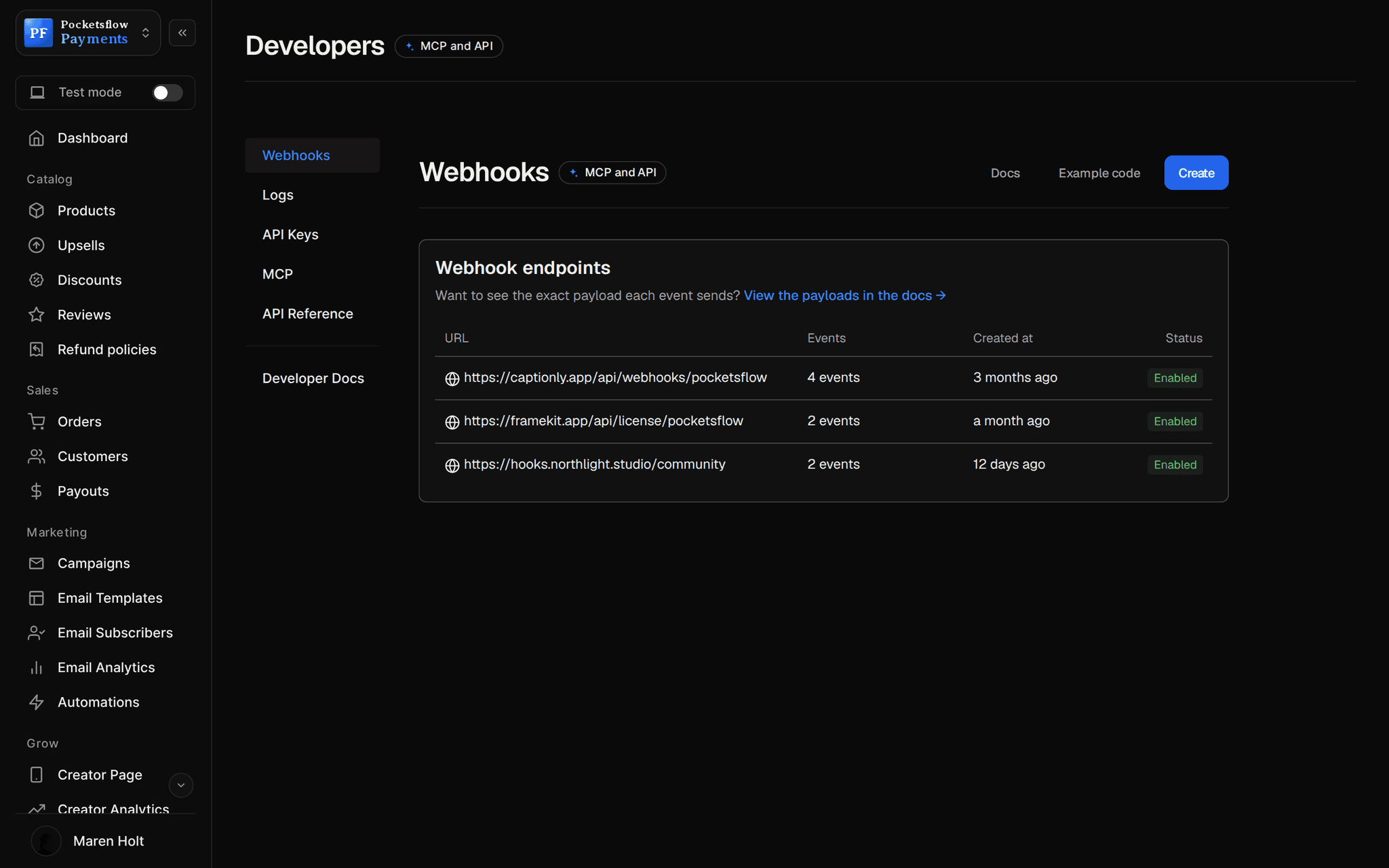
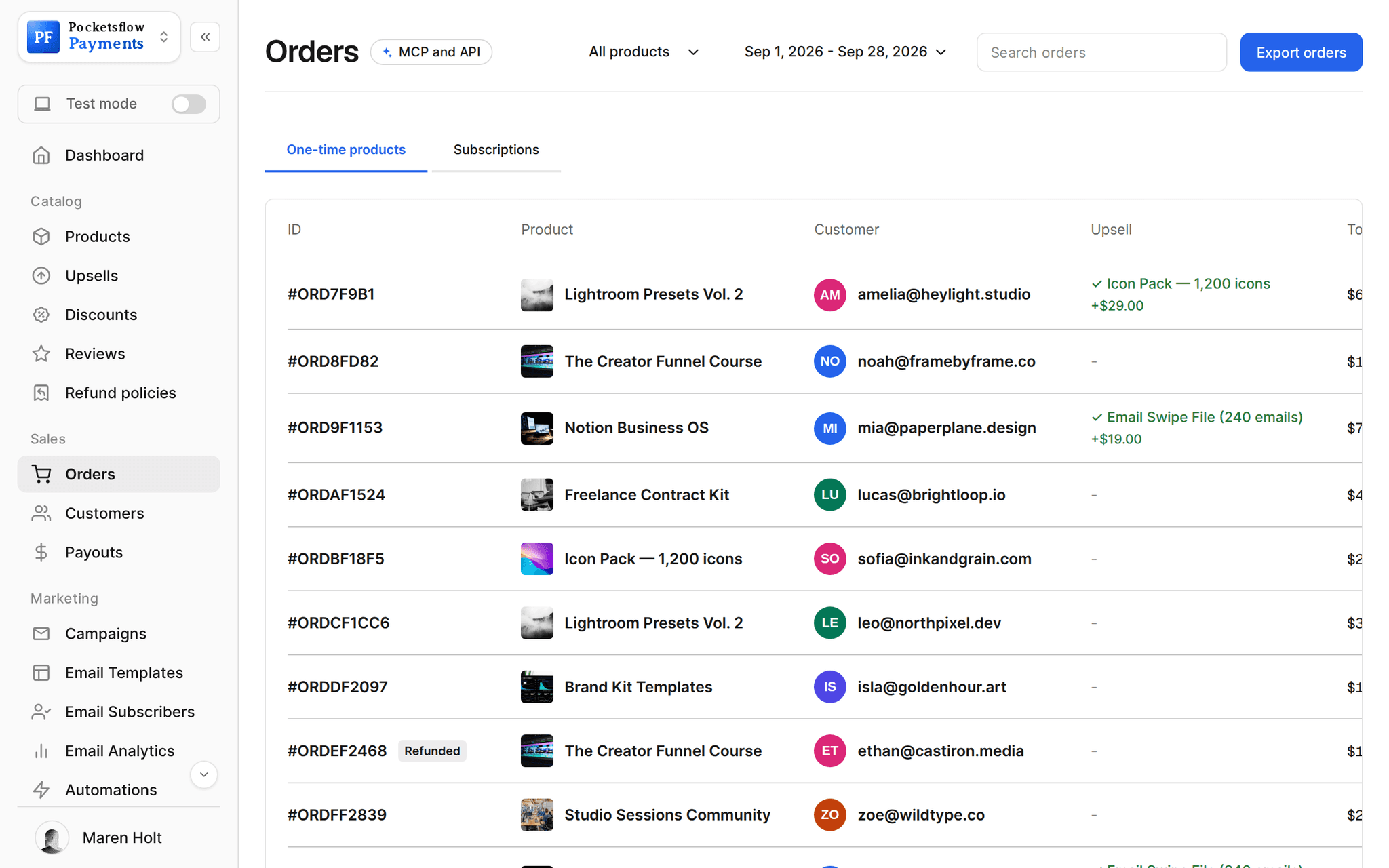
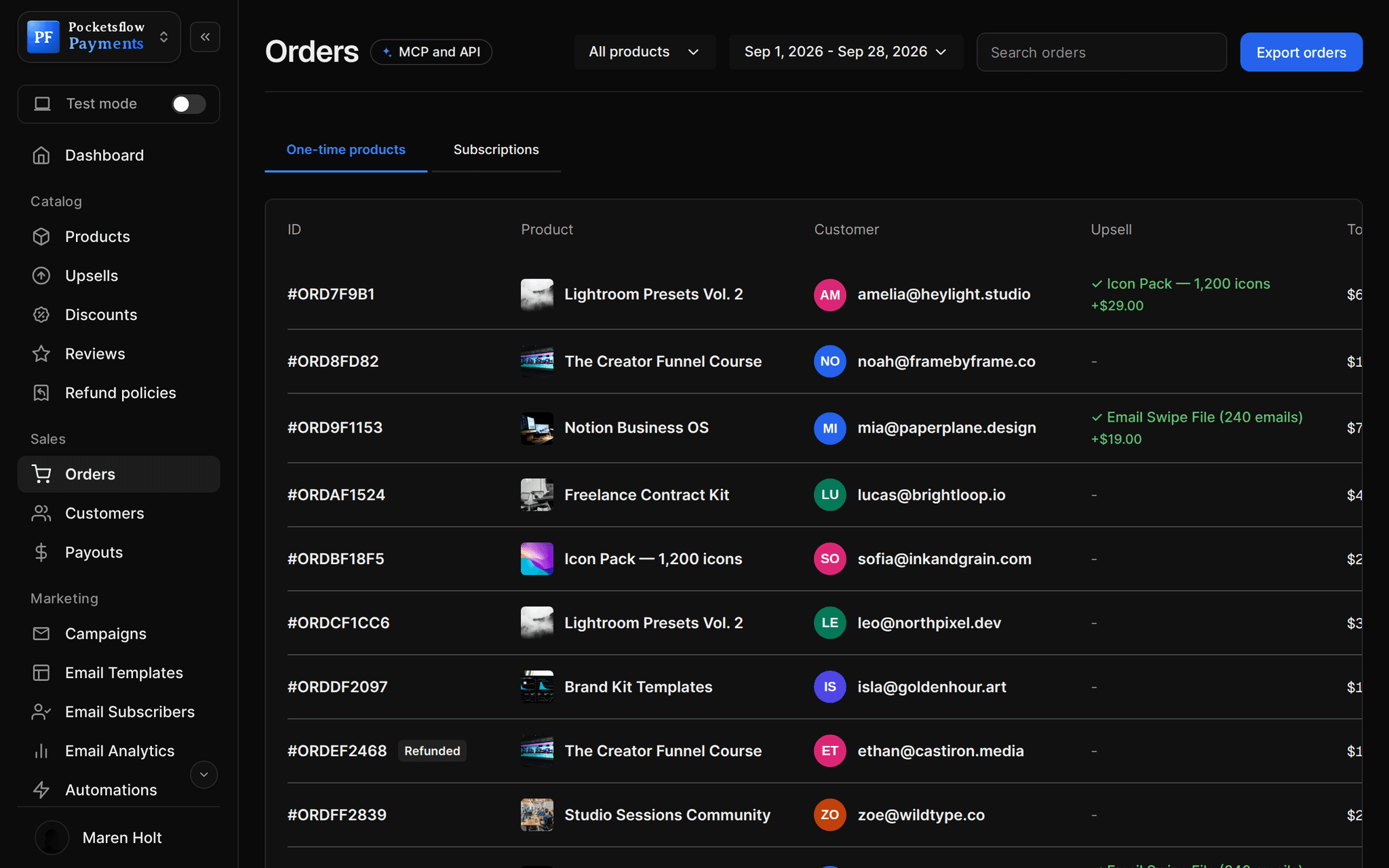
// more screens
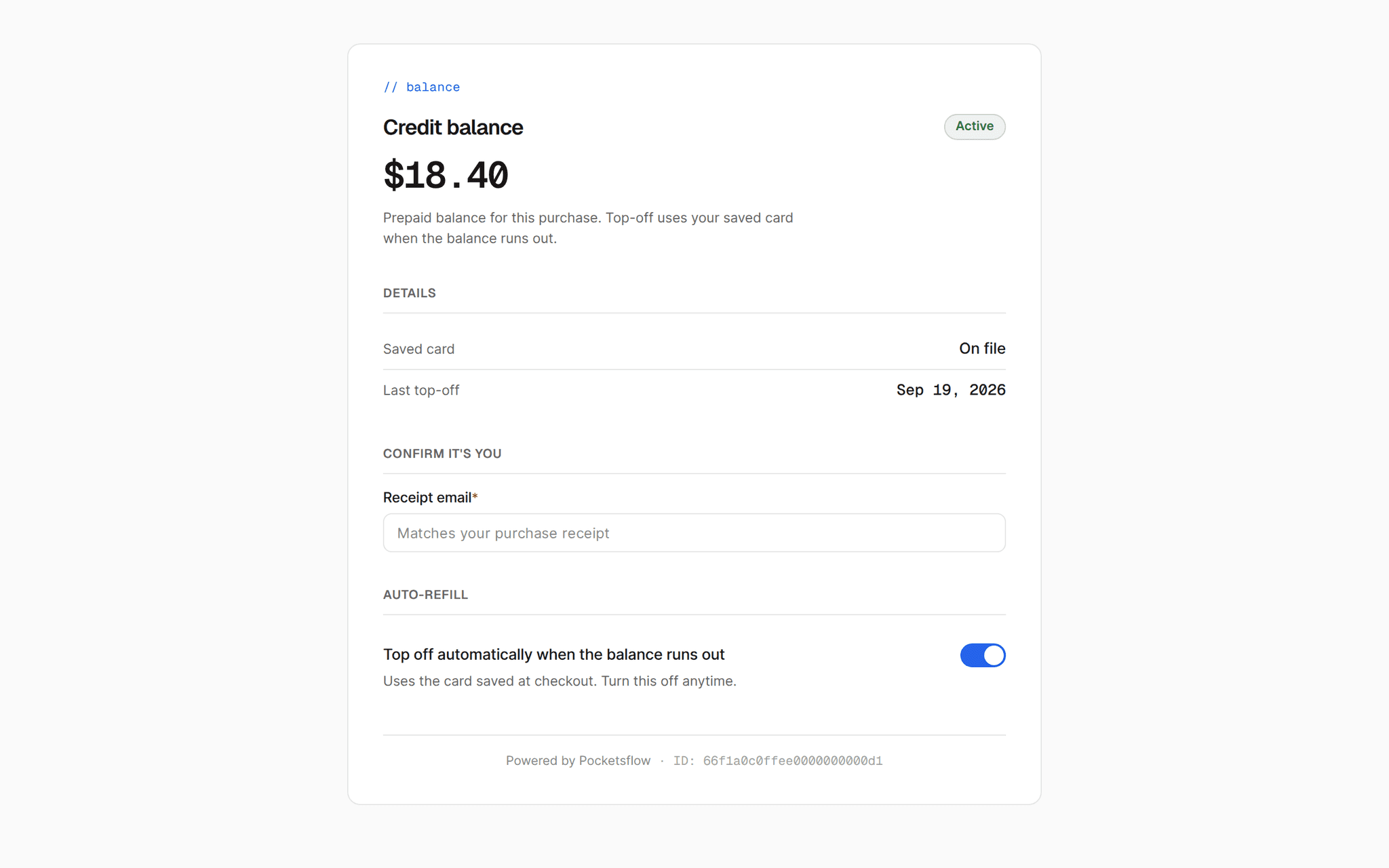
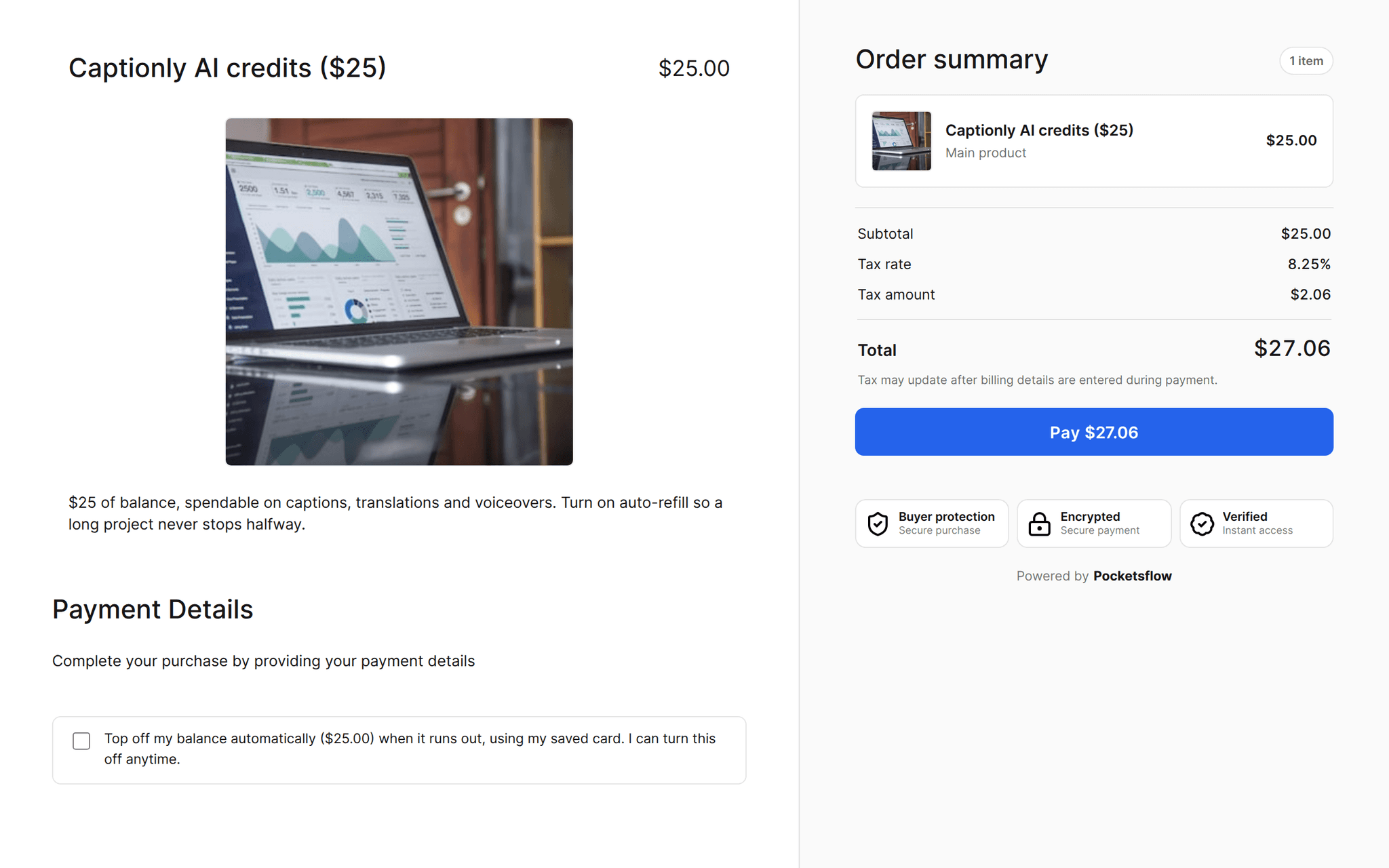
Every screen you will use.
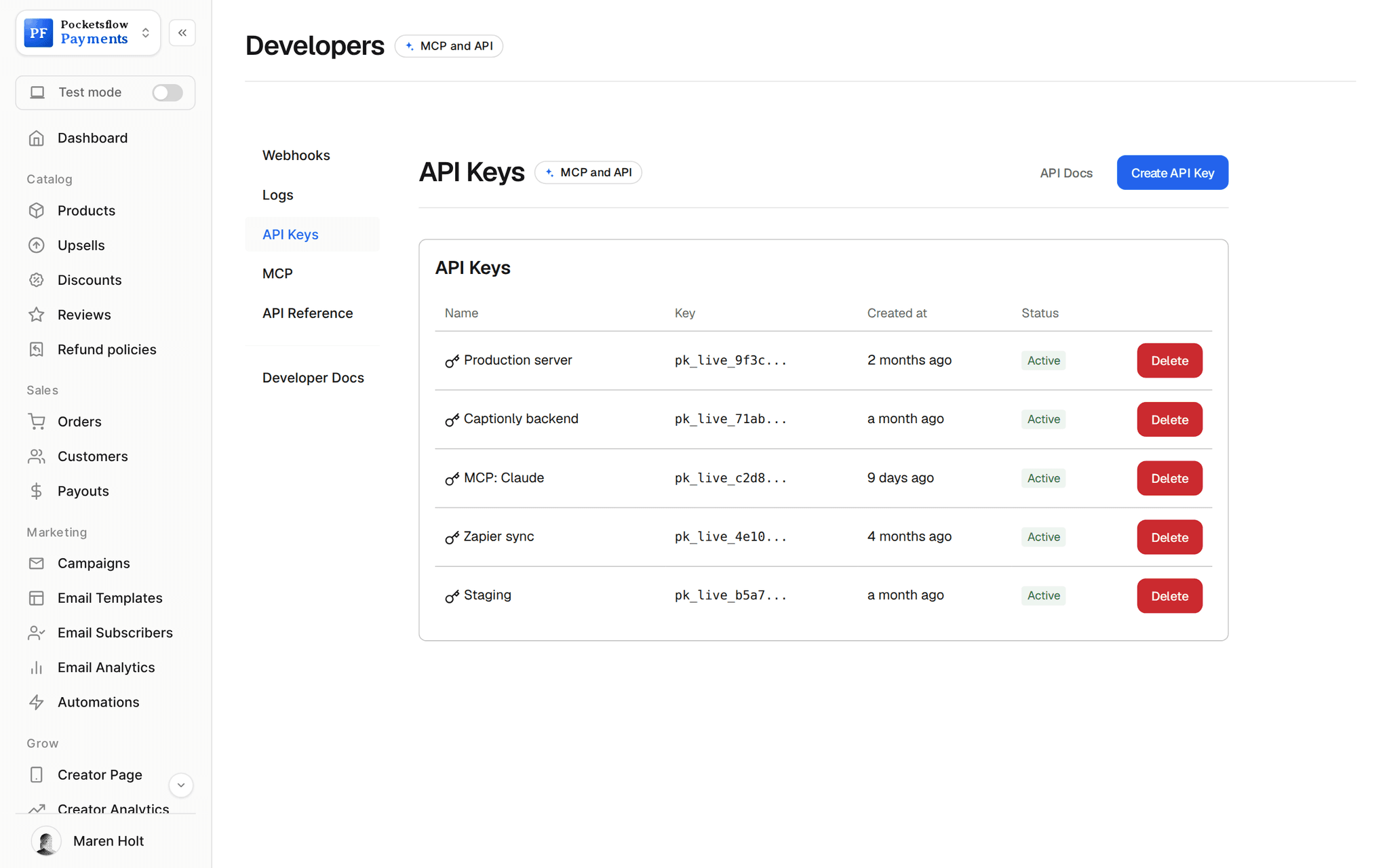
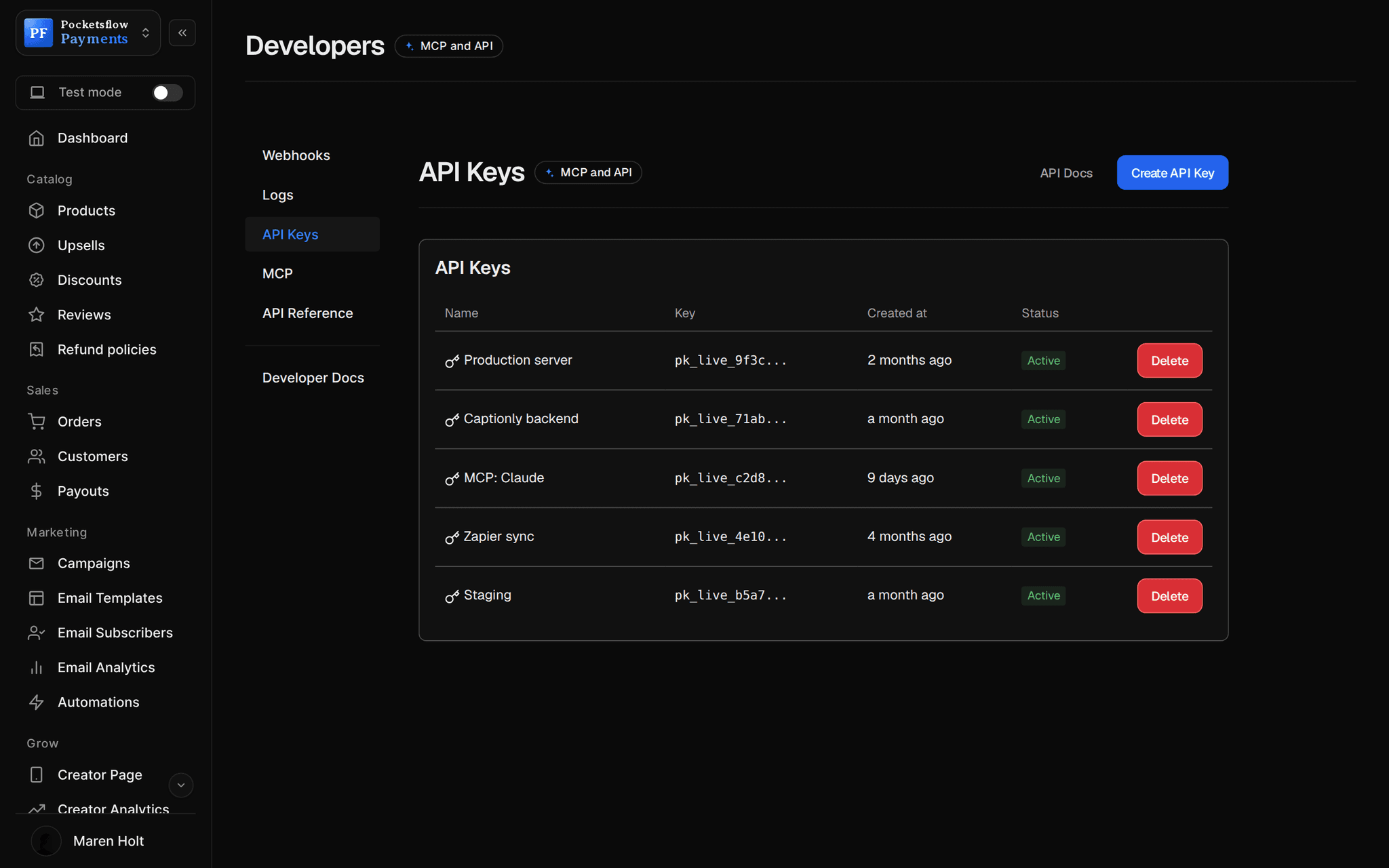
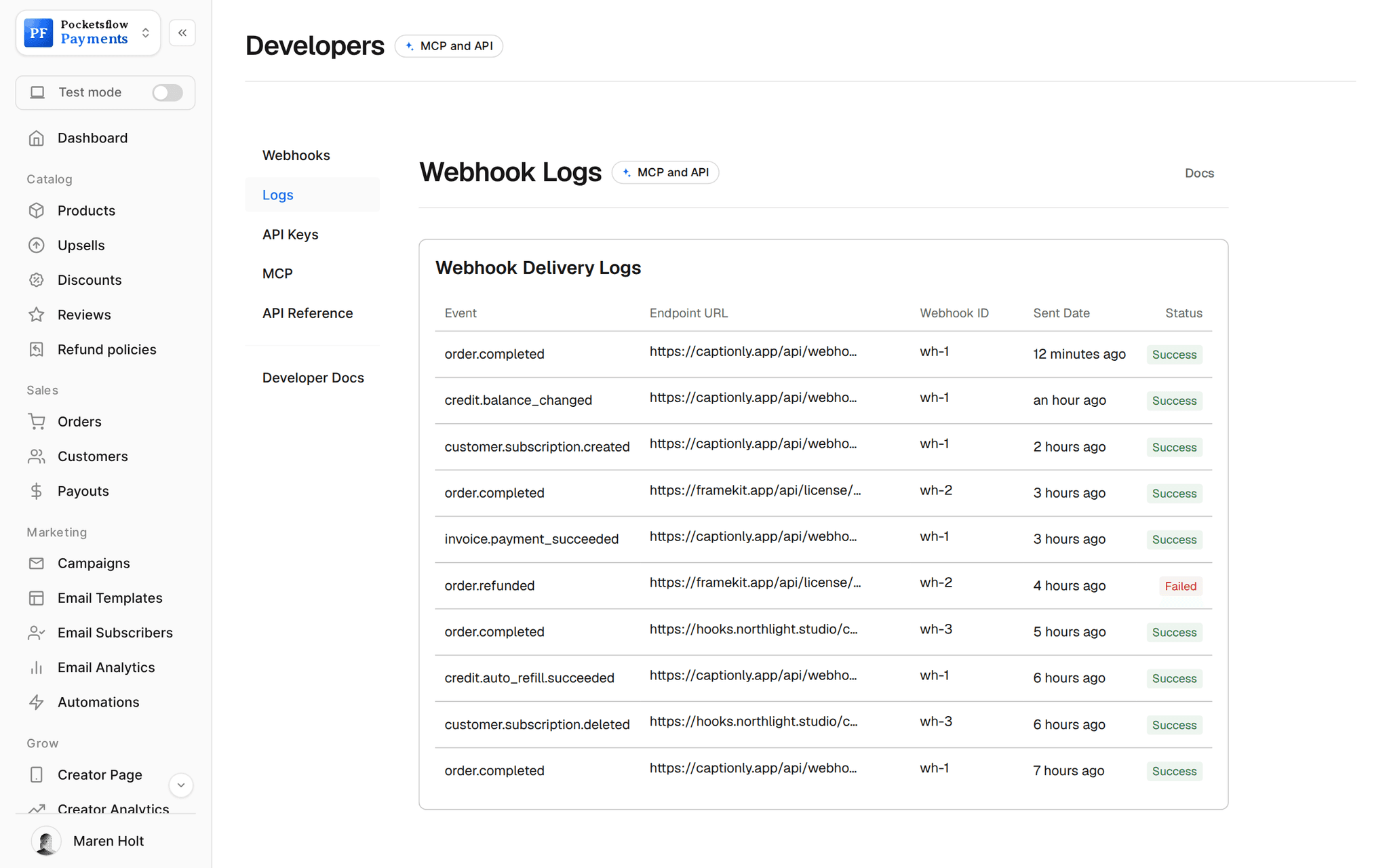
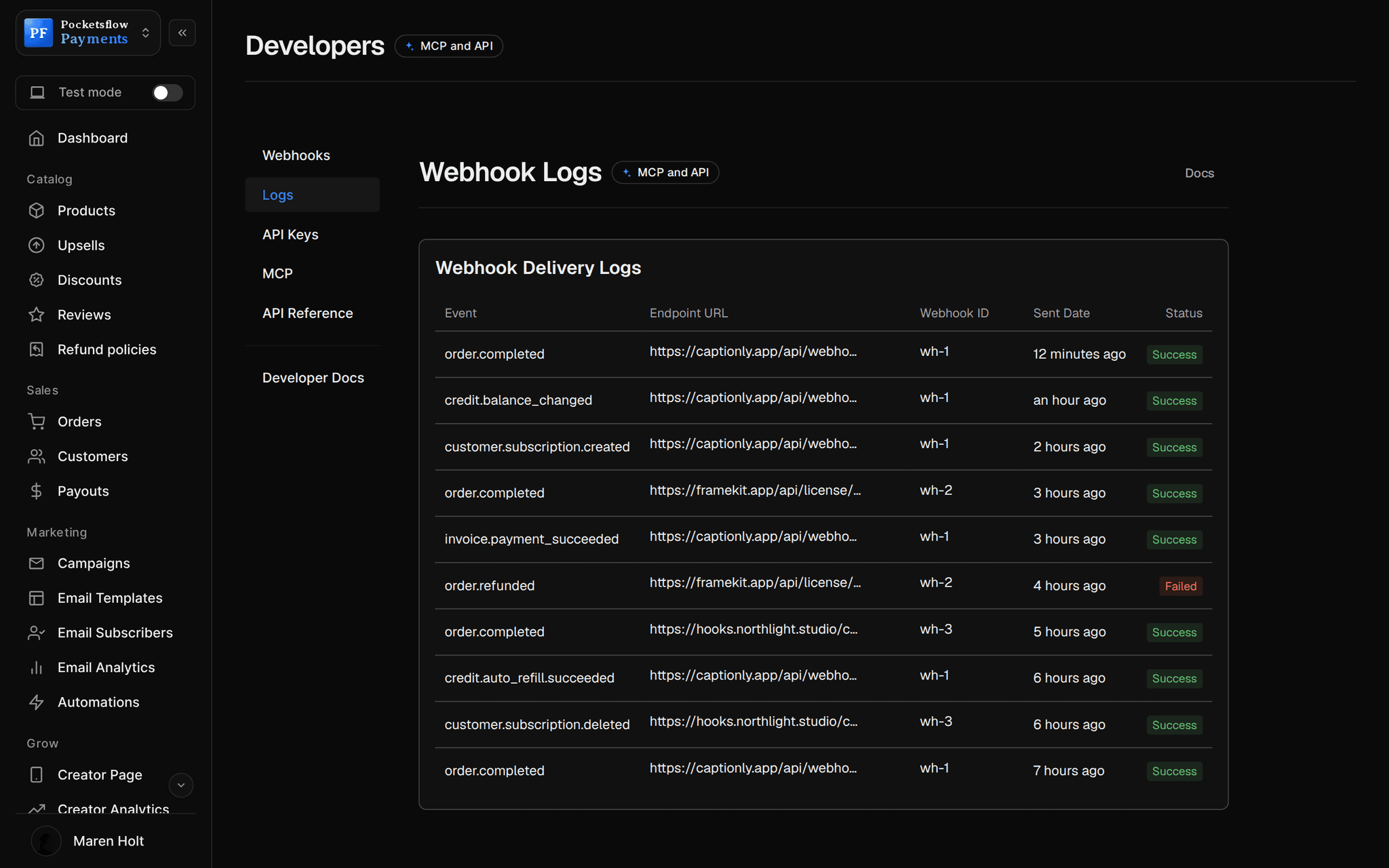
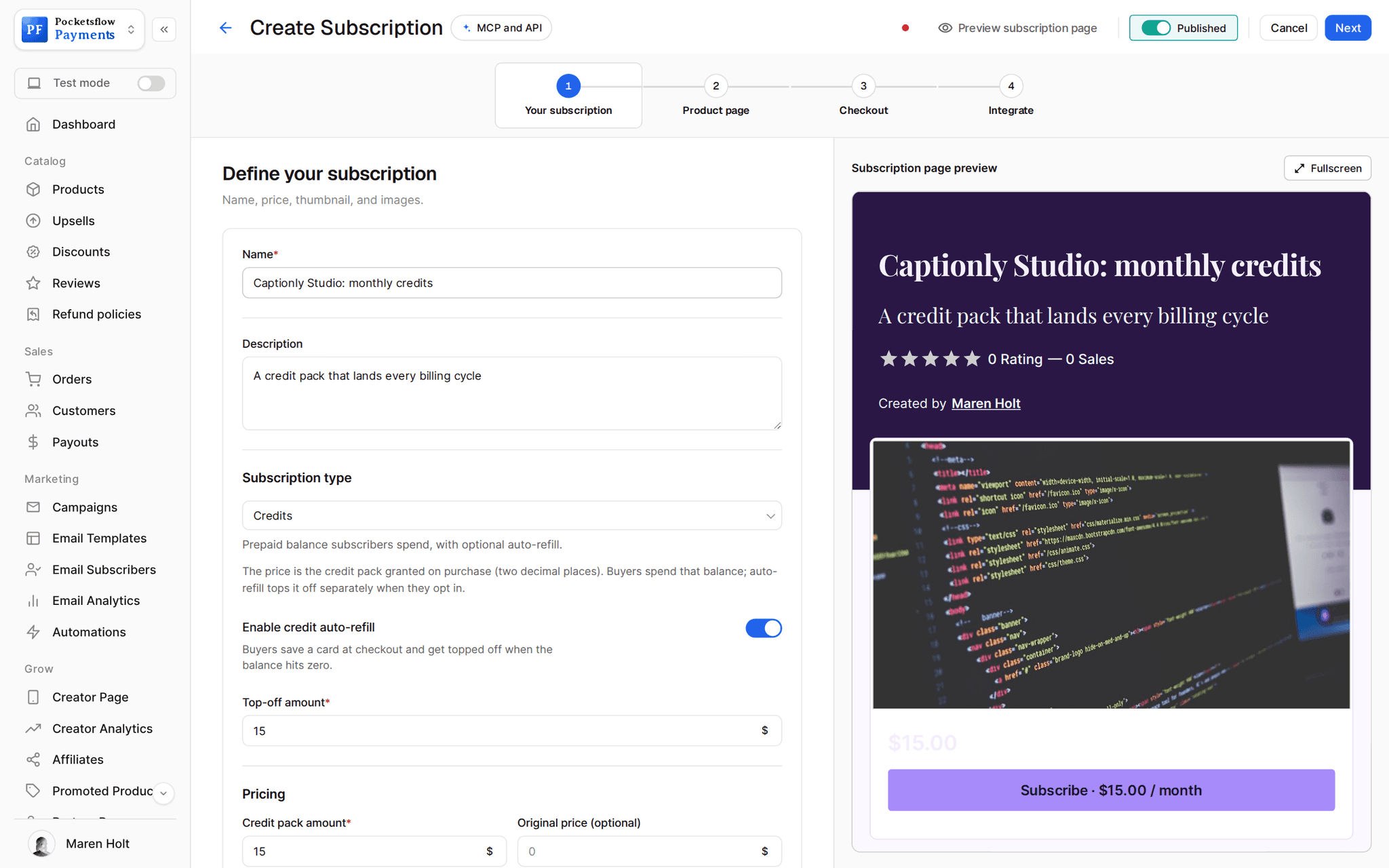
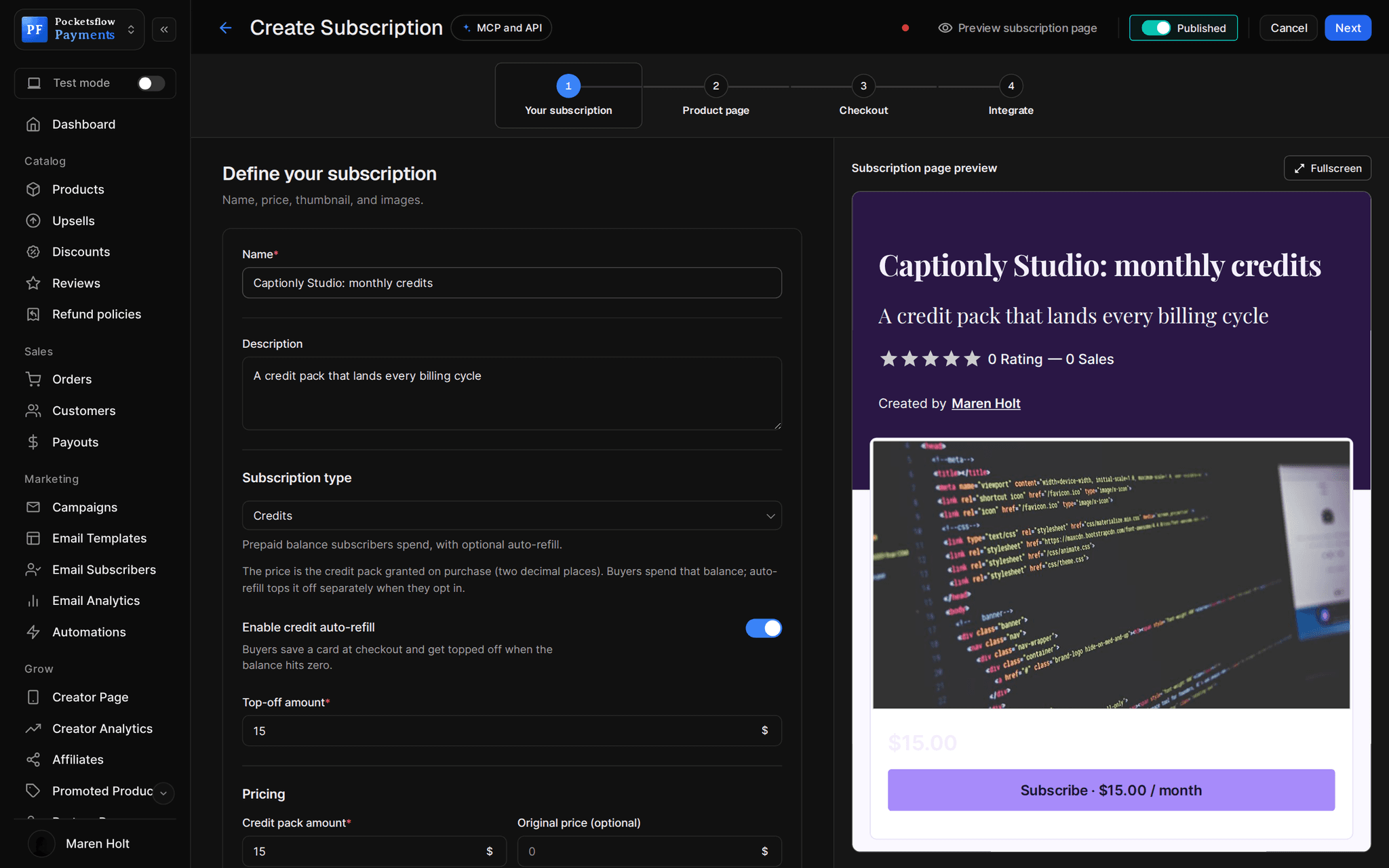
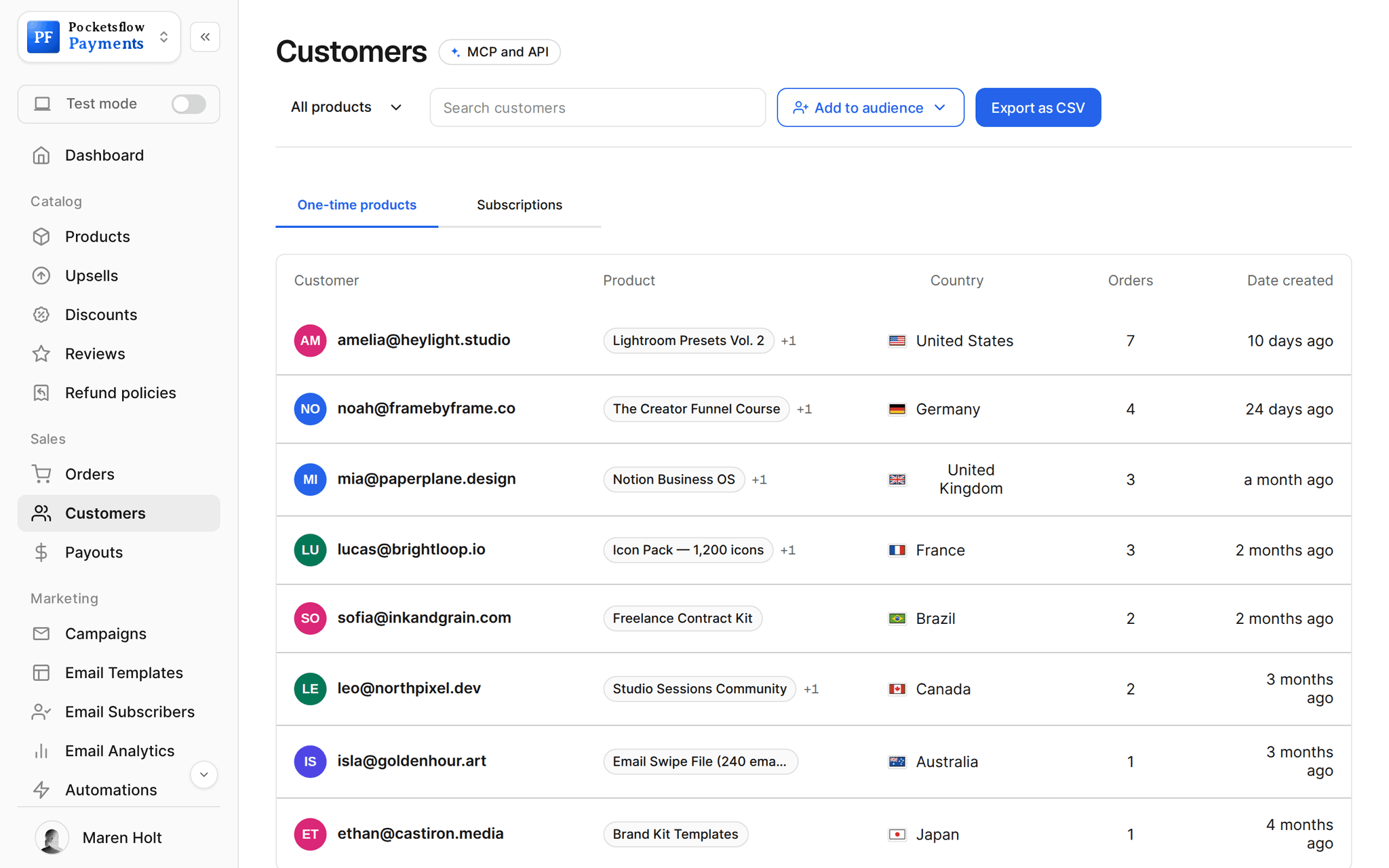
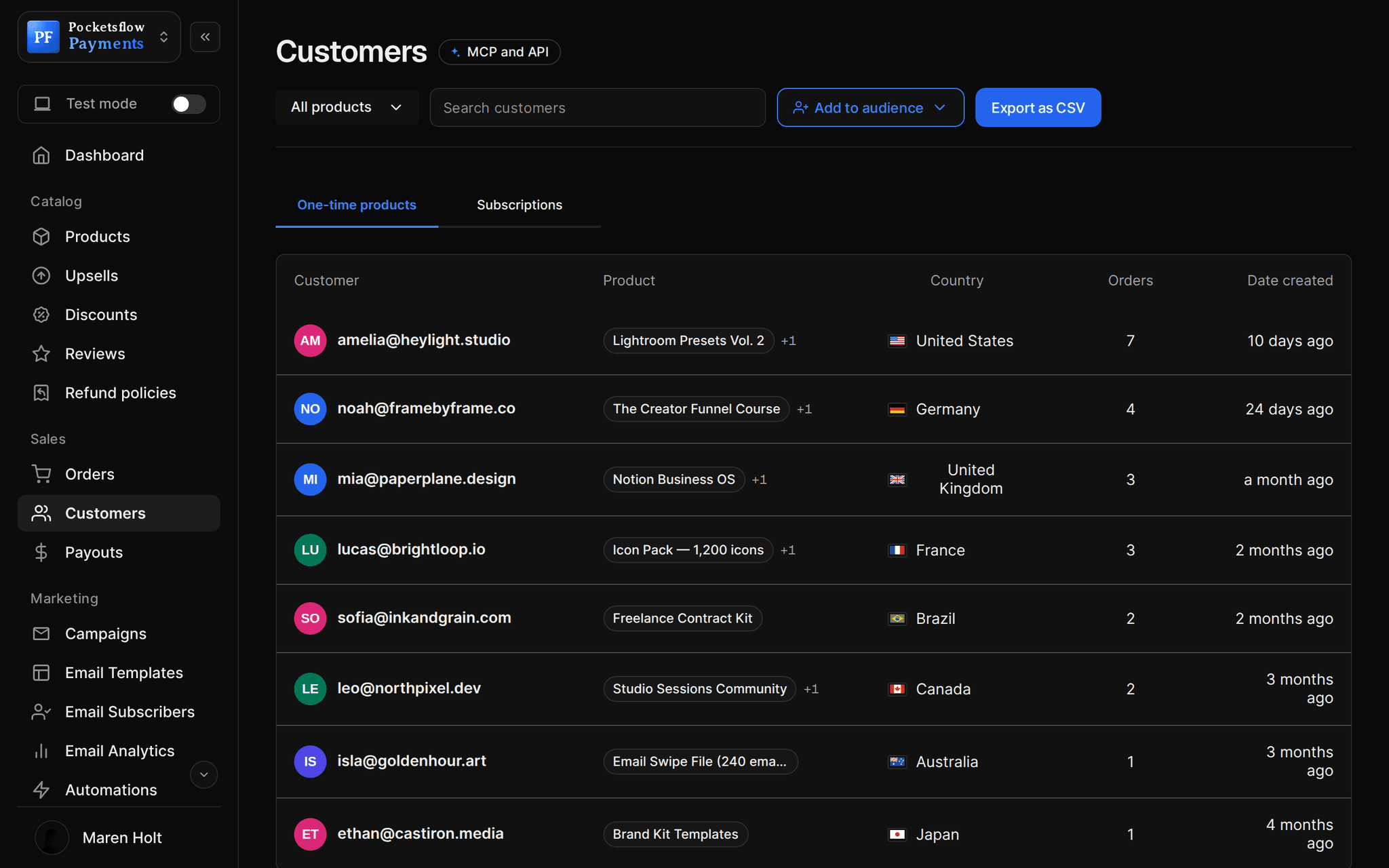
// use cases
Anything priced by use.
AI image and video tools
Charge per render and deduct the cost of each job.
Renderly, 1,000 renders$20
LLM apps and chatbots
Prepaid balance for tokens or messages, topped off on opt in.
Ask My Docs credits$10
APIs
Usage priced per call, deducted from your backend in cents.
Geocode API credits$50
Print and on demand services
A balance clients draw down per job or per page.
Studio print credits$100
Coaching hours
Sell a prepaid block and deduct the price of each session.
5 hour coaching bank$500
Monthly credit plans
A subscription that grants a new balance every period.
Pro credits$29 / month
// how it works
Live in four steps.
Create a Credits product
Choose Credits as the type. The price is the balance a buyer gets on purchase.
Turn on auto refill
Optional: set a top off amount. Buyers decide at checkout whether to opt in.
Deduct usage
Your backend calls POST /credits/deduct with the account, the amount in cents and a reason.
Stay in sync
Signed credit events tell your app about grants, balance changes, refills and consent.
// ai
Or just ask your AI.
Connect Claude, ChatGPT, Codex, Grok, Cursor or any MCP client once. Then ask in plain words, and every change lands in your dashboard.
Things to ask
- Create a $20 credit pack with $20 auto refillcreate_product
- Send credit events to my backendcreate_webhook · test_webhook
- Raise the pack to $25 for new buyersupdate_pricing
- How many packs sold this week?list_orders
- Refund the last pack bought by this customerlist_orders · create_refund
- Offer a $50 pack as an order bumpcreate_product · create_upsell
// included
Everything included.
- Credits product type on products and subscriptions
- One balance per product and buyer email
- Balances in integer cents, two decimal places
- Usage deduction from your backend
- Optional auto refill with buyer consent
- One top off charge when the balance hits zero
- Paused balance and an email when a refill fails
- A balance page where buyers turn refill off or retry
- Six signed credit webhook events
- List accounts and balances from the API
- Refunds and orders like any other product
- Global tax handled on every pack and top off
// why pocketsflowWhy sellers pick Pocketsflow.
Usage billing without a billing team
A balance, a deduct call and a refill: no metering system to build.
Consent built in
Buyers opt in at checkout, can turn refill off any time, and are never charged twice for one empty balance.
Merchant of Record
Tax is handled on the first pack and every top off.
One fee
4.7% + $0.30 estimated per charge, no monthly fee.
// connect
It's easy. Even your AI can do it.
Add Pocketsflow to the AI you already use, sign in and click Allow access. No API key, no code.
- 01Paste into your AI appIt's a connector address, not a web page.api.pocketsflow.com/mcp
Add Pocketsflow
Paste the server URL as a connector in your AI app.
- 02
Sign in and allow
Your AI opens Pocketsflow. Click Allow access.
- 03
Ask for anything
Products, orders, refunds, emails, in plain words.
import { Pocketsflow } from "pocketsflow";

const pf = new Pocketsflow({ apiKey: process.env.POCKETSFLOW_API_KEY });

// A $20 credit pack. Buyers who opt in are topped off with
// another $20 when their balance hits zero.
const pack = await pf.products.create({
  name: "API credits",
  price: 20,
  productType: "credits",
  creditAutoRefill: { enabled: true, topOffCents: 2000 },
});

const session = await pf.checkout.create({
  productId: pack._id,
  successUrl: "https://example.com/app",
});

redirect(session.url);
Usage billing in three calls.
Sell a credit pack, deduct usage in cents from your backend, and stay in sync with signed credit events.
Every resource is an HTTPS endpoint under one base URL with Bearer API keys. Live and test keys are scoped to their own data; the OpenAPI spec is served at /docs.json.
// faq
Common questions.
How do credits work?
A Credits product grants a prepaid balance worth its price when someone buys it. Your app spends that balance by calling POST /credits/deduct with the buyer's account id, an amount in cents and an optional reason.
What is auto refill?
If you set a top off amount, buyers can opt in at checkout. When their balance hits zero, their saved card is charged once for the top off and the balance is credited, so usage carries on.
What happens if a refill fails?
The balance is paused and the buyer gets an email. No further charges are attempted automatically; the buyer can fix payment and retry once from their balance page.
Can buyers turn auto refill off?
Yes, any time, from the balance link in their receipt. Changing settings asks for their receipt email first, so a shared link cannot change consent.
How does my app know the balance?
Every deduct returns the new balance, you can list accounts with the API, and signed webhooks fire on credit.granted, credit.balance_changed, credit.auto_refill.succeeded, credit.auto_refill.failed and consent changes.
Can my AI deduct credits?
Deducting is a backend call from your app with an API key. Your AI can create the credit product, set prices, add webhooks and read orders through the MCP server.
What does it cost?
No monthly fee and no setup fee. Each sale carries one itemized transaction cost, 4.7% + $0.30 estimated (about $5.00 on a $100 sale), covering the platform, payment infrastructure, tax handling and dispute prevention. Above $10,000 a month in sales, talk to us about reduced fees.
Who handles sales tax and VAT?
Pocketsflow is the Merchant of Record. By default it calculates, collects and remits eligible sales tax and VAT on every sale, handles fraud checks and chargebacks, and sends the buyer an invoice. You can also choose to remit tax yourself in Settings, Taxes.
Can my AI do this for me?
Yes. Add the Pocketsflow MCP server to Claude, ChatGPT, Codex, Grok, Cursor or any MCP client, sign in and click Allow access. No API key. Your AI can then create products, set prices and discounts, open checkouts, read orders and send emails, and every change shows up in your dashboard.
// related
Keep exploring.
Start accepting payments today.
Sell your first product today, and let the AI you already use run the busywork.