Meet Flowy, your store's AI assistant.
Ask anything about your business in your own words. Flowy reads your store, sets up the product, the checkout link or the discount, and shows you the change to confirm. It's built into your dashboard and free on every plan.


- messages a day free, 500 or 2,000 on paid plans
- 100
- to confirm every change Flowy prepares
- 1 click
- of the dashboard, with Ask Flowy
- Every page
- withdrawals it can make: your money stays with you
- 0
Everywhere in your dashboard.
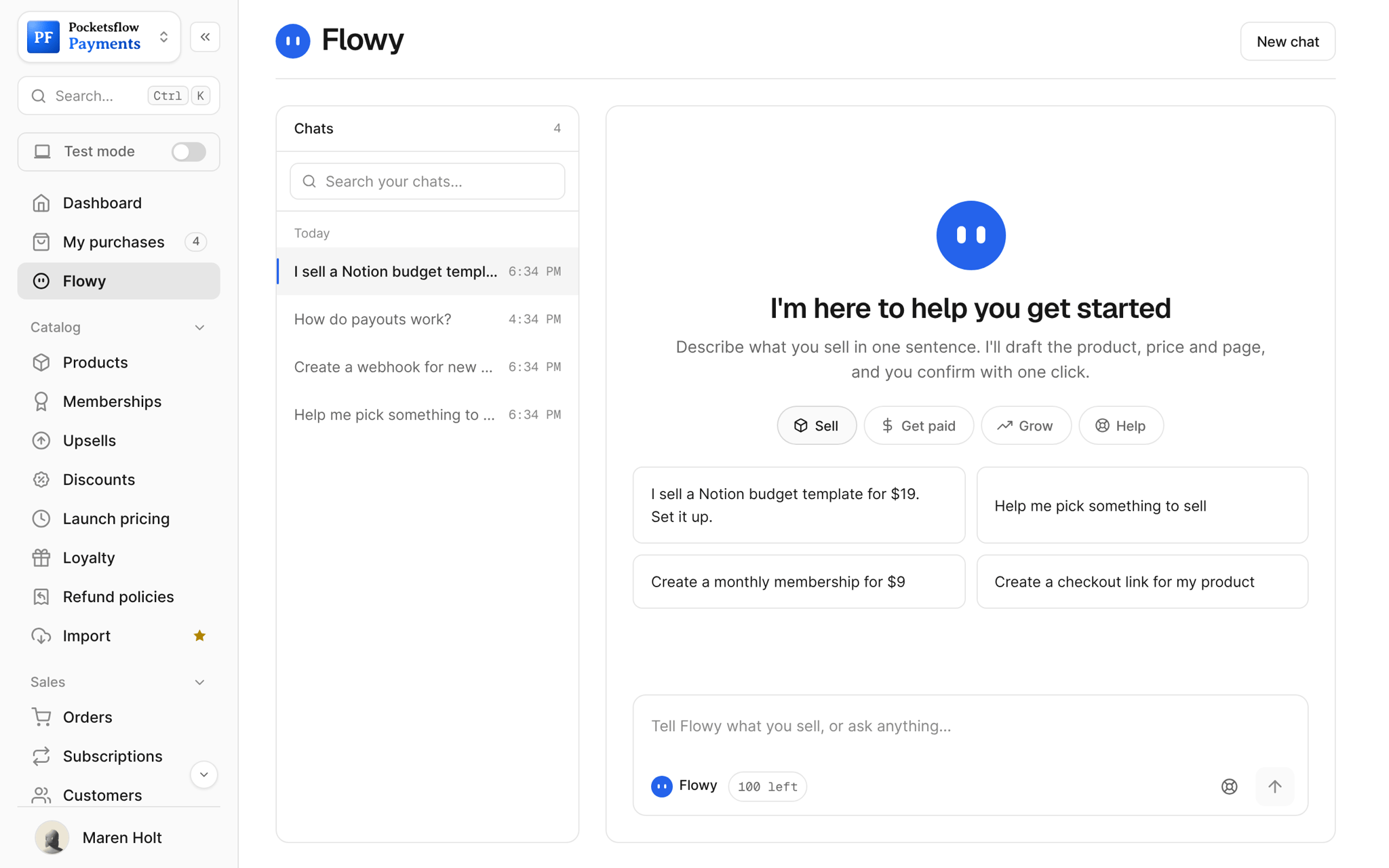
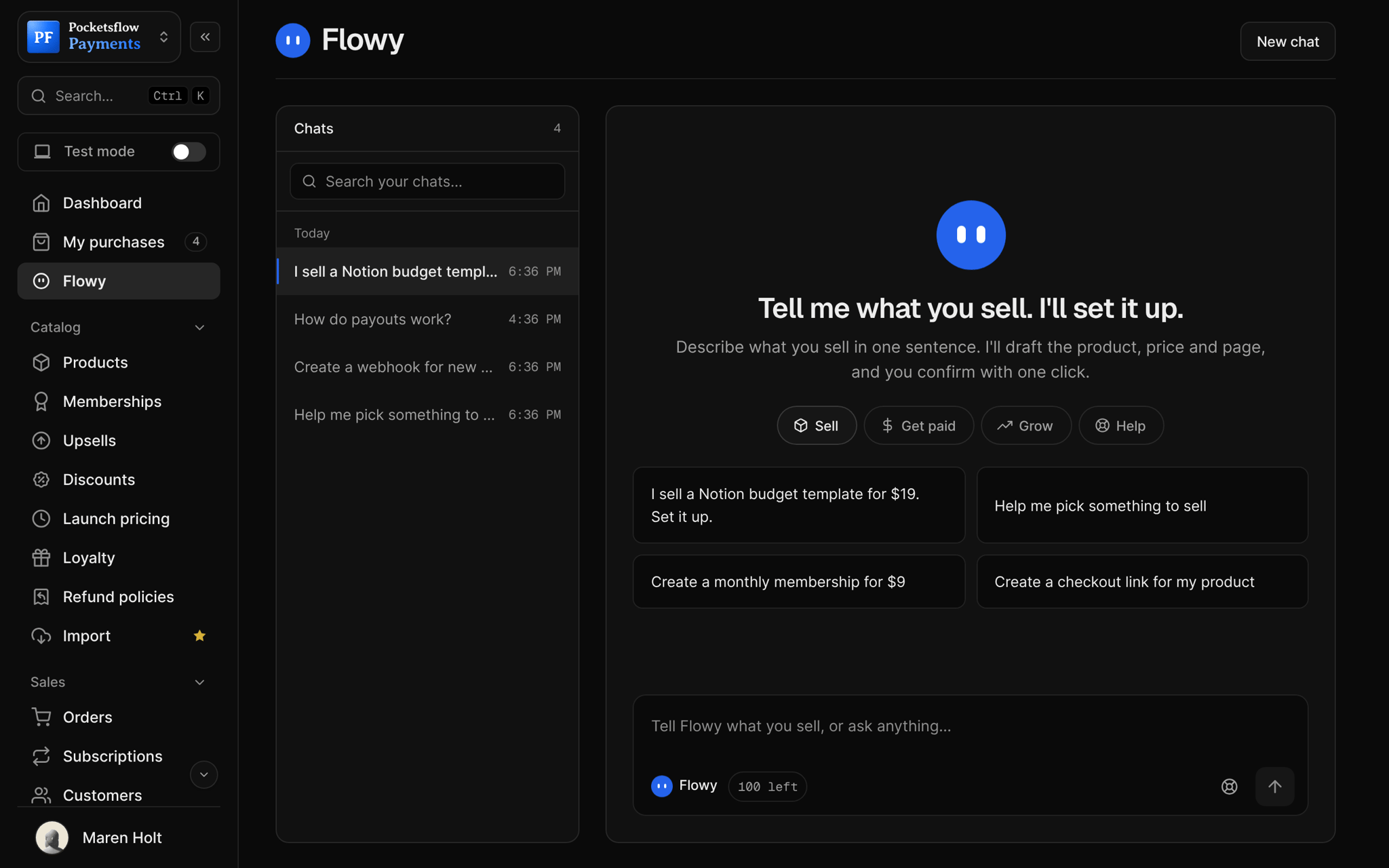
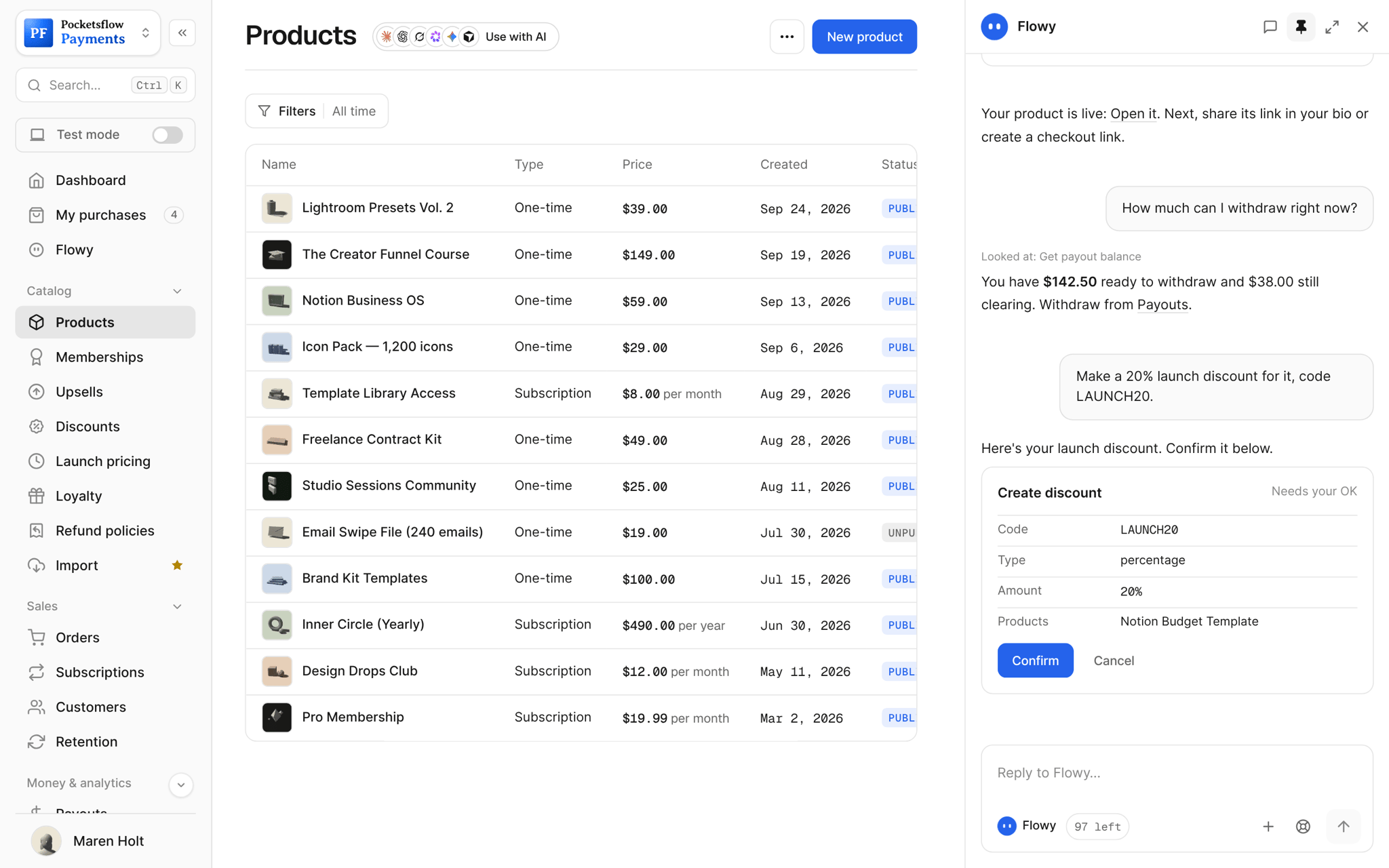
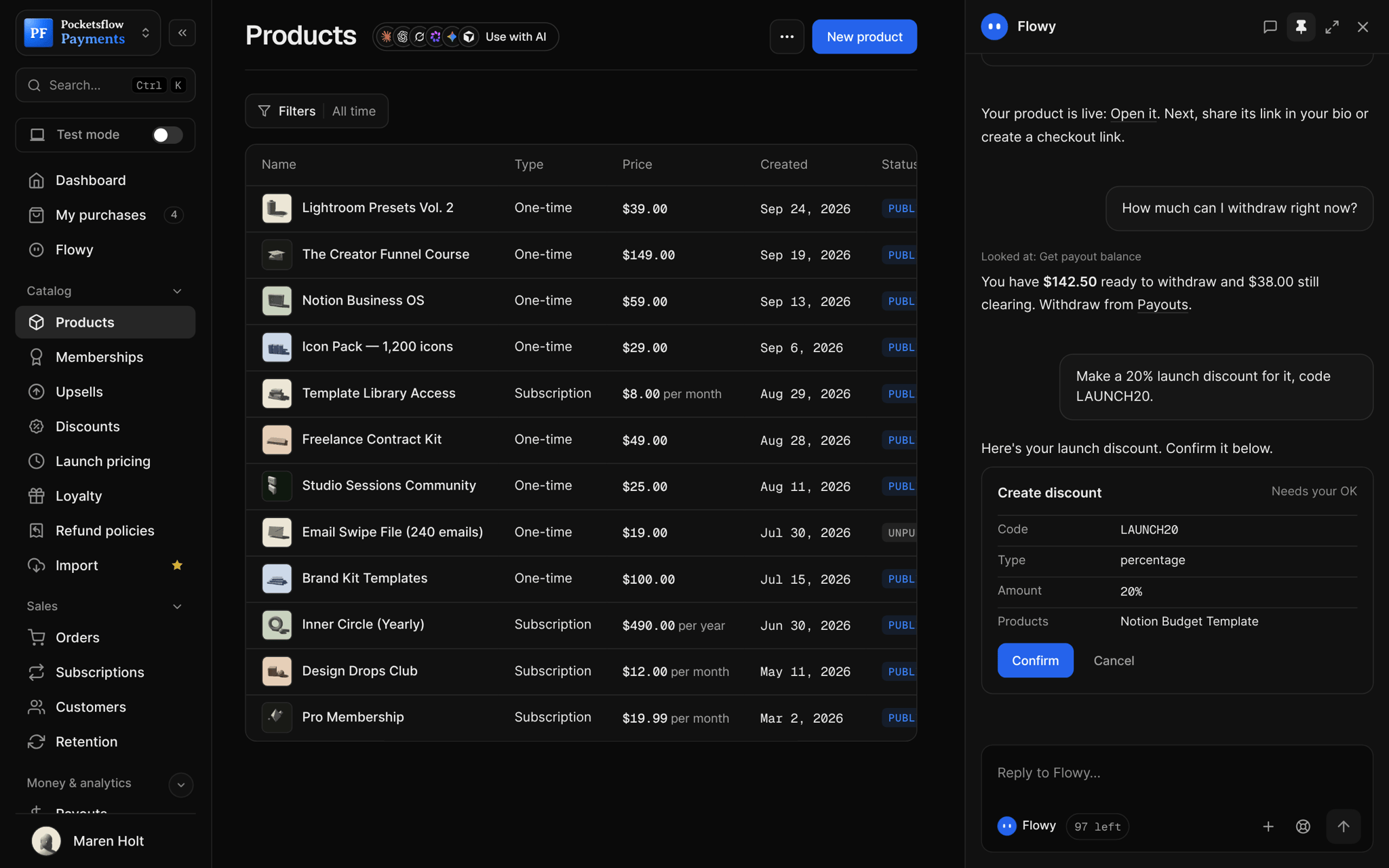
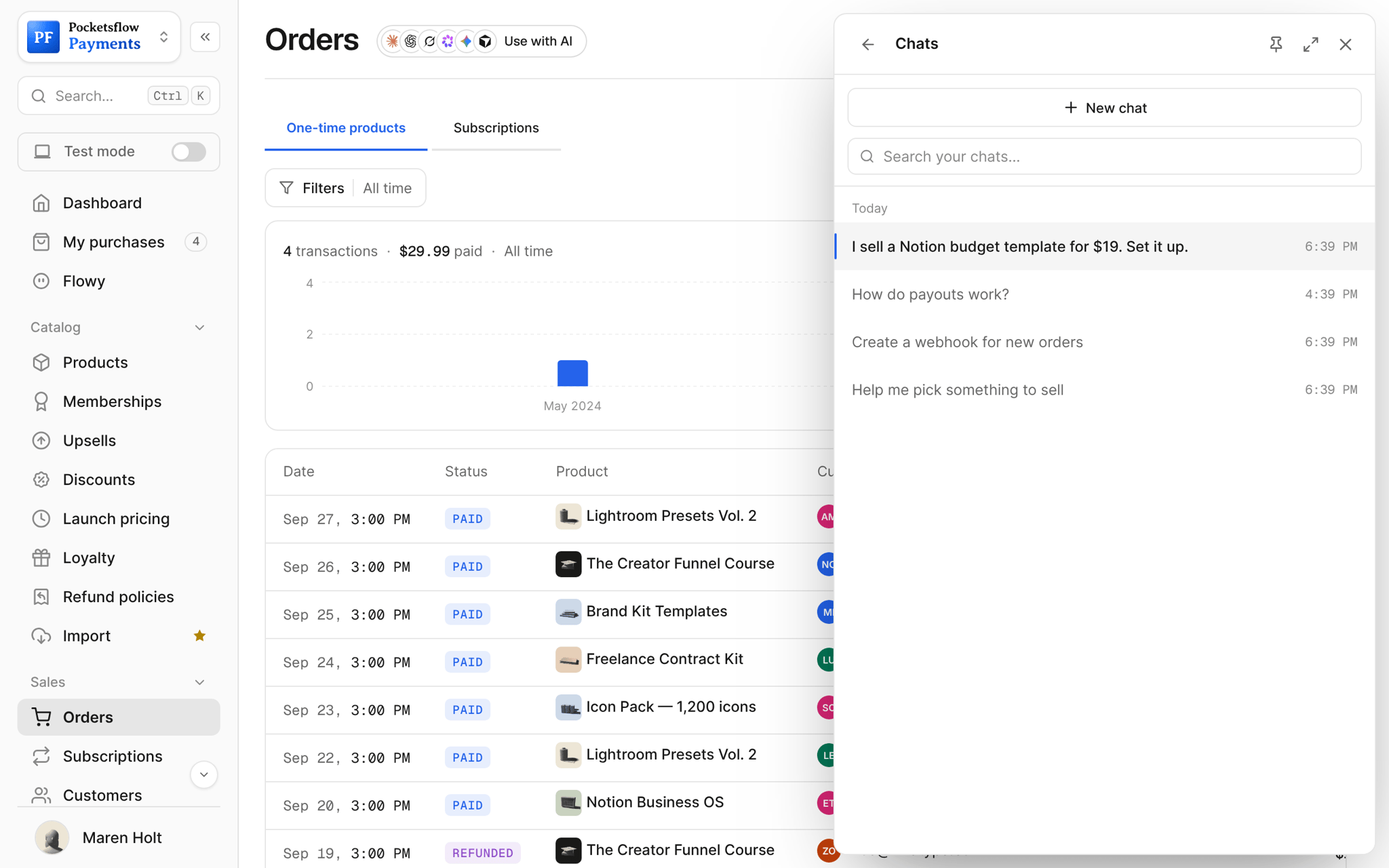
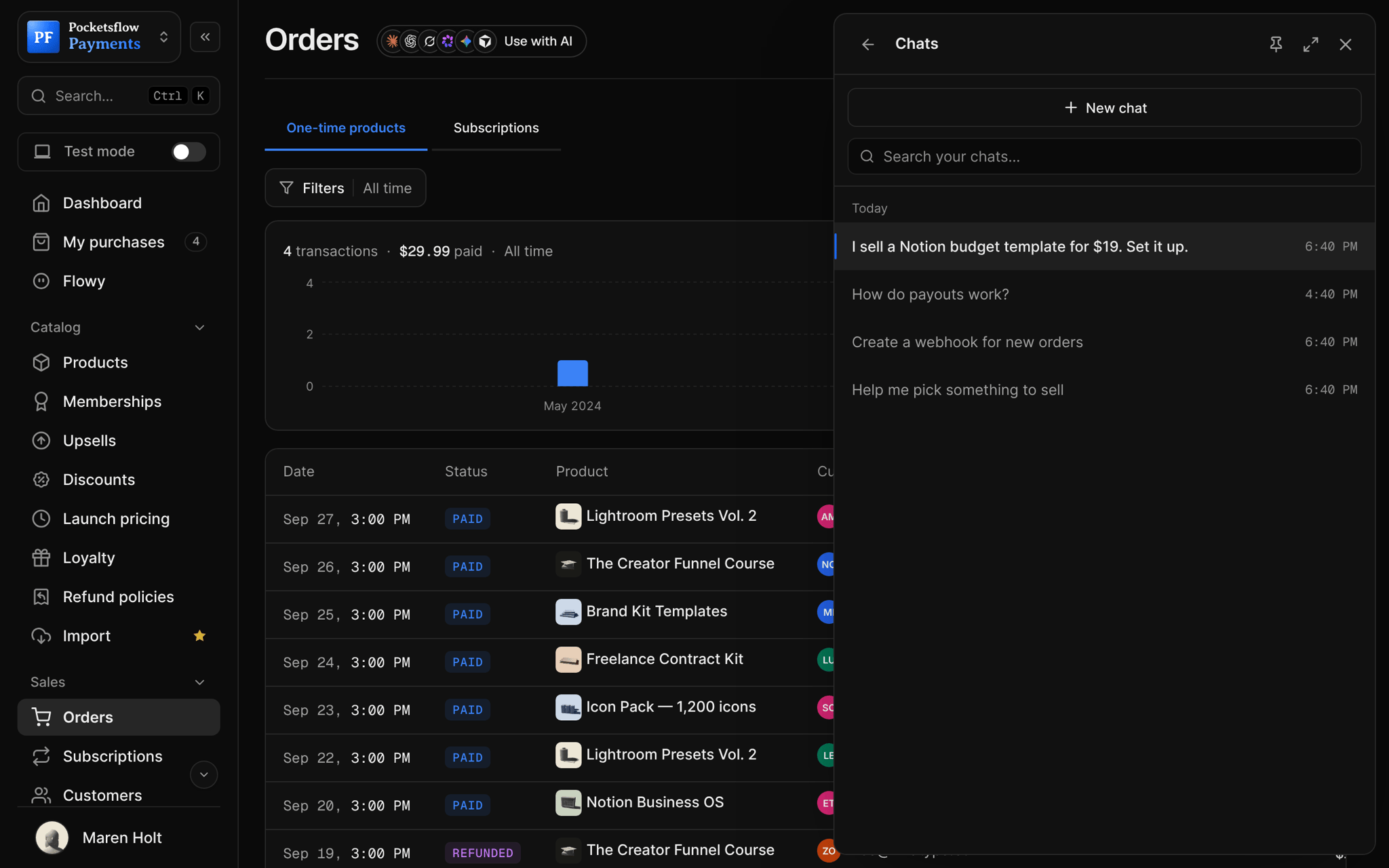
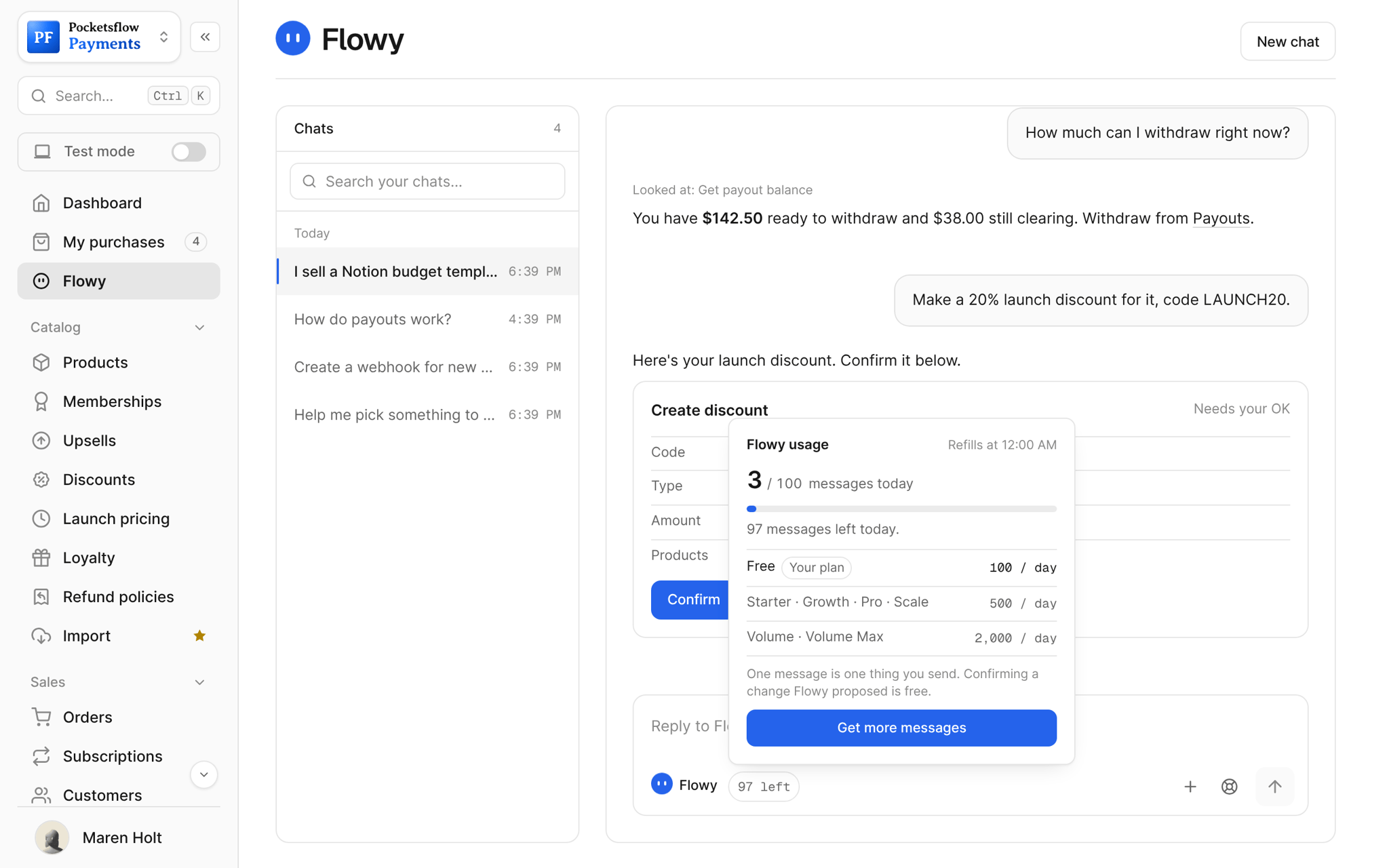
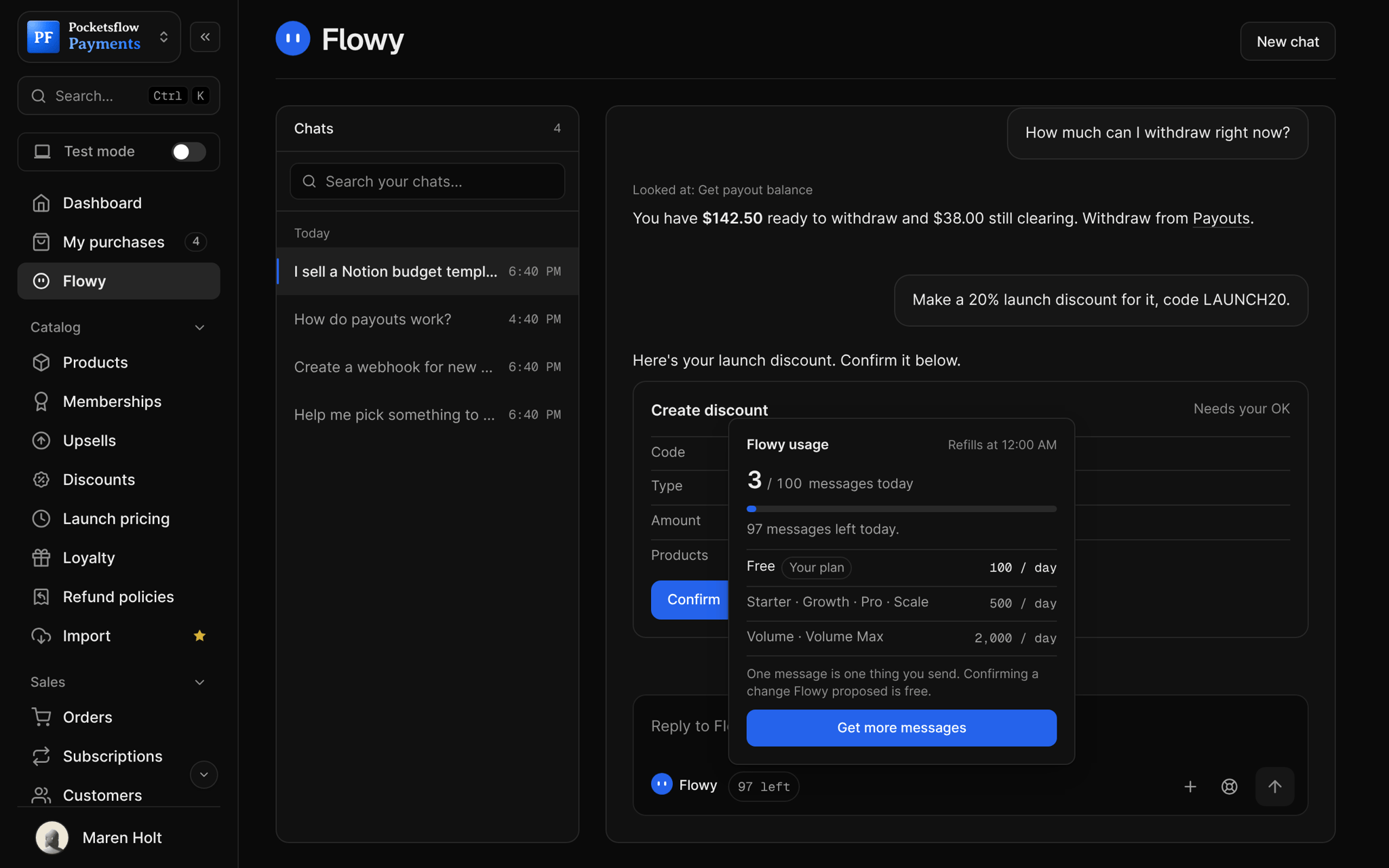
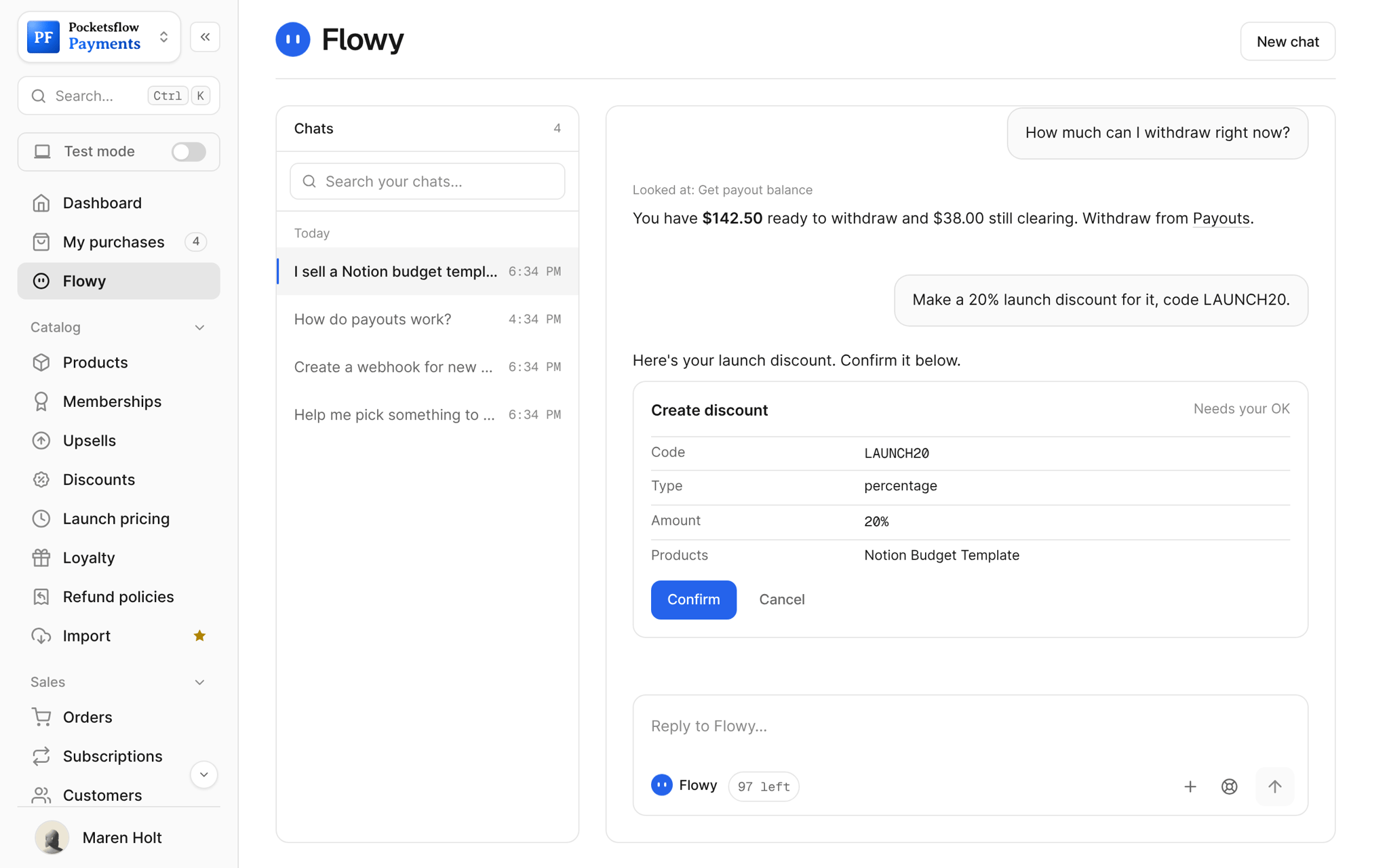
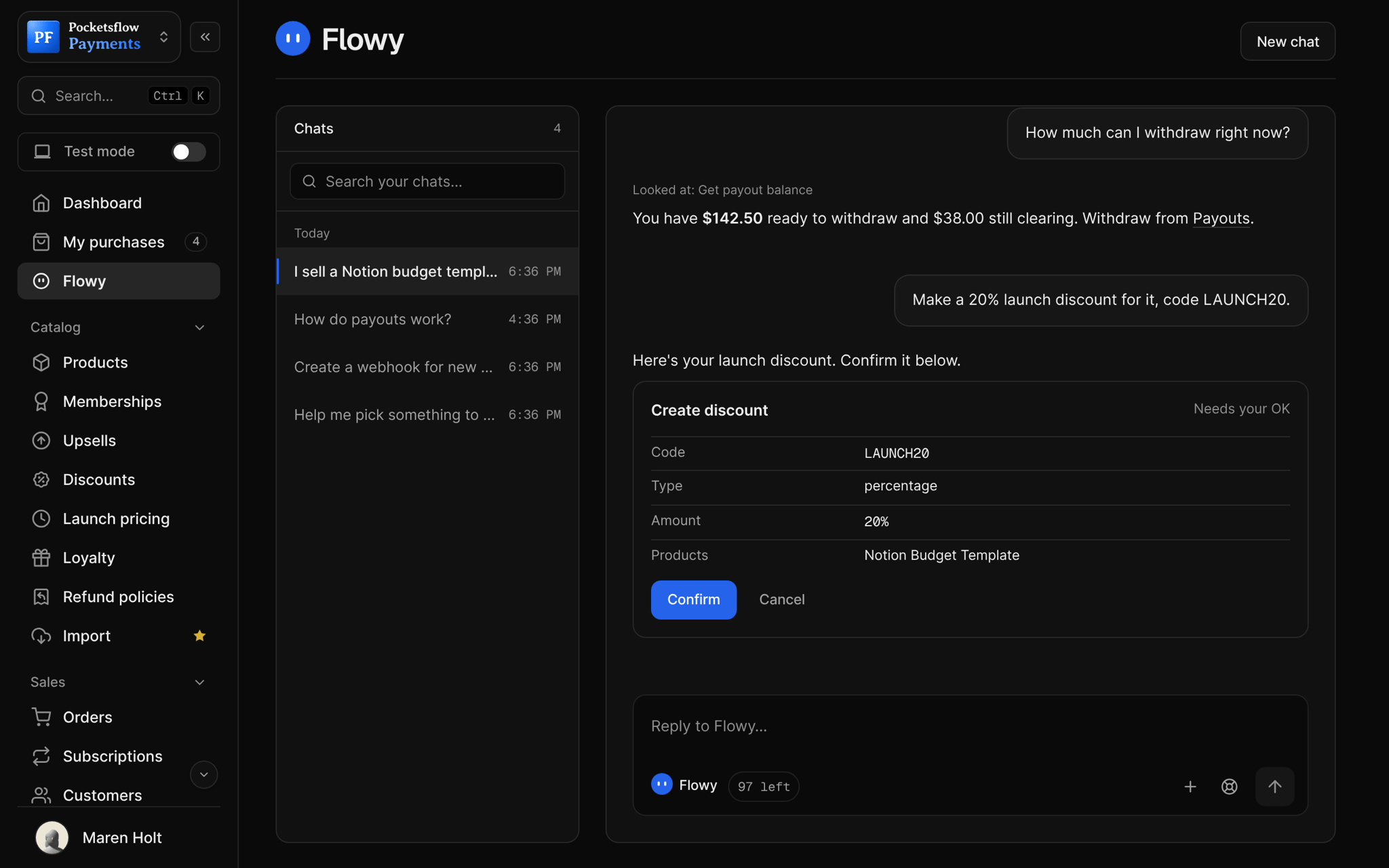
Every screen you will use.
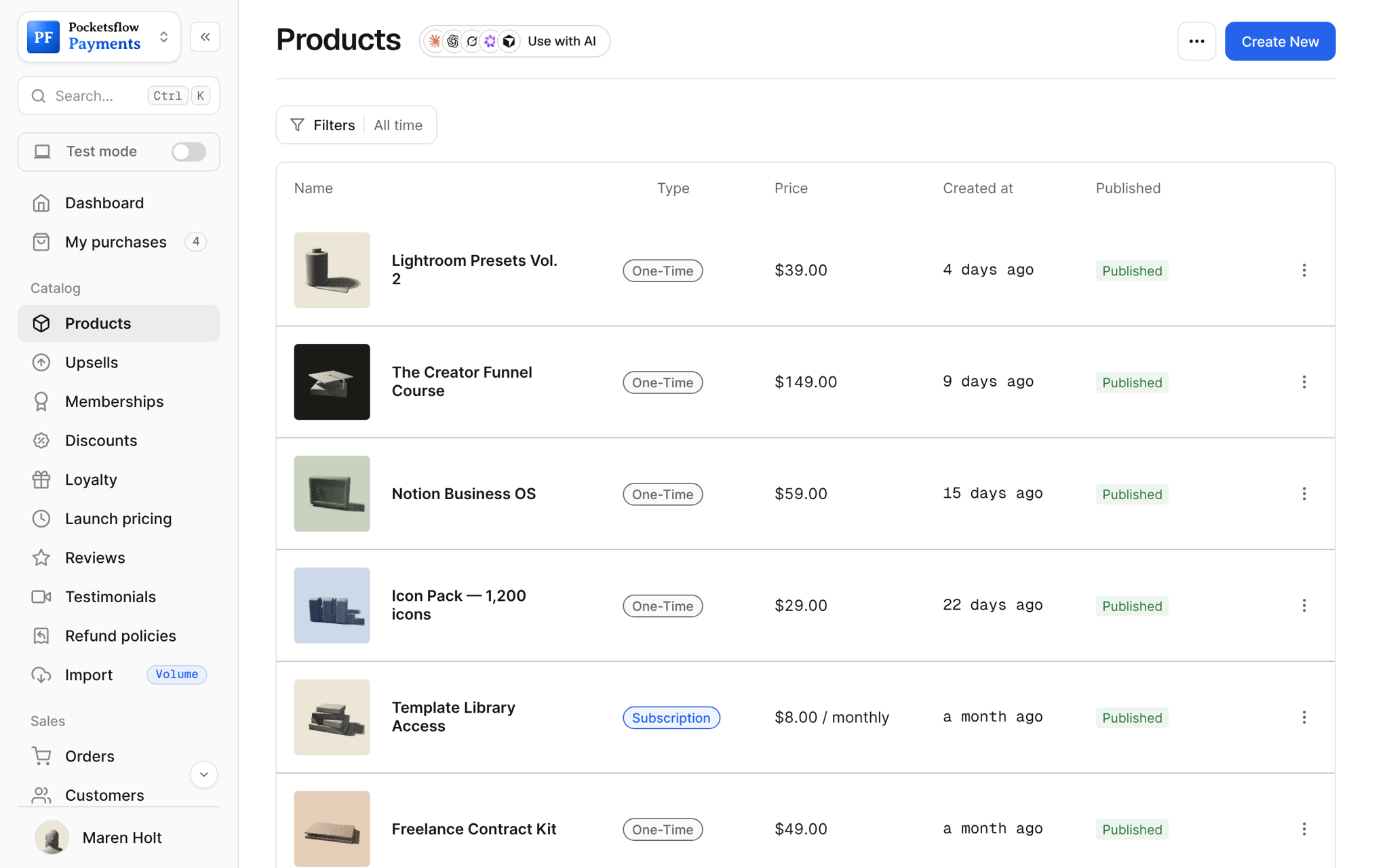
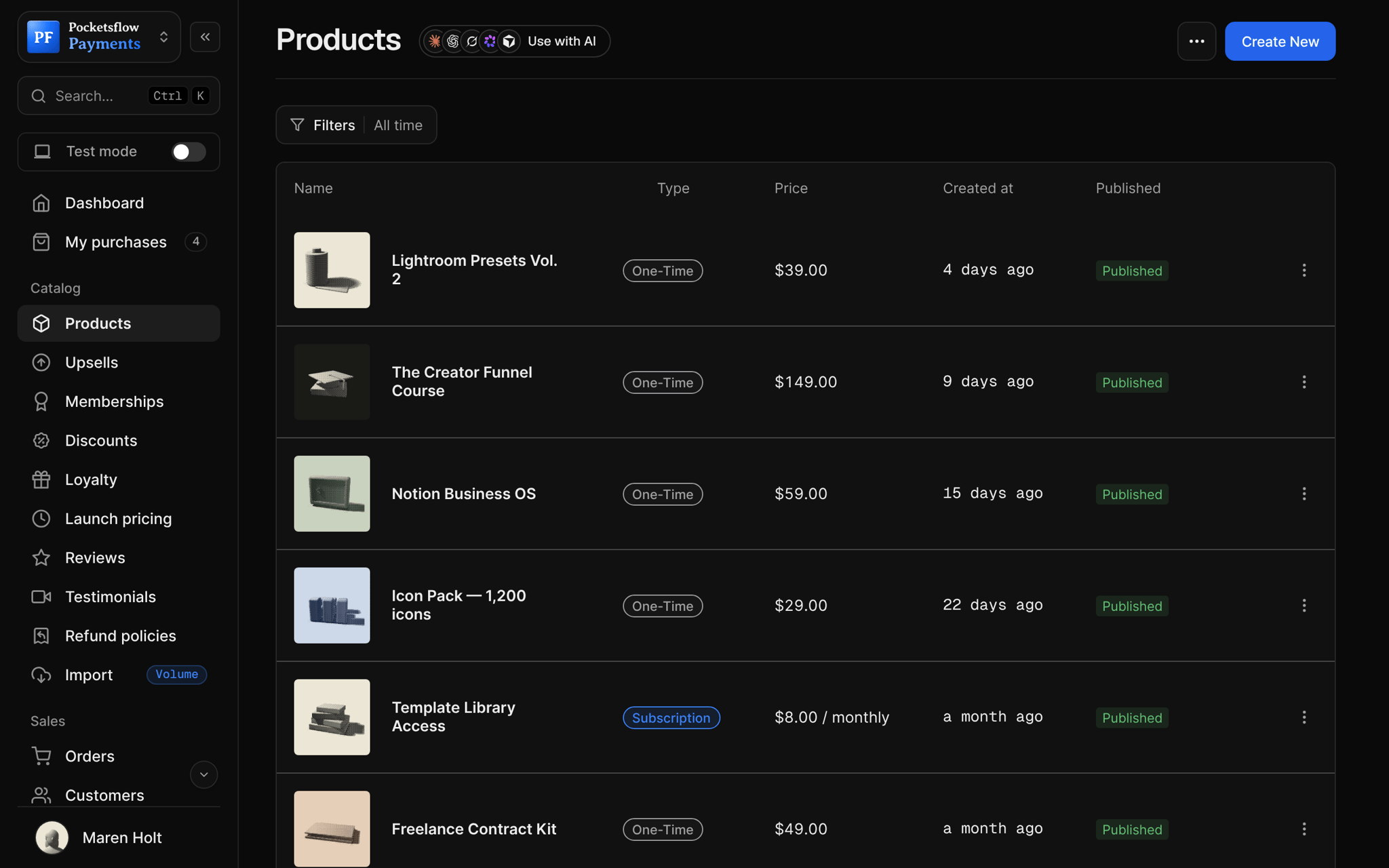
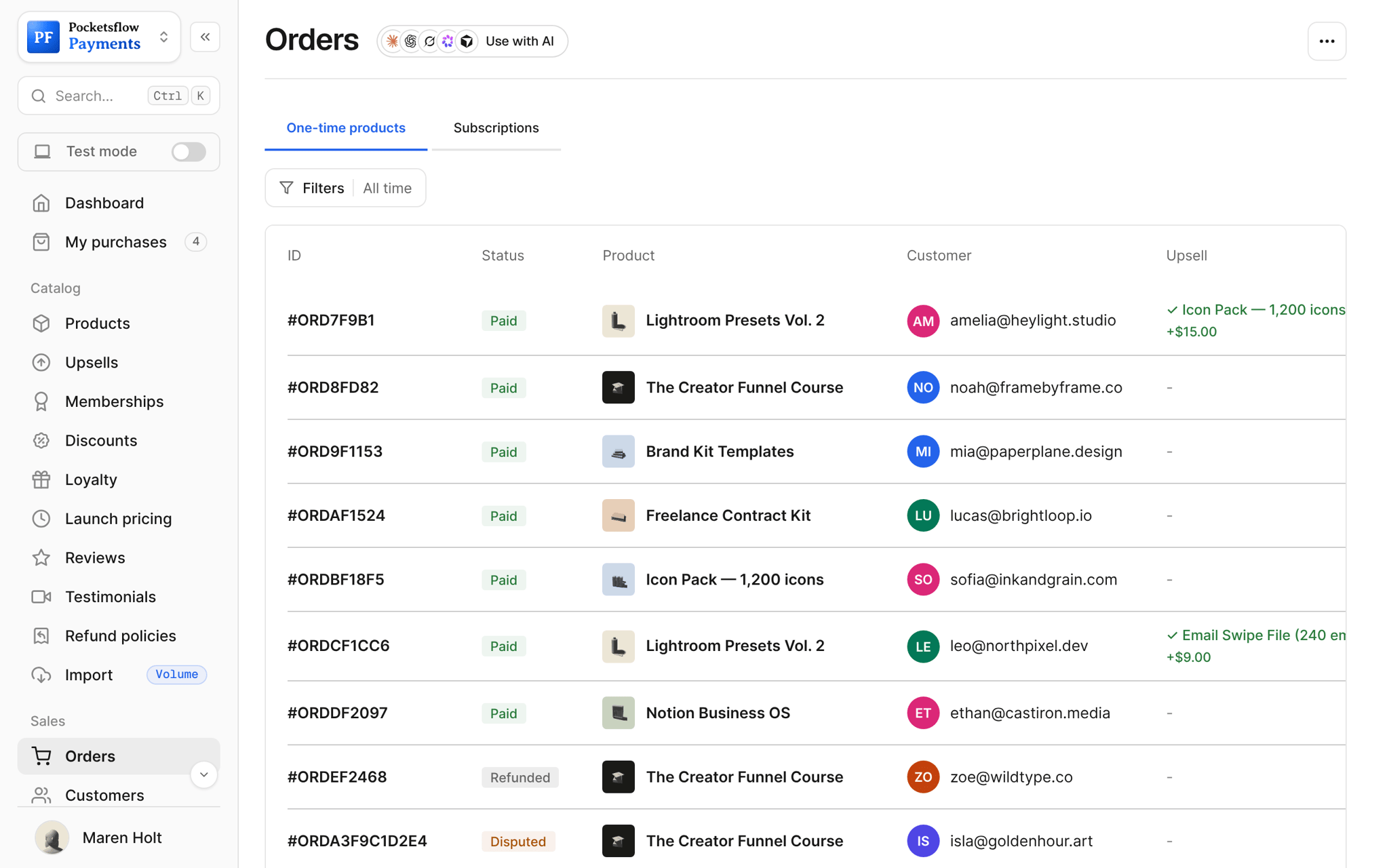
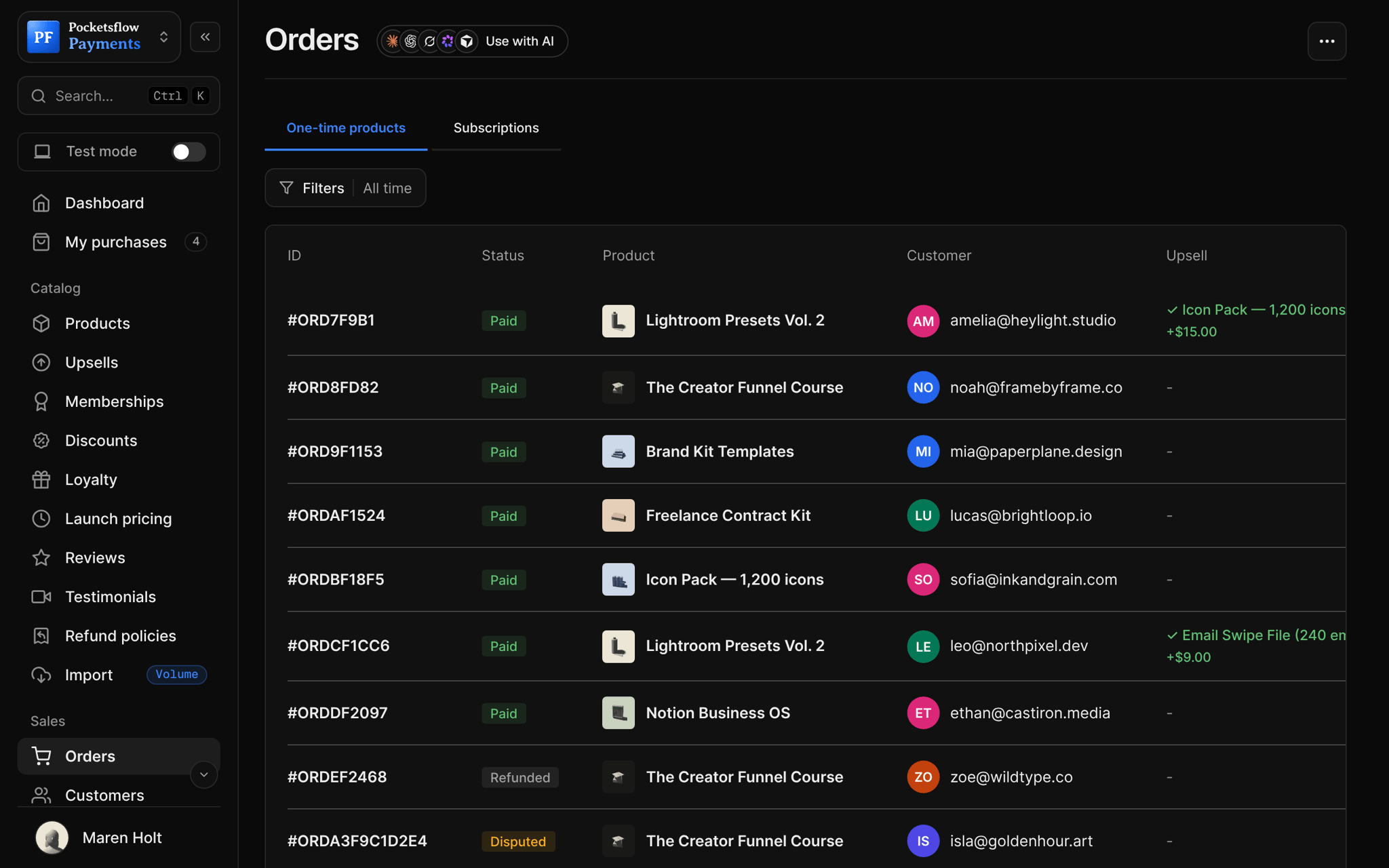
What creators ask Flowy first.
Launch your first product
Describe it in one sentence; Flowy drafts the name, price, description and page.
Notion Budget Template$19
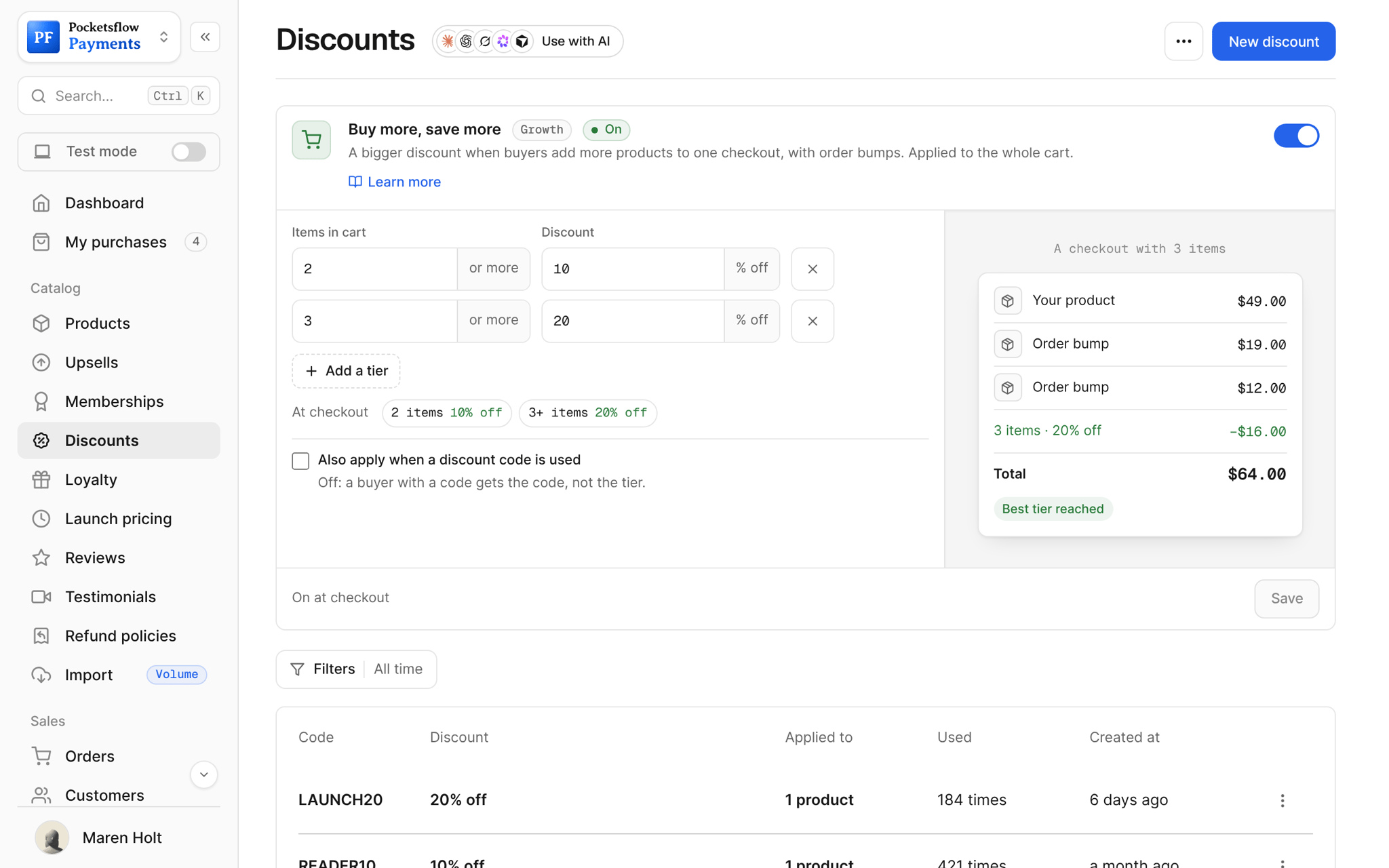
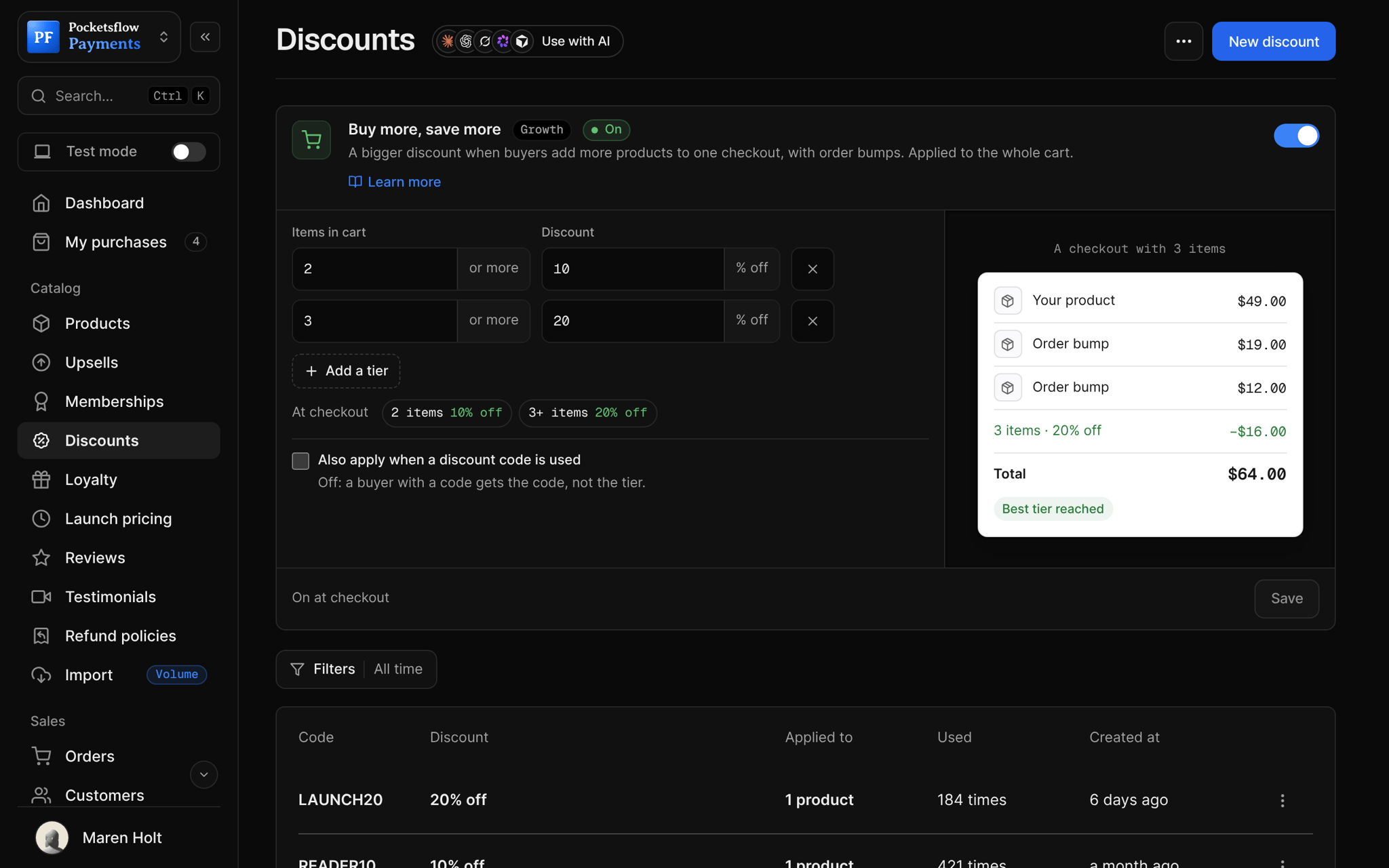
A launch discount
Ask for a code and an amount; Flowy prepares it on the right product.
LAUNCH2020% off
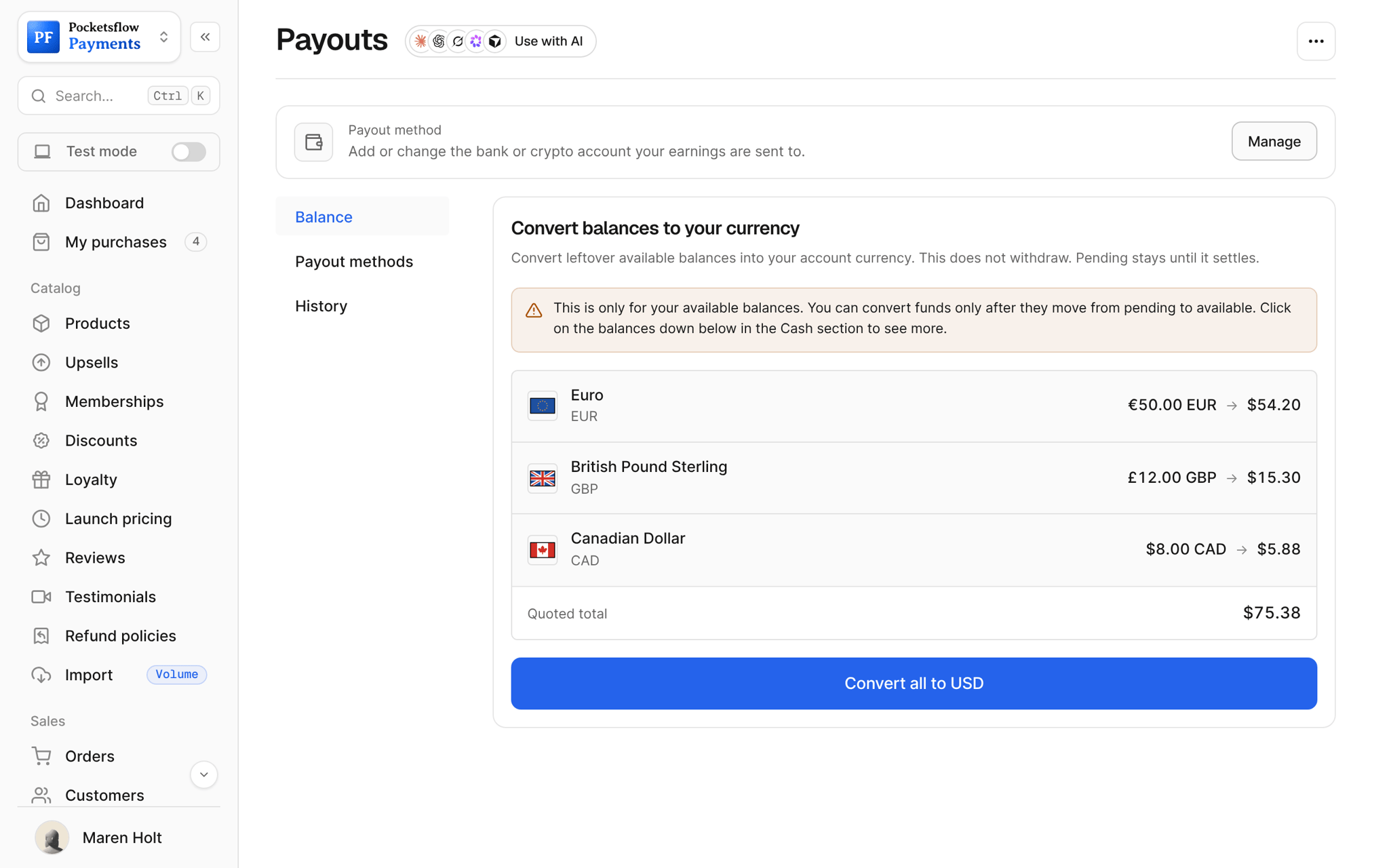
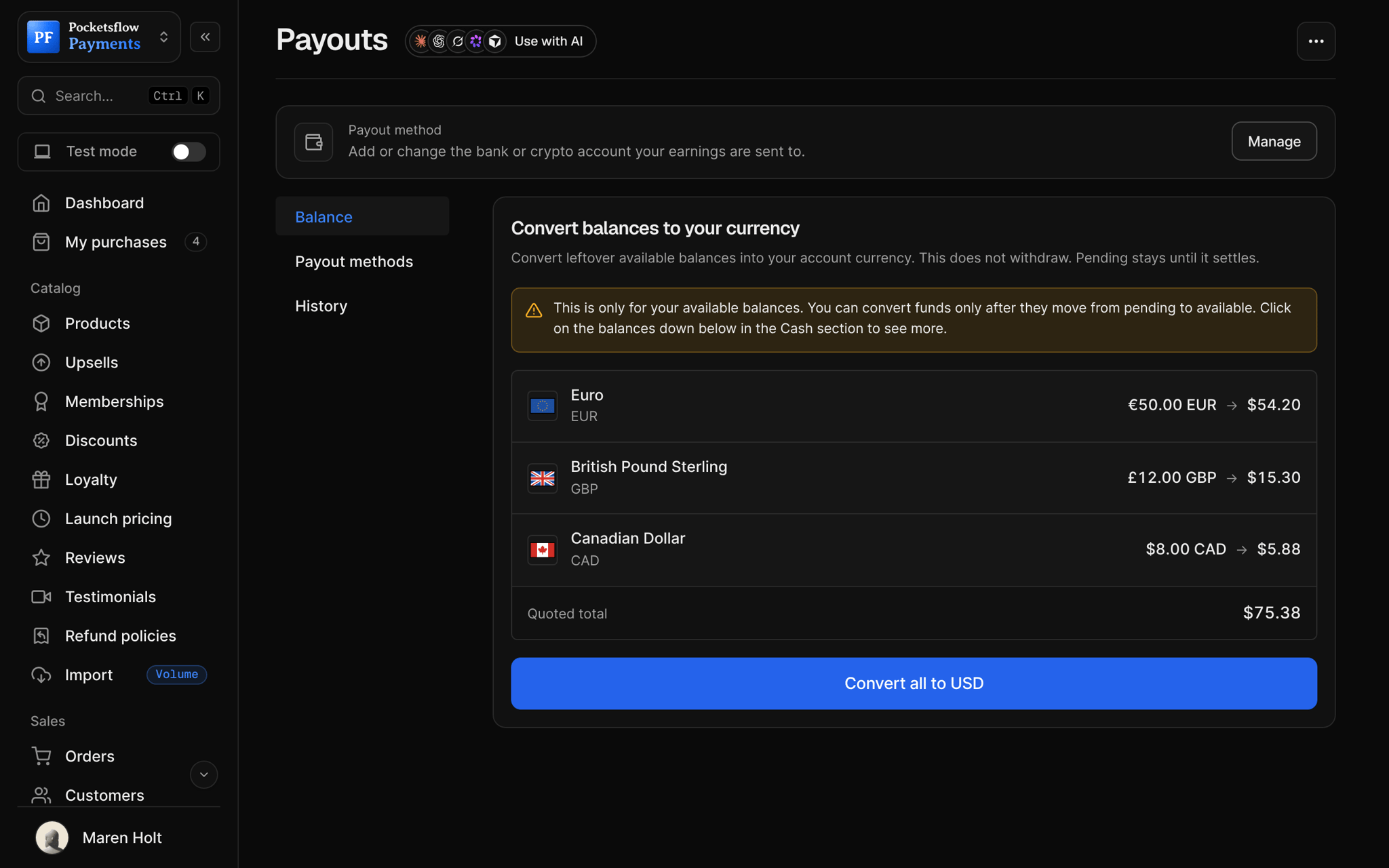
Know what you can withdraw
Your ready and clearing balance, straight from your payouts account.
Payout balance$142.50 ready
Find your best seller
Sales and revenue by product, from your store's real numbers.
Notion Budget Template41 sales
Email your list
Flowy writes the email, picks the audience and waits for your OK to send.
New template is live1,204 subscribers
Sort out a refund
Find the order and refund it, after you confirm.
Order from Mia Chen$19.00
Ask, check, confirm.
Ask
In your own words, like you'd ask a teammate. Flowy replies in your dashboard's language.
Flowy reads your store
It looks up your products, orders and numbers before it answers.
It prepares the change
A card shows every field: the product, the price, the code, the audience.
You confirm
Nothing changes until you click Confirm. Then Flowy tells you it's done.
Let your agents run and grow your business.
Connect Claude, ChatGPT, Codex, Grok, Cursor or any MCP client once. Then ask in plain words, and every change lands in your dashboard.
 Claude · Desktop app
Things to ask
- I sell a Notion budget template for $19. Set it up.create_product
- Make me a checkout link for itlist_products · create_checkout_session
- How much can I withdraw right now?get_payout_balance
- Which product sold best this month?get_analytics_summary
- Refund the last order from Mia Chenlist_orders · create_refund
- Run a 48-hour flash sale on my courselist_products · create_flash_sale
Everything included.
- The Flowy page and Ask Flowy on every dashboard page
- Pin the panel and it docks beside the page
- Products, prices and checkout links
- Subscriptions, bundles and flash sales
- Discounts, upsells and A/B tests
- Emails, segments and signup forms
- Orders, customers, refunds and license keys
- Balance, payouts and analytics, read only
- Every change as a card you confirm
- Past chats, searchable
- Replies in your dashboard's language
- Hands you to our team when it's stuck
Why sellers pick Pocketsflow.
It does the work
Not tips about where to click: Flowy creates the product, the link or the discount for you.
You stay in charge
Every change waits for your Confirm, and Flowy can never withdraw or move your money.
Your team, your rules
Teammates chat with Flowy too, with exactly the access their role already has.
A person when you need one
Stuck on something it can't fix? Flowy hands you to our team with the whole chat attached.
It's easy. Even your AI can do it.
Add Pocketsflow to the AI you already use, sign in and click Allow access. No API key, no code.
- 01Paste into your AI appThen sign in and click Allow.www.pocketsflow.com/mcp
Add Pocketsflow
Paste the server URL as a connector in your AI app.
- 02
Sign in and allow
Your AI opens Pocketsflow. Click Allow access.
- 03
Ask for anything
Products, orders, discounts, emails, in plain words.
import { Pocketsflow } from "pocketsflow";

const pf = new Pocketsflow({
  apiKey: process.env.POCKETSFLOW_API_KEY,
});

// A one time product. Use subscriptionOffers.create() for plans.
const product = await pf.products.create({
  name: "Pro license",
  price: 49,
});

// A hosted checkout for that product.
const session = await pf.checkout.create({
  productId: product._id,
  successUrl: "https://example.com/welcome",
  customerEmail: "buyer@example.com",
});

// Send the buyer to session.url. Payment, tax, and delivery
// are handled; order.completed fires to your webhook.
redirect(session.url);
Payments are an API call.
Create a checkout, attach a product, and let Pocketsflow handle the transaction lifecycle: payment, tax, delivery, and the receipt.
Every resource is an HTTPS endpoint under one base URL with Bearer API keys. Live and test keys are scoped to their own data; the OpenAPI spec is served at /docs.json.
Common questions.
Is Flowy free?
Yes. Flowy is included on every plan. Free gets 100 messages a day; Starter, Growth, Pro and Scale get 500; Volume and Volume Max get 2,000. Confirming a change Flowy prepared doesn't use a message.
Where do I find it?
In your dashboard: the Flowy page in the sidebar, and the Ask Flowy button on every page. Pin the panel and it stays docked beside the page while you work.
Can Flowy change things without asking me?
No. Anything that changes your store, sends an email or refunds an order shows up as a card first, and nothing happens until you click Confirm. Questions about your store are answered right away.
Can it withdraw or move my money?
No. Flowy can show your balance and your payouts, but withdrawals only happen on your Payouts page.
What can't Flowy do?
It doesn't add team members or agencies, set up revenue splits or ad pixels, or connect outside apps. For those it links you to the right page in your dashboard.
How is it different from connecting my own AI?
Flowy lives in your dashboard and needs no setup. If you'd rather work from Claude, ChatGPT or another AI app you already use, connect it once with Pocketsflow MCP and ask it the same things.
Keep exploring.
Start selling today.
Sell your first product in minutes, keep more of every sale, and let the AI you already use run the busywork.