GrowEmail Marketing
Email and sales in the same box.
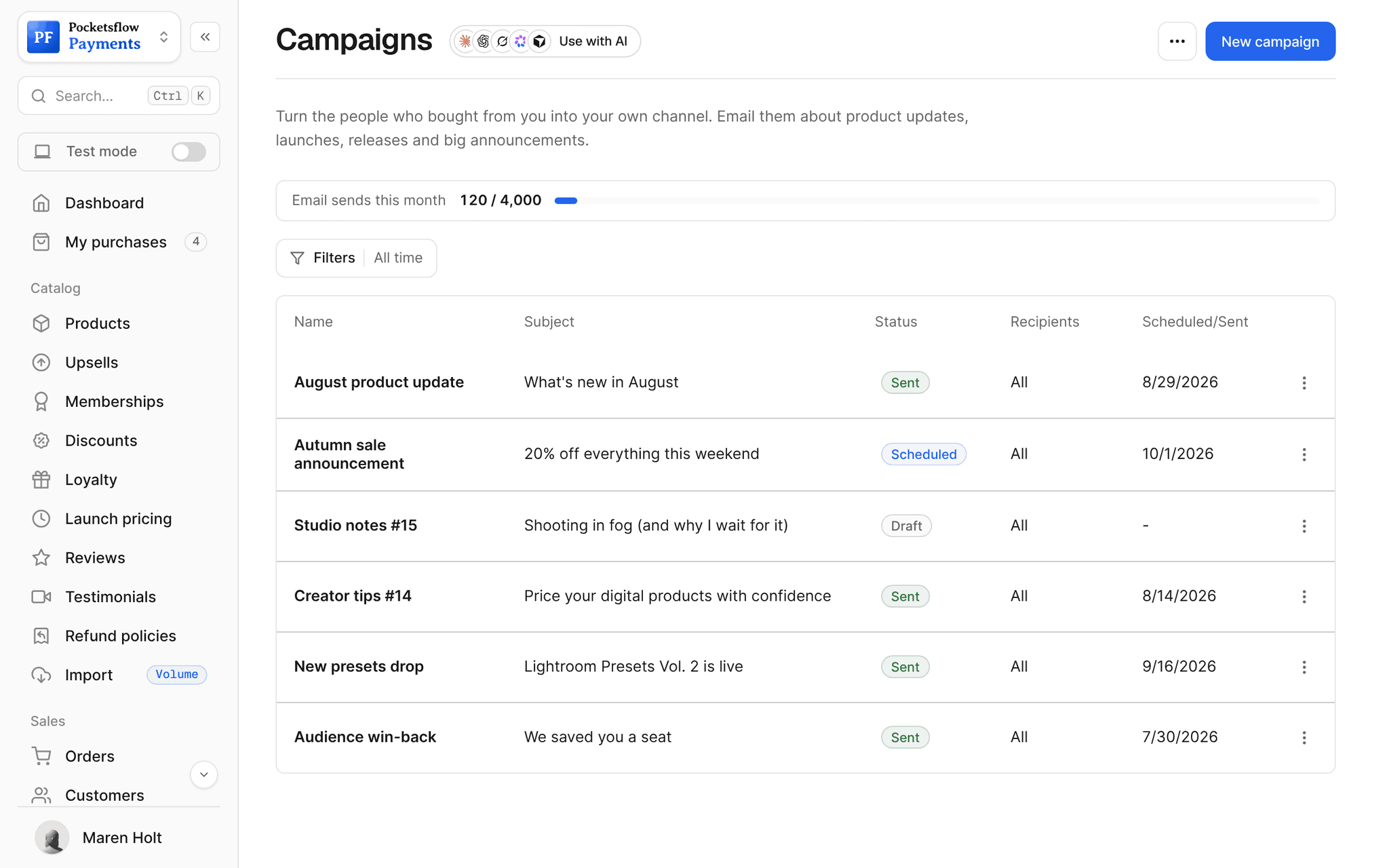
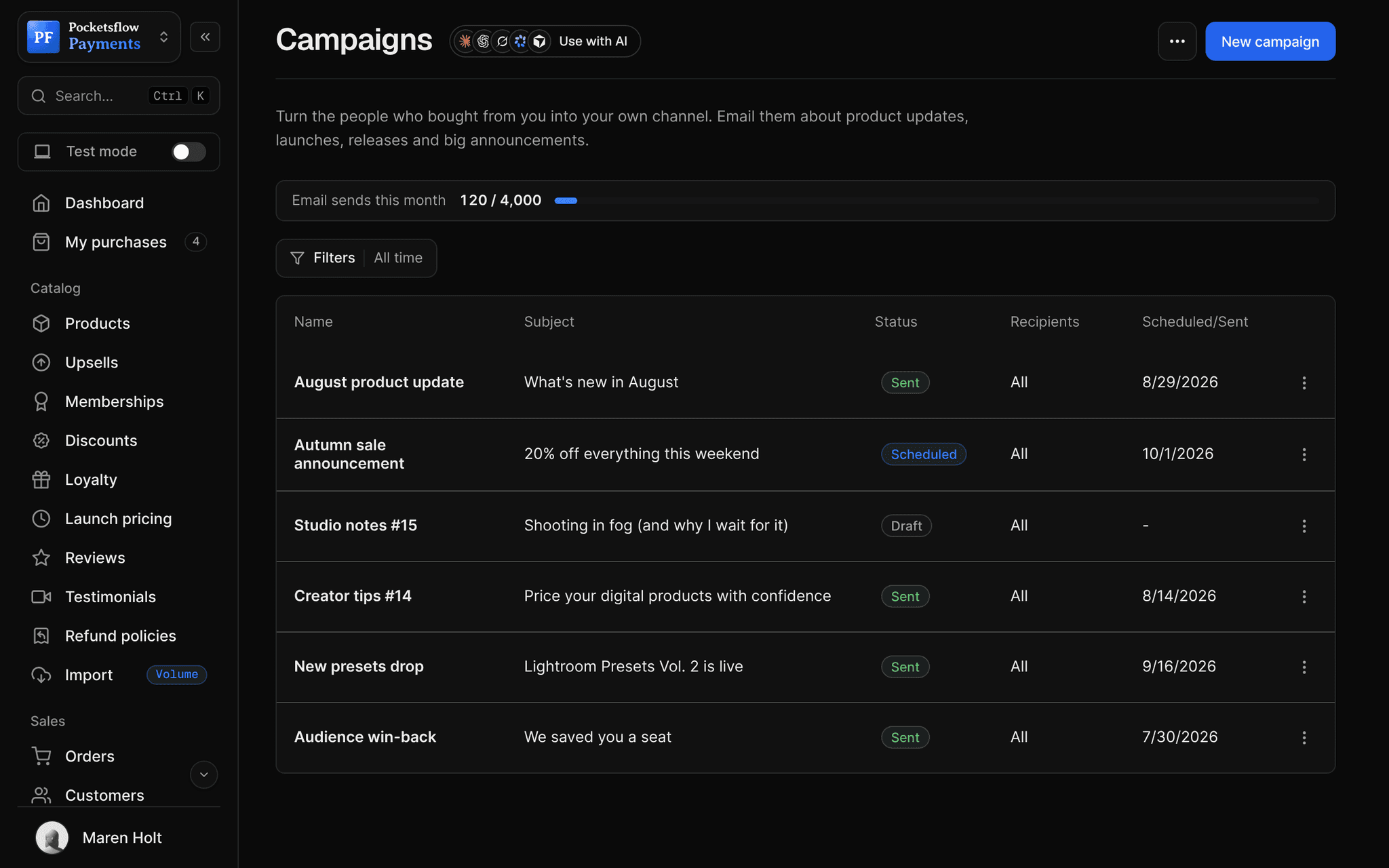
Your buyers become your list. Email everyone who bought a product, run automations off purchases, design with templates and see opens and clicks, without exporting a CSV to another tool.


- a month for the first email plan
- $15
- subscribers on the free plan
- 1,000
- email metrics, from sends to click rate
- 6
- estimated per sale, no monthly fee
- 4.7% + $0.30
// inside pocketsflow
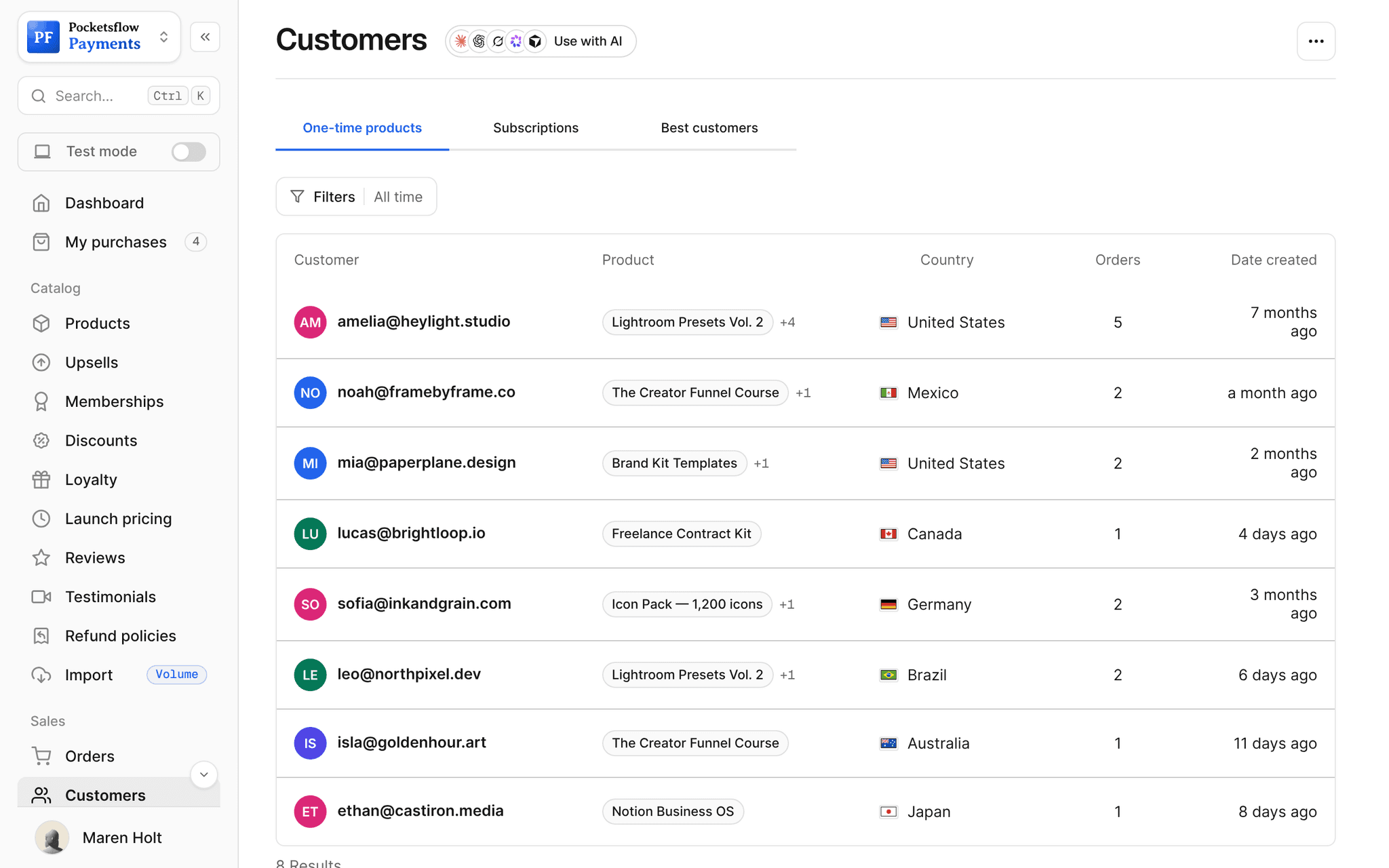
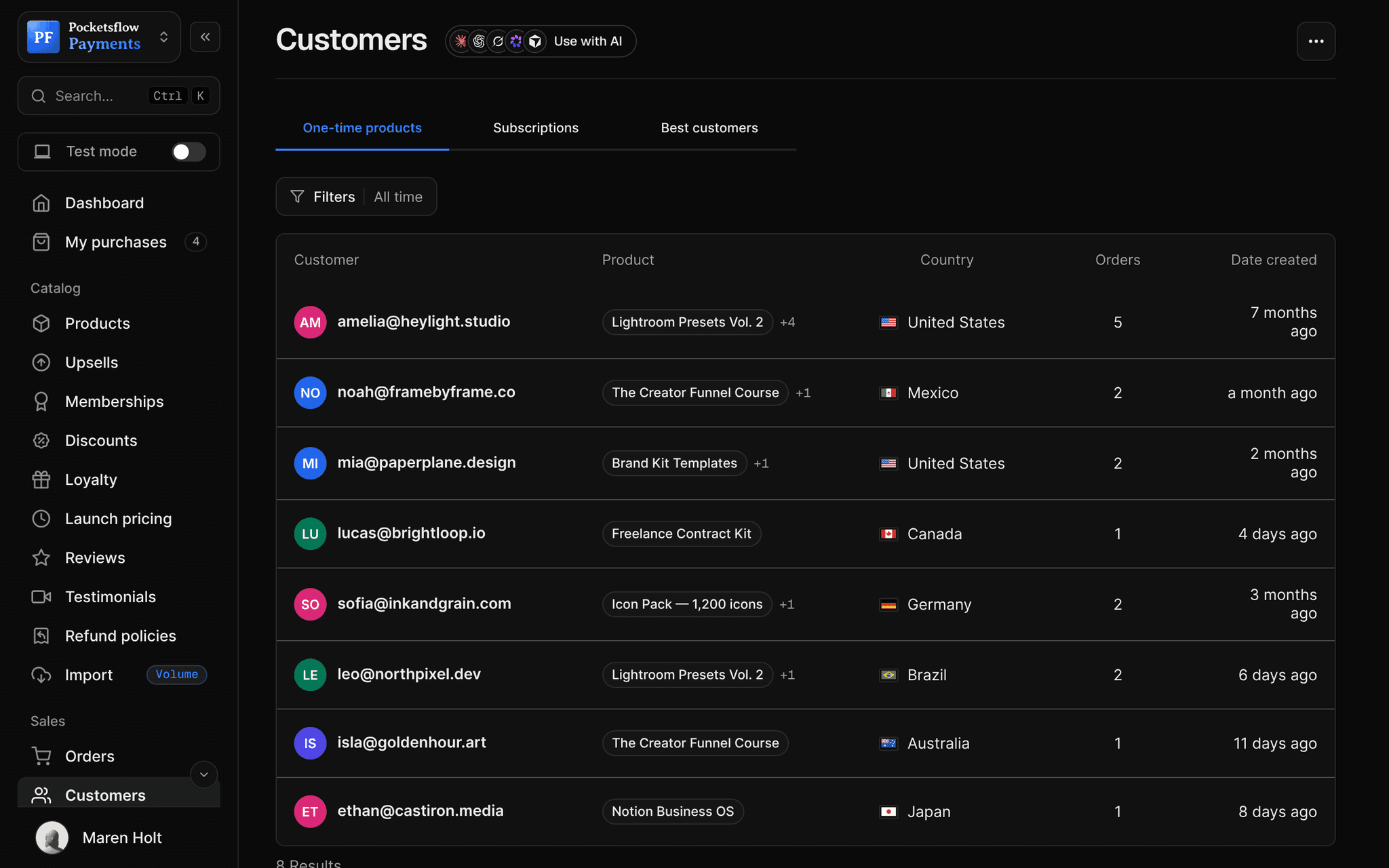
See how it works in the dashboard.
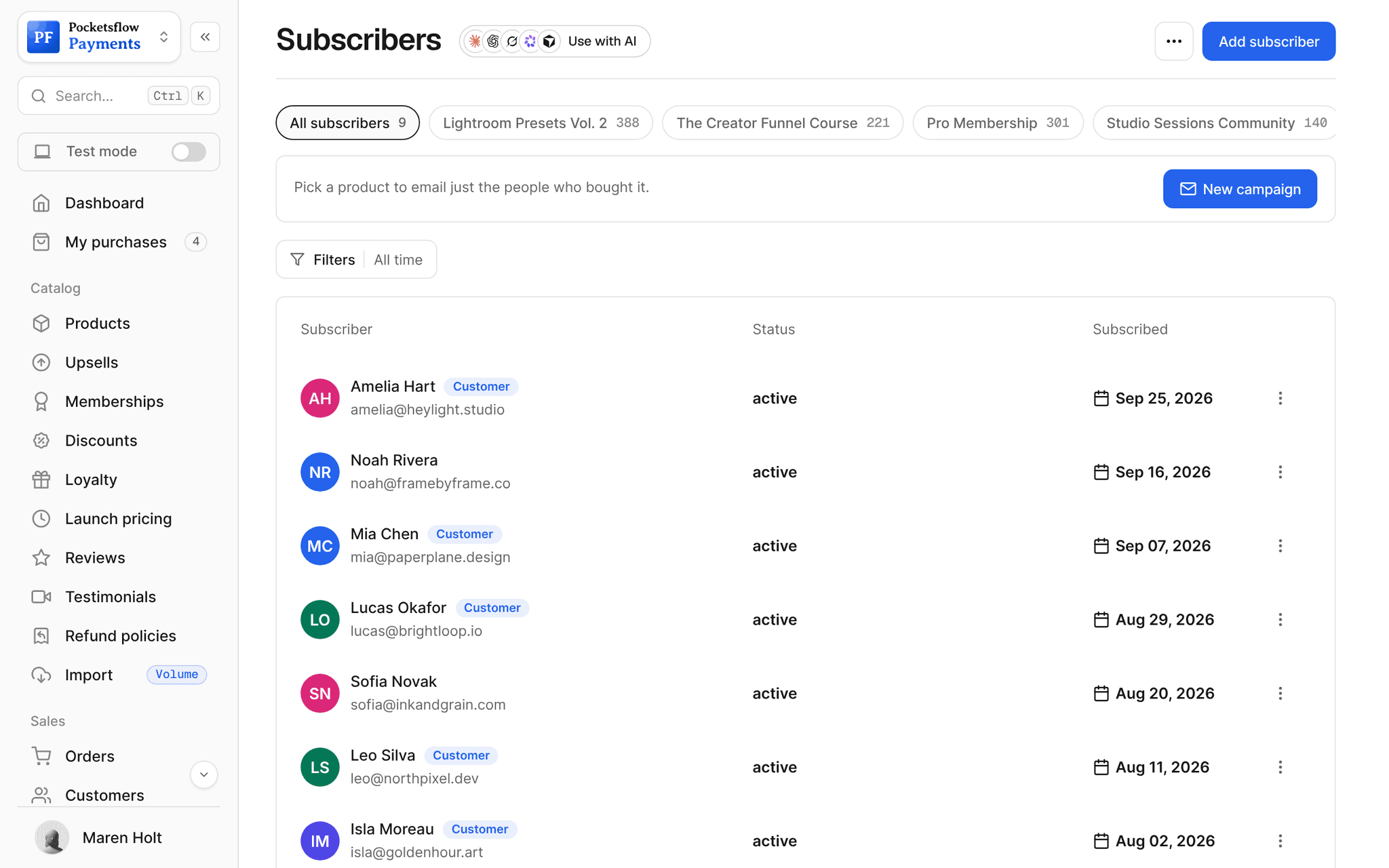
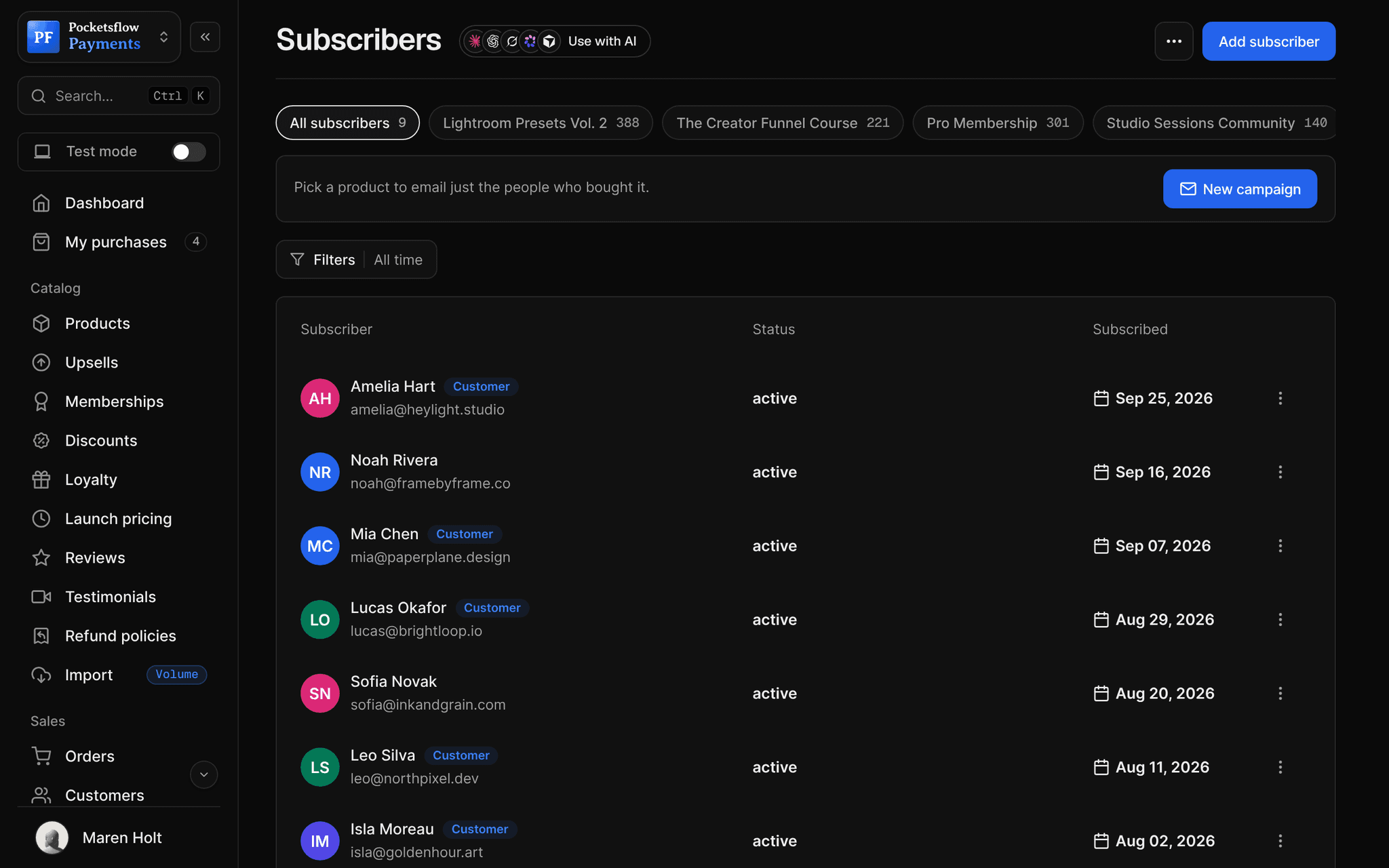
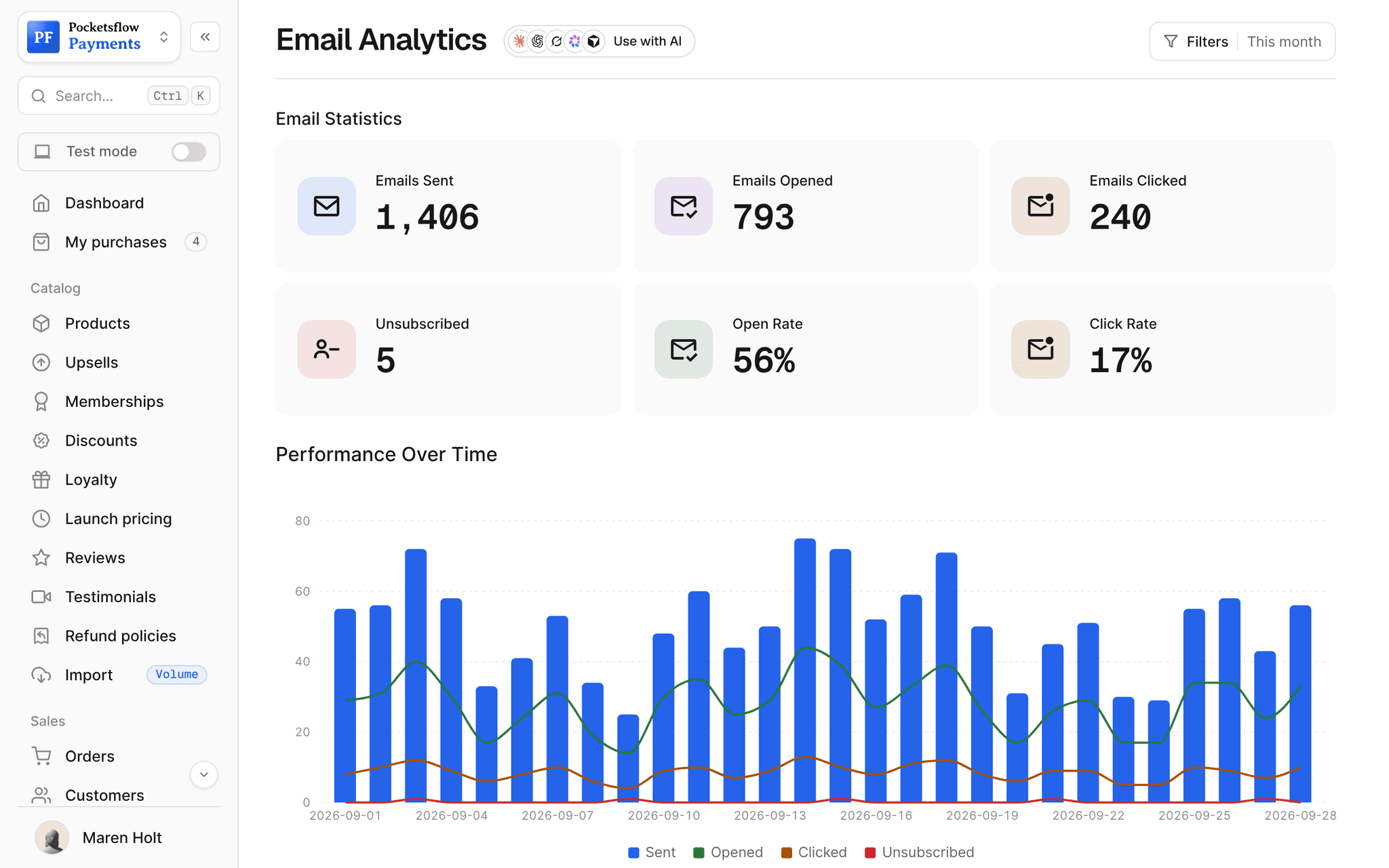
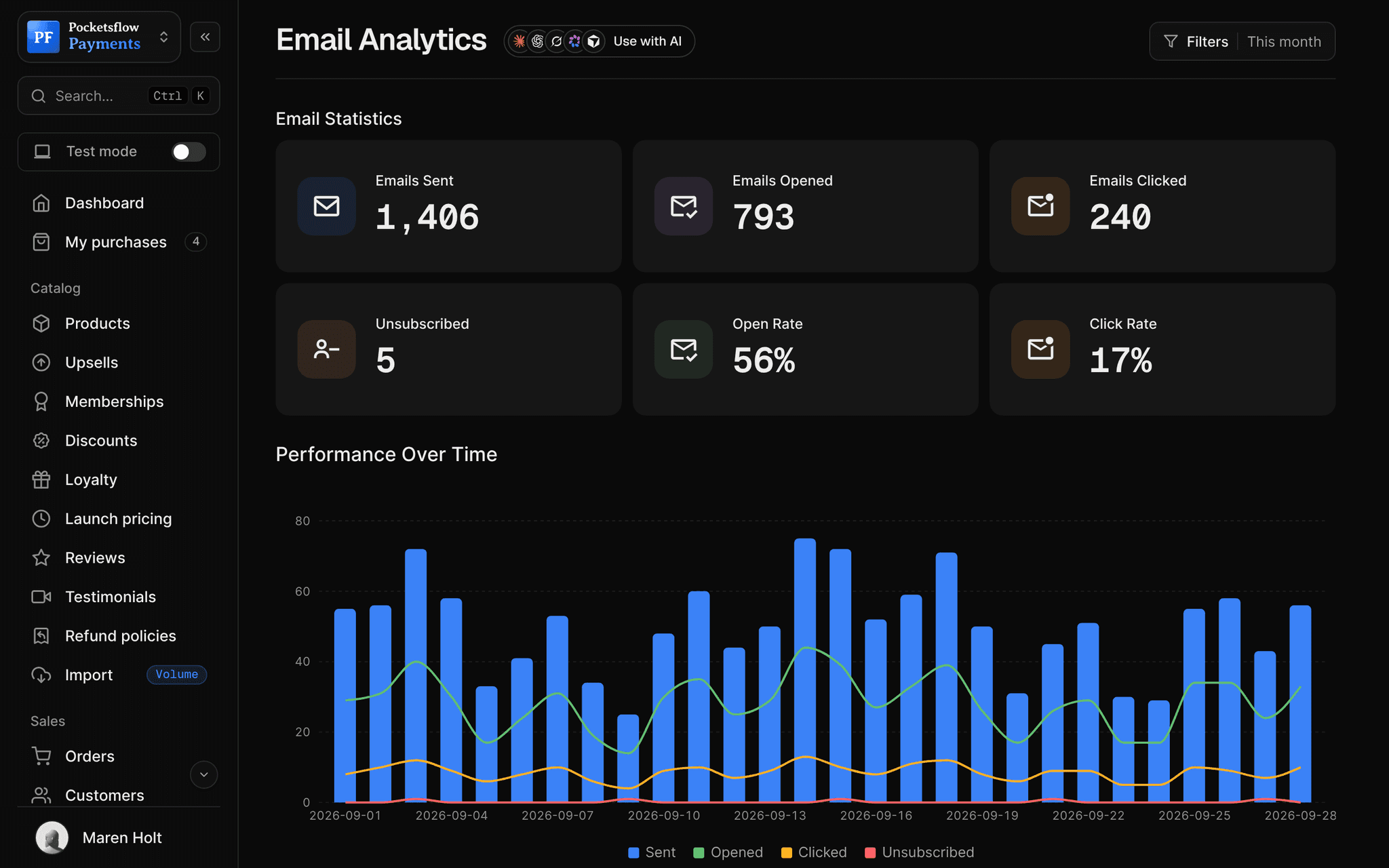
// more screens
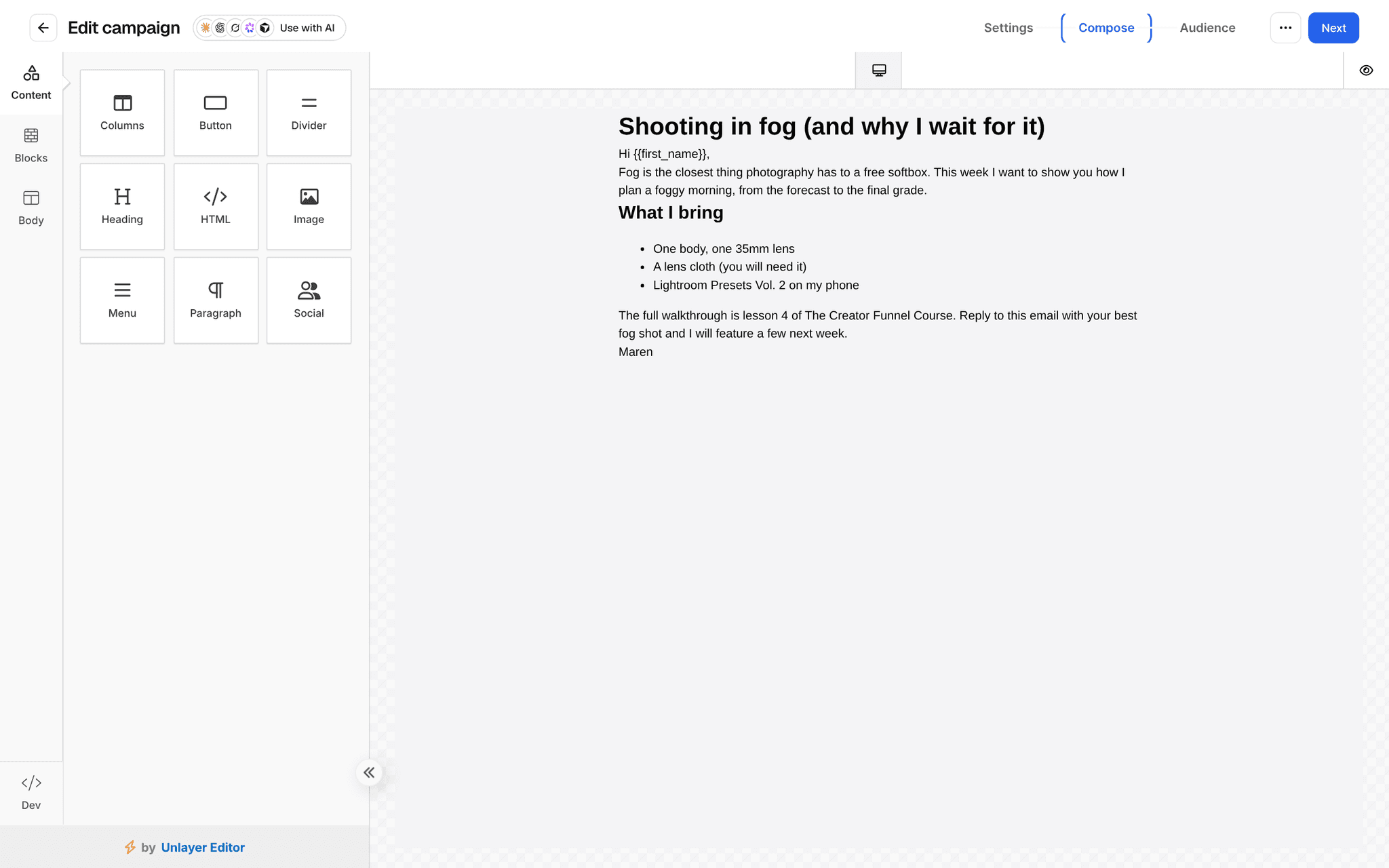
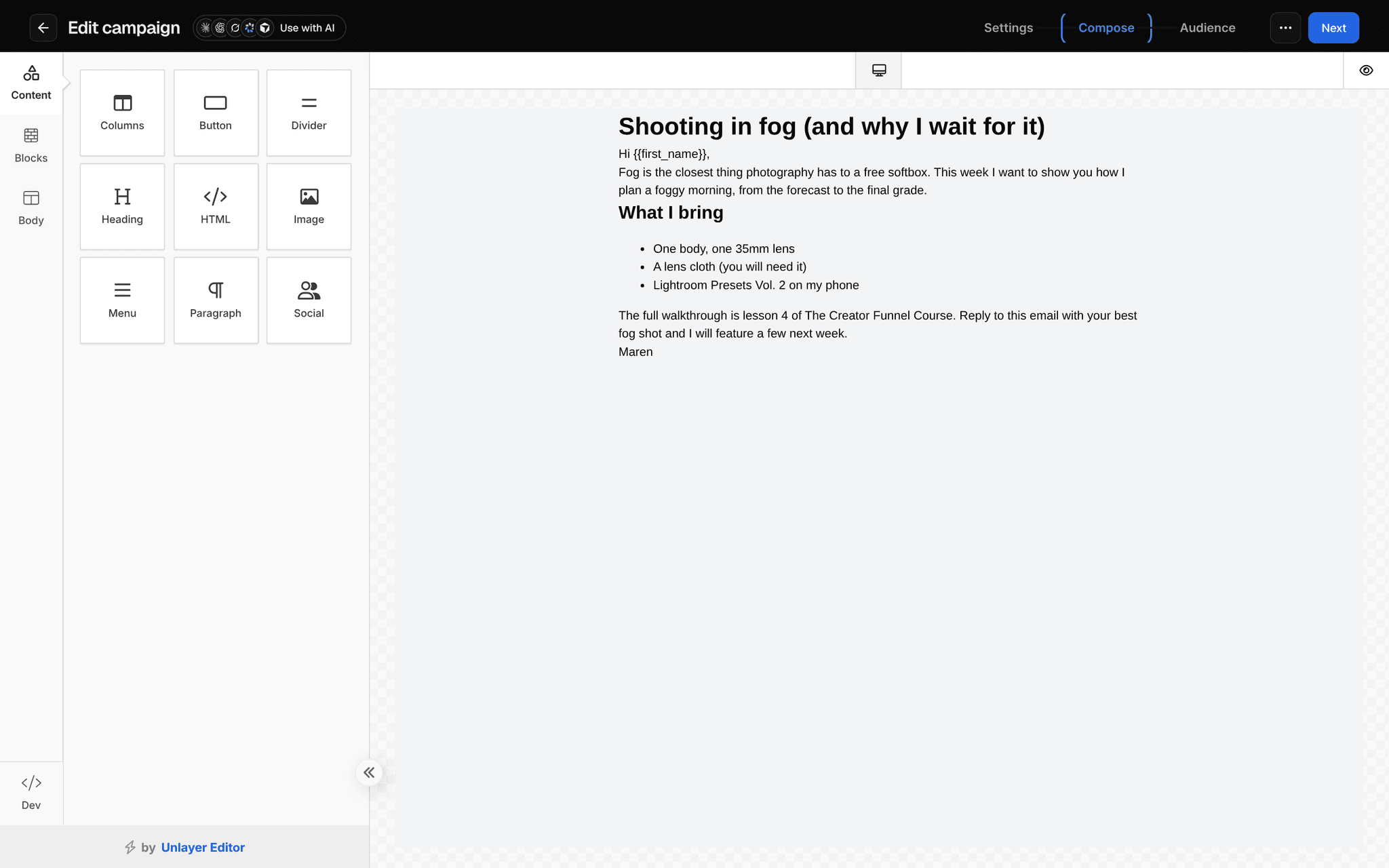
Every screen you will use.
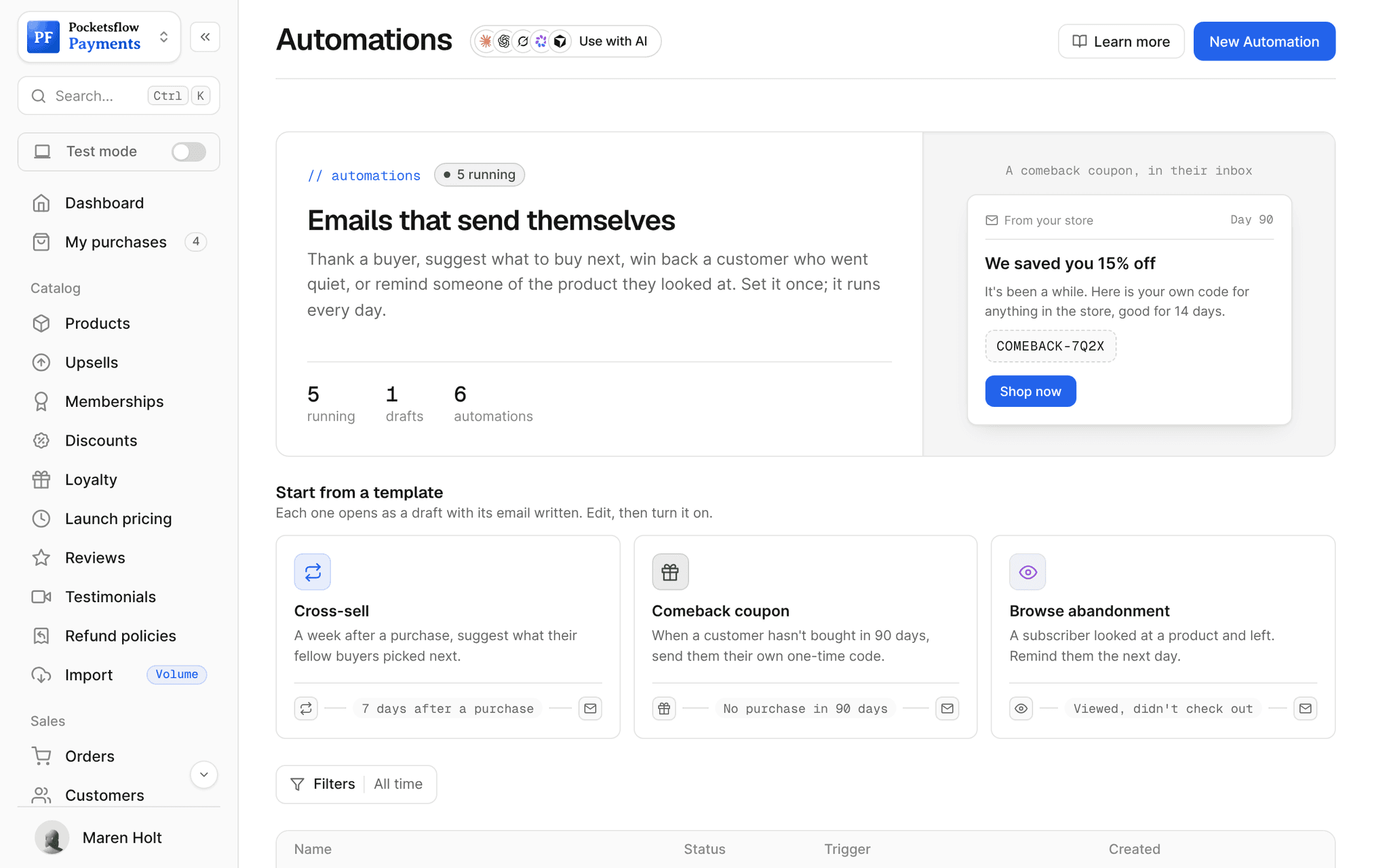
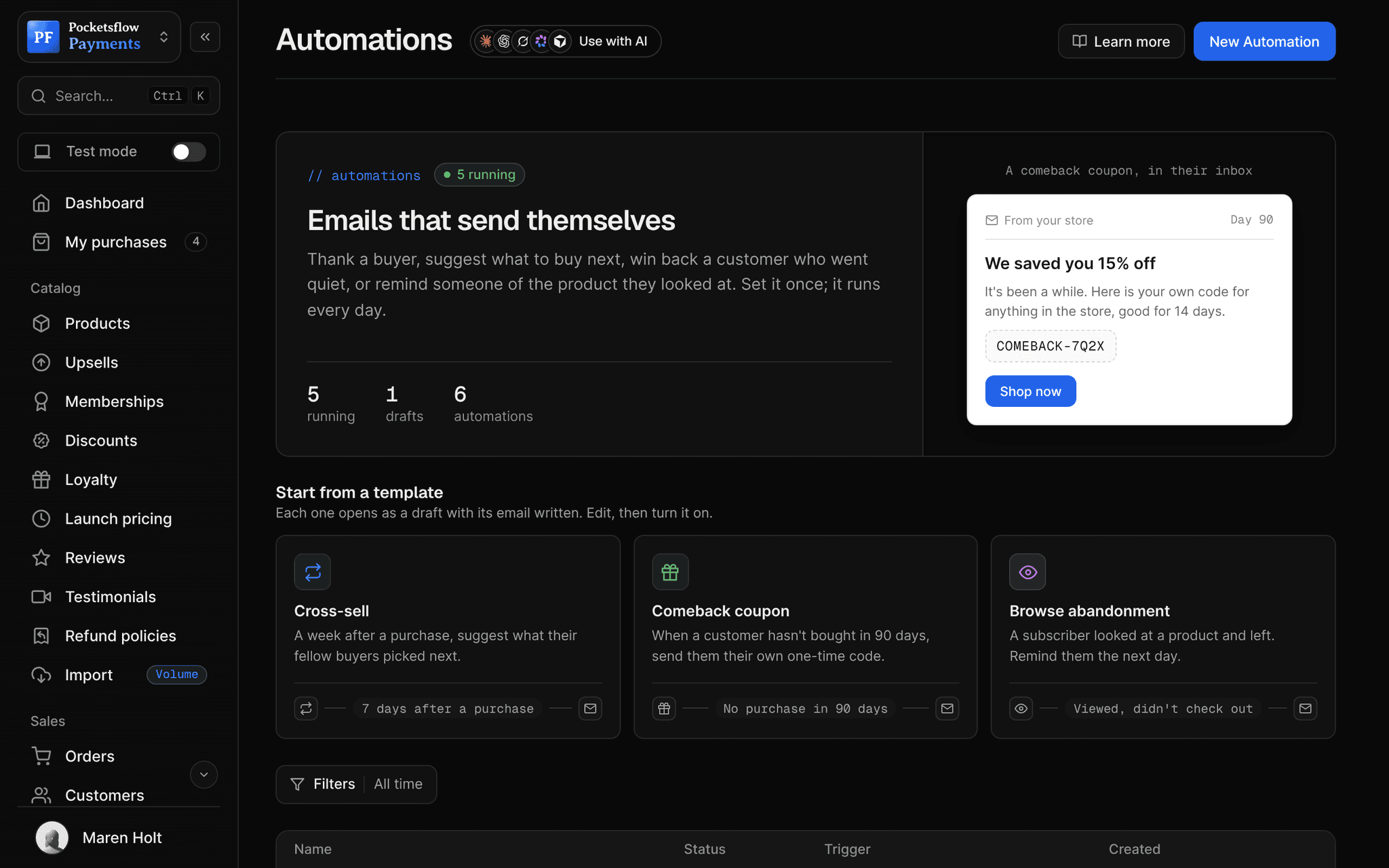
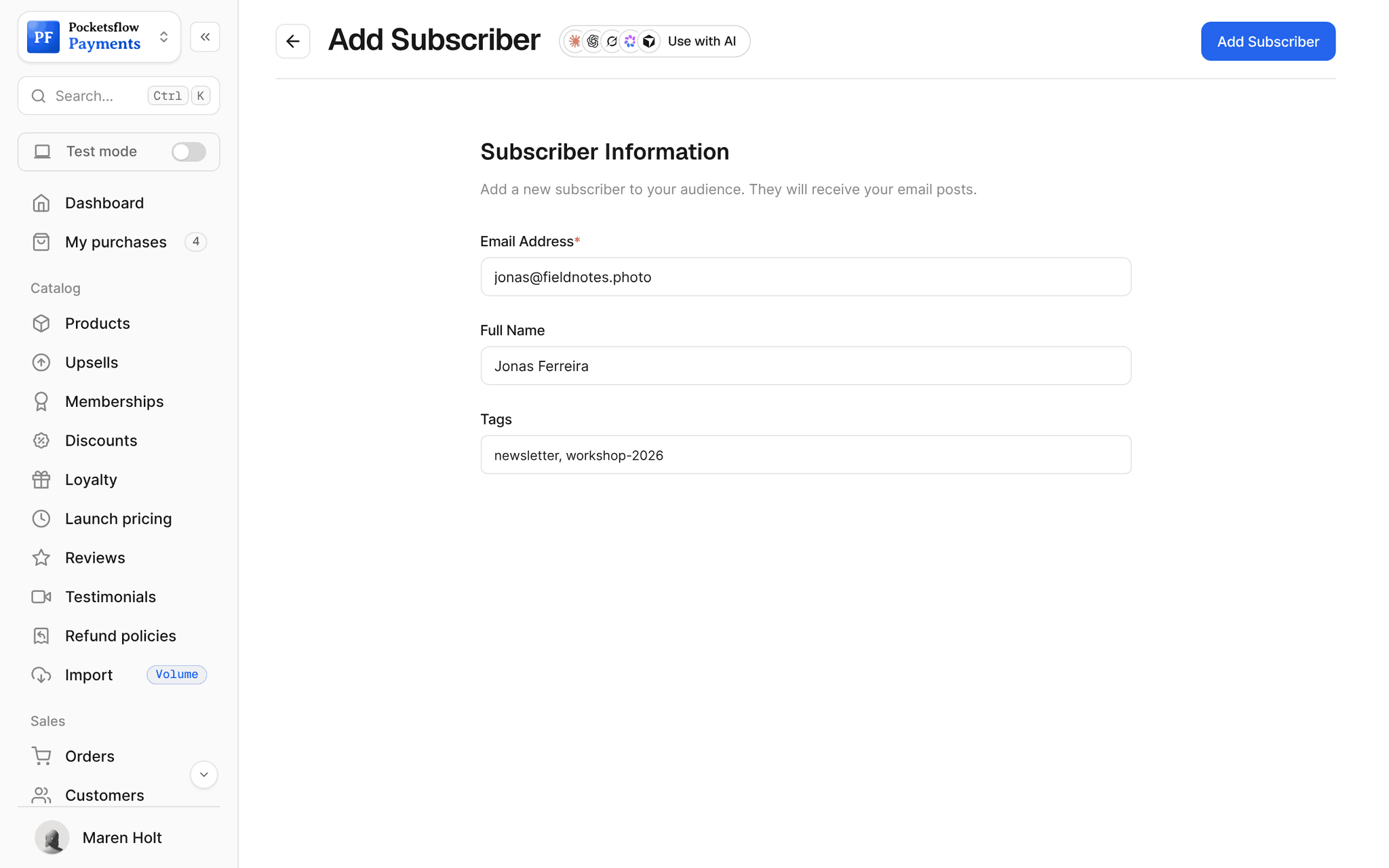
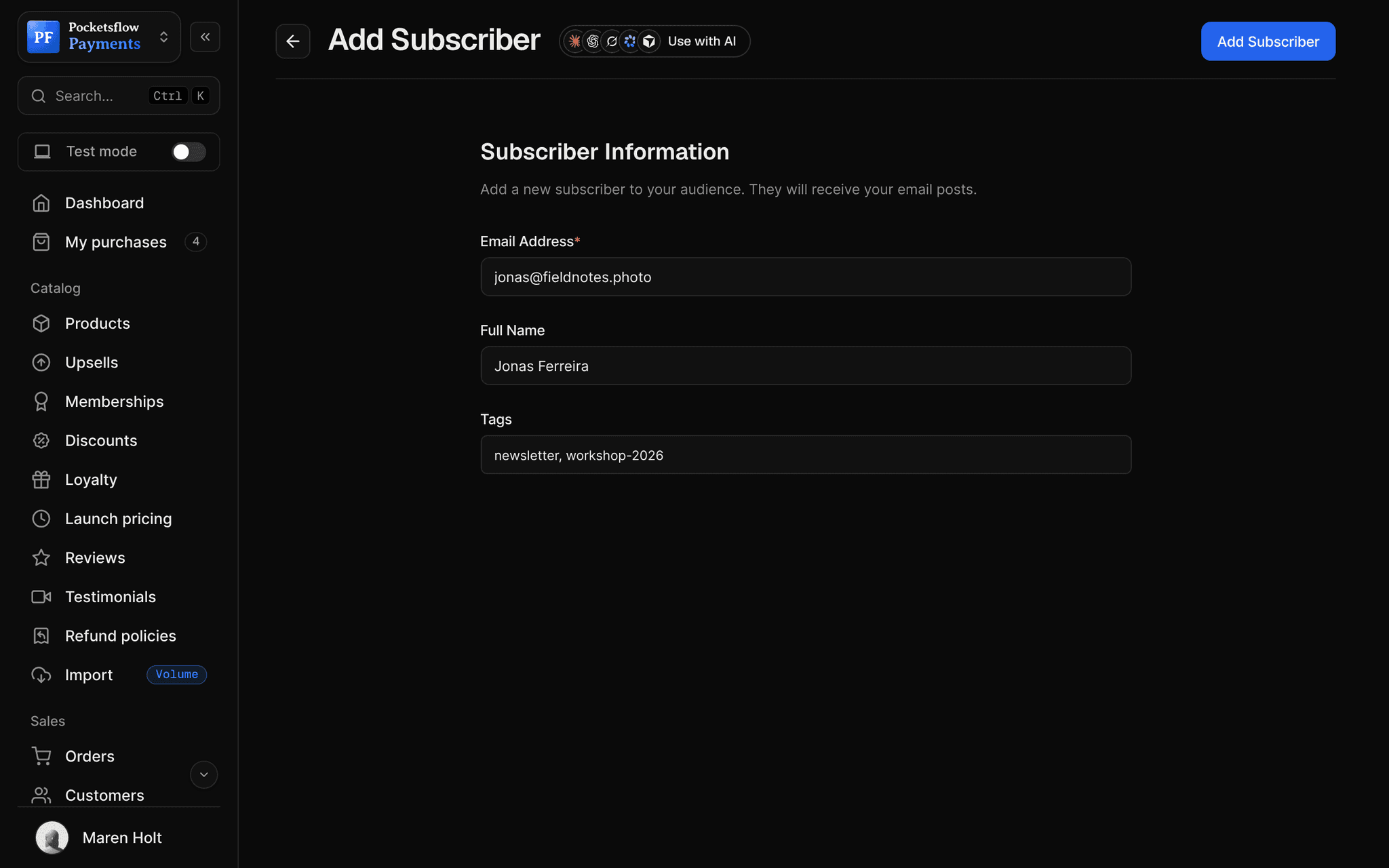
// use cases
Emails sellers send.
Launch emails
Announce a new product to the buyers of the last one.
Presets Vol. 3 launchCampaign
Product updates
Tell buyers about a new version or new lessons.
Module 6 is liveCampaign
Welcome series
Greet new subscribers over a few days.
Welcome, 3 emailsAutomation
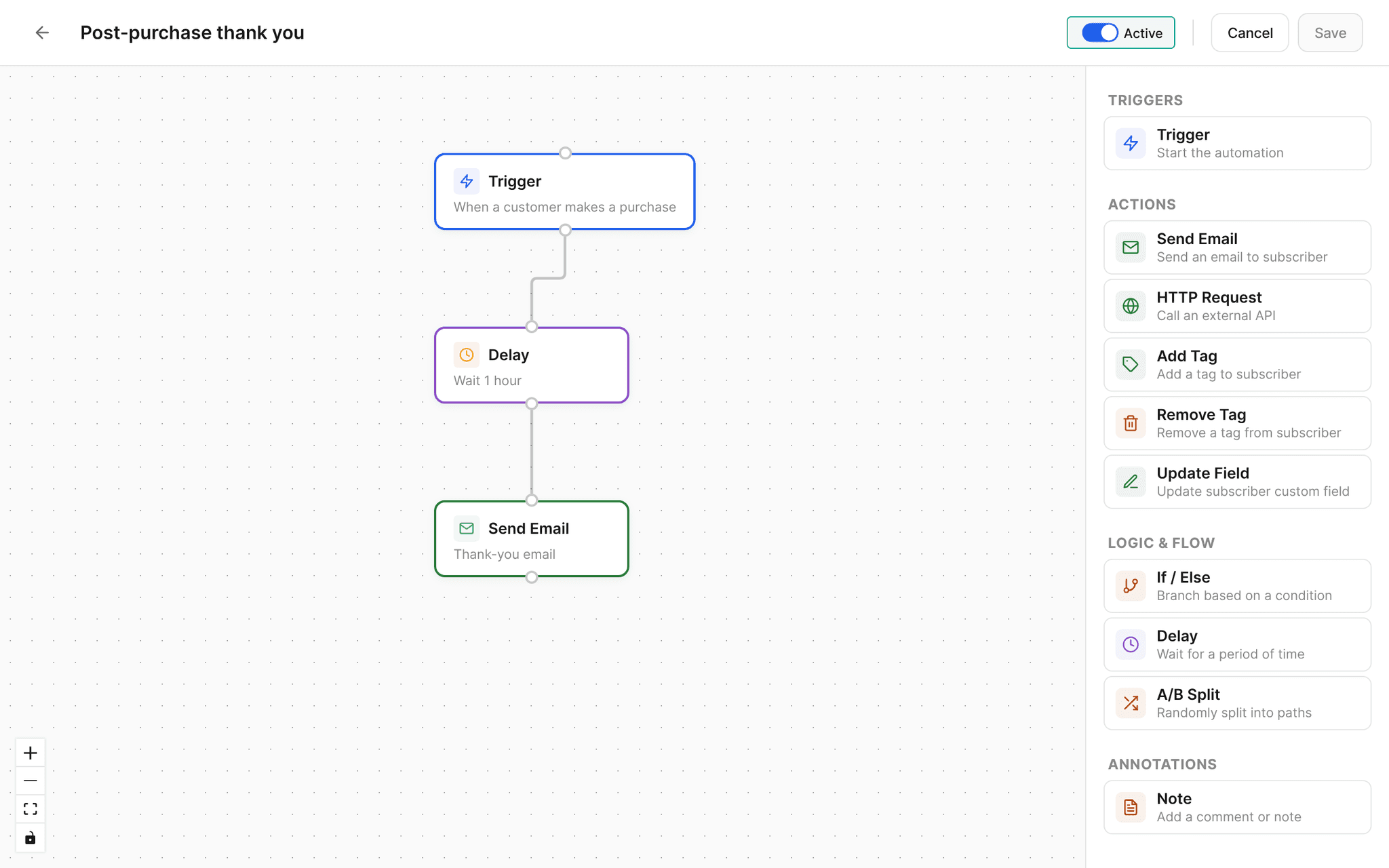
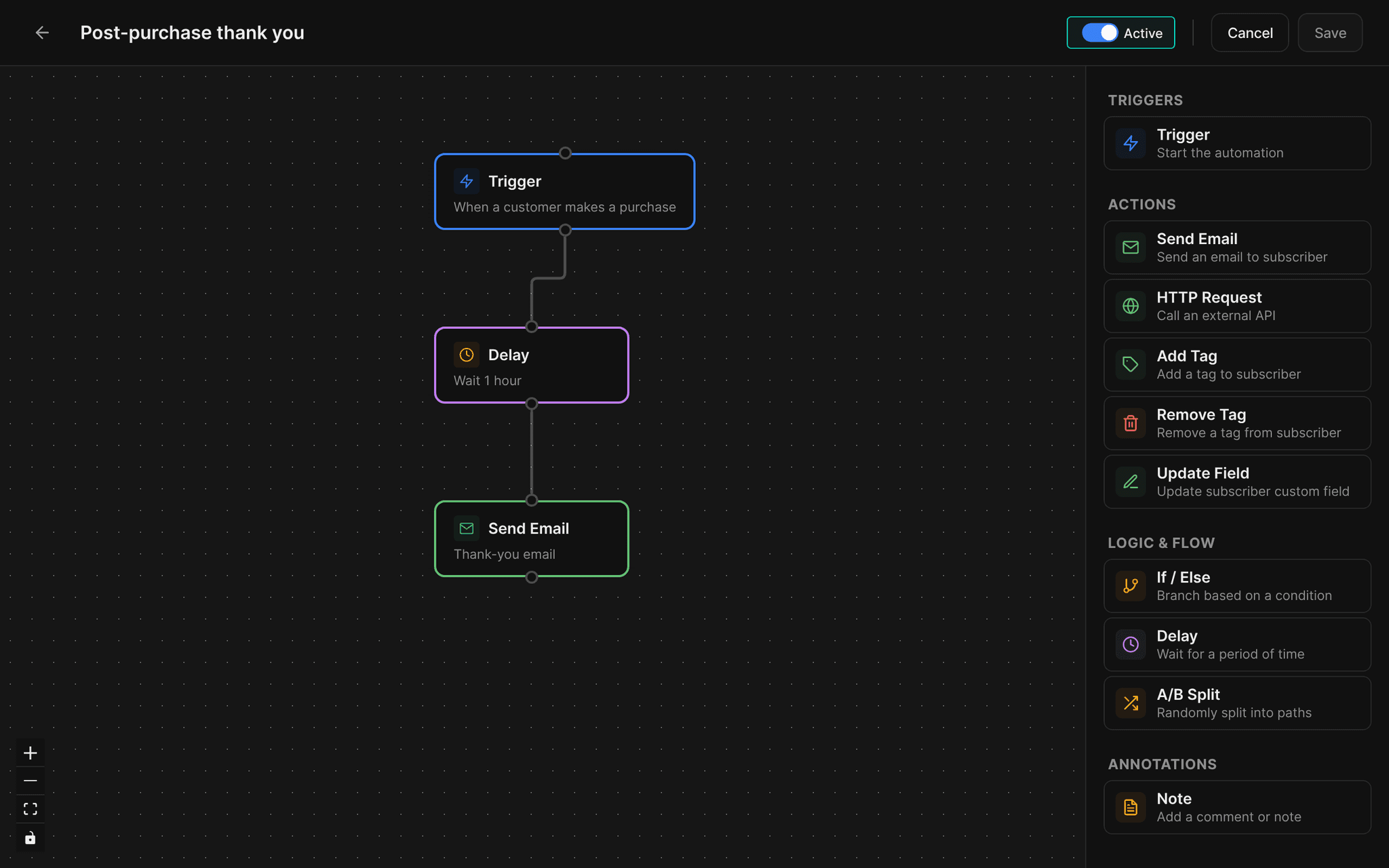
Post purchase thanks
Thank buyers an hour after they pay and point them to what is next.
Thank you + guideAutomation
Review requests
Ask buyers for a review a week after purchase.
How are the presets?Automation
Sales and codes
Send a discount code to your list for a set window.
Summer sale, 20% offCampaign
// how it works
Live in four steps.
Grow your list
Checkout opt ins, your creator page form, imports and manual adds, plus buyers when audience sync is on.
Write the email
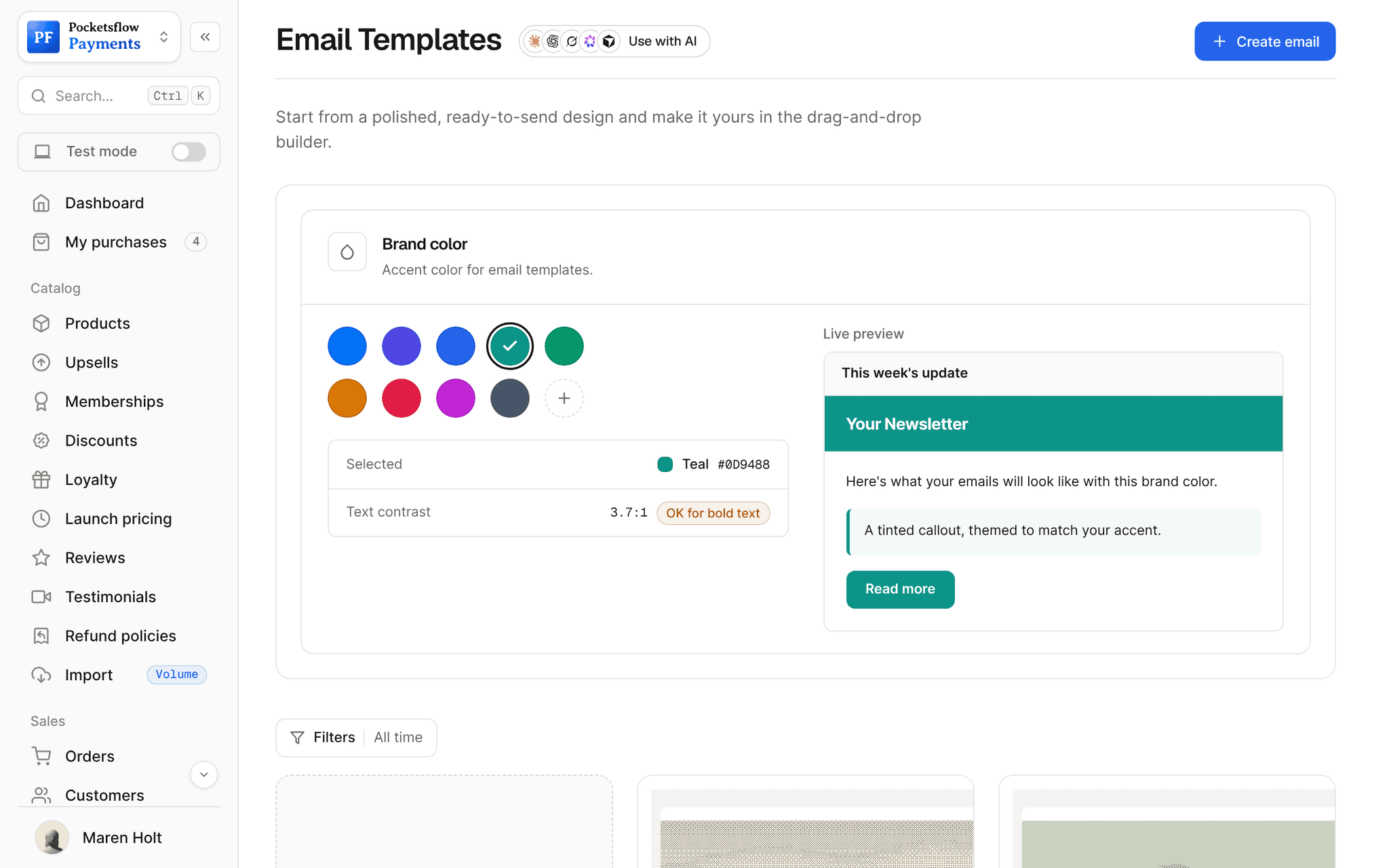
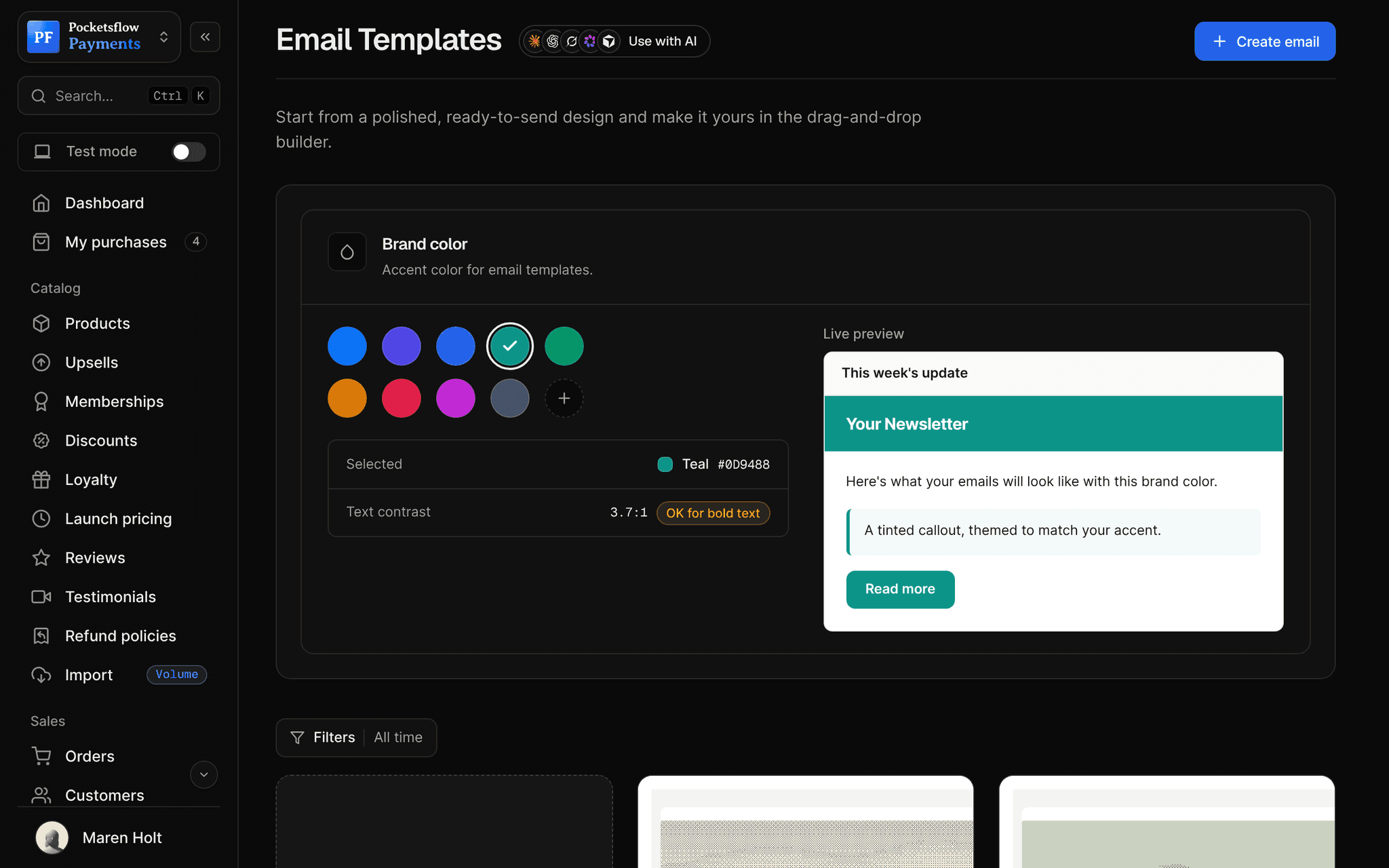
Start from a template in the drag and drop builder, with your brand color.
Choose who gets it
Everyone, or the buyers of one product or subscription.
Send, schedule or automate
Send now, schedule for later, or trigger it from a purchase. Then read opens and clicks.
// ai
Let your agents run and grow your business.
Connect Claude, ChatGPT, Codex, Grok, Cursor or any MCP client once. Then ask in plain words, and every change lands in your dashboard.
 Claude · Desktop app
Things to ask
- Email everyone who bought my presets about Vol. 3list_subscribers · create_post · send_post
- Draft a launch email and save it, do not sendcreate_post
- Schedule the summer sale email for Friday 9amupdate_post
- How did my last campaign do?list_posts · get_post
- Send a thank you to this customersend_email
- Remove this address from my listdelete_subscriber
// included
Everything included.
- Campaigns: draft, schedule, send
- Product audiences kept in sync with sales
- Automations with triggers, delays and branches
- Drag and drop email builder
- Built in templates with your brand color
- Open, click and unsubscribe analytics
- Subscriber form on your creator page
- CSV import and tags
- One click unsubscribe in every email
- From name, reply to and footer settings
- AI drafting with your own OpenAI or Gemini key
- Send API and MCP tools
// why pocketsflowWhy sellers pick Pocketsflow.
Your buyers, already here
No export and import: the people who paid are one audience away.
Know what sells
Emails, orders and revenue sit in the same dashboard.
Selling stays free
Email plans start at $15 a month; selling never needs one.
Your AI can write and send
Ask it to draft, schedule or send, and to report back.
// connect
It's easy. Even your AI can do it.
Add Pocketsflow to the AI you already use, sign in and click Allow access. No API key, no code.
- 01Paste into your AI appThen sign in and click Allow.www.pocketsflow.com/mcp
Add Pocketsflow
Paste the server URL as a connector in your AI app.
- 02
Sign in and allow
Your AI opens Pocketsflow. Click Allow access.
- 03
Ask for anything
Products, orders, refunds, emails, in plain words.
# Plain text works too. A simple HTML body is generated from it.
curl https://api.pocketsflow.com/newsletters/send \
  -H "Authorization: Bearer pk_live_..." \
  -H "Content-Type: application/json" \
  -d '{
    "to": ["a@example.com", "b@example.com"],
    "subject": "Doors are open",
    "text": "The cohort is live. Reply if you have any questions.",
    "preview": "Your spot is ready"
  }'

# 200 OK
# { "id": "665f1c2e…", "status": "sent" }
Email your list from code.
Create a checkout, attach a product, and let Pocketsflow handle the transaction lifecycle: payment, tax, delivery, and the receipt.
Every resource is an HTTPS endpoint under one base URL with Bearer API keys. Live and test keys are scoped to their own data; the OpenAPI spec is served at /docs.json.
// email plans
Priced by your list, not your ambition.
Selling is free. Email plans add campaigns, automations, templates and analytics, with a monthly email allowance of three to four times your list.
| Plan | Free | Starter | Growth | Pro | Scale |
|---|---|---|---|---|---|
| Price | $0 | $15/ mo | $49/ mo | $119/ mo | $299/ mo |
| Subscribers | 1,000 | 3,000 | 10,000 | 25,000 | 75,000 |
| Emails a month | Paid plans only | 10,000 | 40,000 | 100,000 | 300,000 |
| Per 1,000 emails | Not included | $1.50 | $1.23 | $1.19 | $1.00 |
// faq
Common questions.
Do I need a paid plan for email?
Selling never needs a plan. Email campaigns, automations, reusable templates and open and click analytics are part of the email plans, from $15 a month for 3,000 subscribers and 10,000 emails. Each plan includes three to four emails per subscriber a month, and addresses that bounced or reported spam are skipped automatically. The free plan keeps up to 1,000 subscribers. See the pricing page for every tier.
Who can I email?
People who opted in: buyers who agreed at checkout, visitors who subscribed on your creator page, contacts you imported or added with permission, and buyers added by audience sync. Every email has an unsubscribe link and unsubscribes are honored automatically.
Can I email only the buyers of one product?
Yes. Every product and subscription has an audience of its buyers, kept in sync with new sales, so you can email them about updates and launches.
Can I schedule a campaign?
Yes. Save it as a draft, schedule it for a date and time, or send it right away.
Can I send email from my own code?
Yes. POST /newsletters/send sends a campaign to up to 100 recipients per call with HTML or plain text, and it is recorded like any other post.
Can my AI do this for me?
Yes. Add the Pocketsflow MCP server to Claude, ChatGPT, Codex, Grok, Cursor or any MCP client, sign in and click Allow access. No API key. Your AI can then create products, set prices and discounts, open checkouts, read orders and send emails, and every change shows up in your dashboard.
// related
Keep exploring.
Open your store today.
Sell your first product in minutes, keep more of every sale, and let the AI you already use run the busywork.