Invoices without the busywork.
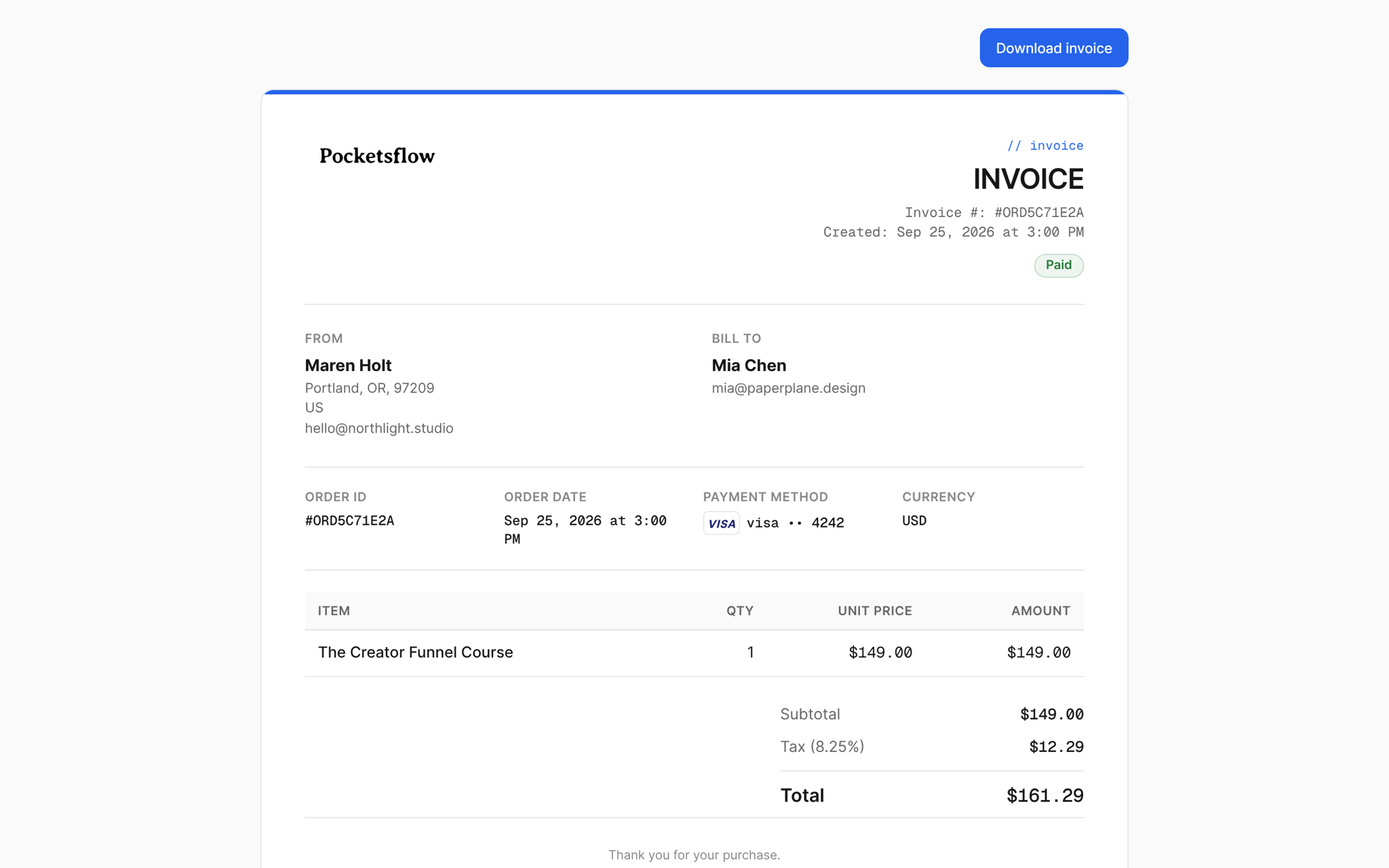
Every paid order sends the buyer an invoice: your business details, theirs, each item, the tax and the total. Open any order to generate, resend or share it, and stop answering "can I get an invoice?" emails.


- estimated per sale, no monthly fee
- 4.7% + $0.30
- paid order gets an invoice
- Every
- business fields you can show or hide
- 3
- invoice webhook events for subscriptions
- 4
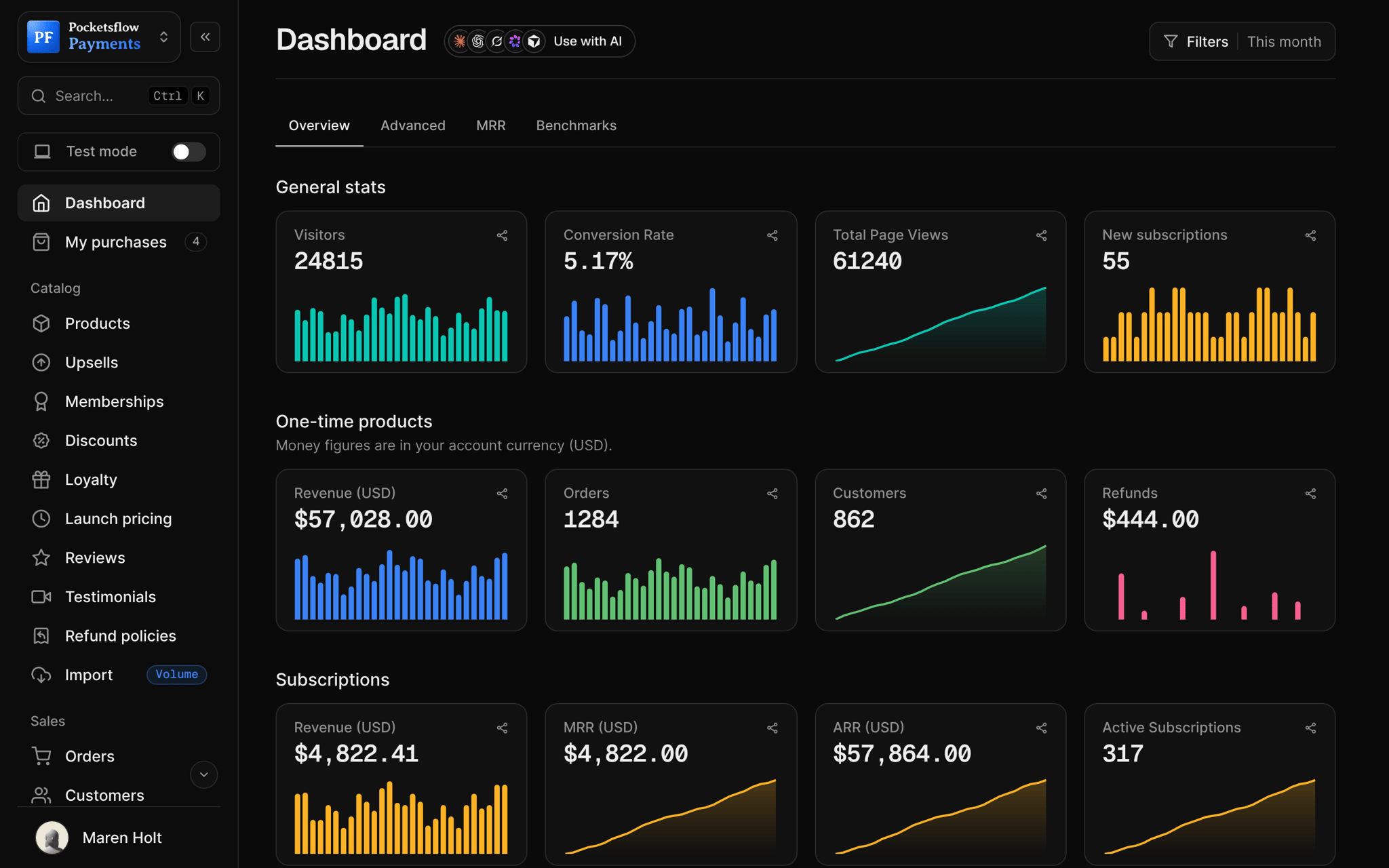
See how it works in the dashboard.
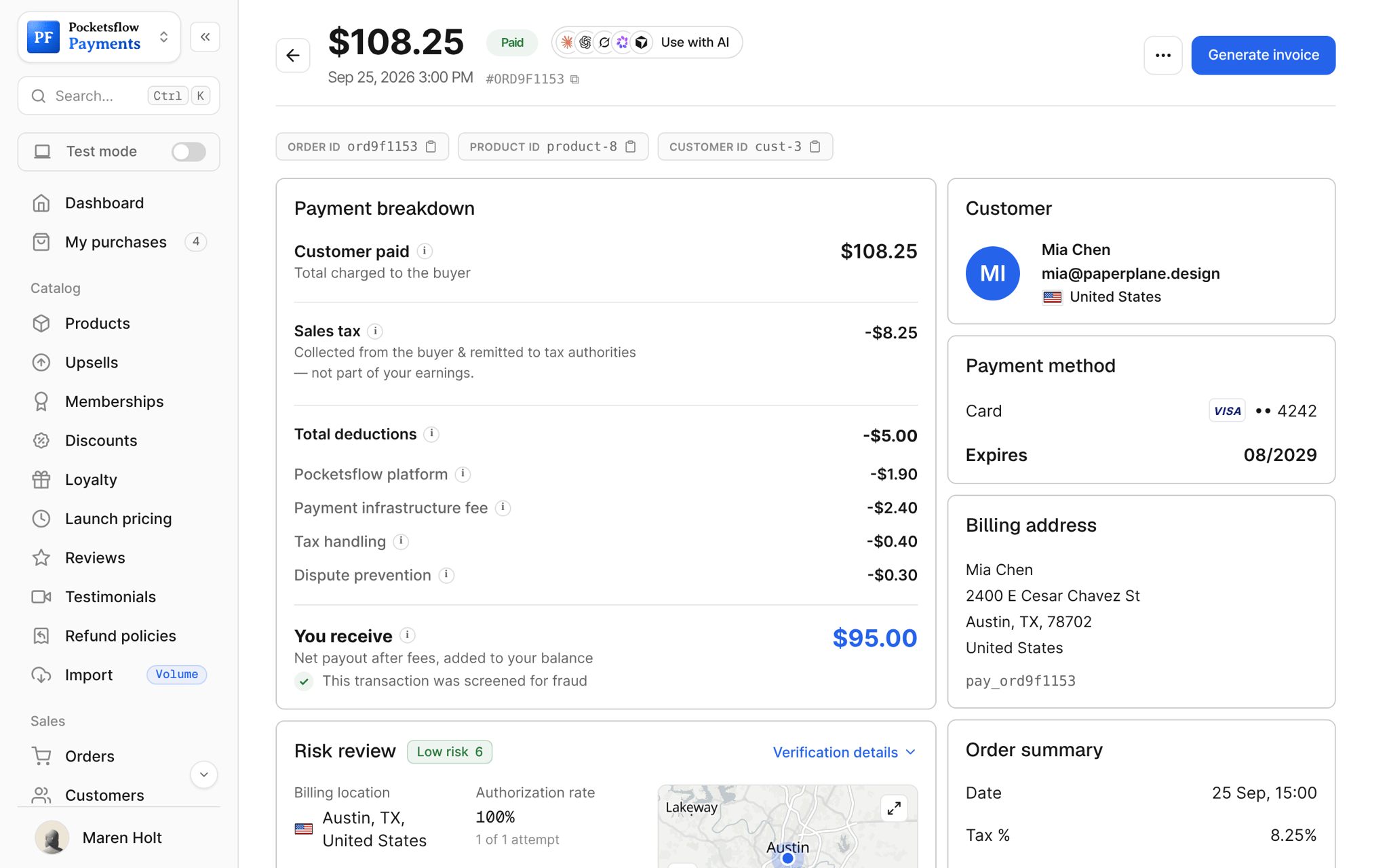
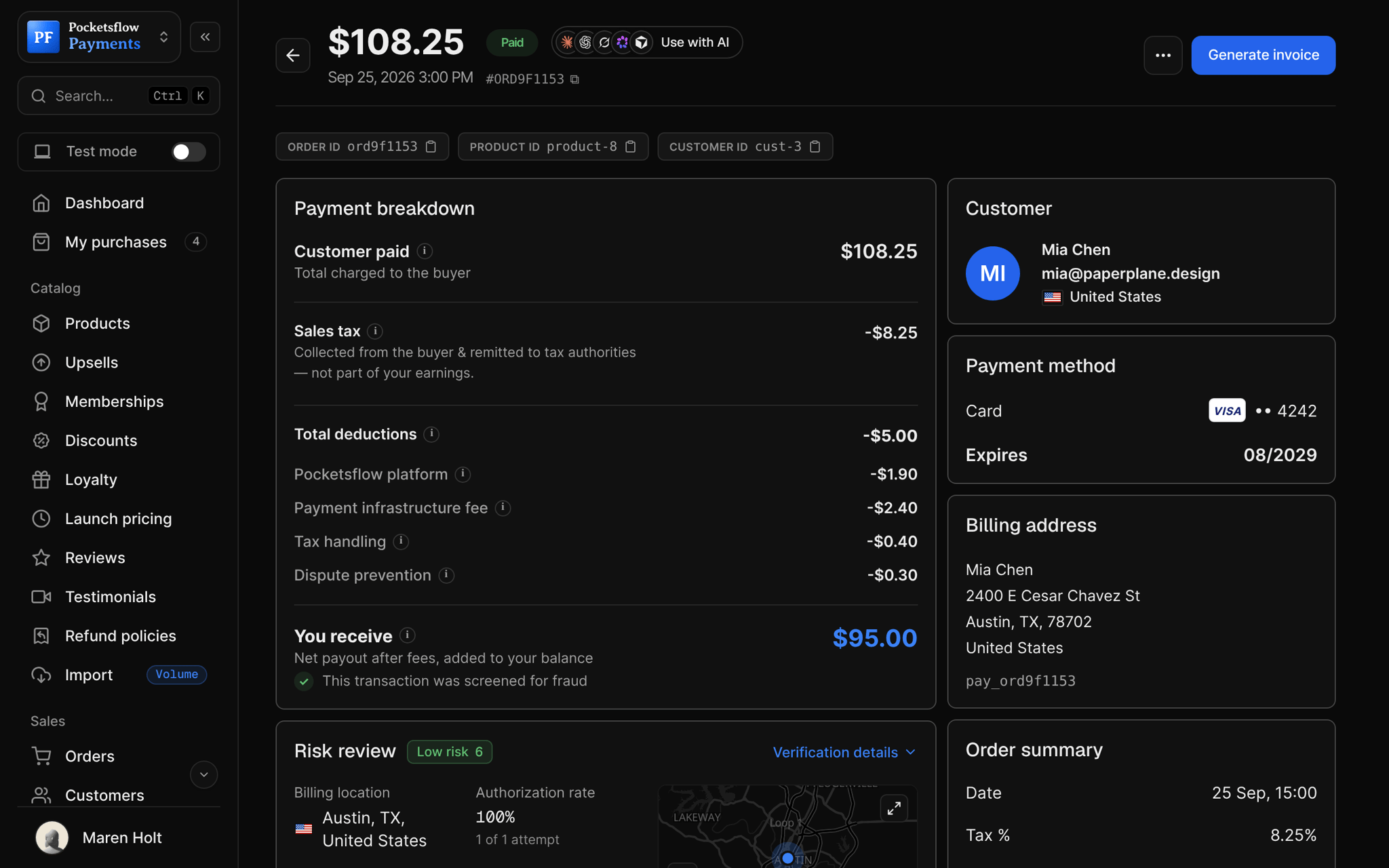
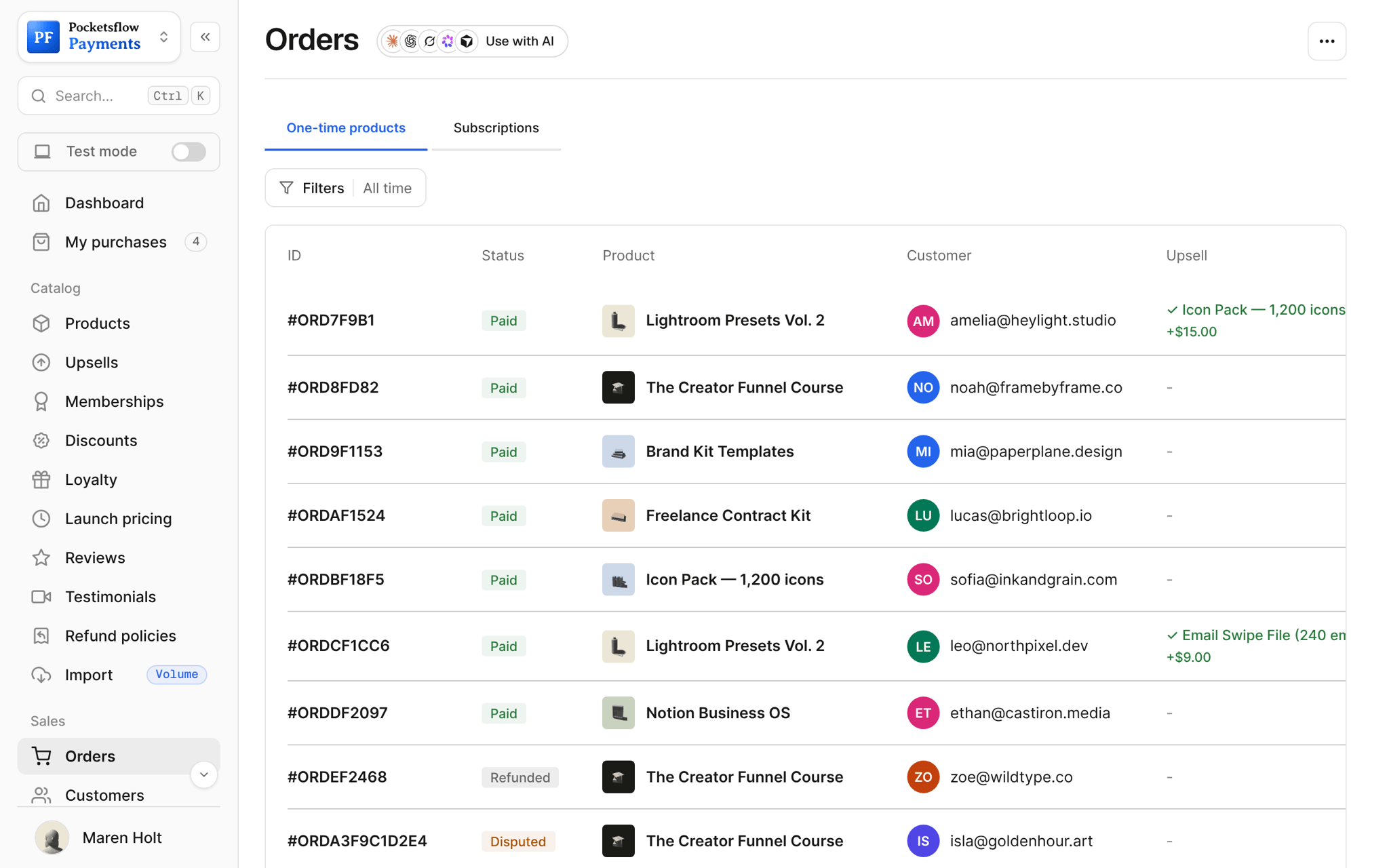
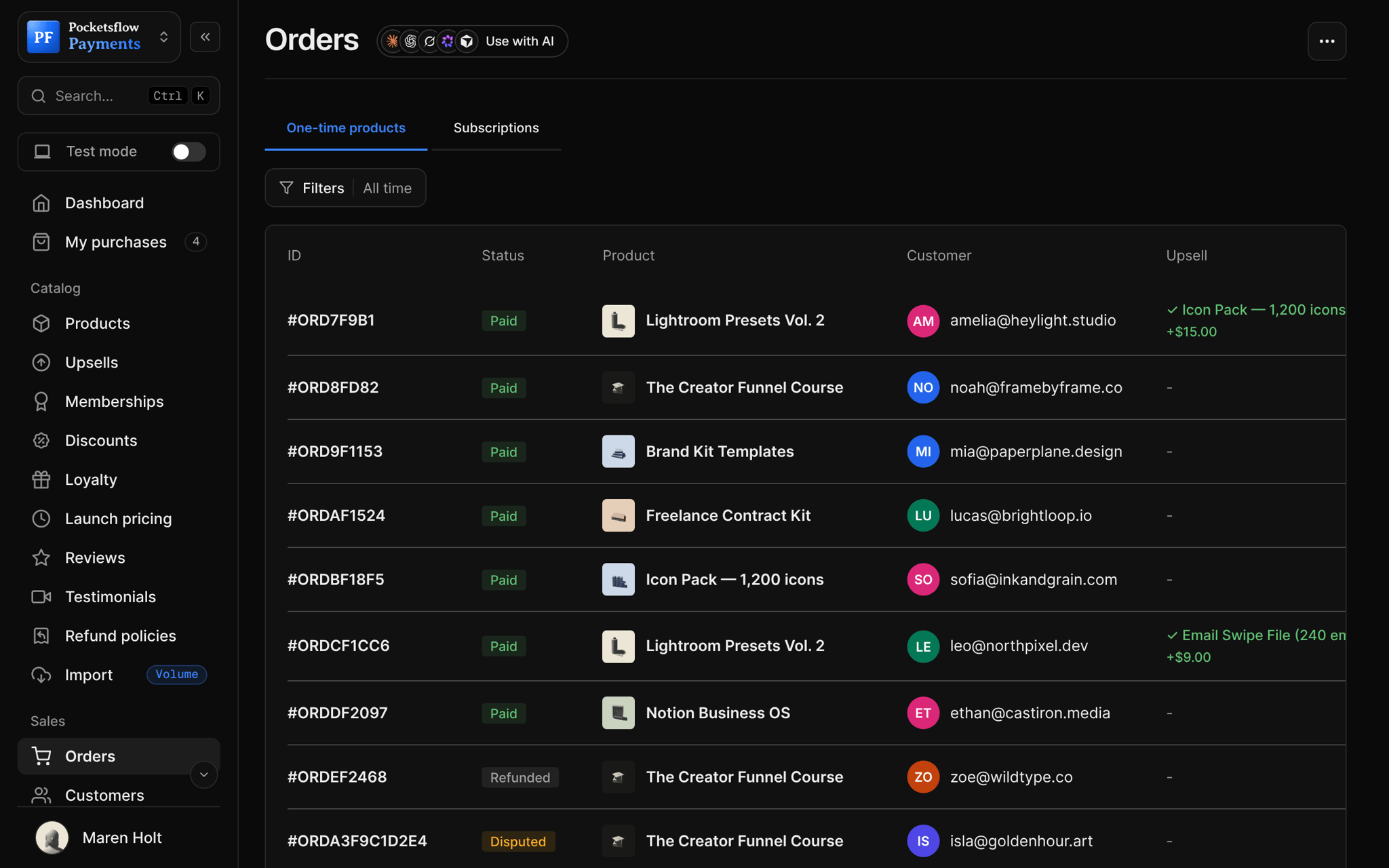
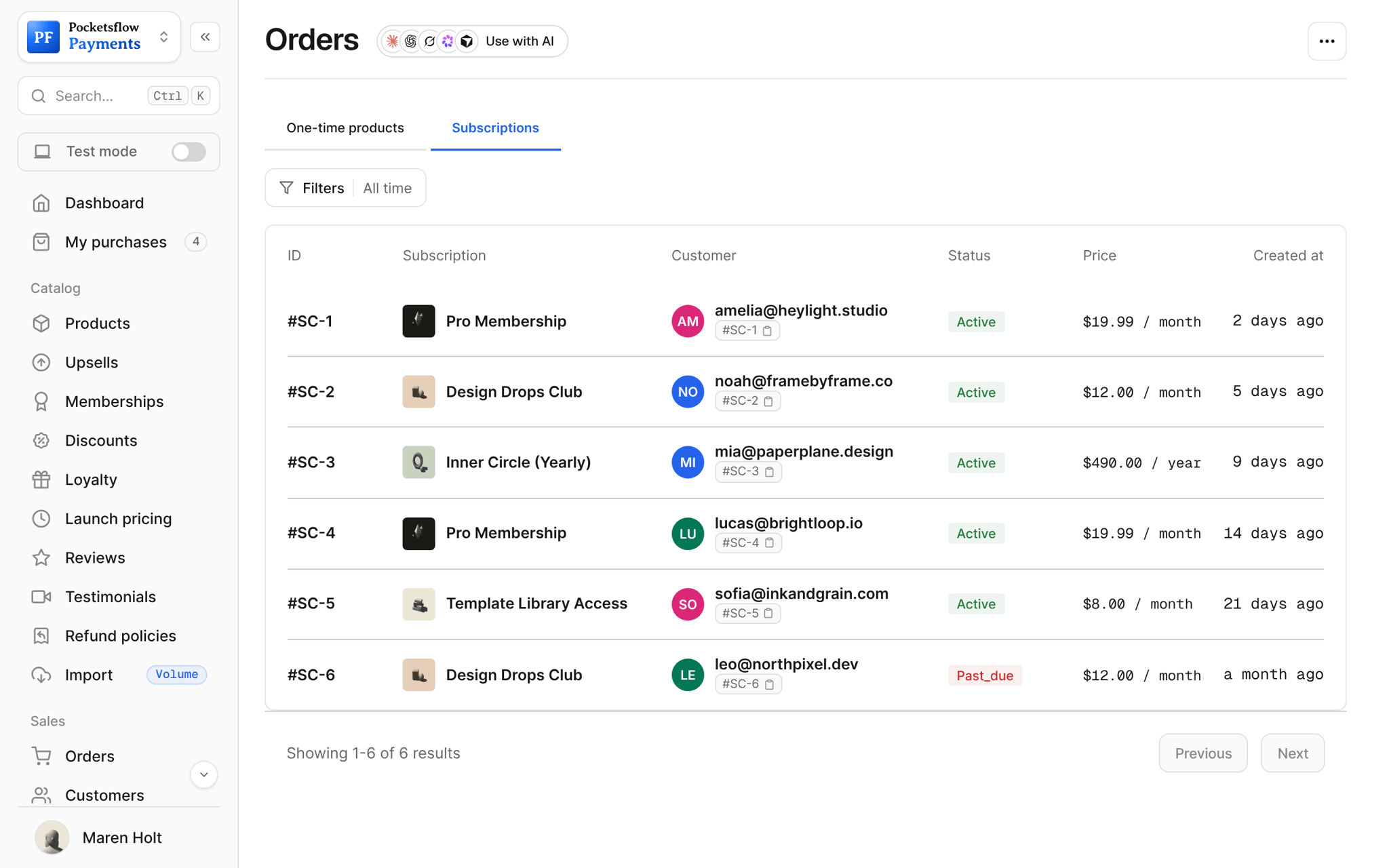
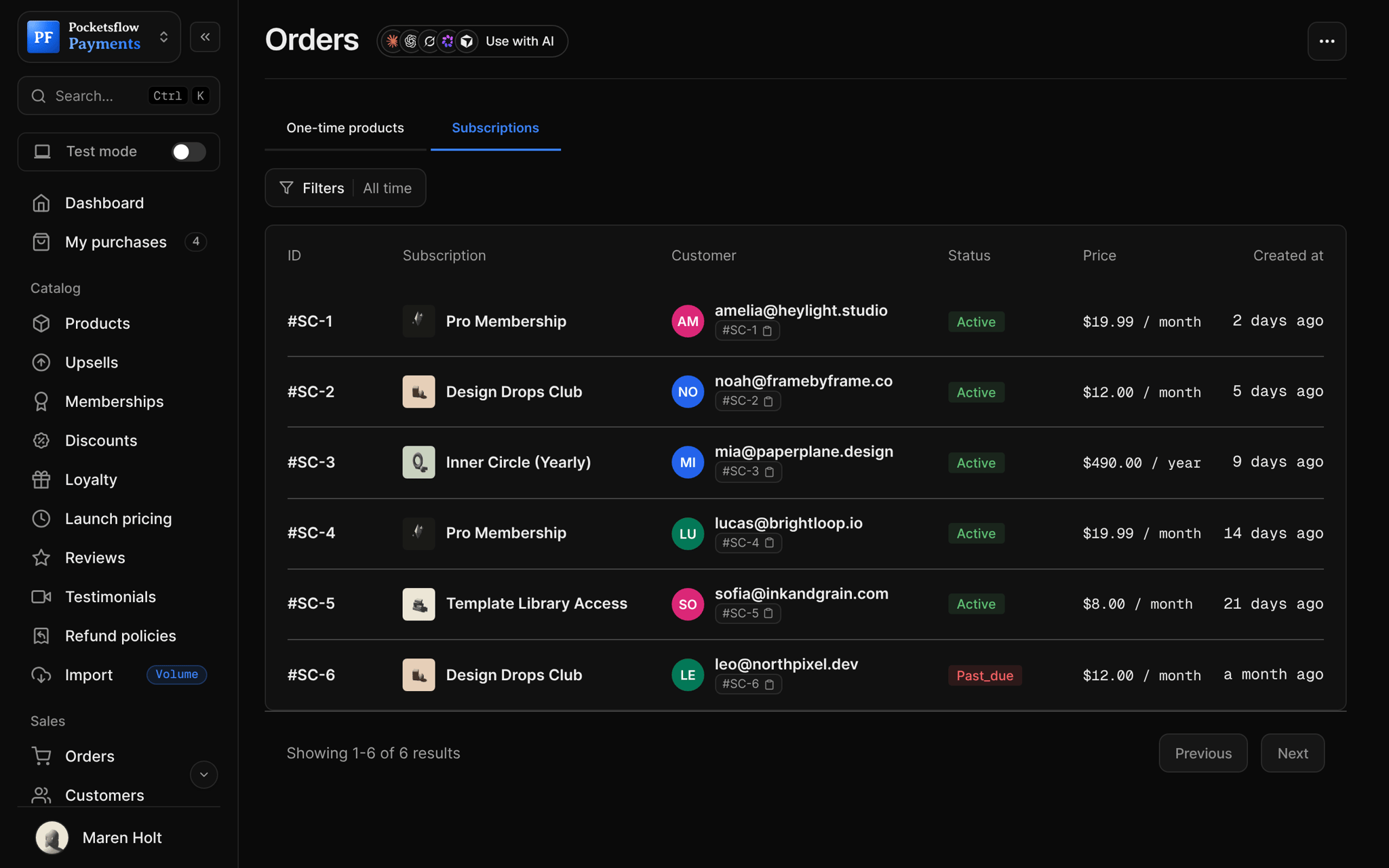
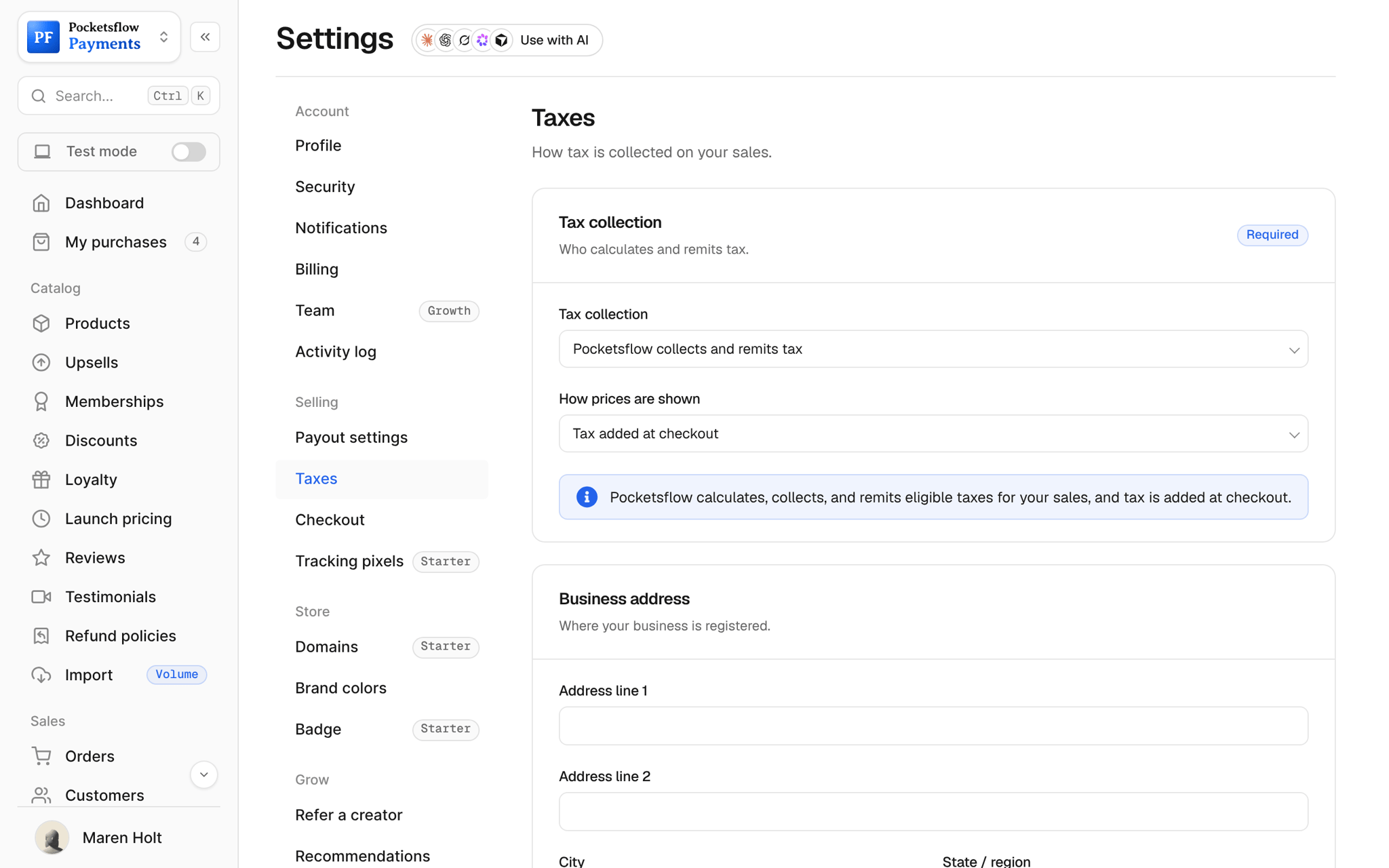
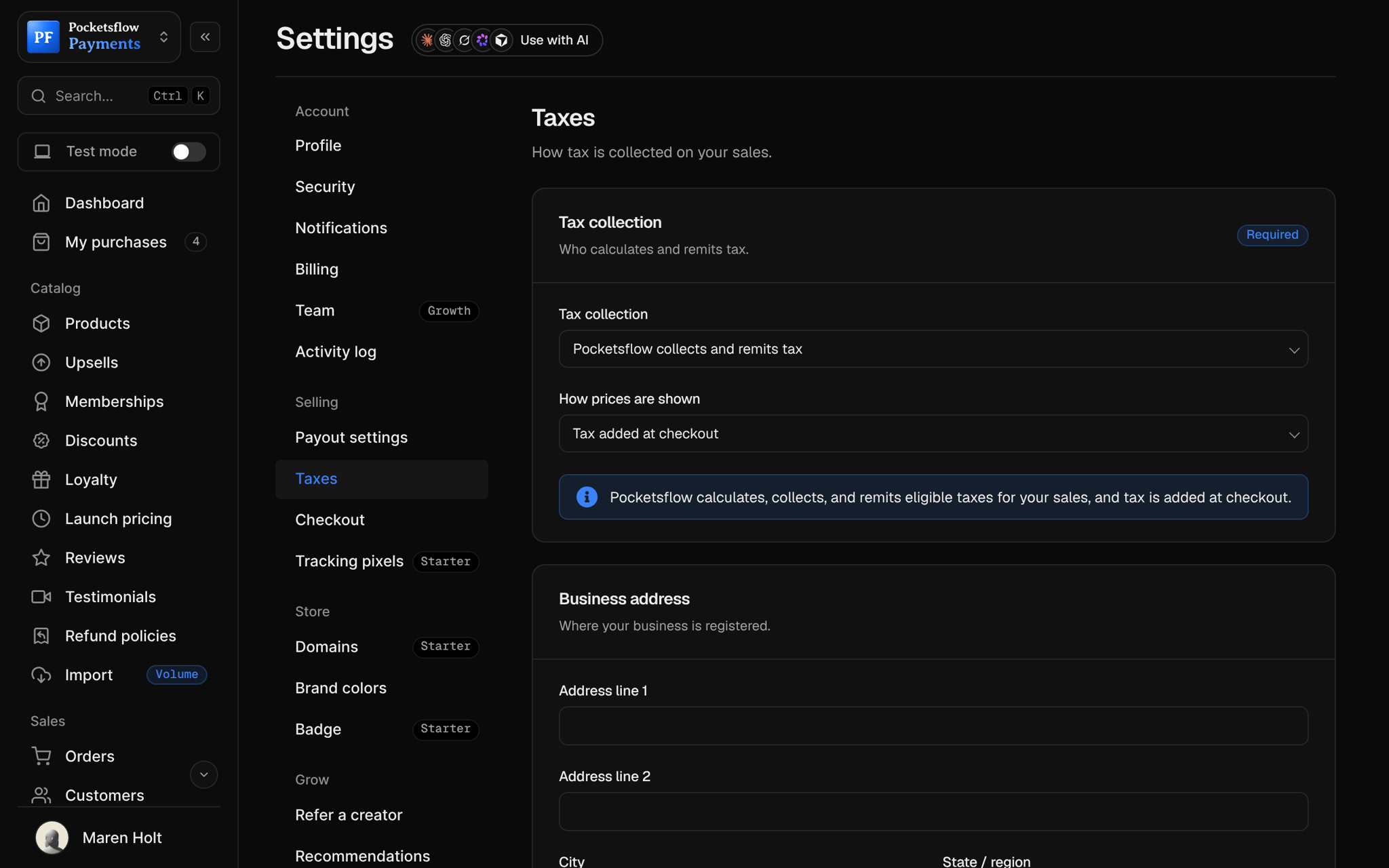
Every screen you will use.
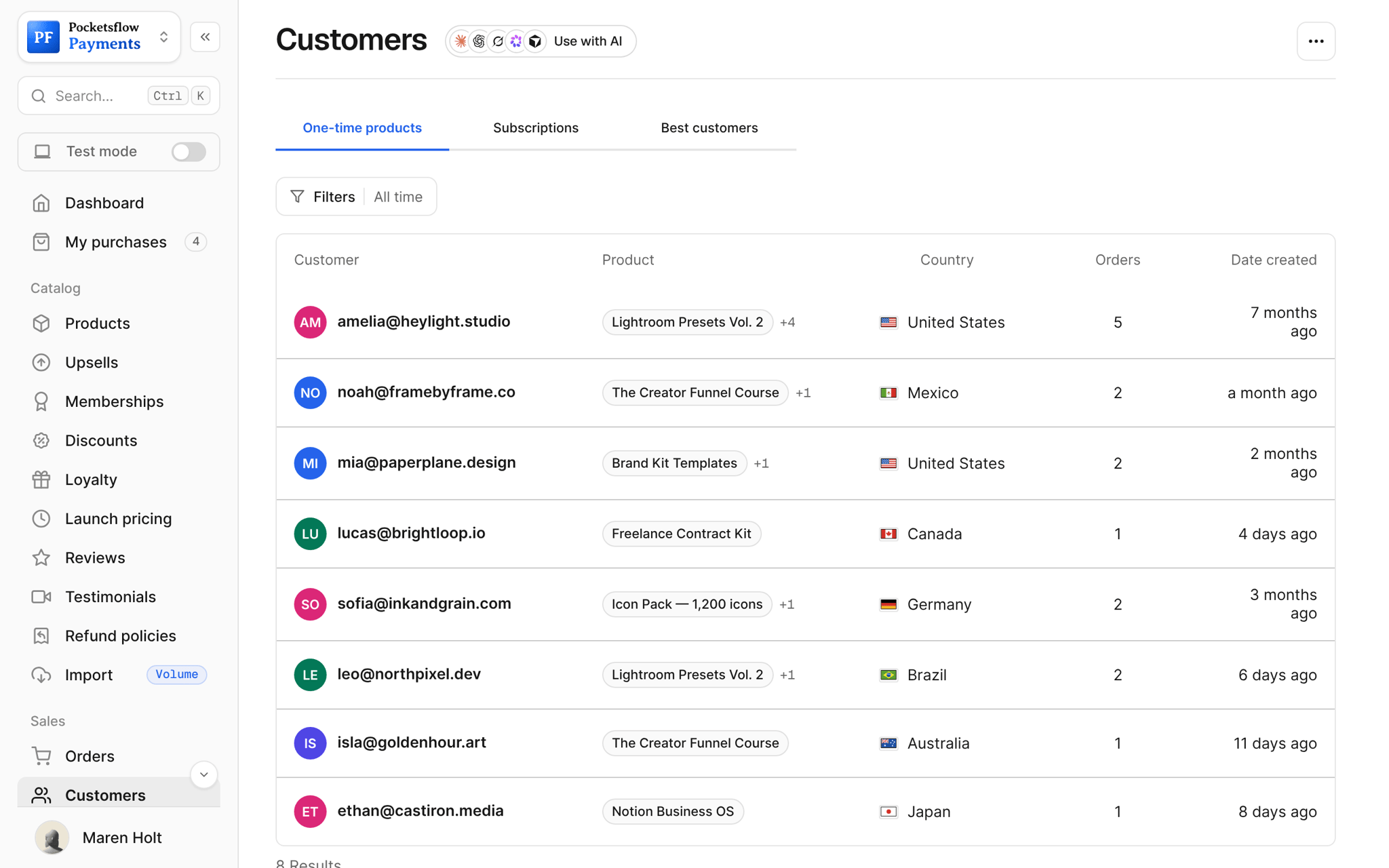
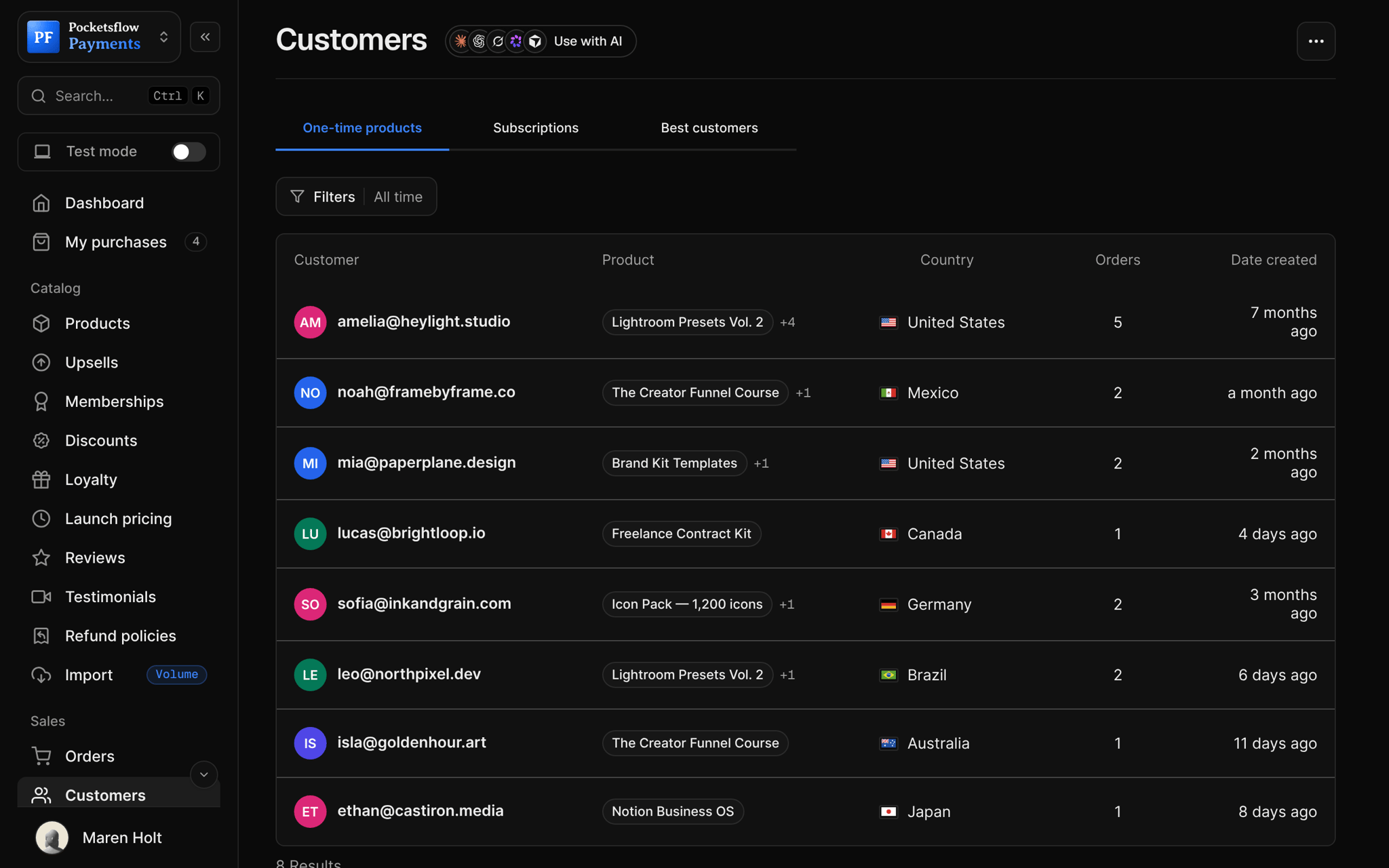
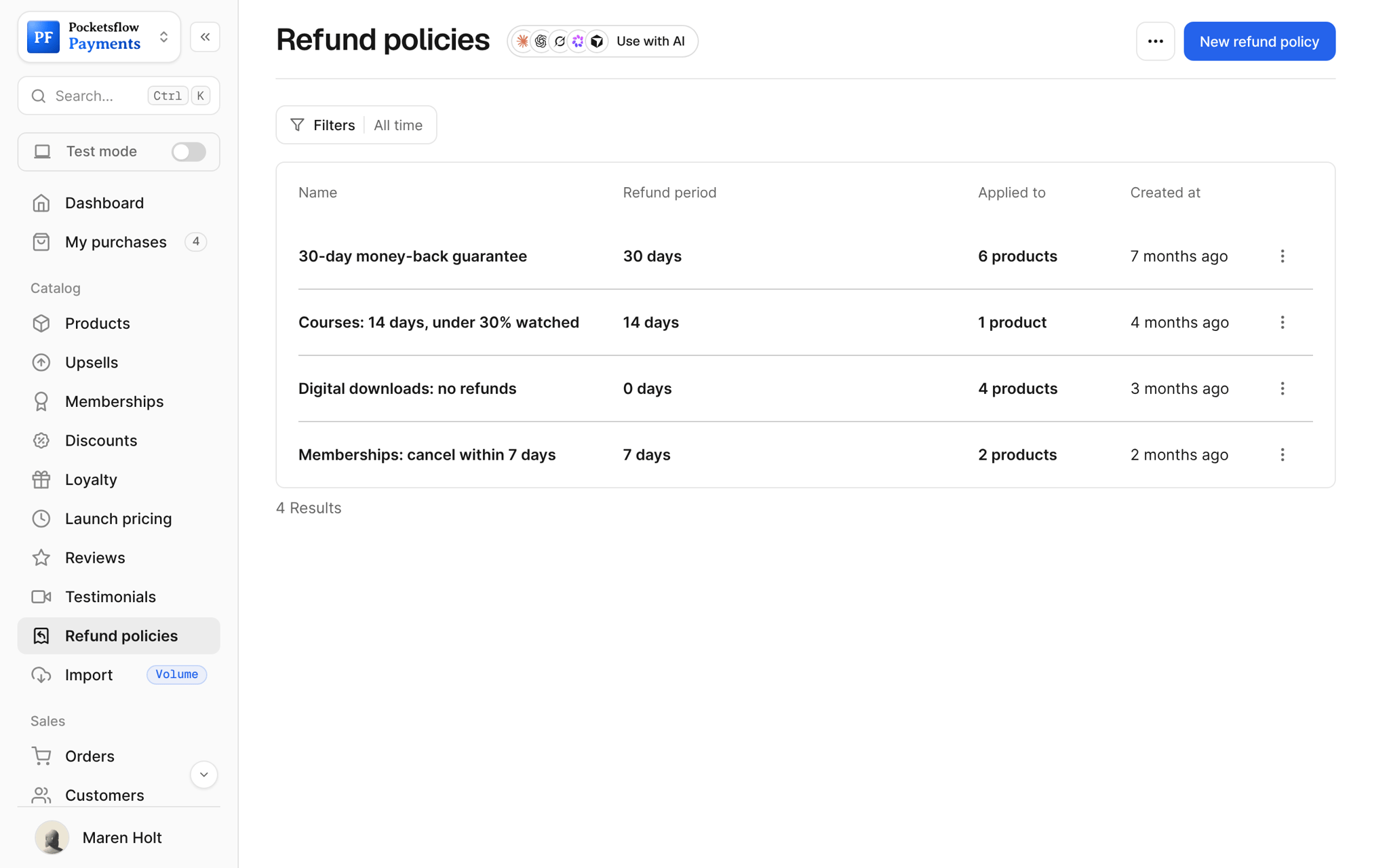
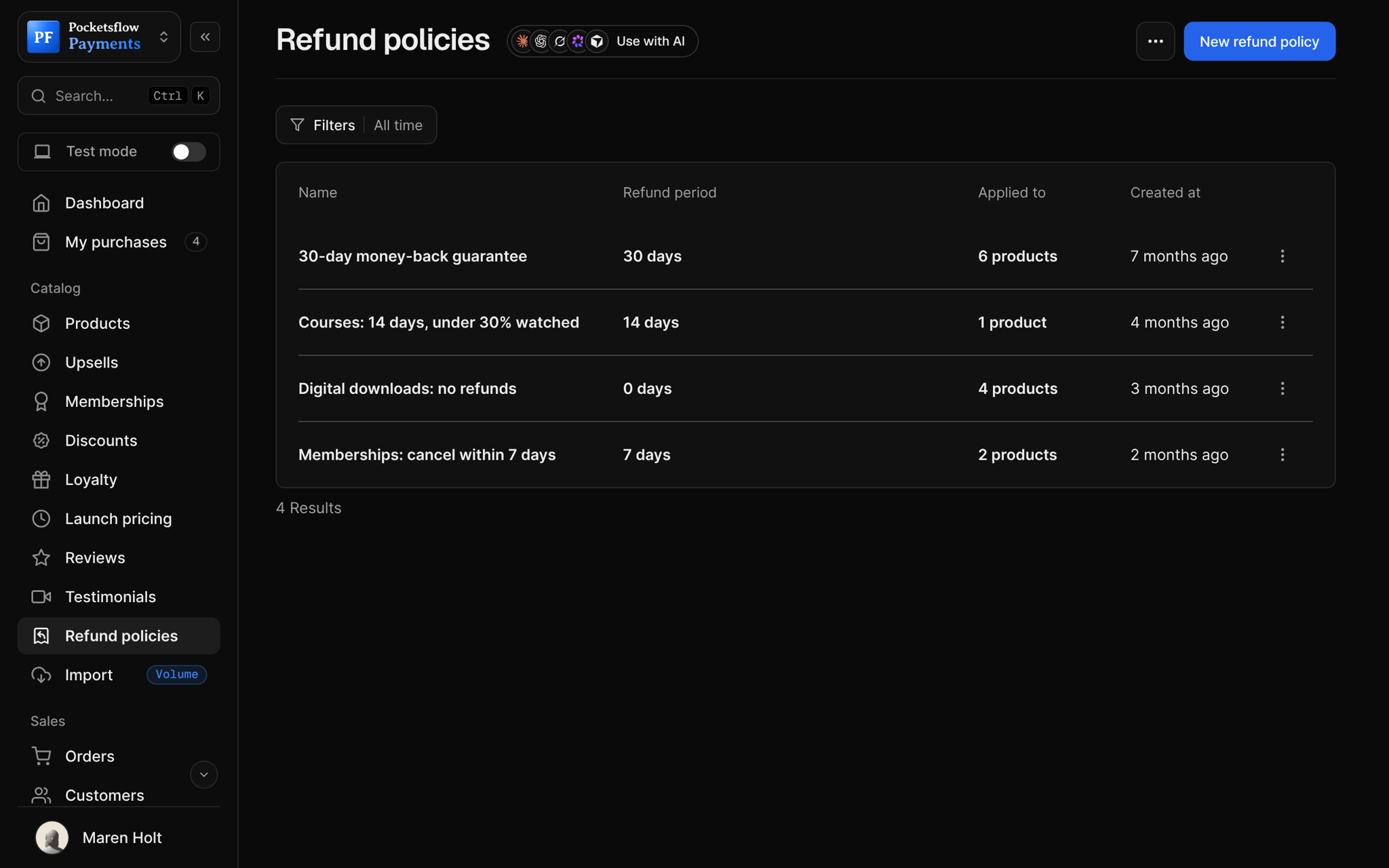
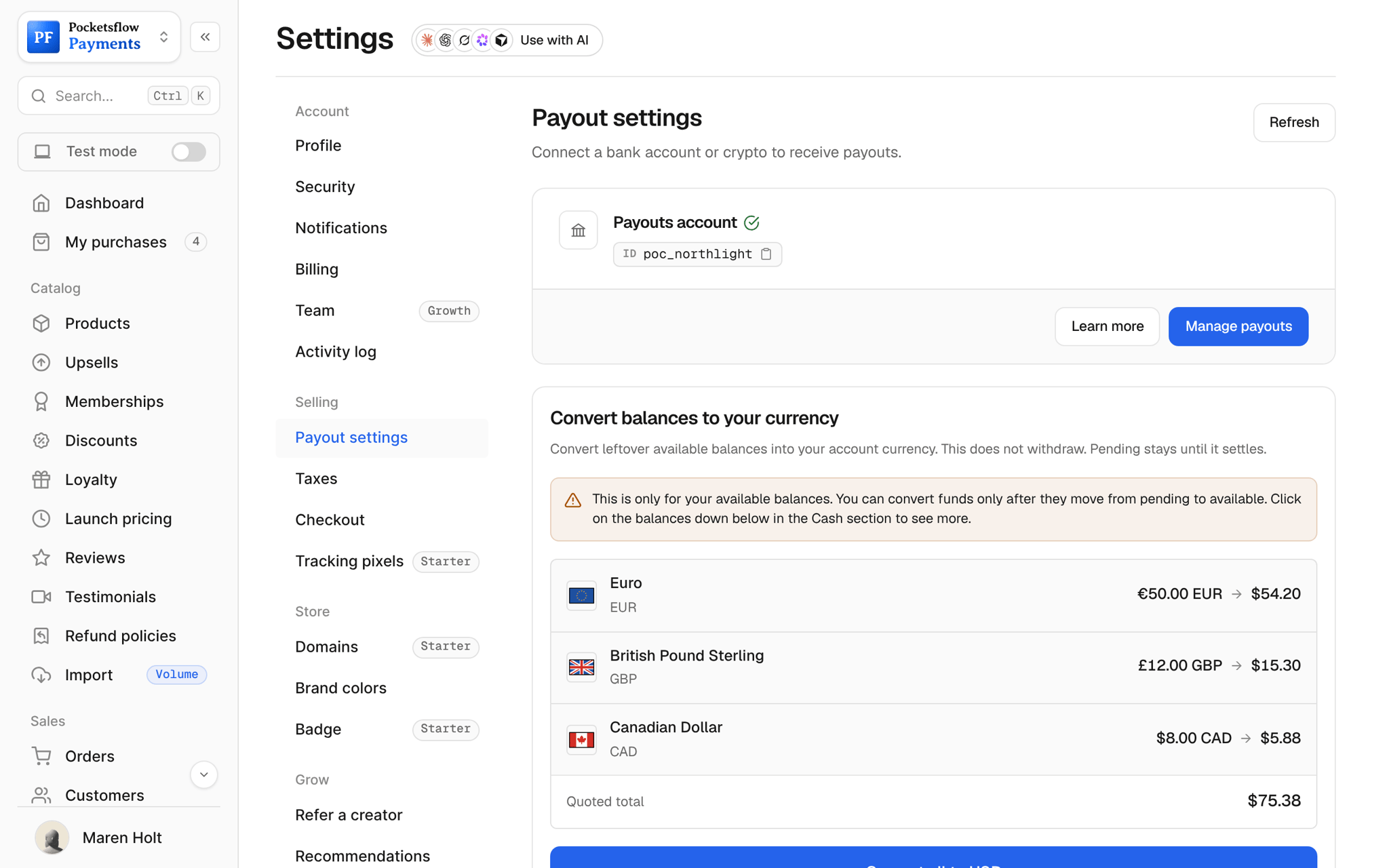
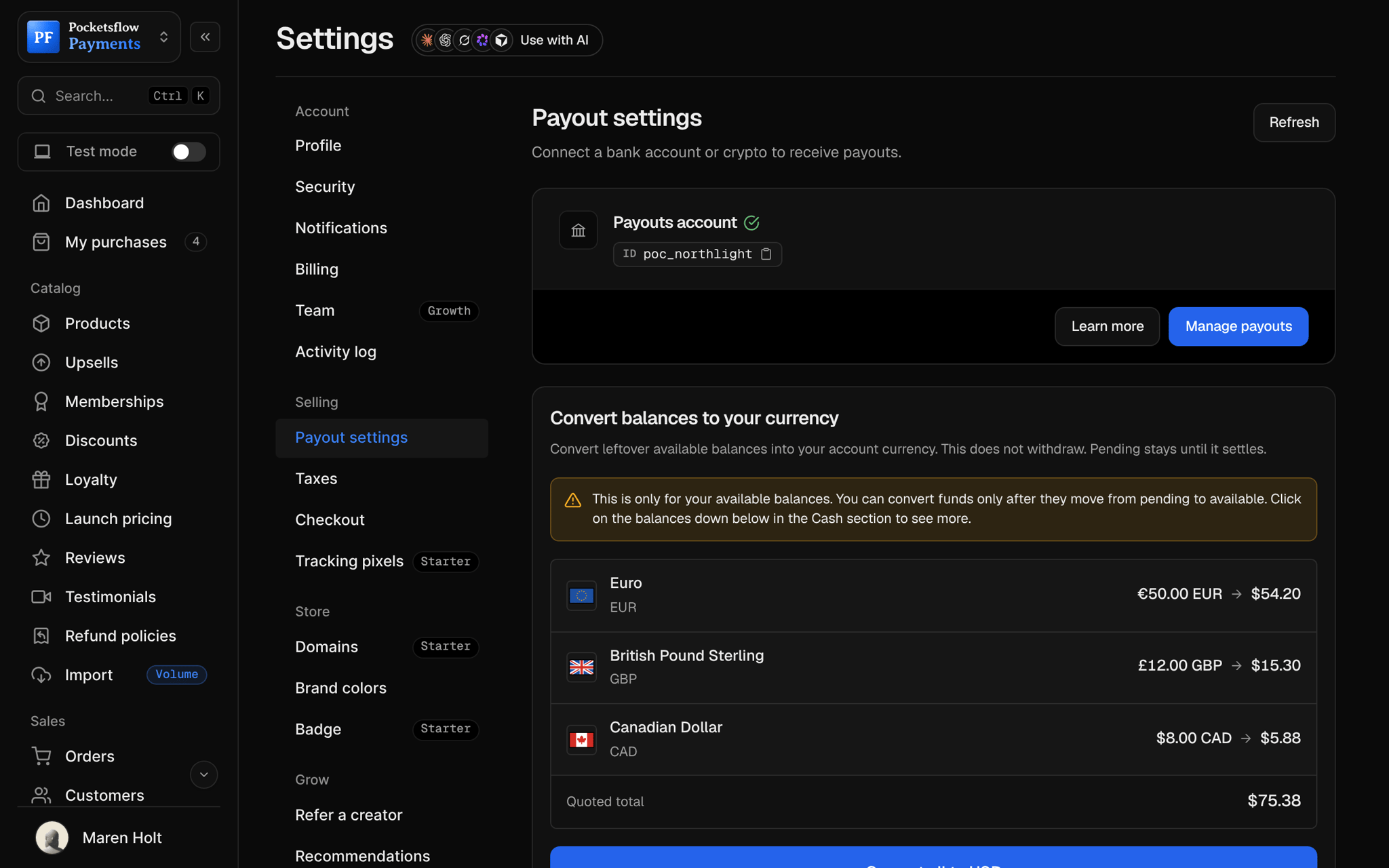
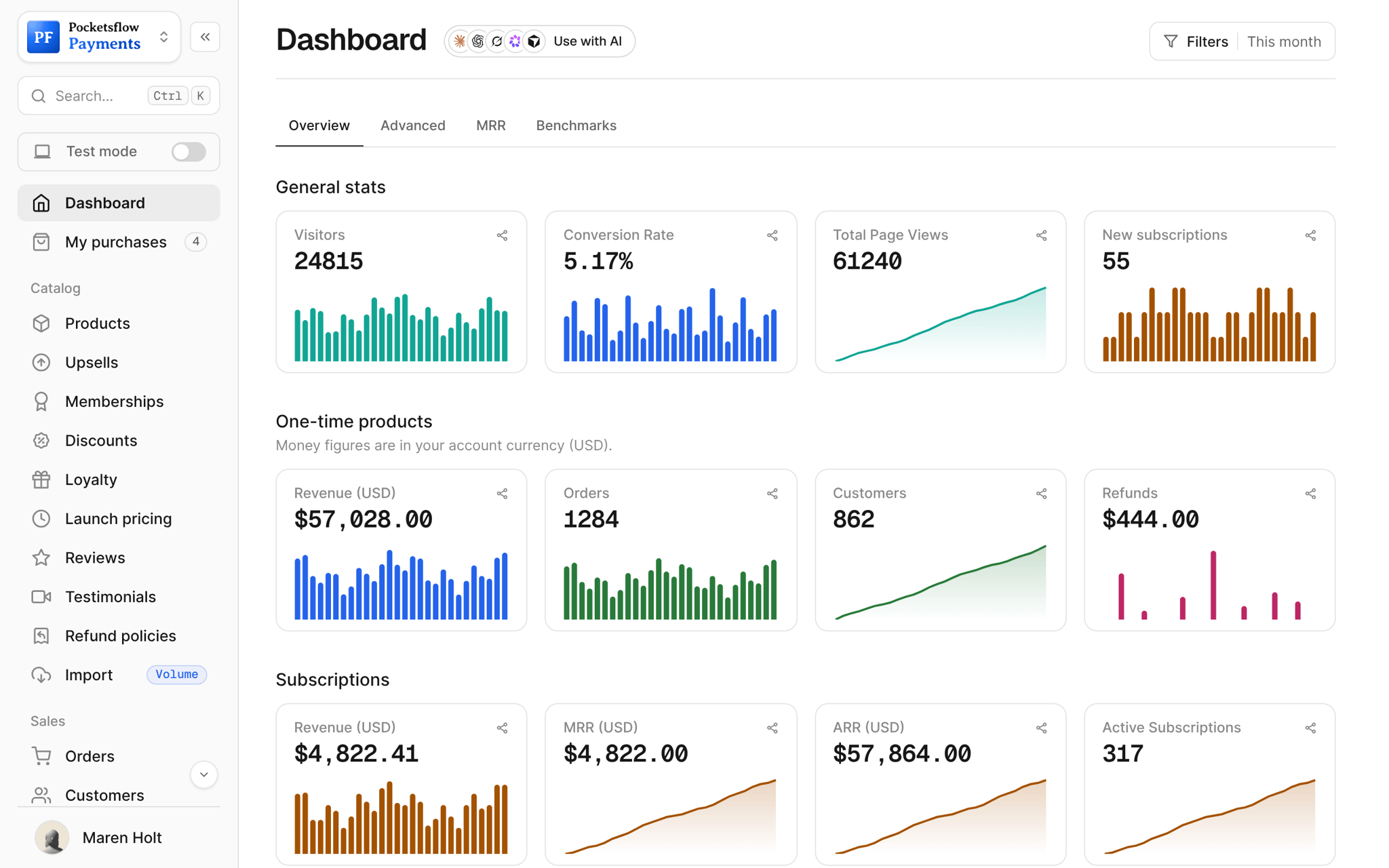
Who needs an invoice.
Business buyers
Companies get an invoice with their details for their own books.
Team license$149
Course and coaching clients
Clients expense a course or a coaching package.
Growth sessions, 3 pack$650
Subscriptions
Each renewal is its own order with its own invoice.
Pro Membership$19.99 / month
VAT registered buyers
The tax rate and amount are itemized on every invoice.
Brand Kit Templates€55 + VAT
Resends on request
A buyer lost the email: resend it from the order in one click.
Notion Business OS$59
Your accounting
Export orders as CSV, or stream them to your tools with webhooks.
Monthly closeCSV
Live in four steps.
A sale completes
The buyer pays at checkout. There is no invoice form to fill out.
The invoice is sent
The buyer gets a purchase confirmation and an invoice email for paid orders.
Buyers self serve
The link in their email opens their purchases, where they can find it again.
You stay in control
Open any order to generate, resend or share the receipt.
Let your agents run and grow your business.
Connect Claude, ChatGPT, Codex, Grok, Cursor or any MCP client once. Then ask in plain words, and every change lands in your dashboard.
 Claude · Desktop app
Things to ask
- Find the order for this customer emaillist_customers · get_customer
- What did order 1153 include, tax and fees?get_order
- List every order from last quarterlist_orders
- Which orders were refunded this month?list_refunds
- Email this buyer a note about their invoicesend_email
- Send invoice events to my accounting toolcreate_webhook
Everything included.
- An invoice for every paid order
- Your name, contact email, address and tax ID
- Show or hide address, email and tax ID
- The buyer's details as bill to
- Line items, tax rate, tax amount and total
- Purchase confirmation email
- Resend the receipt from the order
- Share an online receipt link
- Every subscription renewal invoiced
- Orders export to CSV
- Invoice webhooks for subscription charges
- Payout receipts for your own records
Why sellers pick Pocketsflow.
Merchant of Record
The tax on each invoice is calculated, collected and remitted for you.
No support emails
Buyers get their invoice by email and can find it again on their own.
Nothing to set up
Invoices start with your first sale.
One fee
4.7% + $0.30 estimated per sale. Invoices are included.
It's easy. Even your AI can do it.
Add Pocketsflow to the AI you already use, sign in and click Allow access. No API key, no code.
- 01Paste into your AI appThen sign in and click Allow.www.pocketsflow.com/mcp
Add Pocketsflow
Paste the server URL as a connector in your AI app.
- 02
Sign in and allow
Your AI opens Pocketsflow. Click Allow access.
- 03
Ask for anything
Products, orders, discounts, emails, in plain words.
import { createHmac, timingSafeEqual } from "node:crypto";

export async function POST(req: Request) {
  const raw = await req.text();
  const signature = req.headers.get("X-Pocketsflow-Signature") ?? "";
  const expected = createHmac("sha256", process.env.POCKETSFLOW_WEBHOOK_SECRET!)
    .update(raw)
    .digest("hex");

  if (!timingSafeEqual(Buffer.from(signature), Buffer.from(expected))) {
    return new Response("invalid signature", { status: 401 });
  }

  const event = req.headers.get("X-Pocketsflow-Event");
  const payload = JSON.parse(raw);

  switch (event) {
    case "invoice.payment_succeeded":
      await markPaid(payload.invoice.id);
      break;
    case "invoice.payment_failed":
      await remindCustomer(payload.customer.email);
      break;
  }

  return new Response("ok");
}
Read every invoice from the API.
Create a checkout, attach a product, and let Pocketsflow handle the transaction lifecycle: payment, tax, delivery, and the receipt.
Every resource is an HTTPS endpoint under one base URL with Bearer API keys. Live and test keys are scoped to their own data; the OpenAPI spec is served at /docs.json.
Common questions.
Do I create invoices manually?
No. Every paid order sends the buyer an invoice automatically, with the items, tax and total.
What is on the invoice?
Your name and contact email, your address and tax ID if you add them, the buyer's details, the order id and date, each item, the tax rate and amount, and the total paid.
Can I hide my address or email?
Yes. Each of your business address, contact email and tax ID can be shown or hidden on invoices.
Can buyers get a copy later?
Yes. Their email links to their purchases, and you can resend the receipt or share an online receipt from the order at any time.
Are subscription renewals invoiced?
Yes. Every renewal is its own order with its own invoice, and invoice webhooks fire for each subscription charge.
What does it cost?
No monthly fee and no setup fee. Each sale carries one itemized transaction cost, 4.7% + $0.30 estimated (about $5.00 on a $100 sale), covering the platform, payment infrastructure, tax handling and dispute prevention. Selling $50,000 or more a month? The Volume plans lower the platform fee to 1% or 0.5%.
Can my AI do this for me?
Yes. Add the Pocketsflow MCP server to Claude, ChatGPT, Codex, Grok, Cursor or any MCP client, sign in and click Allow access. No API key. Your AI can then create products, set prices and discounts, open checkouts, read orders and send emails, and every change shows up in your dashboard.
Keep exploring.
Start selling today.
Sell your first product in minutes, keep more of every sale, and let the AI you already use run the busywork.