GrowSales Analytics
See what is working.
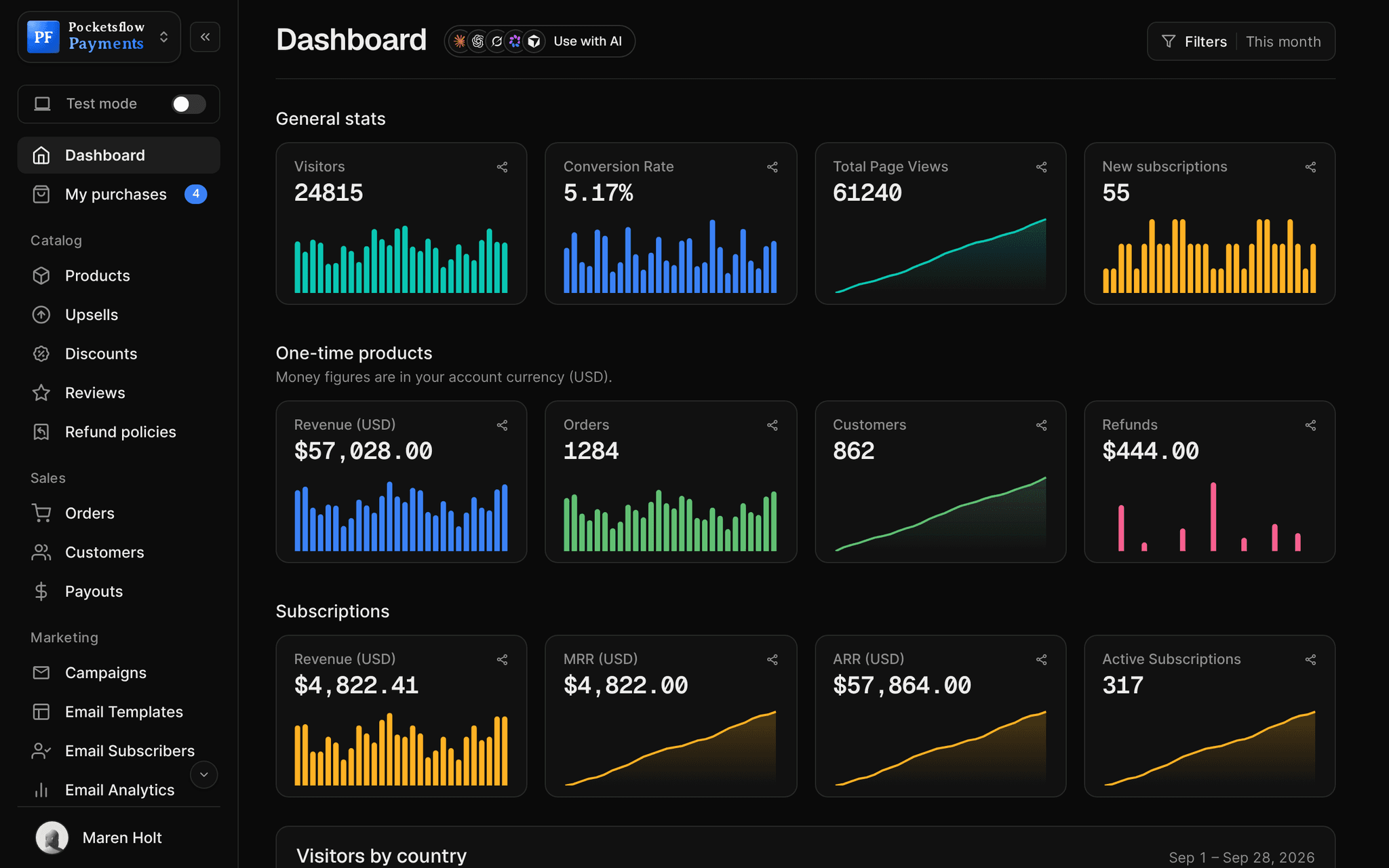
One dashboard for the numbers that matter: visitors and conversion, one time revenue and orders, refunds, and subscription MRR, ARR and active subscribers. Filter by date, product or plan, or just ask your AI.


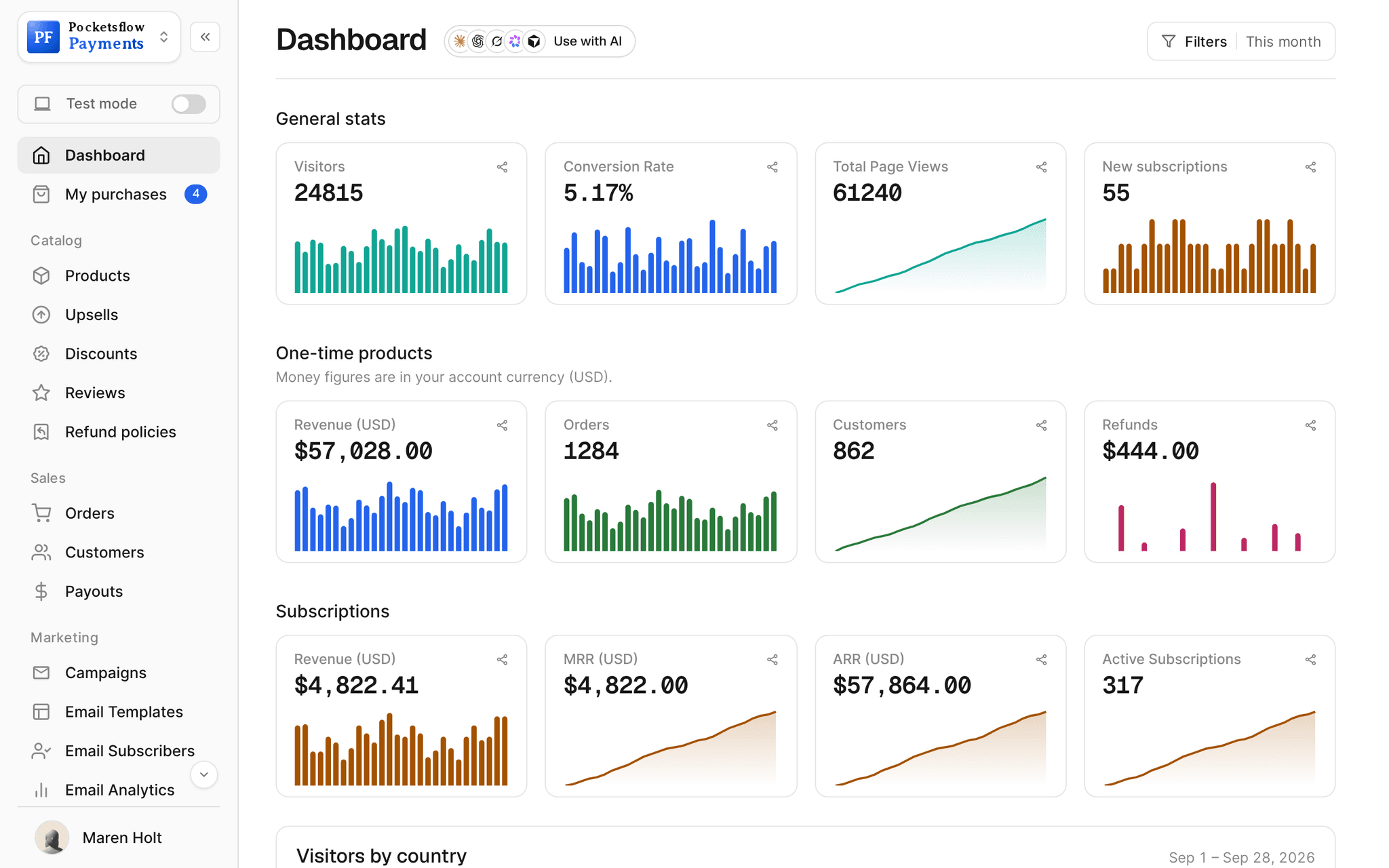
- ARR and active subscriptions
- MRR
- views: sales, creator page, email
- 3
- after tax and fees on every order
- Net
- estimated per sale, no monthly fee
- 4.7% + $0.30
// inside pocketsflow
See how it works in the dashboard.
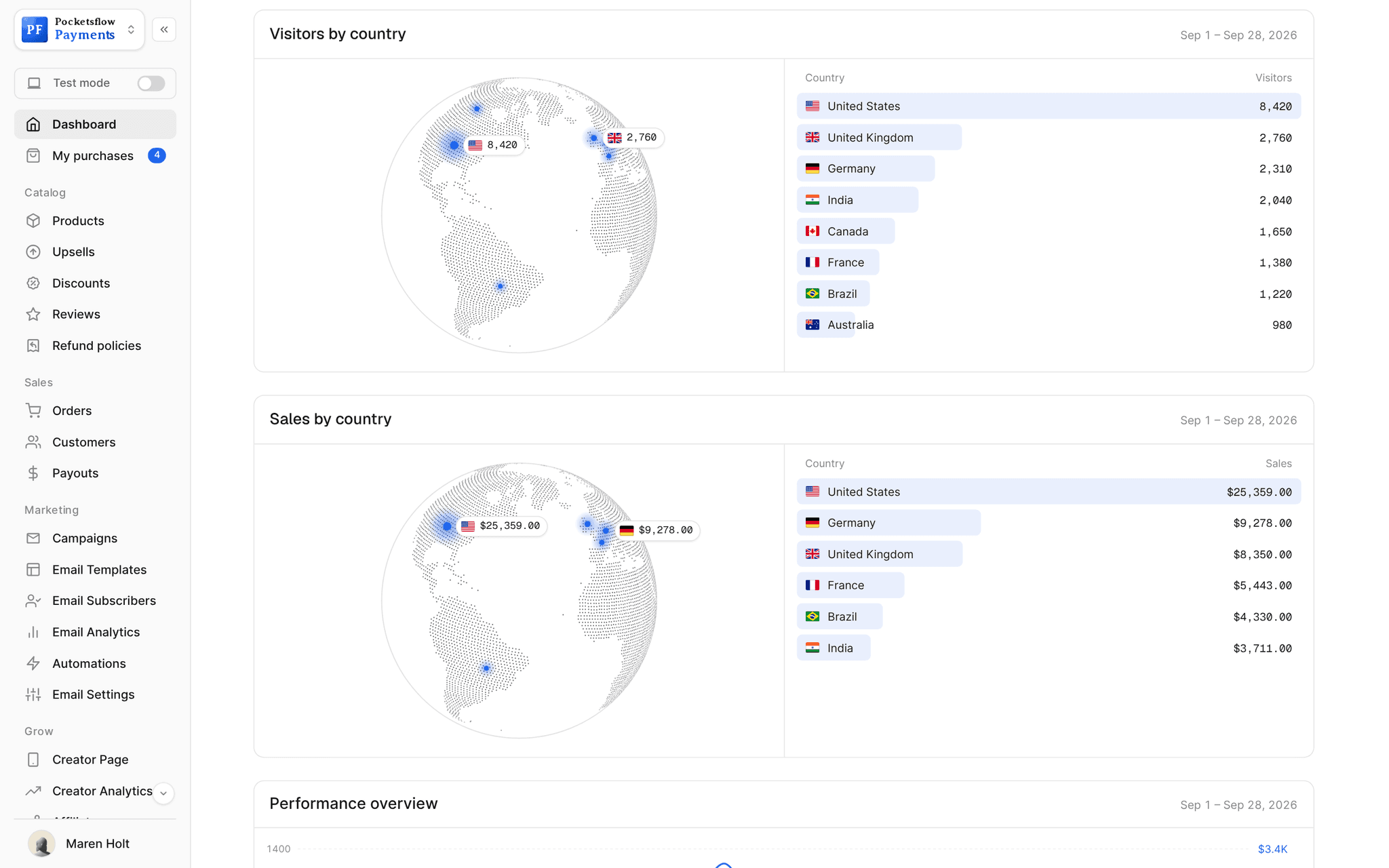
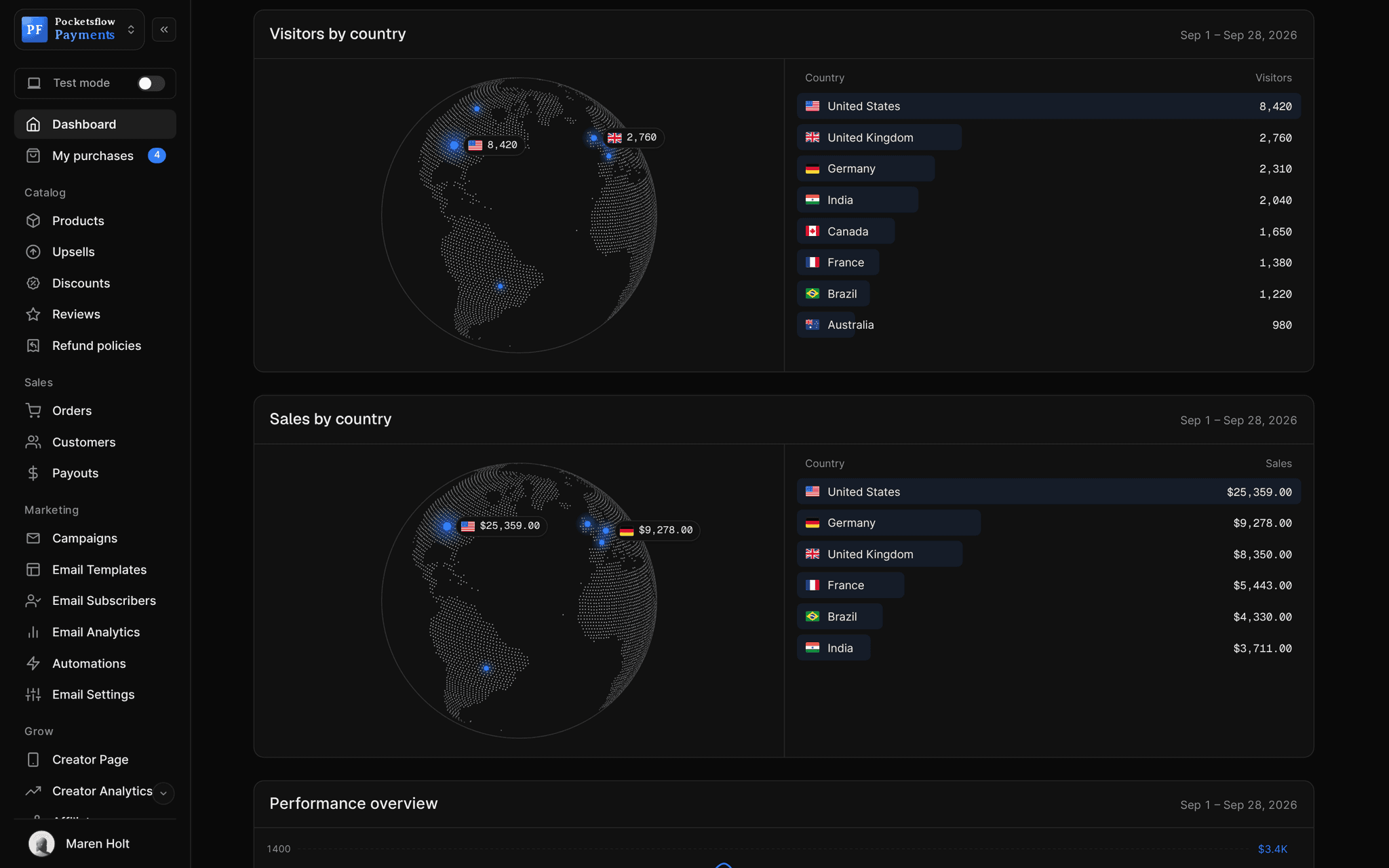
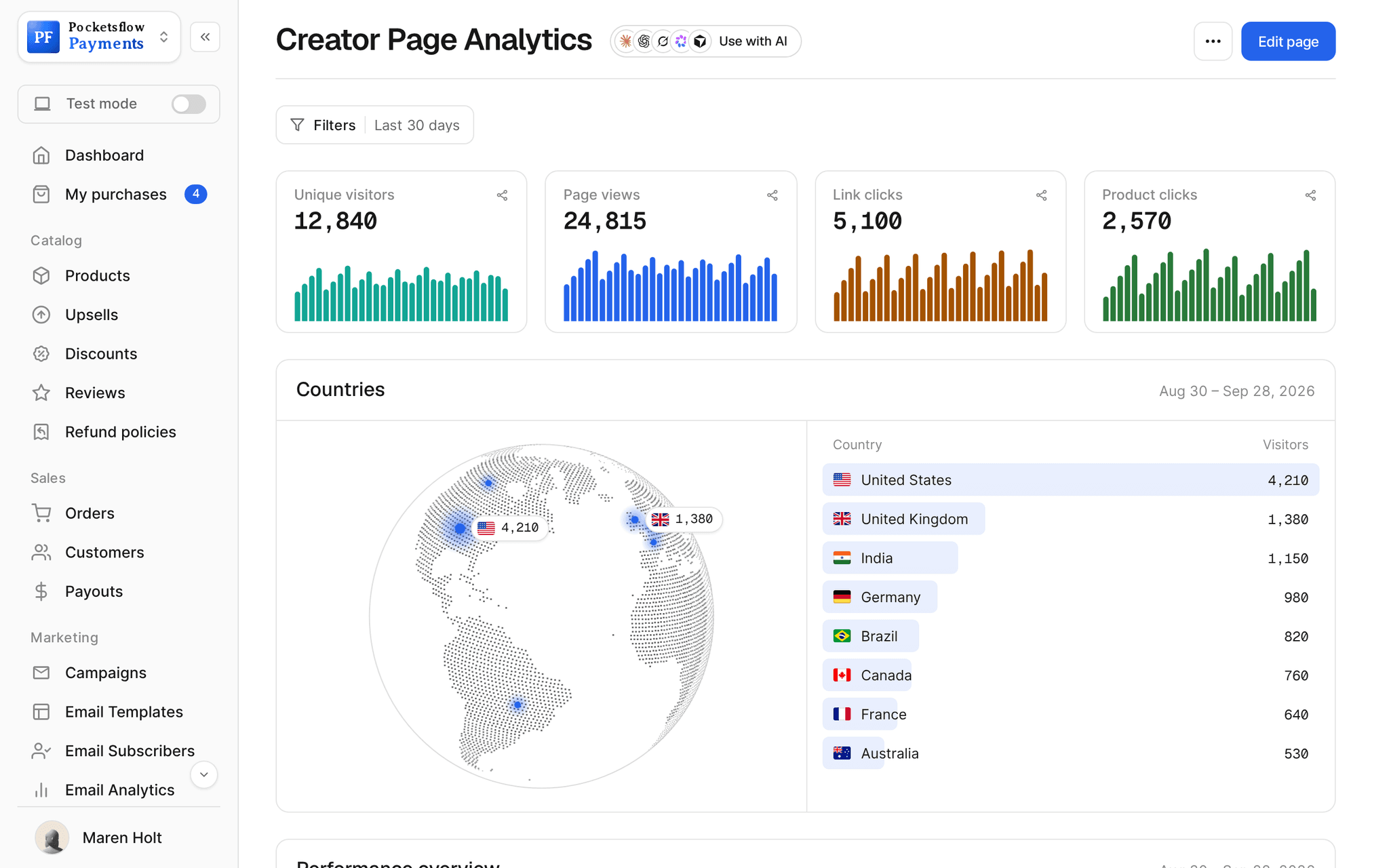
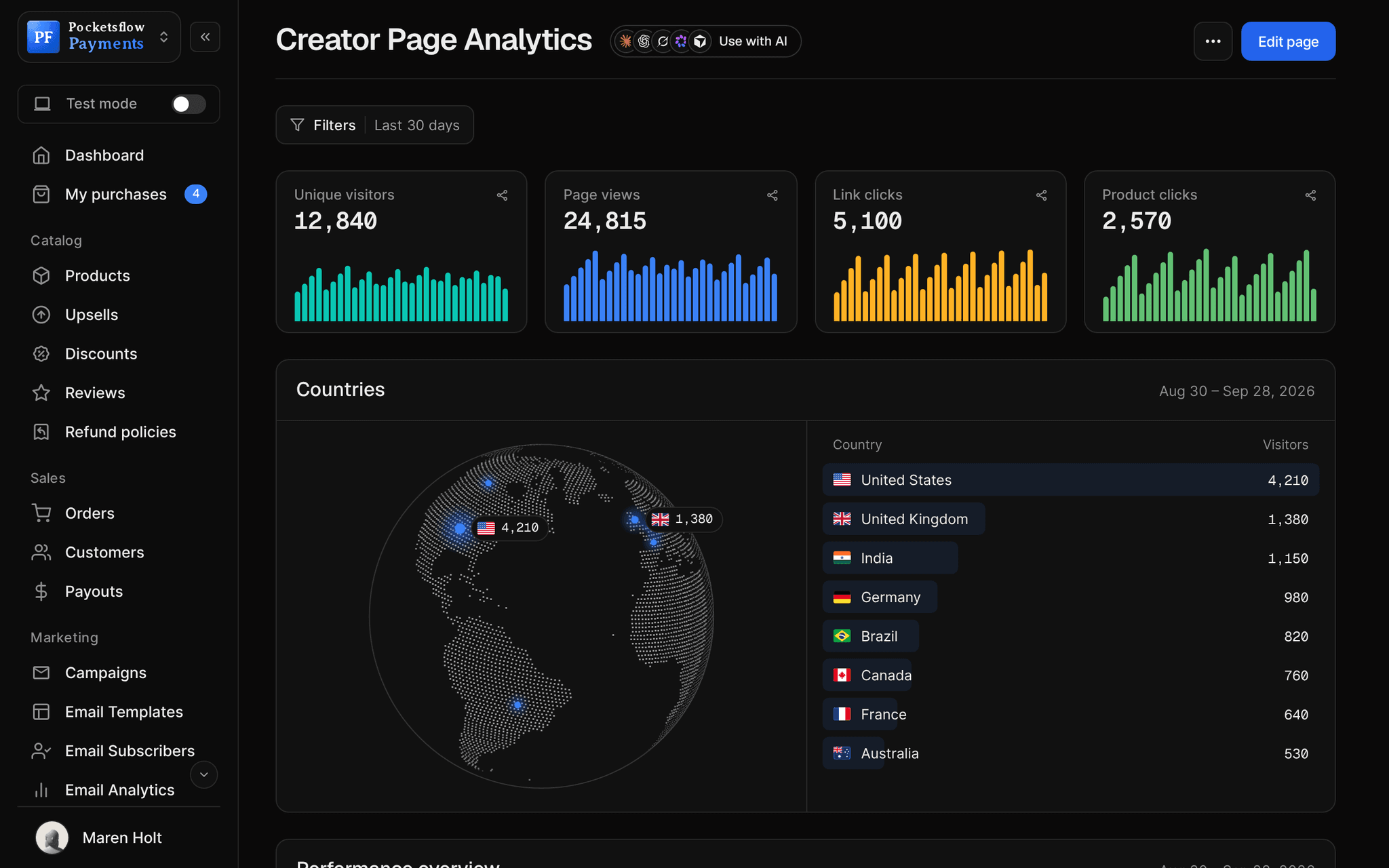
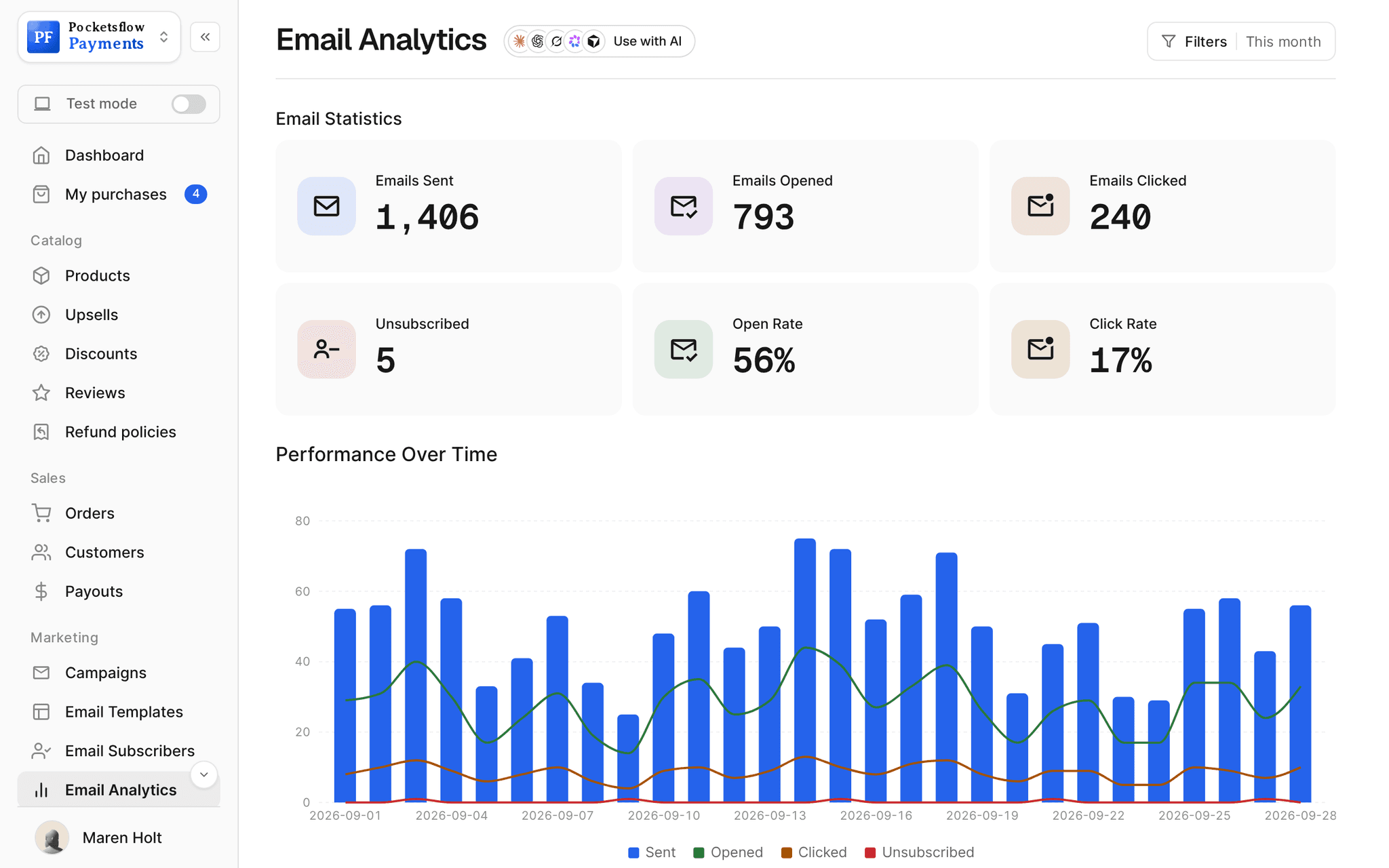
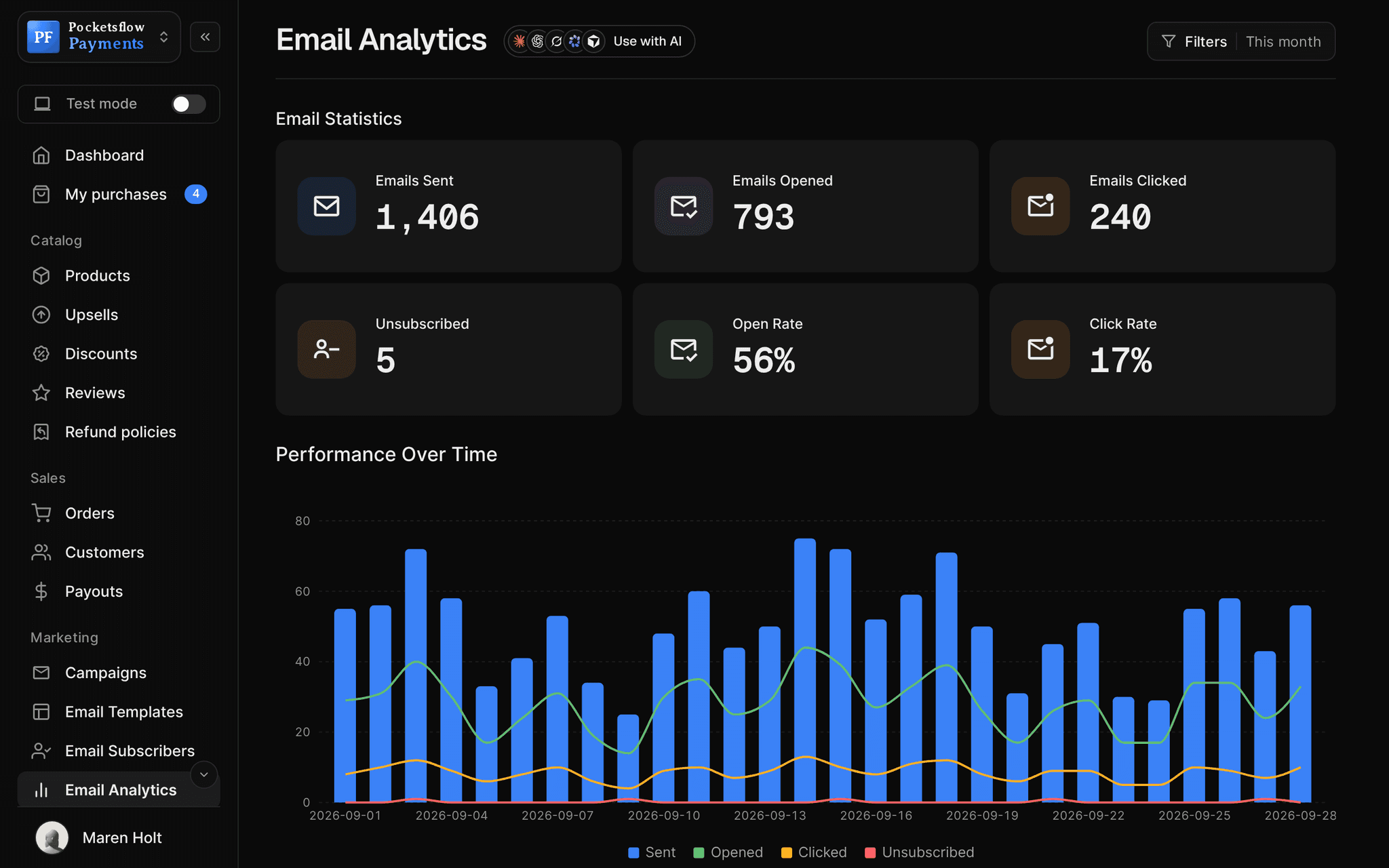
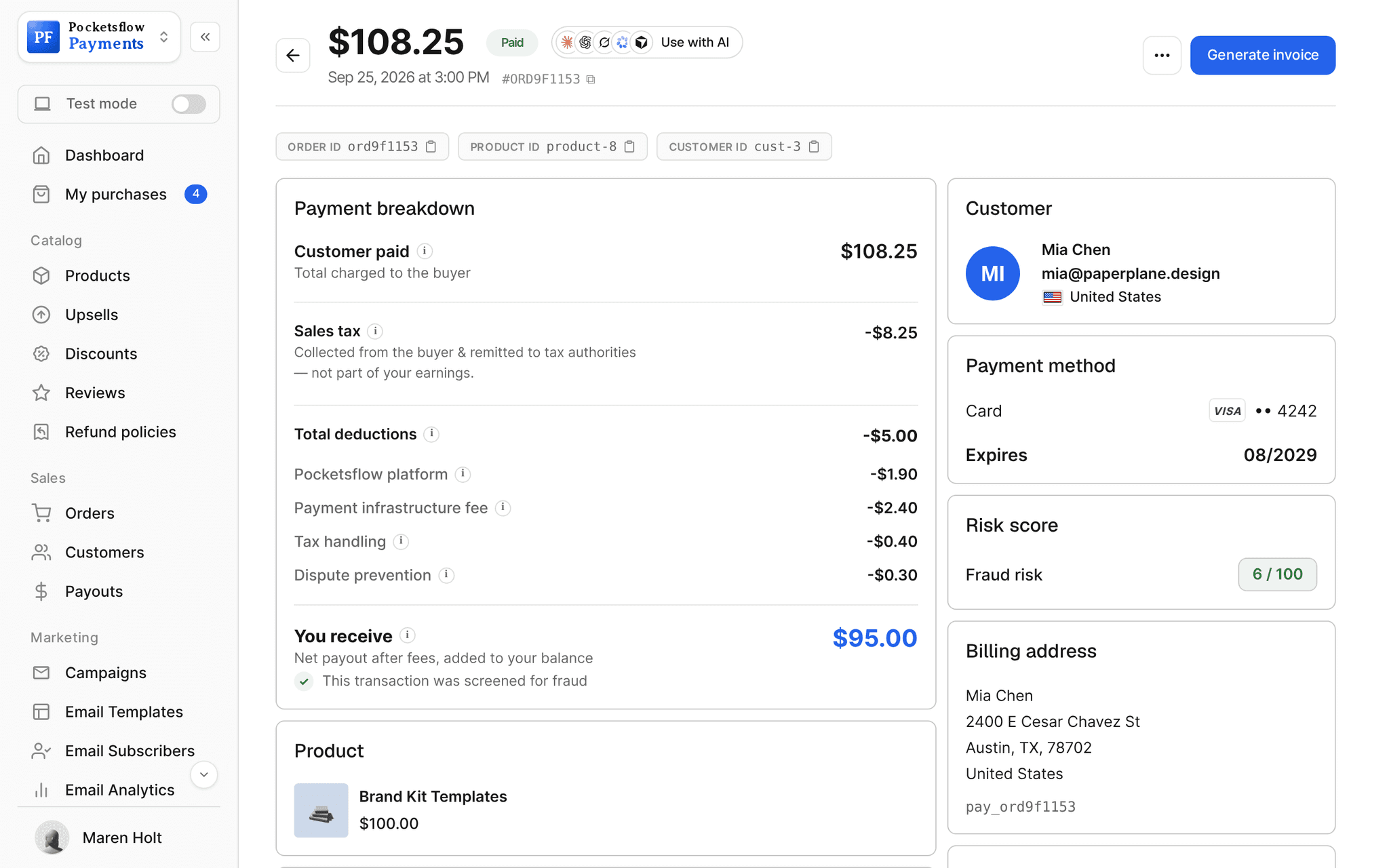
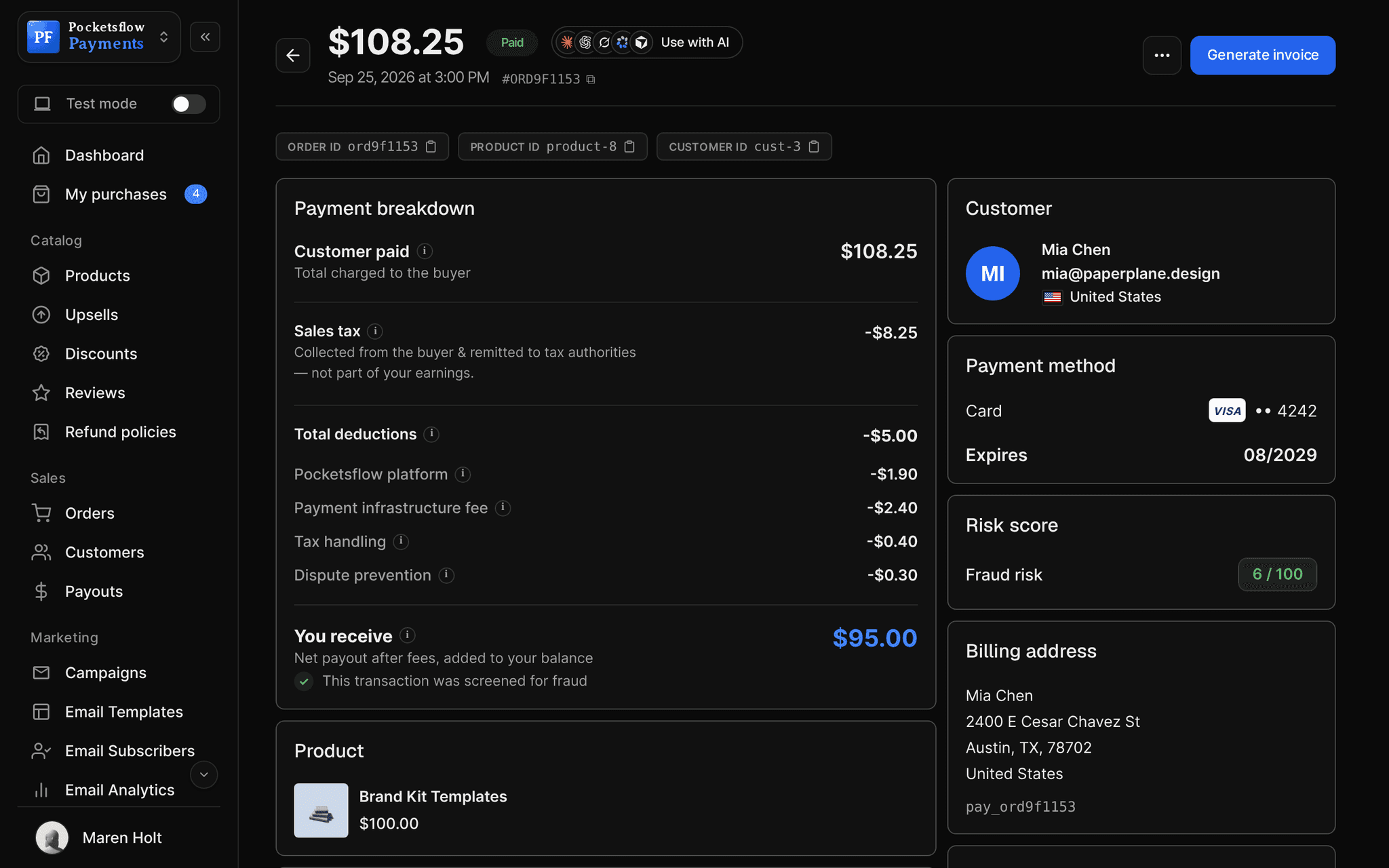
// more screens
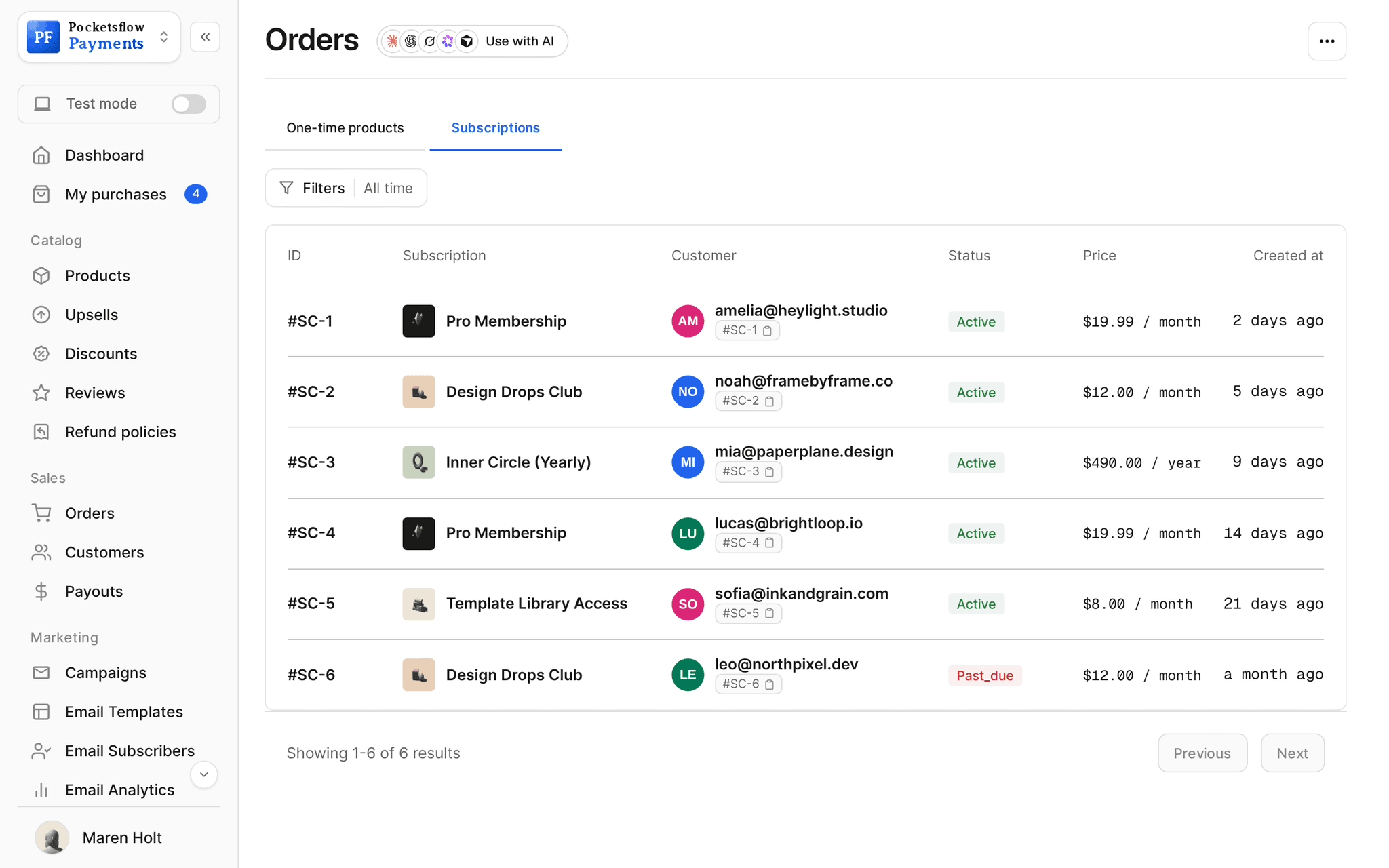
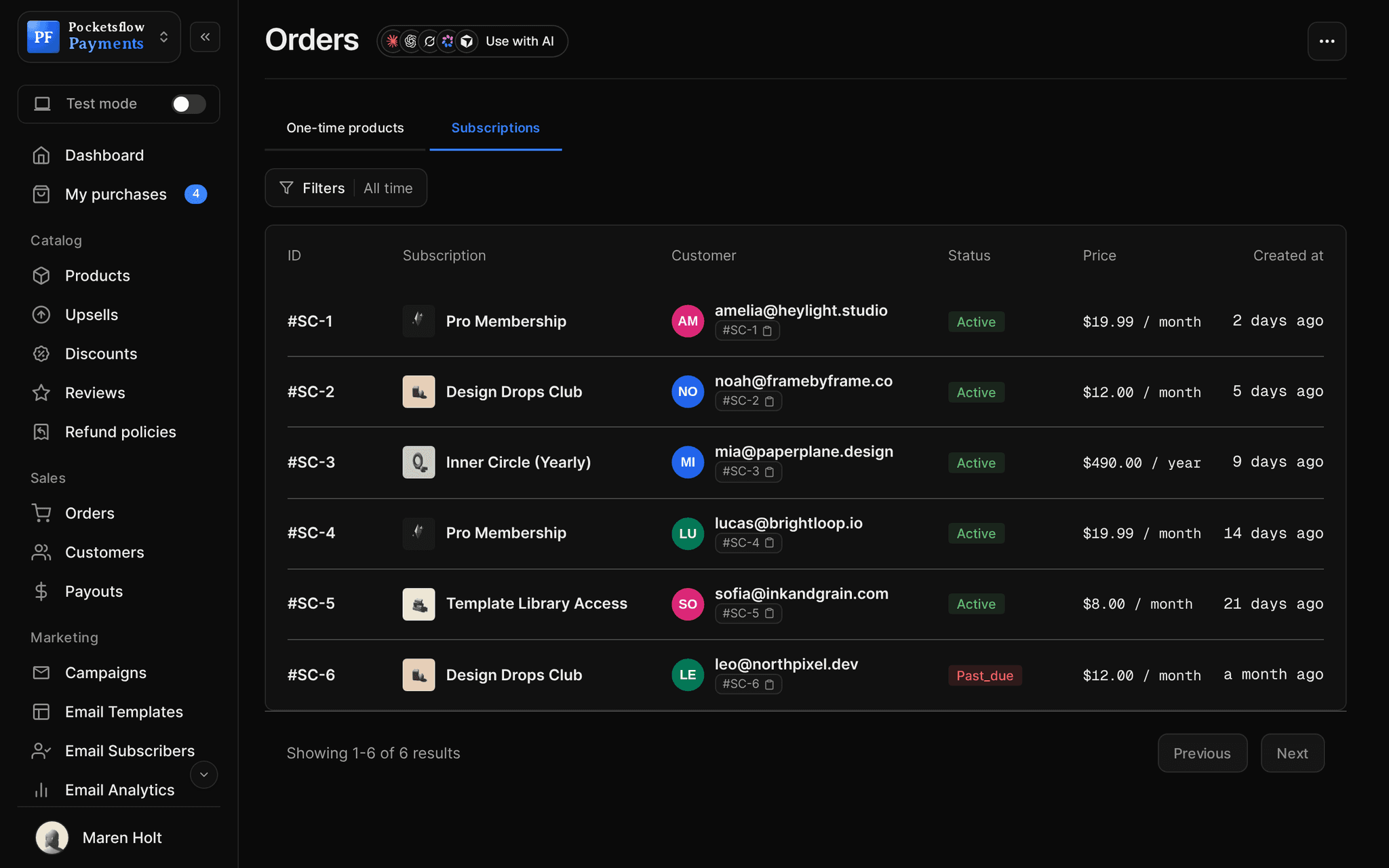
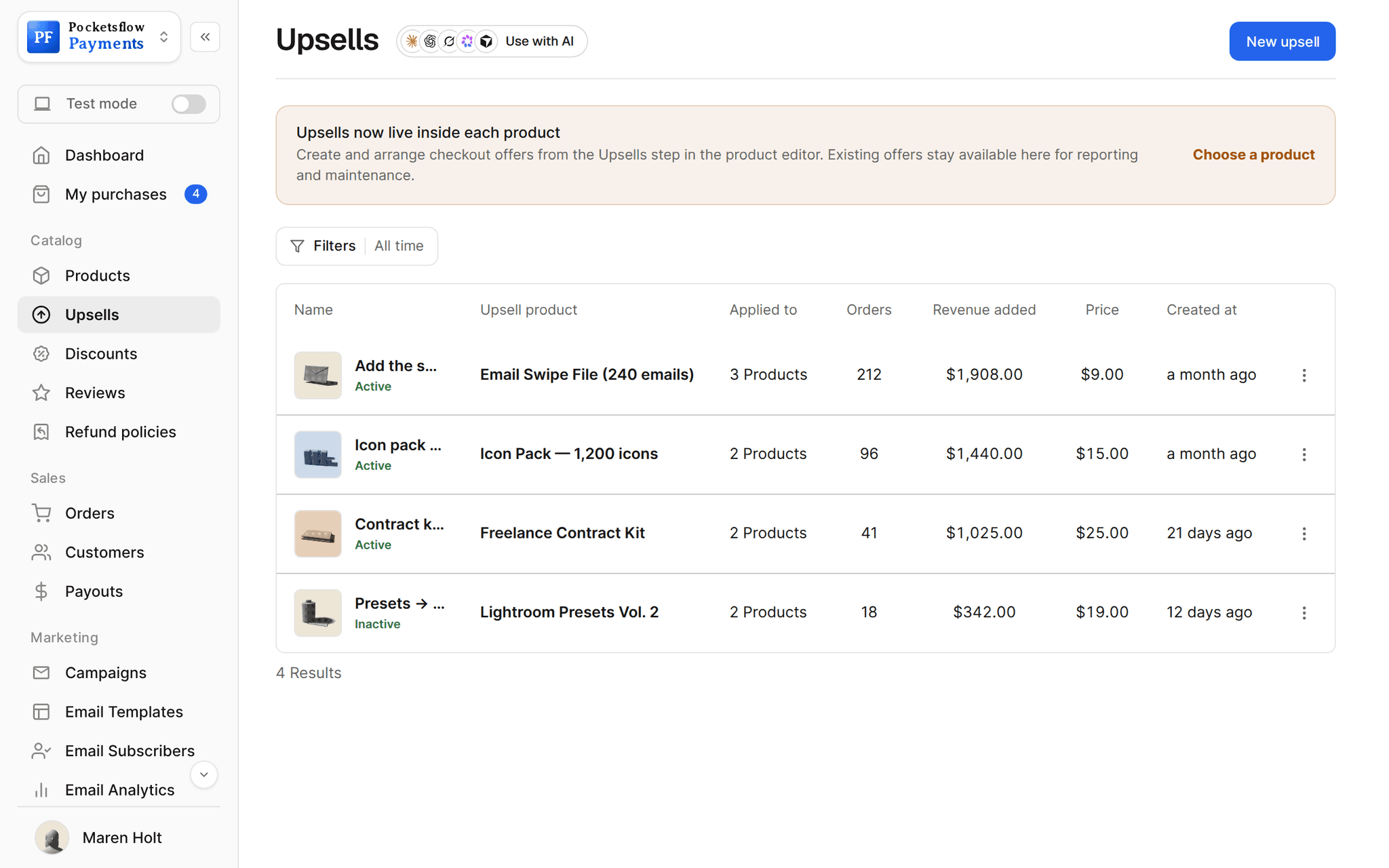
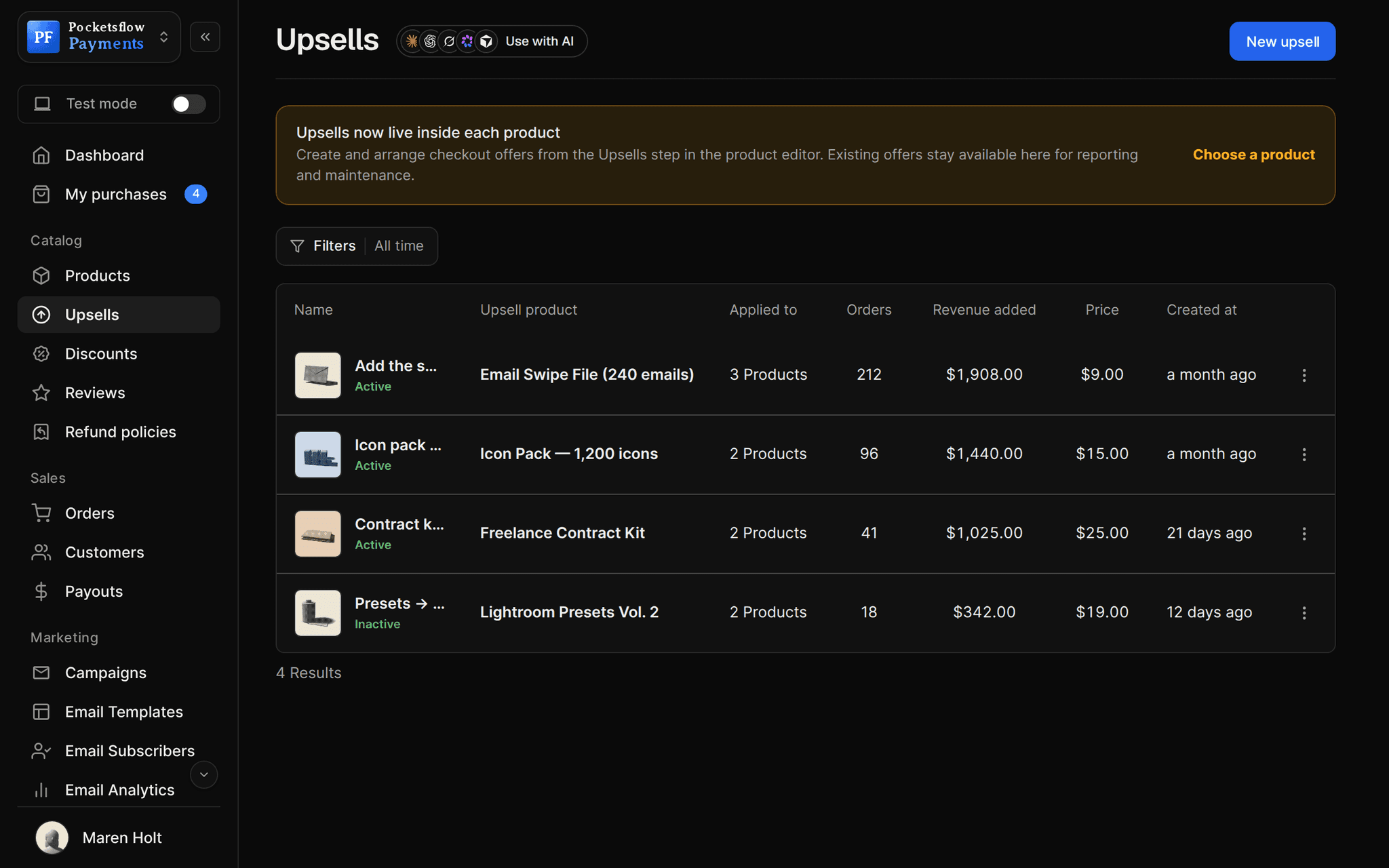
Every screen you will use.
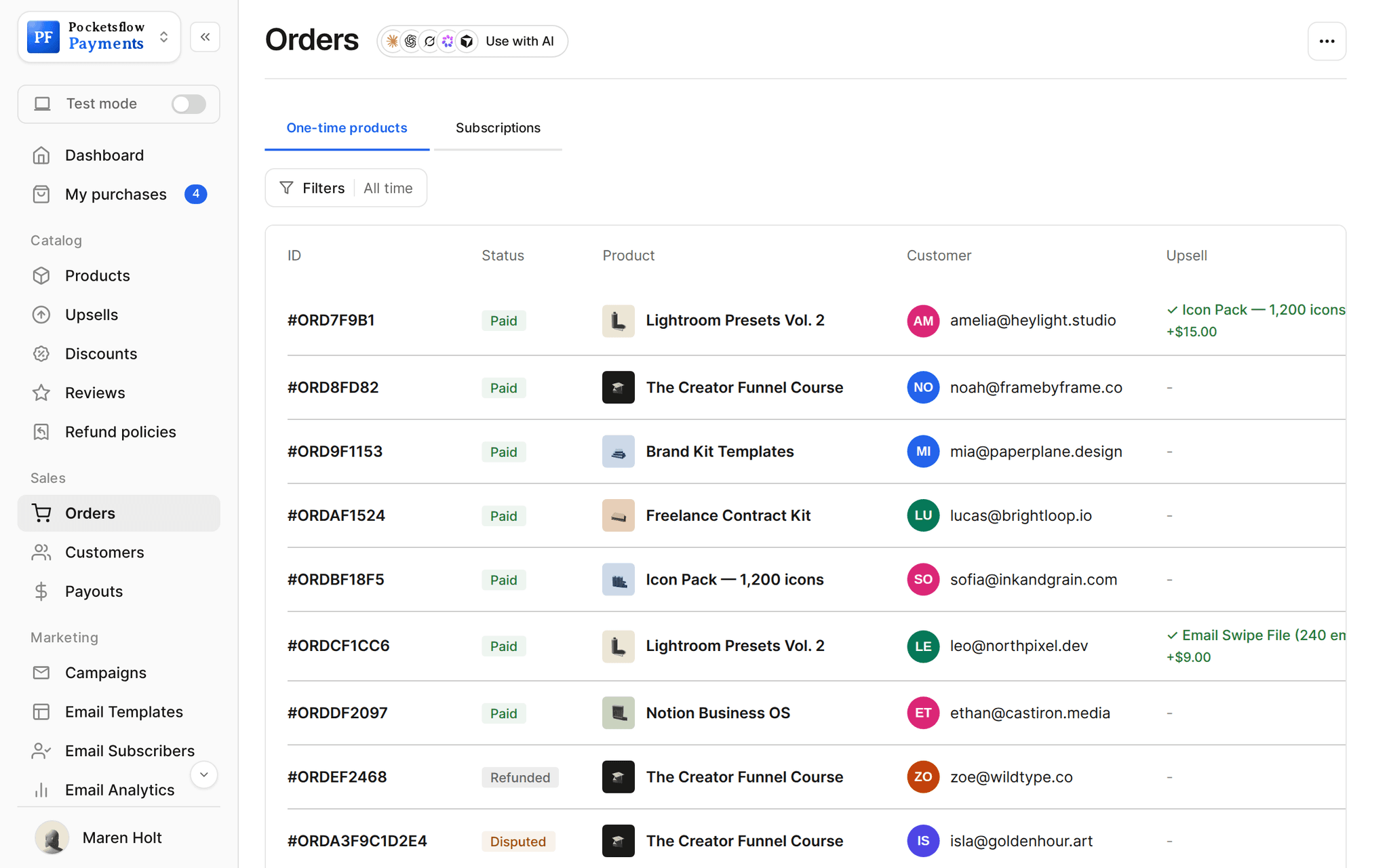
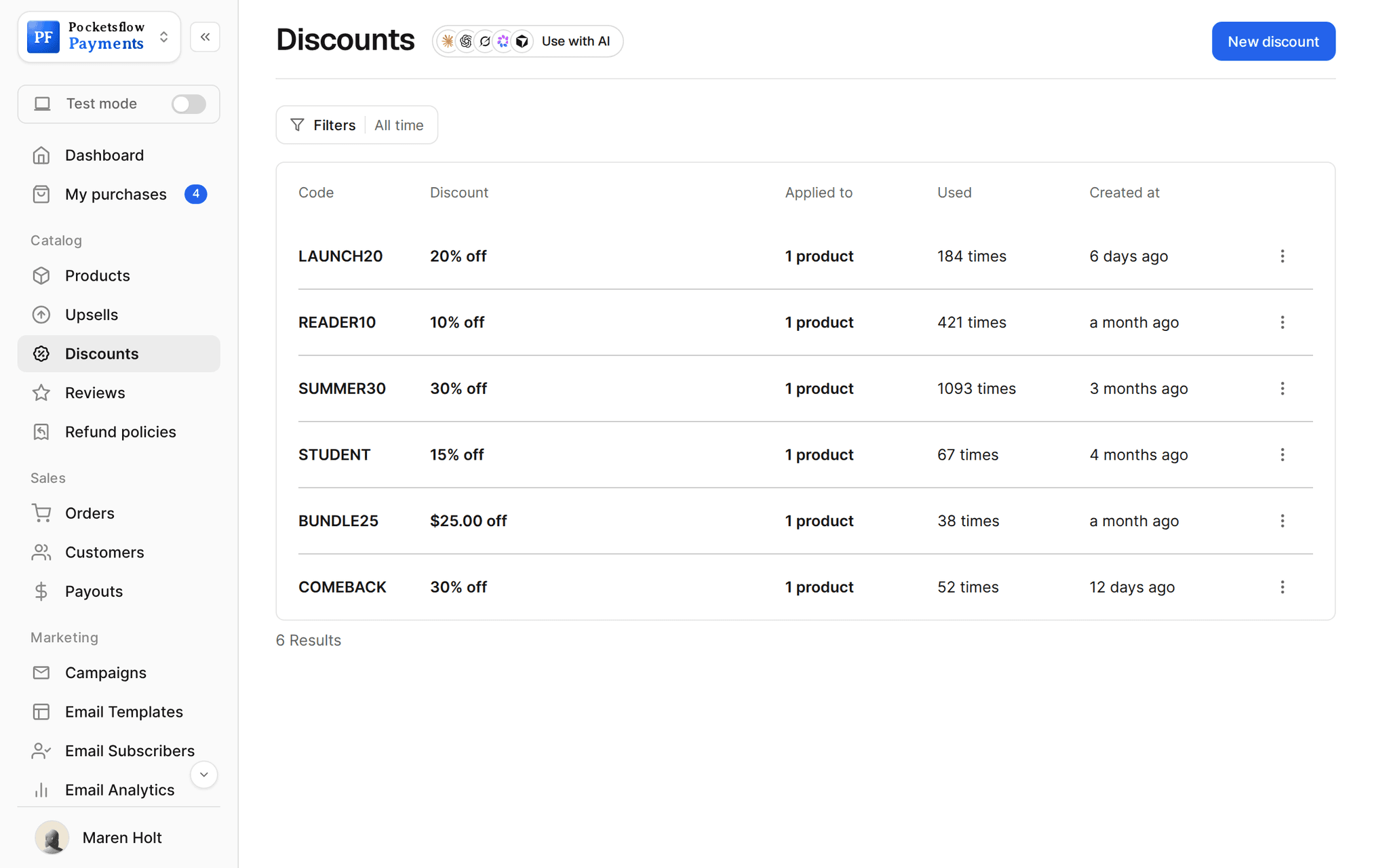
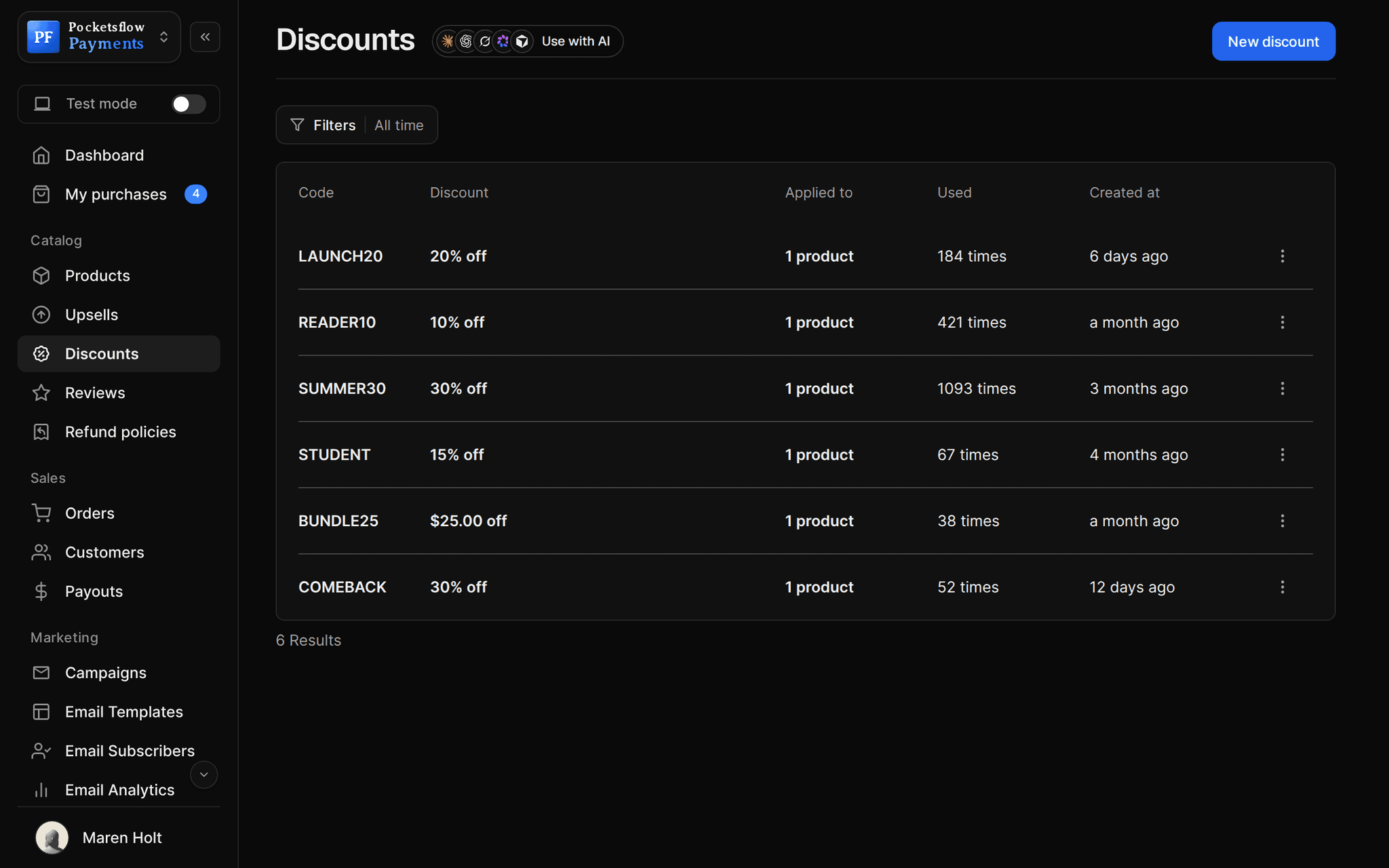
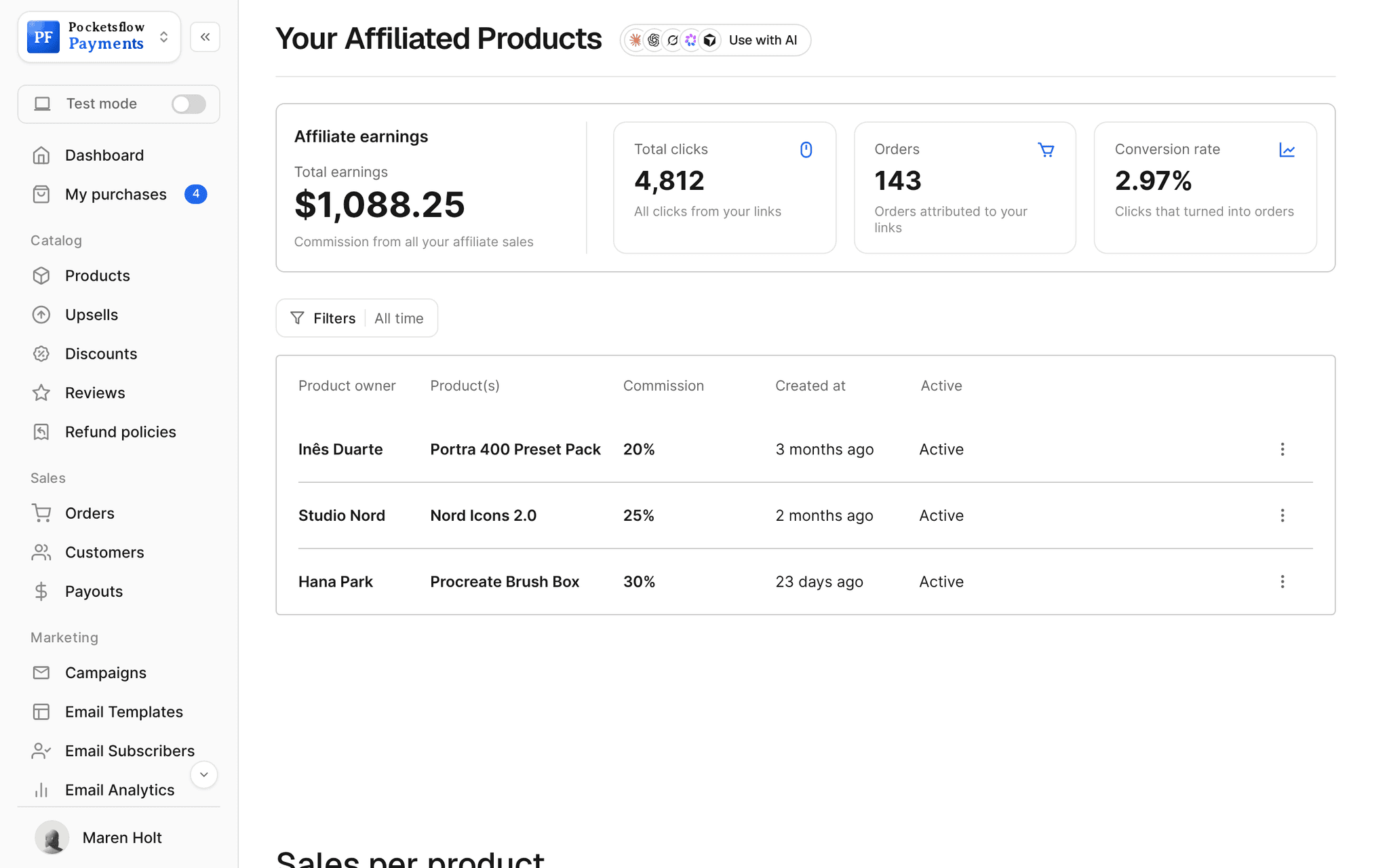
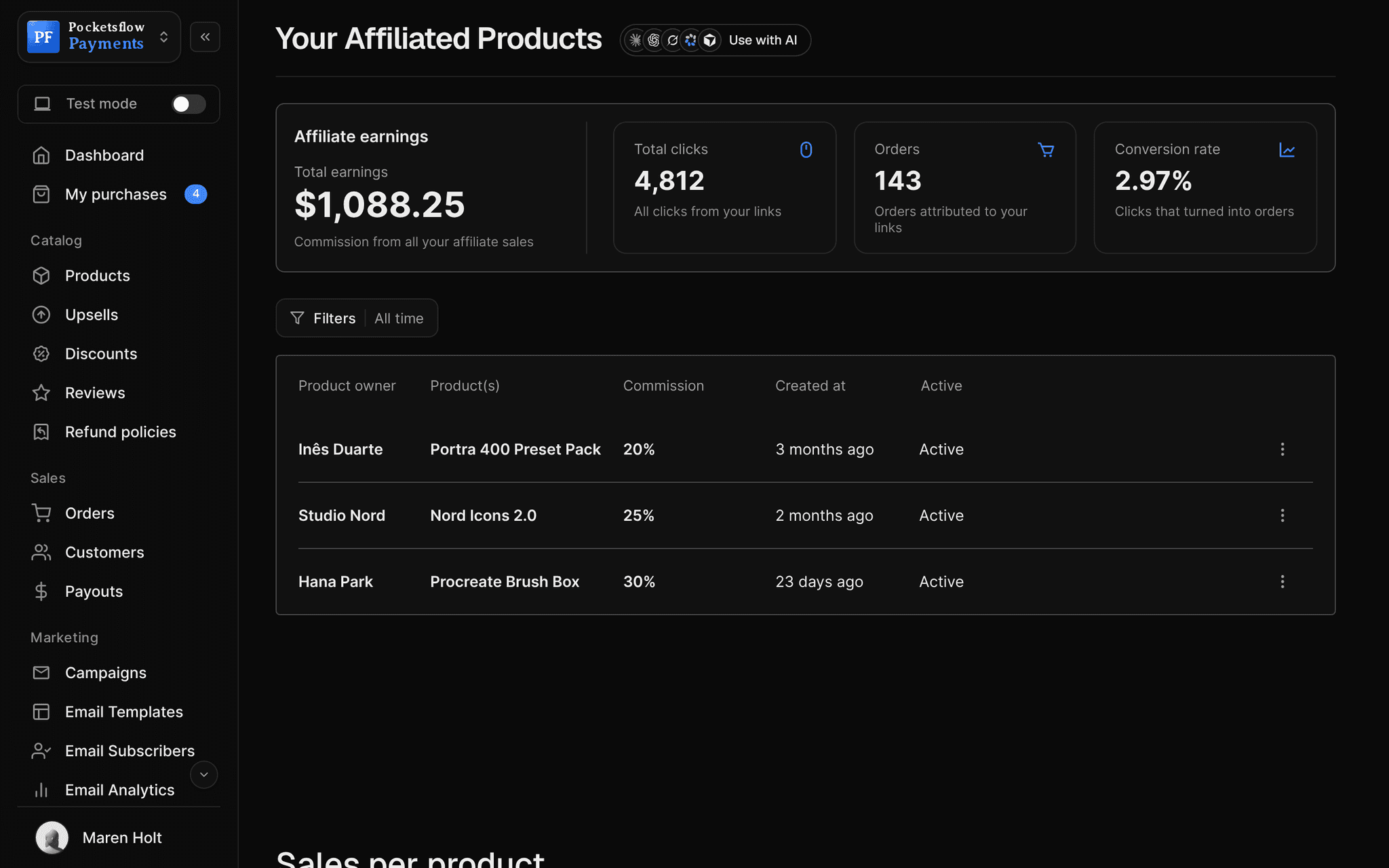
// use cases
Questions the numbers answer.
Weekly check in
Revenue, orders and refunds for the last seven days.
Monday review7 days
Launch tracking
Compare the launch window with the weeks before.
Presets Vol. 3 launchDate range
Subscription growth
Watch MRR, ARR and active subscribers move.
Pro MembershipMRR
Page conversion
Visitors and clicks on your creator page, and how many buy.
Creator pageConversion
Email impact
Opens and clicks on the email that drove the sale.
Launch emailClick rate
Offer testing
See which upsells and codes add revenue.
Swipe file bumpRevenue added
// how it works
Live in four steps.
Sell as usual
Every order, renewal, refund and visit is recorded for you.
Open the dashboard
General stats, one time products and subscriptions, each with a trend.
Filter
Pick a date range, a product or a plan.
Act on it
Run a code, send an email or adjust a price, then watch the numbers move.
// ai
Or just ask your AI.
Connect Claude, ChatGPT, Codex, Grok, Cursor or any MCP client once. Then ask in plain words, and every change lands in your dashboard.
Things to ask
- How did sales go this week?list_orders
- Which product made the most money this month?list_orders · list_products
- How many refunds did I issue last month?list_refunds
- Who are my repeat customers?list_customers
- How are my affiliates performing?get_partner_stats · list_referral_sales
- What do my latest reviews say?list_reviews
// included
Everything included.
- Visitors, page views and conversion rate
- One time revenue, orders, customers and refunds
- Subscription revenue, MRR, ARR and active subscriptions
- Creator page analytics: views, visitors and clicks
- Email analytics: sends, opens, clicks, unsubscribes
- Date range, product and plan filters
- Gross, tax, fees and net on every order
- Upsell revenue added
- Discount code usage
- Affiliate clicks, orders and commission
- Order and customer CSV exports
- Read it all from the API or your AI
// why pocketsflowWhy sellers pick Pocketsflow.
Everything in one place
Sales, subscriptions, traffic and email without stitching tools together.
Real money, itemized
Every order shows tax, fees and what you actually receive.
Ask in plain words
Your AI can read orders and refunds and answer in a sentence.
Included
Analytics come with every account. 4.7% + $0.30 estimated per sale, no monthly fee.
// connect
It's easy. Even your AI can do it.
Add Pocketsflow to the AI you already use, sign in and click Allow access. No API key, no code.
- 01Paste into your AI appIt's a connector address, not a web page.api.pocketsflow.com/mcp
Add Pocketsflow
Paste the server URL as a connector in your AI app.
- 02
Sign in and allow
Your AI opens Pocketsflow. Click Allow access.
- 03
Ask for anything
Products, orders, refunds, emails, in plain words.
import { Pocketsflow } from "pocketsflow";

const pf = new Pocketsflow({ apiKey: process.env.POCKETSFLOW_API_KEY });

// Sales land here the second they happen. No sync to wait on.
const orders = await pf.orders.list({ page: 1, pageSize: 5 });
const customers = await pf.customers.list();

console.log(orders[0].id, customers.length);
Read revenue from the API.
Create a checkout, attach a product, and let Pocketsflow handle the transaction lifecycle: payment, tax, delivery, and the receipt.
Every resource is an HTTPS endpoint under one base URL with Bearer API keys. Live and test keys are scoped to their own data; the OpenAPI spec is served at /docs.json.
// faq
Common questions.
What can I track?
Visitors, page views and conversion; one time revenue, orders, customers and refunds; subscription revenue, MRR, ARR and active subscriptions; creator page clicks; and email sends, opens, clicks and unsubscribes.
Can I filter by product or date?
Yes. Pick any date range, and focus on a single product or subscription plan.
Does it show what I actually earn?
Yes. Each order breaks down what the customer paid, the tax collected, each fee, and what you receive.
Can I export my data?
Yes. Export orders, subscriptions and customers as CSV, or read them from the API.
Do email numbers need a plan?
Open and click analytics are part of the email plans. Sales and traffic analytics come with every account.
Can my AI do this for me?
Yes. Add the Pocketsflow MCP server to Claude, ChatGPT, Codex, Grok, Cursor or any MCP client, sign in and click Allow access. No API key. Your AI can then create products, set prices and discounts, open checkouts, read orders and send emails, and every change shows up in your dashboard.
// related
Keep exploring.
Start accepting payments today.
Sell your first product today, and let the AI you already use run the busywork.