What you can sellWebsites
Sell on your website, or sell websites.
Embed the checkout on any page you already have, or sell the sites themselves: templates, themes and paid members areas. Buyers pay without leaving your page, and your site hears about every order.


- estimated per sale, no monthly fee
- 4.7% + $0.30
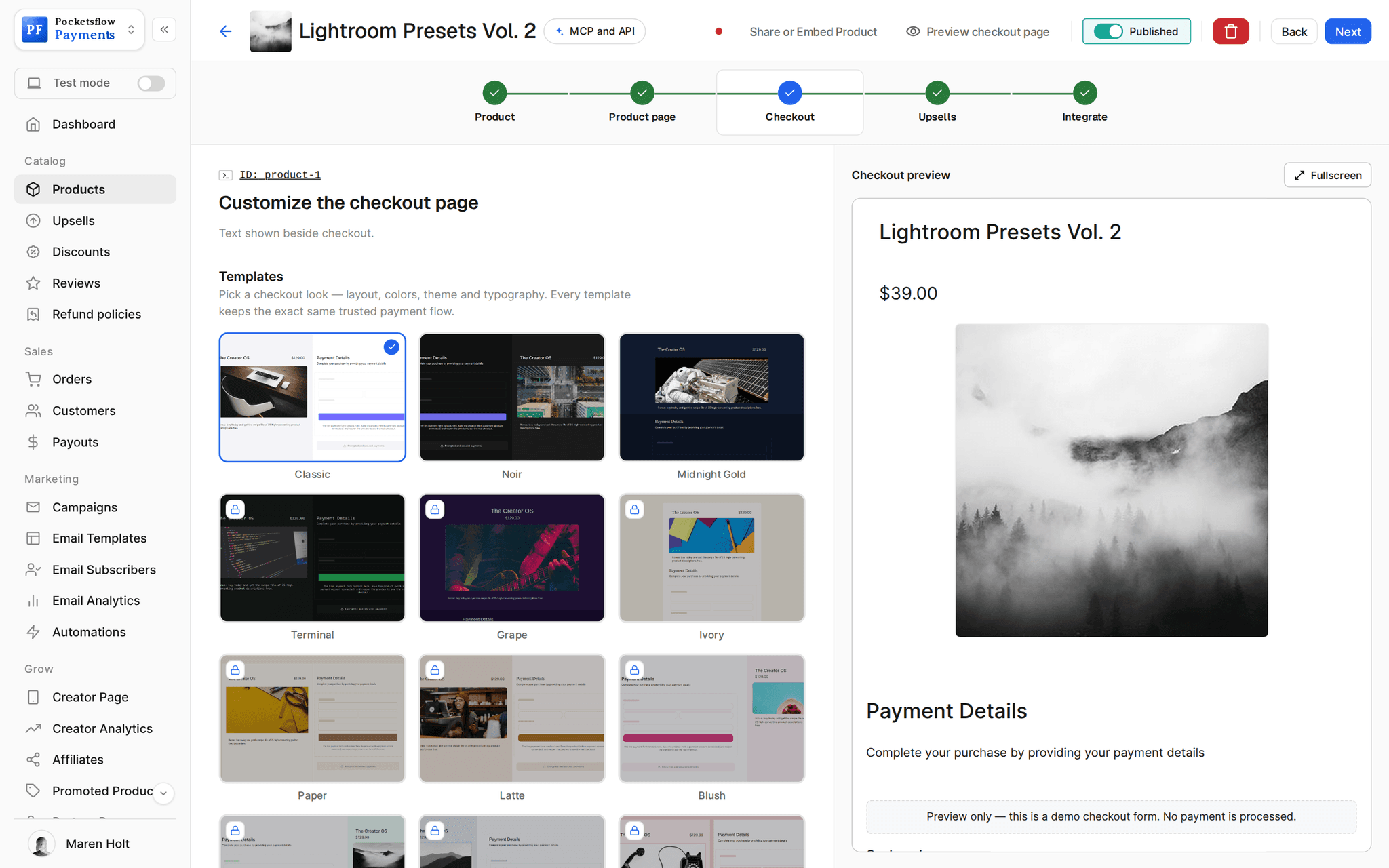
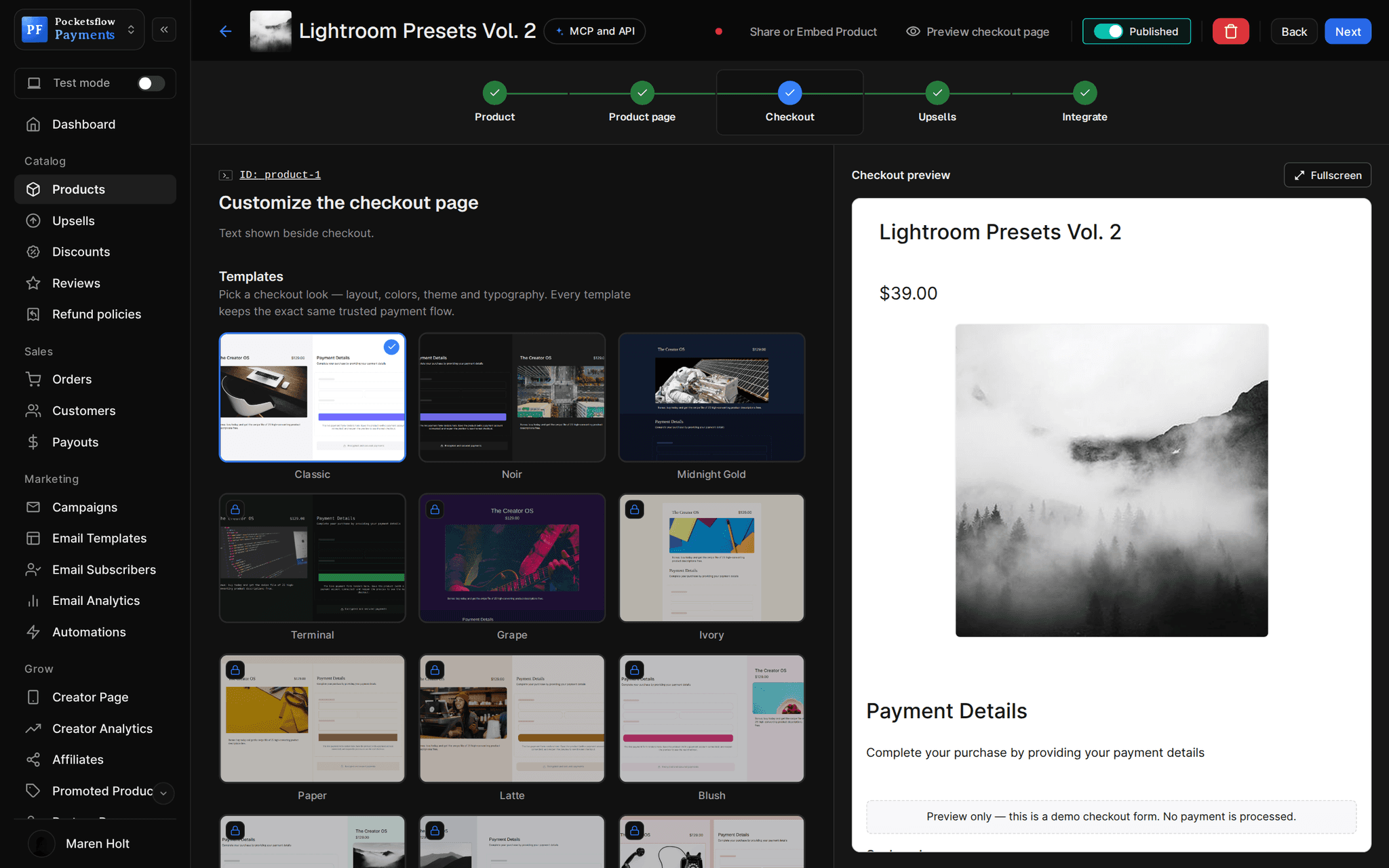
- checkout templates, light and dark
- 13
- embed modes: in your layout, or payment only
- 2
- creator page templates if you need a site
- 55
// inside pocketsflow
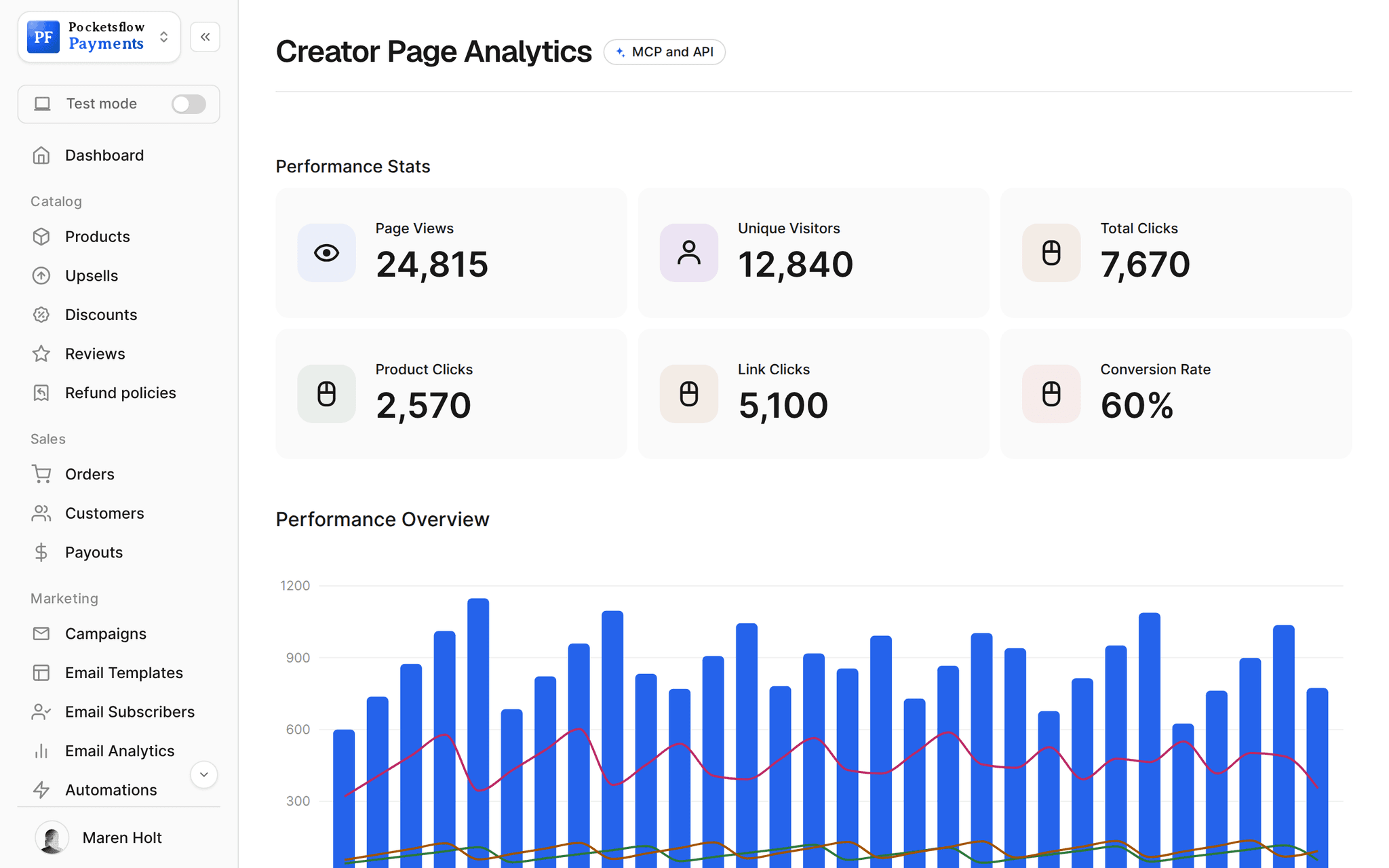
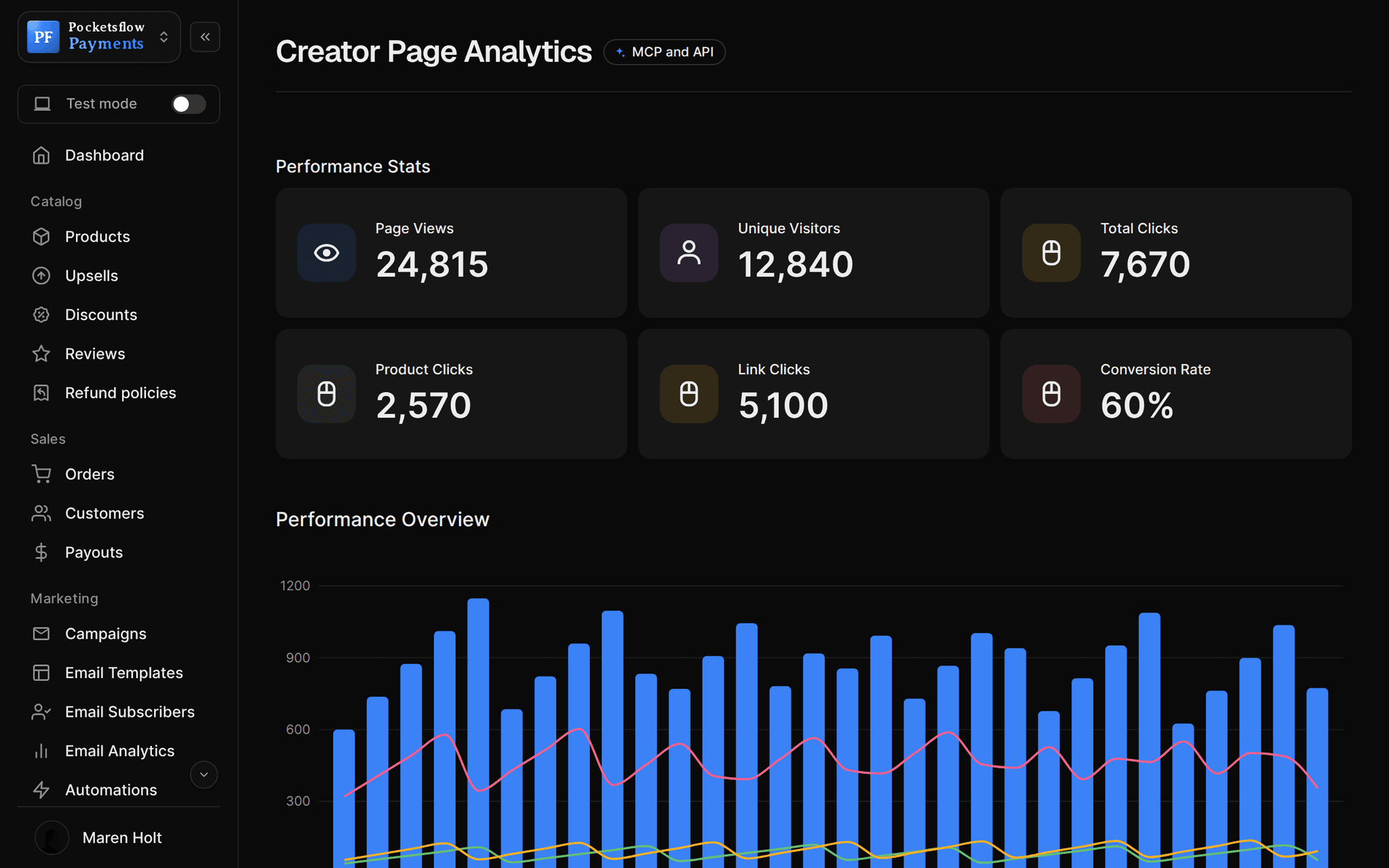
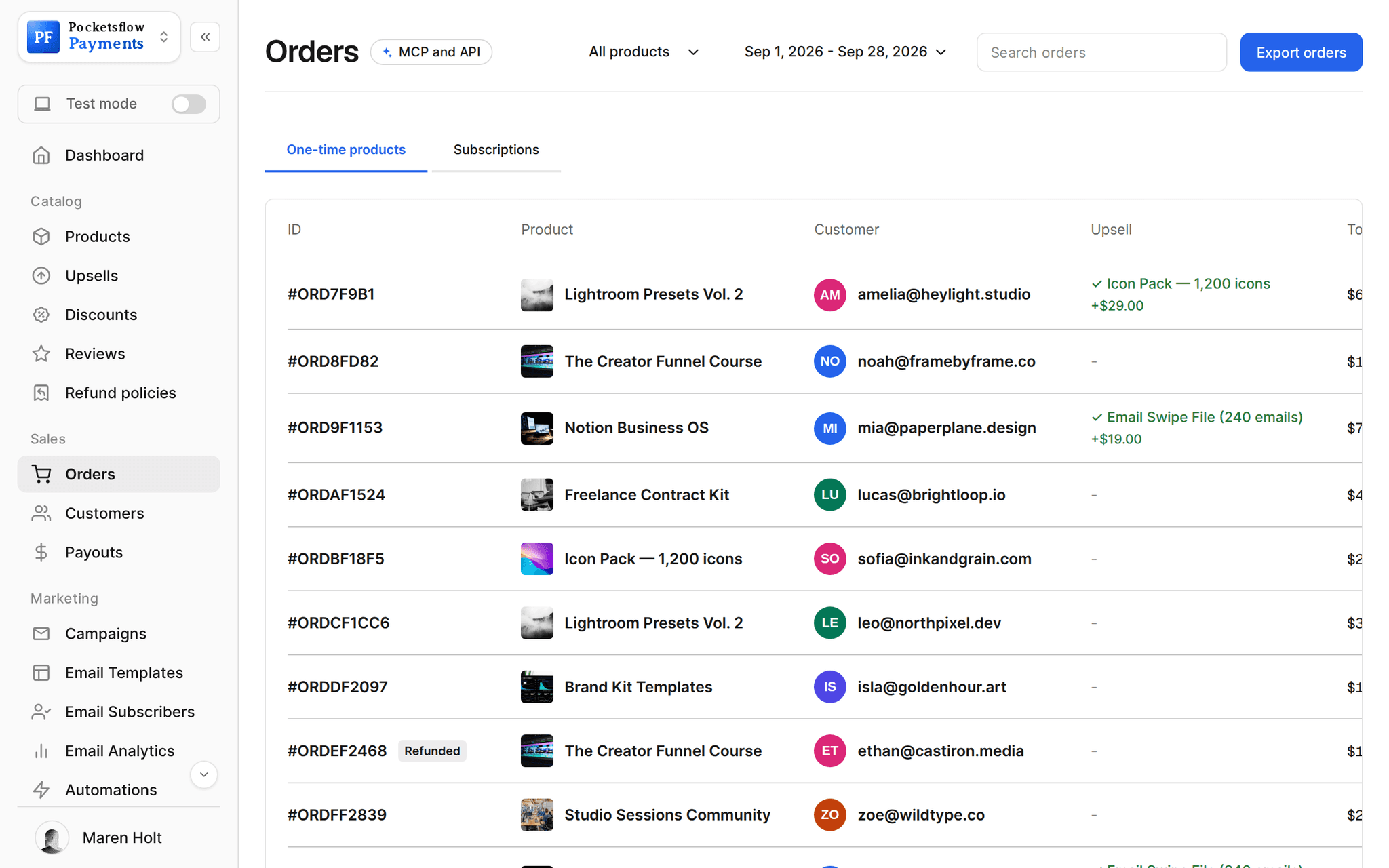
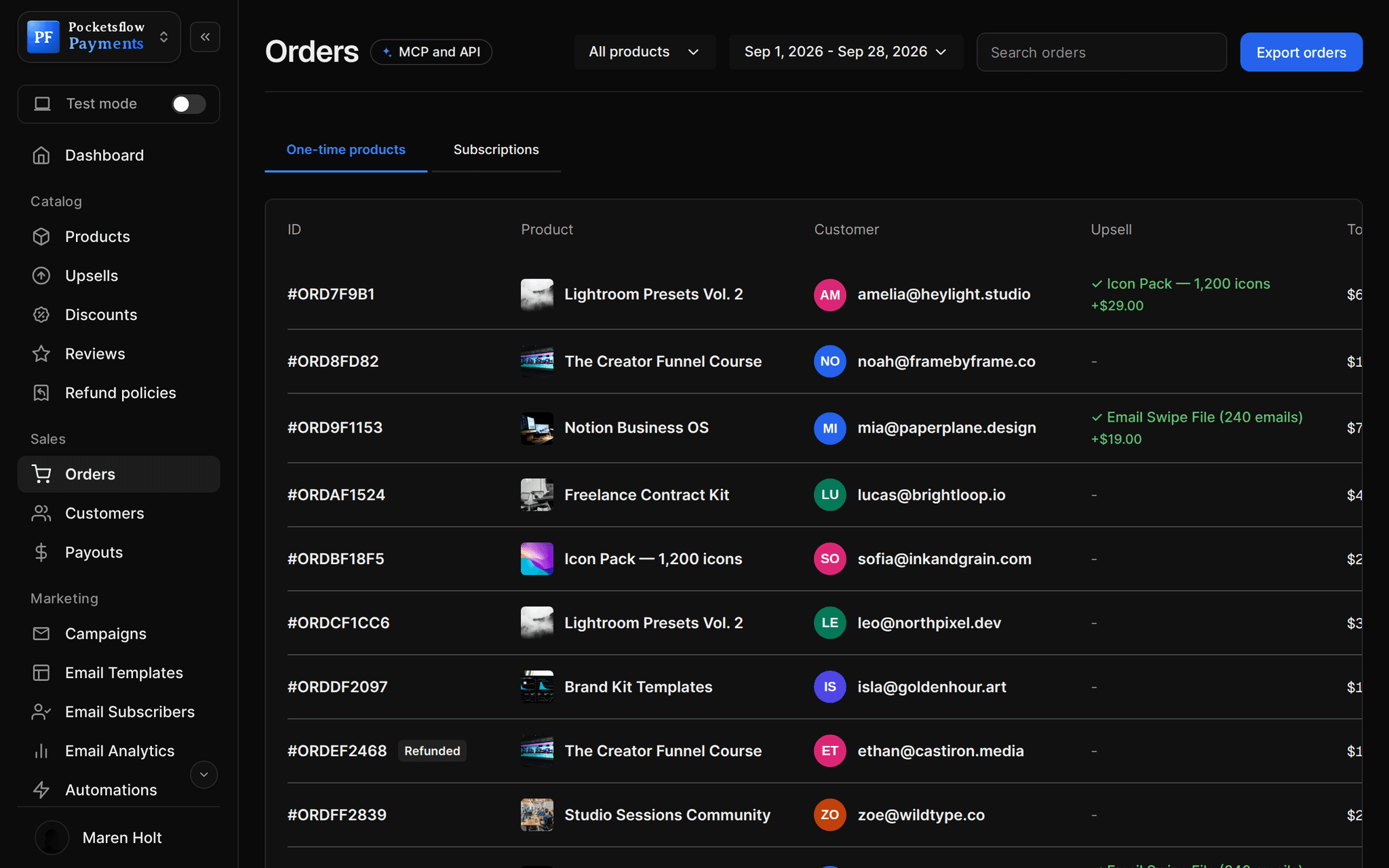
See how it works in the dashboard.
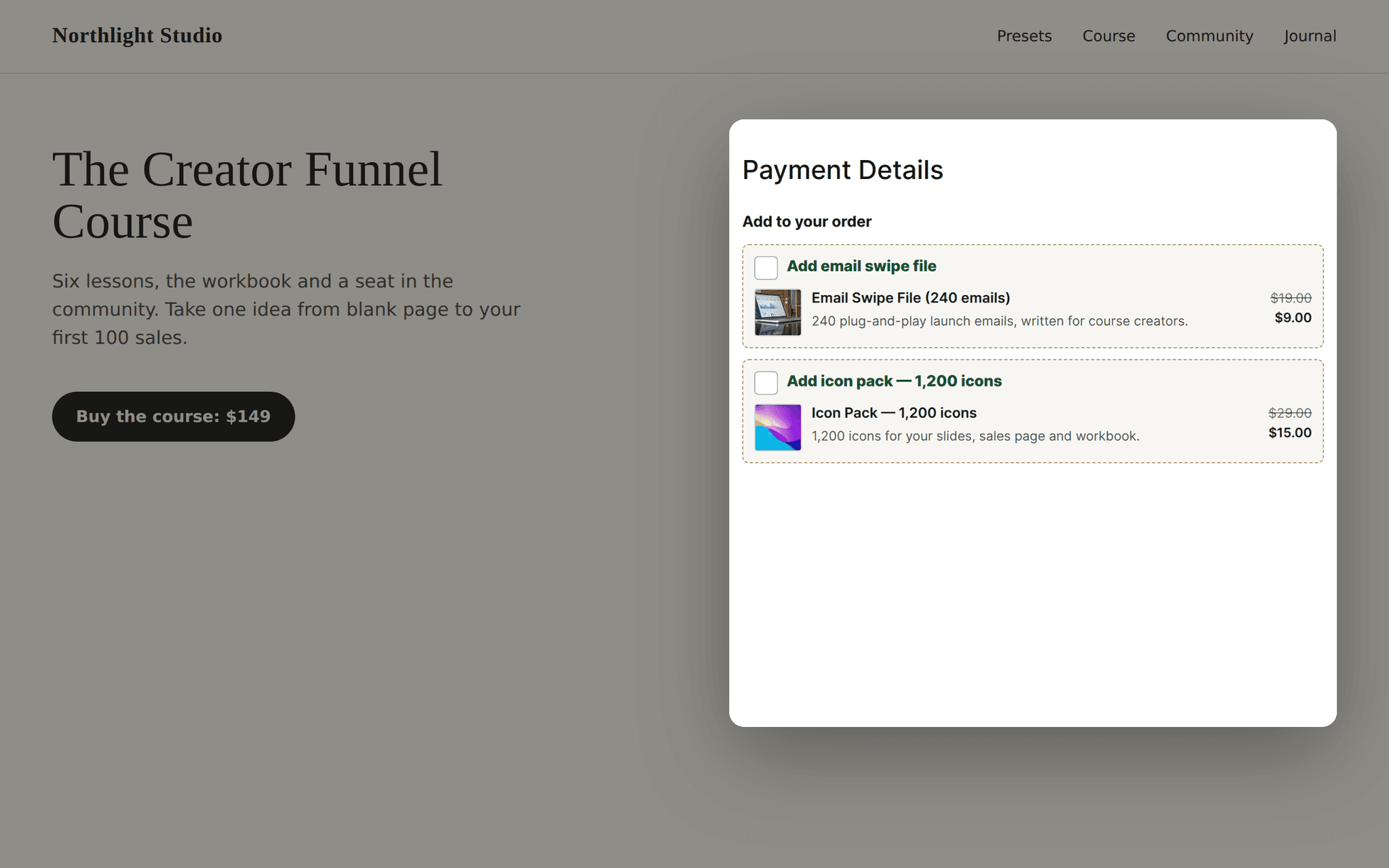
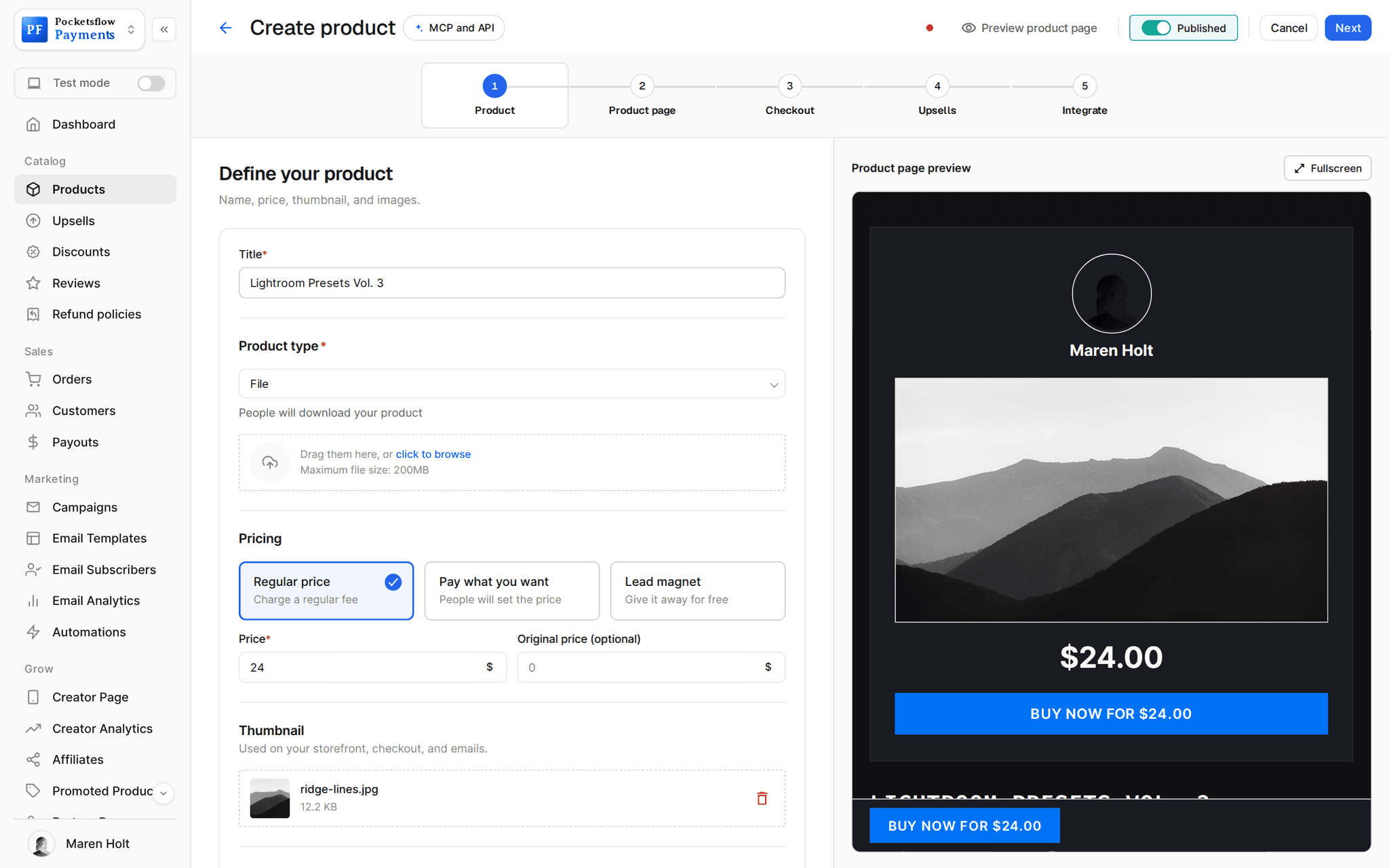
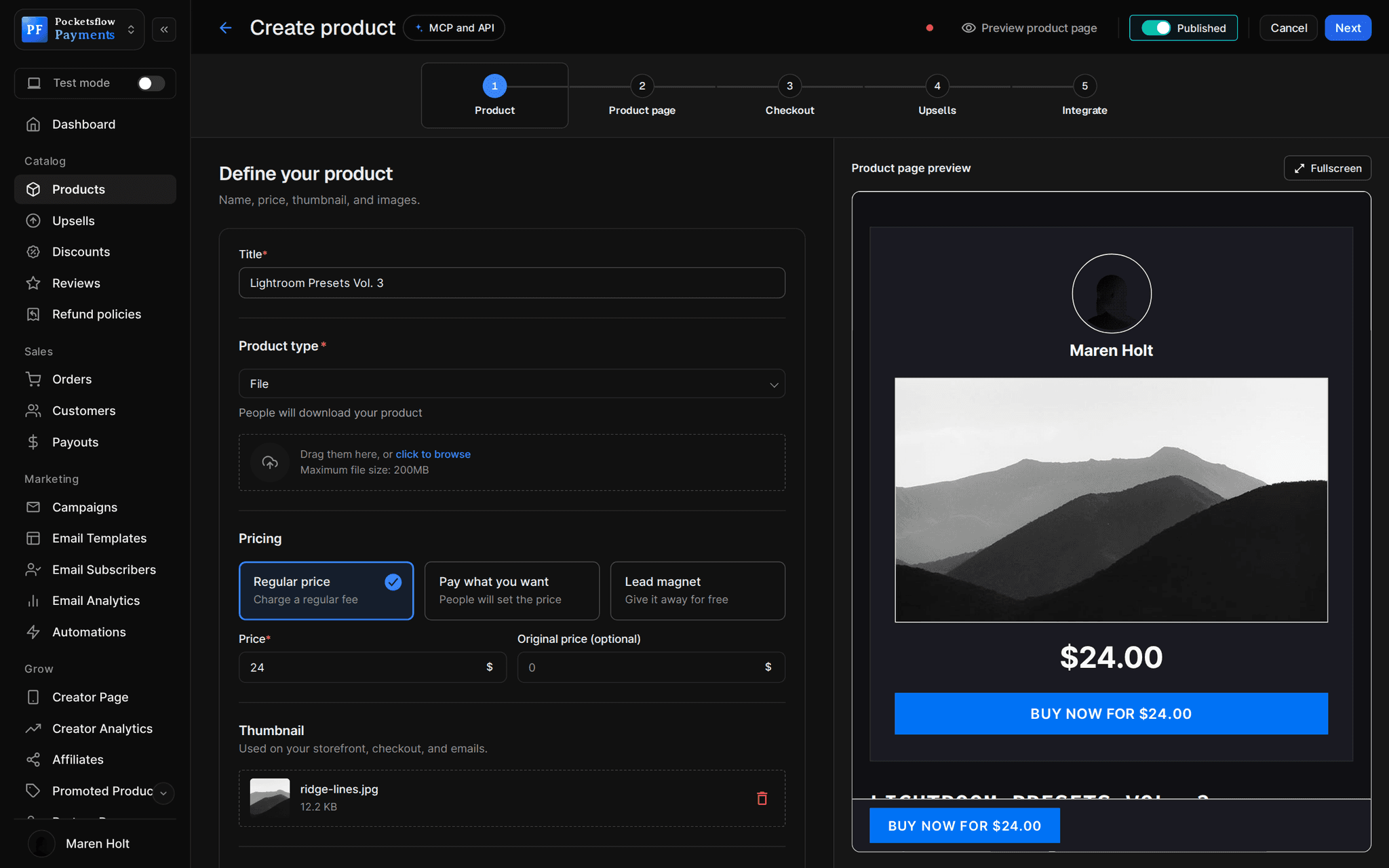
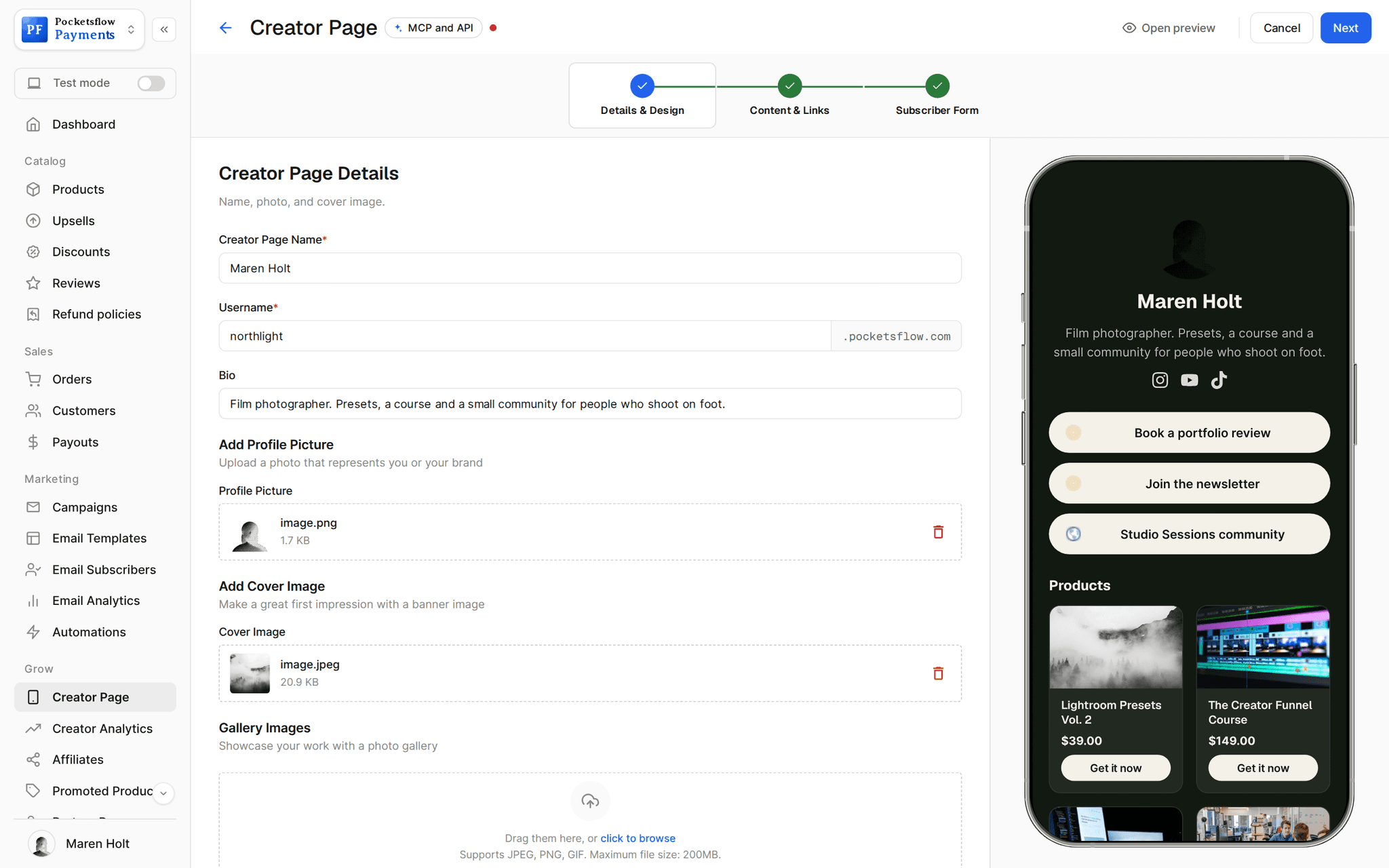
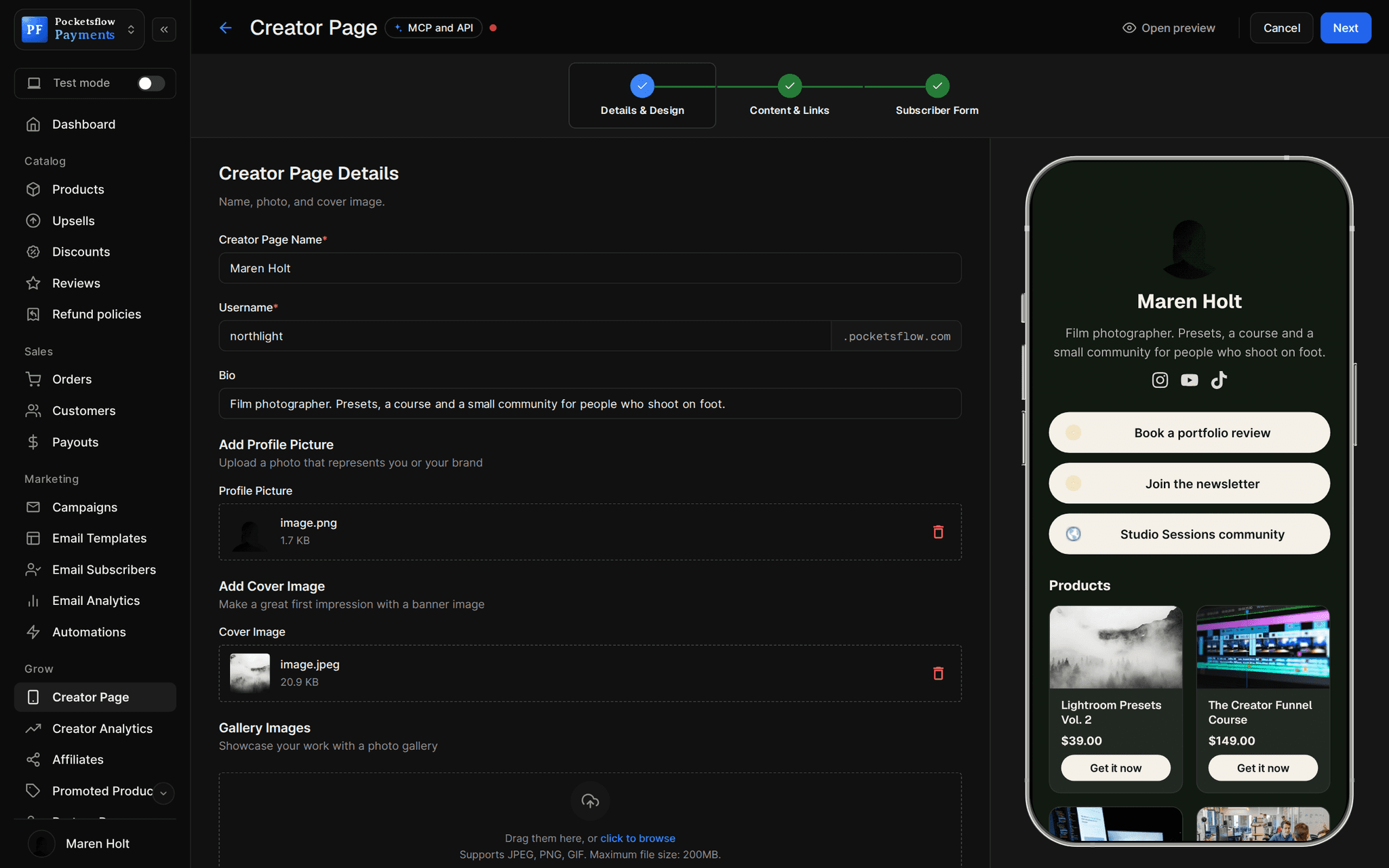
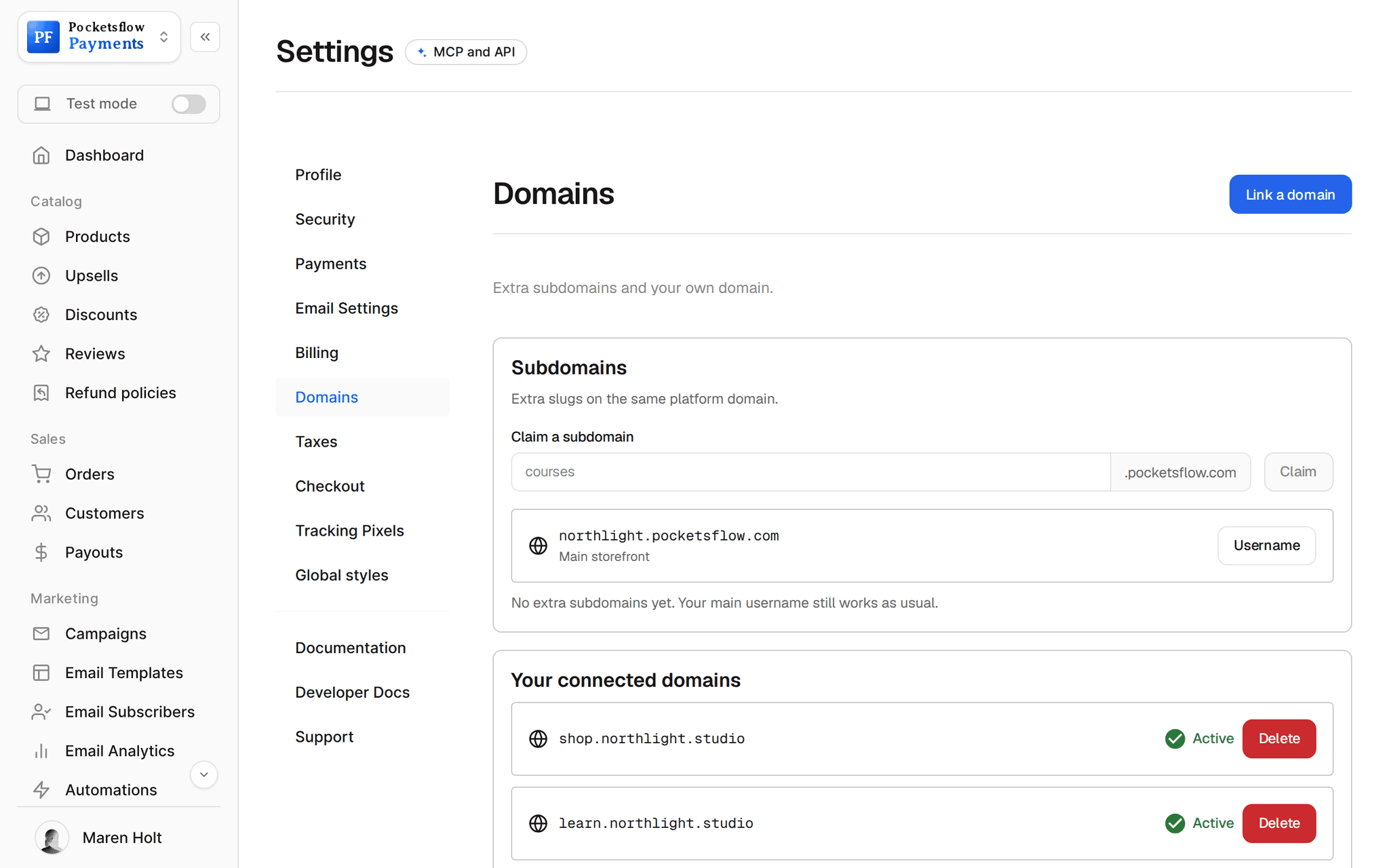
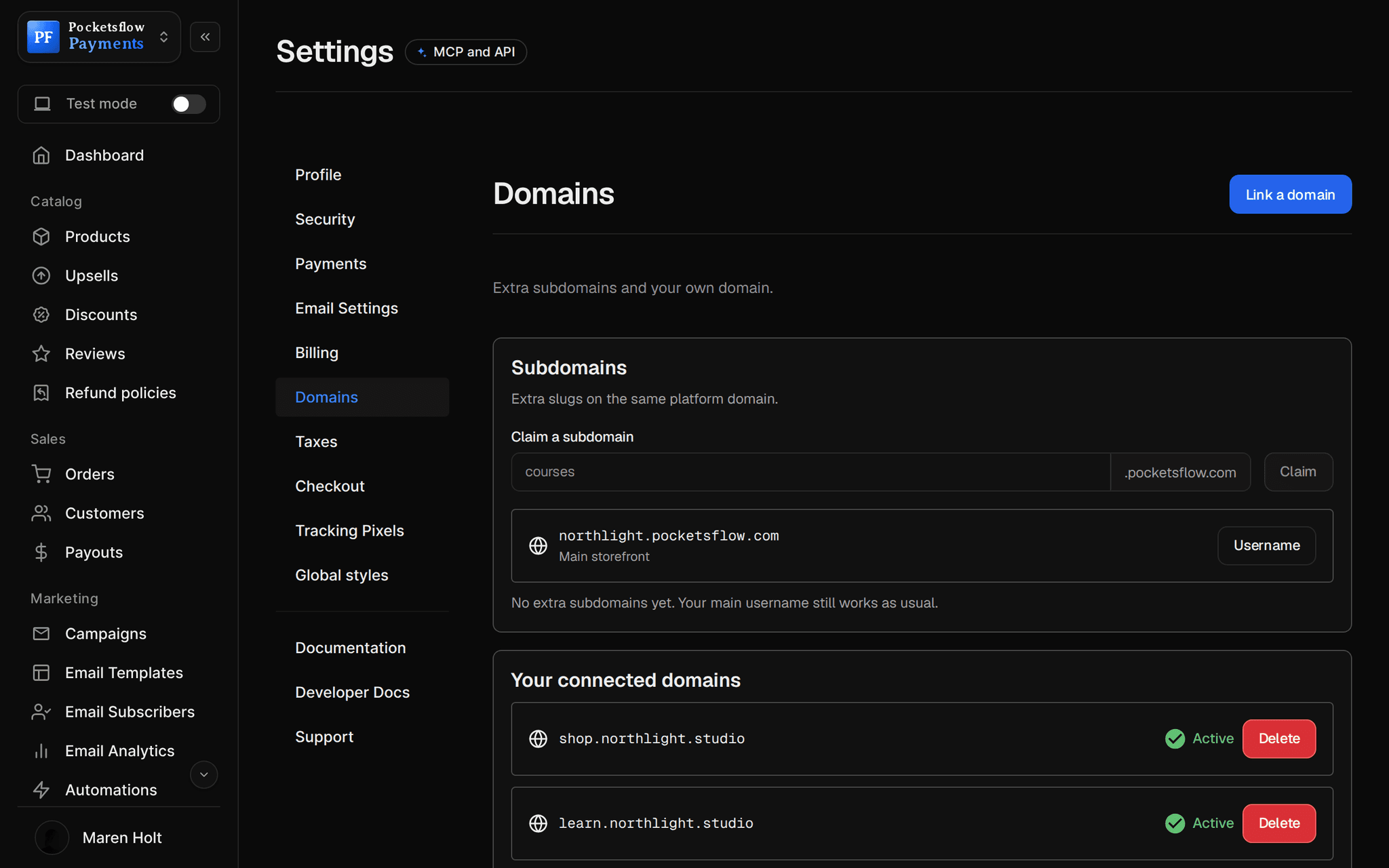
// more screens
Every screen you will use.
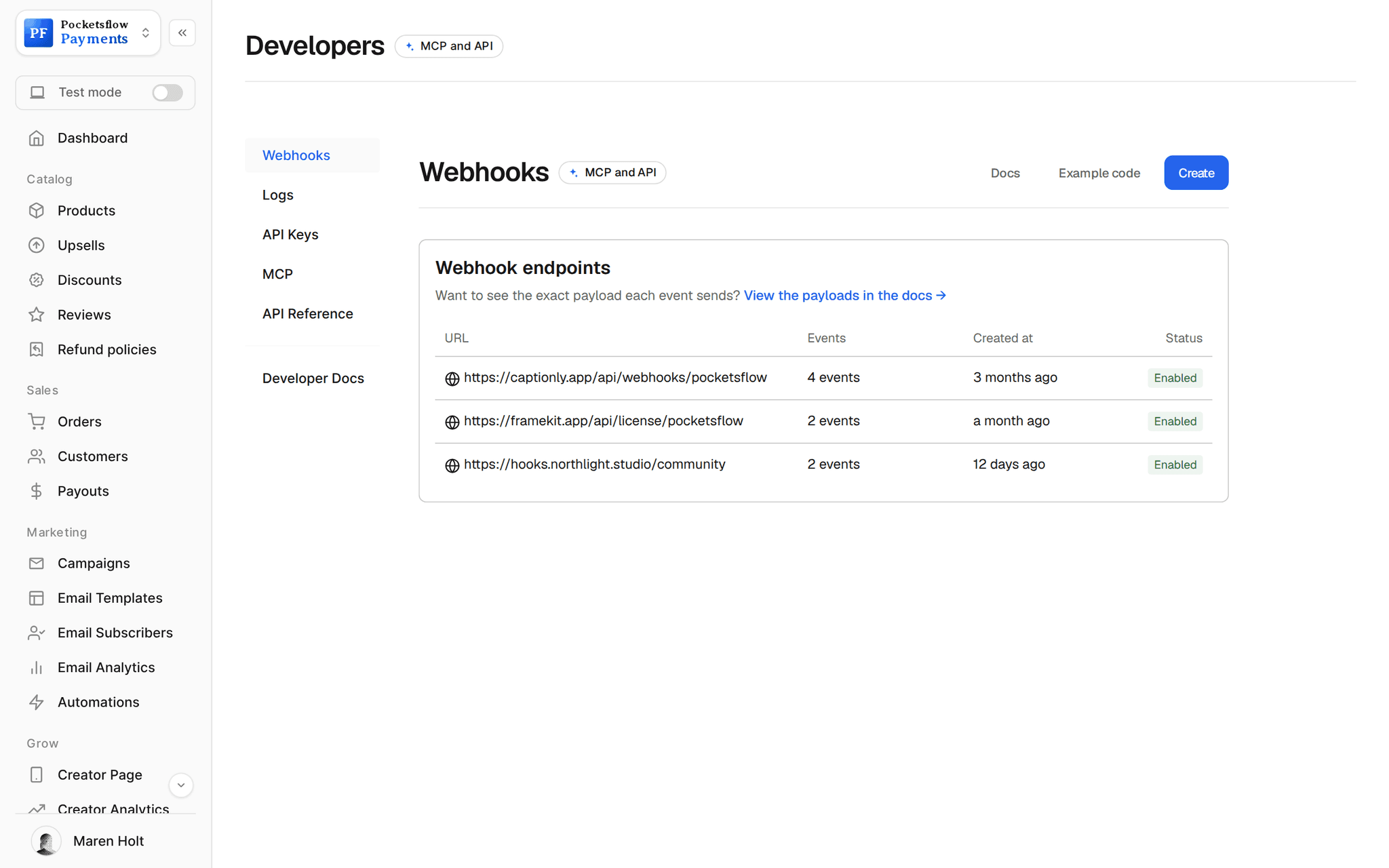
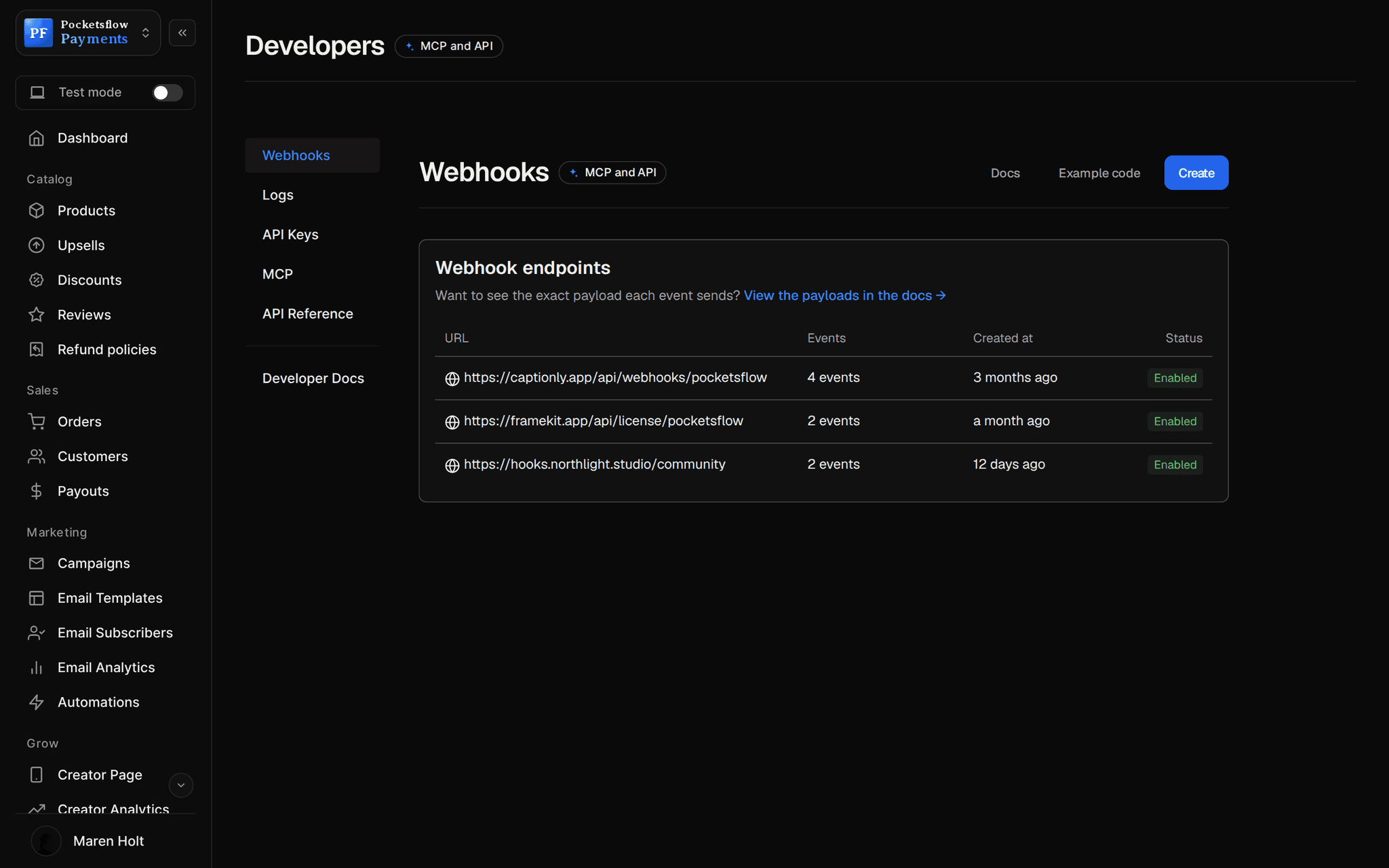
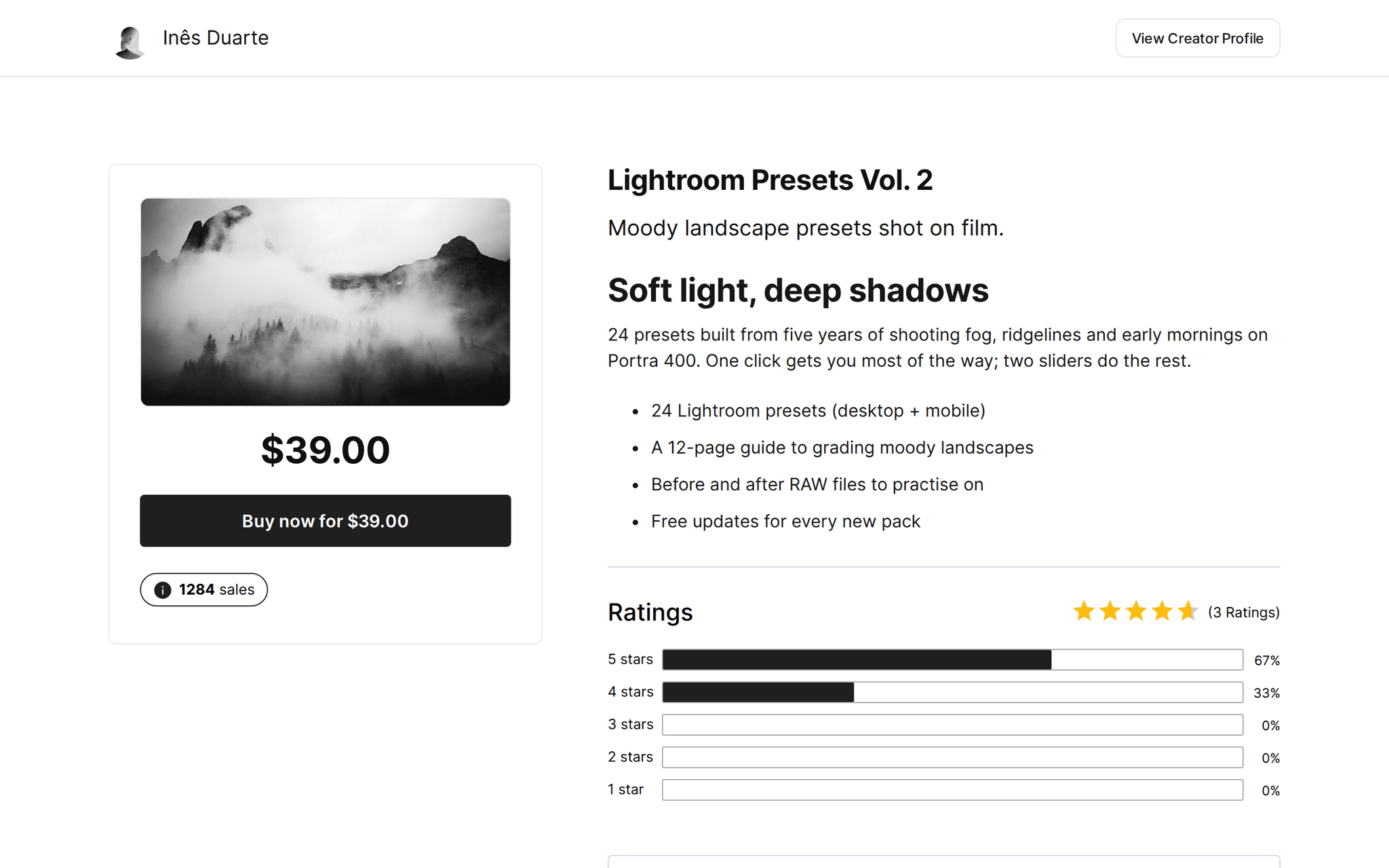
// use cases
What people sell on and as websites.
Website templates
Framer, Webflow or Notion site templates delivered as a remix or duplicate link.
Folio, Framer template$79
Themes and starters
WordPress themes, Shopify themes or code starters as a ZIP file.
Northwind Theme$59
UI kits and components
Component libraries with Personal and Team variants.
Bento UI Kit$99
Buy buttons on your site
Embed the checkout on any landing page you already run.
Launch page offer$29
Paid pages and members areas
Unlock a section of your site from the webhook or the embed's success event.
Members archive$9 / month
Website builds
Sell a fixed scope site build as a product at a set price.
Landing page build$1,500
// how it works
Live in four steps.
Create the product
A file, a link, or a subscription for paid access.
Pick a checkout look
Choose one of 13 templates so the checkout matches your site, light or dark.
Embed or link
Drop the iframe on your page (in your layout or payment only), or link to the hosted checkout.
React to the sale
Show your own thank you on the success message, and grant access from the signed webhook.
// ai
Or just ask your AI.
Connect Claude, ChatGPT, Codex, Grok, Cursor or any MCP client once. Then ask in plain words, and every change lands in your dashboard.
 Claude · Desktop app
Things to ask
- Sell my website template for $79 and give me the linkcreate_product · create_checkout_session
- Send new orders to my site's webhookcreate_webhook · test_webhook
- Which template sold best this month?list_orders
- Add a $29 icon pack as an order bumpcreate_upsell
- Put my three templates on my creator pageget_creator_page · update_creator_page
- Give subscribers 20% off this weekcreate_discount · send_post
// included
Everything included.
- Embedded checkout in your own layout
- Payment only embed for the tightest fit
- Resize, processing and success events to your page
- Apple Pay and Google Pay inside the embed
- 13 checkout templates
- File and link delivery for templates and themes
- Variants for license tiers
- Signed webhooks for every order
- Creator page storefront if you need one
- Custom domains with free SSL
- Discount codes and order bumps
- Global tax handled on every sale
// why pocketsflowWhy sellers pick Pocketsflow.
Keep your site
No new website builder: add checkout to the pages you already have.
Merchant of Record
Tax, fraud and chargebacks are handled for every sale on your site.
One fee
4.7% + $0.30 estimated per sale, no monthly fee, itemized on every order.
AI ready
Ask your AI to create the product and give you the link to paste.
// connect
It's easy. Even your AI can do it.
Add Pocketsflow to the AI you already use, sign in and click Allow access. No API key, no code.
- 01Paste into your AI appIt's a connector address, not a web page.api.pocketsflow.com/mcp
Add Pocketsflow
Paste the server URL as a connector in your AI app.
- 02
Sign in and allow
Your AI opens Pocketsflow. Click Allow access.
- 03
Ask for anything
Products, orders, refunds, emails, in plain words.
// The checkout, inside your own page. Allow "payment" so
// Apple Pay and Google Pay can show in the frame.
const iframe = document.createElement("iframe");
iframe.src =
  "https://yourstore.pocketsflow.com/checkout?productId=664f1c2e…&embedCheckoutOnly=true&isOnWebsite=true";
iframe.allow = "payment *; publickey-credentials-get *";
document.querySelector("#buy")!.append(iframe);

window.addEventListener("message", (event) => {
  const msg = event.data || {};
  if (msg.type === "resize") iframe.style.height = msg.height + "px";
  // Fires once, after the order is confirmed.
  if (msg.type === "success") showThankYou(msg.email);
});
Checkout inside your site.
Embed the checkout in any page with an iframe. It reports resize, processing and success to your page, and the signed webhook confirms the order.
Every resource is an HTTPS endpoint under one base URL with Bearer API keys. Live and test keys are scoped to their own data; the OpenAPI spec is served at /docs.json.
// faq
Common questions.
How do I add checkout to my website?
Embed it with an iframe, either inside your own layout or as the payment form only, and allow payment in the iframe so Apple Pay and Google Pay can show. Or link a Buy button to the hosted checkout.
How does my site know the payment went through?
The embed posts a success message to your page once the order is confirmed, which is great for showing your own thank you. For anything that grants access, rely on the signed order.completed webhook.
How do I deliver a website template?
Use link delivery for remix or duplicate links (Framer, Webflow, Notion), or upload a ZIP for themes and code. Buyers get it right after paying.
Can I sell access to part of my site?
Yes. Sell a one time product or a subscription, then unlock the section from the webhook in your own backend.
I do not have a website. Can I still sell?
Yes. Your creator page is a storefront with products, links and a newsletter form, on a pocketsflow.com address or your own domain.
What does it cost?
No monthly fee and no setup fee. Each sale carries one itemized transaction cost, 4.7% + $0.30 estimated (about $5.00 on a $100 sale), covering the platform, payment infrastructure, tax handling and dispute prevention. Above $10,000 a month in sales, talk to us about reduced fees.
Who handles sales tax and VAT?
Pocketsflow is the Merchant of Record. By default it calculates, collects and remits eligible sales tax and VAT on every sale, handles fraud checks and chargebacks, and sends the buyer an invoice. You can also choose to remit tax yourself in Settings, Taxes.
Can my AI do this for me?
Yes. Add the Pocketsflow MCP server to Claude, ChatGPT, Codex, Grok, Cursor or any MCP client, sign in and click Allow access. No API key. Your AI can then create products, set prices and discounts, open checkouts, read orders and send emails, and every change shows up in your dashboard.
// related
Keep exploring.
Start accepting payments today.
Sell your first product today, and let the AI you already use run the busywork.