What you can sellDigital Products
Sell digital products in minutes.
Upload a file or paste a link, set a price, and share the page. Pocketsflow runs the checkout, delivers the download the second the payment clears, and handles sales tax as Merchant of Record.


- estimated per sale, no monthly fee
- 4.7% + $0.30
- product types: file, link, course, credits
- 4
- product page templates
- 55
- countries where people use Pocketsflow
- 160+
// inside pocketsflow
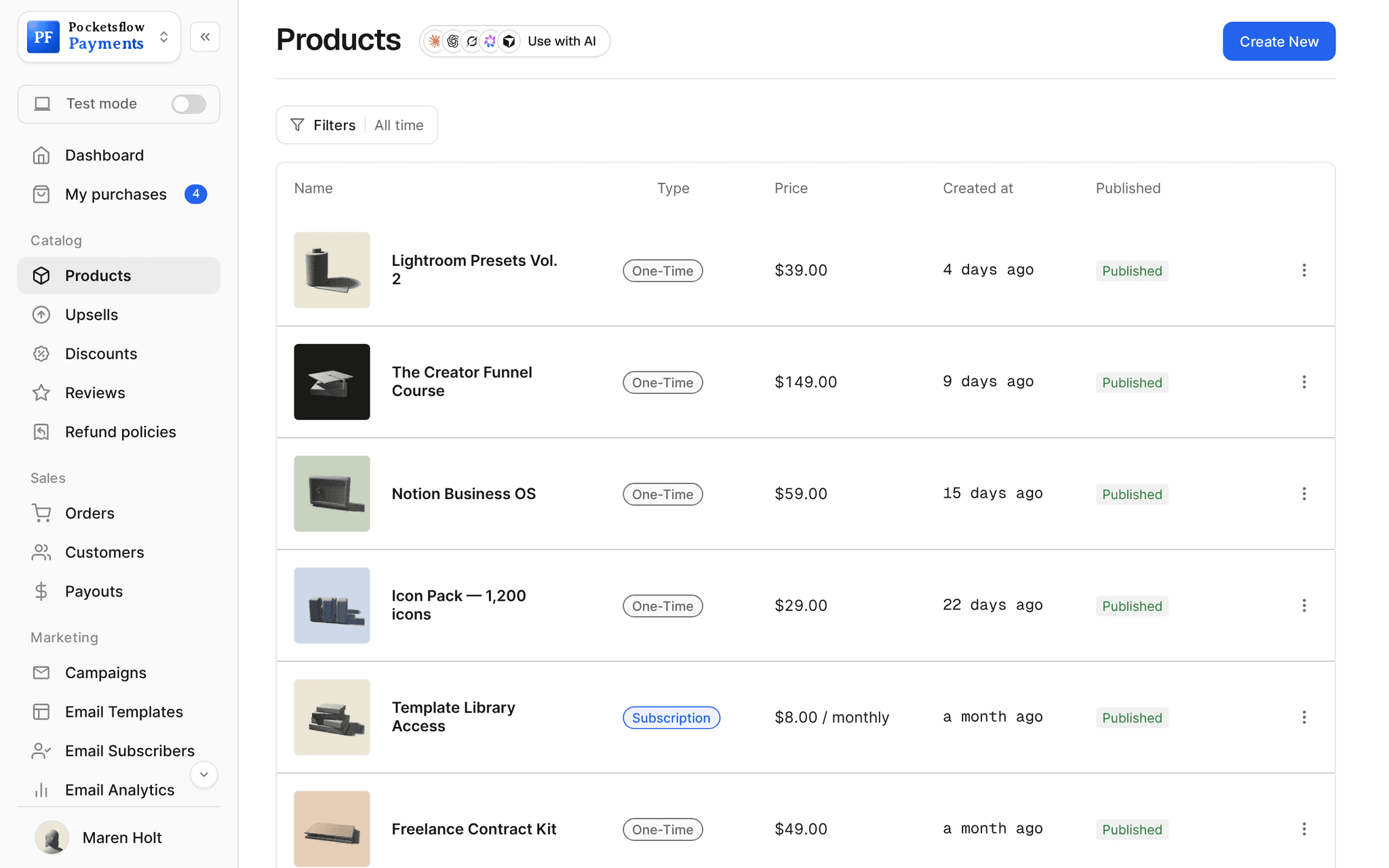
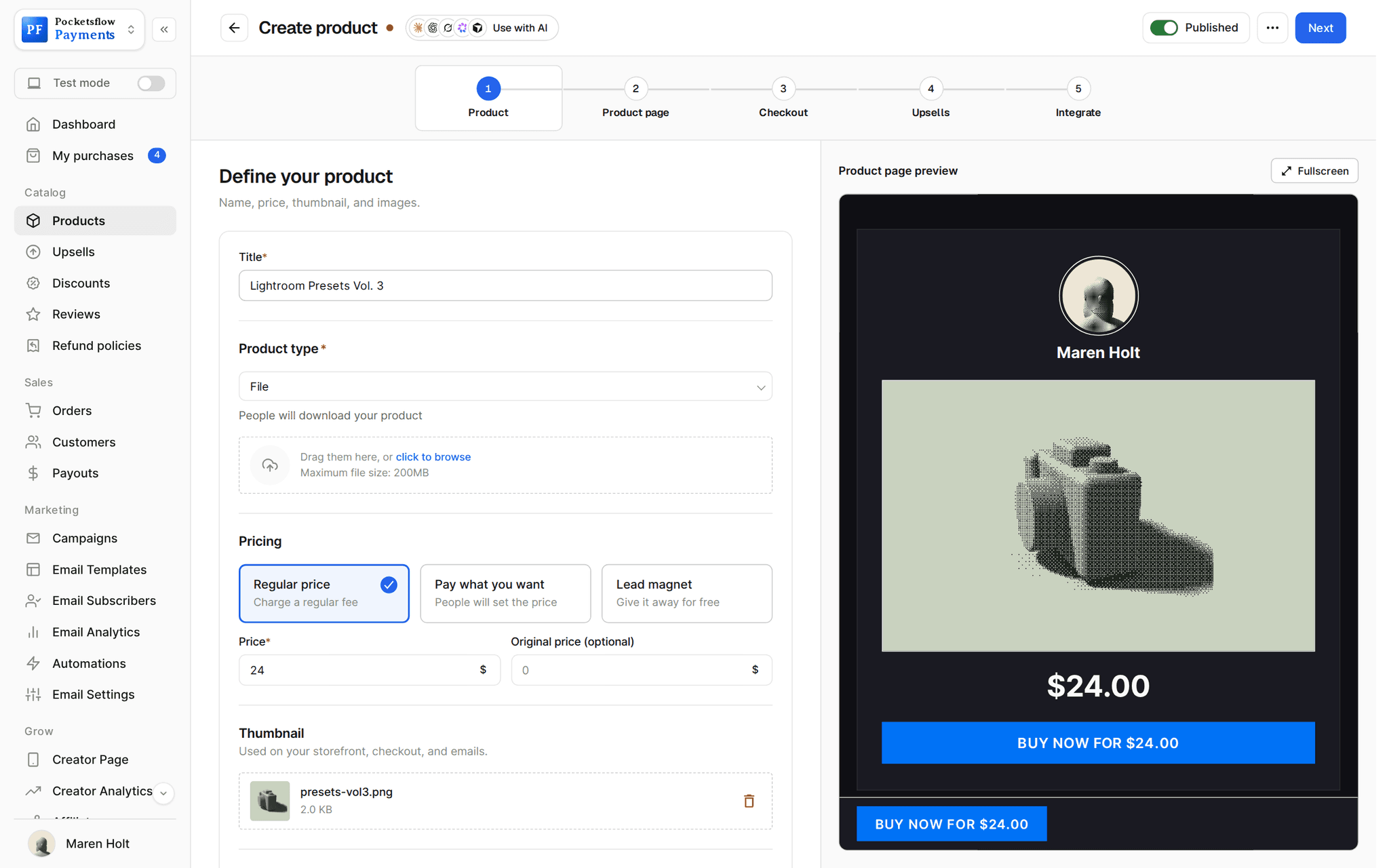
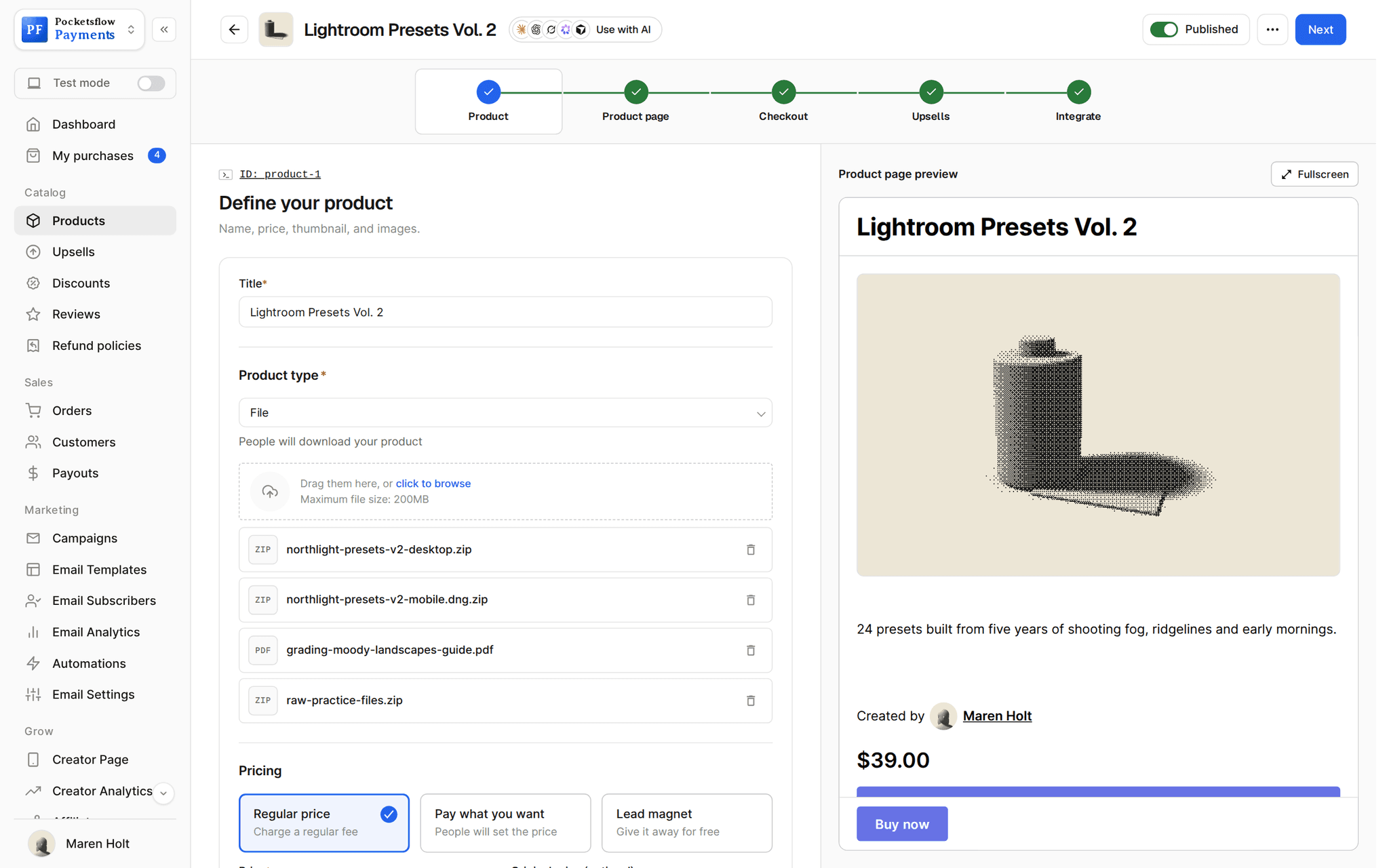
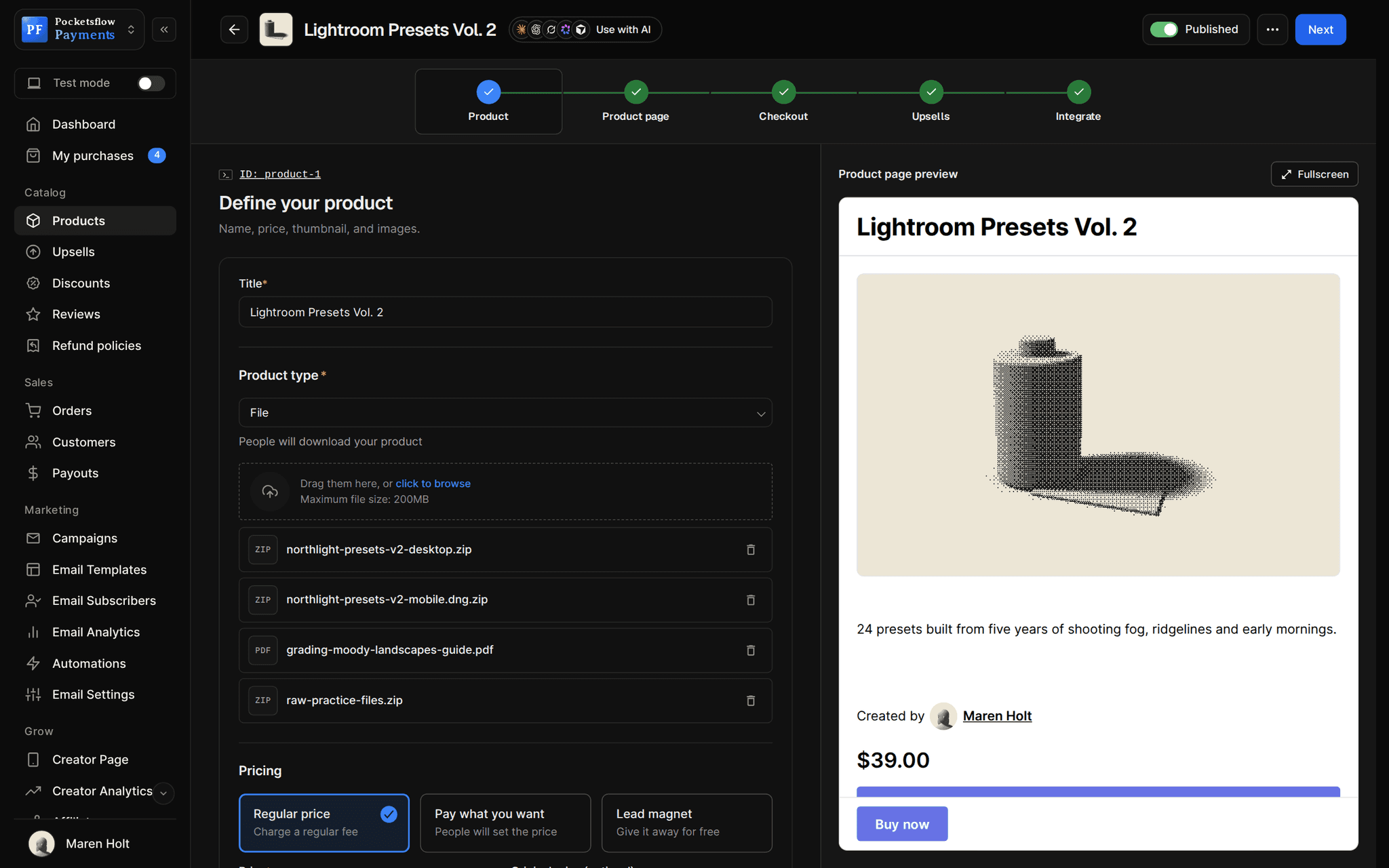
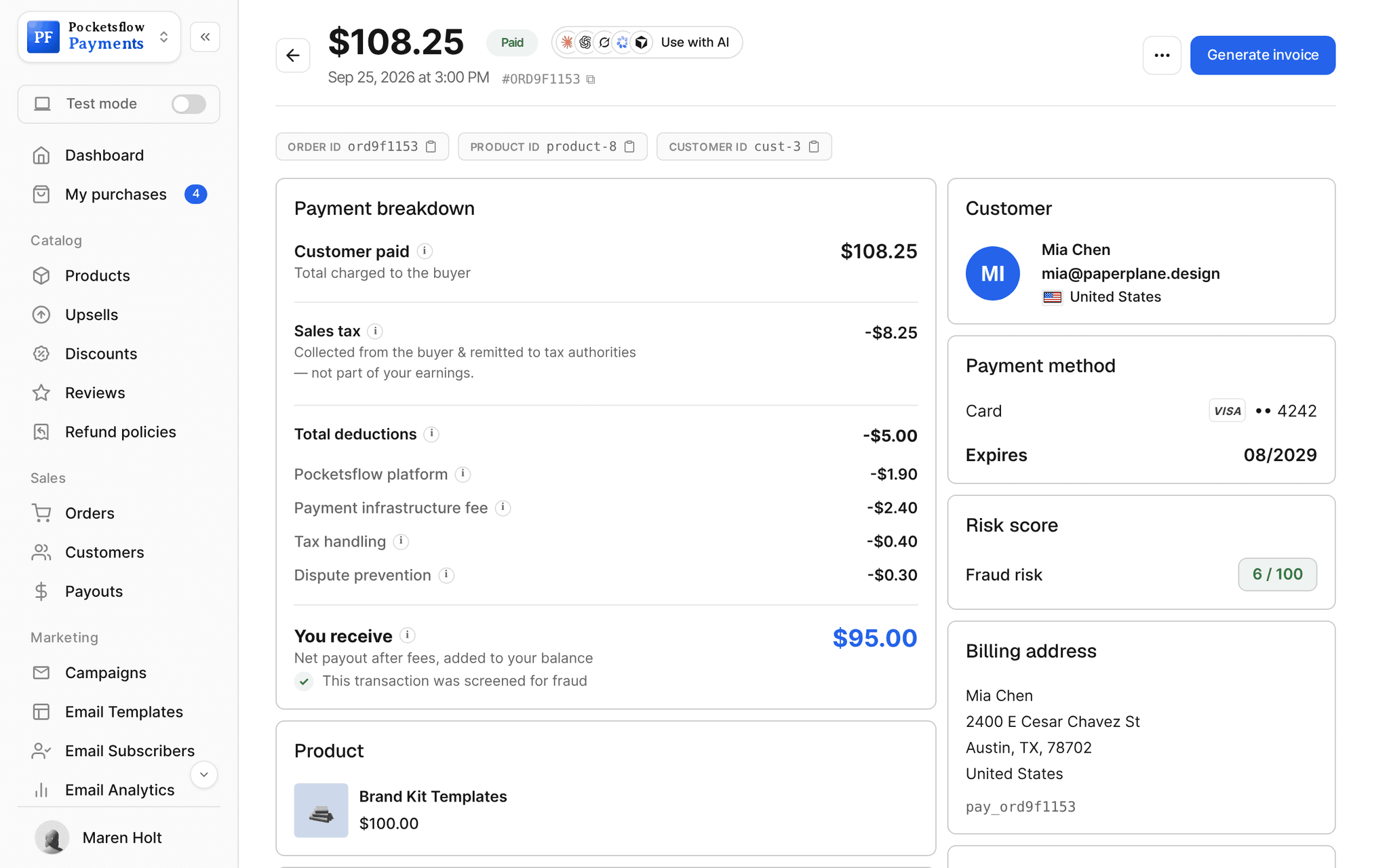
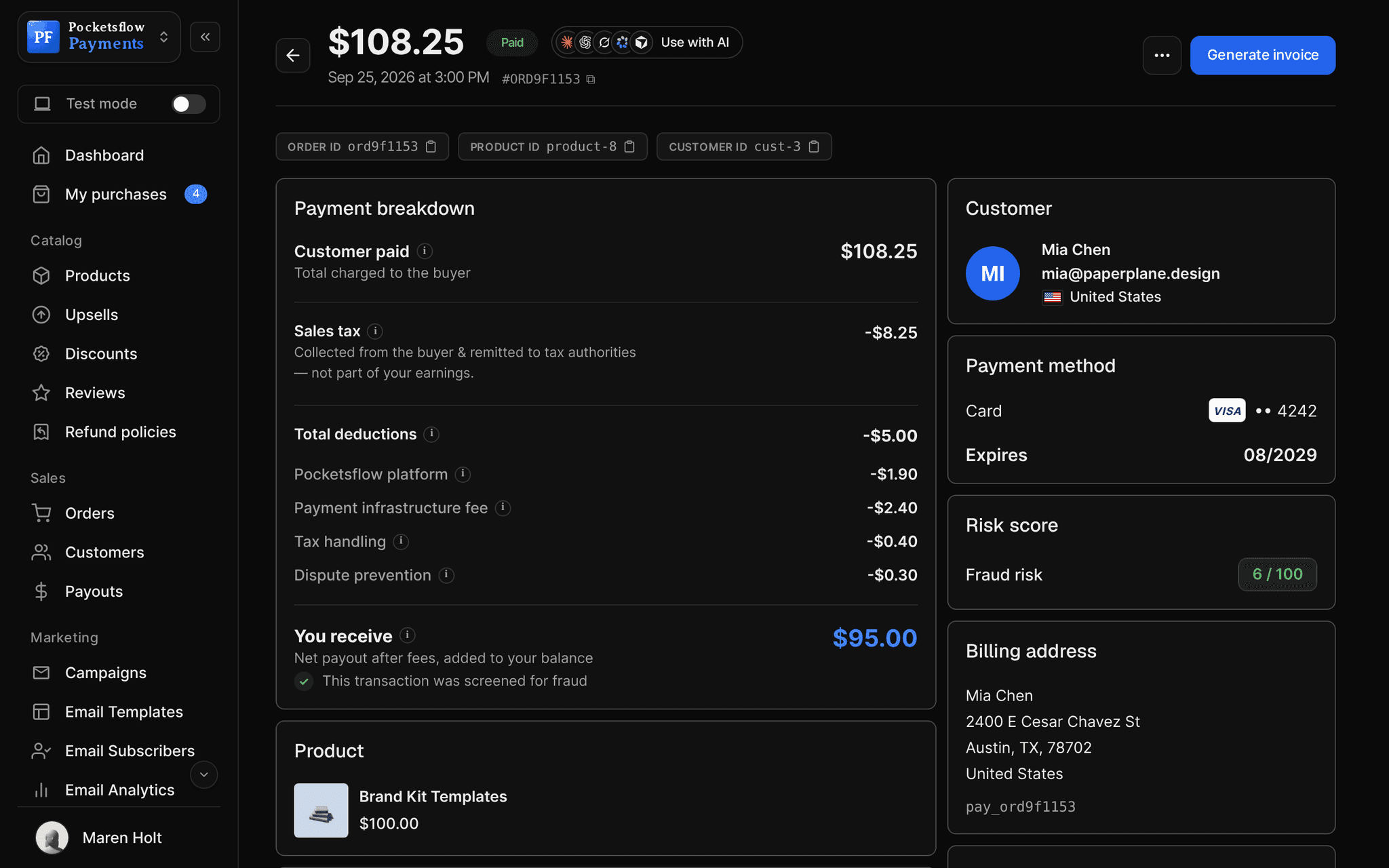
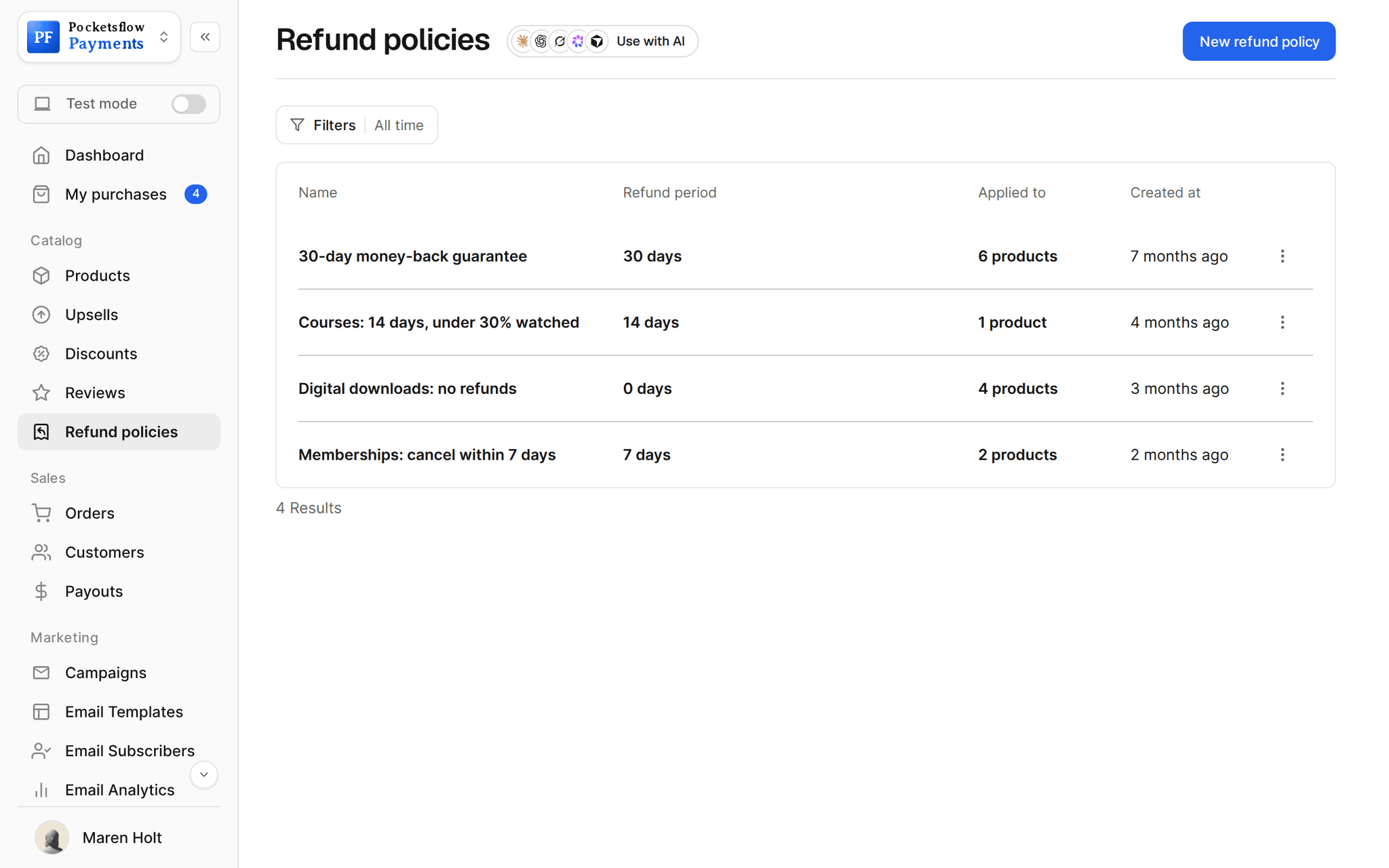
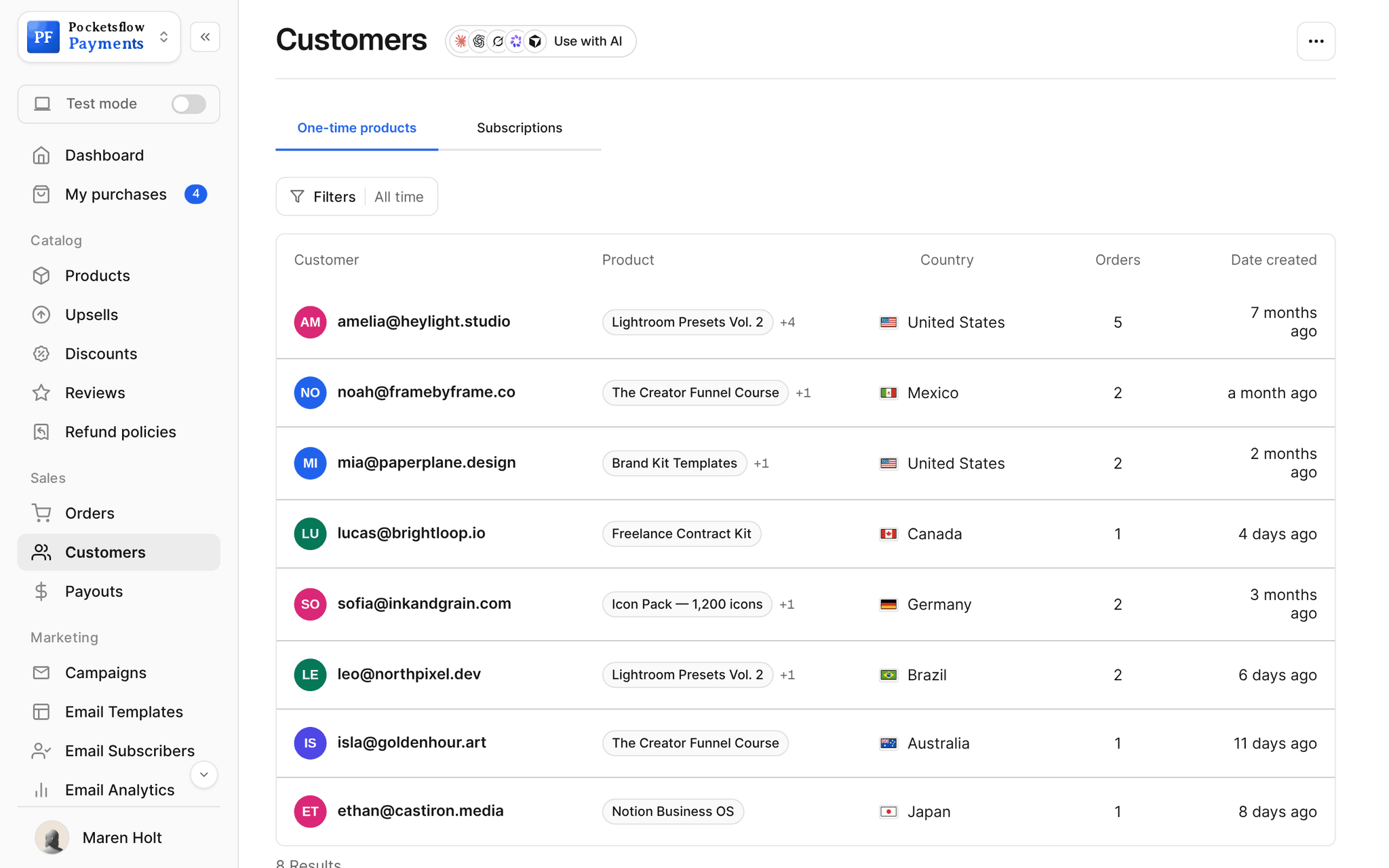
See how it works in the dashboard.
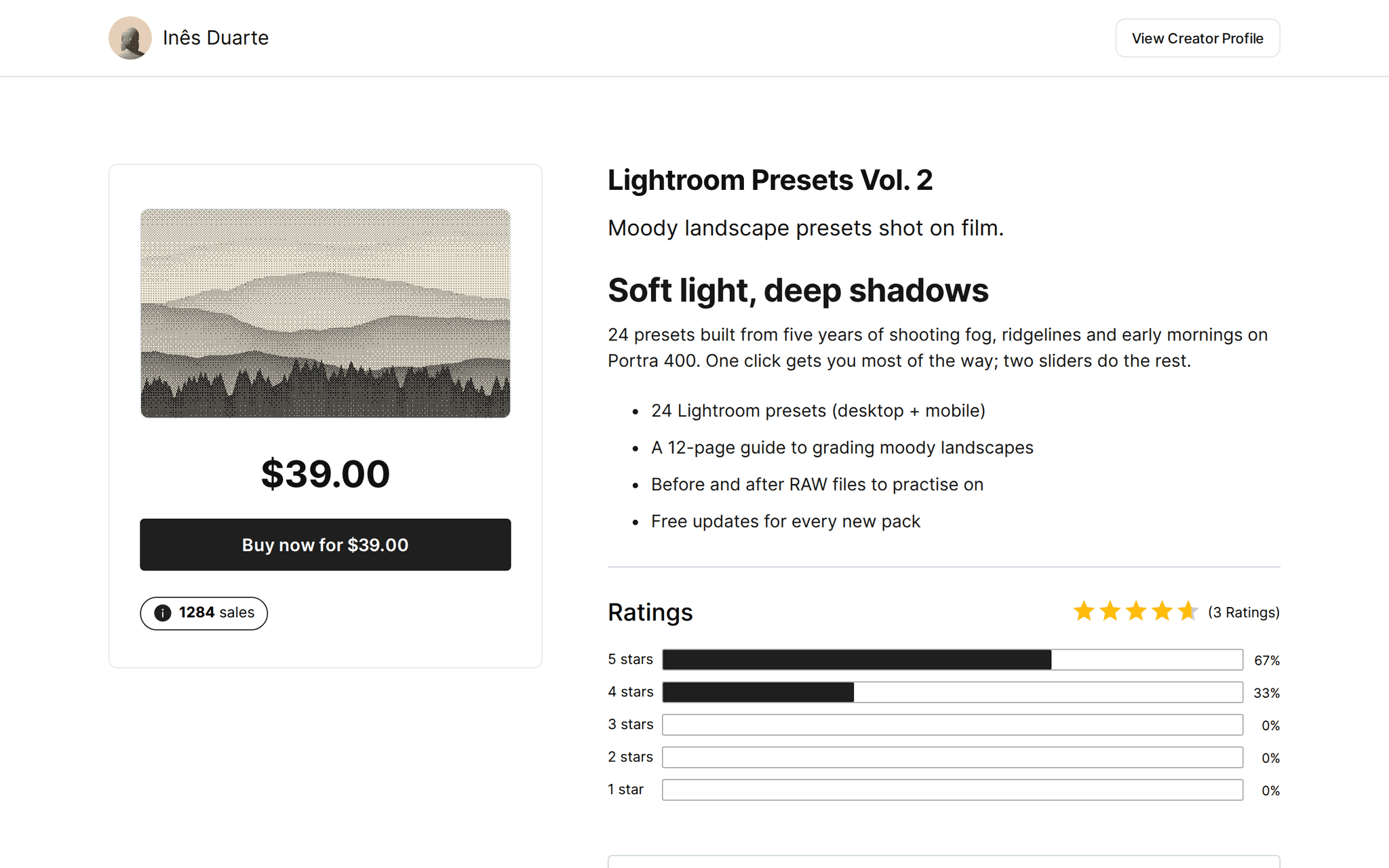
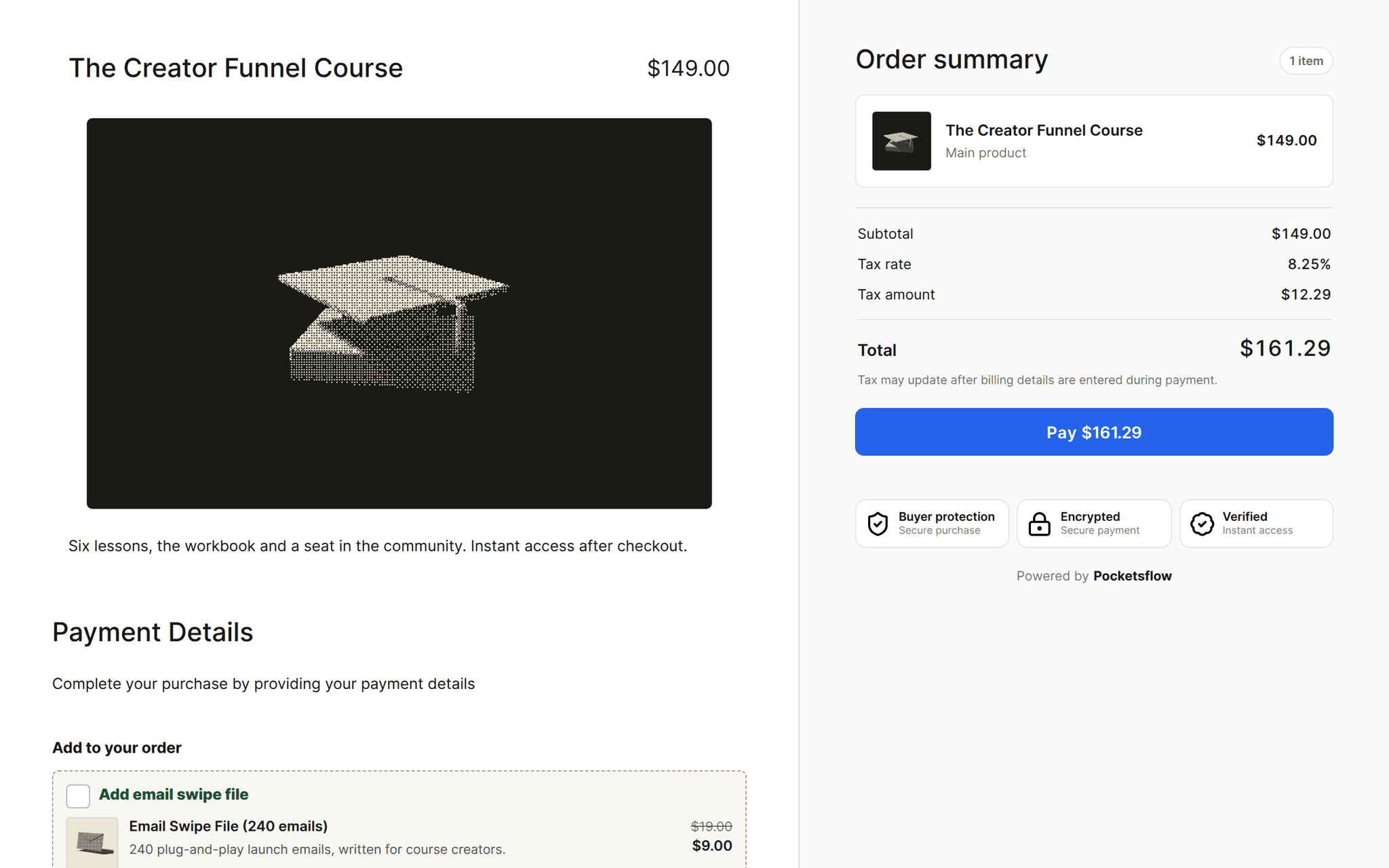
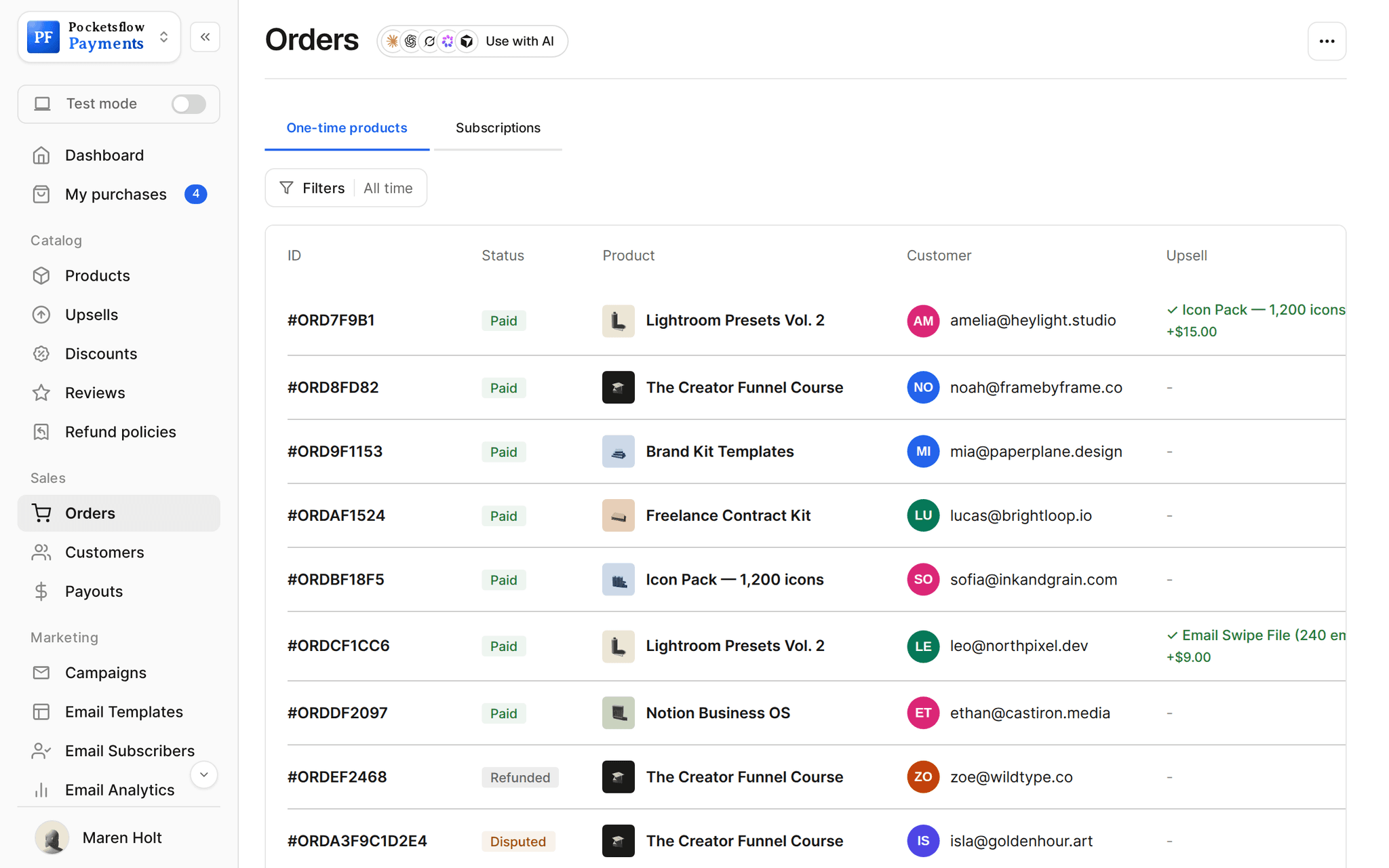
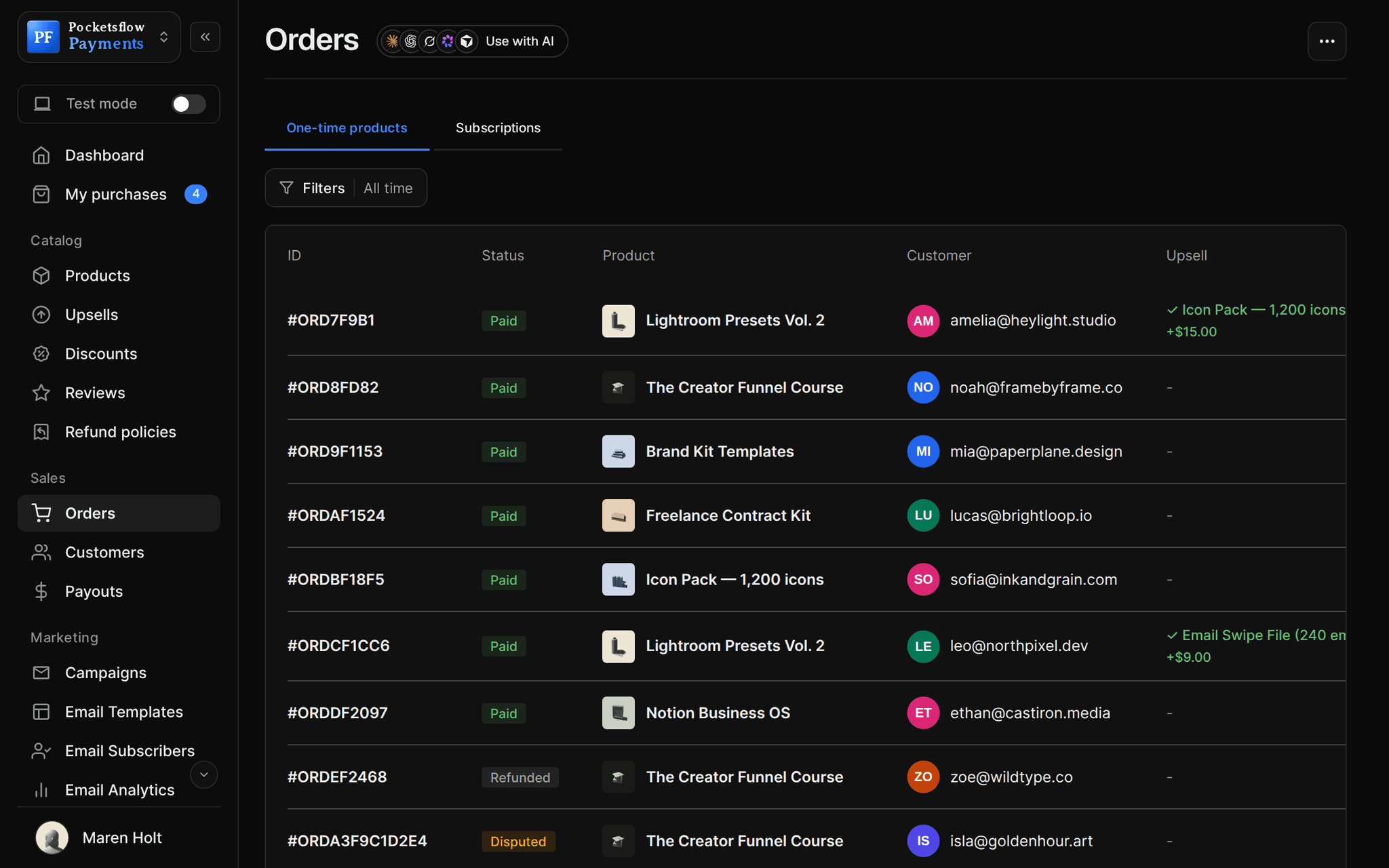
// more screens
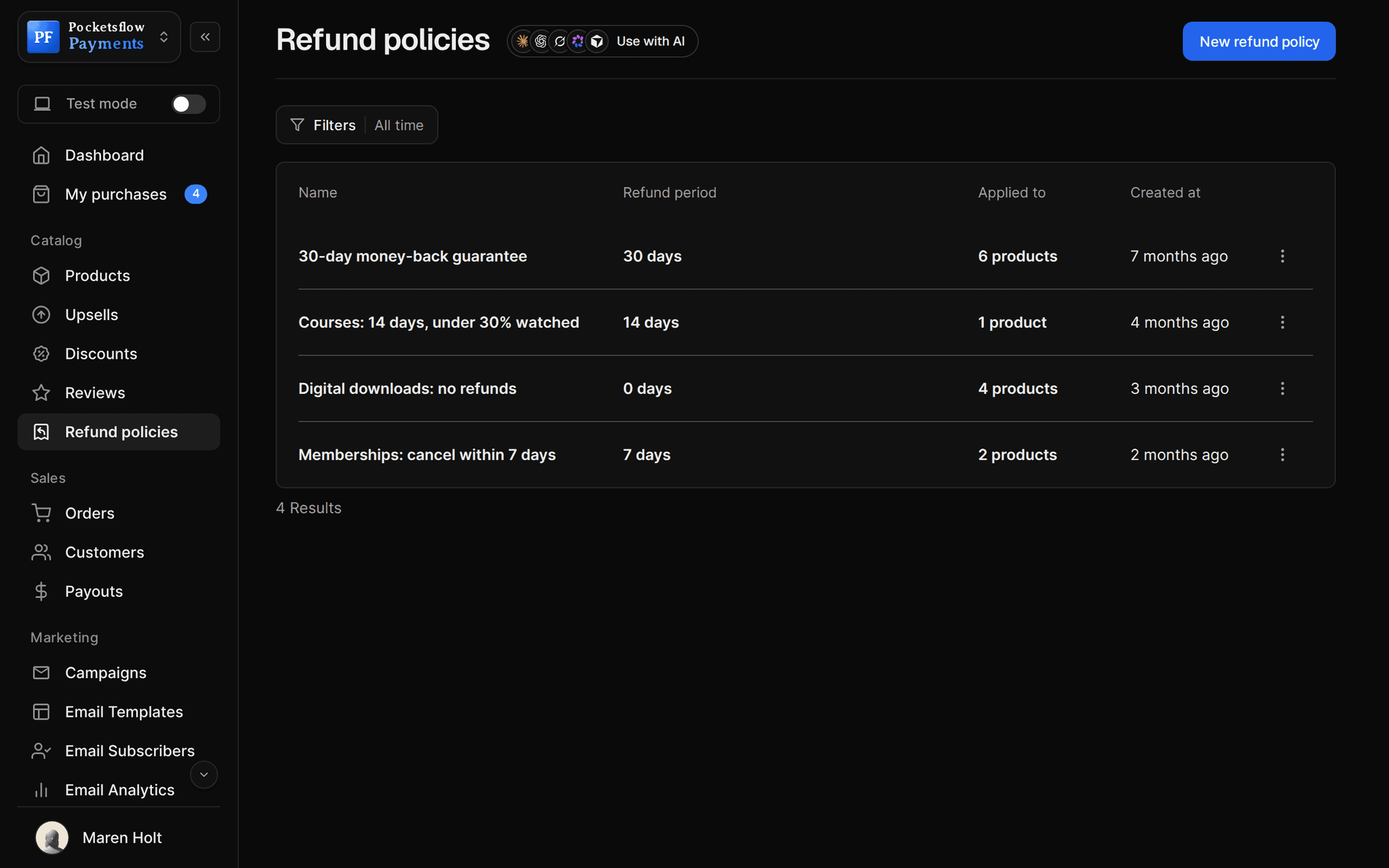
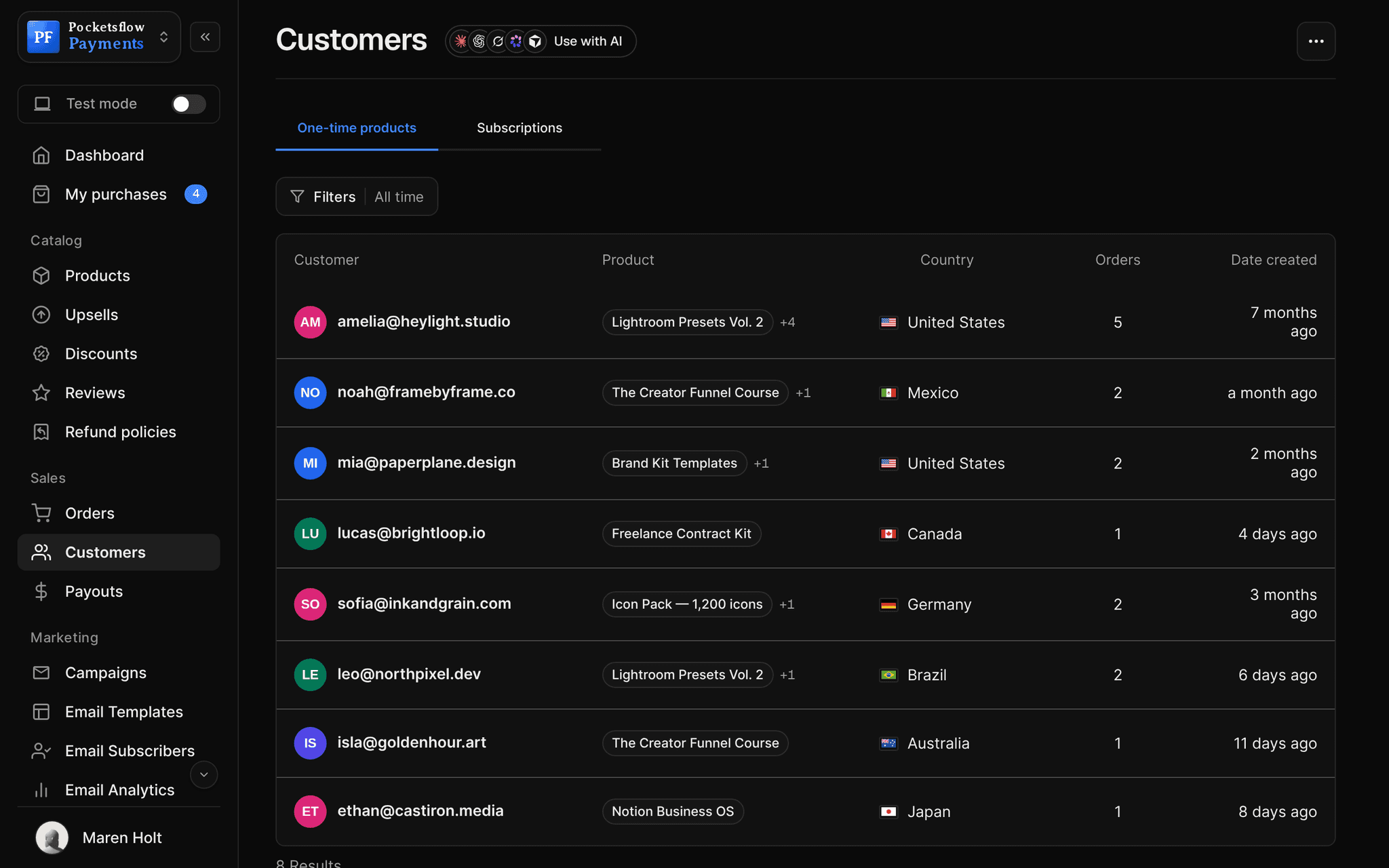
Every screen you will use.
// use cases
What people sell with digital products.
Ebooks and guides
PDF and EPUB files delivered the moment the payment clears.
The Freelance Pricing Guide$19
Templates
Notion, Figma, Canva or spreadsheet templates as a file or a duplicate link.
Notion Business OS$59
Presets and LUTs
Lightroom presets, LUTs and brushes, with a pack per style.
Lightroom Presets Vol. 3$29
Icons, fonts and 3D assets
Bundle several files into one product, or sell each pack on its own.
Icon Pack, 1,200 icons$29
Lead magnets
Give a checklist away for free and collect the email on checkout.
Launch ChecklistFree
Name your price
Pay what you want with a minimum, for tips, zines and supporter editions.
Studio Zine No. 4$5+
// how it works
Live in four steps.
Create the product
Name it, pick the type (file, link, course or credits) and upload what buyers get.
Price it
A fixed price, a crossed out compare at price, pay what you want, or free.
Pick a page and checkout
Choose a product page template and a checkout look, or send buyers straight to checkout.
Share the link
Post it, email it, add it to your creator page, or embed the checkout on your site.
// ai
Or just ask your AI.
Connect Claude, ChatGPT, Codex, Grok, Cursor or any MCP client once. Then ask in plain words, and every change lands in your dashboard.
 Claude · Desktop app
Things to ask
- Create a $19 ebook and give me the checkout linkcreate_product · create_checkout_session
- Raise every template pack by $5list_products · update_pricing
- Which product sold best this month?list_orders
- Add the audio version as a $9 order bumpcreate_upsell
- Show the newest reviews on my presetslist_reviews
- Put the new pack on my creator pageupdate_creator_page
// included
Everything included.
- File, link, course and credits product types
- Several files in one product for bundles
- Fixed price, pay what you want, or free
- Compare at price shown crossed out
- Instant delivery after payment
- 55 product page templates over 9 layouts
- Checkout templates, order bumps and discount codes
- Refund policies per product
- Sales count and reviews on the page, if you want them
- Test mode to try every flow before going live
- Invoices and receipts sent for you
- API, SDK, webhooks and MCP for every product
// why pocketsflowWhy sellers pick Pocketsflow.
Merchant of Record
Pocketsflow is the seller on record: tax, fraud and chargebacks are handled, not left to you.
No monthly fee
You pay 4.7% + $0.30 estimated per sale, only when you sell. Starting is free.
One account
Downloads, courses, memberships and credits from the same dashboard and payouts.
Your AI can run it
Create products, change prices and read sales from the AI you already use.
// connect
It's easy. Even your AI can do it.
Add Pocketsflow to the AI you already use, sign in and click Allow access. No API key, no code.
- 01Paste into your AI appIt's a connector address, not a web page.api.pocketsflow.com/mcp
Add Pocketsflow
Paste the server URL as a connector in your AI app.
- 02
Sign in and allow
Your AI opens Pocketsflow. Click Allow access.
- 03
Ask for anything
Products, orders, refunds, emails, in plain words.
import { Pocketsflow } from "pocketsflow";

const pf = new Pocketsflow({ apiKey: process.env.POCKETSFLOW_API_KEY });

// A one time product. Buyers get their files the second payment clears.
const product = await pf.products.create({
  name: "Pro license",
  price: 49,
});

// A hosted checkout for that product.
const session = await pf.checkout.create({
  productId: product._id,
  successUrl: "https://example.com/welcome",
  customerEmail: "buyer@example.com",
});

// Send the buyer to session.url. Payment, tax, and delivery are handled.
redirect(session.url);
Ship a product with one call.
Create a checkout, attach a product, and let Pocketsflow handle the transaction lifecycle: payment, tax, delivery, and the receipt.
Every resource is an HTTPS endpoint under one base URL with Bearer API keys. Live and test keys are scoped to their own data; the OpenAPI spec is served at /docs.json.
// faq
Common questions.
What kinds of digital products can I sell?
Anything delivered digitally: ebooks, templates, presets, icon packs, fonts, 3D assets, music samples, printables, courses and prepaid credits. A product delivers a file, a link, a course or a credit balance.
How do buyers receive their purchase?
Instantly. When the payment clears, the buyer lands on a thank you page with their download or link, and gets an email with the same access and their invoice.
Can I sell several files as one product?
Yes. Add several files to one product for a bundle, or sell each pack on its own and offer the others as an order bump.
Can I let buyers choose the price?
Yes. Pick pay what you want and set a minimum, or make the product free as a lead magnet. Every buyer still leaves an email.
What does it cost?
No monthly fee and no setup fee. Each sale carries one itemized transaction cost, 4.7% + $0.30 estimated (about $5.00 on a $100 sale), covering the platform, payment infrastructure, tax handling and dispute prevention. Above $10,000 a month in sales, talk to us about reduced fees.
Who handles sales tax and VAT?
Pocketsflow is the Merchant of Record. By default it calculates, collects and remits eligible sales tax and VAT on every sale, handles fraud checks and chargebacks, and sends the buyer an invoice. You can also choose to remit tax yourself in Settings, Taxes.
Can my AI do this for me?
Yes. Add the Pocketsflow MCP server to Claude, ChatGPT, Codex, Grok, Cursor or any MCP client, sign in and click Allow access. No API key. Your AI can then create products, set prices and discounts, open checkouts, read orders and send emails, and every change shows up in your dashboard.
// related
Keep exploring.
Start accepting payments today.
Sell your first product today, and let the AI you already use run the busywork.