CustomizeCustom Domains
Your domain on your page.
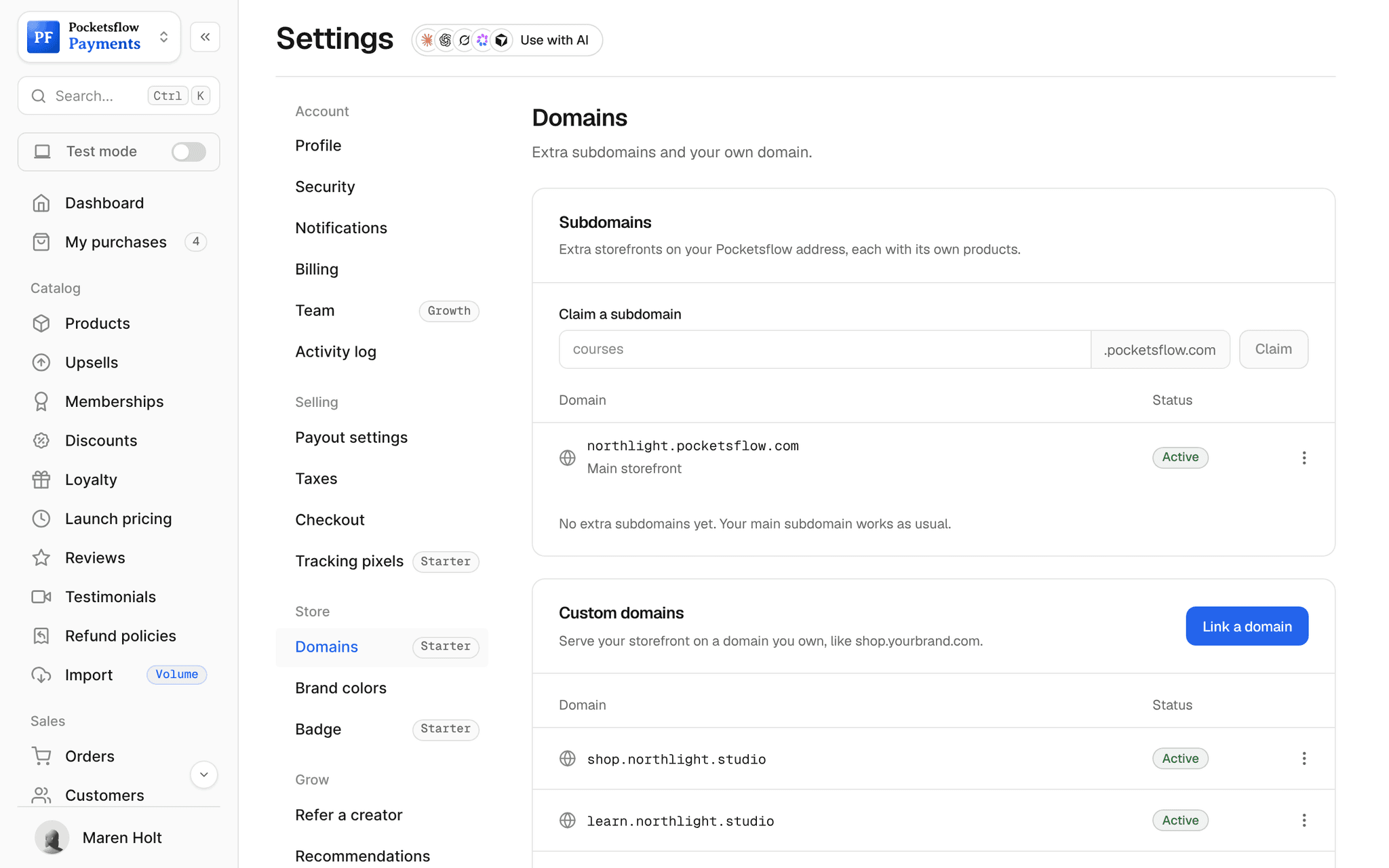
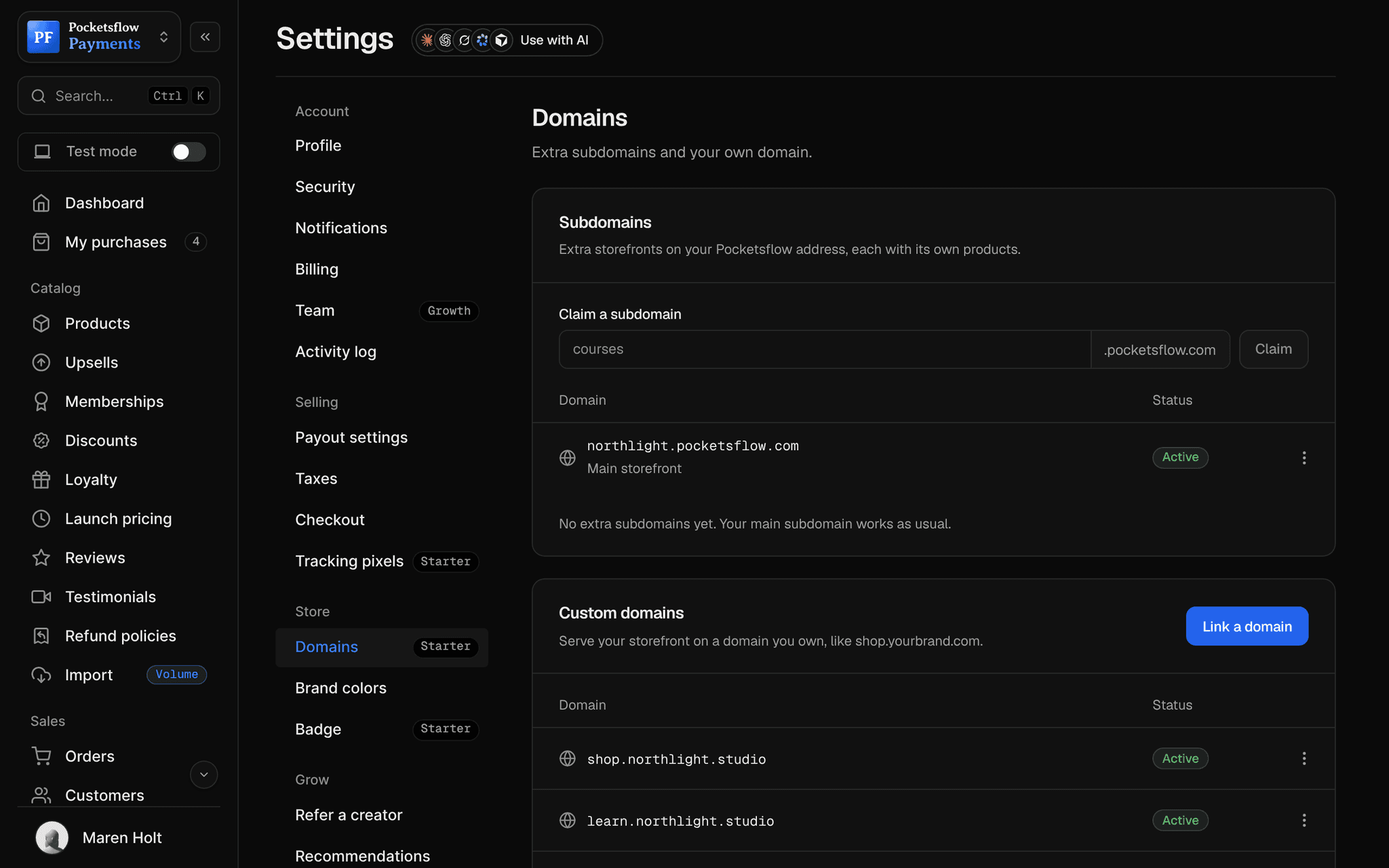
Swap yourname.pocketsflow.com for yourbrand.com or shop.yourbrand.com. Add the CNAME records Pocketsflow shows you, verify, and HTTPS turns on by itself. Your old address keeps working as a fallback.


- SSL once the domain verifies
- Free
- options: root domain or subdomain
- 2
- records at any registrar
- CNAME
- estimated per sale, no monthly fee
- 4.7% + $0.30
// inside pocketsflow
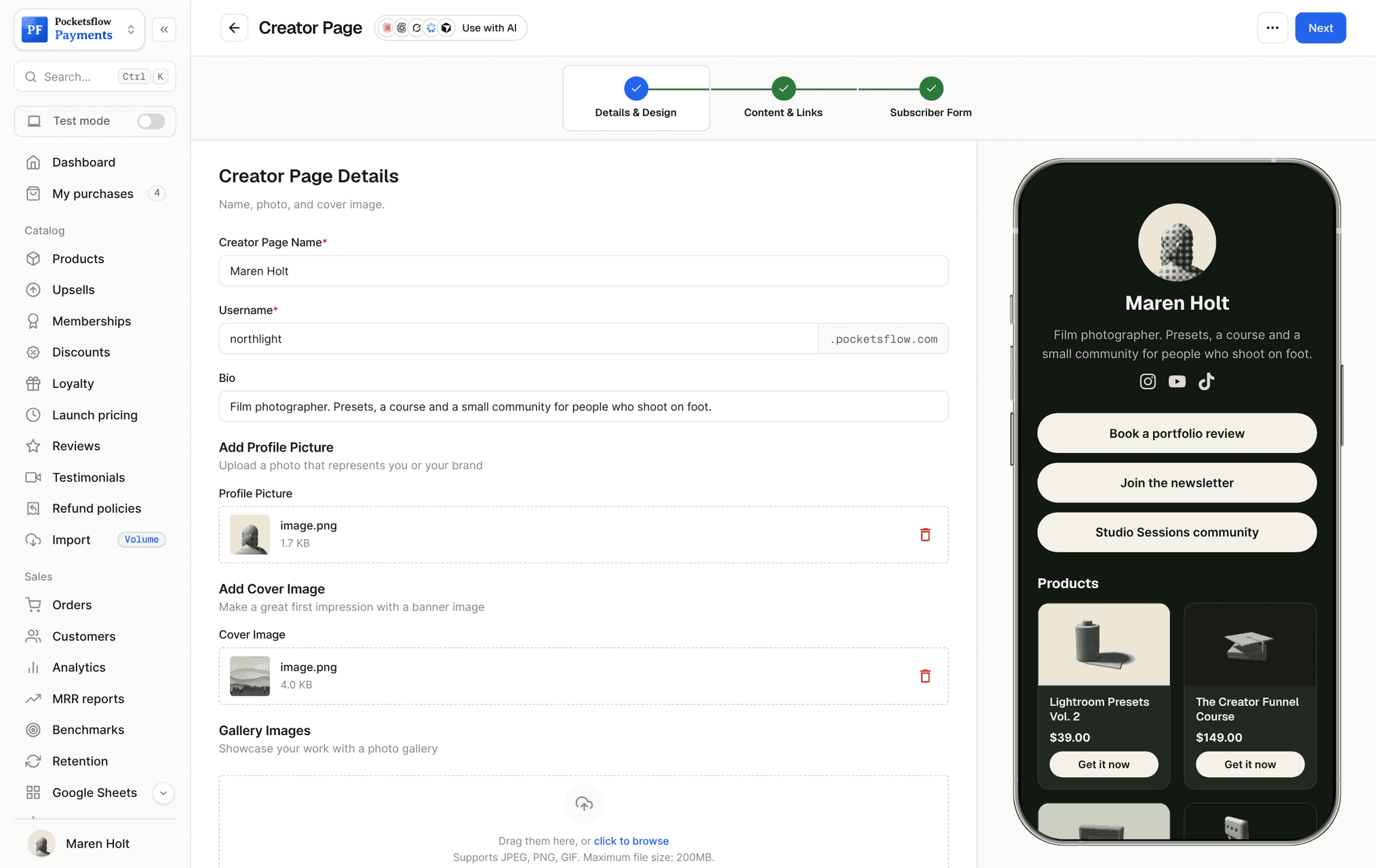
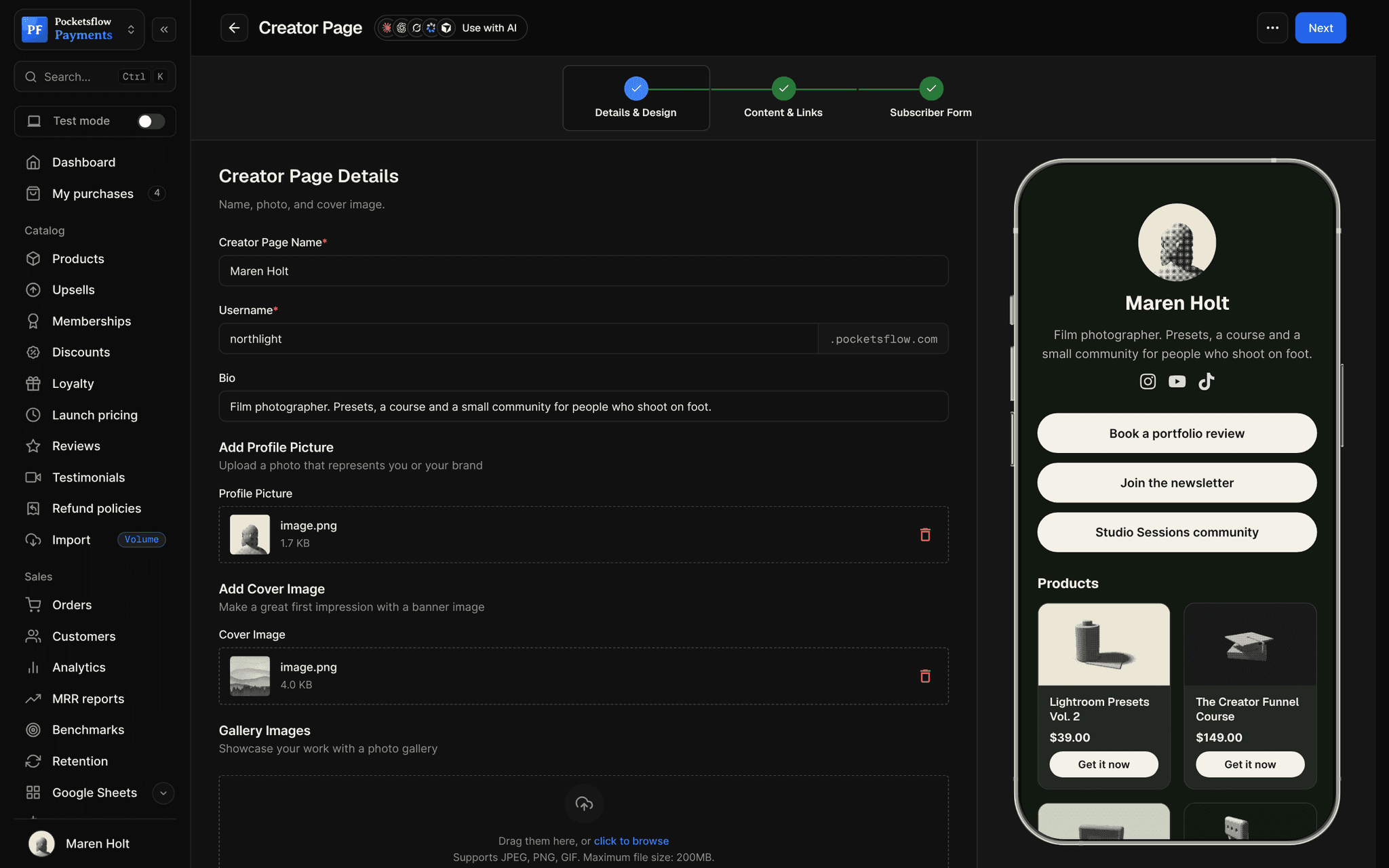
See how it works in the dashboard.
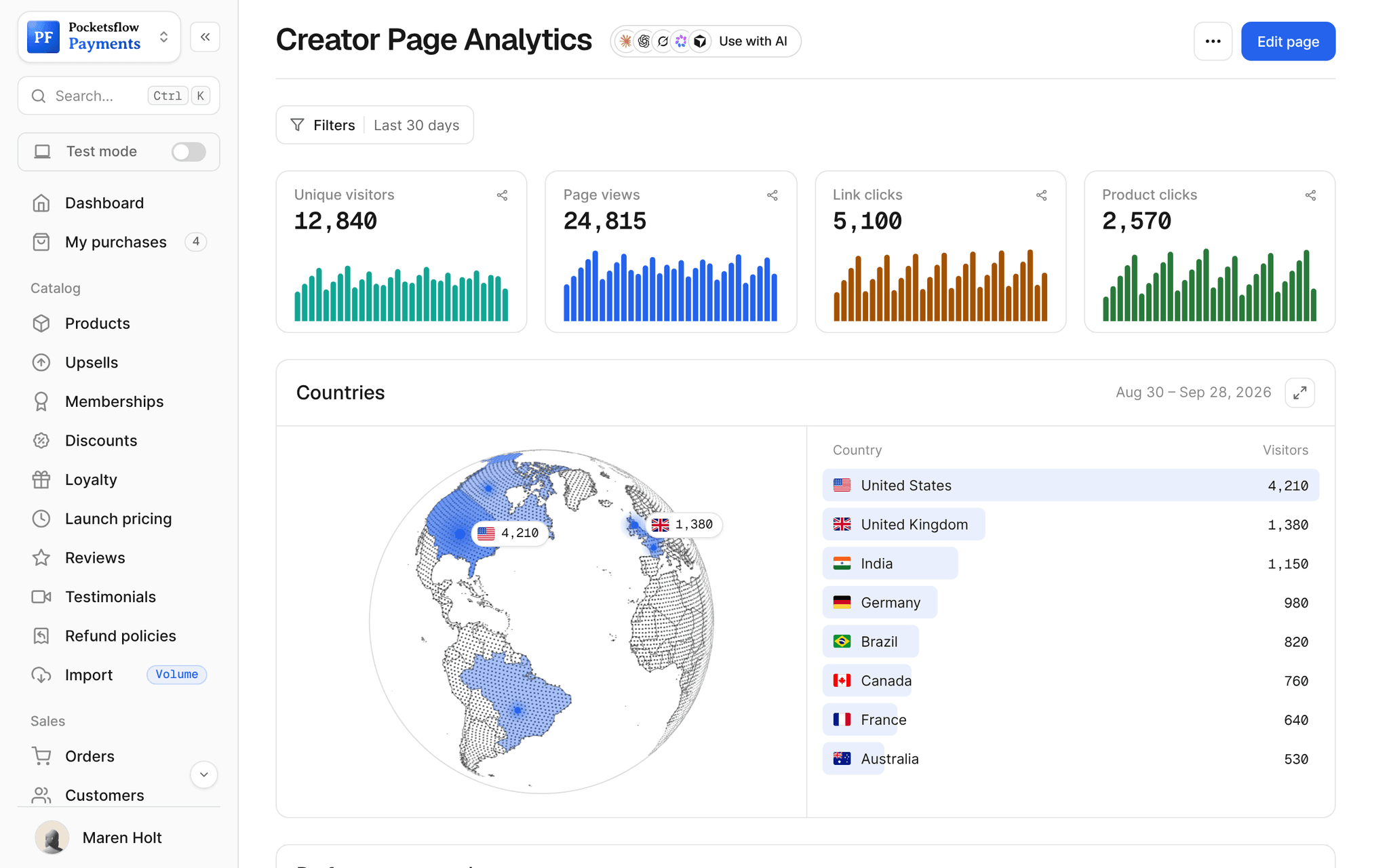
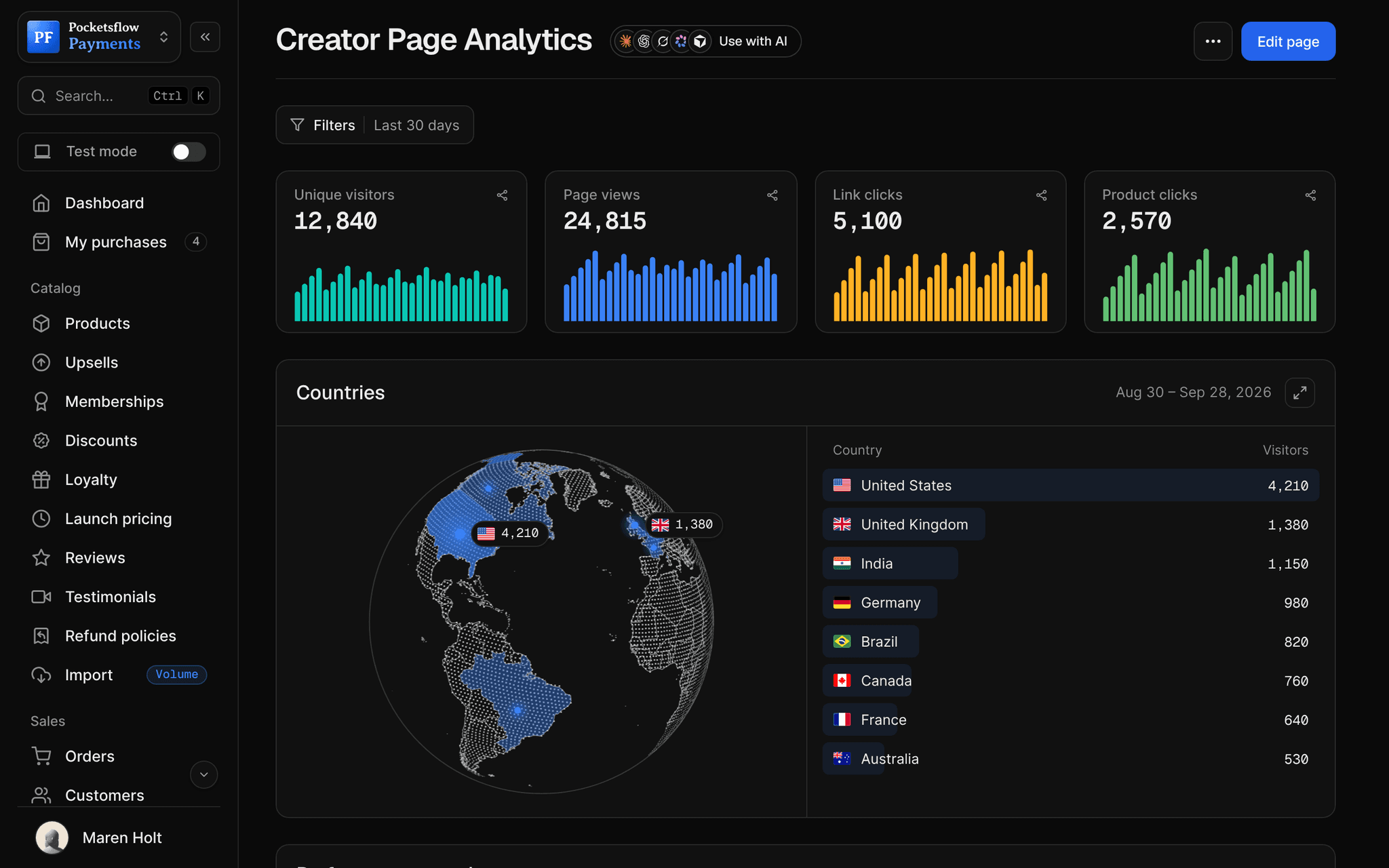
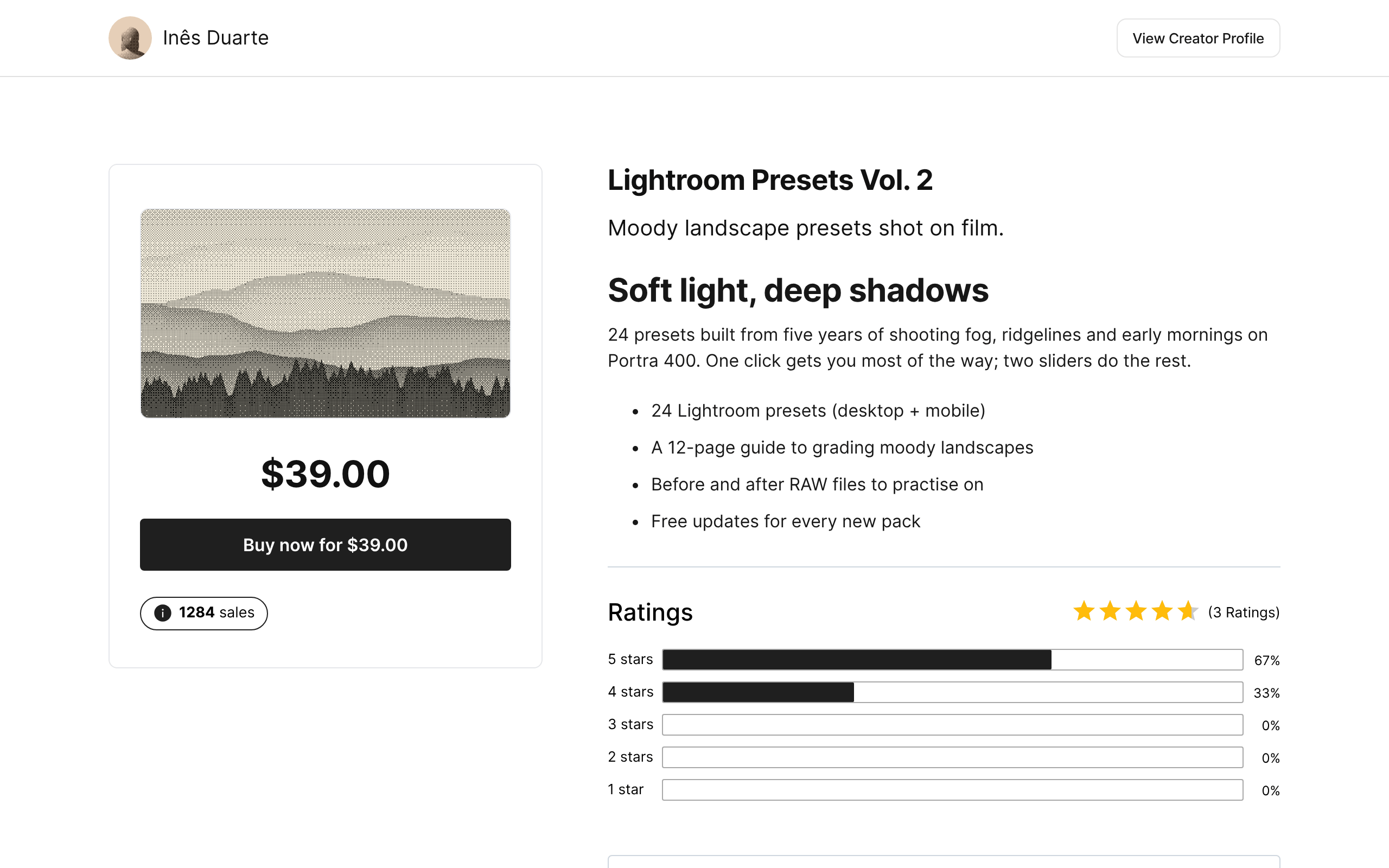
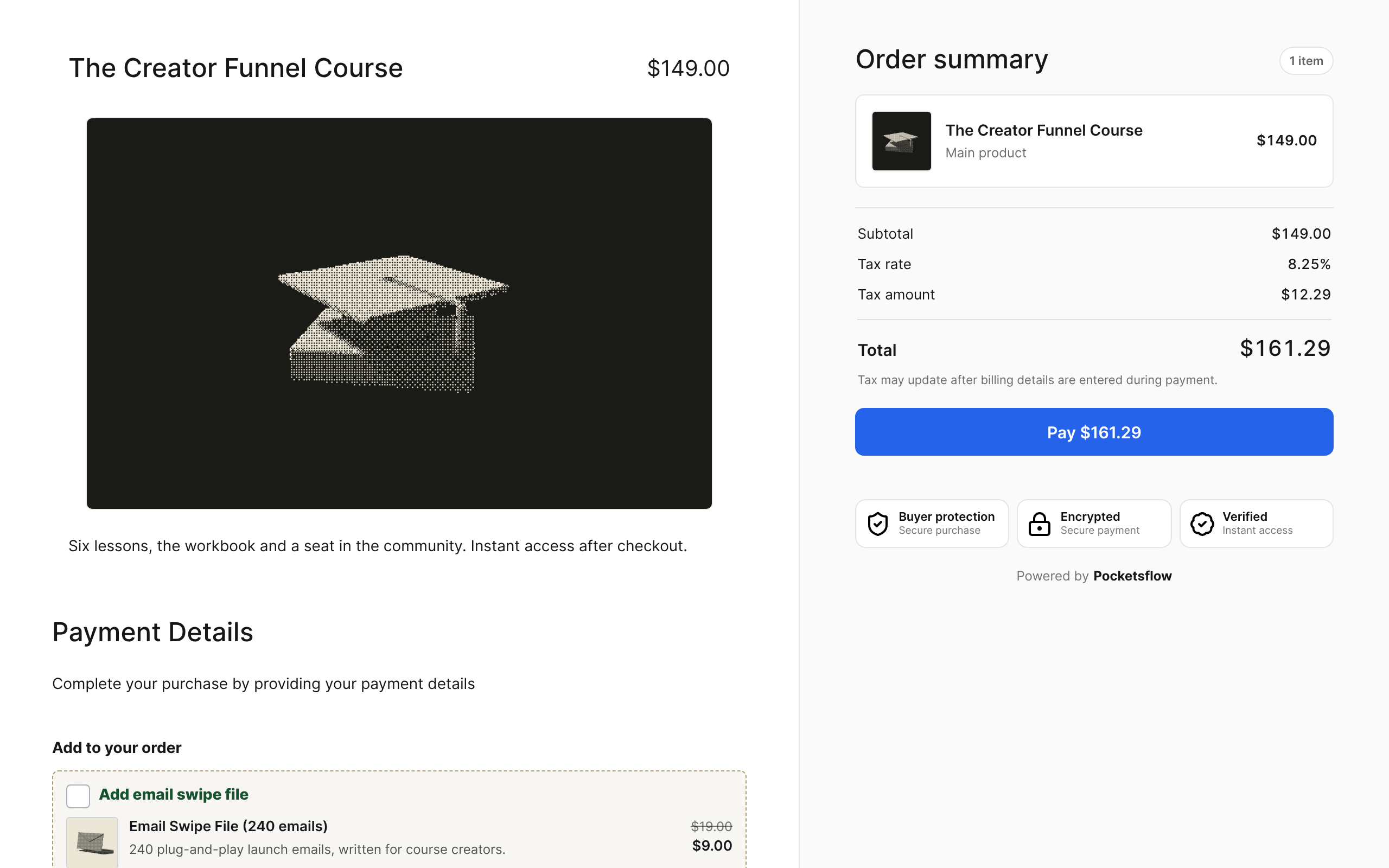
// more screens
Every screen you will use.
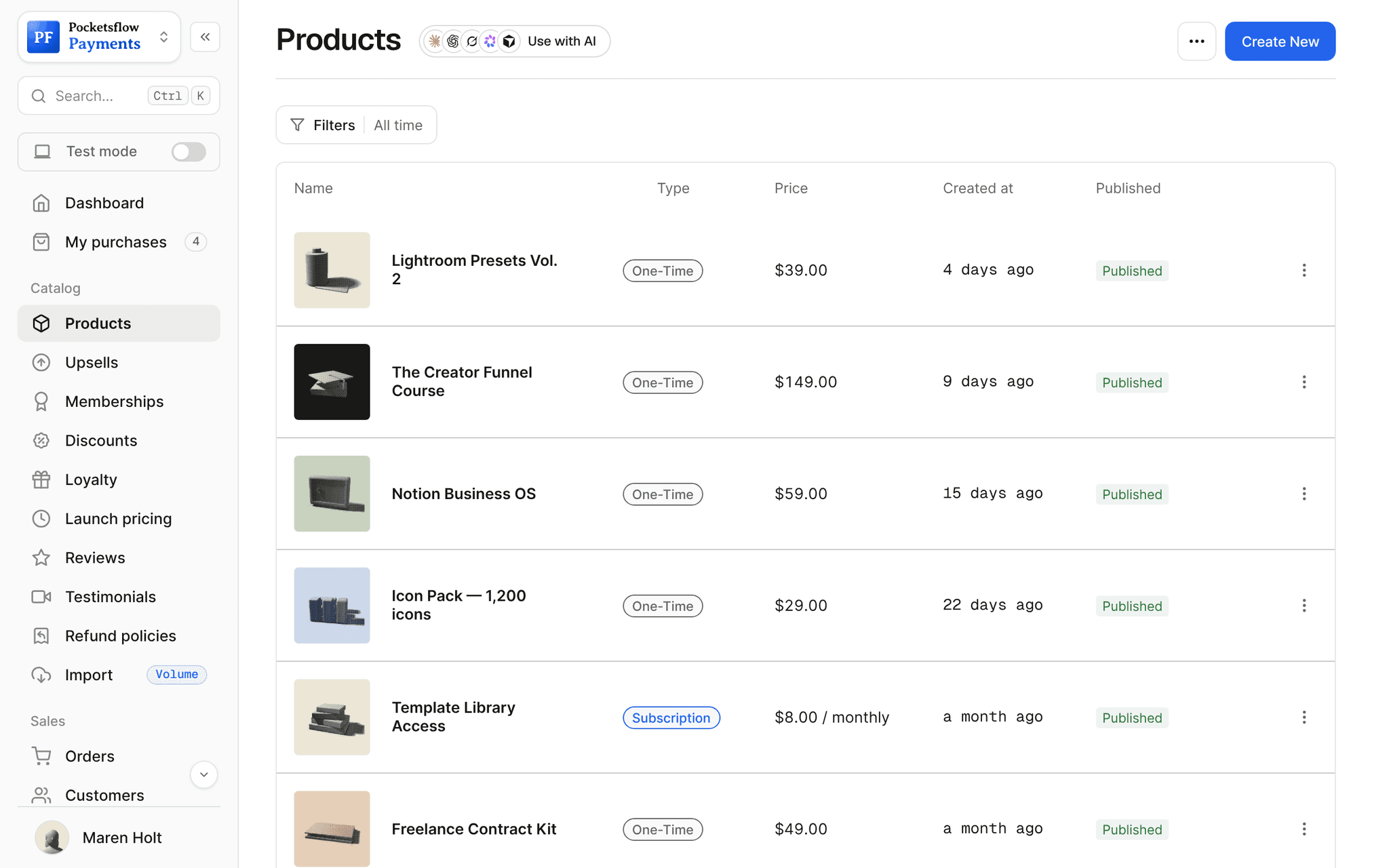
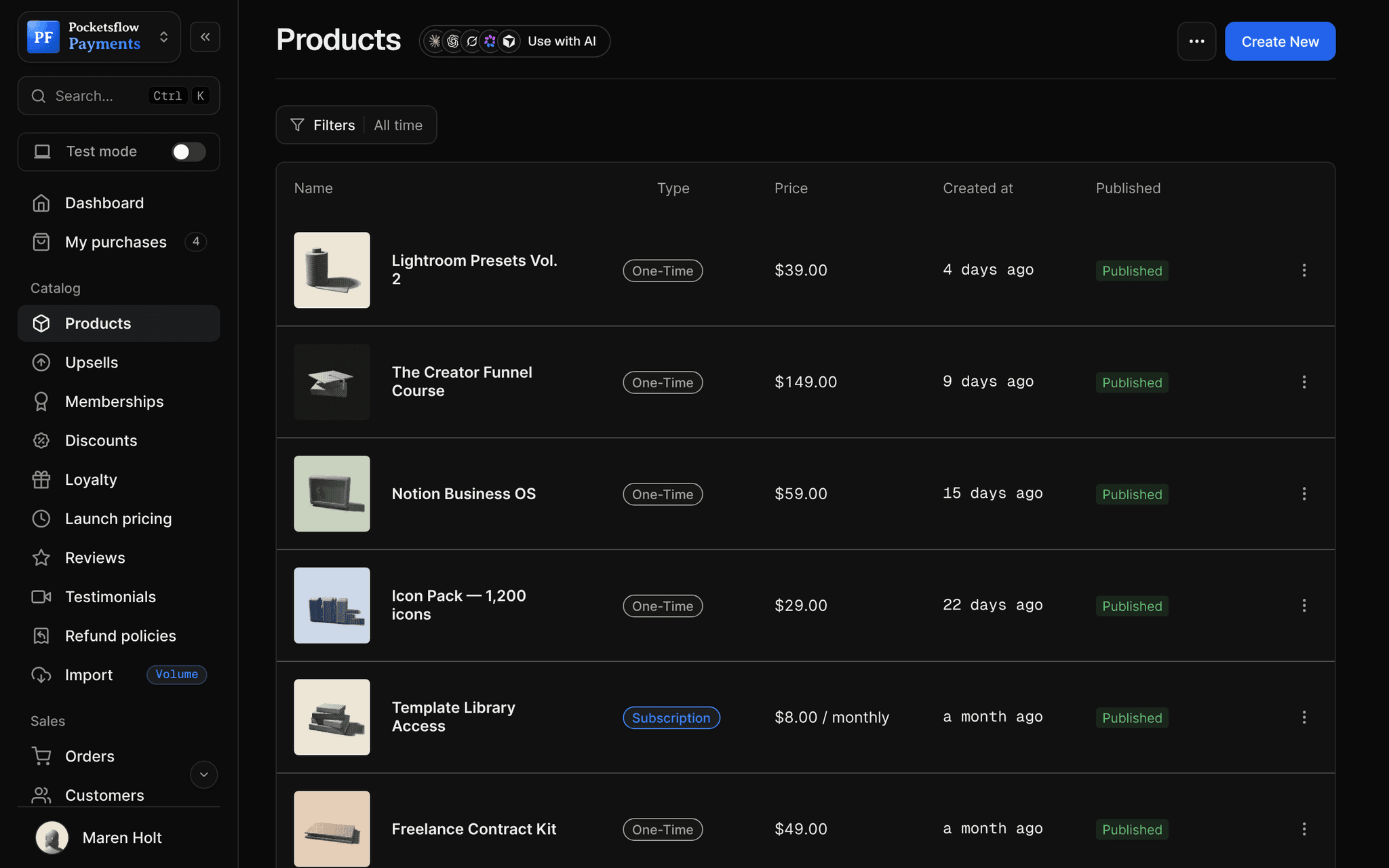
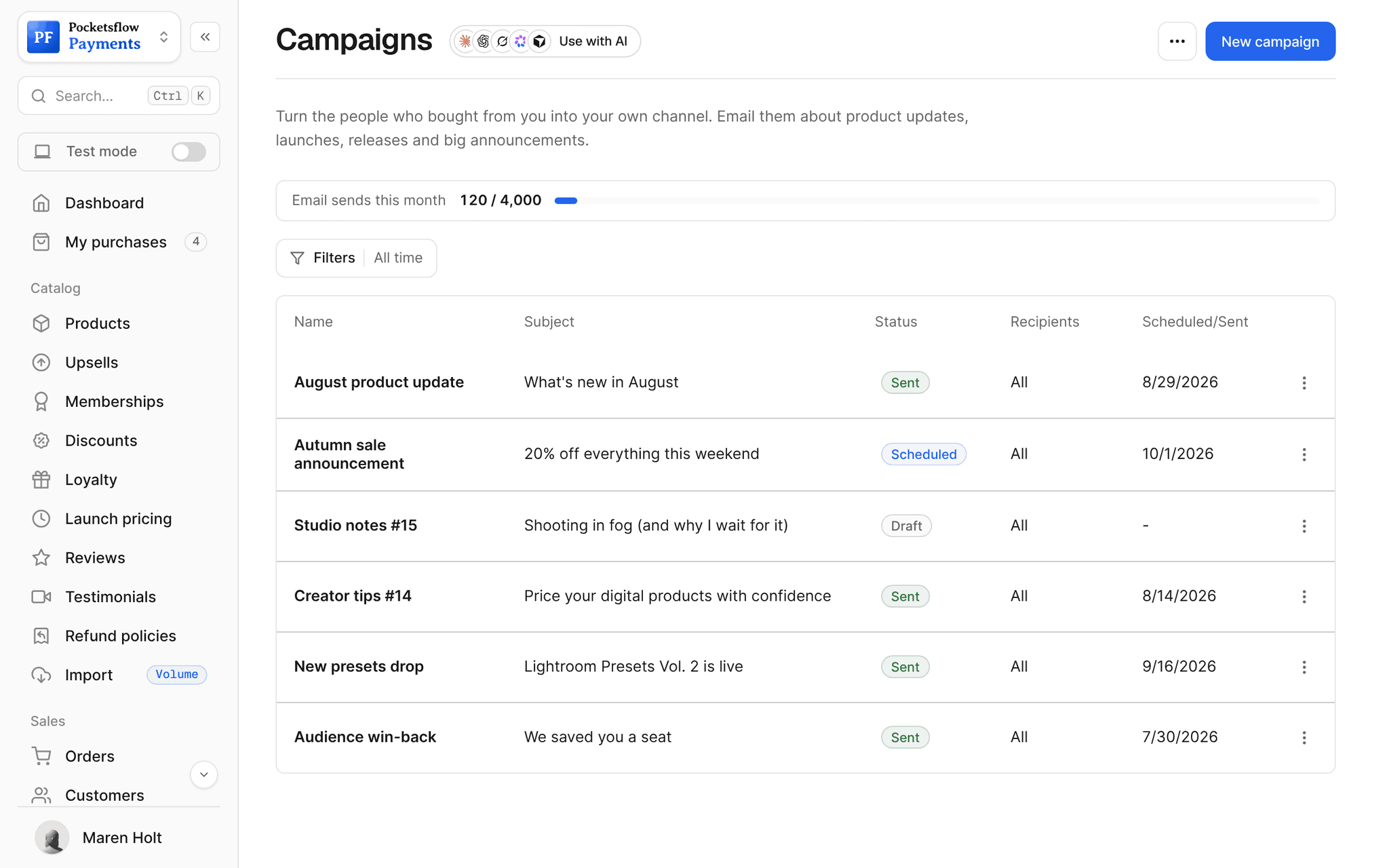
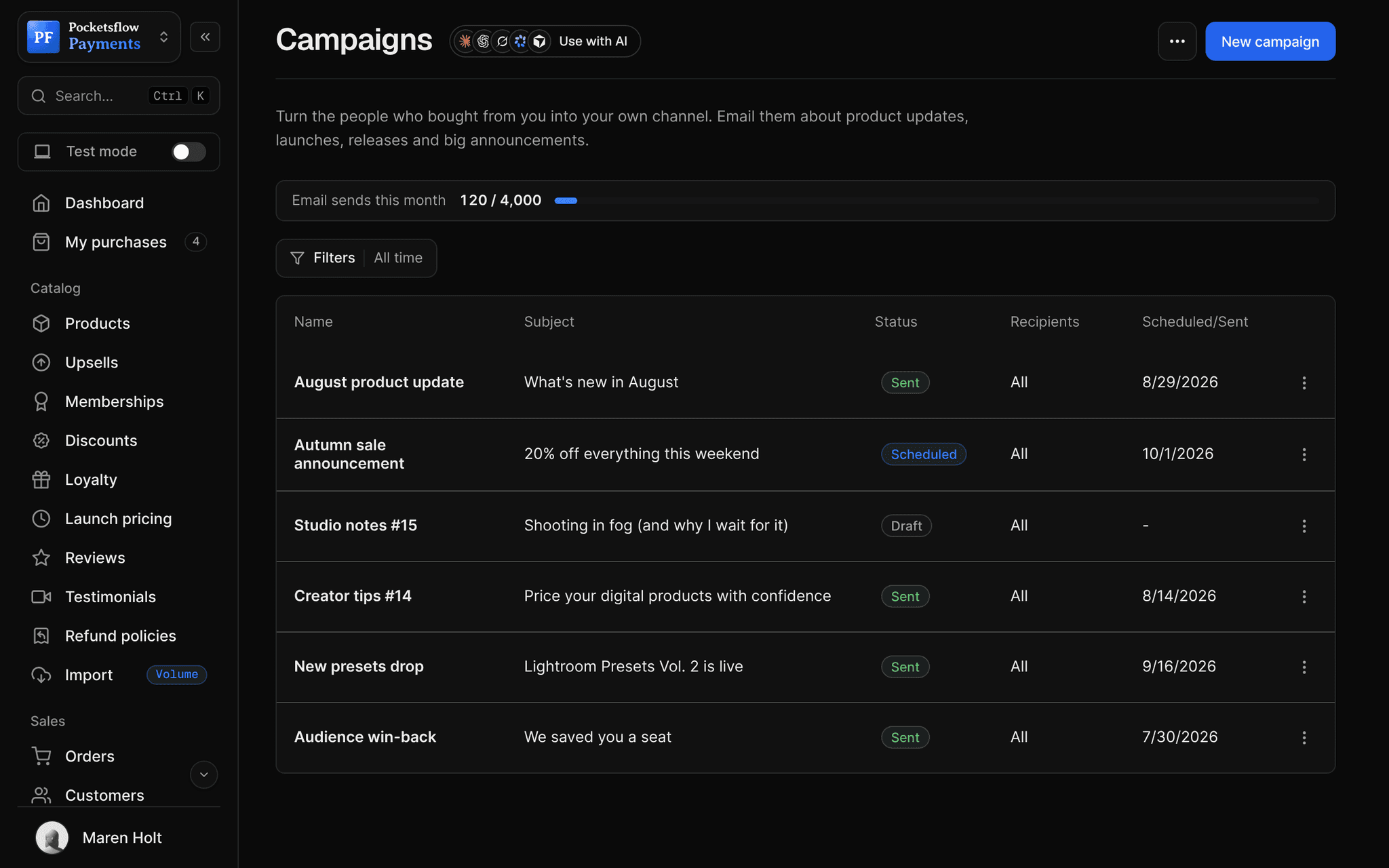
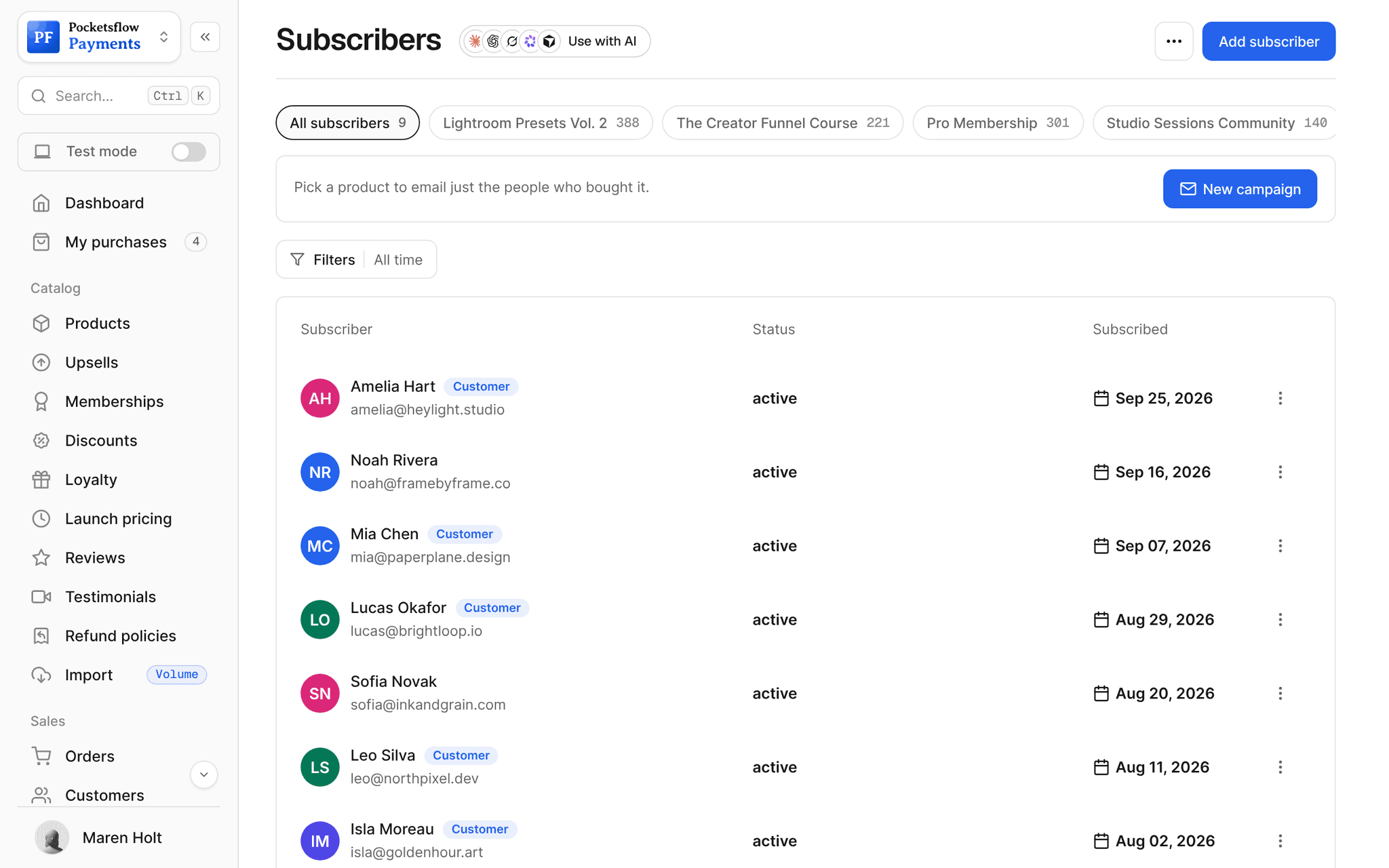
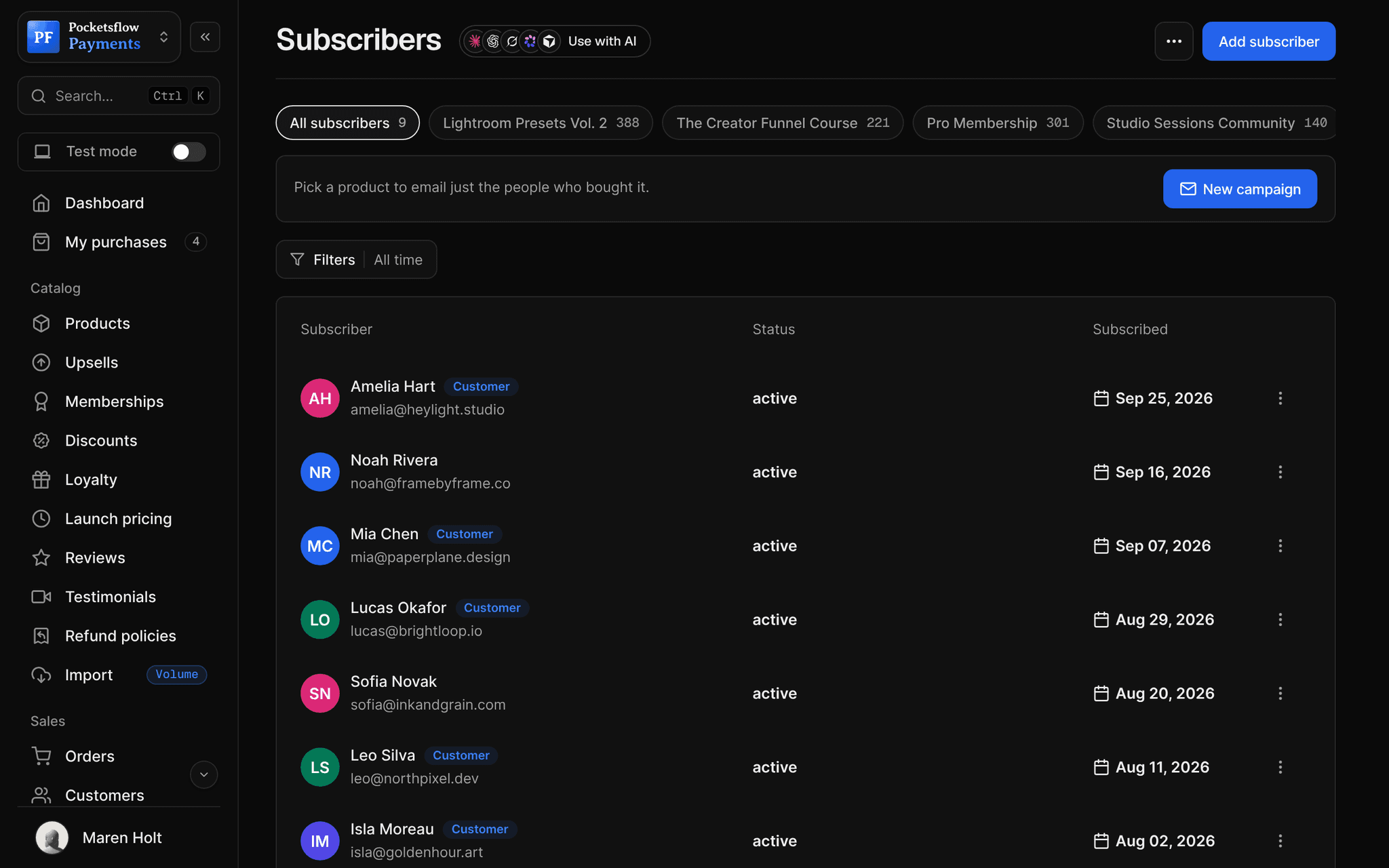
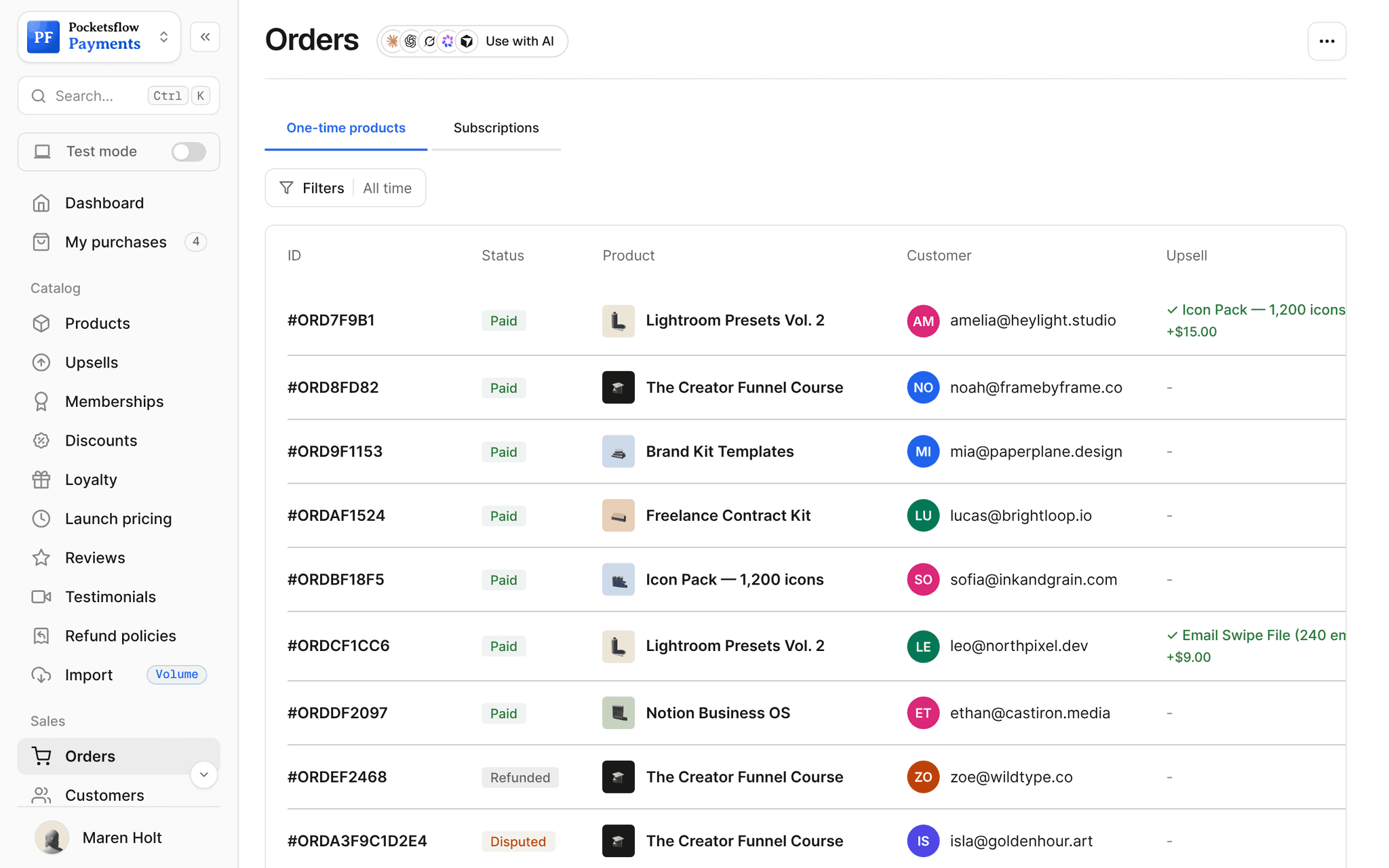
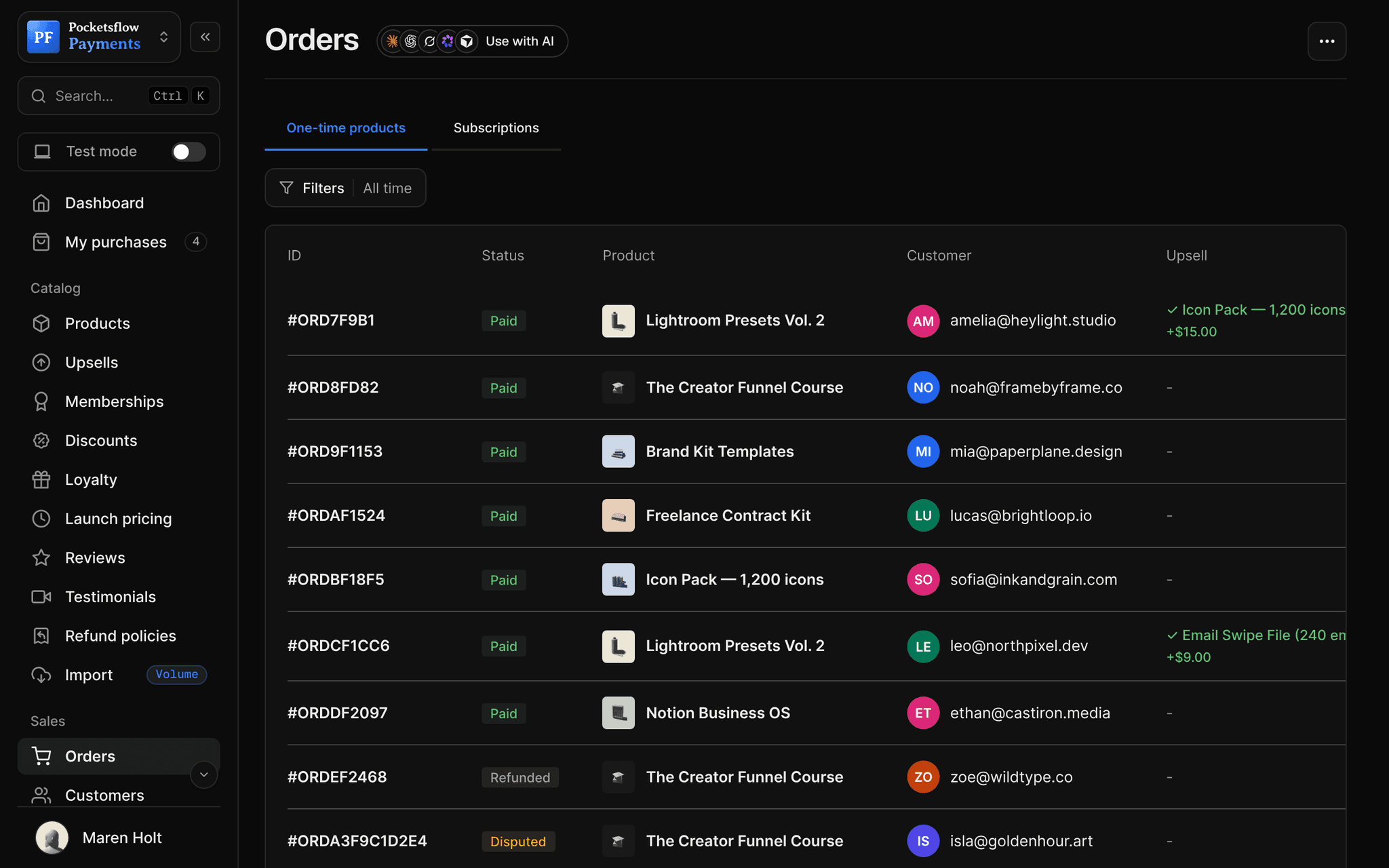
// use cases
Domains sellers connect.
Brand storefront
Your creator page on the root domain.
heylight.studioRoot
Shop subdomain
Keep your main site and add a shop beside it.
shop.heylight.studioSubdomain
Course hub
A subdomain just for your courses.
courses.framebyframe.coSubdomain
Links page
A short branded link for every bio.
links.inkandgrain.comSubdomain
Extra handles
Claim more pocketsflow.com subdomains for other brands.
courses.pocketsflow.comSubdomain
Campaign pages
Point ads at your branded page.
go.northpixel.devSubdomain
// how it works
Live in four steps.
Add the domain
Enter yourbrand.com or shop.yourbrand.com in Settings, Domains.
Copy the records
Pocketsflow shows the CNAME records to create, pointing at api.pocketsflow.com.
Save at your registrar
Add them where you bought the domain. Usually minutes, sometimes up to 48 hours.
Verify and go
Click verify; SSL is set up and your page serves on the new address.
// ai
Let your agents run and grow your business.
Connect Claude, ChatGPT, Codex, Grok, Cursor or any MCP client once. Then ask in plain words, and every change lands in your dashboard.
 Claude · Desktop app
Things to ask
- Walk me through connecting shop.mybrand.comget_creator_page
- What is on my creator page right now?get_creator_page
- Update my page before I switch domainsupdate_creator_page
- Give me checkout links I can use on my domaincreate_checkout_session
- Email my list about the new addresssend_post
- Check my account detailsget_account
// included
Everything included.
- Root domains and subdomains
- CNAME setup at any registrar
- CNAME flattening or ALIAS for roots
- Free SSL once verified
- pocketsflow.com address kept as a fallback
- Extra pocketsflow.com subdomains
- More than one domain where your account allows
- Change or remove a domain any time
- Creator page, products and checkout on your brand
- Same analytics on the new address
- Separate from email sending domains
- No extra fee
// why pocketsflowWhy sellers pick Pocketsflow.
Trust from the first click
A link on your own domain looks like a real business.
Nothing breaks
Your pocketsflow.com links keep working after you connect a domain.
SSL handled
HTTPS is provisioned automatically when the domain verifies.
Included
Custom domains are free. 4.7% + $0.30 estimated per sale, no monthly fee.
// connect
It's easy. Even your AI can do it.
Add Pocketsflow to the AI you already use, sign in and click Allow access. No API key, no code.
- 01Paste into your AI appThen sign in and click Allow.www.pocketsflow.com/mcp
Add Pocketsflow
Paste the server URL as a connector in your AI app.
- 02
Sign in and allow
Your AI opens Pocketsflow. Click Allow access.
- 03
Ask for anything
Products, orders, refunds, emails, in plain words.
# Create a hosted checkout session for an existing product.
curl https://api.pocketsflow.com/checkout/sessions \
  -H "Authorization: Bearer pk_live_..." \
  -H "Content-Type: application/json" \
  -d '{
    "productId": "664f1c2e9b1d4a3f8c2e7a10",
    "successUrl": "https://example.com/welcome",
    "customerEmail": "buyer@example.com"
  }'

# 201 Created
# { "id": "cs_...", "url": "https://yourstore.pocketsflow.com/checkout?..." }
Serve checkout on your domain.
Create a checkout, attach a product, and let Pocketsflow handle the transaction lifecycle: payment, tax, delivery, and the receipt.
Every resource is an HTTPS endpoint under one base URL with Bearer API keys. Live and test keys are scoped to their own data; the OpenAPI spec is served at /docs.json.
// faq
Common questions.
Do I need to buy a new domain?
Only if you do not own one. Any domain you control connects without a transfer: you only add DNS records.
Can I use a subdomain like shop.mybrand.com?
Yes. Subdomains need one CNAME record. If you already run a website on the root, a subdomain keeps it untouched.
What about the root domain?
Add CNAME records for the root and www. If your provider does not allow a CNAME on the root, use its CNAME flattening, ALIAS or ANAME option, or connect a subdomain.
How long does DNS take?
Often a few minutes, sometimes up to 24 to 48 hours. Keep sharing your pocketsflow.com address until the domain verifies.
Is SSL included?
Yes. Free SSL is set up when the domain verifies; there is no certificate to buy.
Is this the same as an email sending domain?
No. Sending domains for email are set in Email settings with their own SPF and DKIM records.
Can my AI do this for me?
Yes. Add the Pocketsflow MCP server to Claude, ChatGPT, Codex, Grok, Cursor or any MCP client, sign in and click Allow access. No API key. Your AI can then create products, set prices and discounts, open checkouts, read orders and send emails, and every change shows up in your dashboard.
// related
Keep exploring.
Open your store today.
Sell your first product in minutes, keep more of every sale, and let the AI you already use run the busywork.