CustomizeLink in Bio
One link that sells.
Your creator page puts your products, links, socials and newsletter signup behind one URL. Pick one of 55 templates, make it yours, and sell straight from your bio on yourname.pocketsflow.com or your own domain.


- creator page templates
- 55
- font presets, plus gradients and patterns
- 8
- button styles in three shapes
- 6
- estimated per sale, no monthly fee
- 4.7% + $0.30
// inside pocketsflow
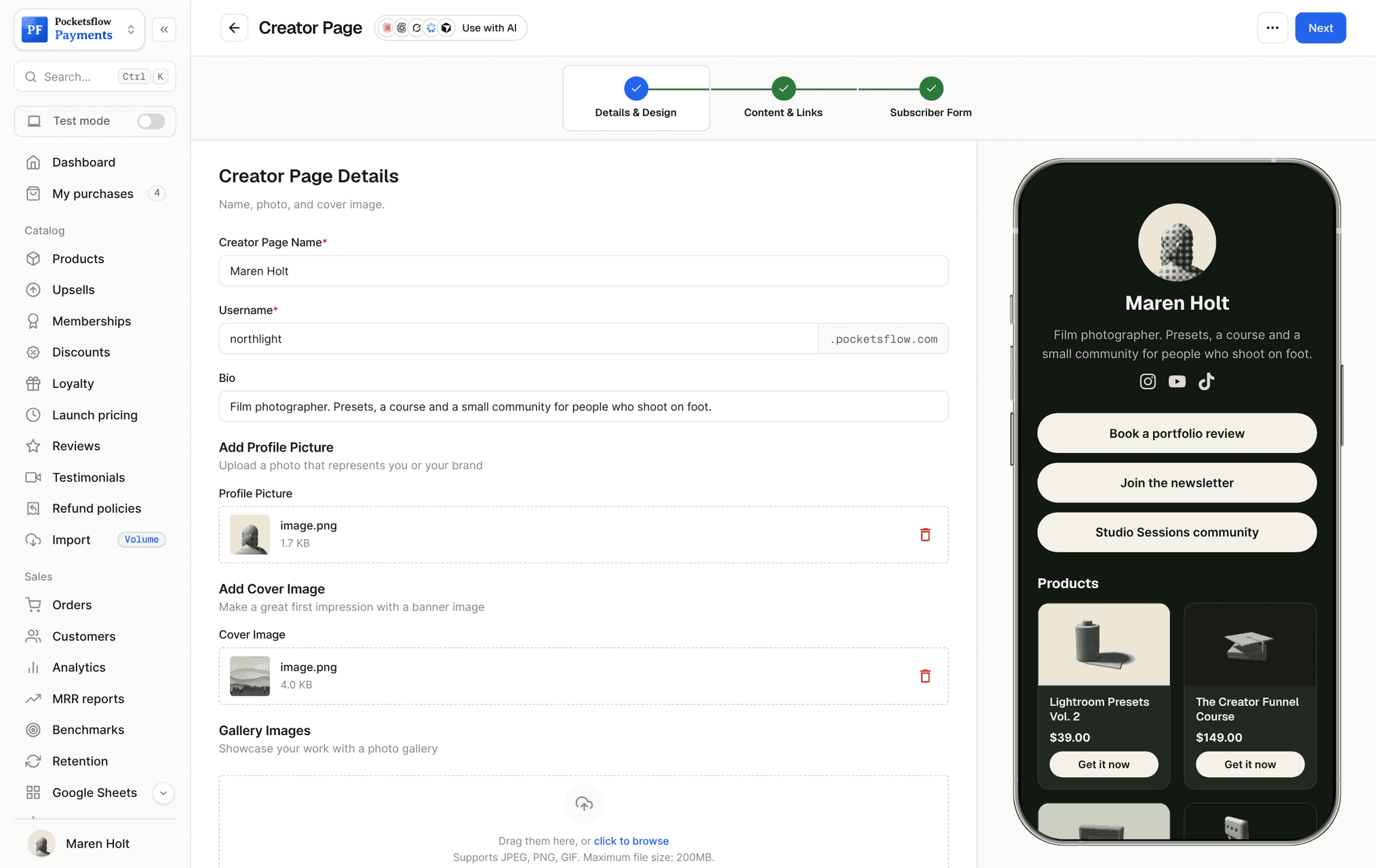
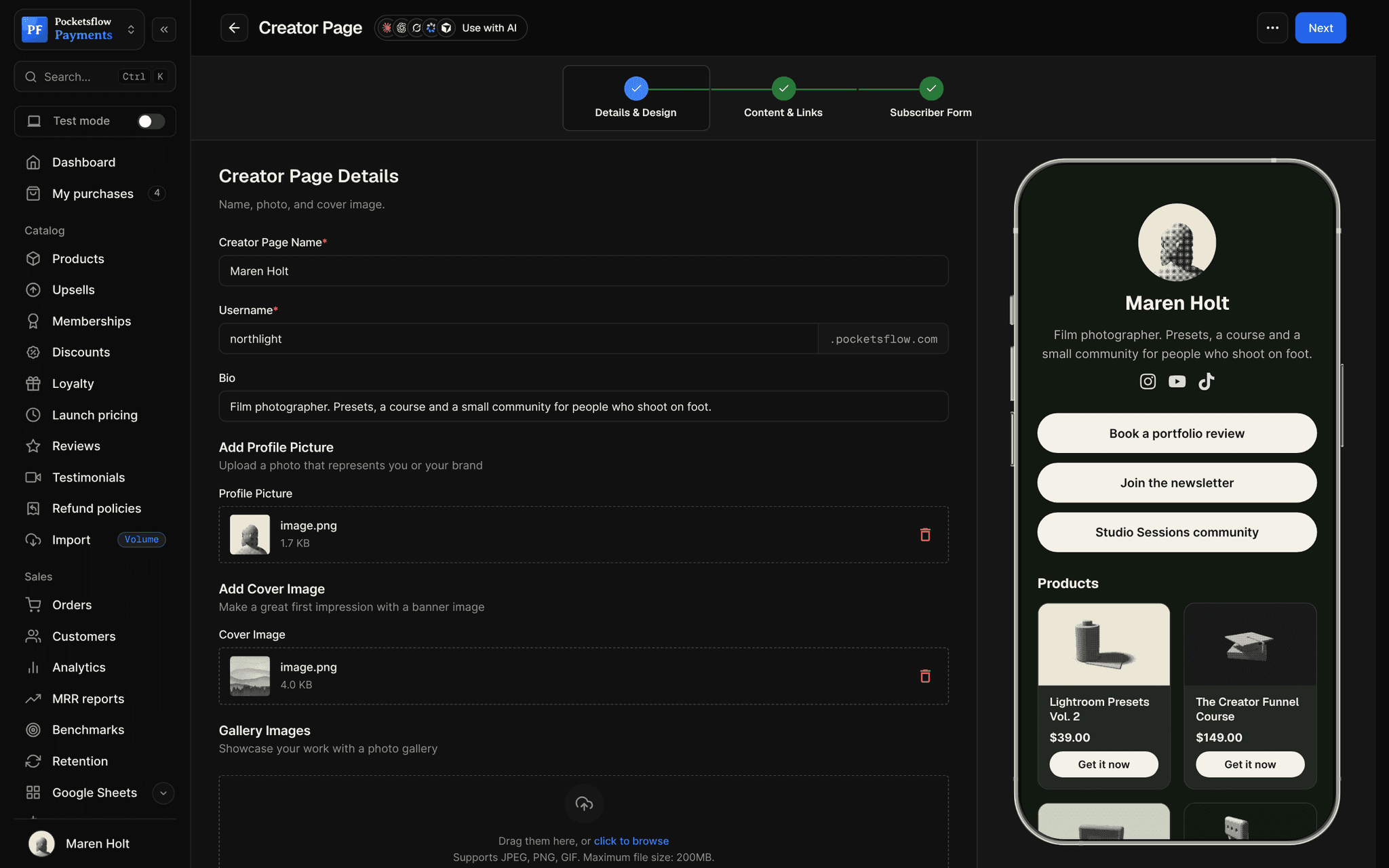
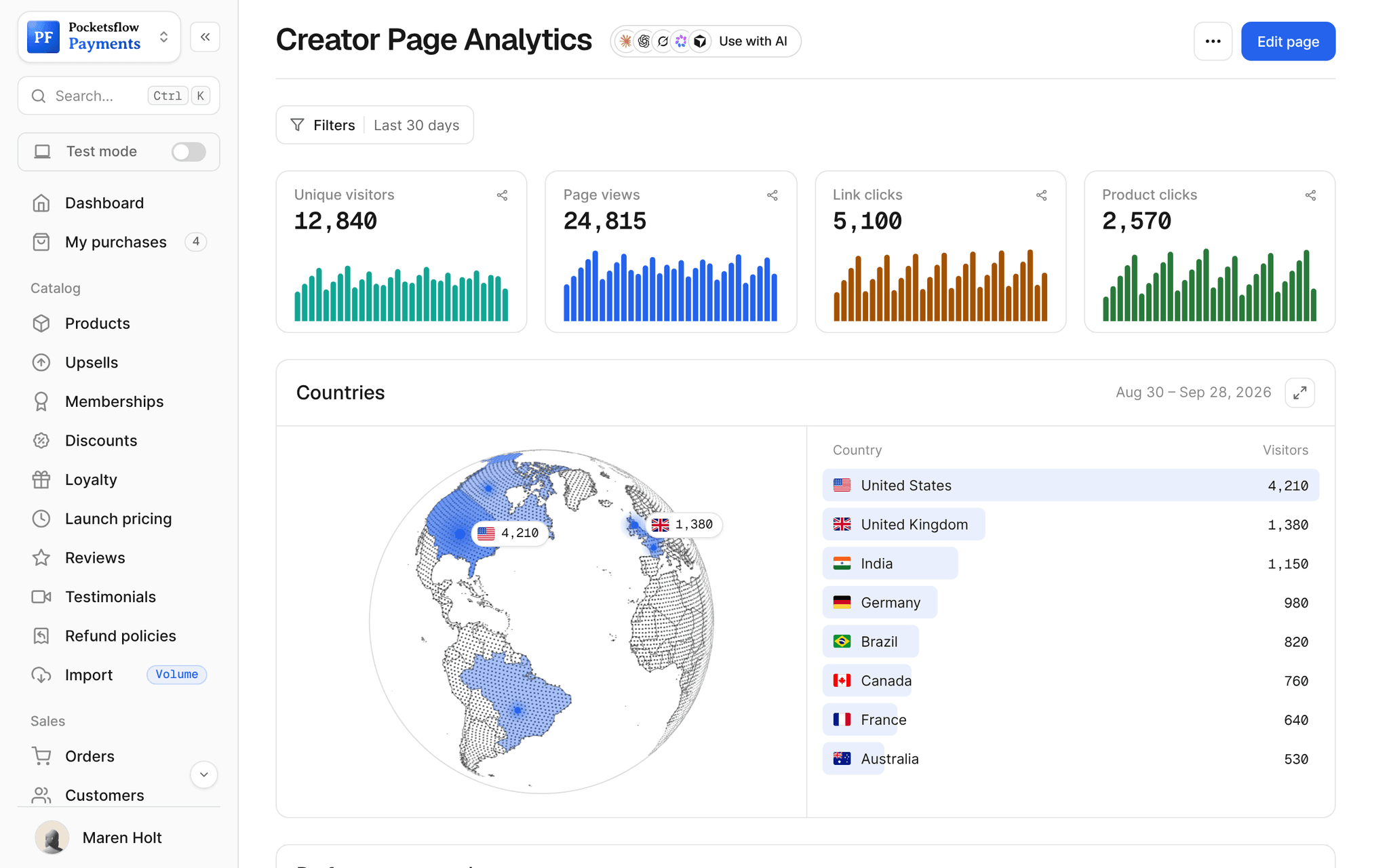
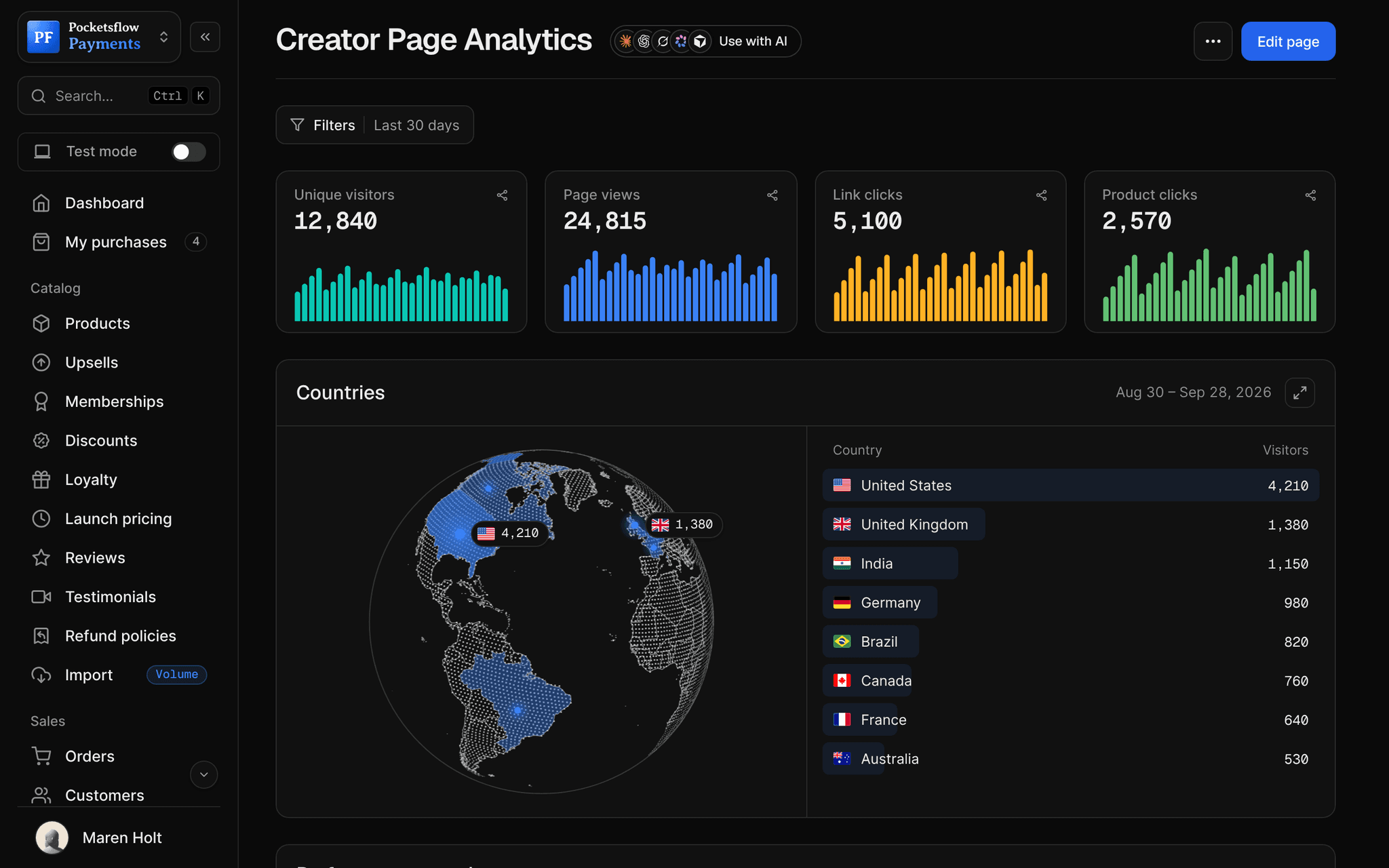
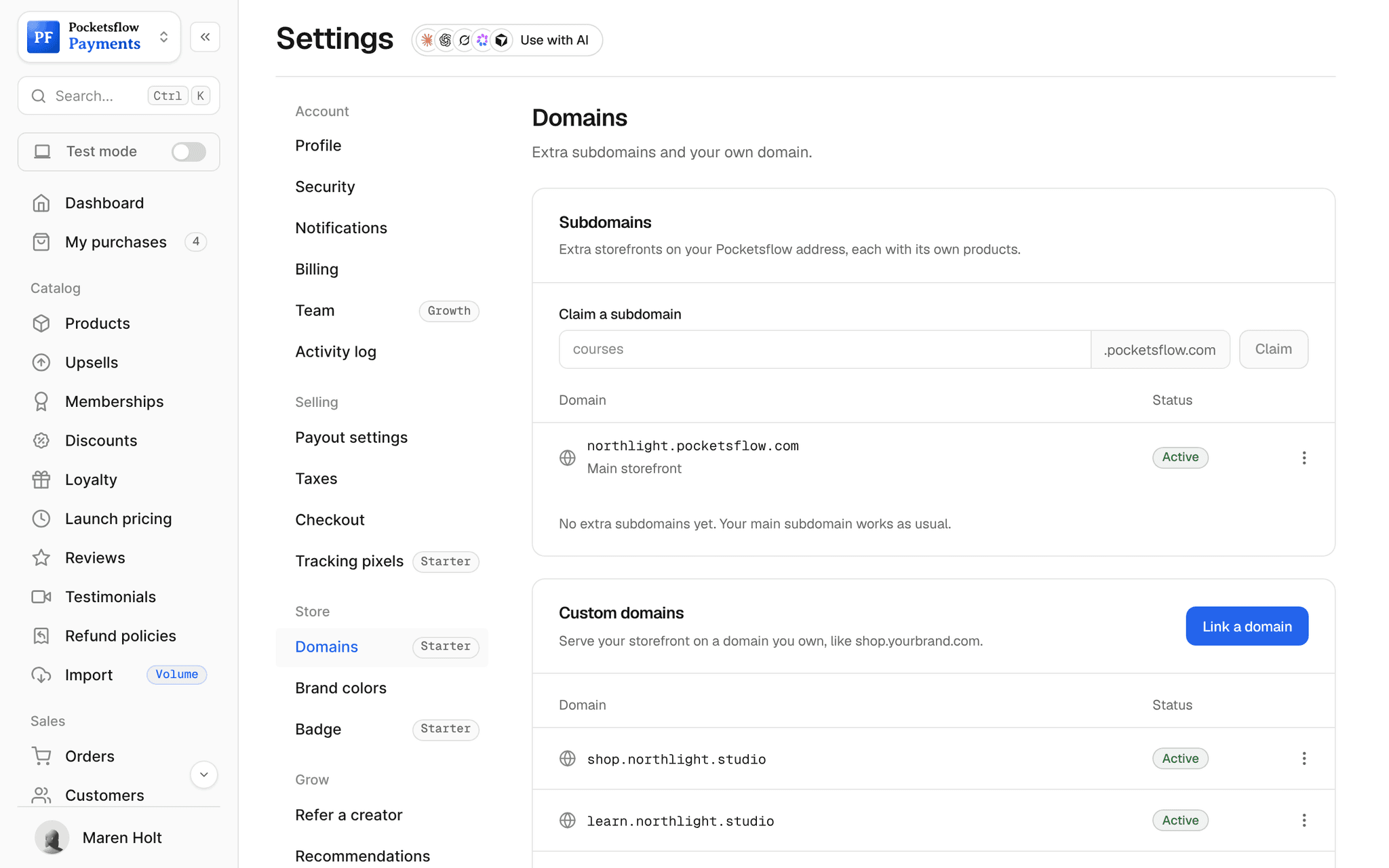
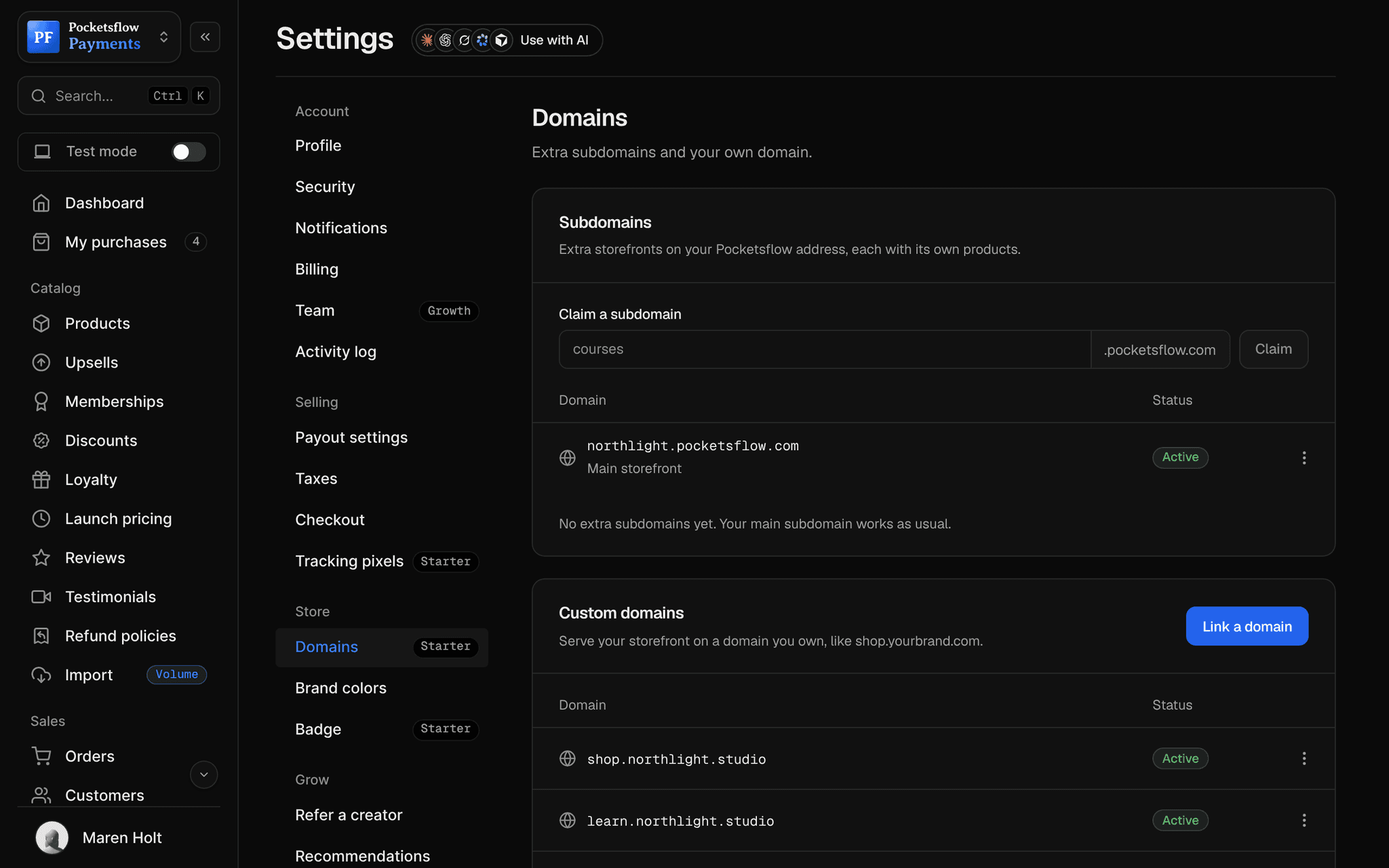
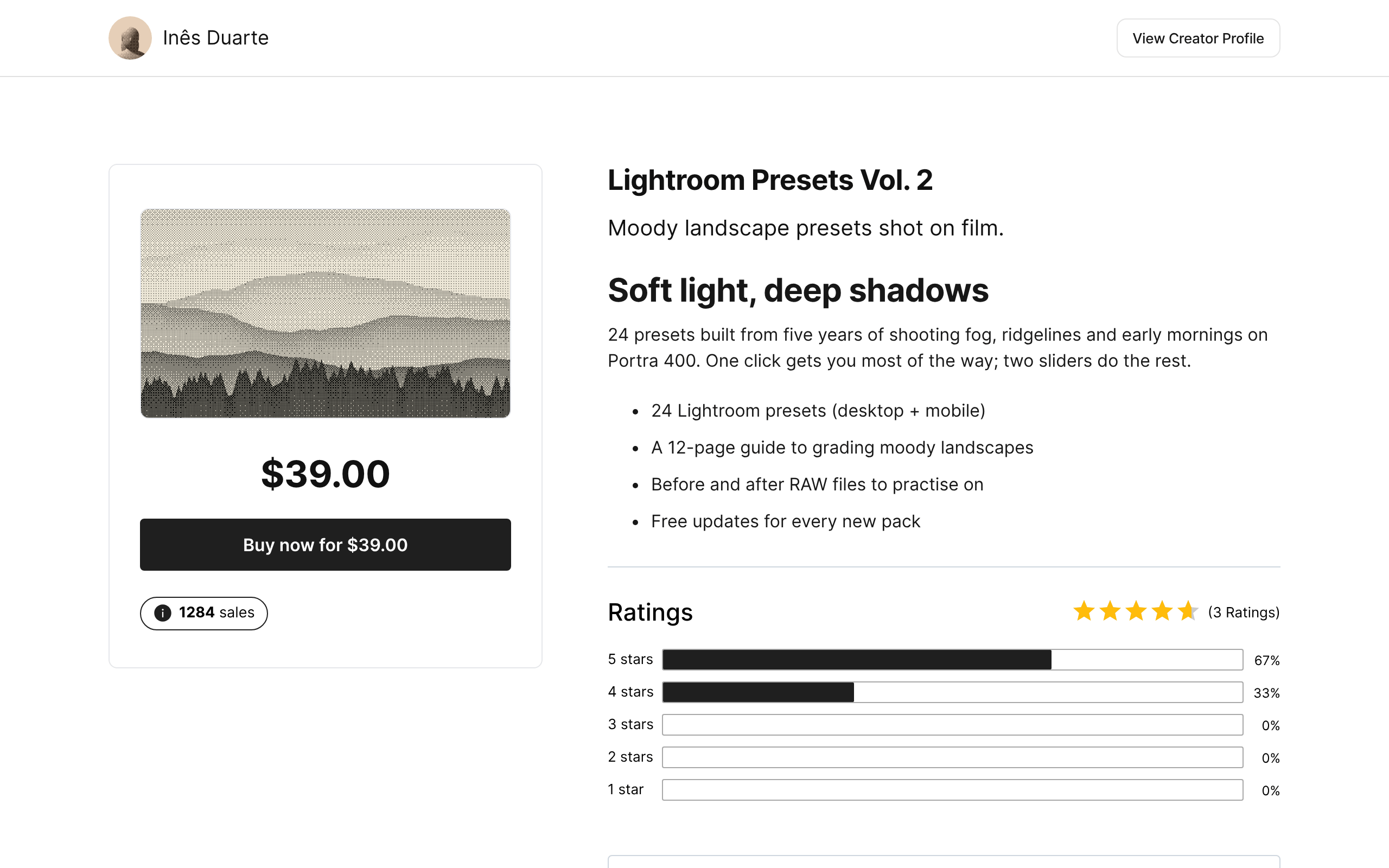
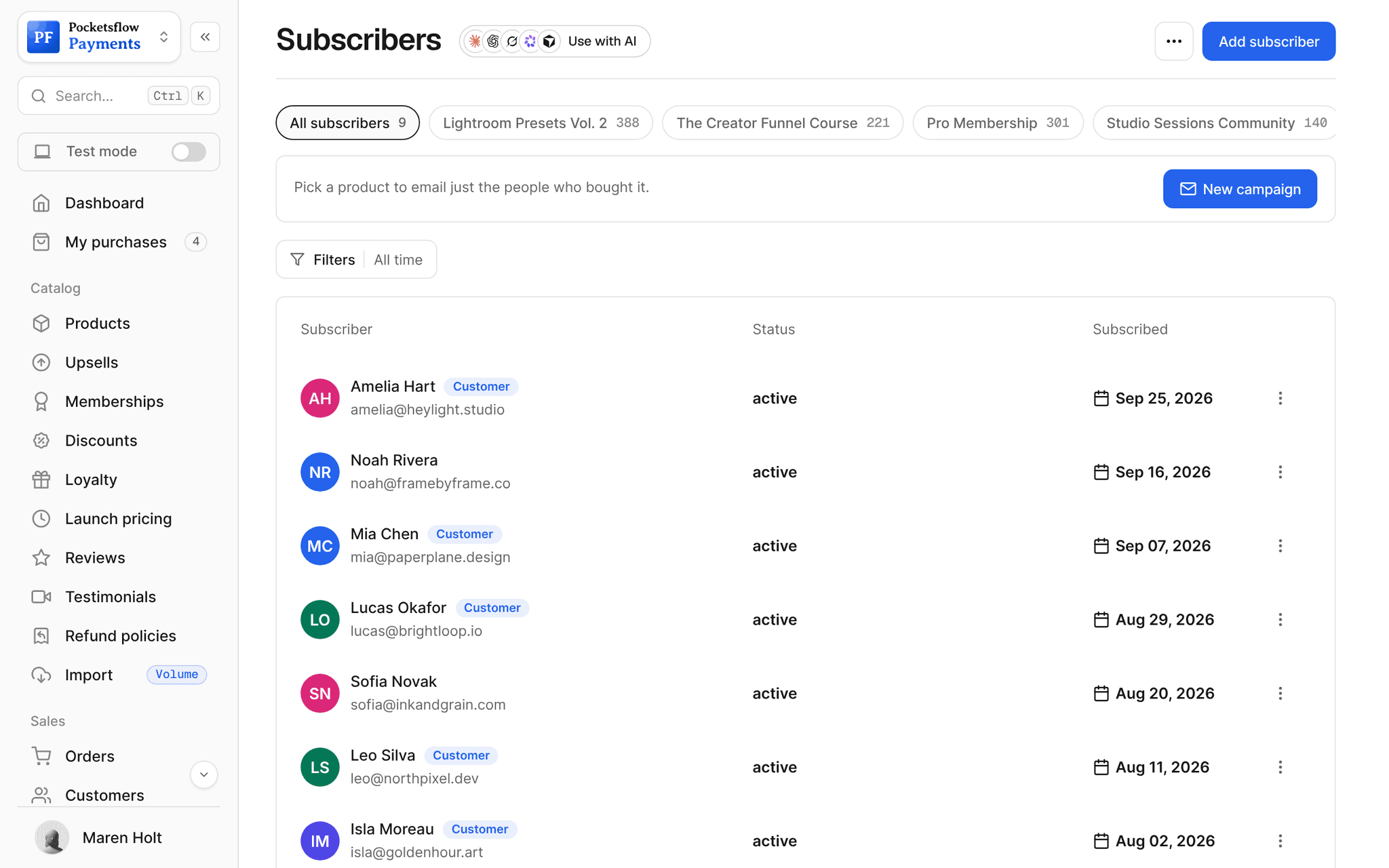
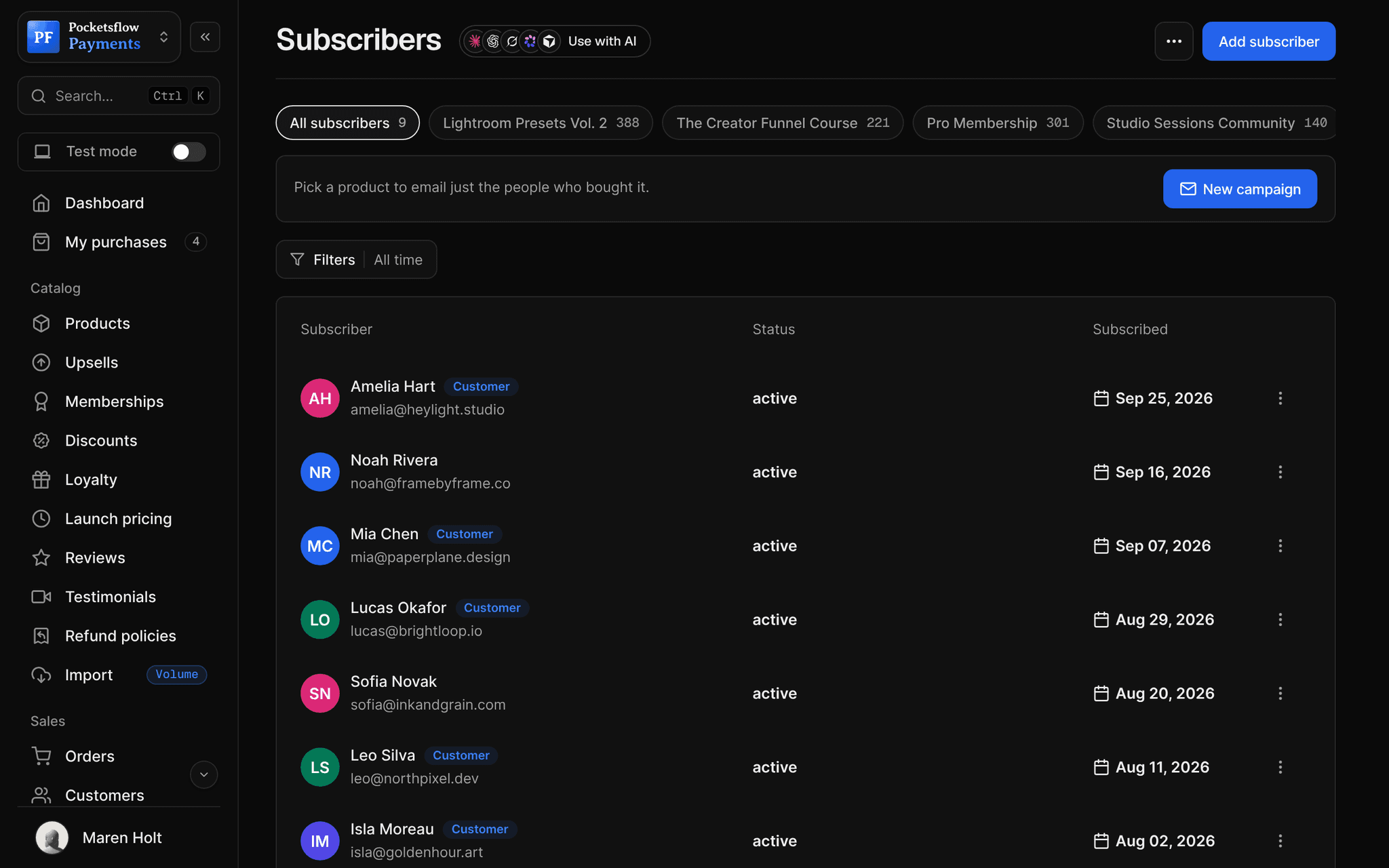
See how it works in the dashboard.
// more screens
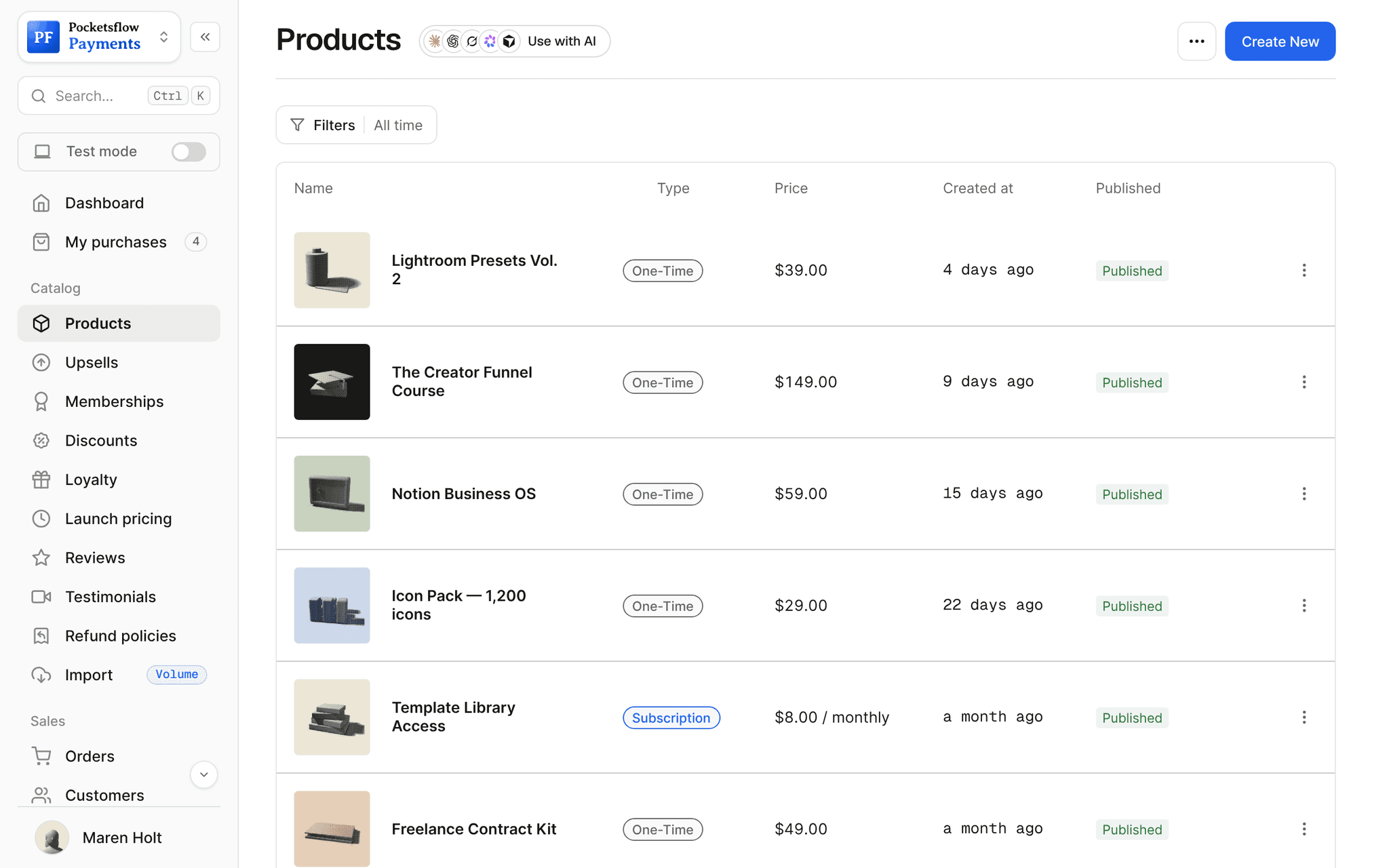
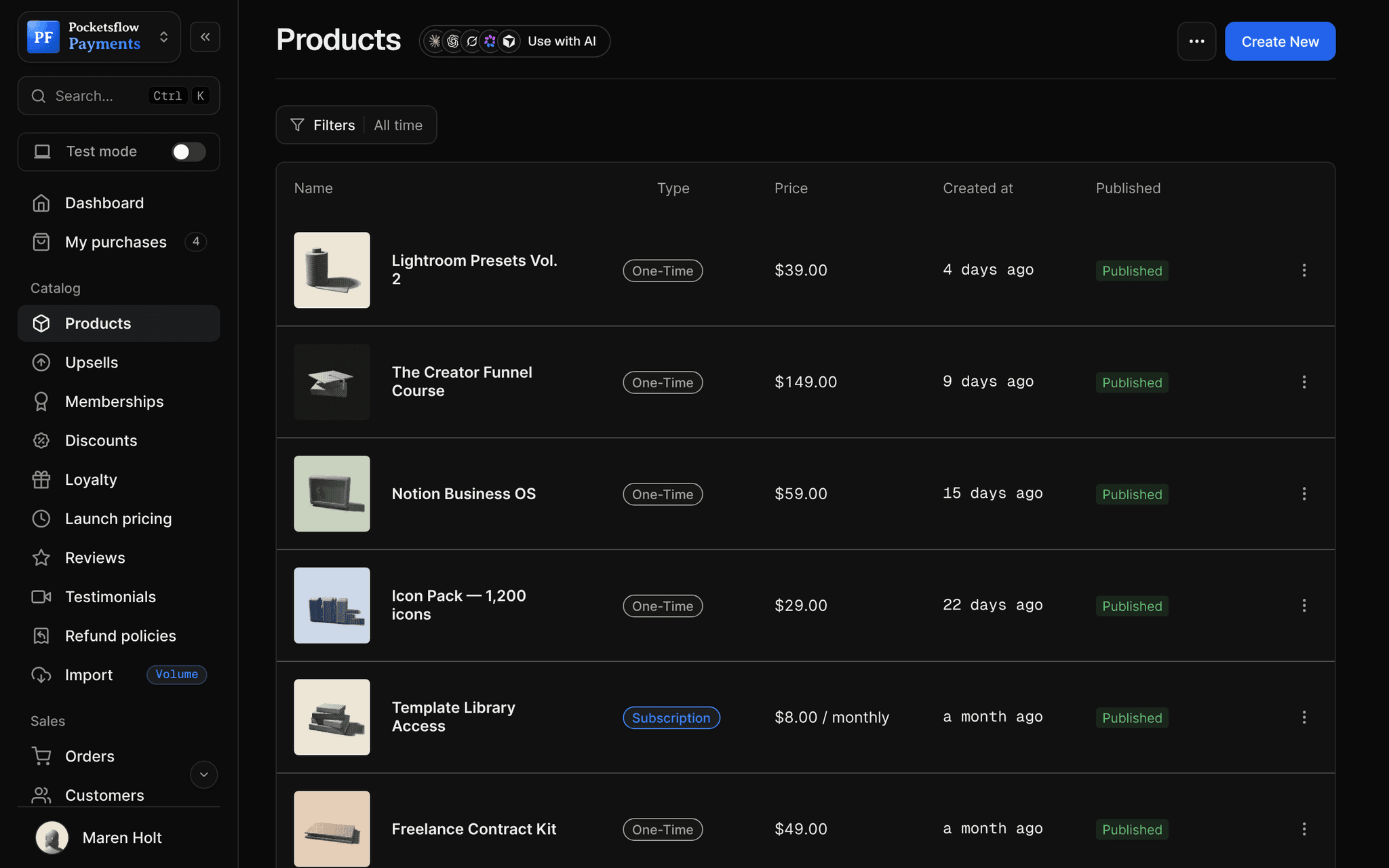
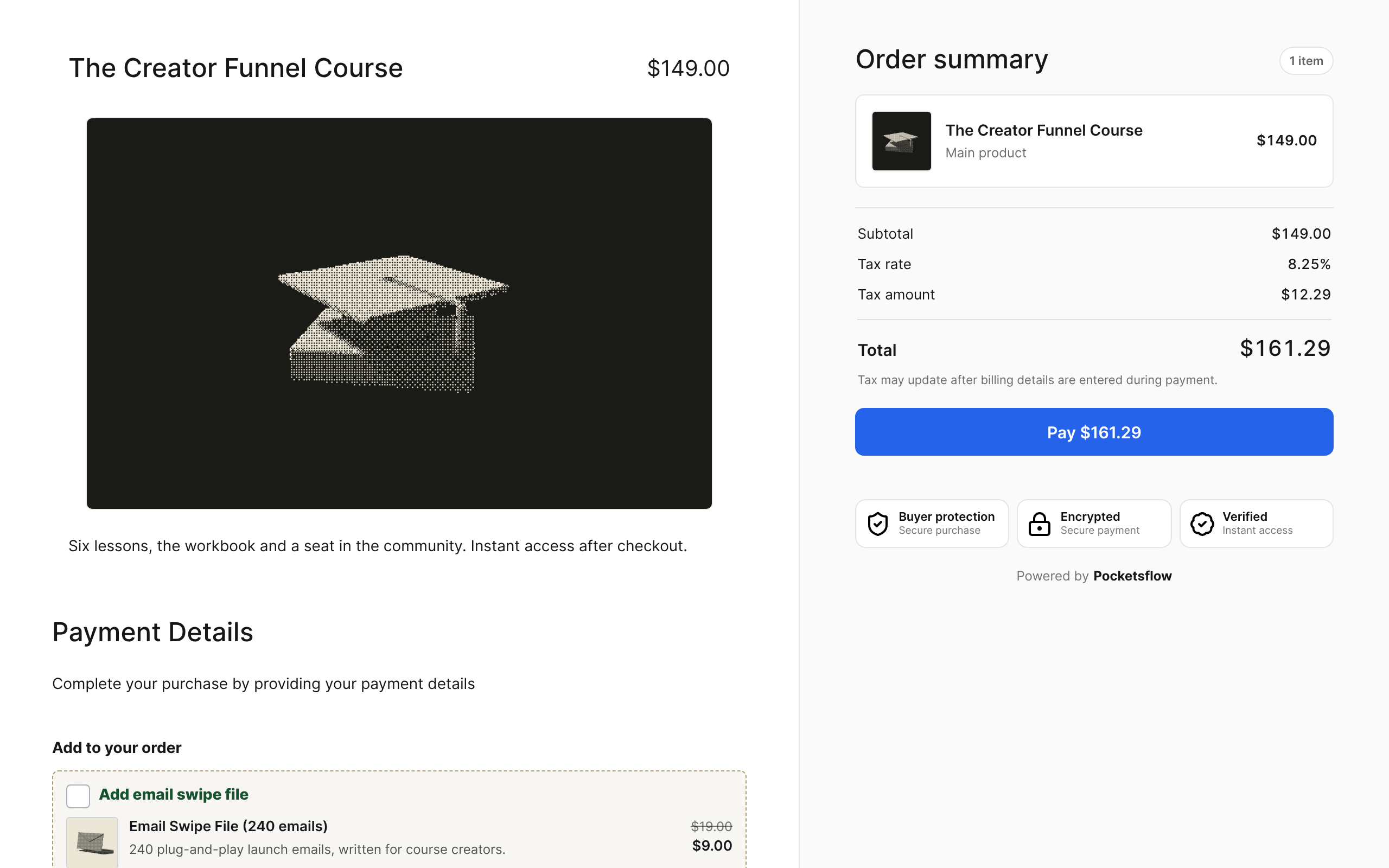
Every screen you will use.
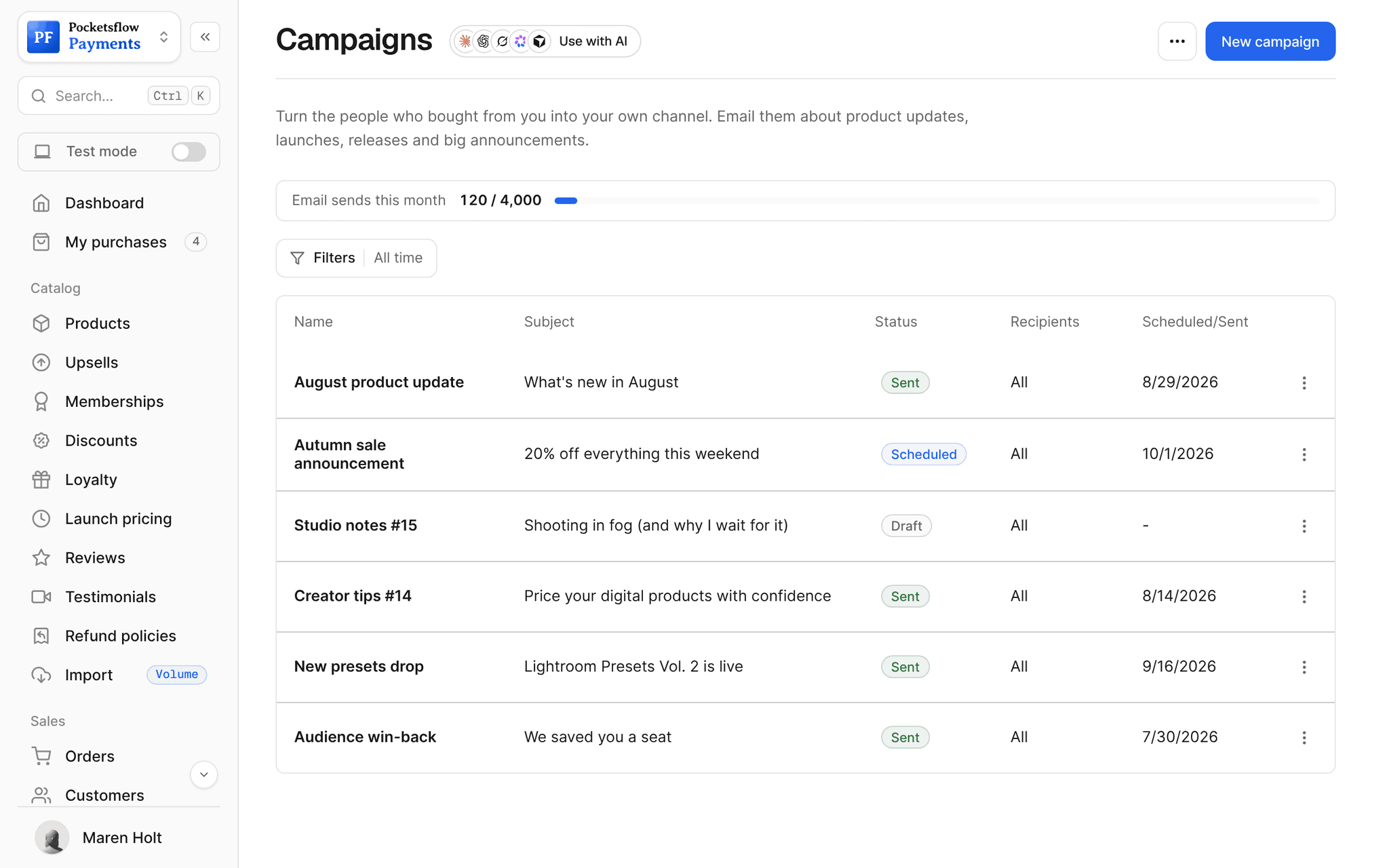
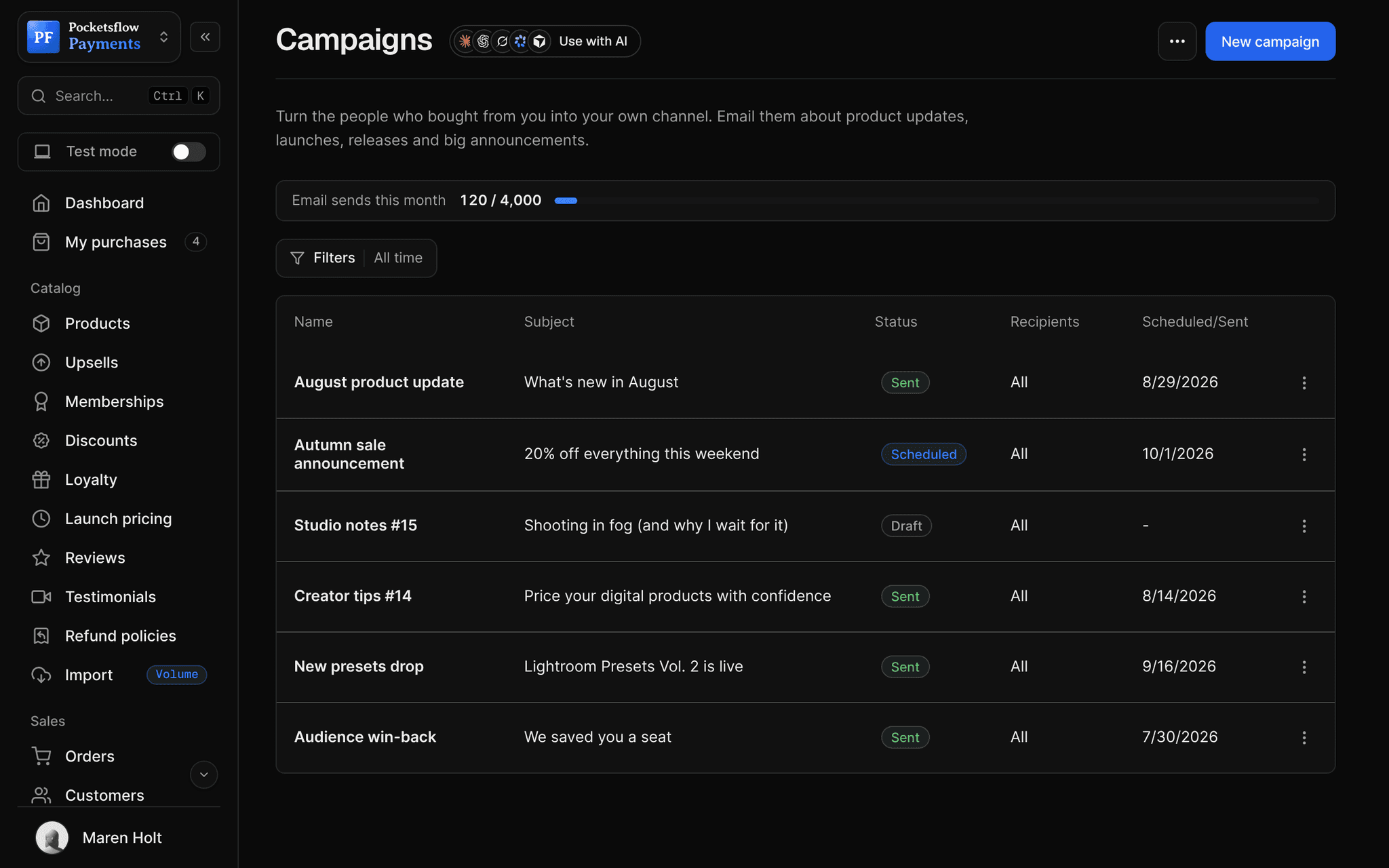
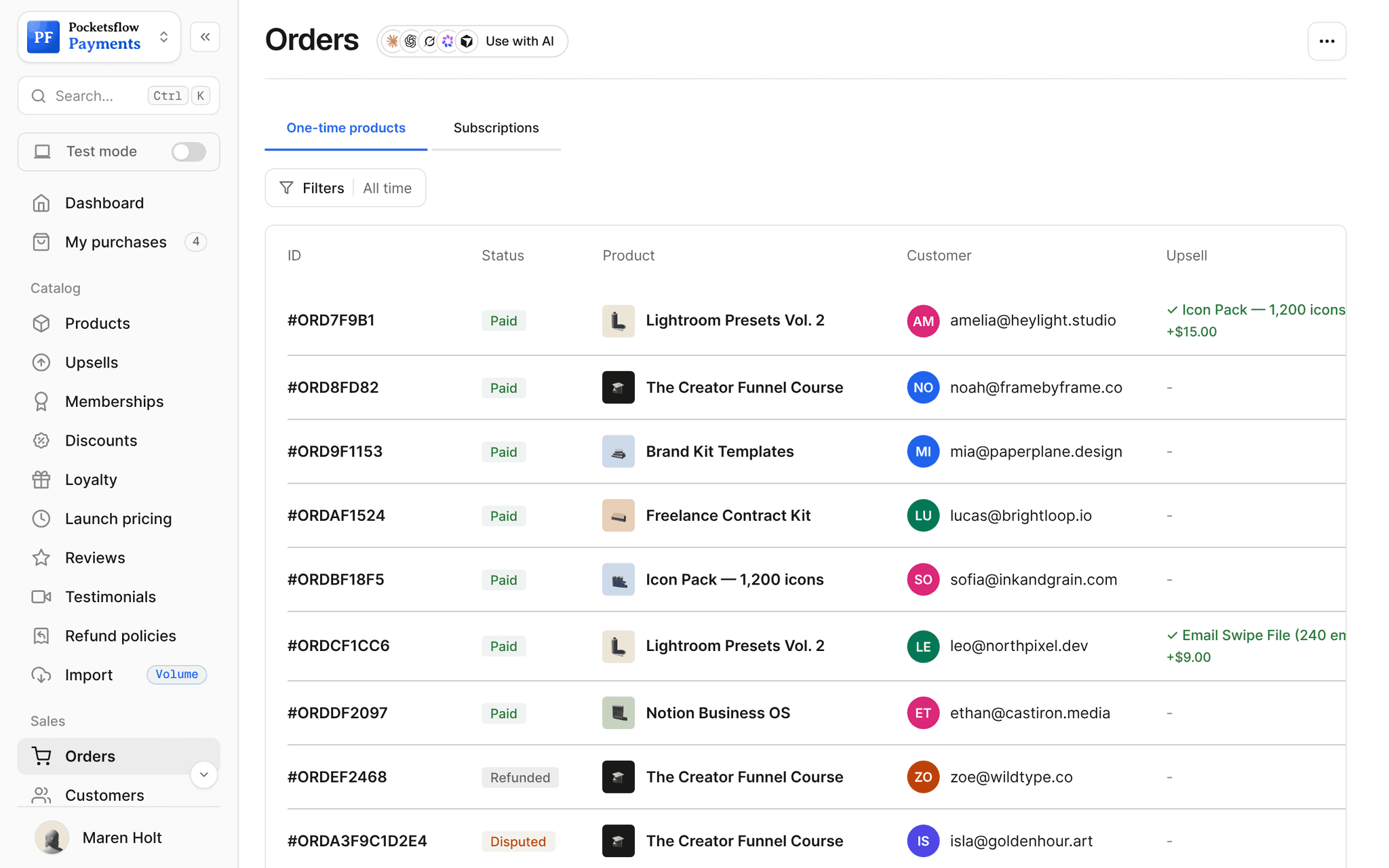
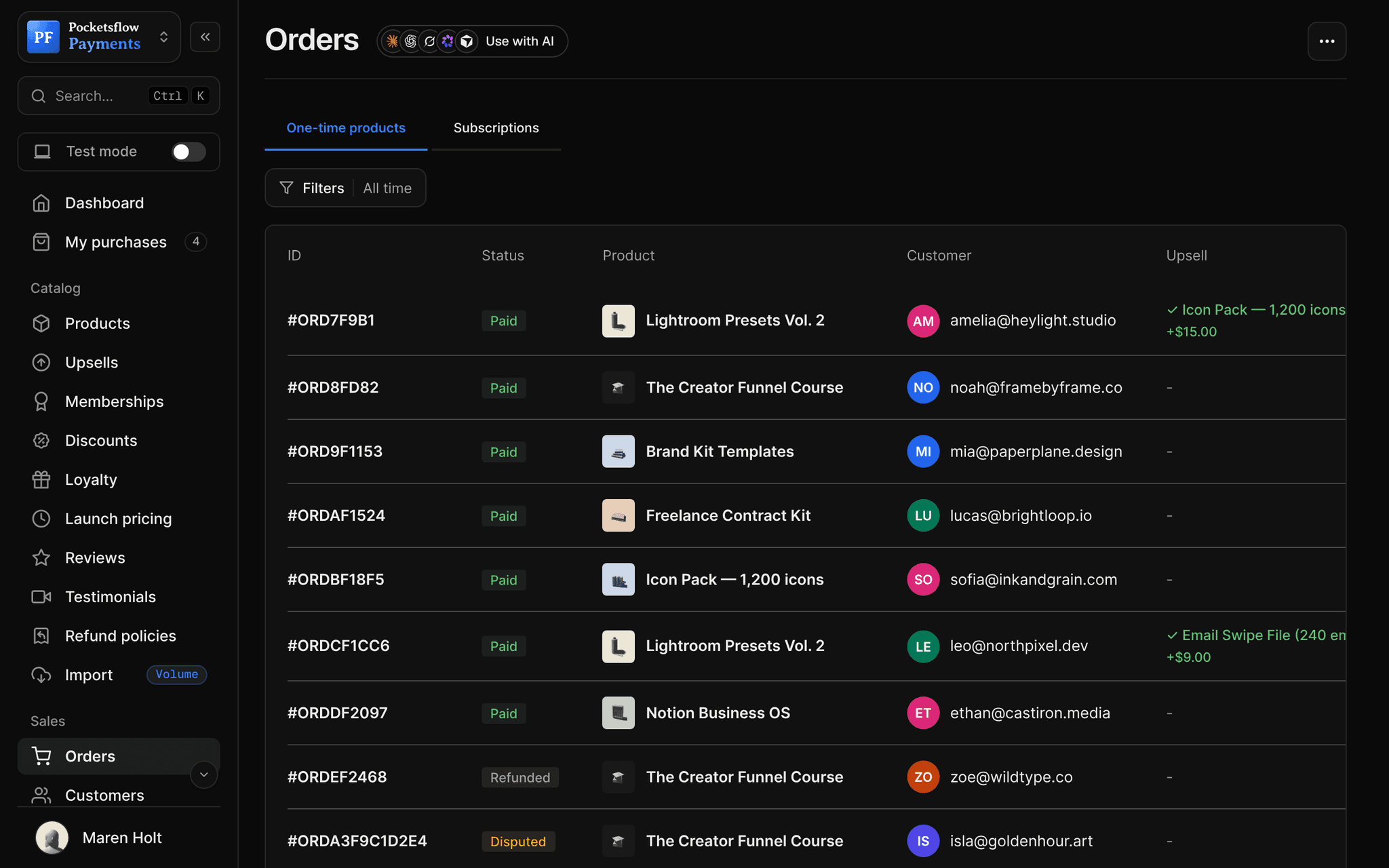
// use cases
Who uses a creator page.
Photographers
Preset packs and prints behind the link in your Instagram bio.
Lightroom Presets Vol. 2$39
Designers
Templates, icon packs and a newsletter signup.
Icon Pack, 1,200 icons$29
Educators
Courses, a free lead magnet and your YouTube link.
The Creator Funnel Course$149
Coaches
Calls and packages next to your socials.
Strategy call$250
Musicians
Sample packs, presets and a fan club.
Backstage Pass$5+
Writers
Ebooks and a newsletter on one page.
The Freelance Pricing Guide$19
// how it works
Live in four steps.
Pick a template
Start from one of 55 templates: film, gradient, pattern, storefront, minimal or bold.
Add your details
Name, handle, bio, photo, cover, social links and extra links.
Choose your products
Tick which products and subscriptions show, and turn on the subscribe form.
Share one link
Put yourname.pocketsflow.com, or your own domain, in every bio.
// ai
Let your agents run and grow your business.
Connect Claude, ChatGPT, Codex, Grok, Cursor or any MCP client once. Then ask in plain words, and every change lands in your dashboard.
Things to ask
- Add my new presets to my creator pageget_creator_page · update_creator_page
- Change my bio and profile nameupdate_creator_page
- Hide the old course from my pageupdate_creator_page
- Switch my page to a darker templateupdate_creator_page
- Give me the checkout link for the first productcreate_checkout_session
- Email my subscribers about the new pagesend_post
// included
Everything included.
- 55 templates in six families
- Solid, gradient or pattern backgrounds, with grain
- Six button styles in square, rounded or pill
- Eight font presets and name and bio colors
- Live phone preview of the real page
- Products and subscriptions you choose, in order
- Social buttons and extra links
- Subscribe form, popup or embedded
- Analytics: views, visitors, clicks, conversion
- yourname.pocketsflow.com or a custom domain
- Google Analytics measurement ID
- Edit from your AI over MCP
// why pocketsflowWhy sellers pick Pocketsflow.
It actually sells
Products check out right from the page, with tax handled.
Looks like you
55 templates and a full design panel, not one default look.
Grows your list
The subscribe form feeds the same audience you email.
Free to run
No monthly fee for the page. 4.7% + $0.30 estimated per sale.
// connect
It's easy. Even your AI can do it.
Add Pocketsflow to the AI you already use, sign in and click Allow access. No API key, no code.
- 01Paste into your AI appThen sign in and click Allow.www.pocketsflow.com/mcp
Add Pocketsflow
Paste the server URL as a connector in your AI app.
- 02
Sign in and allow
Your AI opens Pocketsflow. Click Allow access.
- 03
Ask for anything
Products, orders, refunds, emails, in plain words.
import { Pocketsflow } from "pocketsflow";

const pf = new Pocketsflow({
  apiKey: process.env.POCKETSFLOW_API_KEY,
});

// A one time product. Use subscriptionOffers.create() for plans.
const product = await pf.products.create({
  name: "Pro license",
  price: 49,
});

// A hosted checkout for that product.
const session = await pf.checkout.create({
  productId: product._id,
  successUrl: "https://example.com/welcome",
  customerEmail: "buyer@example.com",
});

// Send the buyer to session.url. Payment, tax, and delivery
// are handled; order.completed fires to your webhook.
redirect(session.url);
Open checkouts from anywhere.
Create a checkout, attach a product, and let Pocketsflow handle the transaction lifecycle: payment, tax, delivery, and the receipt.
Every resource is an HTTPS endpoint under one base URL with Bearer API keys. Live and test keys are scoped to their own data; the OpenAPI spec is served at /docs.json.
// faq
Common questions.
What is my page's address?
You pick a handle, and your page lives at handle.pocketsflow.com. You can connect your own domain later; the pocketsflow.com address keeps working.
Can I choose which products show?
Yes. Tick the products and subscriptions to show and save the order. Hiding something from the page does not unpublish it, so its direct links keep working.
Can people subscribe to my newsletter from it?
Yes. Turn on the subscribe form, as a popup or embedded on the page. New subscribers land in your audience.
How much can I customize?
Start from 55 templates, then change the background (solid, gradient or pattern), buttons, fonts, colors and grain. The editor preview is the real page.
Can I see how my page performs?
Yes. Creator page analytics show page views, unique visitors, product clicks, link clicks and conversion rate over time.
Can my AI do this for me?
Yes. Add the Pocketsflow MCP server to Claude, ChatGPT, Codex, Grok, Cursor or any MCP client, sign in and click Allow access. No API key. Your AI can then create products, set prices and discounts, open checkouts, read orders and send emails, and every change shows up in your dashboard.
// related
Keep exploring.
Open your store today.
Sell your first product in minutes, keep more of every sale, and let the AI you already use run the busywork.