What you can sellSaaS
Billing for your SaaS, minus the billing team.
Create your plans, drop the checkout into your app, and grant access from signed webhooks. Pocketsflow is the Merchant of Record, so global sales tax, VAT, fraud and chargebacks are handled while you ship the product.


- estimated per sale, no monthly fee
- 4.7% + $0.30
- signed webhook events
- 19
- MCP tools your AI can use
- 53
- API keys, each scoped to its own data
- Live + test
// inside pocketsflow
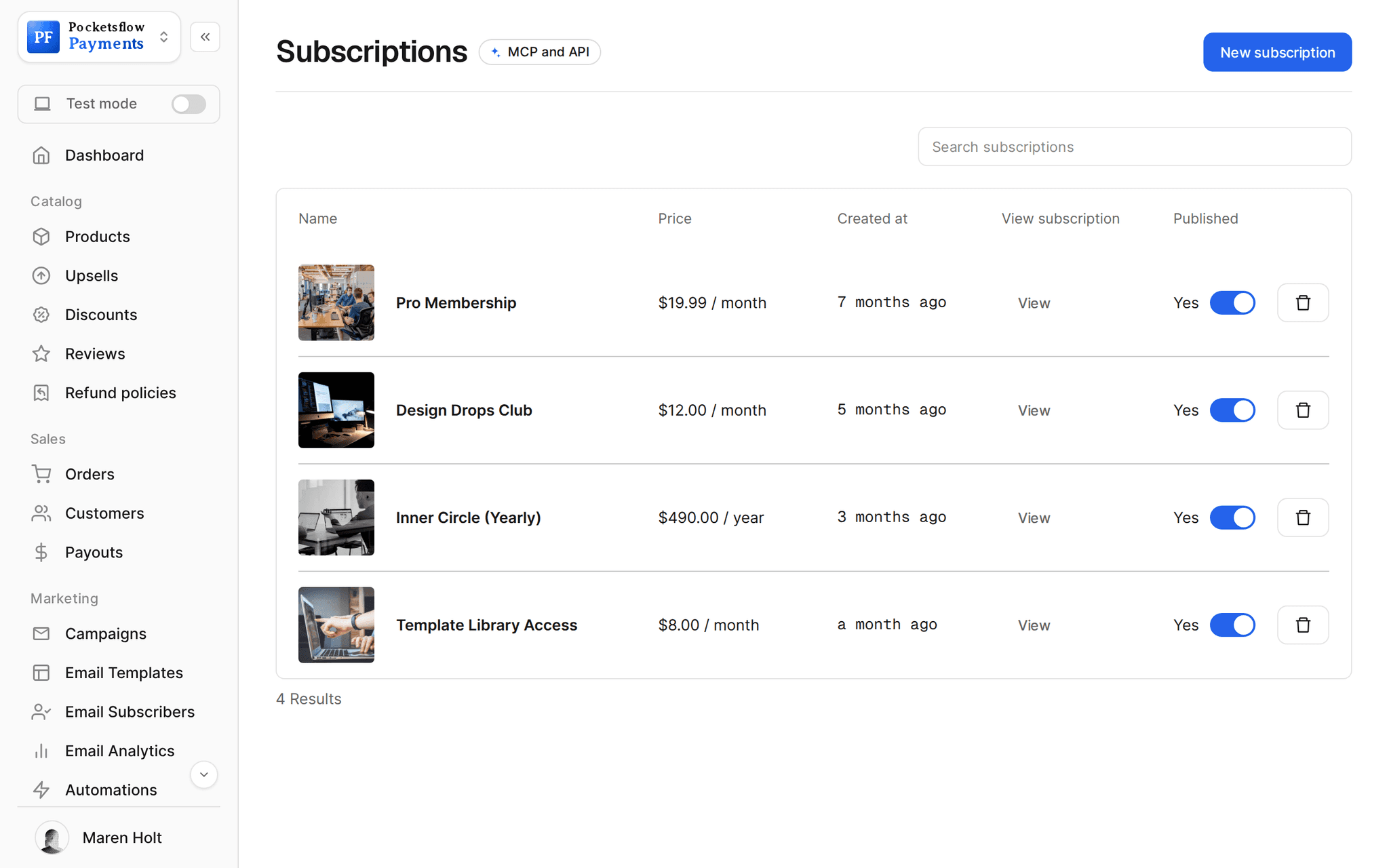
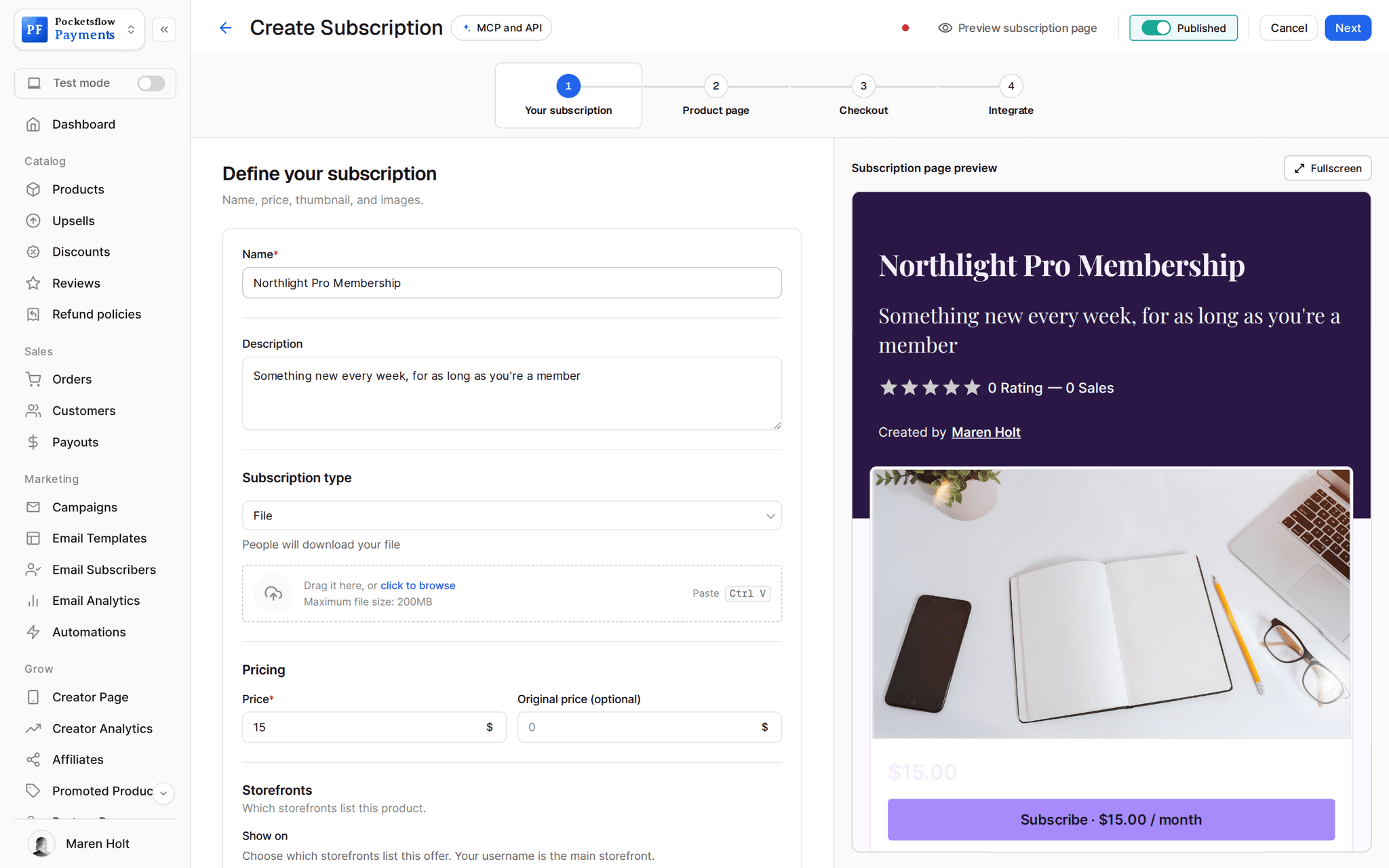
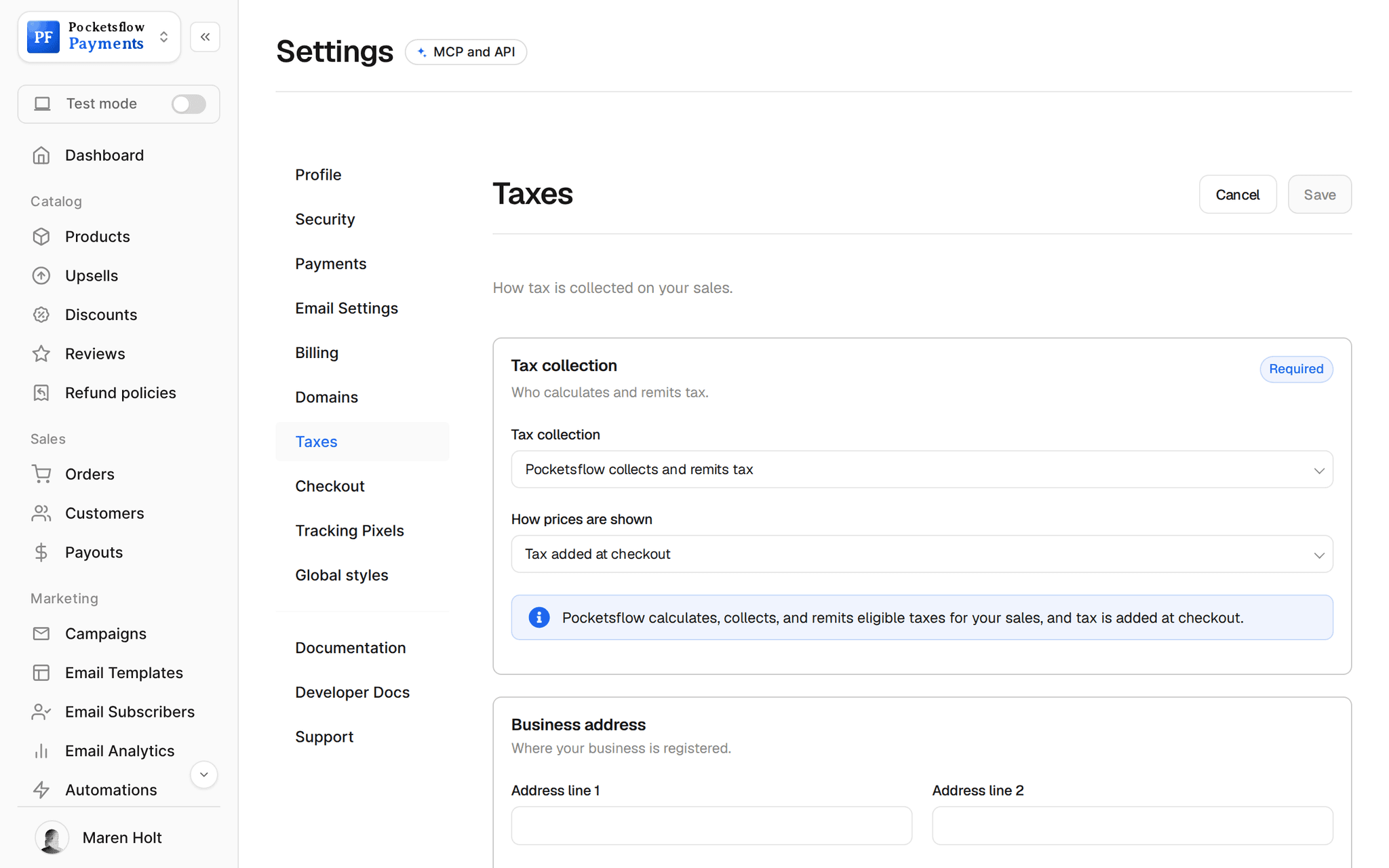
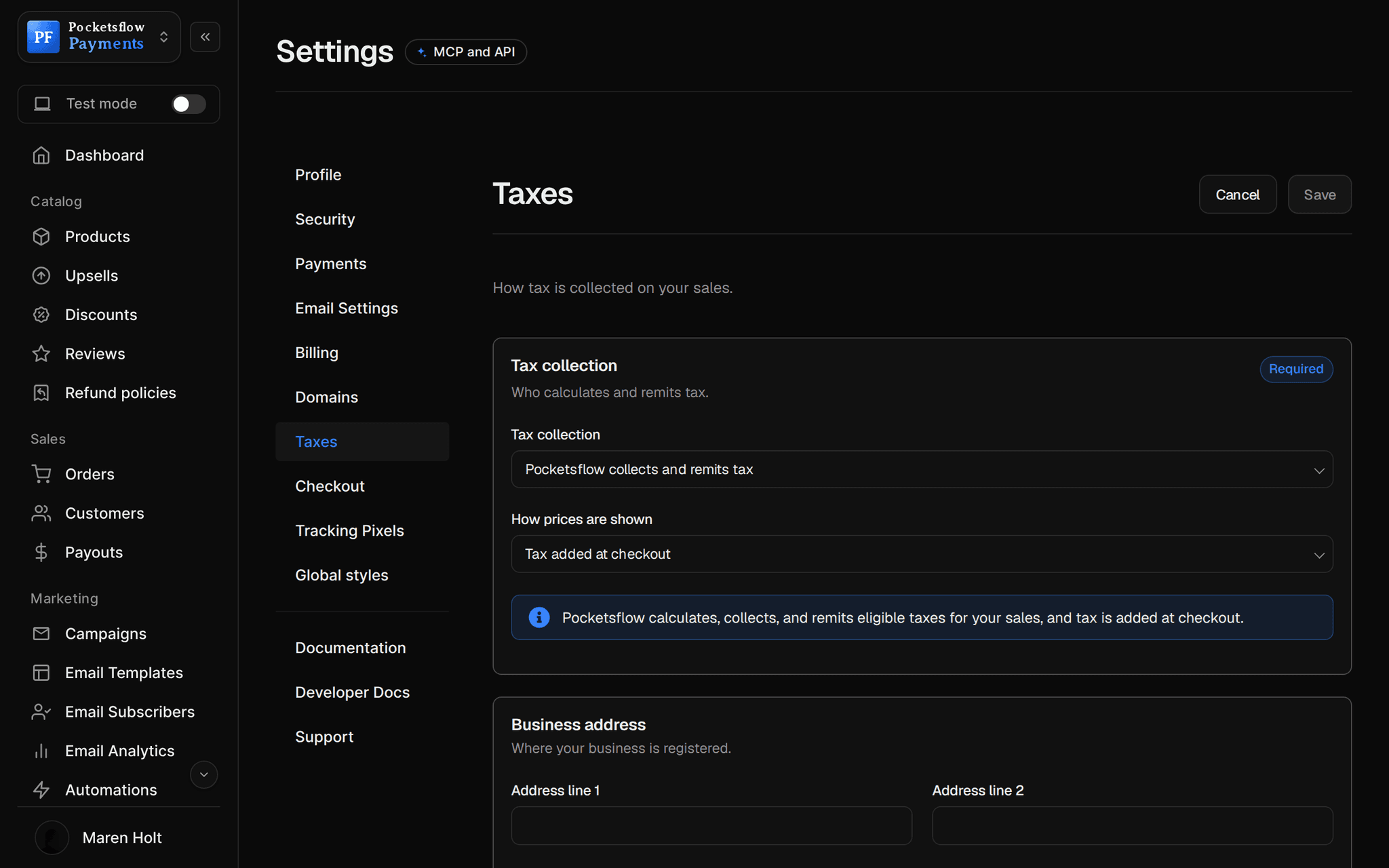
See how it works in the dashboard.
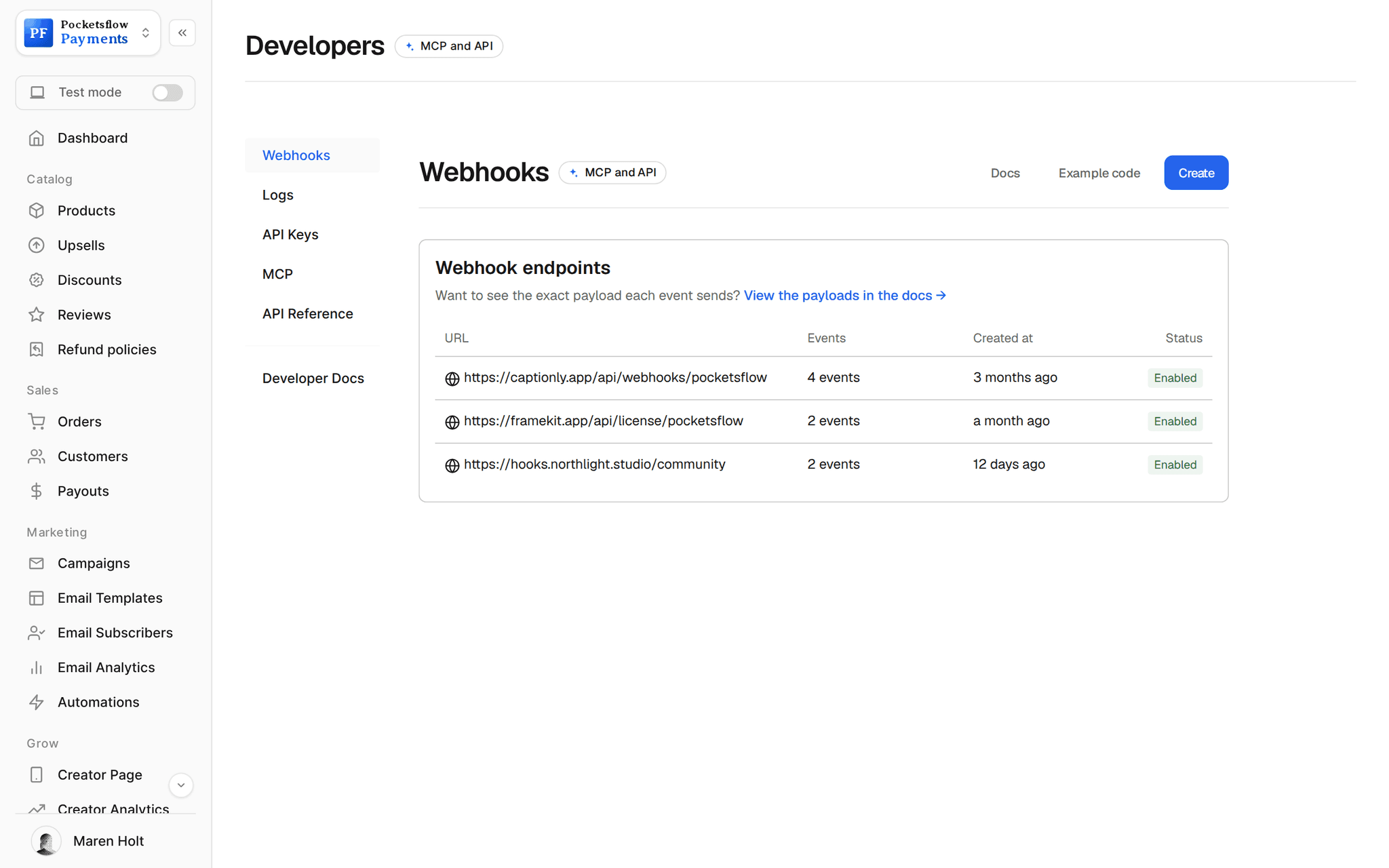
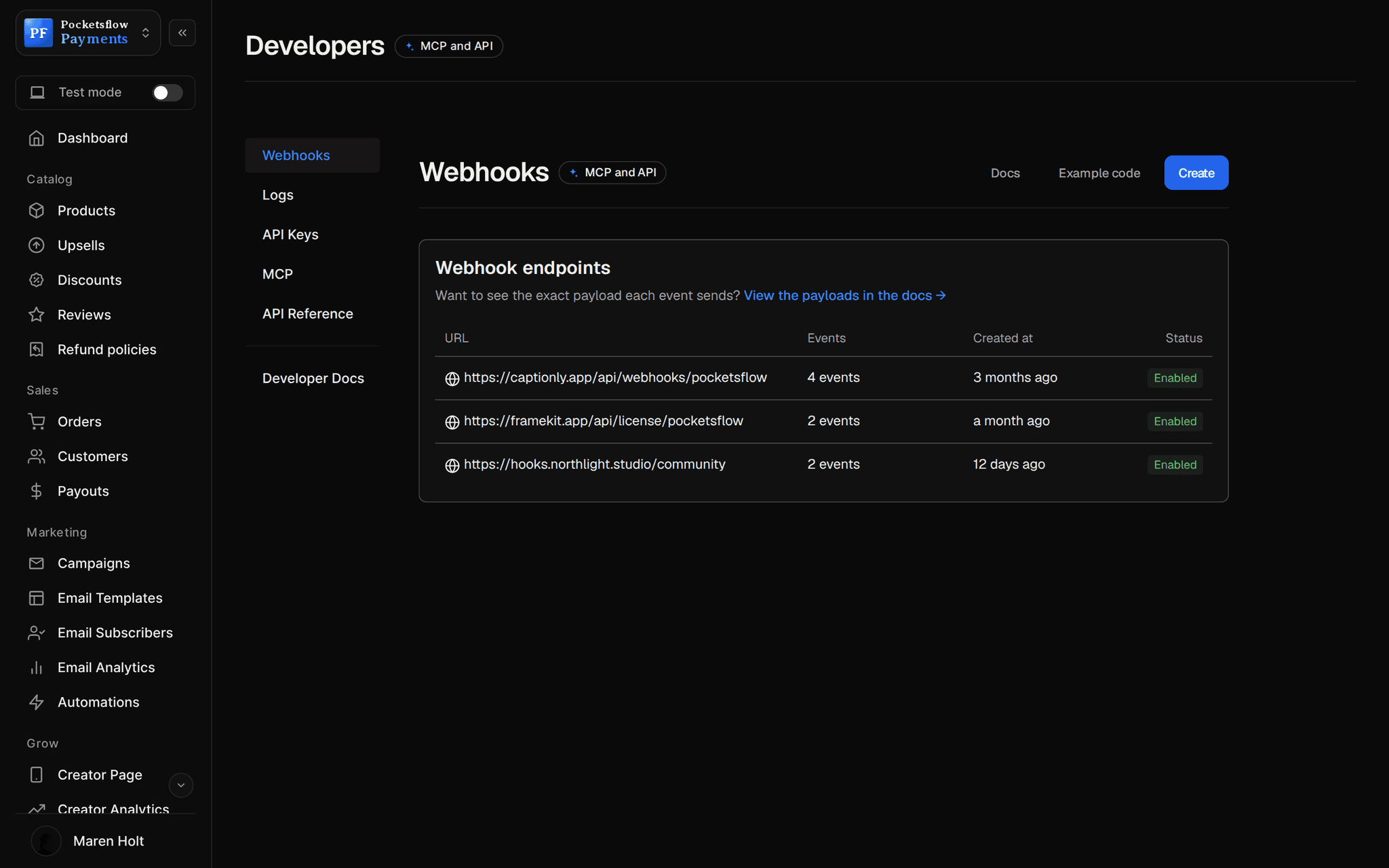
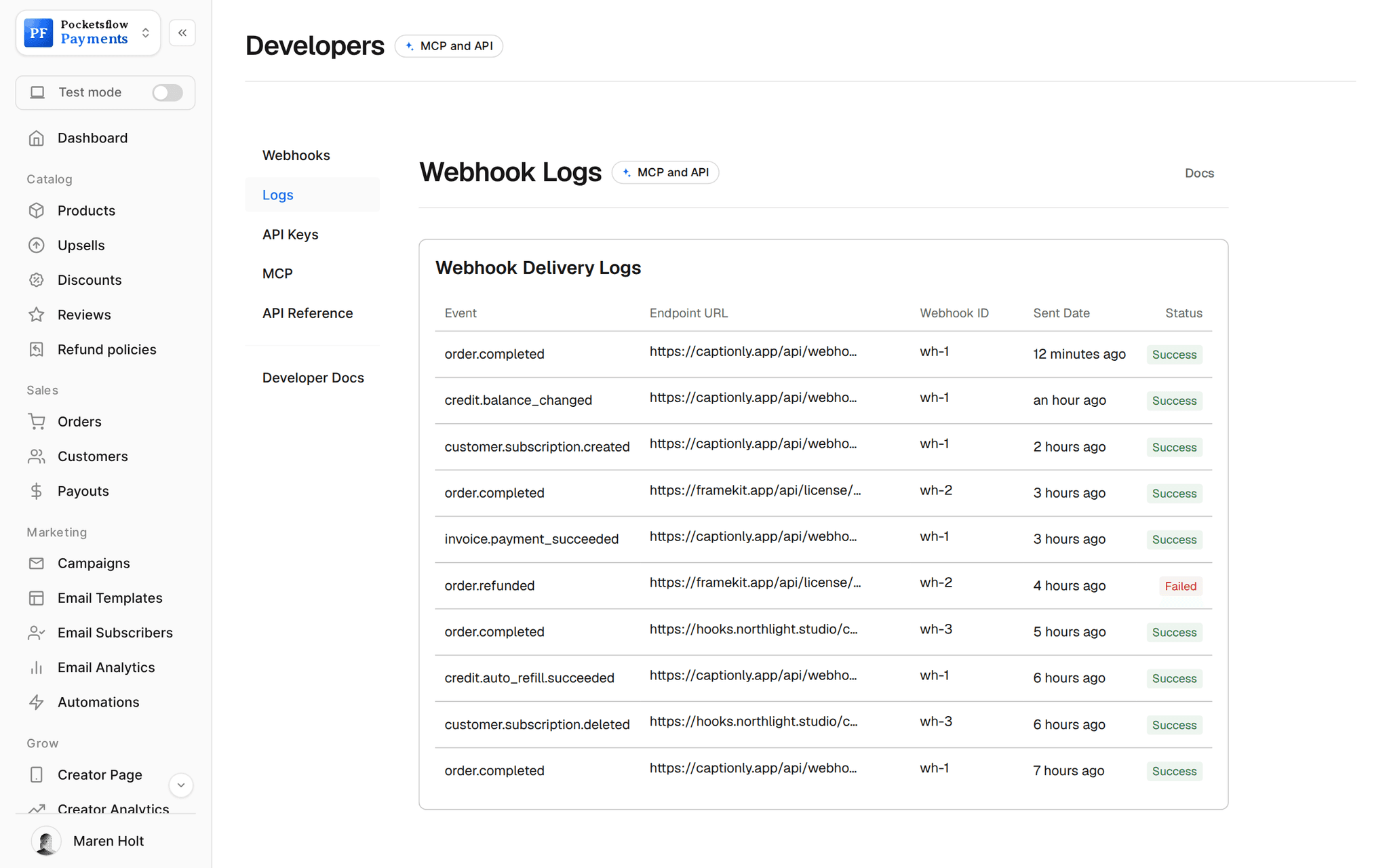
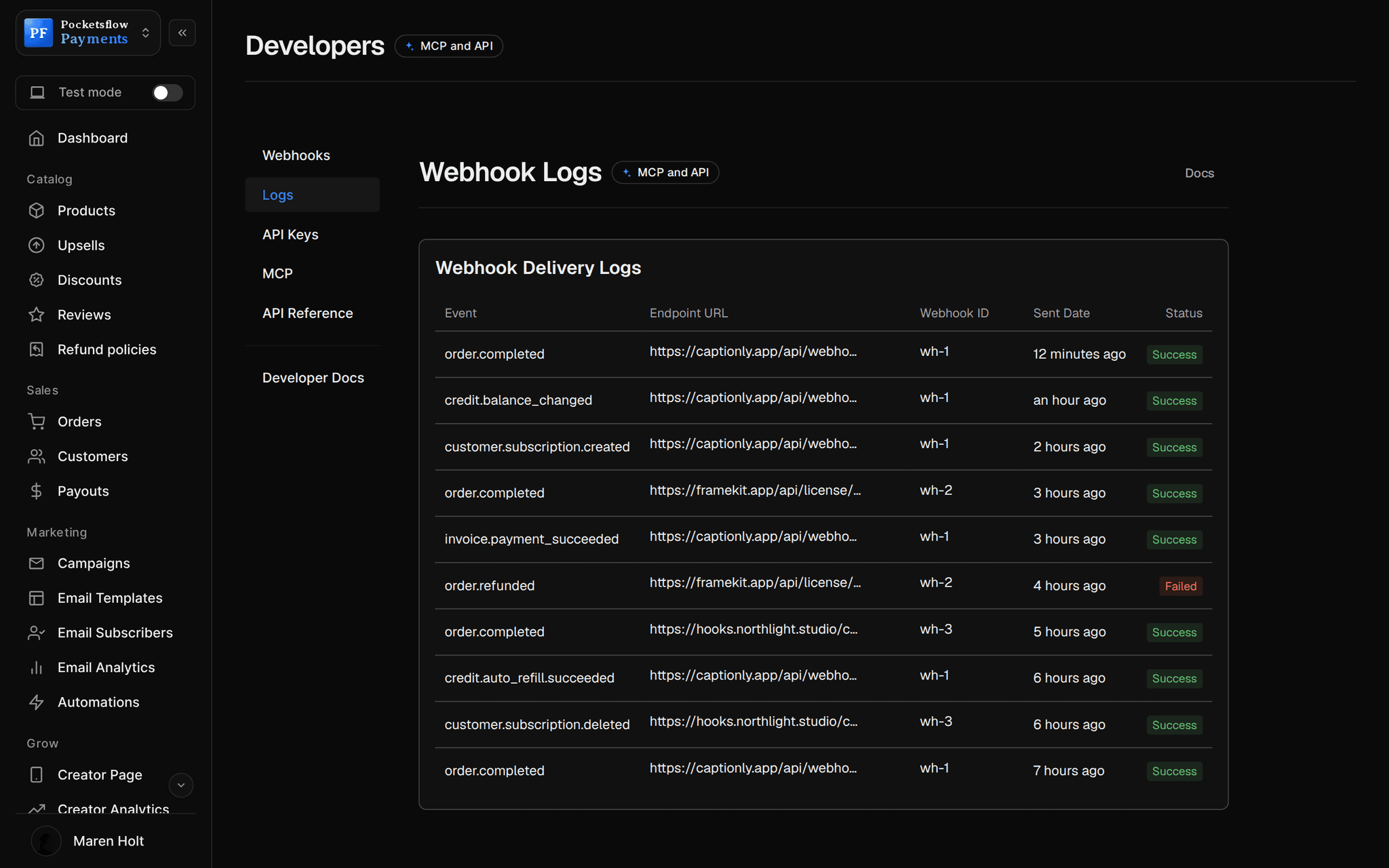
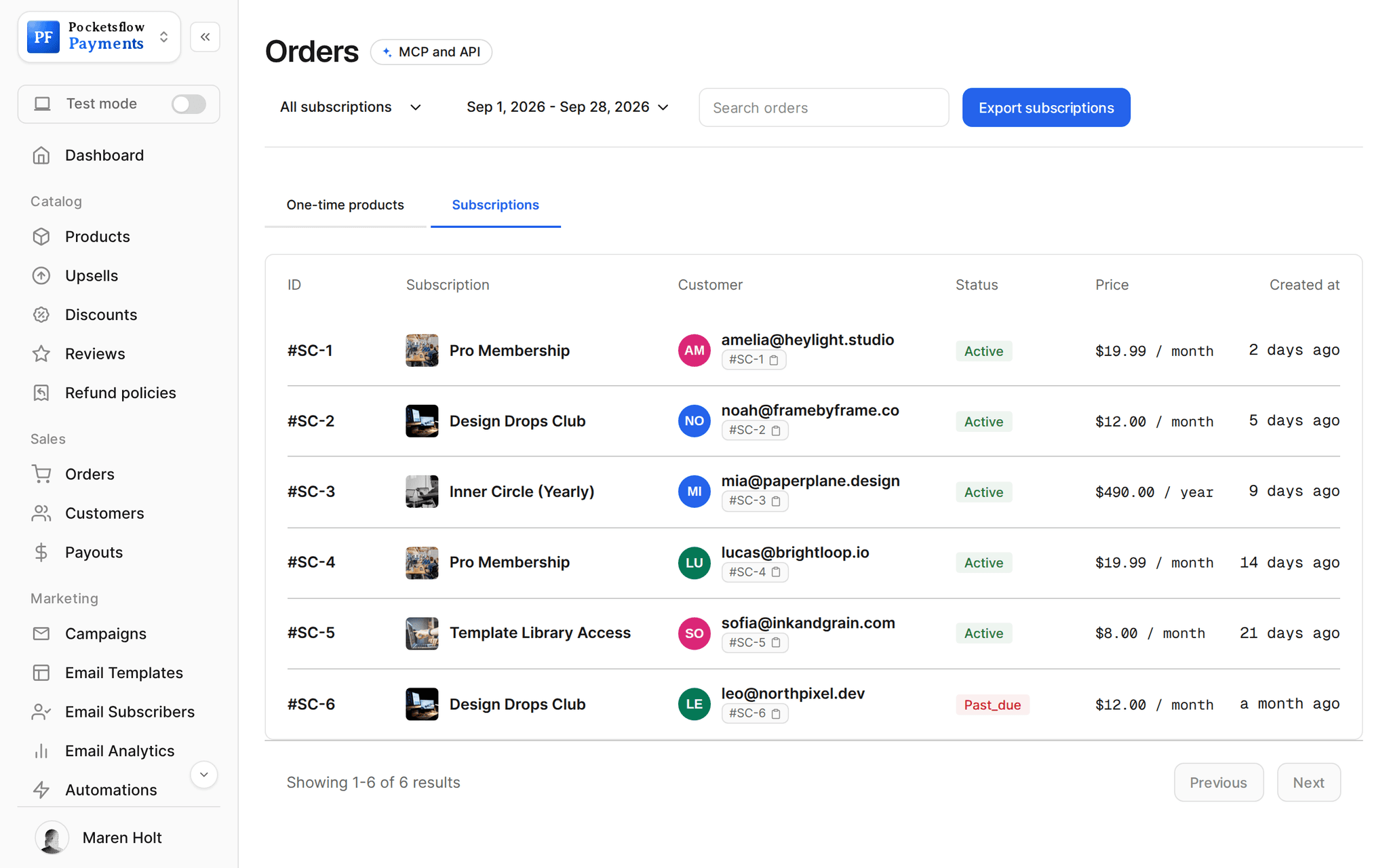
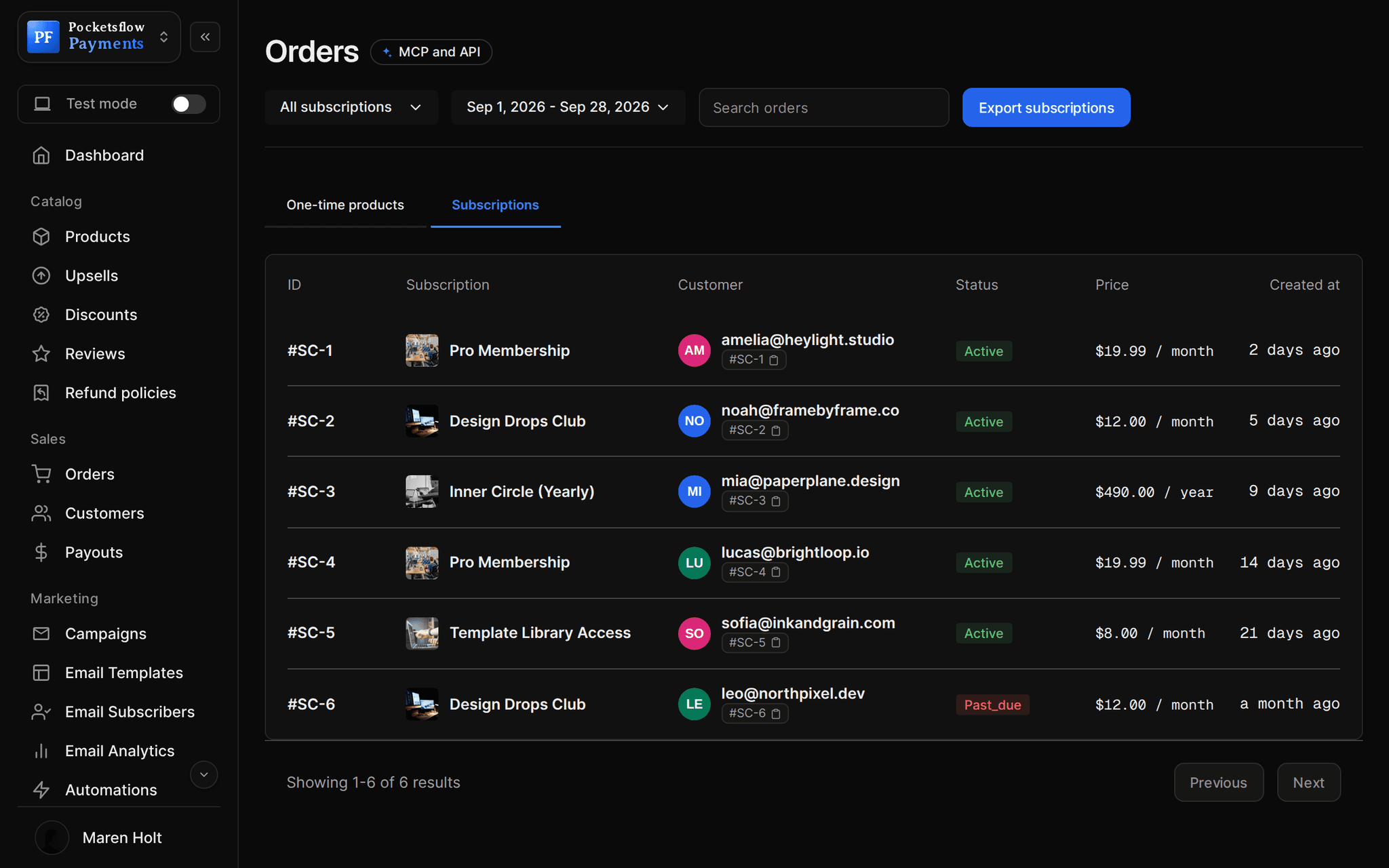
// more screens
Every screen you will use.
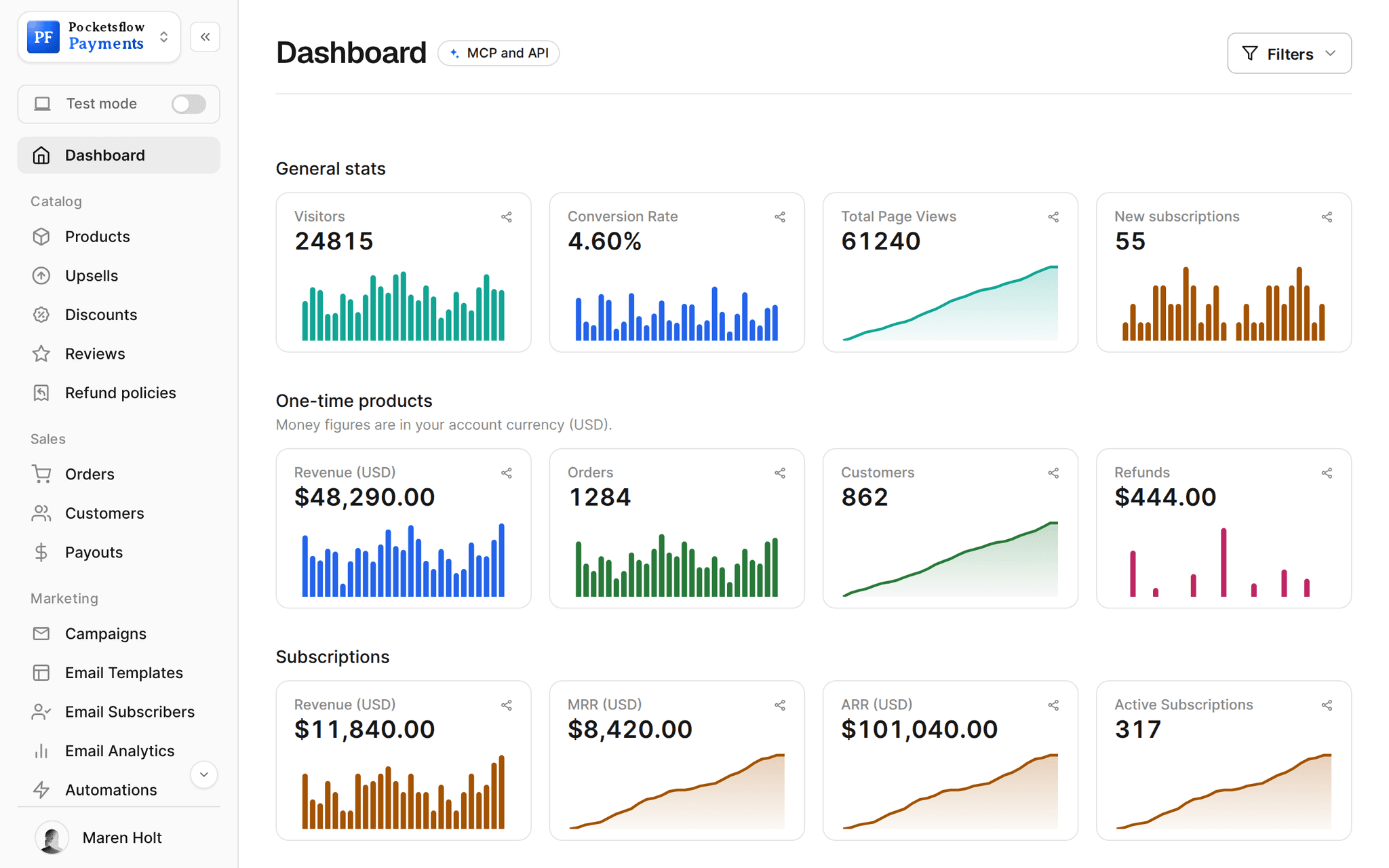
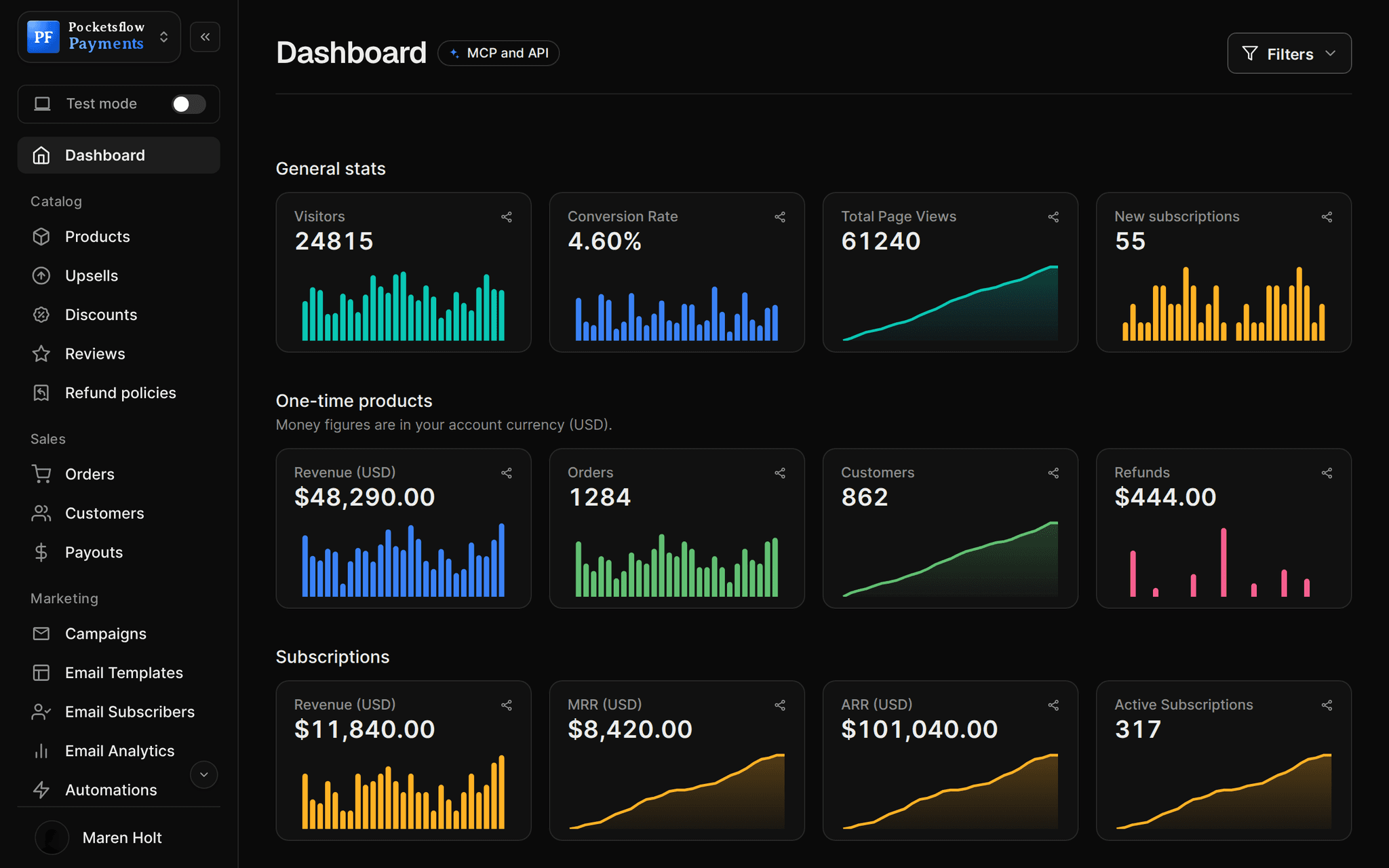
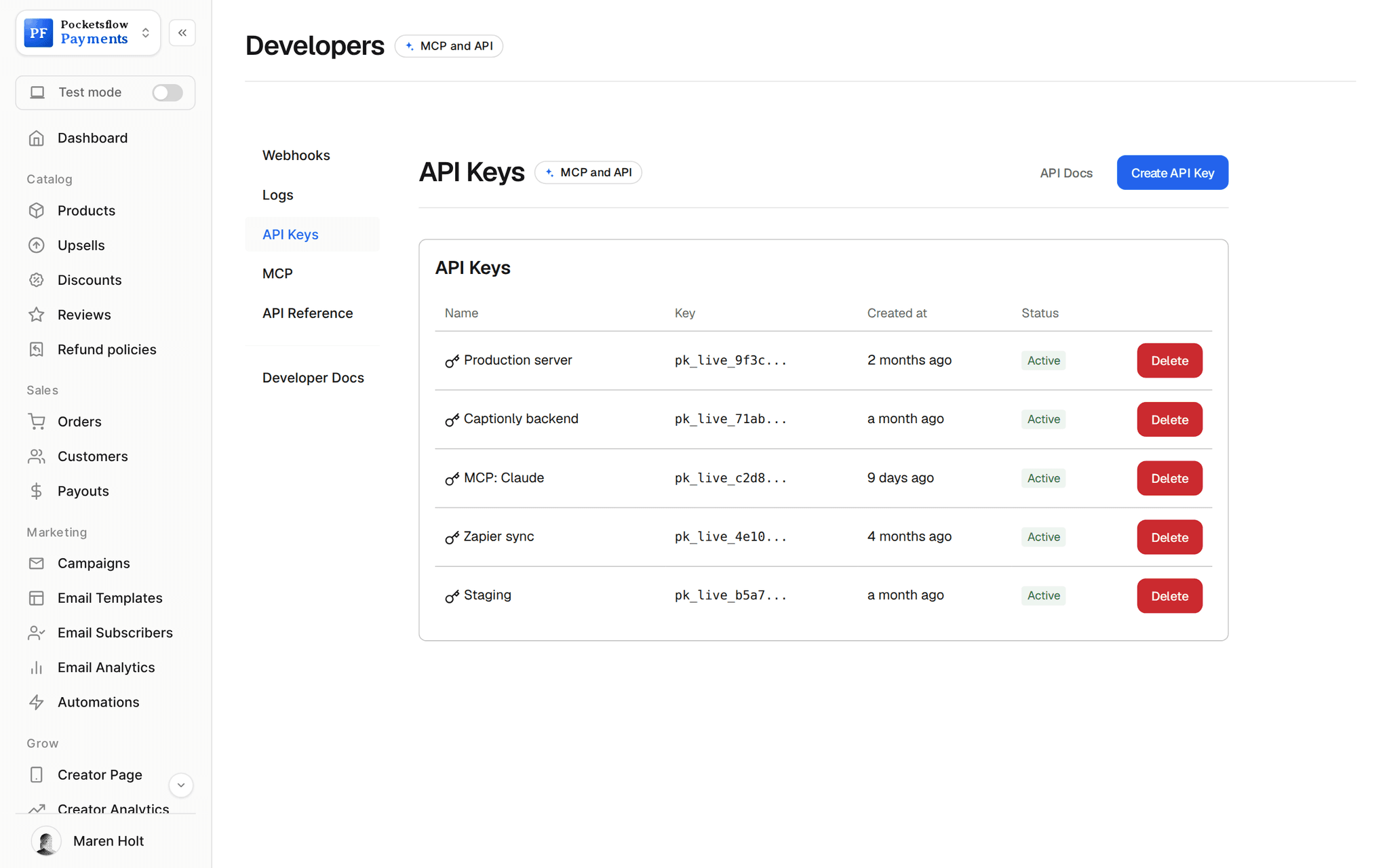
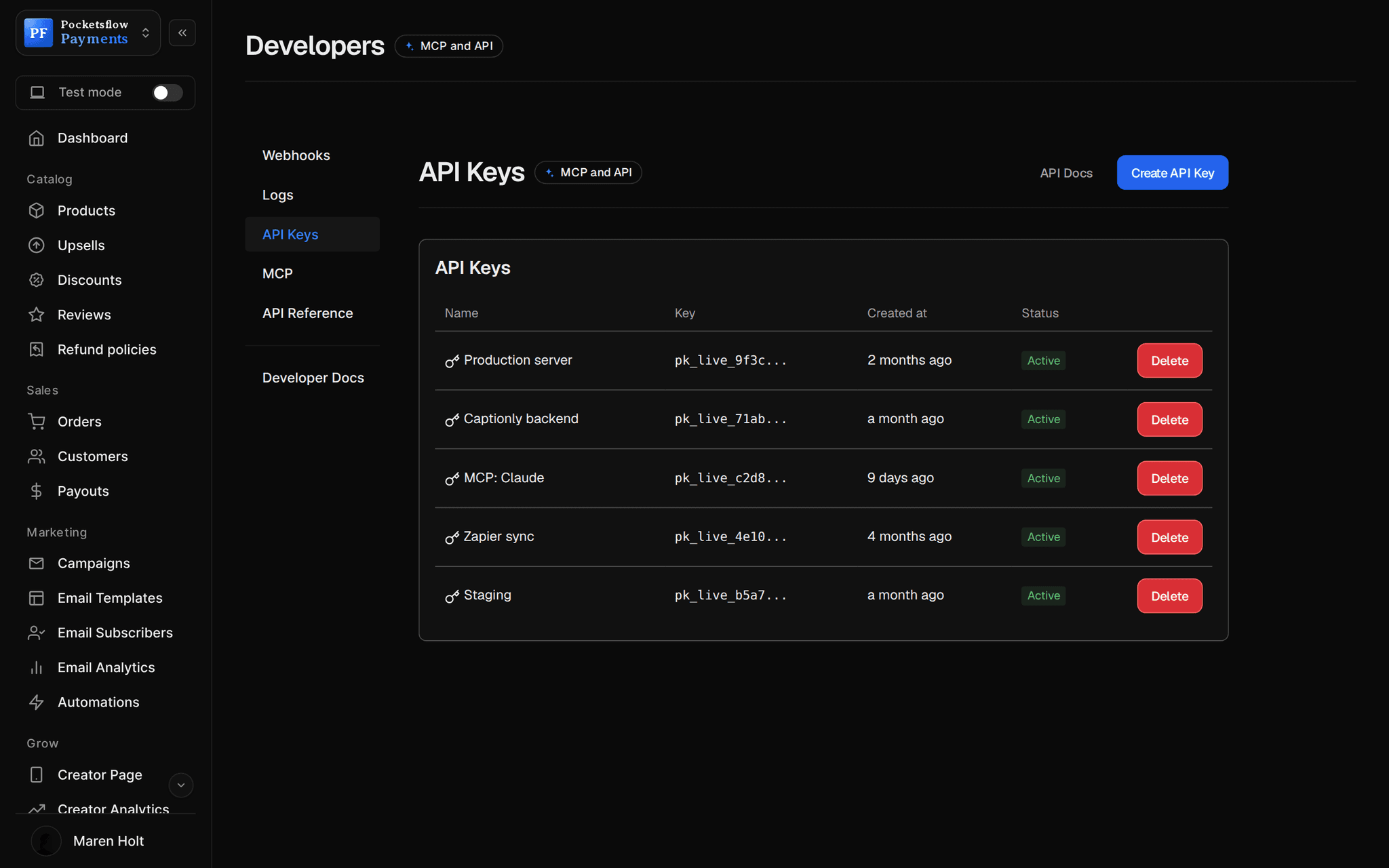
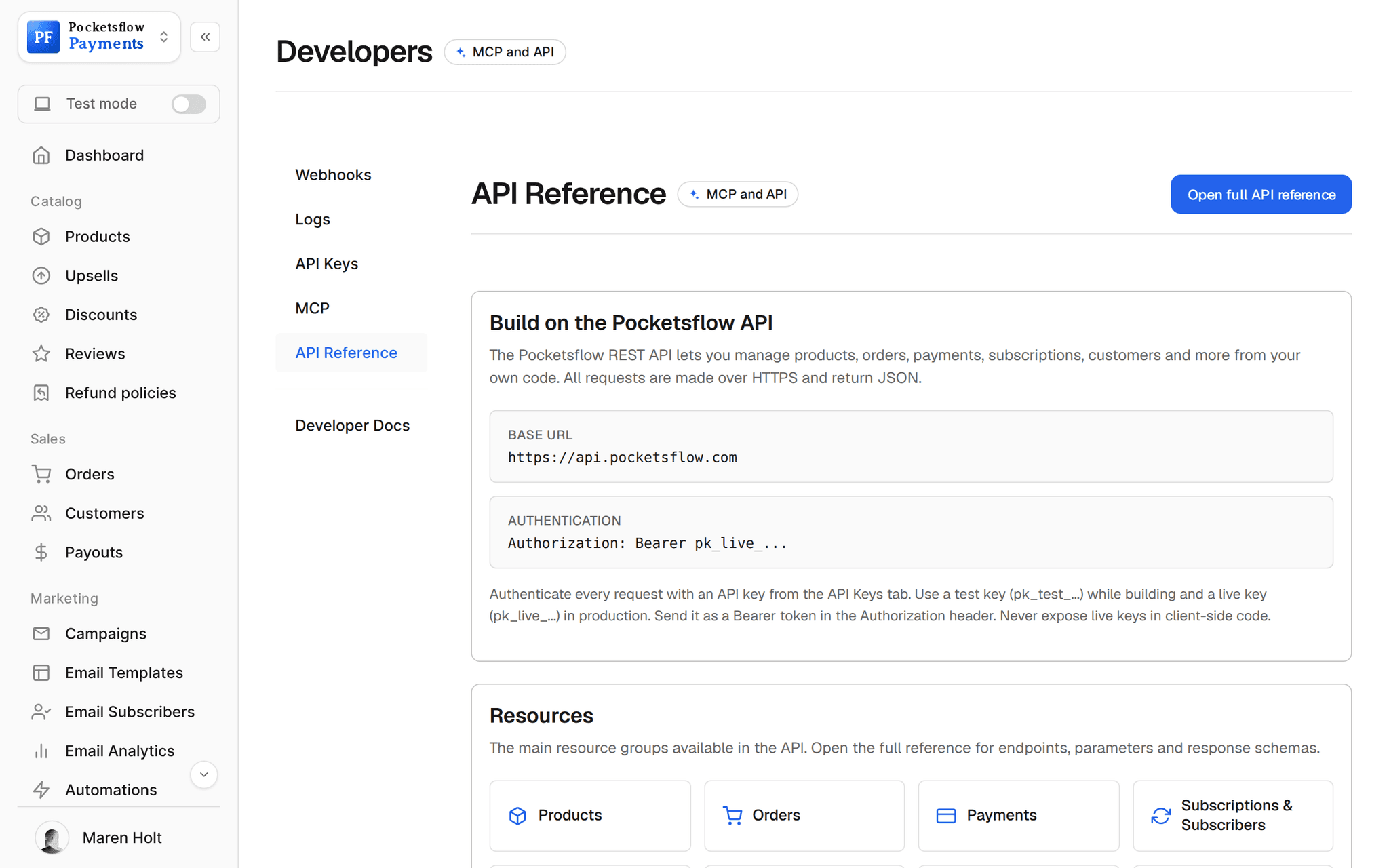
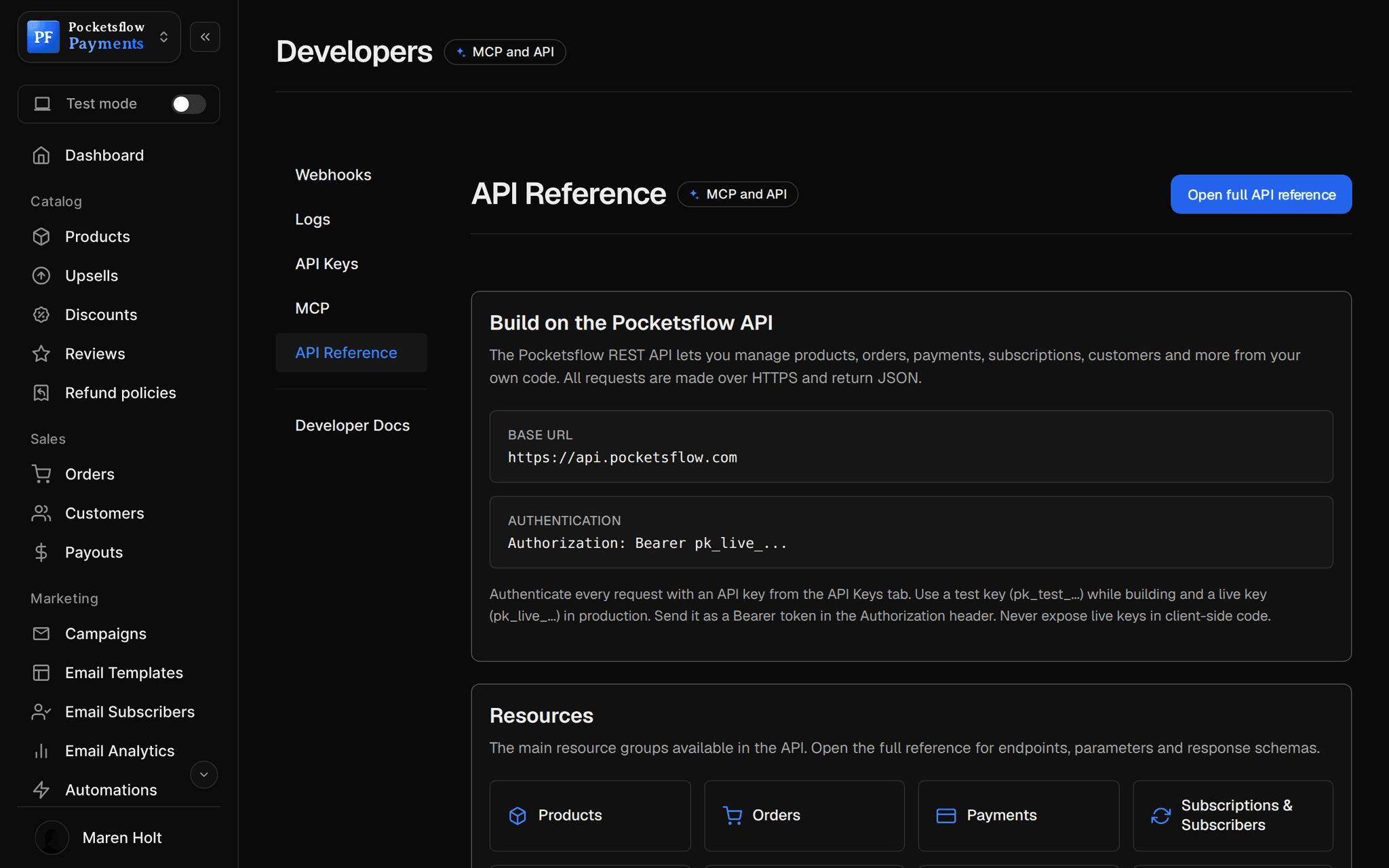
// use cases
Every way to bill software.
Monthly and yearly plans
Publish one subscription per tier and period, and let buyers pick.
Pro monthly$29 / month
Free trials
Collect the card up front and convert on day 14 without chasing anyone.
Team, 14 day trial$99 / month
Usage and AI credits
Sell a prepaid balance, deduct usage from your backend, refill on opt in.
1,000 generations$20
Lifetime deals
A one time product that unlocks your app forever, granted by webhook.
Founder lifetime$199
API products
Sell access to your API and provision keys in your own system on purchase.
Geocoding API, Starter$49 / month
Internal tools for clients
Bill agencies or teams a yearly license for a hosted tool.
Reporting Suite$990 / year
// how it works
Live in four steps.
Create your plans
In the dashboard, from the API or SDK, or by asking your AI.
Add checkout to your app
Redirect to a hosted checkout session, or embed the checkout in your pricing page.
Listen to webhooks
Provision on subscription created, warn on payment failed, downgrade on deleted.
Let customers self serve
The billing portal handles cards and cancellations; you see MRR on the dashboard.
// ai
Or just ask your AI.
Connect Claude, ChatGPT, Codex, Grok, Cursor or any MCP client once. Then ask in plain words, and every change lands in your dashboard.
Things to ask
- Create Pro and Team plans, monthly and yearlycreate_subscription_offer
- Add a webhook for subscription events to my appcreate_webhook · test_webhook
- Which customers are past due?list_customers · get_customer
- Give the Acme team 30% off the first yearcreate_discount
- Cancel the subscription on order 2291get_order · cancel_subscription
- Open a checkout link for the Team plancreate_checkout_session
// included
Everything included.
- Weekly, monthly and yearly plans with trials
- Hosted checkout sessions from one API call
- Embeddable checkout with postMessage events
- Callback URL that returns subscribers to your app
- 19 signed webhook events, plus credit events
- Webhook delivery logs and test deliveries
- Prepaid credits with usage deduction and auto refill
- Customer billing portal
- Live and test mode API keys
- Node.js SDK and an OpenAPI spec
- MCP server for your AI and coding agents
- Global tax, fraud checks and chargebacks handled
// why pocketsflowWhy sellers pick Pocketsflow.
Merchant of Record
Sell worldwide without registering for VAT and sales tax in every country your customers live in.
No minimum, no monthly fee
4.7% + $0.30 estimated per charge. Talk to us for reduced fees above $10,000 a month.
Built for code and agents
A REST API, SDK, signed webhooks and an MCP server your coding agent can use.
Access stays yours
You grant and revoke access in your app; Pocketsflow tells you exactly when.
// connect
It's easy. Even your AI can do it.
Add Pocketsflow to the AI you already use, sign in and click Allow access. No API key, no code.
- 01Paste into your AI appIt's a connector address, not a web page.api.pocketsflow.com/mcp
Add Pocketsflow
Paste the server URL as a connector in your AI app.
- 02
Sign in and allow
Your AI opens Pocketsflow. Click Allow access.
- 03
Ask for anything
Products, orders, refunds, emails, in plain words.
import { Pocketsflow } from "pocketsflow";

const pf = new Pocketsflow({ apiKey: process.env.POCKETSFLOW_API_KEY });

// A recurring plan with a trial. Subscribers manage cards and
// plans themselves from their portal.
const offer = await pf.subscriptionOffers.create({
  name: "Pro Membership",
  price: 29,
  frequency: "monthly",
  trialPeriod: 7,
});

// Renewals retry on failure, and MRR stays visible on the dashboard.
console.log(offer._id);
Billing your app can listen to.
Create plans, open checkouts and listen to the subscription lifecycle: created, payment failed, paused, resumed, deleted.
Every resource is an HTTPS endpoint under one base URL with Bearer API keys. Live and test keys are scoped to their own data; the OpenAPI spec is served at /docs.json.
// faq
Common questions.
How do I grant access in my app?
Listen to the signed webhooks: grant on customer.subscription.created, react to invoice.payment_failed, and revoke on customer.subscription.deleted. Verify the HMAC-SHA256 signature on every request. A callback URL on the plan can also send new subscribers straight back into your app.
Is there a built in license key system?
No. Your app stays the source of truth: issue keys or turn features on from the webhook, and look orders and customers up with the API when you need to.
Can I charge for usage?
Yes, with prepaid credits. Buyers buy a balance, your backend deducts usage in cents, and buyers who opt in are topped off automatically when it runs out.
Can I put the checkout inside my app?
Yes. Embed it in an iframe on your pricing page. It reports resize, processing and success to your page; rely on the webhook for the final grant.
Is there a test mode?
Yes. Test mode keeps its own products, keys and orders, so you can run the whole flow before going live.
What does it cost?
No monthly fee and no setup fee. Each sale carries one itemized transaction cost, 4.7% + $0.30 estimated (about $5.00 on a $100 sale), covering the platform, payment infrastructure, tax handling and dispute prevention. Above $10,000 a month in sales, talk to us about reduced fees.
Who handles sales tax and VAT?
Pocketsflow is the Merchant of Record. By default it calculates, collects and remits eligible sales tax and VAT on every sale, handles fraud checks and chargebacks, and sends the buyer an invoice. You can also choose to remit tax yourself in Settings, Taxes.
Can my AI do this for me?
Yes. Add the Pocketsflow MCP server to Claude, ChatGPT, Codex, Grok, Cursor or any MCP client, sign in and click Allow access. No API key. Your AI can then create products, set prices and discounts, open checkouts, read orders and send emails, and every change shows up in your dashboard.
// related
Keep exploring.
Start accepting payments today.
Sell your first product today, and let the AI you already use run the busywork.