GrowEmail Templates
Emails that look designed.
Pick your brand color once and every built in template follows it, with a contrast check so text stays readable. Start from a polished design, make it yours in the drag and drop builder, and reuse it in campaigns and automations.


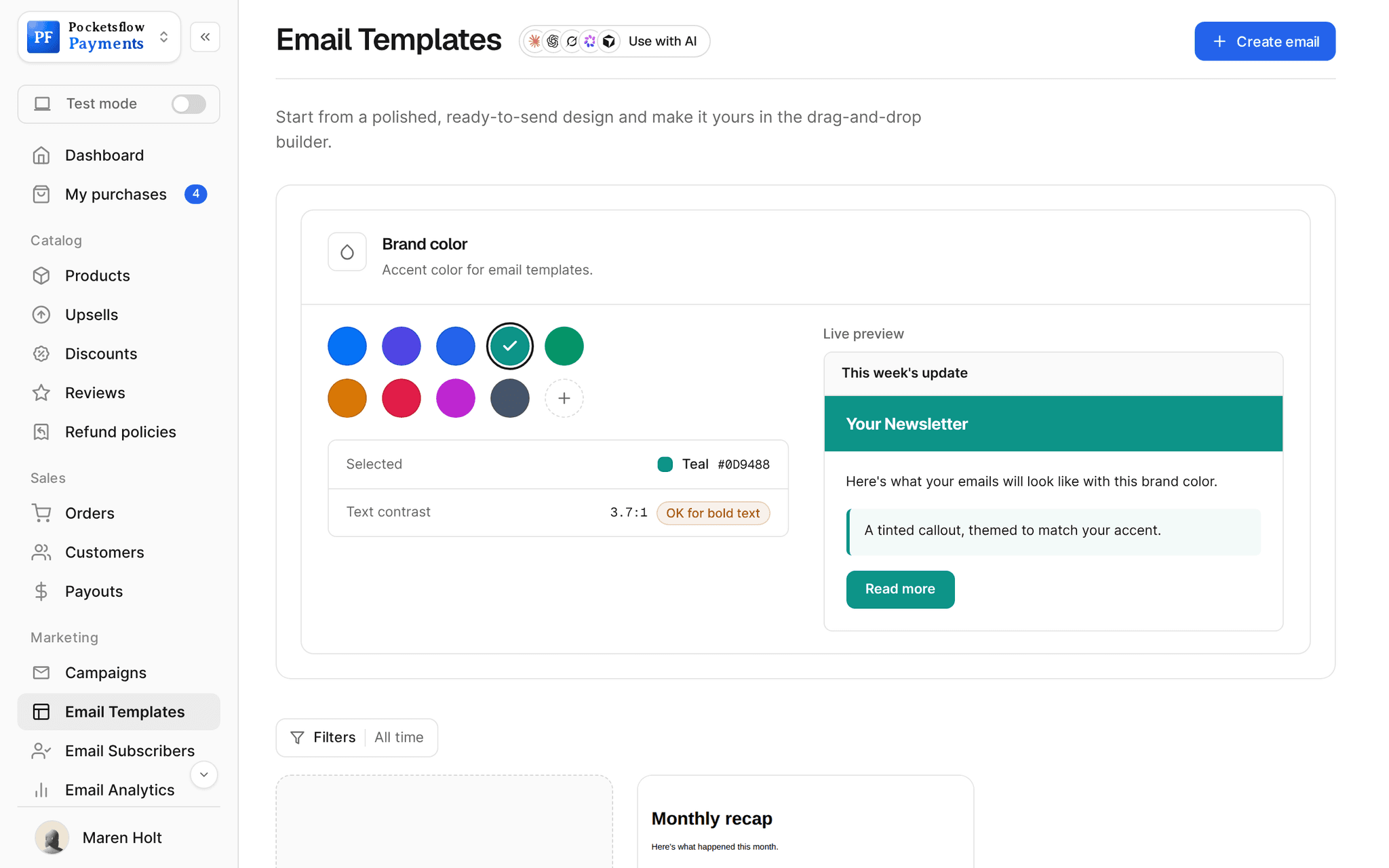
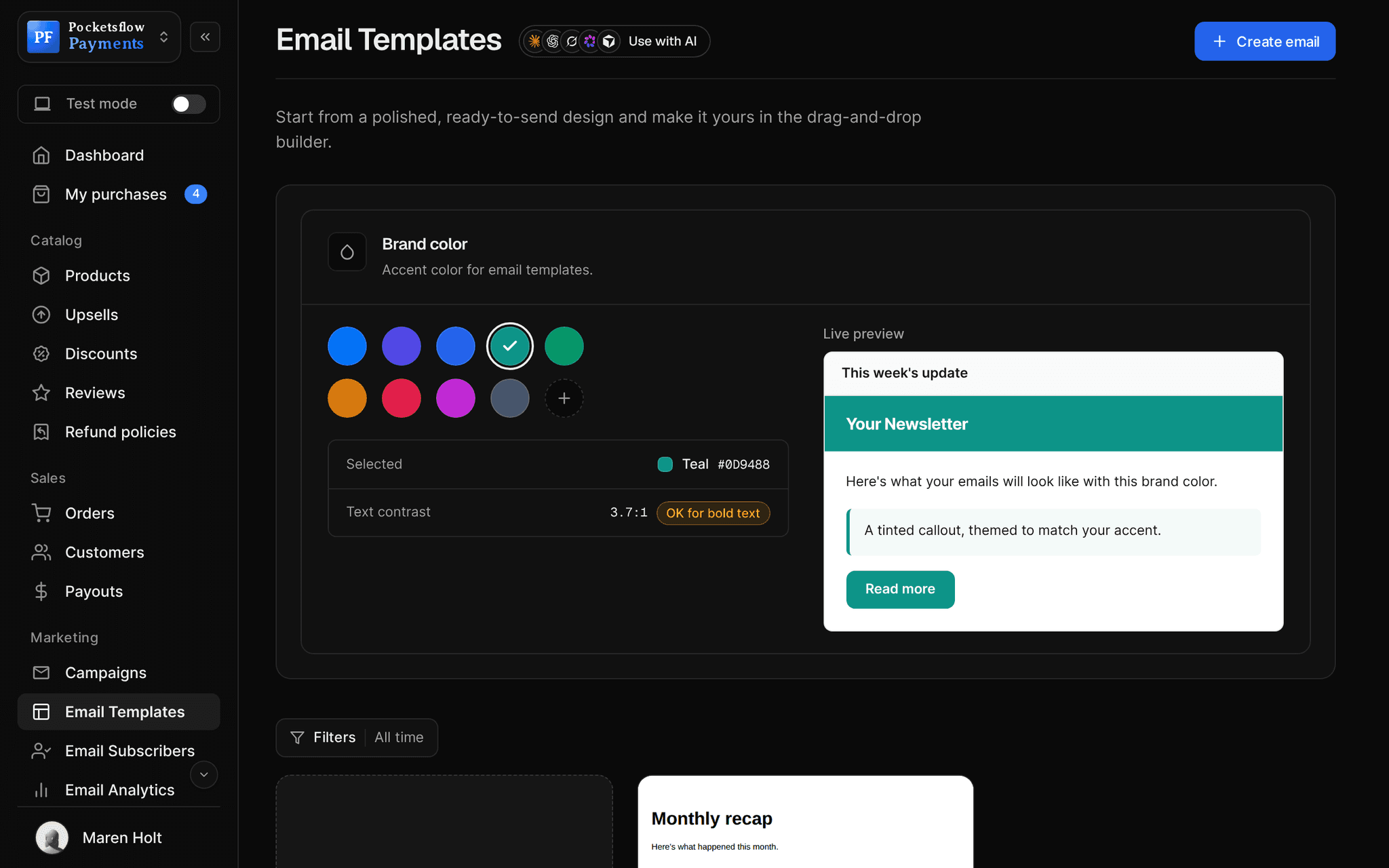
- brand color presets, plus any custom color
- 9
- preview with a text contrast check
- Live
- in campaigns and automations
- Reusable
- a month on the email plans
- $99
// inside pocketsflow
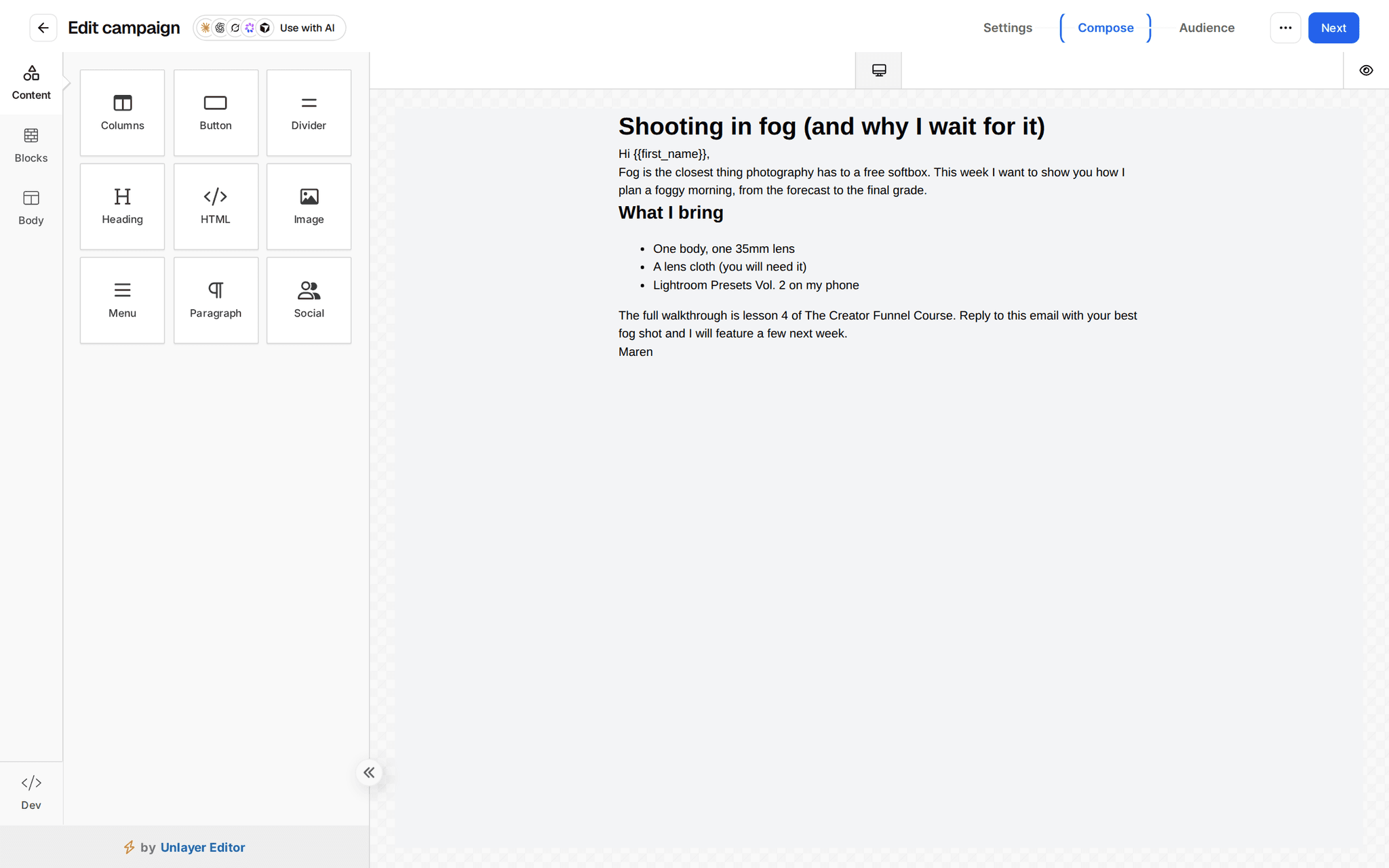
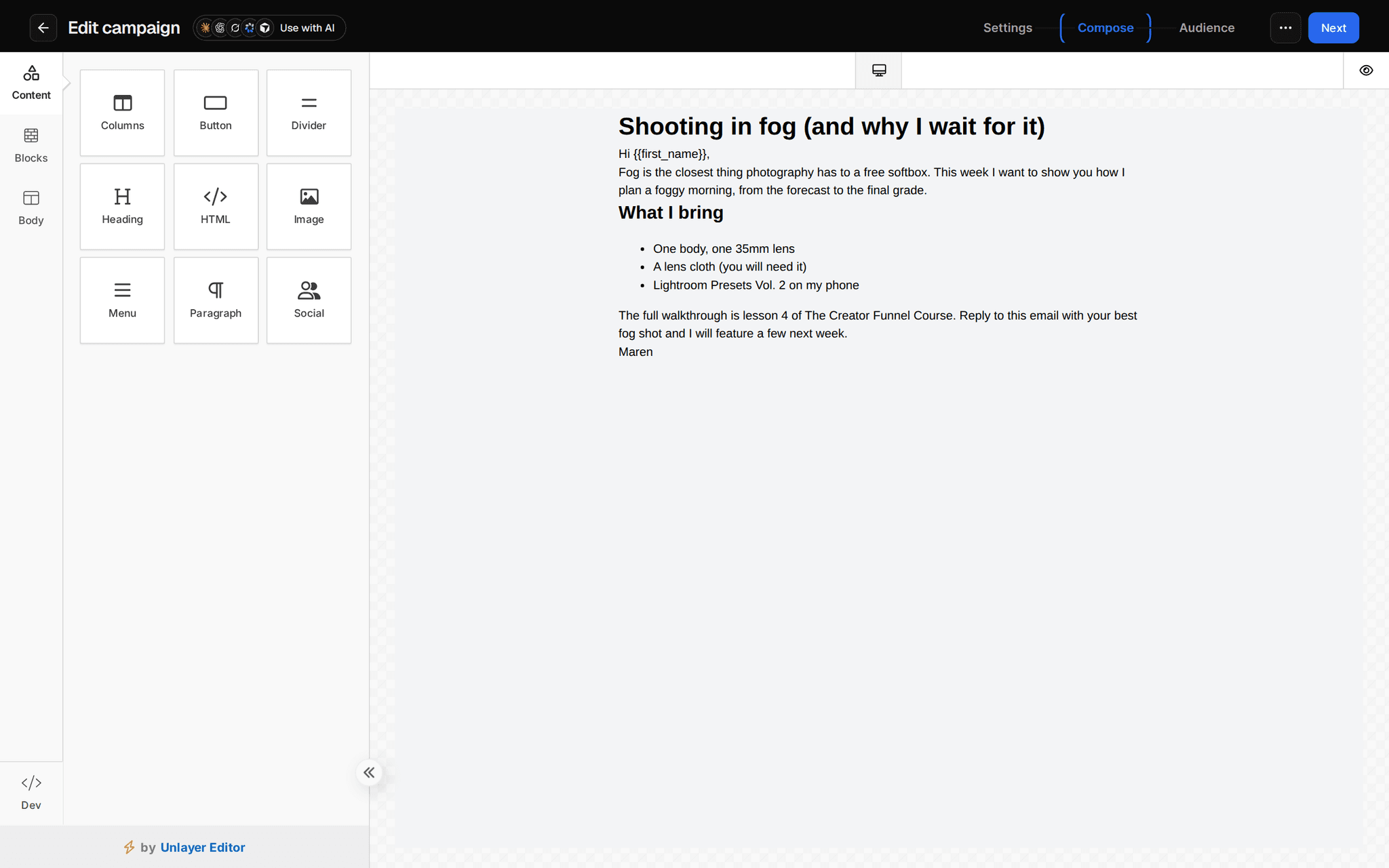
See how it works in the dashboard.
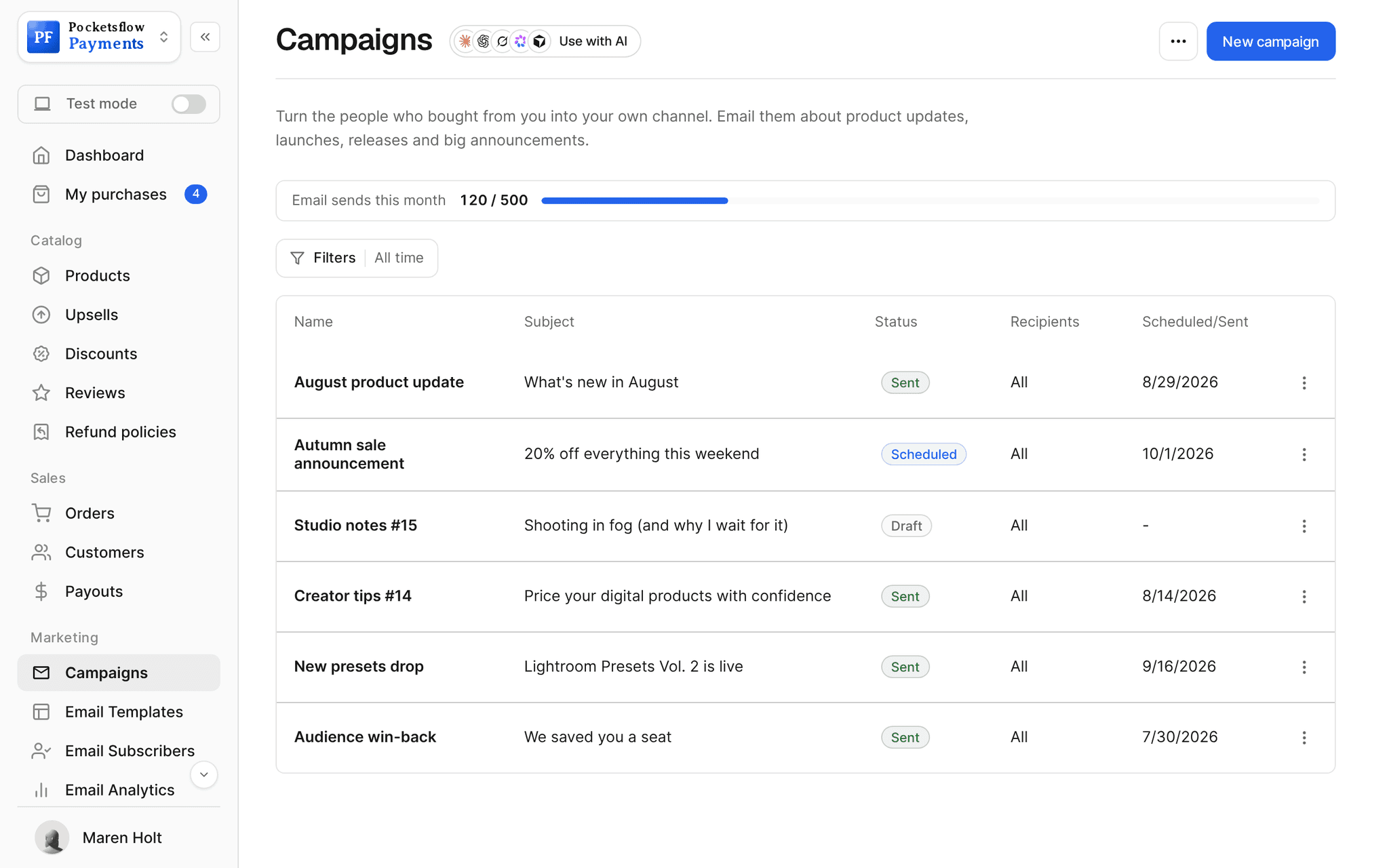
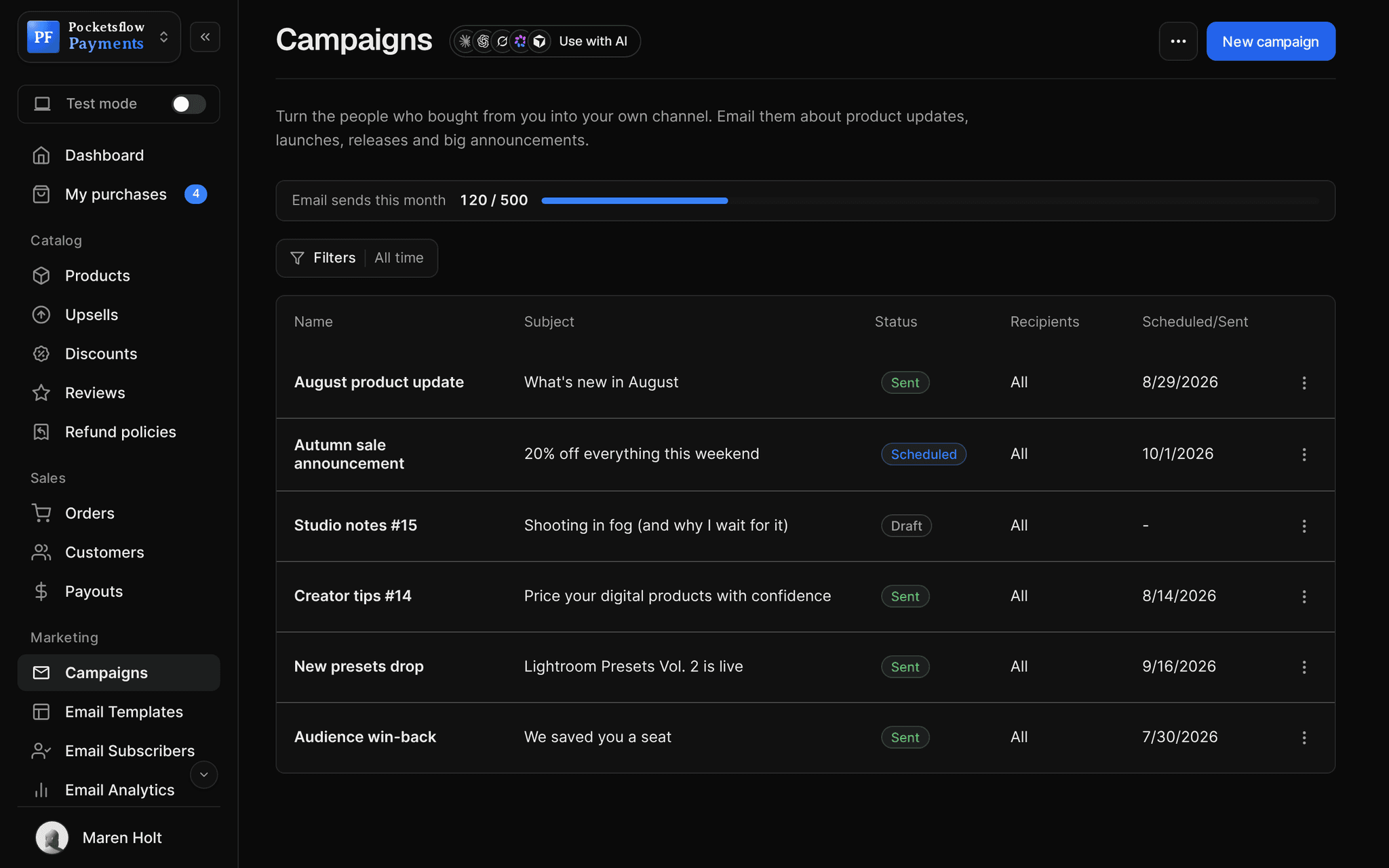
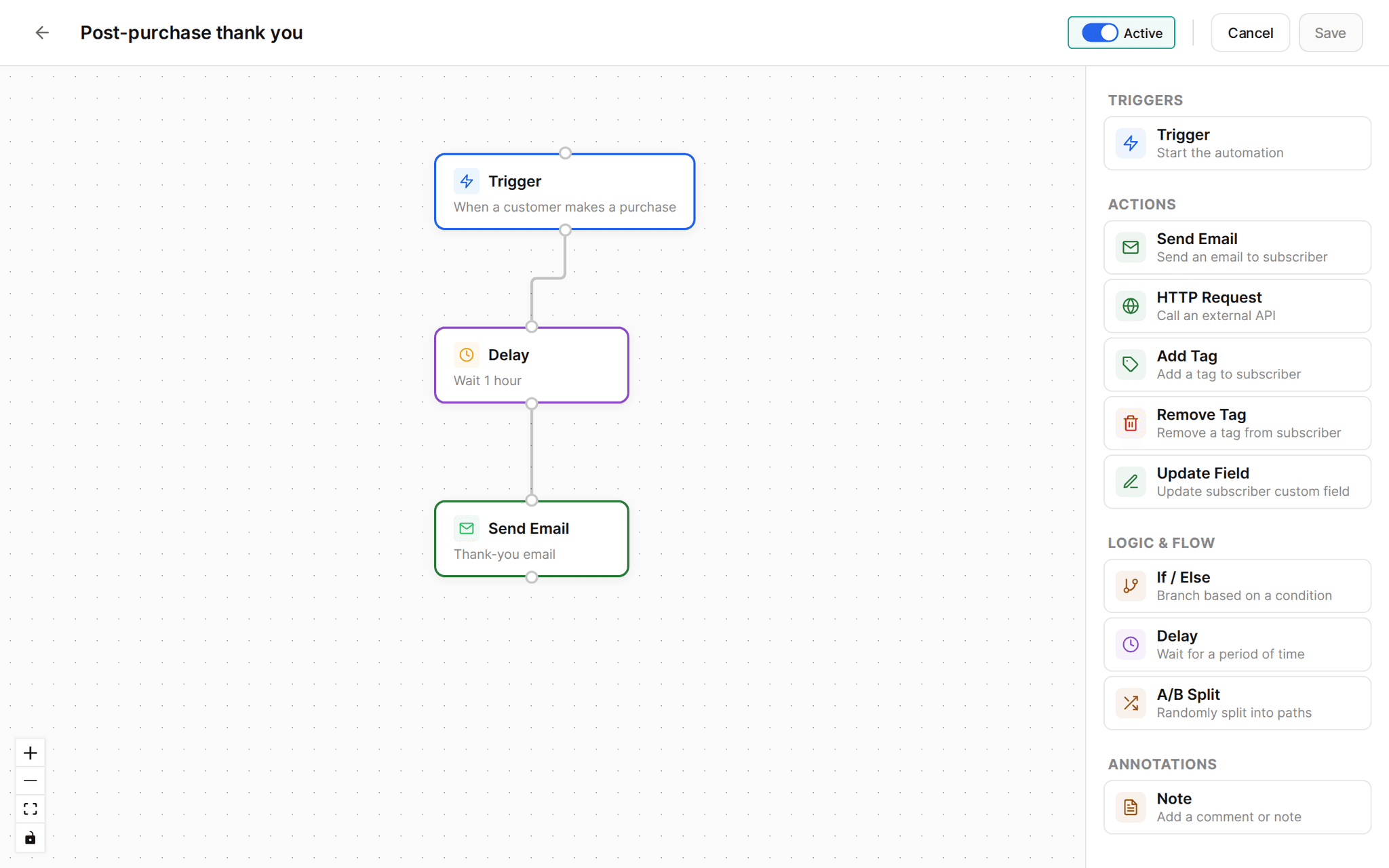
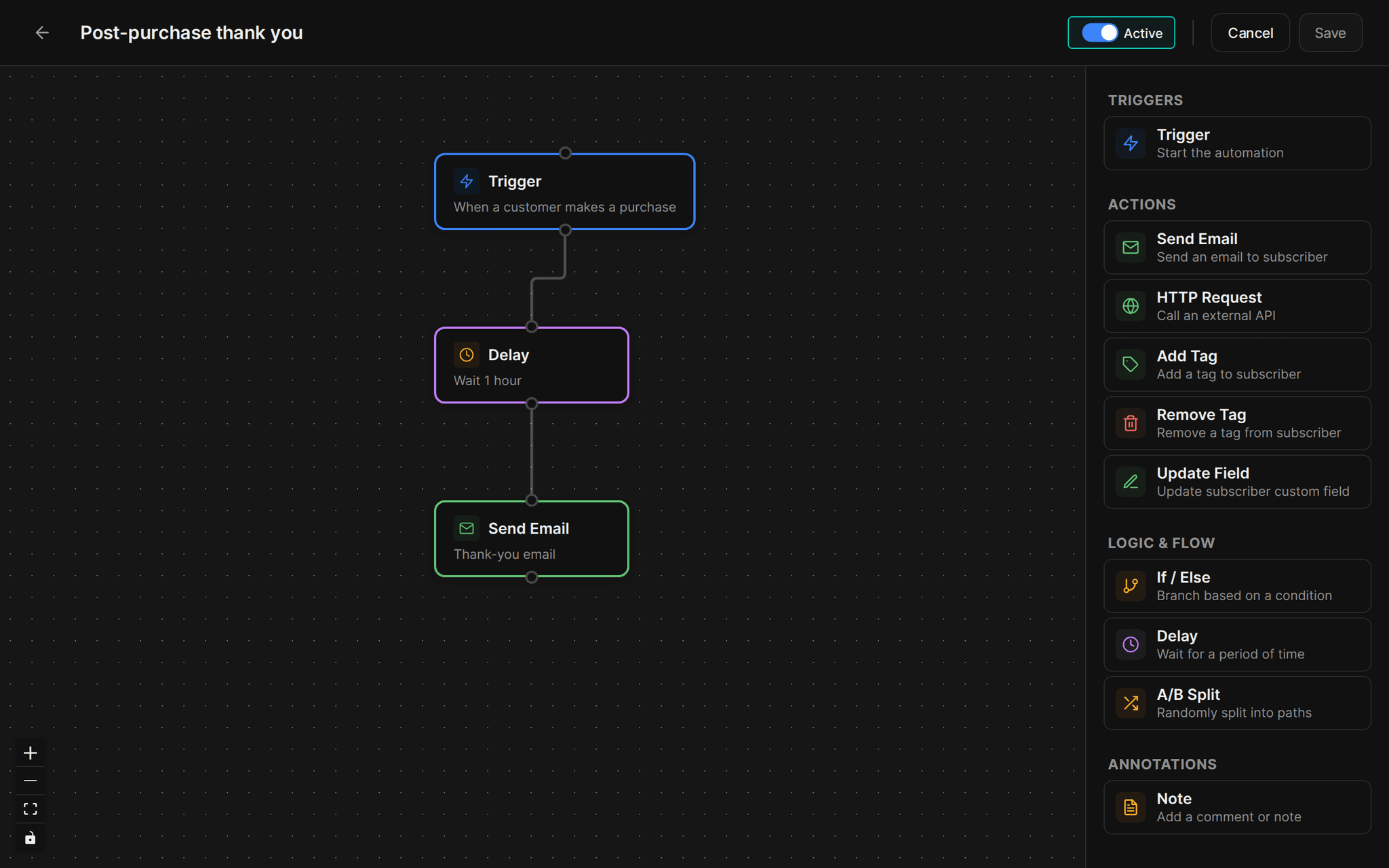
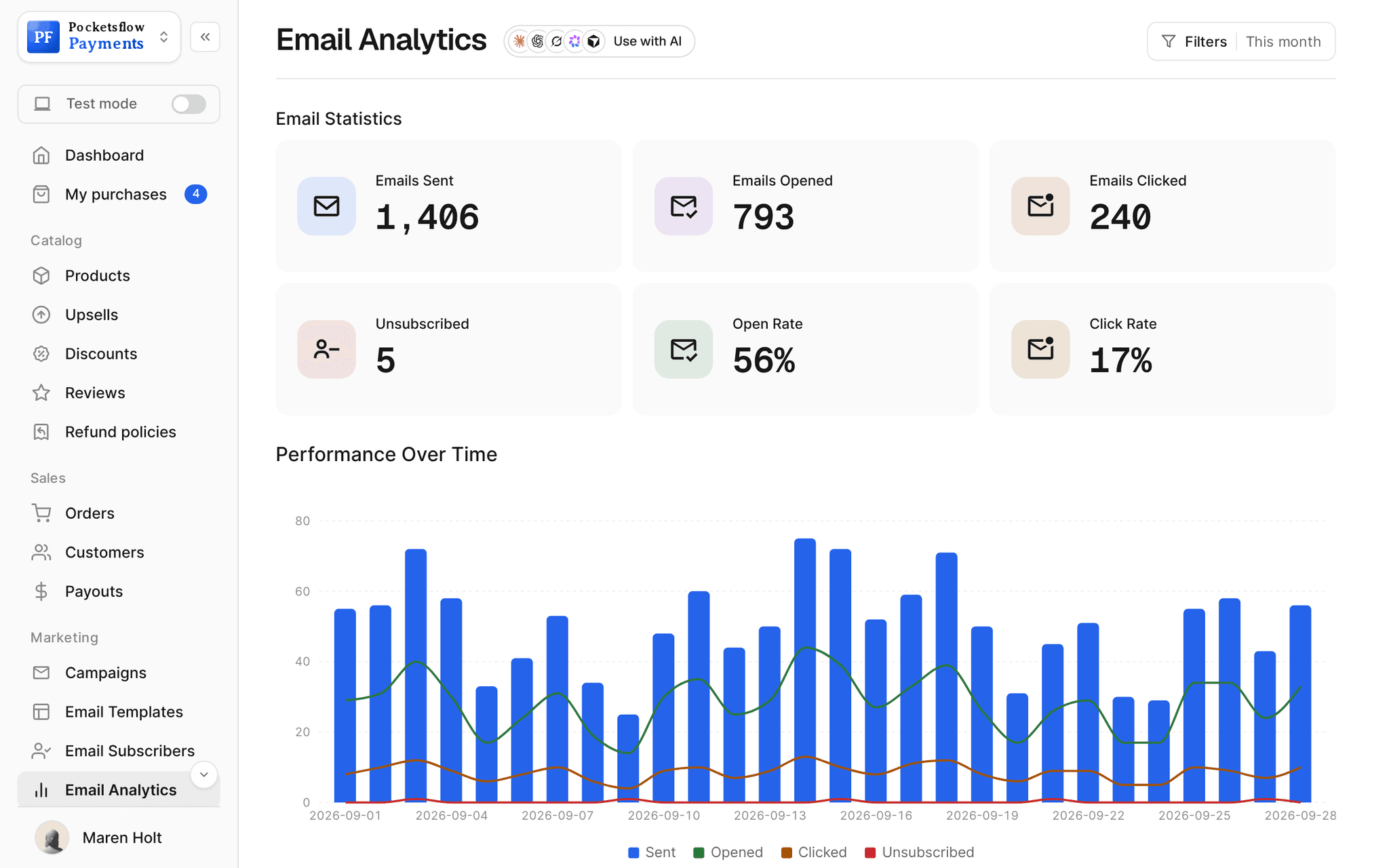
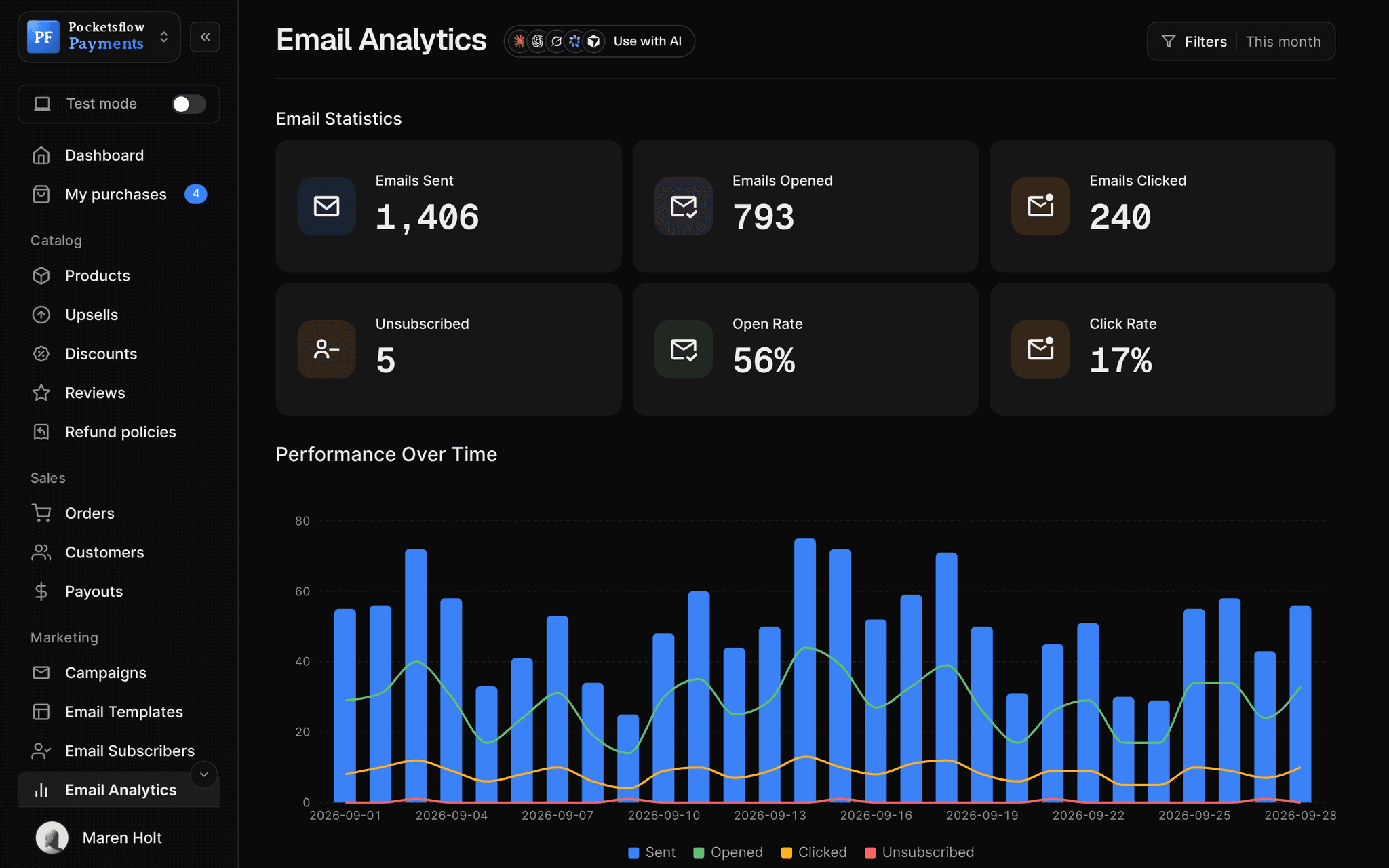
// more screens
Every screen you will use.
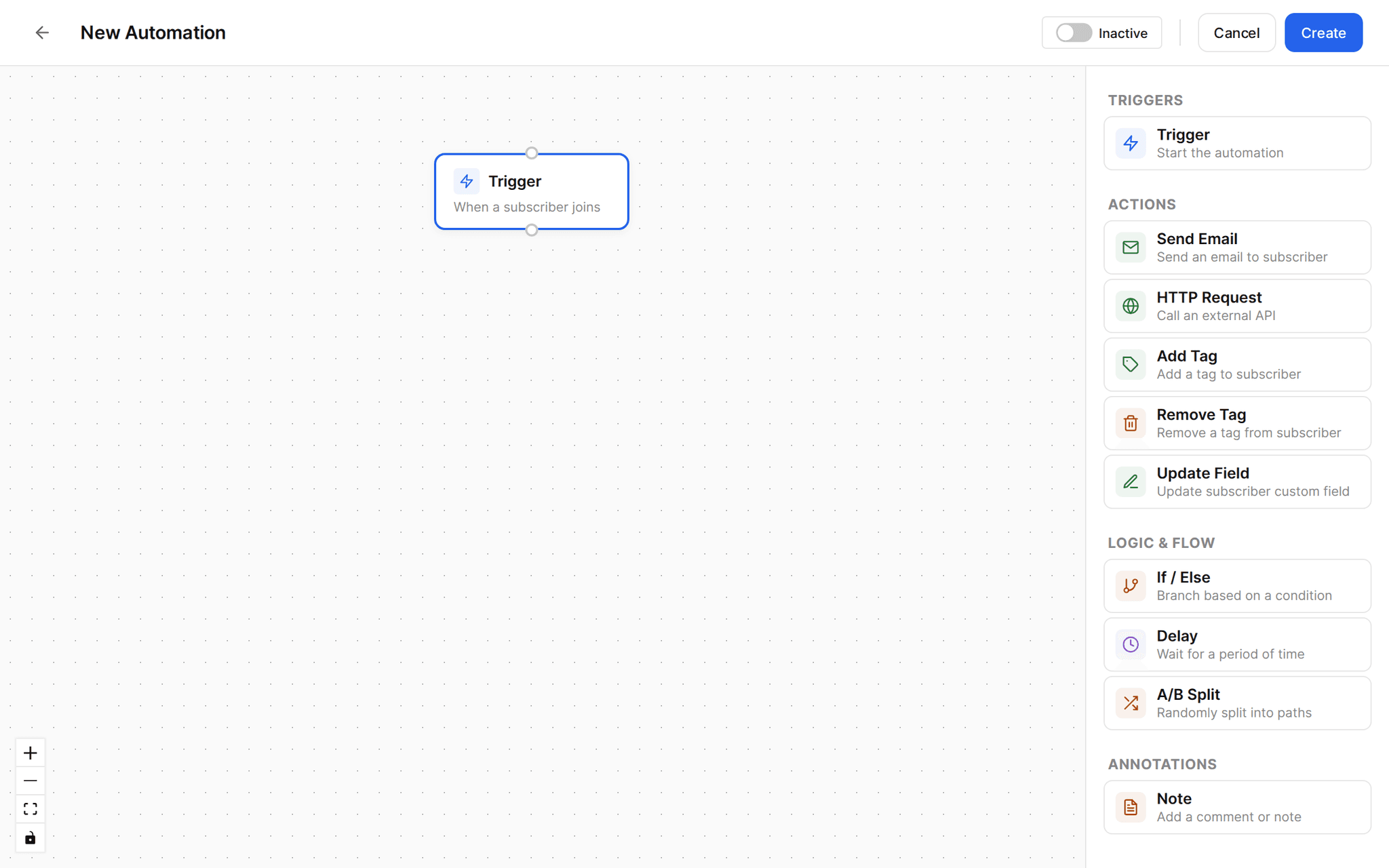
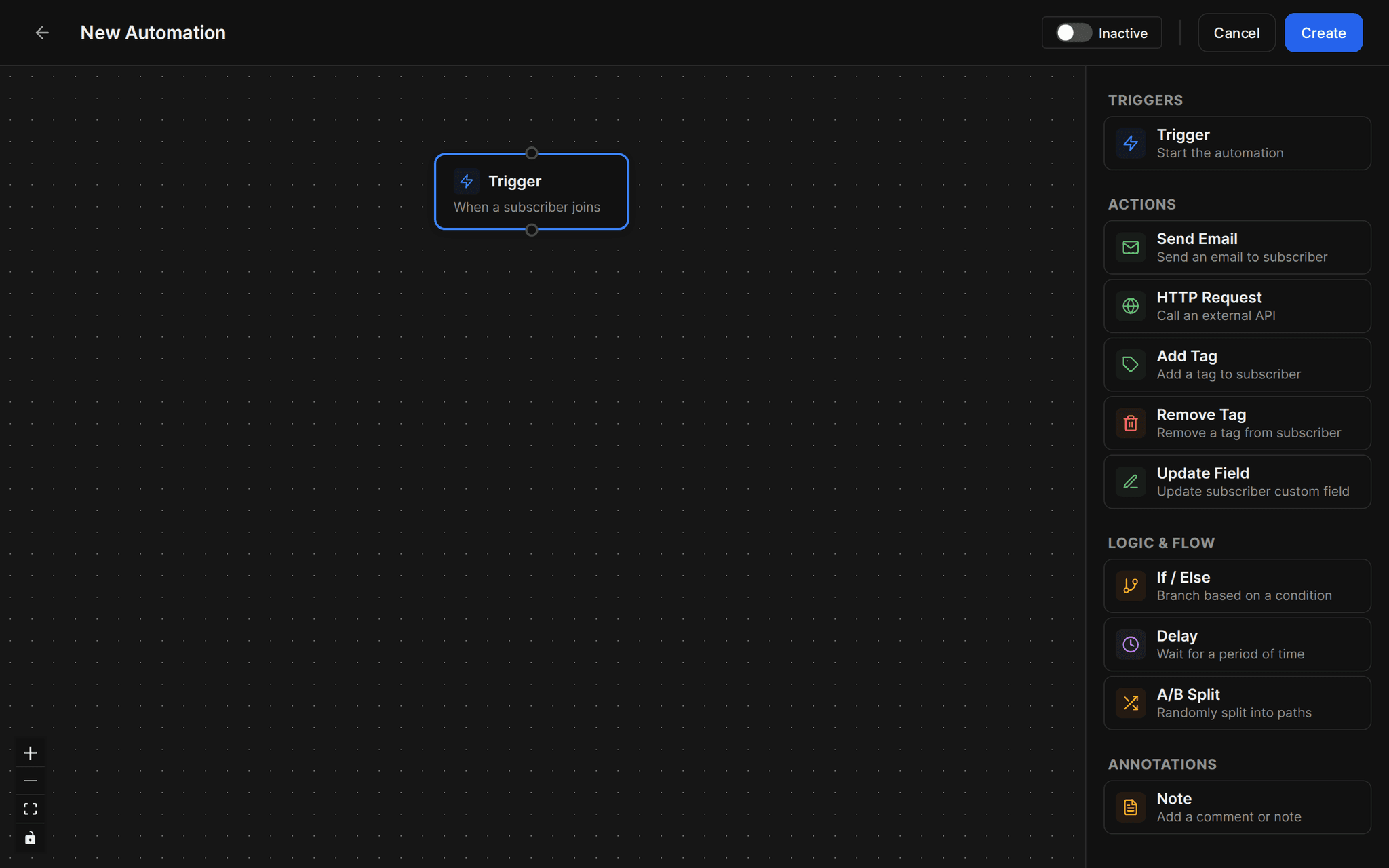
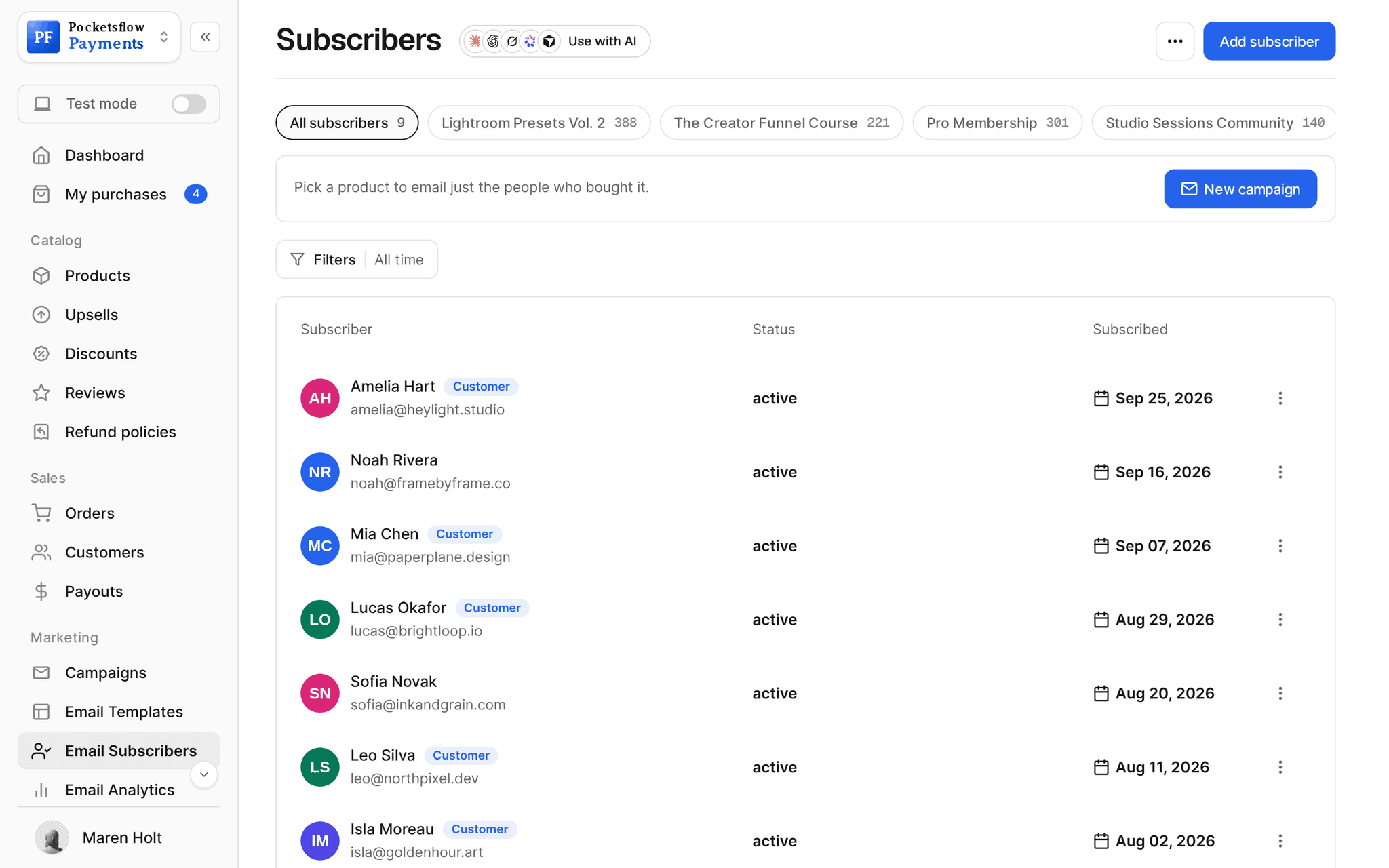
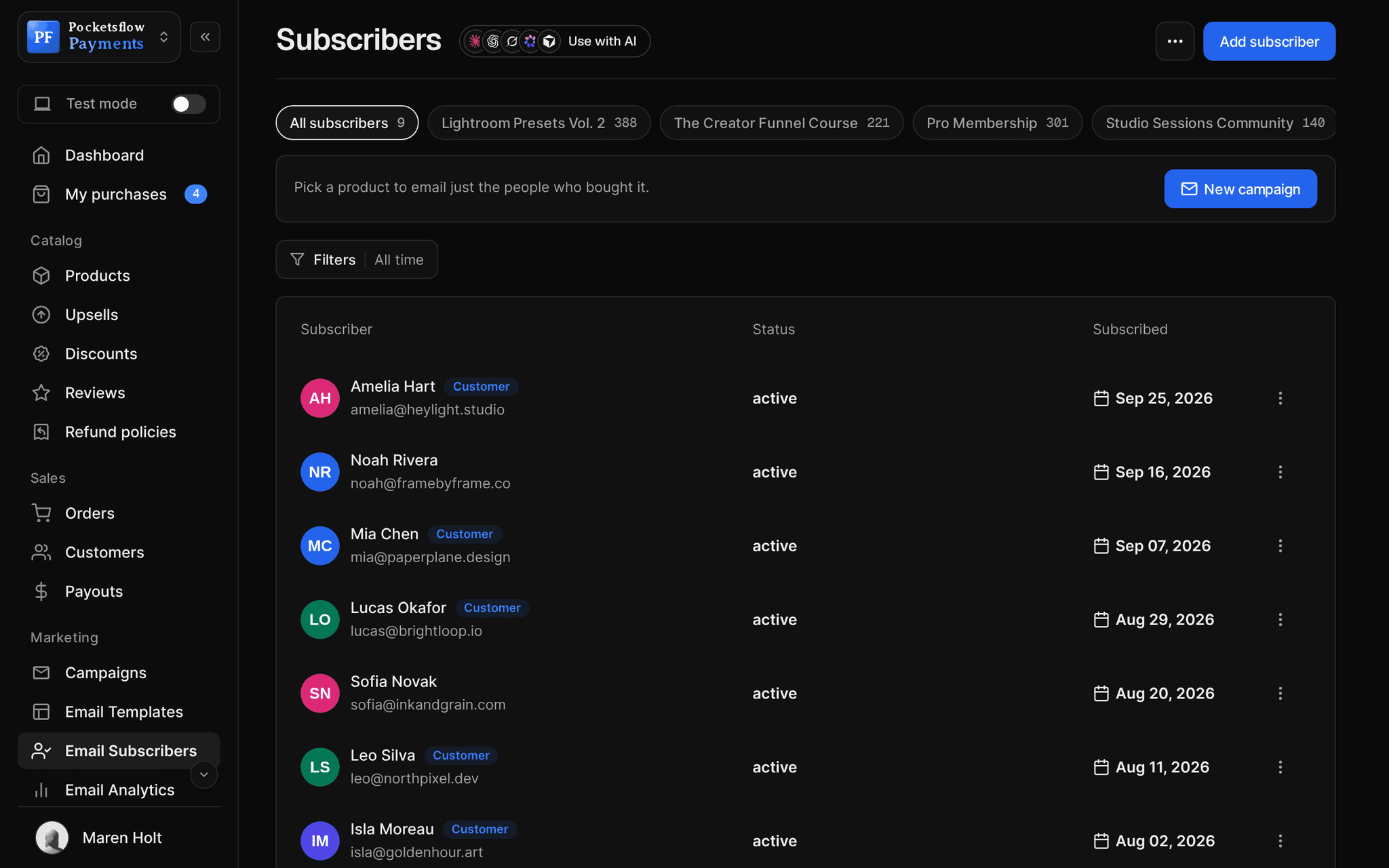
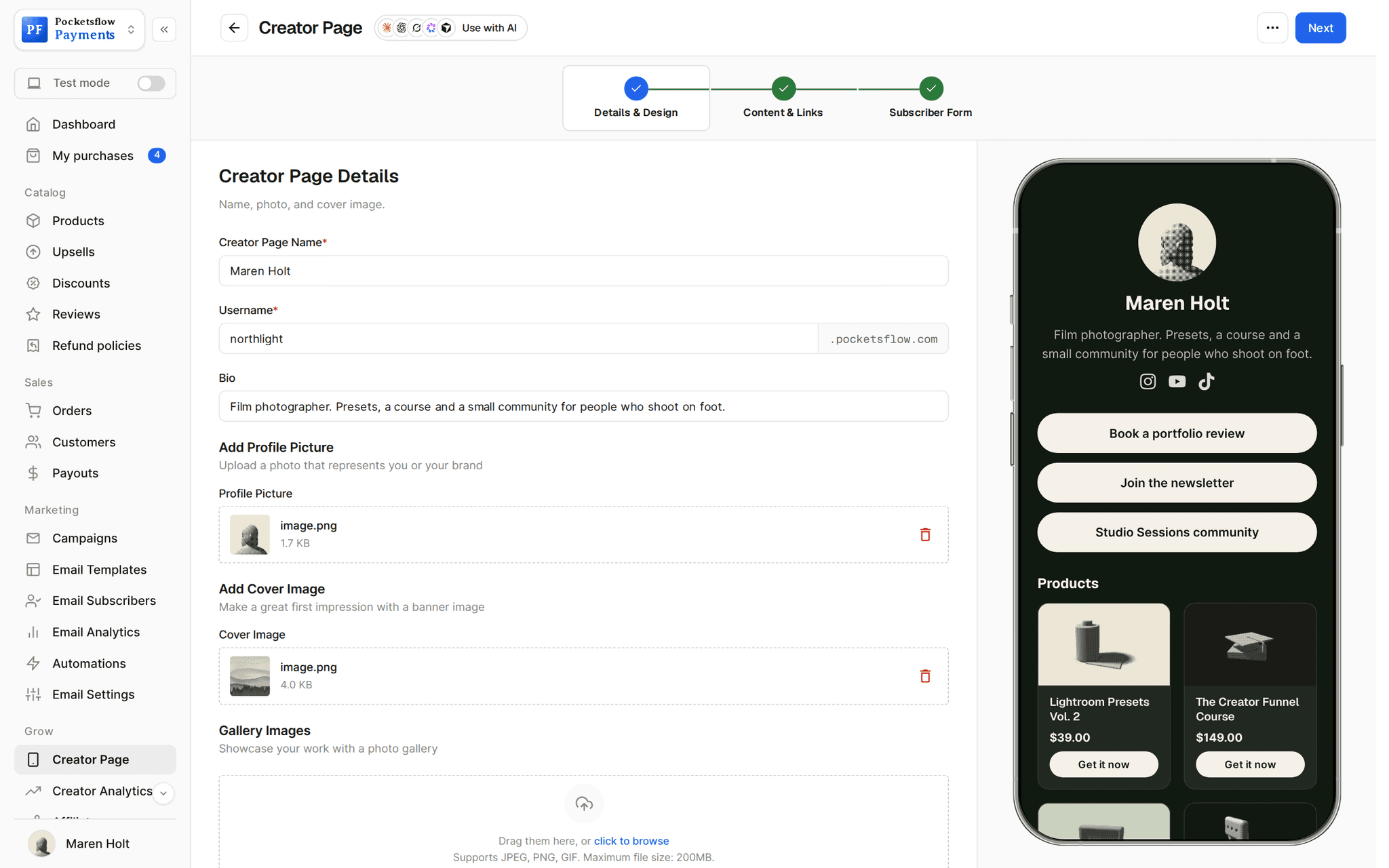
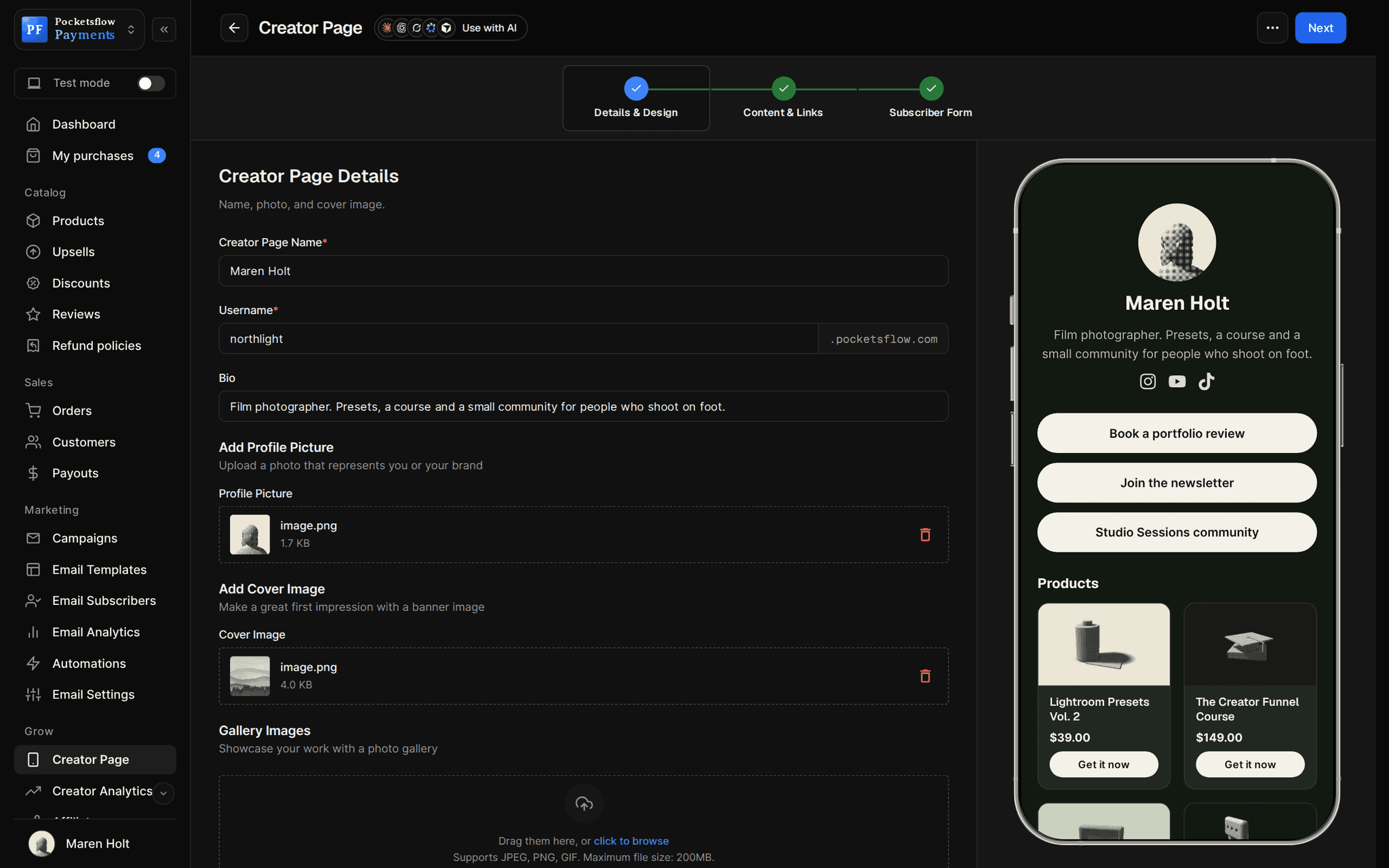
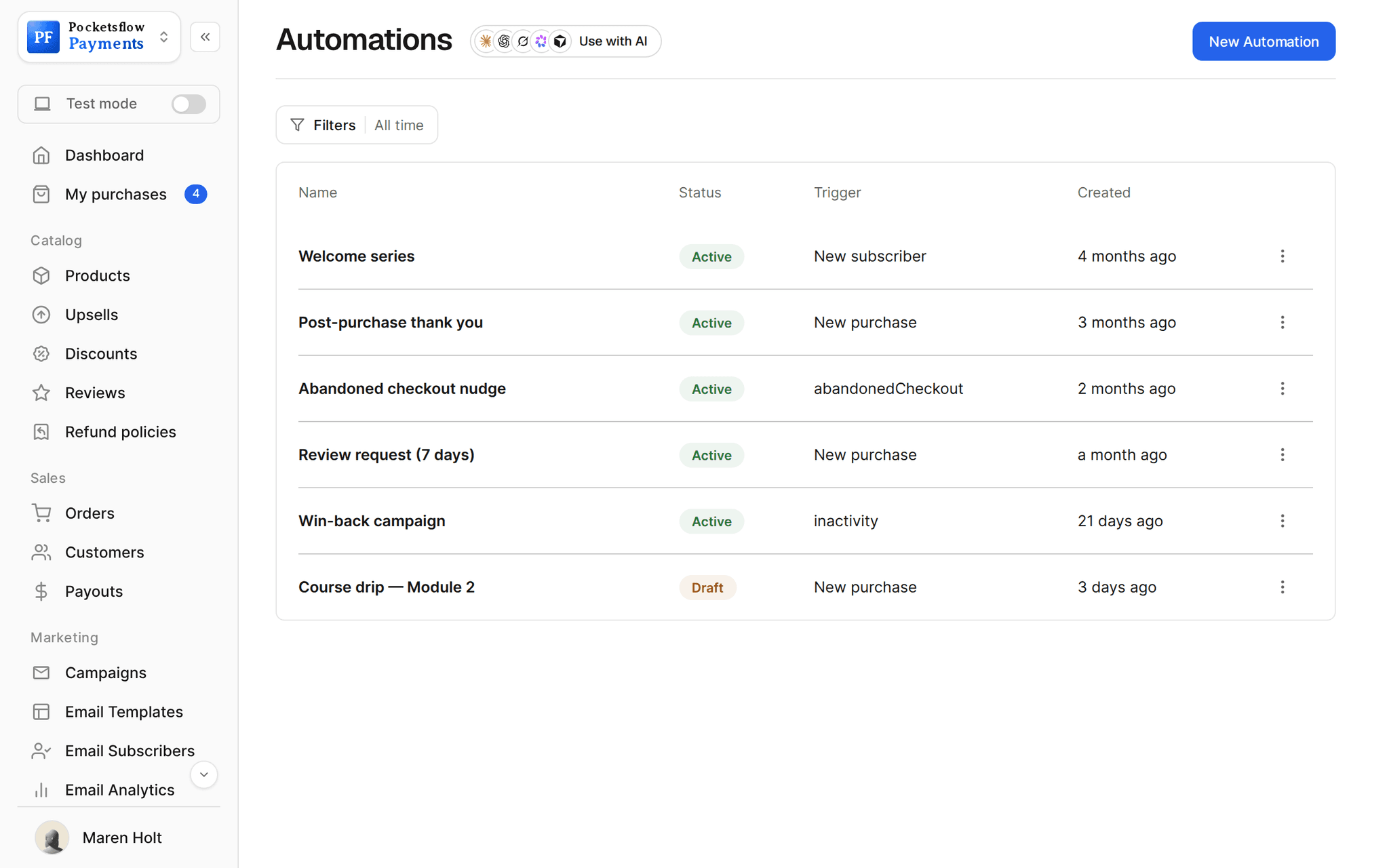
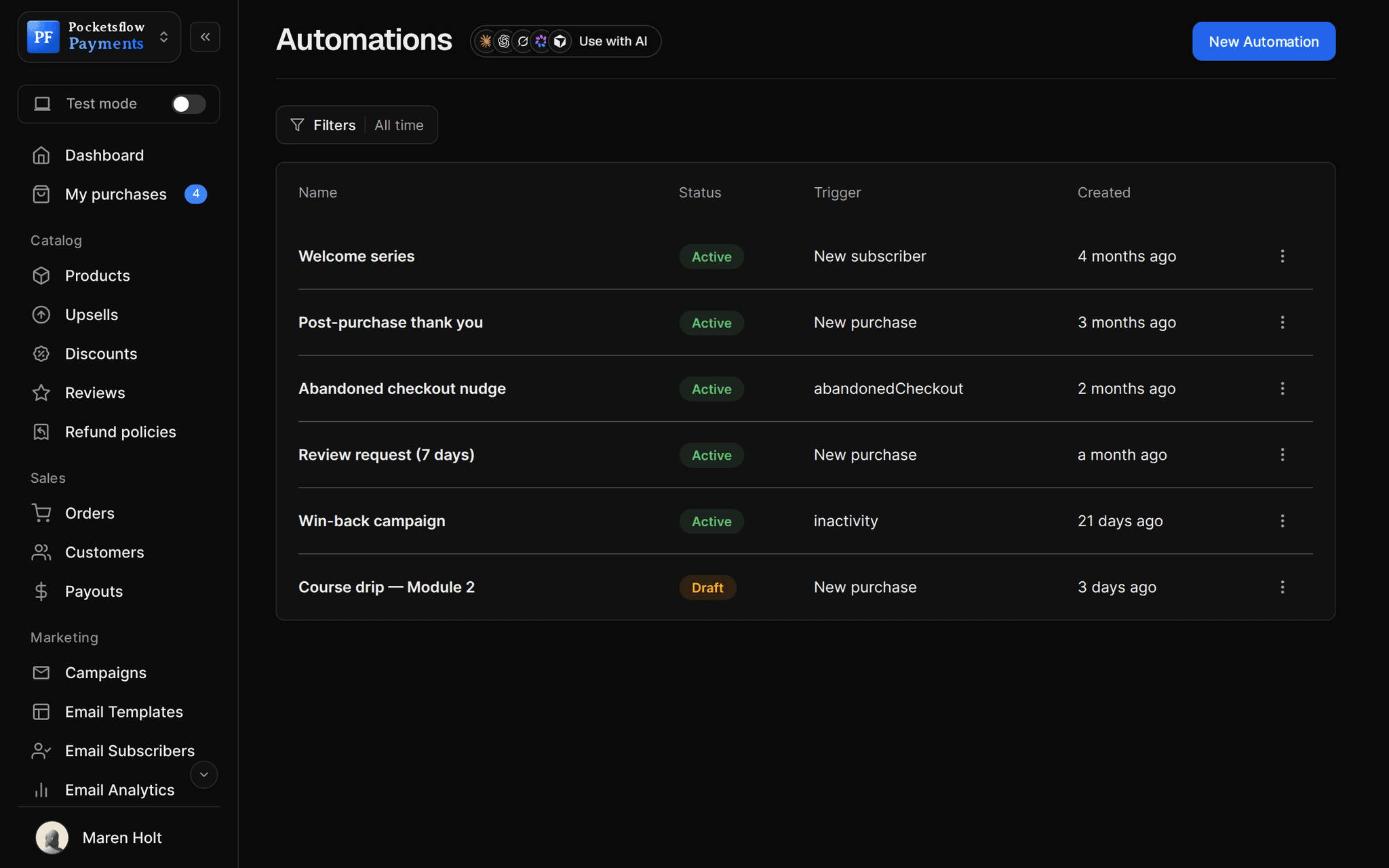
// use cases
A design for every send.
Product launch
A hero, the offer and a single button to the product.
Presets Vol. 3 is liveTemplate
Product update
What is new, in a few bullets, with a link to the changelog.
Notion OS v2Template
Weekly update
A newsletter layout with sections for links and notes.
This week's updateTemplate
Monthly recap
A digest of what happened this month.
Monthly recapTemplate
Thank you emails
A short, styled thank you for automations.
Thanks for your orderAutomation
Sale announcements
A bold callout with the code and the end date.
Summer saleCampaign
// how it works
Live in four steps.
Set your brand color
Pick a preset or a custom color; the preview checks text contrast.
Choose a template
Start from a built in design or a blank canvas.
Make it yours
Edit text, images and buttons in the drag and drop builder.
Reuse it
Send it as a campaign or drop it into an automation step.
// ai
Or just ask your AI.
Connect Claude, ChatGPT, Codex, Grok, Cursor or any MCP client once. Then ask in plain words, and every change lands in your dashboard.
 Claude · Desktop app
Things to ask
- Draft a product update email and keep it as a draftcreate_post
- Rewrite the subject of my draft to be shorterget_post · update_post
- Show me my last three campaignslist_posts
- Send the draft to my list on Fridayupdate_post · send_post
- Delete the old test draftslist_posts · delete_post
- Email one customer a styled thank yousend_email
// included
Everything included.
- Built in, ready to send templates
- Brand color presets and custom colors
- Live preview with a contrast check
- Drag and drop builder
- Start from scratch option
- Reusable in campaigns
- Reusable in automations
- Mobile friendly layouts
- Unsubscribe footer added for you
- From name, reply to and footer settings
- AI drafting with your own key
- Drafts from your AI over MCP
// why pocketsflowWhy sellers pick Pocketsflow.
Designed by default
Every email looks intentional without a designer.
Readable
The contrast check warns you before a color makes text hard to read.
Next to your sales
Templates, lists and orders in one account.
Part of the email plans
Templates come with the email plans, from $99 a month.
// connect
It's easy. Even your AI can do it.
Add Pocketsflow to the AI you already use, sign in and click Allow access. No API key, no code.
- 01Paste into your AI appIt's a connector address, not a web page.api.pocketsflow.com/mcp
Add Pocketsflow
Paste the server URL as a connector in your AI app.
- 02
Sign in and allow
Your AI opens Pocketsflow. Click Allow access.
- 03
Ask for anything
Products, orders, refunds, emails, in plain words.
# Send a campaign to up to 100 recipients in one call.
curl https://api.pocketsflow.com/newsletters/send \
  -H "Authorization: Bearer pk_live_..." \
  -H "Content-Type: application/json" \
  -d '{
    "to": ["customer@example.com"],
    "subject": "Your weekly update",
    "html": "<p>Hi there, here is what is new this week.</p>",
    "fromName": "Acme Studio",
    "replyTo": "hello@acme.com"
  }'

# 200 OK
# { "id": "665f1c2e…", "accepted": ["customer@example.com"], "status": "sent" }
Send a designed email in one call.
Create a checkout, attach a product, and let Pocketsflow handle the transaction lifecycle: payment, tax, delivery, and the receipt.
Every resource is an HTTPS endpoint under one base URL with Bearer API keys. Live and test keys are scoped to their own data; the OpenAPI spec is served at /docs.json.
// faq
Common questions.
Do I need a paid plan for email?
Selling never needs a plan. Email campaigns, automations, reusable templates and open and click analytics are part of the email plans, from $99 a month for 3,000 subscribers. The free plan keeps up to 500 subscribers. See the pricing page for every tier.
Can I use my own brand color?
Yes. Choose one of the presets or any custom color. Every built in template picks it up, and the preview tells you if text contrast is too low.
Do I need to code?
No. Edit everything in the drag and drop builder.
Can I reuse a template?
Yes. Use the same design for campaigns and for the send email steps in your automations.
Will emails look right on phones?
The templates are built to read well on mobile email apps. Preview each email before it goes out.
Can my AI do this for me?
Yes. Add the Pocketsflow MCP server to Claude, ChatGPT, Codex, Grok, Cursor or any MCP client, sign in and click Allow access. No API key. Your AI can then create products, set prices and discounts, open checkouts, read orders and send emails, and every change shows up in your dashboard.
// related
Keep exploring.
Start accepting payments today.
Sell your first product today, and let the AI you already use run the busywork.