What you can sellCourses
Sell your course, not your weekends.
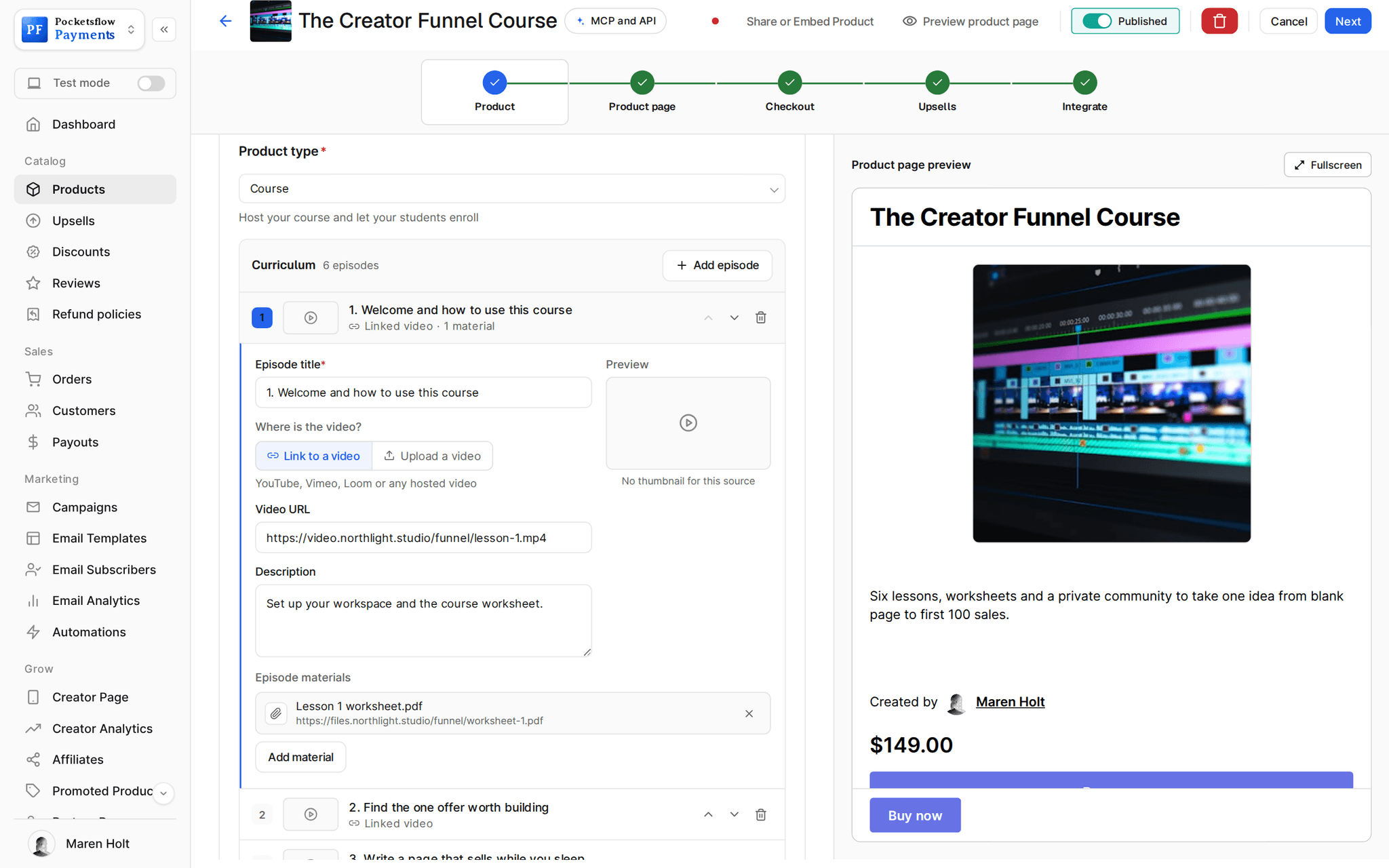
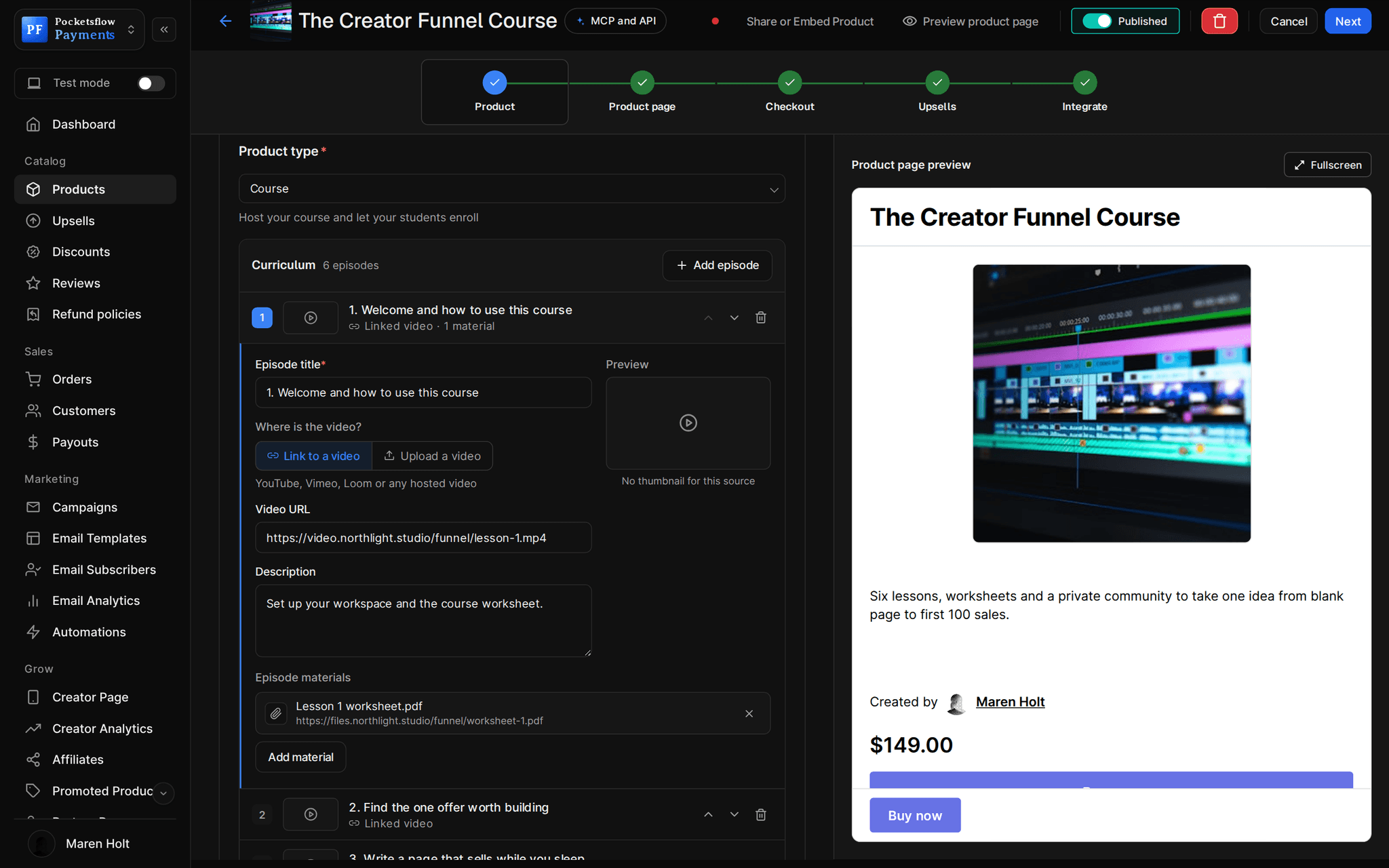
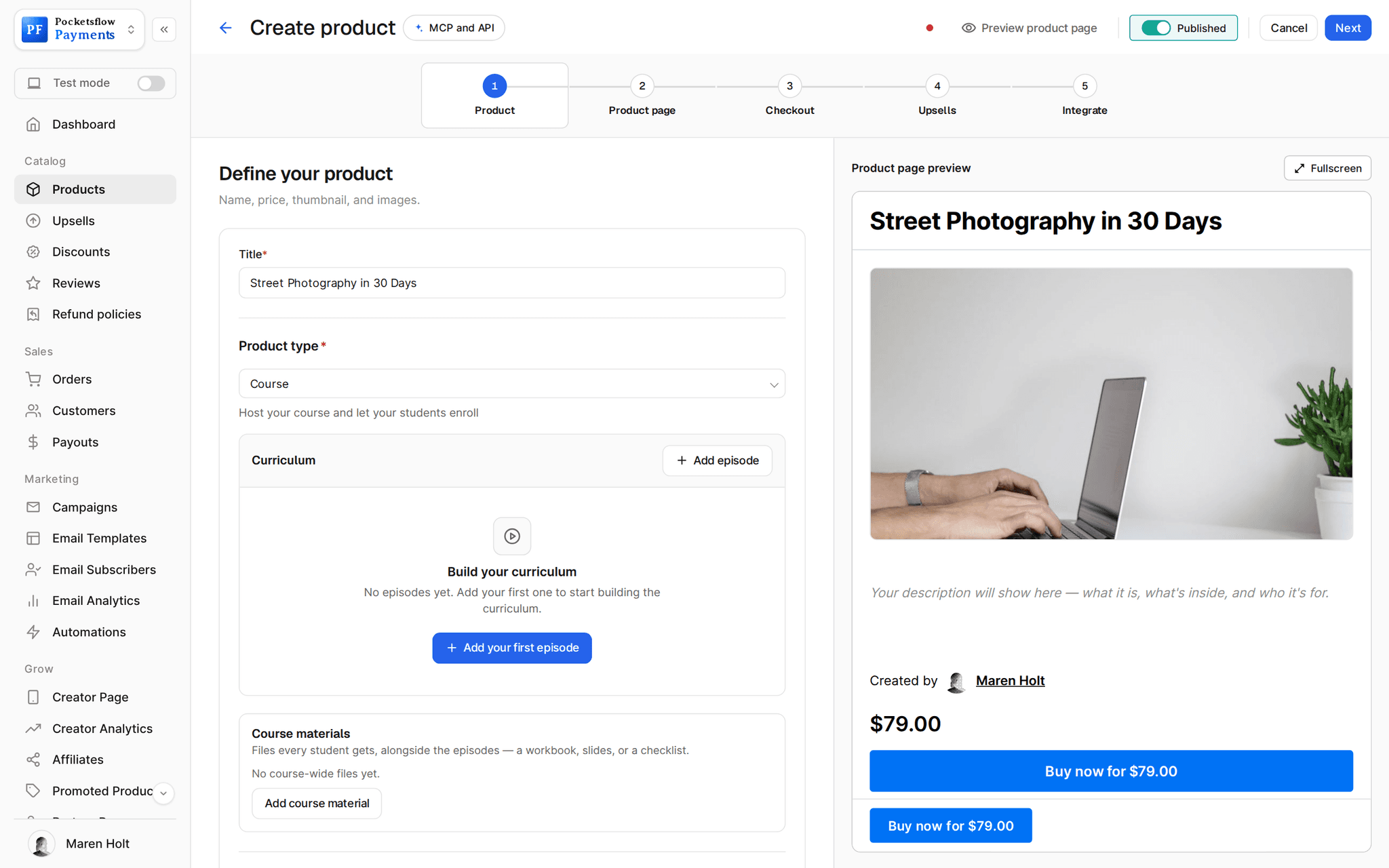
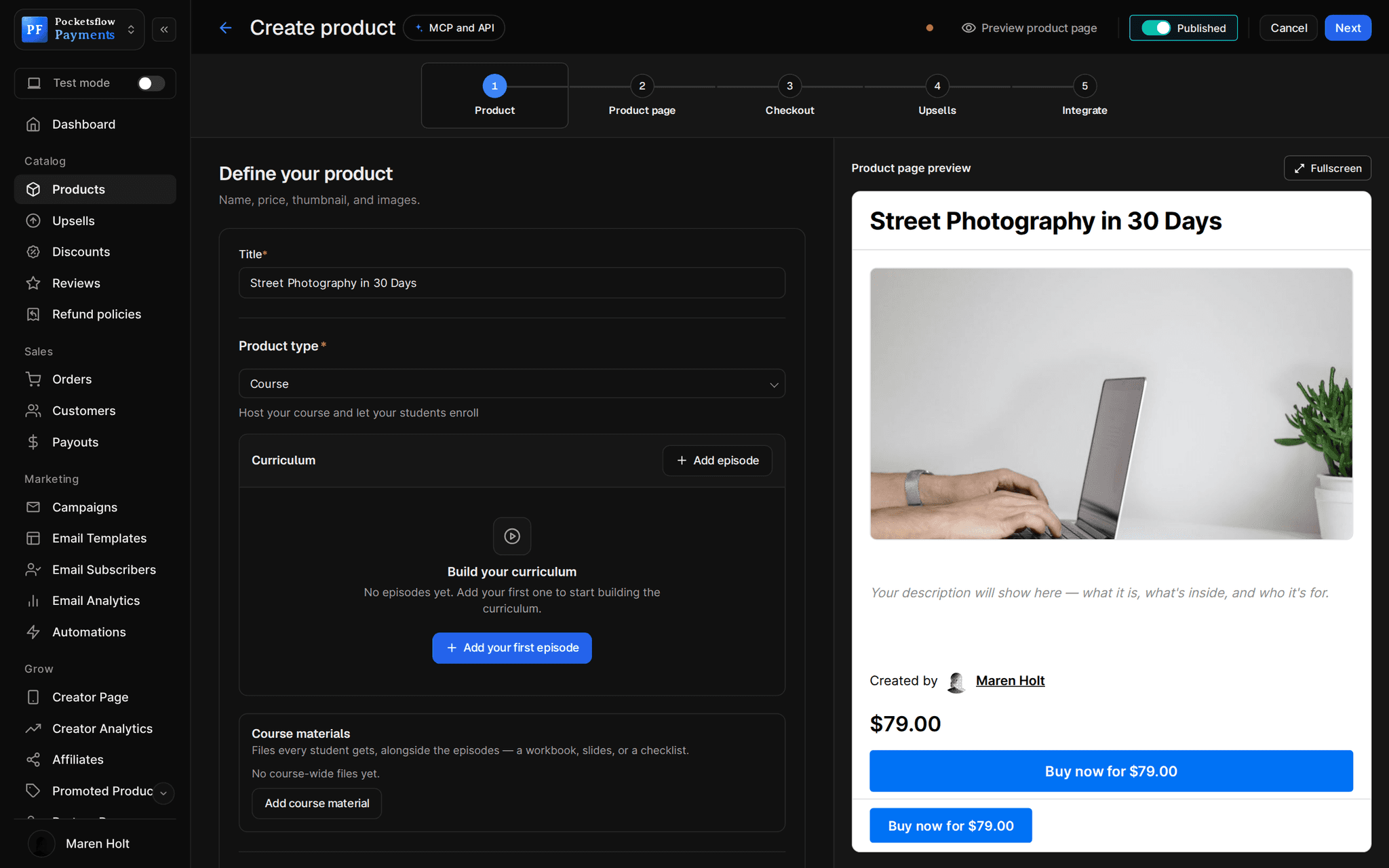
Add episodes with a video link or an upload, attach worksheets and templates, and set a price. Buyers land on their course page the moment they pay, and Pocketsflow handles the checkout, tax and receipts.


- estimated per sale, no monthly fee
- 4.7% + $0.30
- hosted link or upload per episode
- Video
- ways to sell: one time or subscription
- 2
- page templates for the sales page
- 55
// inside pocketsflow
See how it works in the dashboard.
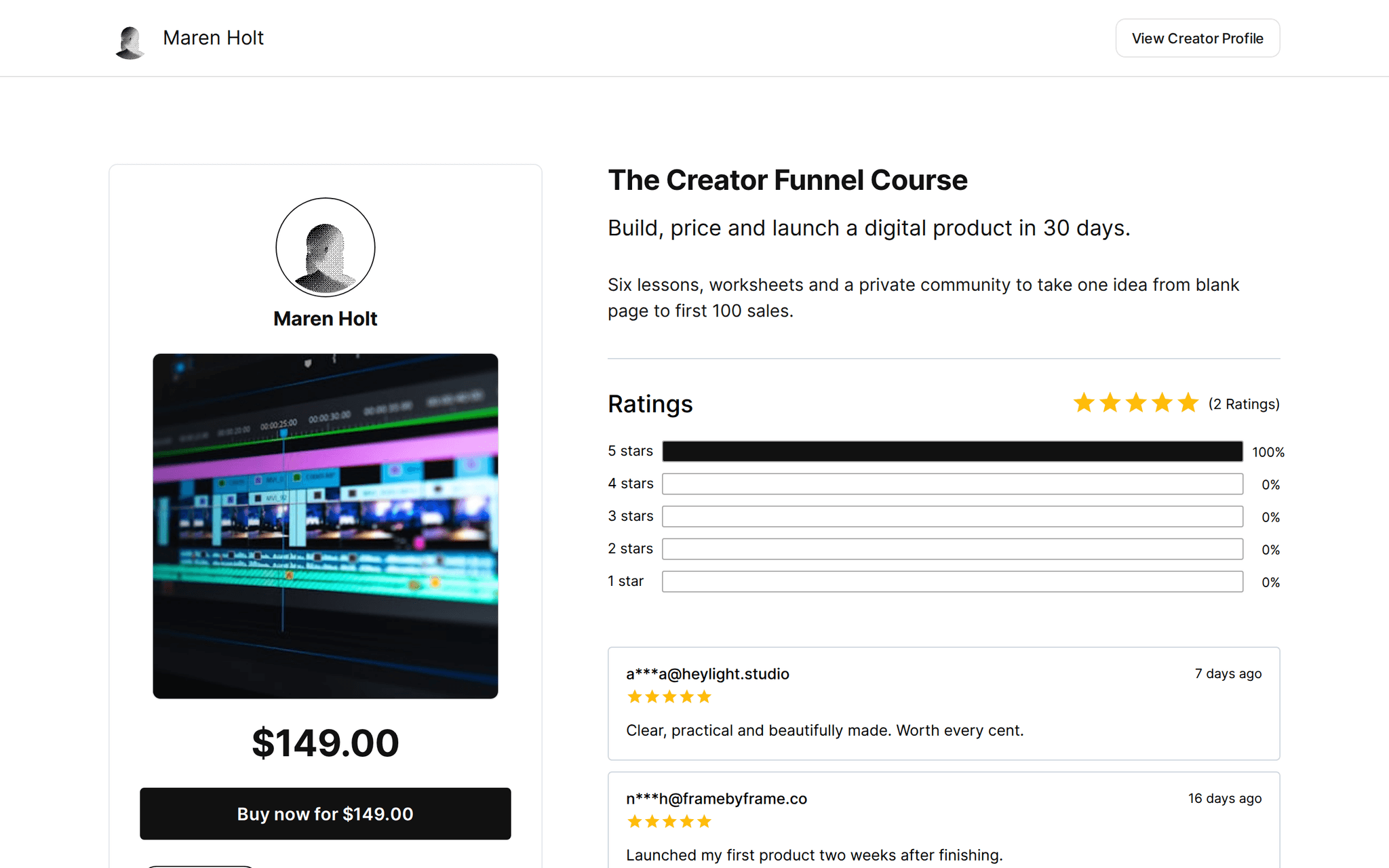
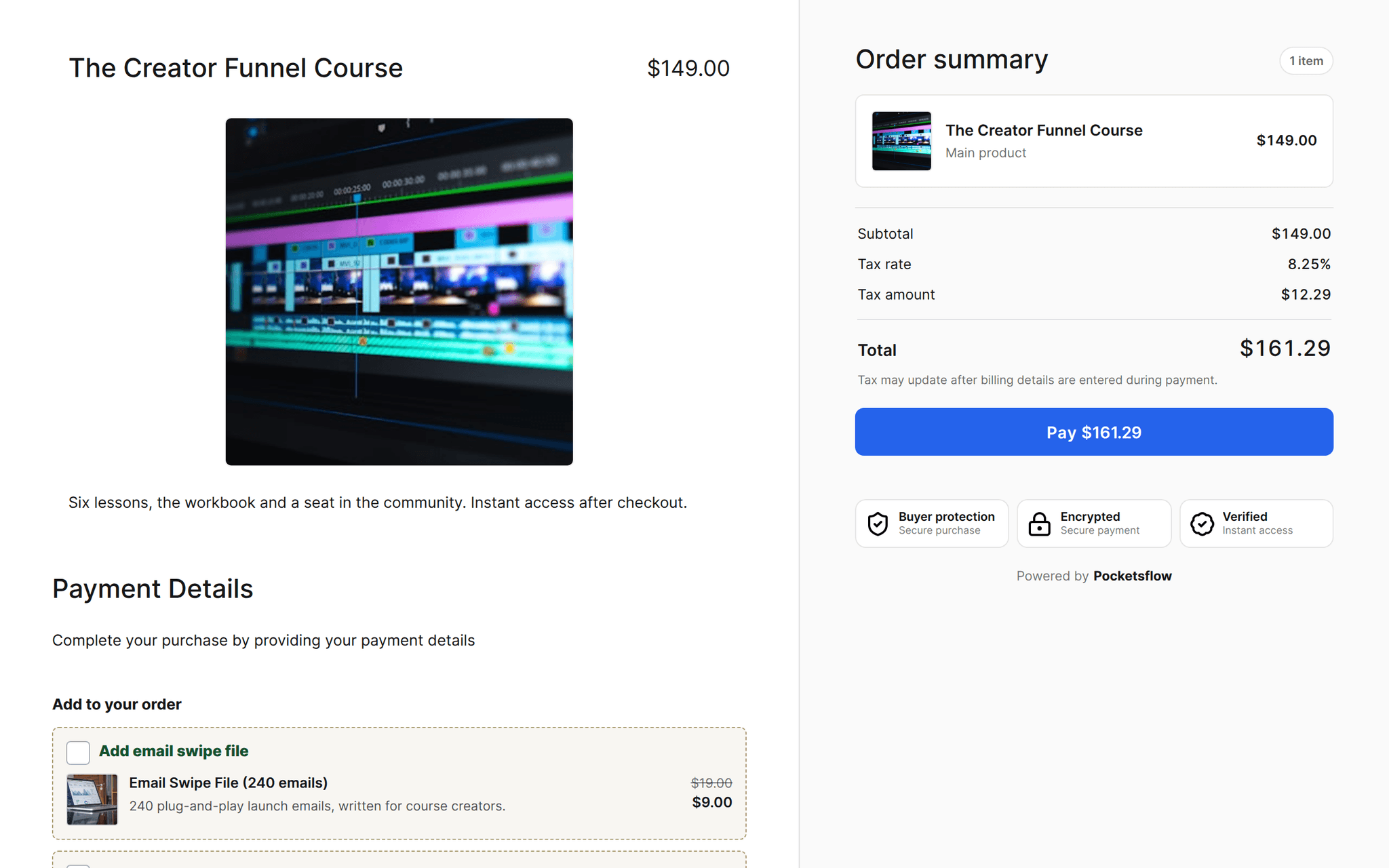
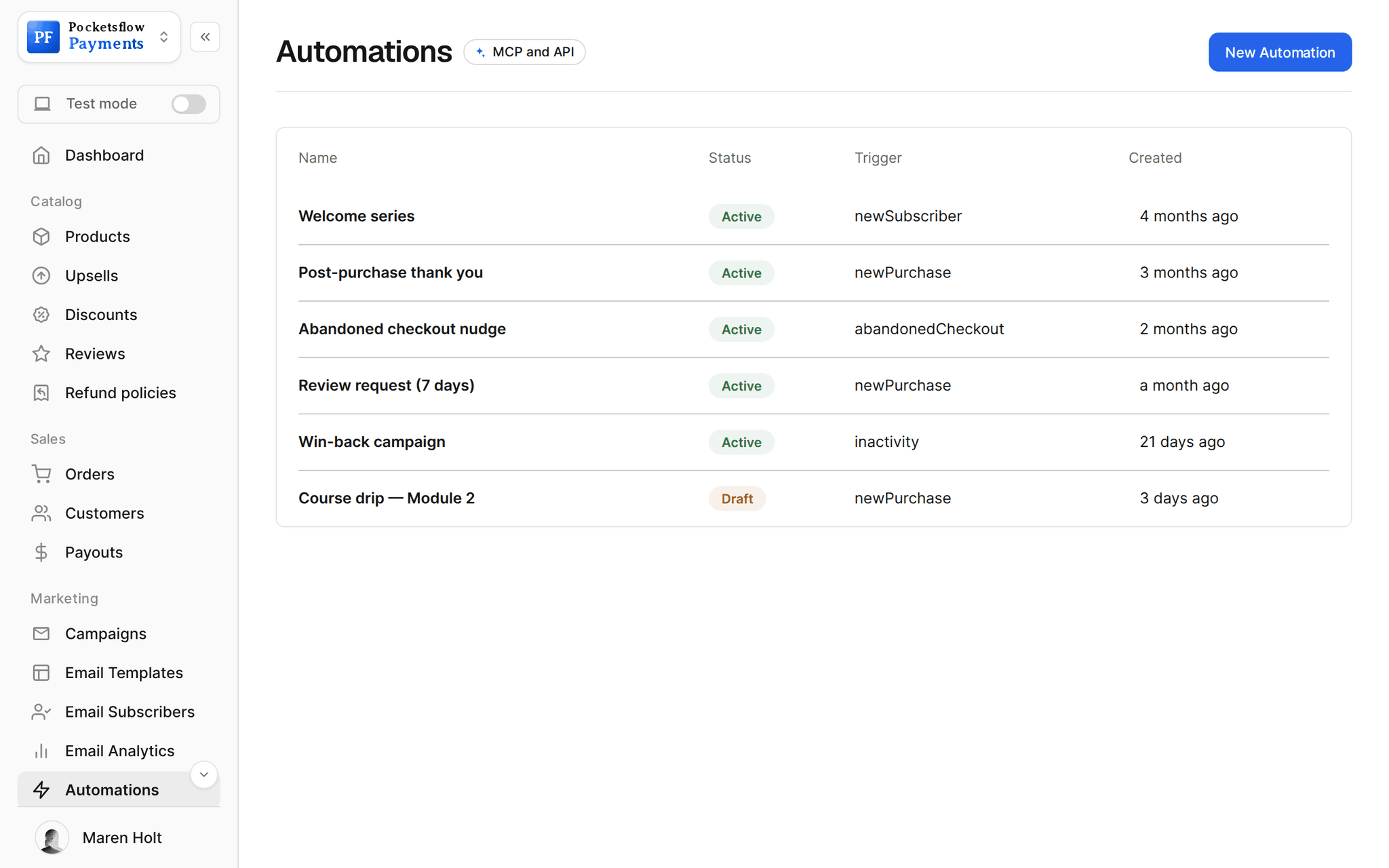
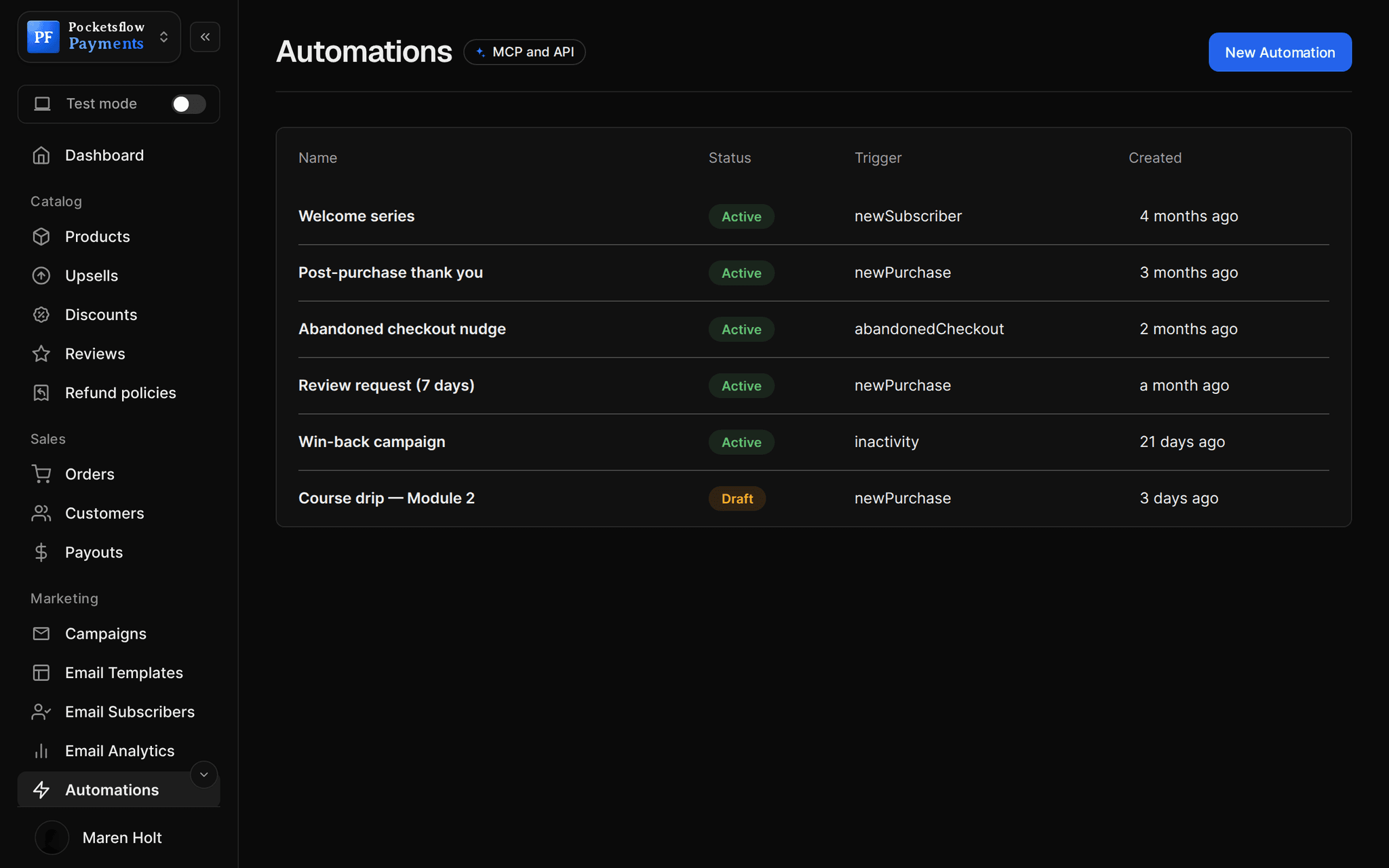
// more screens
Every screen you will use.
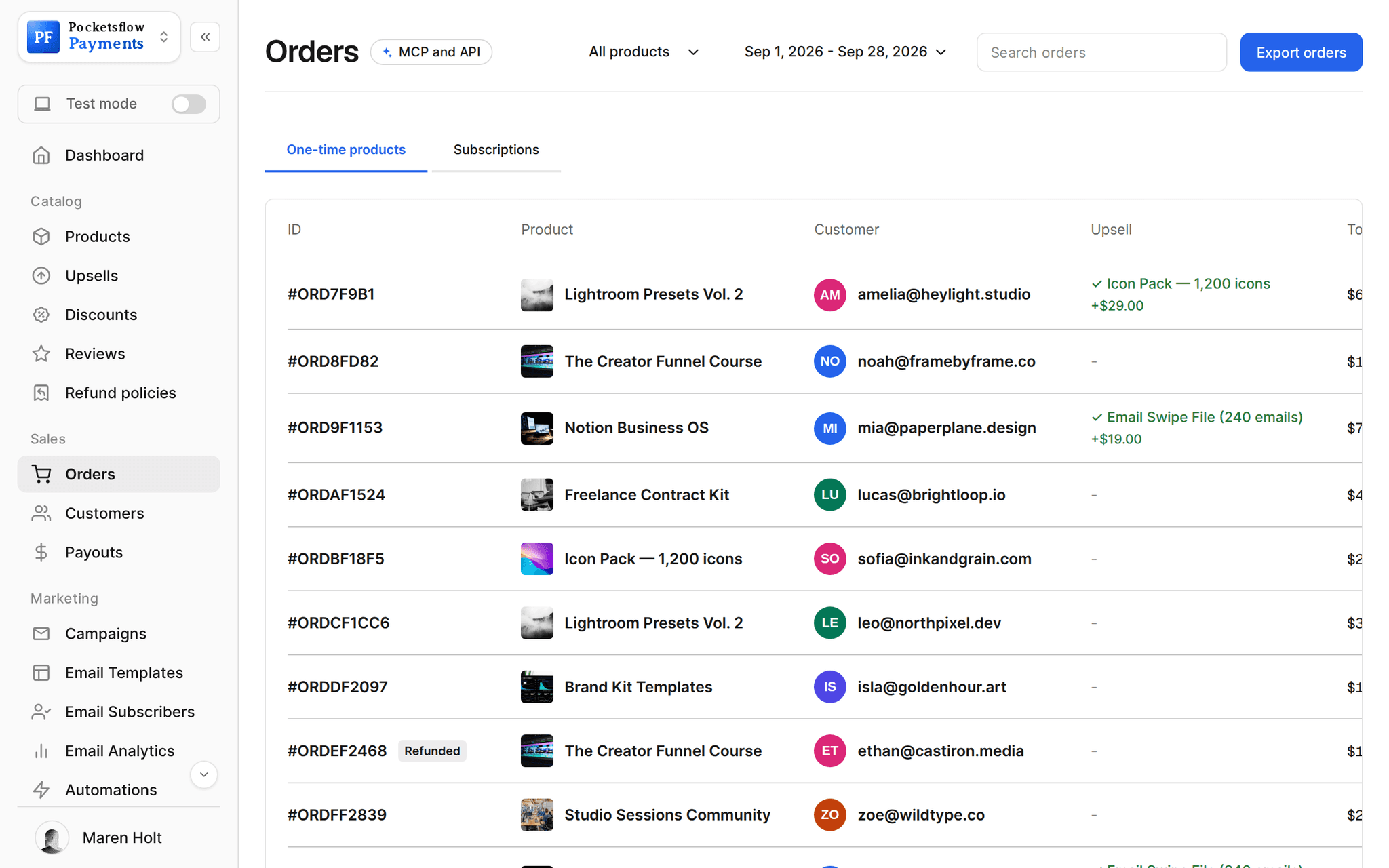
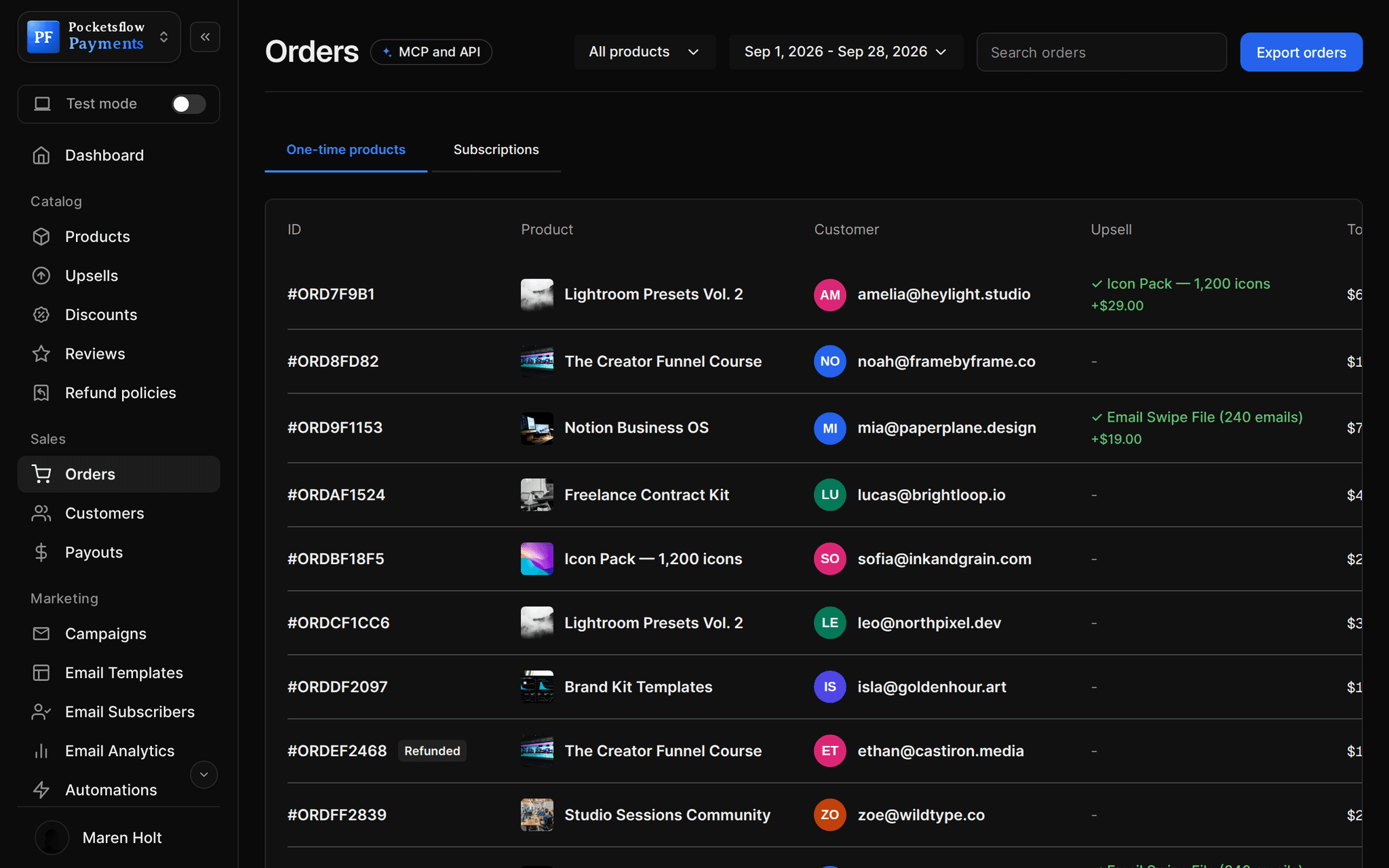
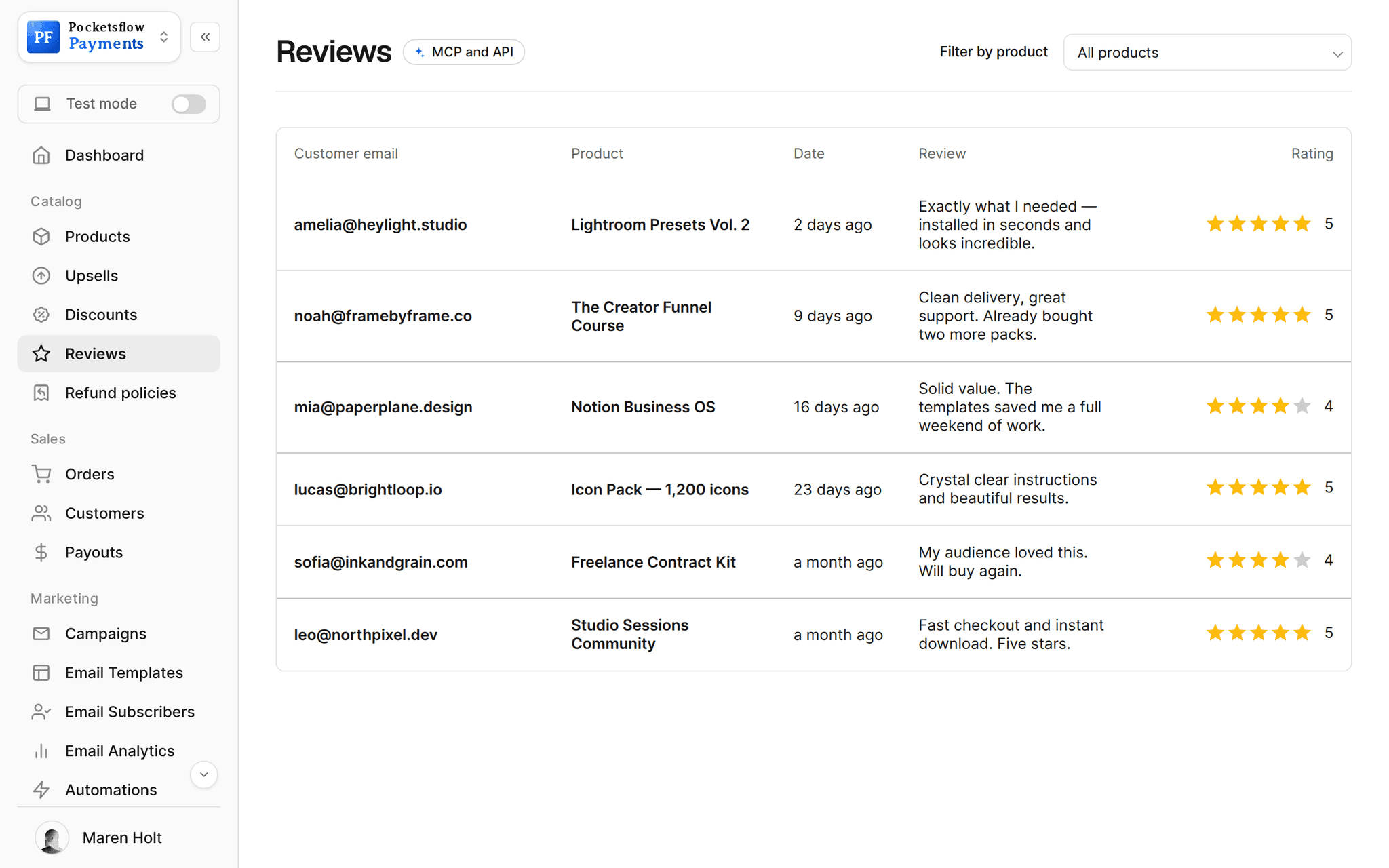
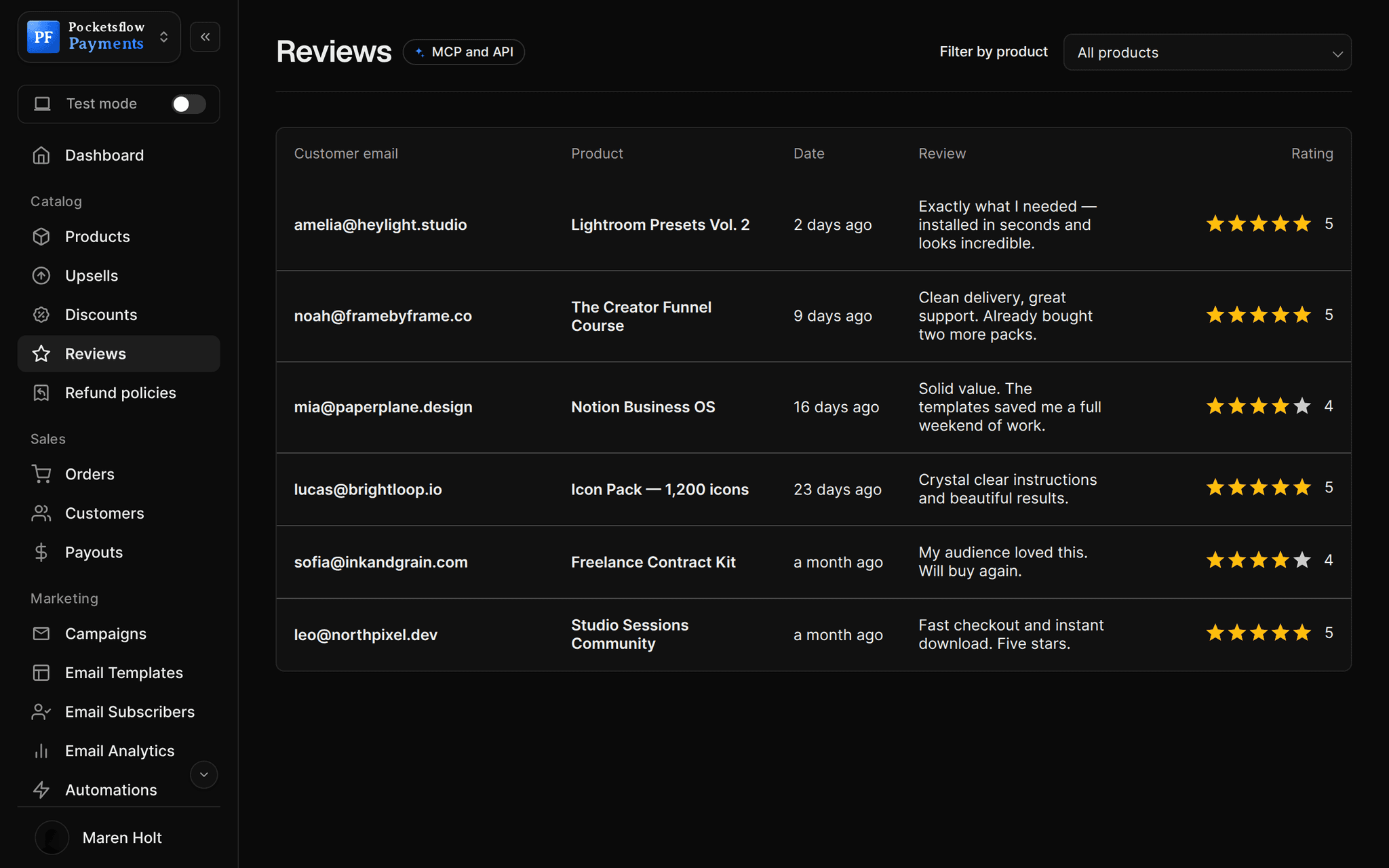
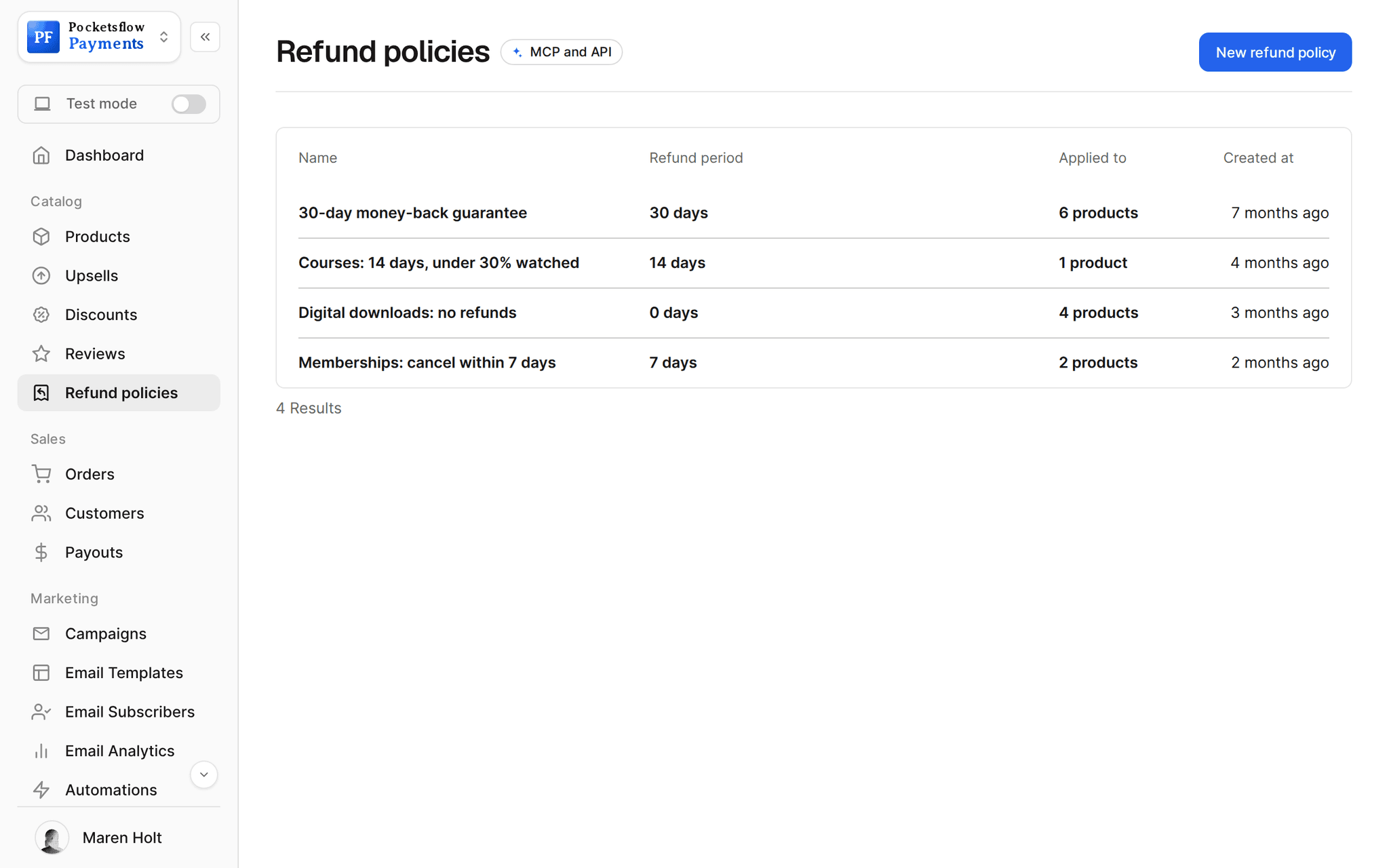
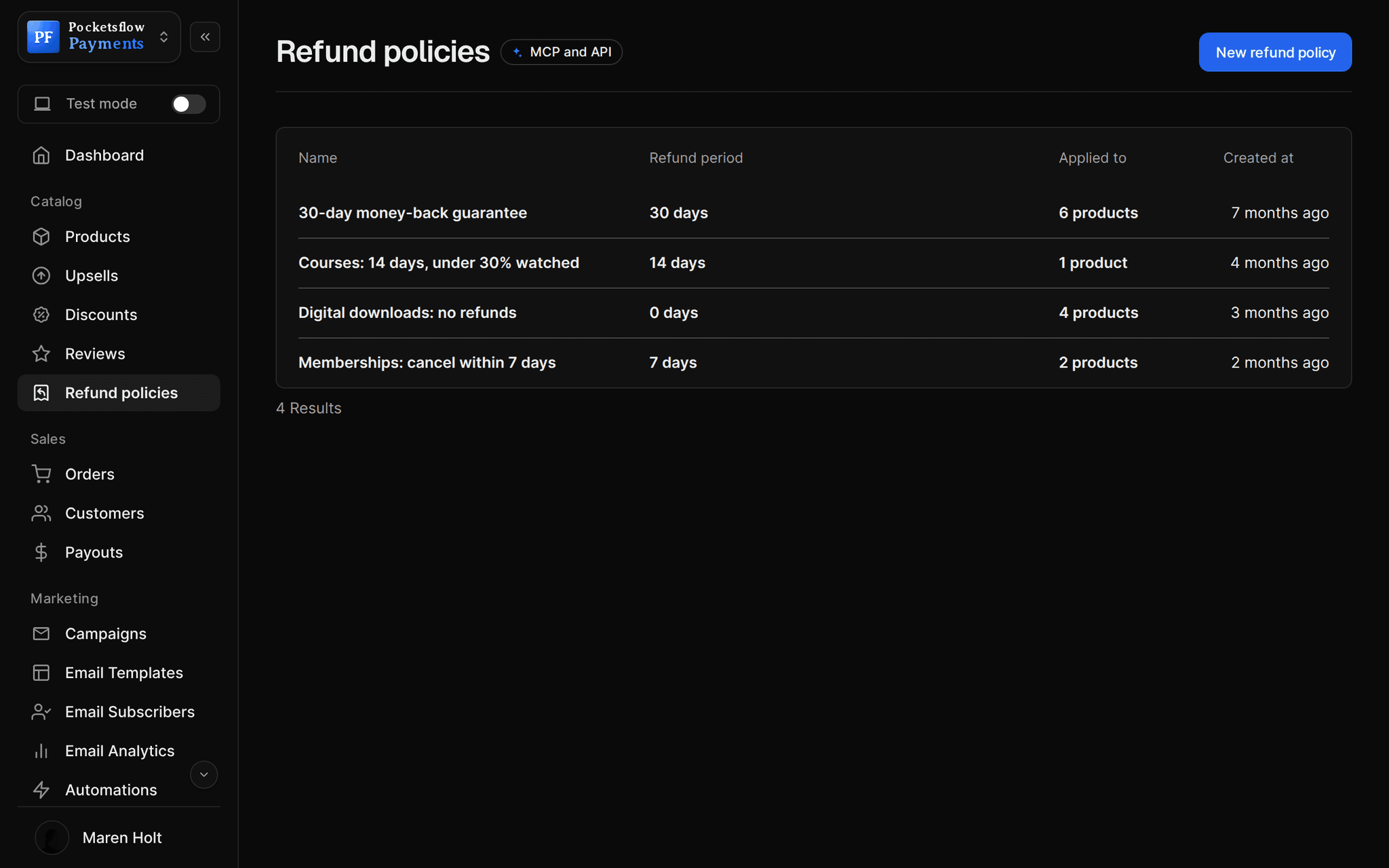
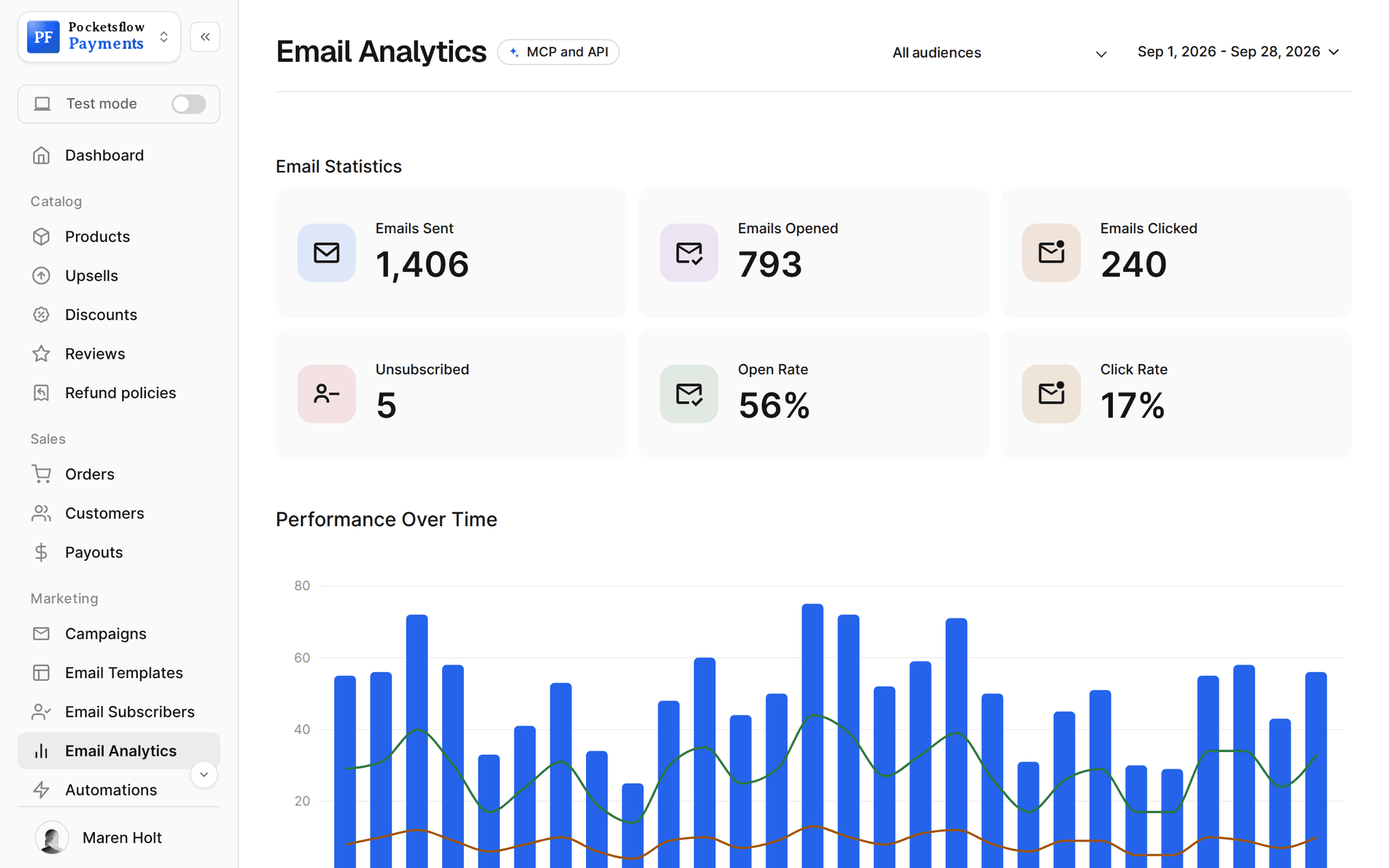
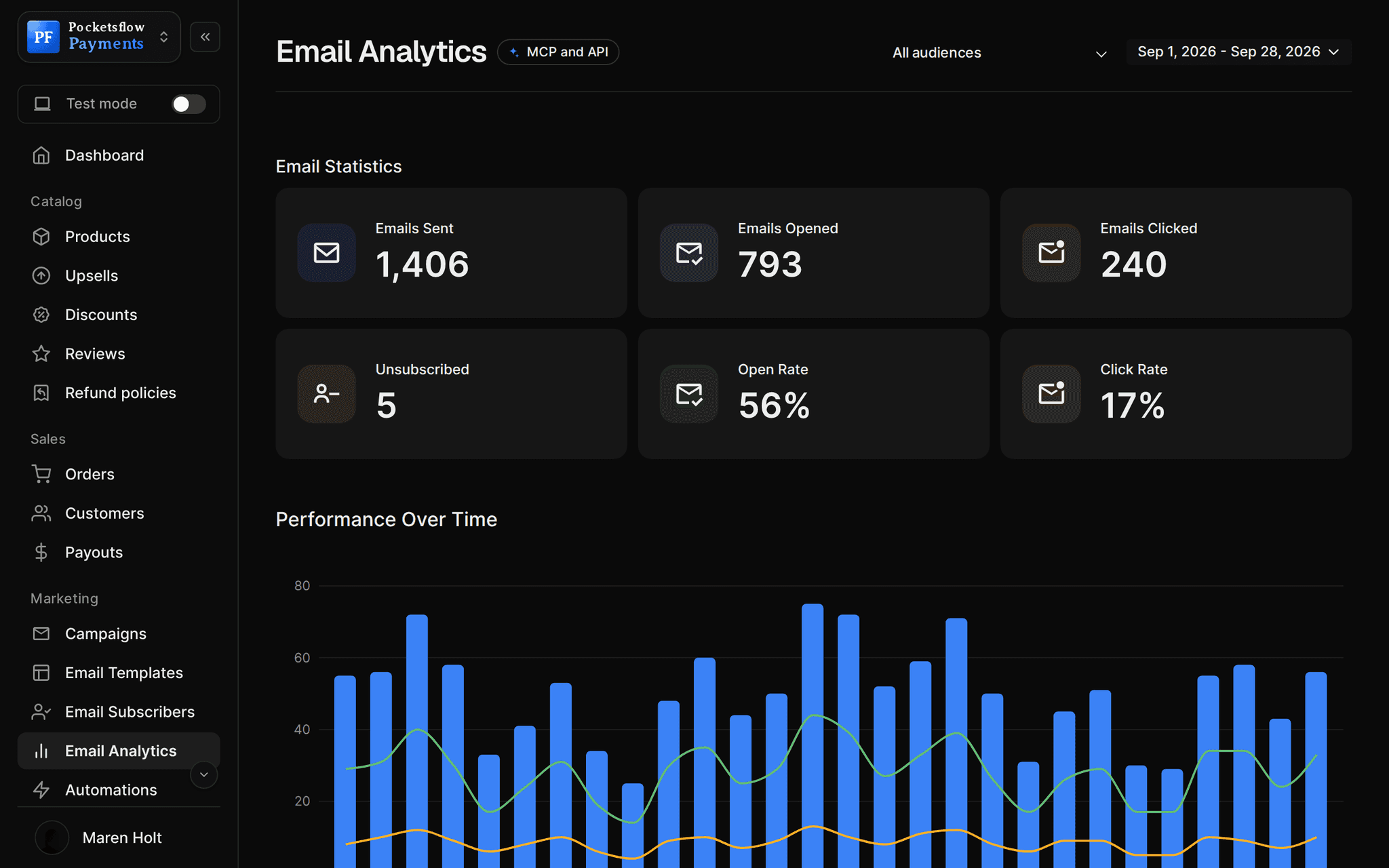
// use cases
Every kind of course.
Video courses
Episodes in order, each with a video link or upload and its own description.
The Creator Funnel Course$149
Workshops and replays
Sell the recording of a live workshop with the slides as a material.
Pricing Workshop Replay$49
Mini courses
Five short lessons as an entry product, with the flagship as an upsell.
7 Days of Notion$19
Course libraries
A monthly subscription to a growing catalog of lessons.
Design School Pass$25 / month
Cohort courses
Sell seats for a dated cohort and email students before each session.
Ship It Cohort, May$490
Lessons with materials
Worksheets, templates and code on each episode or on the whole course.
Excel for Founders$79
// how it works
Live in six steps.
Create a course product
Choose Course as the type, name it and set a one time price.
Add episodes
Each episode gets a title, a description and a video: a hosted link or an upload.
Attach materials
Add files or links to a single episode or to the whole course.
Design the sales page
Pick a page template, add the curriculum and reviews, or send buyers straight to checkout.
Open enrollment
Share the link, post it on your creator page or embed checkout on your site.
Students start at once
After paying they land on their course page and get an email to come back to it.
// ai
Or just ask your AI.
Connect Claude, ChatGPT, Codex, Grok, Cursor or any MCP client once. Then ask in plain words, and every change lands in your dashboard.
 Claude · Desktop app
Things to ask
- Create my course at $149 and give me the linkcreate_product · create_checkout_session
- Run 25% off the course until Fridaycreate_discount
- Who enrolled this week?list_orders · list_customers
- Offer the workbook as a $19 order bumpcreate_upsell
- Refund the student who emailed me todaylist_orders · create_refund
- Email every student that module 6 is uplist_subscribers · send_post
// included
Everything included.
- Course product type with ordered episodes
- Video per episode: hosted link or upload
- Materials per episode and for the whole course
- A course page for buyers after checkout
- One time price, pay what you want, or a subscription library
- 55 sales page templates
- Order bumps for workbooks and templates
- Discount codes for launches
- Refund policy per course
- Reviews and sales count on the page
- Email campaigns and drip automations
- Webhooks to grant access in your own app
// why pocketsflowWhy sellers pick Pocketsflow.
No course platform fee
No monthly plan to host a course. 4.7% + $0.30 estimated per sale, only when you sell.
Tax handled worldwide
As Merchant of Record, Pocketsflow collects and remits VAT and sales tax on every enrollment.
Everything else in one place
Sell templates, coaching and memberships next to the course from the same account.
Your AI as a teaching assistant
Ask it who enrolled, refund a student or email the class.
// connect
It's easy. Even your AI can do it.
Add Pocketsflow to the AI you already use, sign in and click Allow access. No API key, no code.
- 01Paste into your AI appIt's a connector address, not a web page.api.pocketsflow.com/mcp
Add Pocketsflow
Paste the server URL as a connector in your AI app.
- 02
Sign in and allow
Your AI opens Pocketsflow. Click Allow access.
- 03
Ask for anything
Products, orders, refunds, emails, in plain words.
import { Pocketsflow } from "pocketsflow";

const pf = new Pocketsflow({ apiKey: process.env.POCKETSFLOW_API_KEY });

// A course product. Add episodes and materials in the course
// builder; buyers watch them on their course page after paying.
const course = await pf.products.create({
  name: "The Creator Funnel Course",
  price: 149,
  productType: "course",
});

const session = await pf.checkout.create({
  productId: course._id,
  successUrl: "https://example.com/welcome",
});

redirect(session.url);
Sell a course with one call.
Create the course product from code or your AI, then grant extra access in your own app when order.completed arrives.
Every resource is an HTTPS endpoint under one base URL with Bearer API keys. Live and test keys are scoped to their own data; the OpenAPI spec is served at /docs.json.
// faq
Common questions.
How do students watch the course?
After checkout they land on their course page with every episode in order, its video and its materials. The receipt email links back to it, so they can return any time.
Where do the videos live?
Each episode takes a hosted video link (YouTube, Vimeo and similar) or an uploaded file. Uploads follow your plan's file size limit, so long videos usually go on a video host.
Can I attach worksheets and templates?
Yes. Add materials to a single episode or to the course as a whole, either as uploaded files or as links.
Can I sell a course as a subscription?
Yes. Sell a one time course with lifetime access, or a monthly or yearly subscription to a library of lessons that keeps growing.
Can I drip content by email?
Yes. An automation that starts on a purchase can wait, send, branch on opens or clicks, and tag students. Email automations are part of the email plans.
What does it cost?
No monthly fee and no setup fee. Each sale carries one itemized transaction cost, 4.7% + $0.30 estimated (about $5.00 on a $100 sale), covering the platform, payment infrastructure, tax handling and dispute prevention. Above $10,000 a month in sales, talk to us about reduced fees.
Who handles sales tax and VAT?
Pocketsflow is the Merchant of Record. By default it calculates, collects and remits eligible sales tax and VAT on every sale, handles fraud checks and chargebacks, and sends the buyer an invoice. You can also choose to remit tax yourself in Settings, Taxes.
Can my AI do this for me?
Yes. Add the Pocketsflow MCP server to Claude, ChatGPT, Codex, Grok, Cursor or any MCP client, sign in and click Allow access. No API key. Your AI can then create products, set prices and discounts, open checkouts, read orders and send emails, and every change shows up in your dashboard.
// related
Keep exploring.
Start accepting payments today.
Sell your first product today, and let the AI you already use run the busywork.