Sell moreDiscount Codes
Discounts that move the needle.
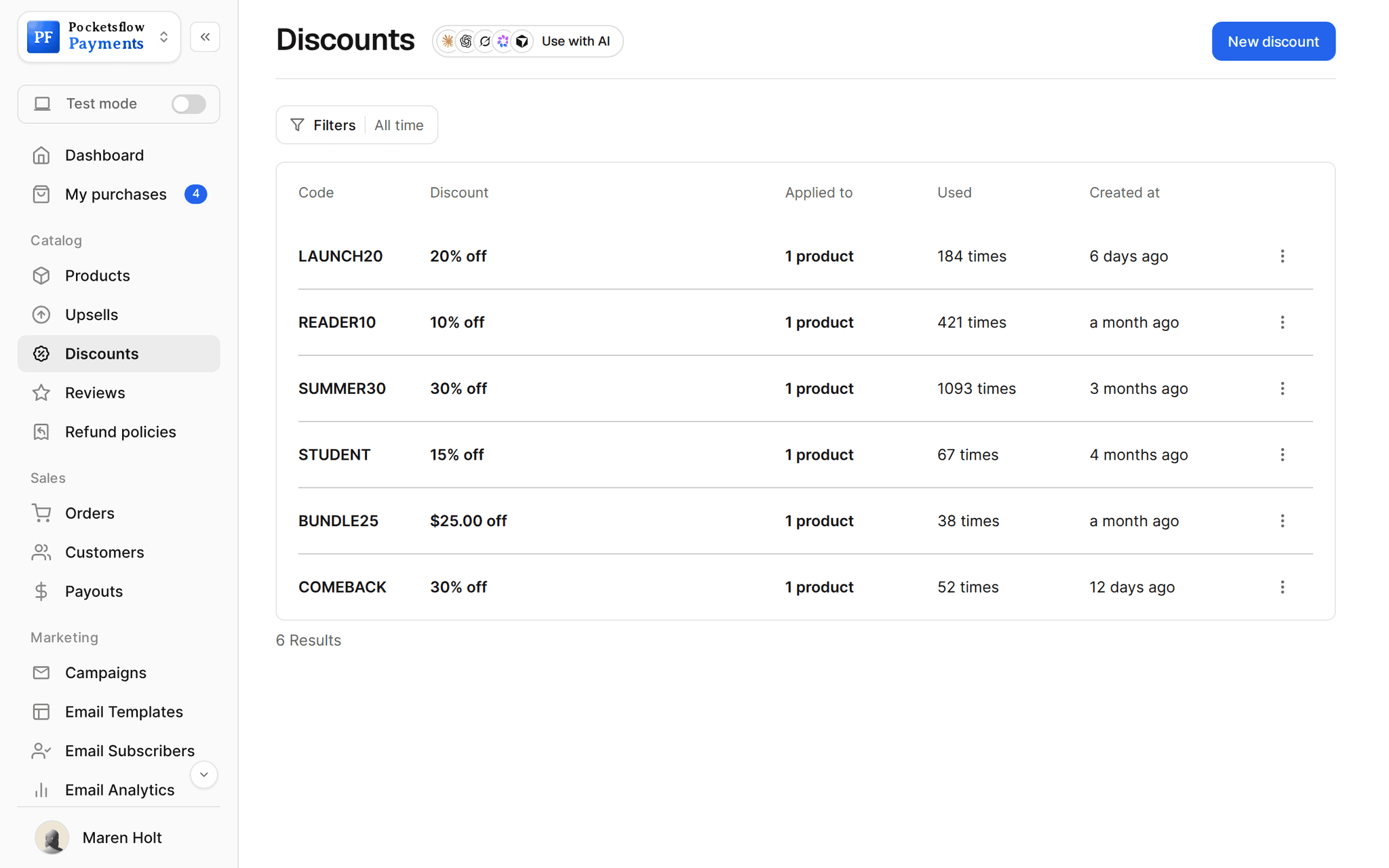
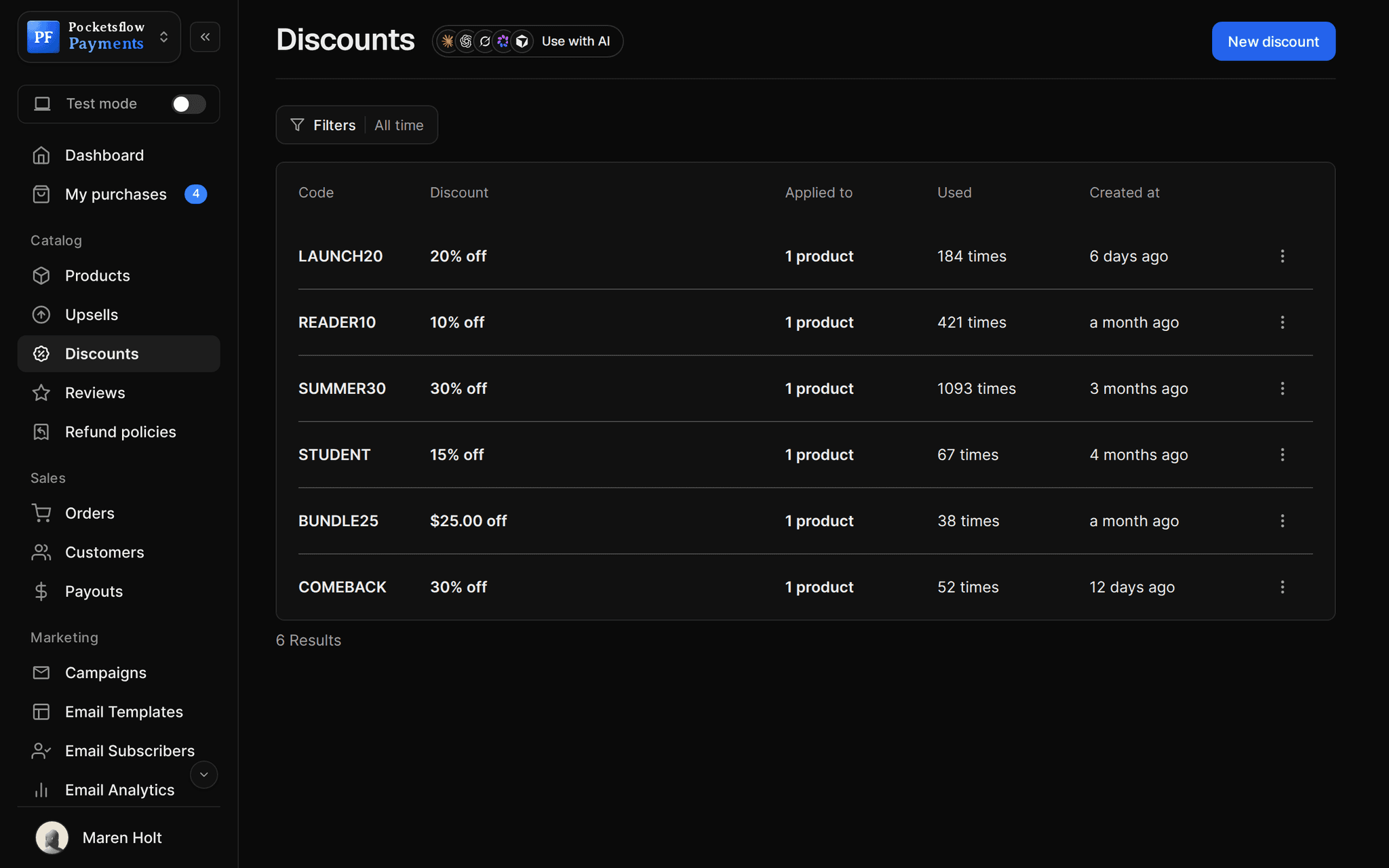
Create a percentage or fixed amount code in seconds, choose which products and subscriptions it works on, and set when it expires. Buyers enter it at checkout, and you see how many times each code was used.


- estimated per sale, no monthly fee
- 4.7% + $0.30
- types: percentage or fixed amount
- 2
- date and time on any code
- Expiry
- MCP tools for discounts
- 5
// inside pocketsflow
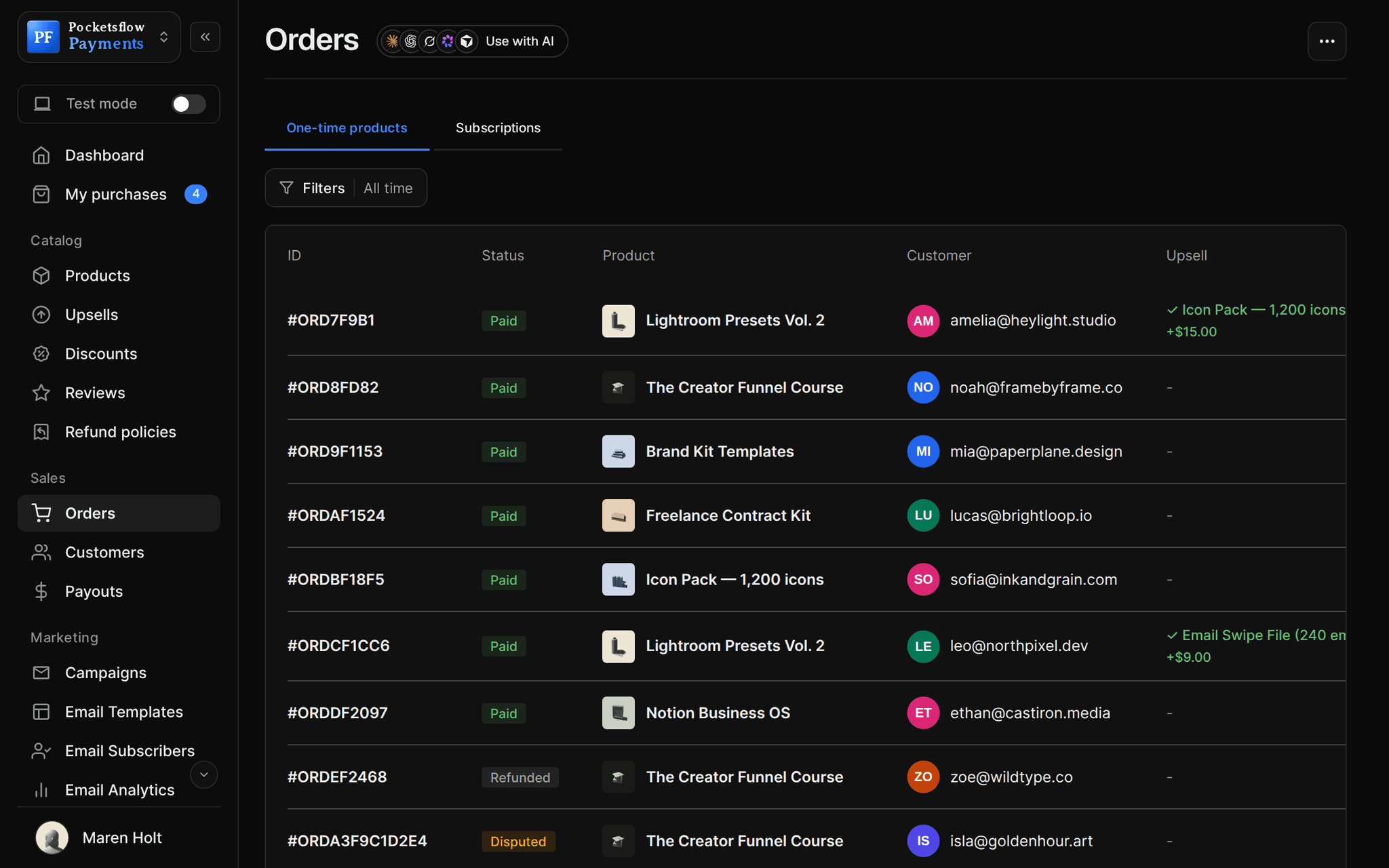
See how it works in the dashboard.
// more screens
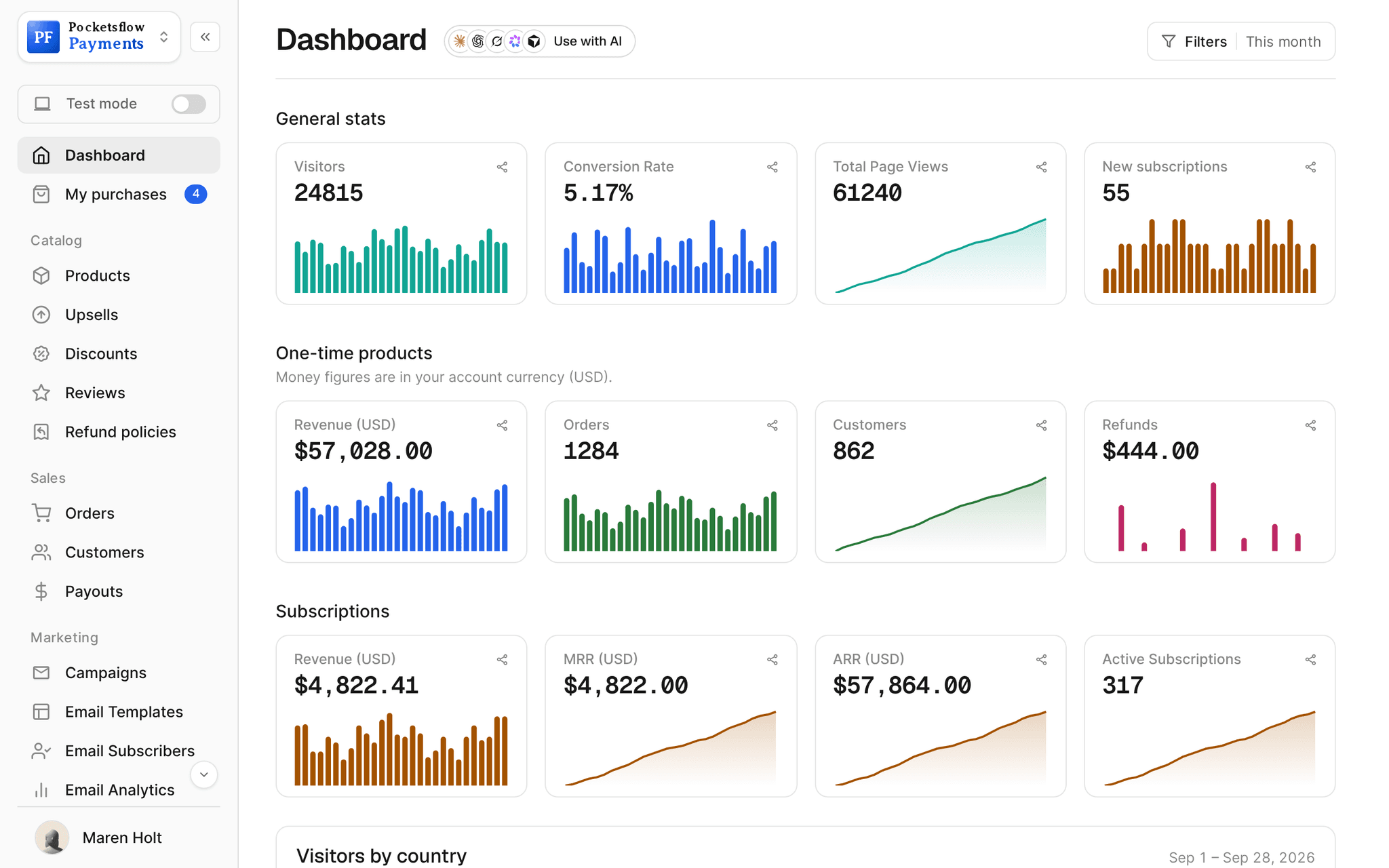
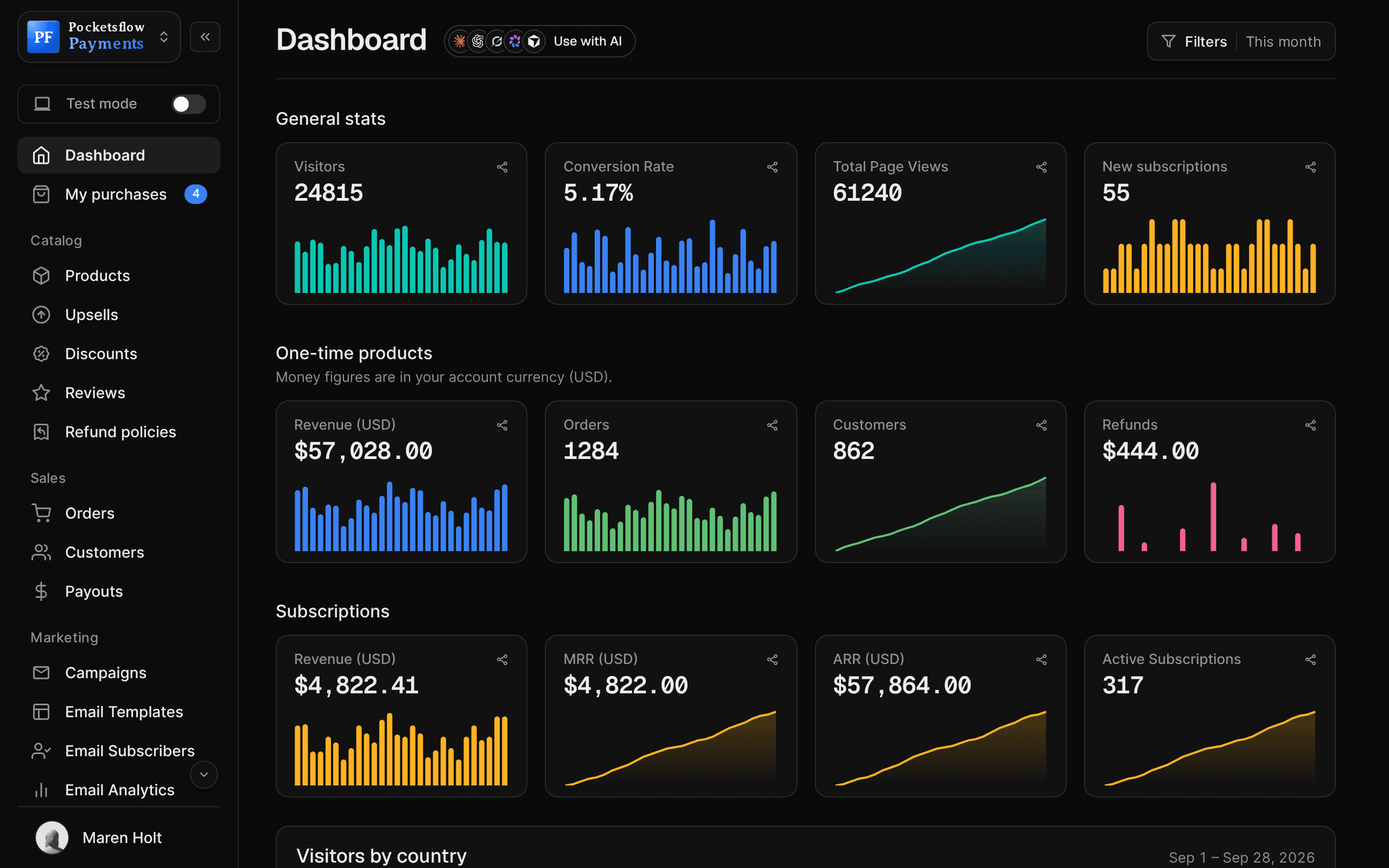
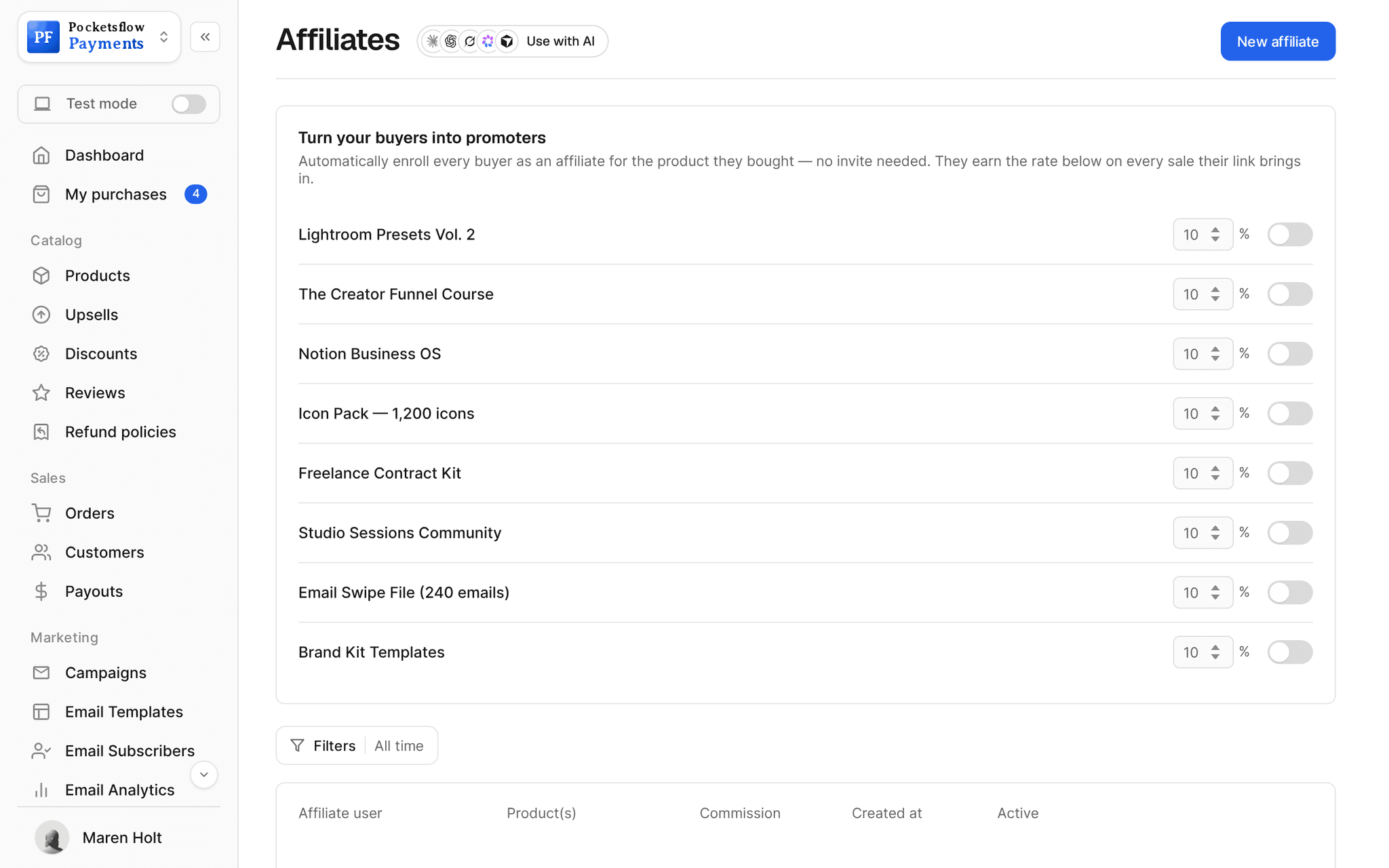
Every screen you will use.

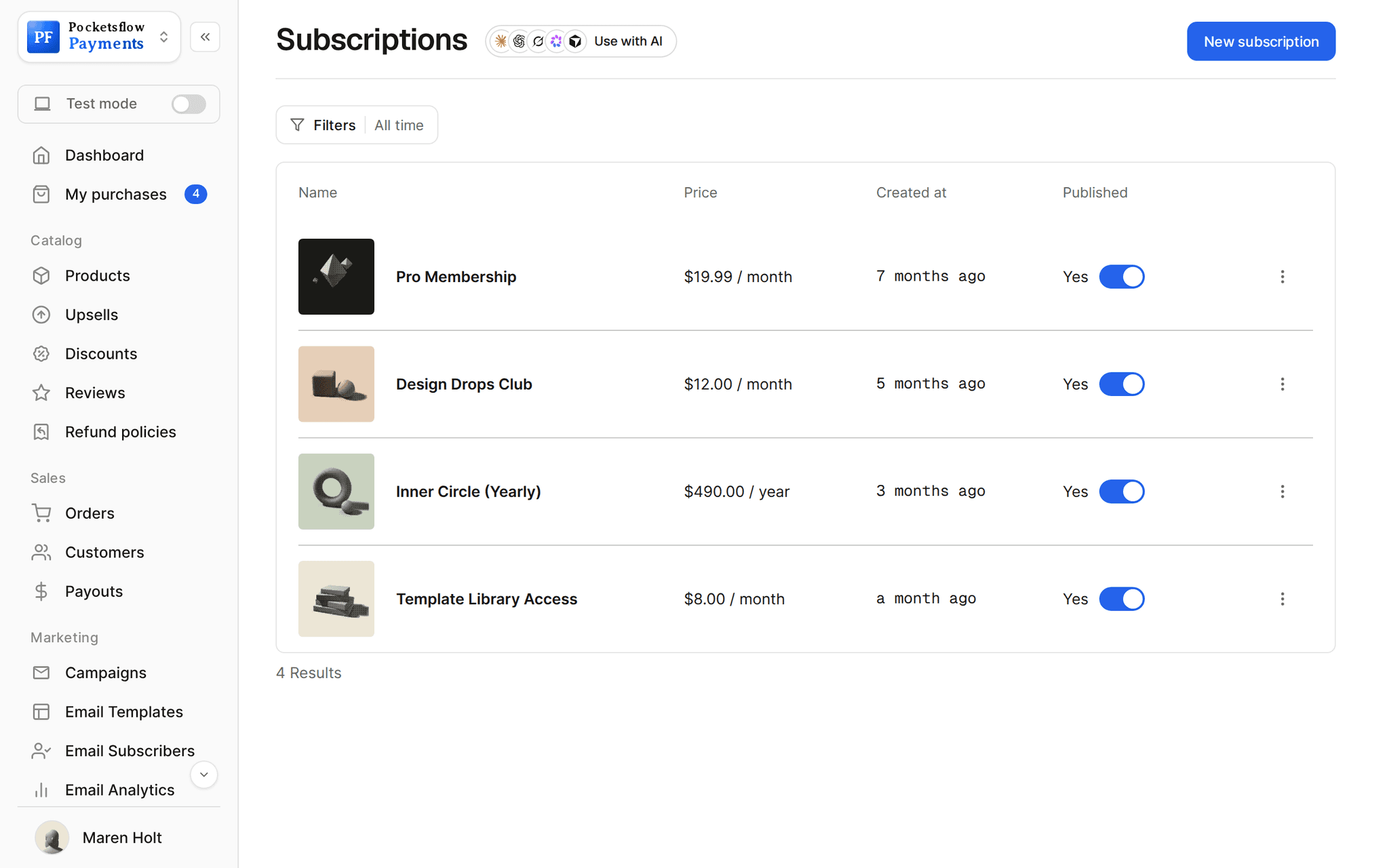
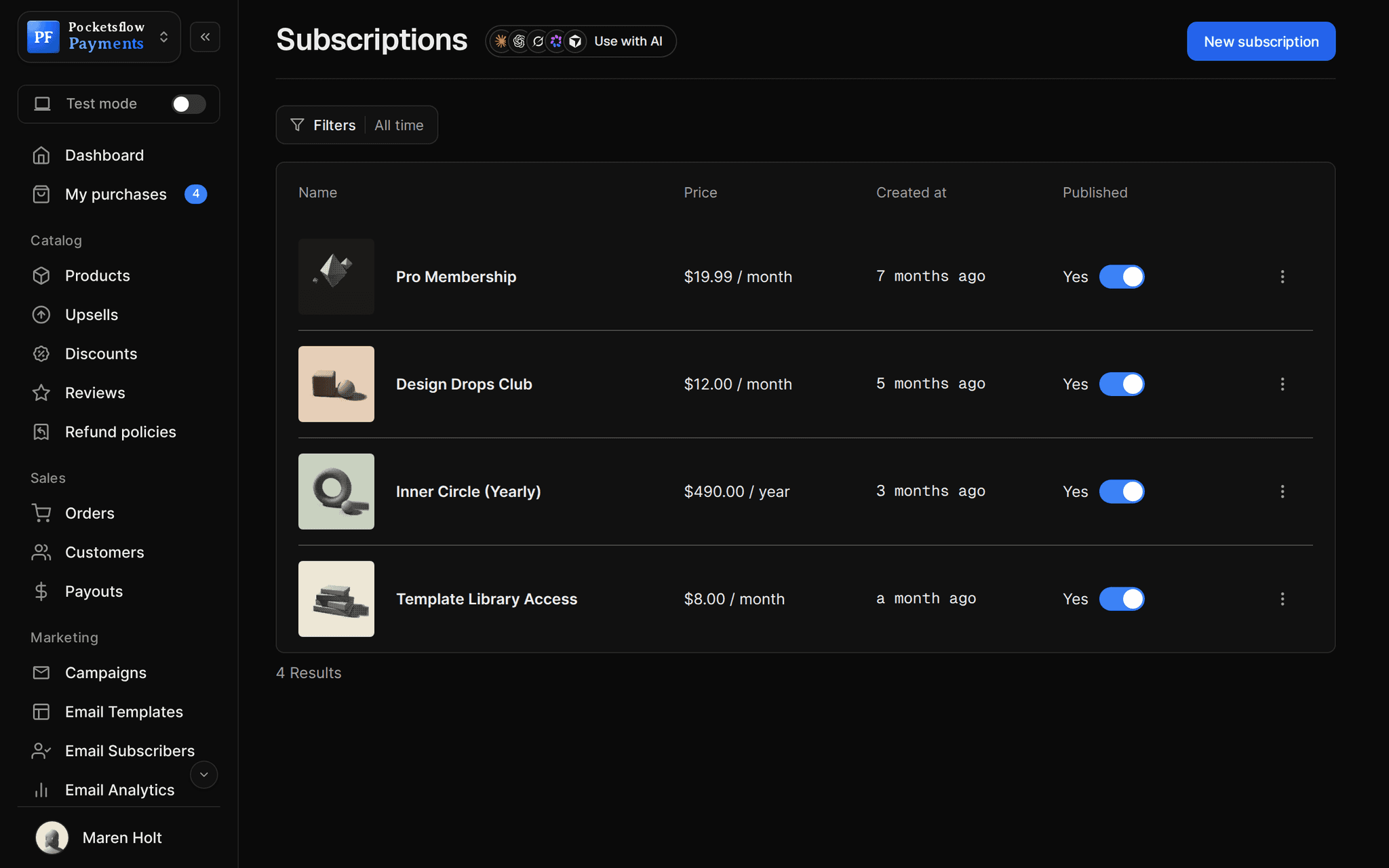
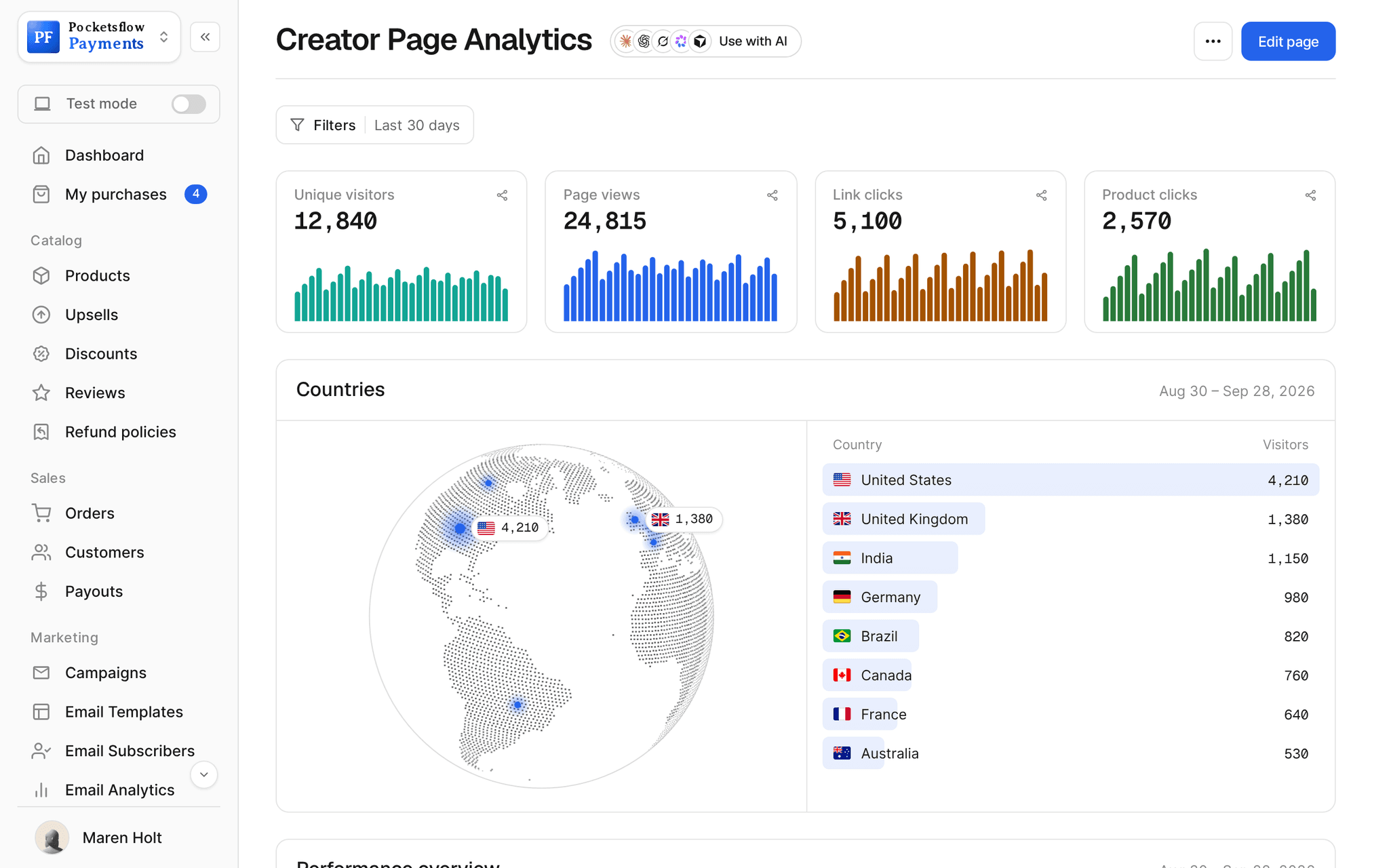
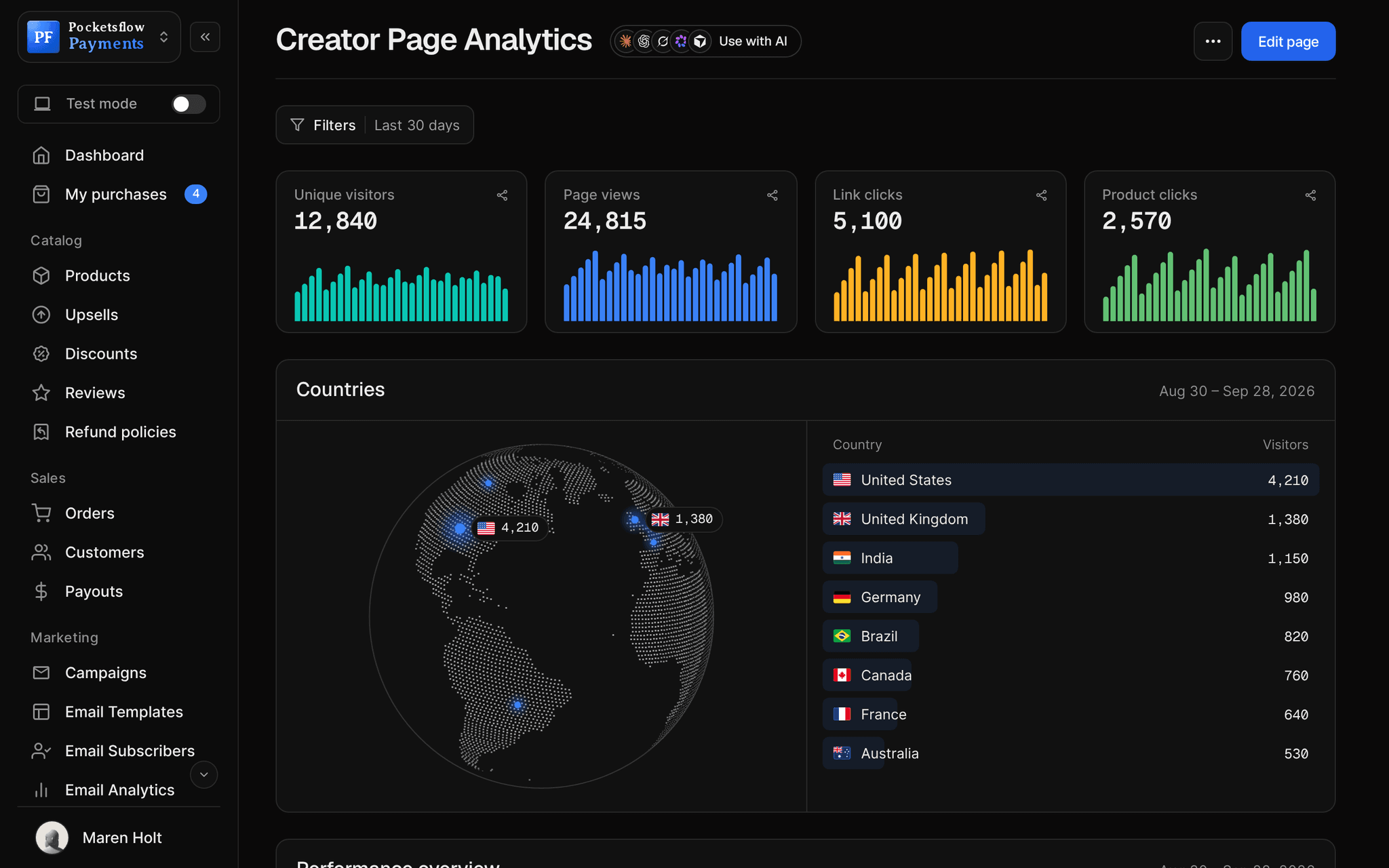
// use cases
Codes sellers run.
Launch discounts
20% off for the first week, ending on a set date.
LAUNCH2020% off
Reader and fan codes
A standing code for newsletter readers or podcast listeners.
READER1010% off
Black Friday
A big code for a short window, switched off when it ends.
BF5050% off
Student pricing
A code you share with students or nonprofits.
STUDENT15% off
Bundle savings
A fixed amount off a higher priced bundle.
BUNDLE25$25 off
Win back offers
A code for past buyers who have not bought in a while.
COMEBACK30% off
// how it works
Live in four steps.
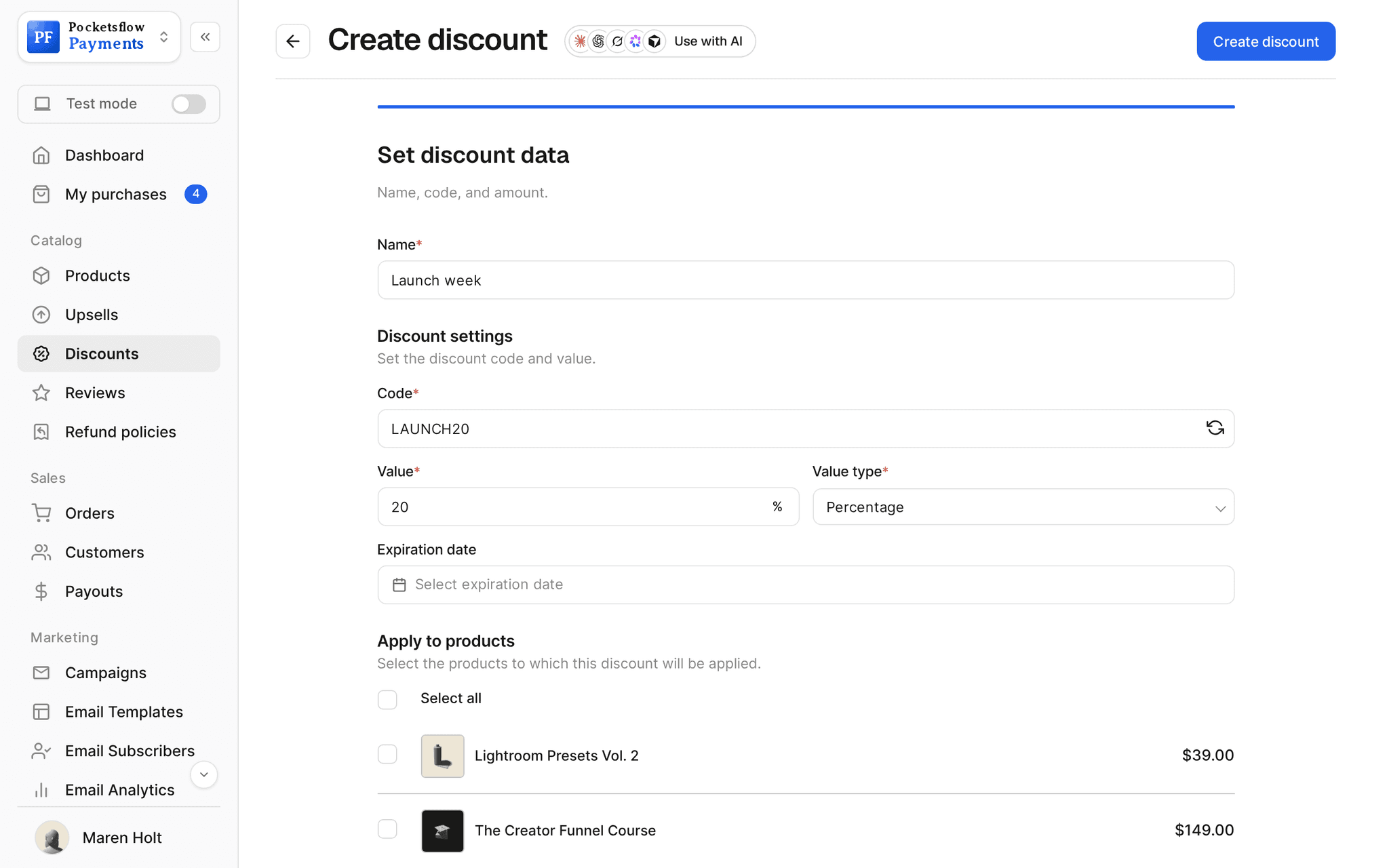
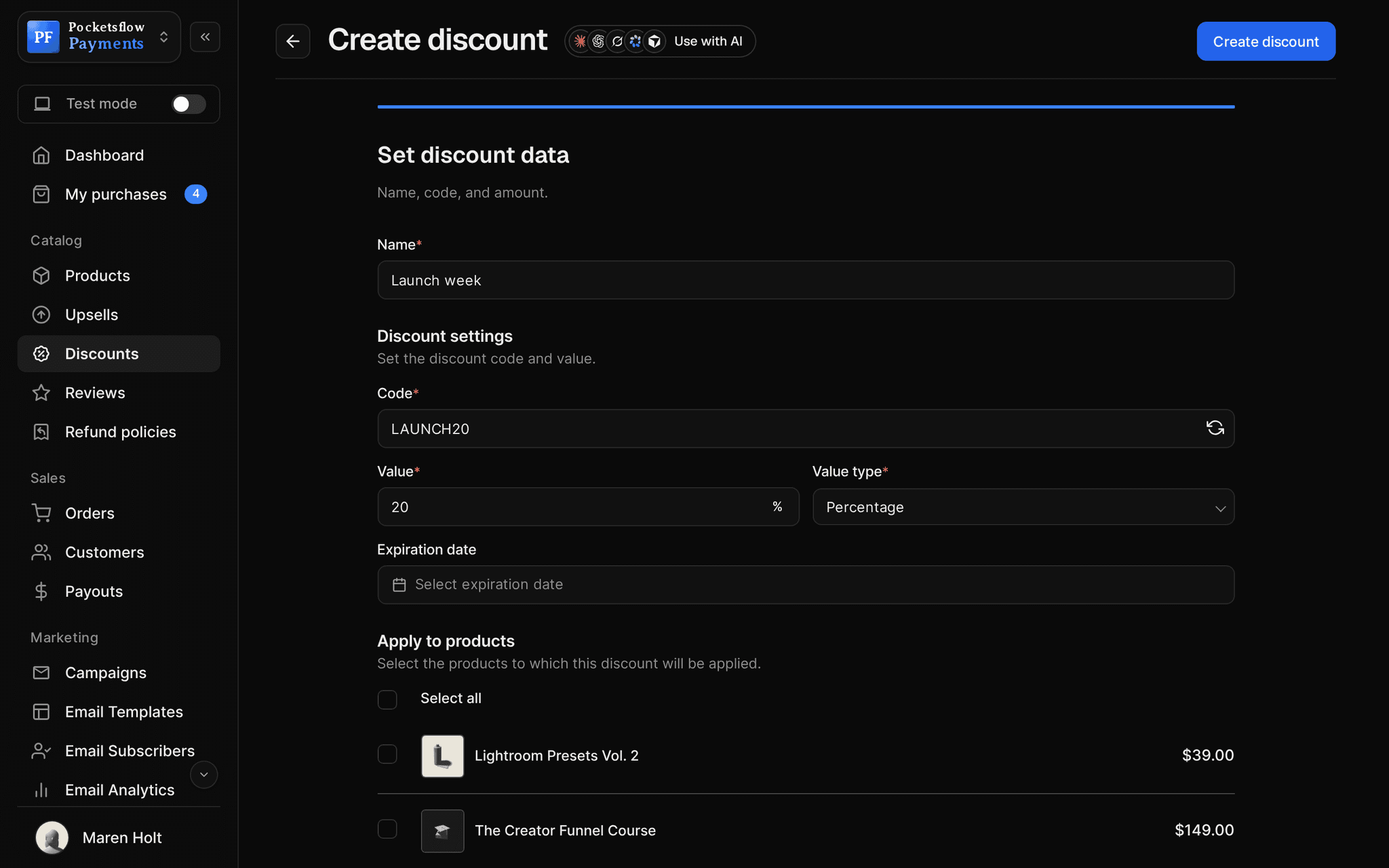
Create the code
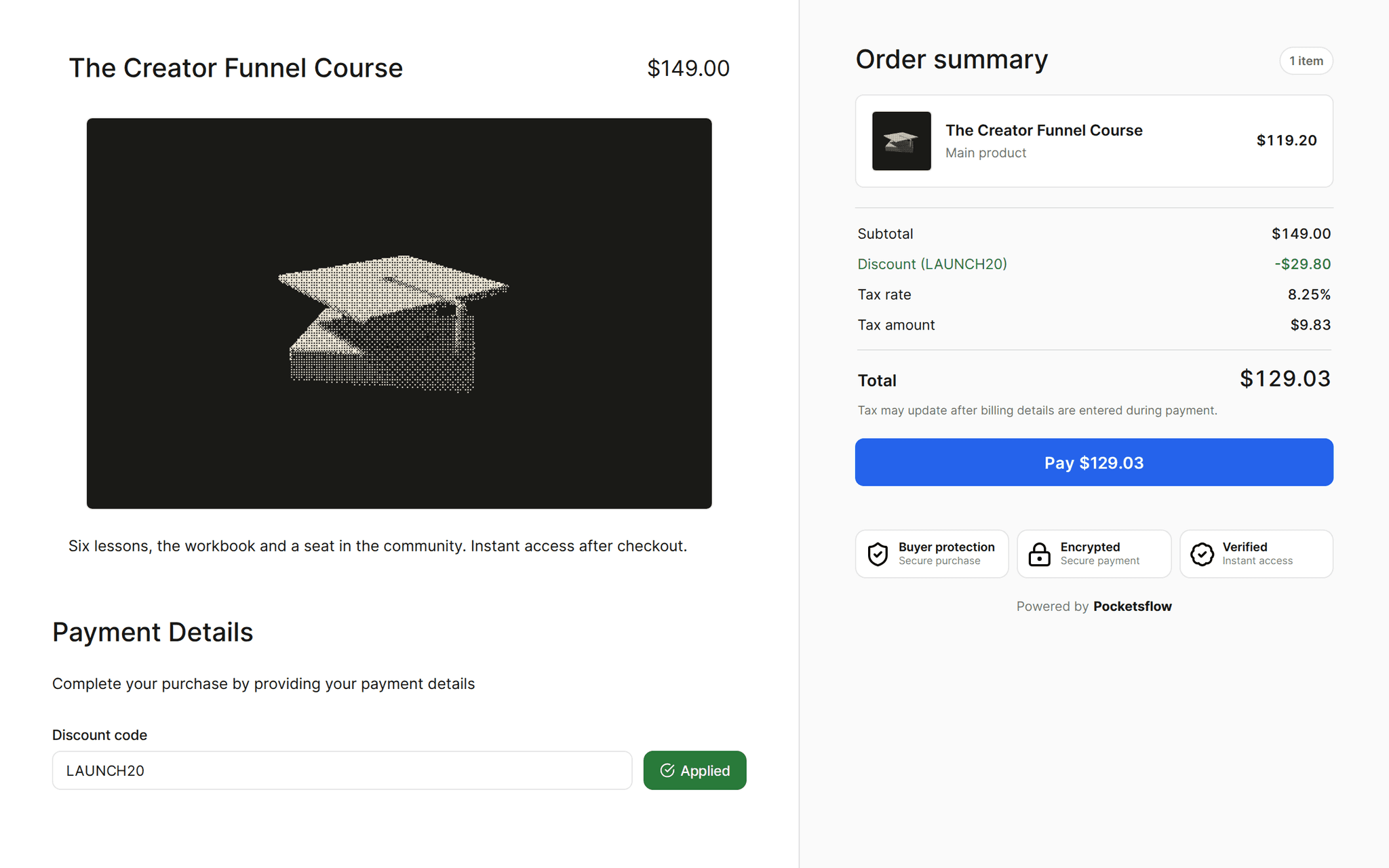
Give it a name and the code buyers type, like LAUNCH20.
Set the value
A percentage or a fixed amount off.
Scope and schedule it
Choose the products and subscriptions it applies to, and an optional expiry date.
Share and track
Post or email it, then watch how many times it is used. Switch it off any time.
// ai
Or just ask your AI.
Connect Claude, ChatGPT, Codex, Grok, Cursor or any MCP client once. Then ask in plain words, and every change lands in your dashboard.
Things to ask
- Make a 20% code for my presets until Sundaycreate_discount
- Which code was used the most this month?list_discounts
- Turn off BF50 now that Black Friday is overupdate_discount
- Give students 15% off every courselist_products · create_discount
- Create a $25 off code for the bundlecreate_discount
- Delete the codes that expired last yearlist_discounts · delete_discount
// included
Everything included.
- Percentage or fixed amount codes
- Scoped to the products you choose
- Works on subscriptions too
- Optional expiry date and time
- Active toggle to pause a code
- Times used per code
- Applied on the checkout, with the new total shown
- Test mode codes that never touch live sales
- Codes per seller only, never cross account
- Create from the dashboard, API, SDK or your AI
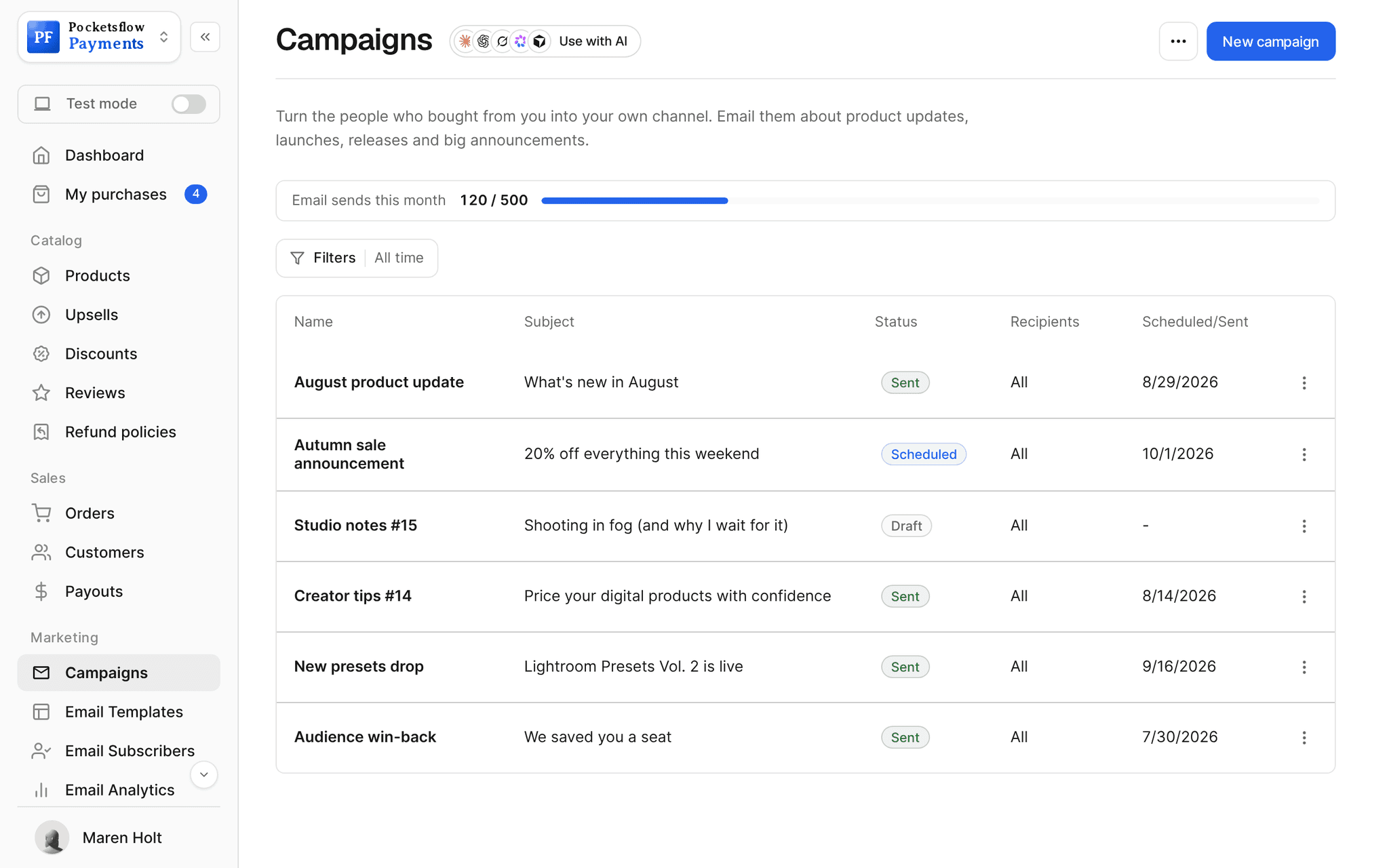
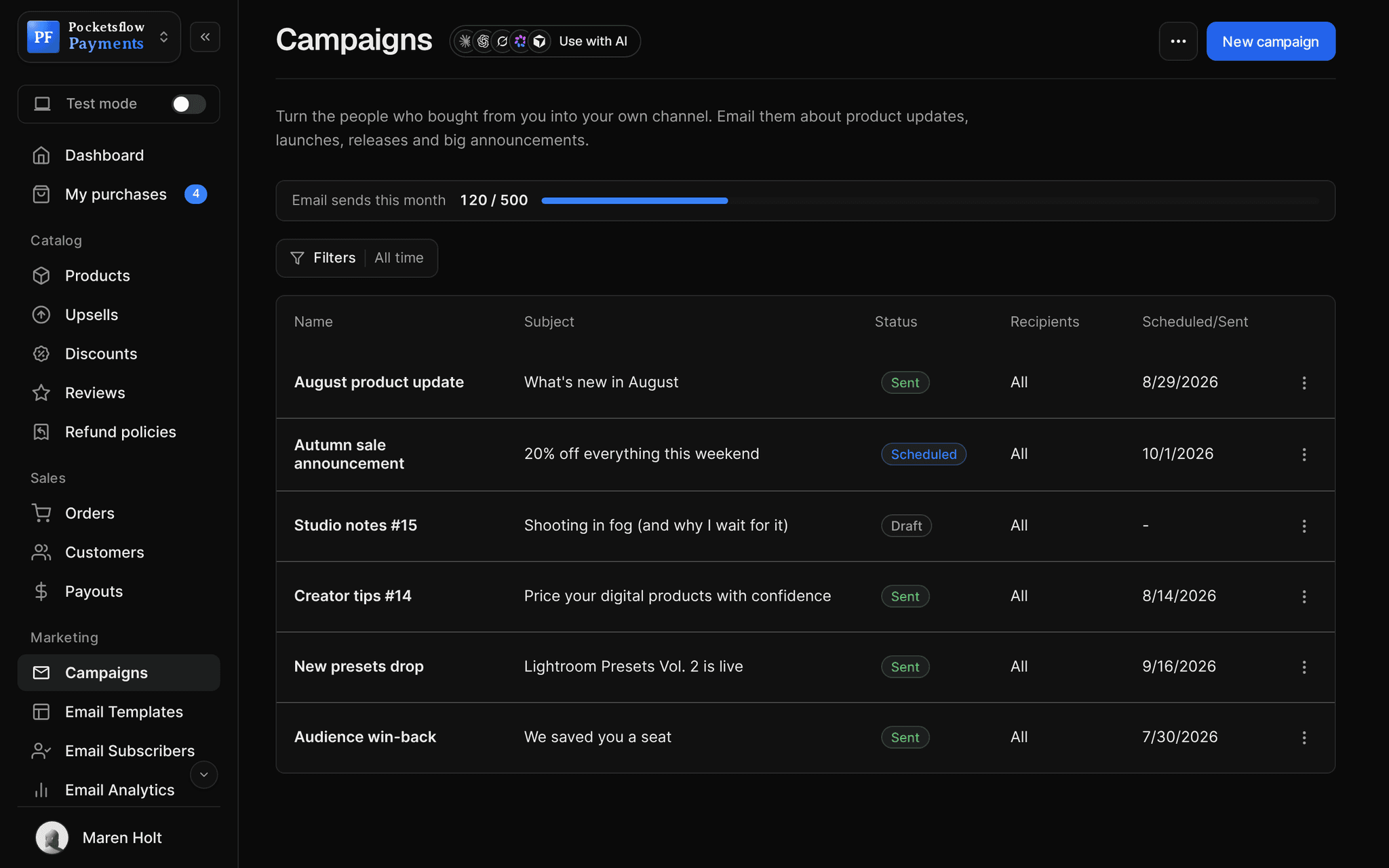
- Email campaigns to announce them
- Works with order bumps on the same checkout
// why pocketsflowWhy sellers pick Pocketsflow.
Fast promotions
A code in seconds, or one sentence to your AI.
Safe by default
Codes only apply to the items you pick, while active and not expired.
Everything in one place
Announce, sell and measure the sale from one account.
One fee
4.7% + $0.30 estimated on the discounted total, no extra cost per code.
// connect
It's easy. Even your AI can do it.
Add Pocketsflow to the AI you already use, sign in and click Allow access. No API key, no code.
- 01Paste into your AI appIt's a connector address, not a web page.api.pocketsflow.com/mcp
Add Pocketsflow
Paste the server URL as a connector in your AI app.
- 02
Sign in and allow
Your AI opens Pocketsflow. Click Allow access.
- 03
Ask for anything
Products, orders, refunds, emails, in plain words.
import { Pocketsflow } from "pocketsflow";

const pf = new Pocketsflow({ apiKey: process.env.POCKETSFLOW_API_KEY });

// A percentage code scoped to one product, usable at checkout.
const product = await pf.products.create({
  name: "Pro license",
  price: 49,
});

await pf.discounts.create({
  name: "Launch discount",
  code: "LAUNCH20",
  value: 20,
  valueType: "percentage",
  mainProductIds: [product._id],
});
Discounts are an API call.
Create a checkout, attach a product, and let Pocketsflow handle the transaction lifecycle: payment, tax, delivery, and the receipt.
Every resource is an HTTPS endpoint under one base URL with Bearer API keys. Live and test keys are scoped to their own data; the OpenAPI spec is served at /docs.json.
// faq
Common questions.
Can I limit a code to certain products?
Yes. Every code applies only to the products and subscriptions you attach it to.
Do percentage and fixed discounts both work?
Yes. Choose a percentage off or a fixed amount off for each code.
Can I run a limited time offer?
Yes. Set an expiry date and the code stops working after it. You can also switch a code off at any moment with its active toggle.
Where do buyers enter the code?
On the checkout. The new total, with tax for their country, shows before they pay.
Can I see how a code performed?
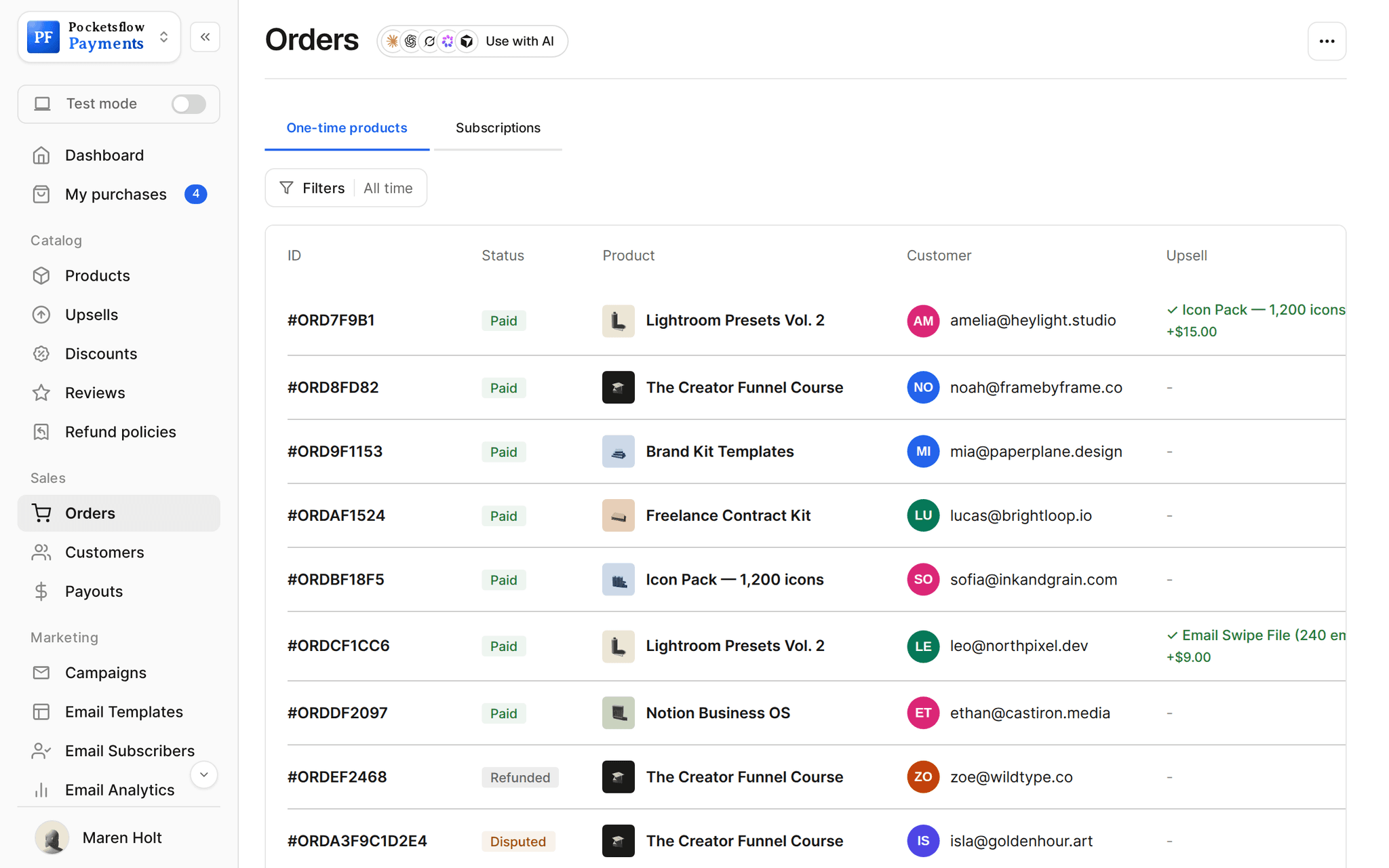
Yes. The discounts list shows how many times each code was used, and your orders and dashboard show what the sale brought in.
What does it cost?
No monthly fee and no setup fee. Each sale carries one itemized transaction cost, 4.7% + $0.30 estimated (about $5.00 on a $100 sale), covering the platform, payment infrastructure, tax handling and dispute prevention. Above $10,000 a month in sales, talk to us about reduced fees.
Can my AI do this for me?
Yes. Add the Pocketsflow MCP server to Claude, ChatGPT, Codex, Grok, Cursor or any MCP client, sign in and click Allow access. No API key. Your AI can then create products, set prices and discounts, open checkouts, read orders and send emails, and every change shows up in your dashboard.
// related
Keep exploring.
Start accepting payments today.
Sell your first product today, and let the AI you already use run the busywork.