Sell moreCheckout Pages
Checkout that gets out of the way.
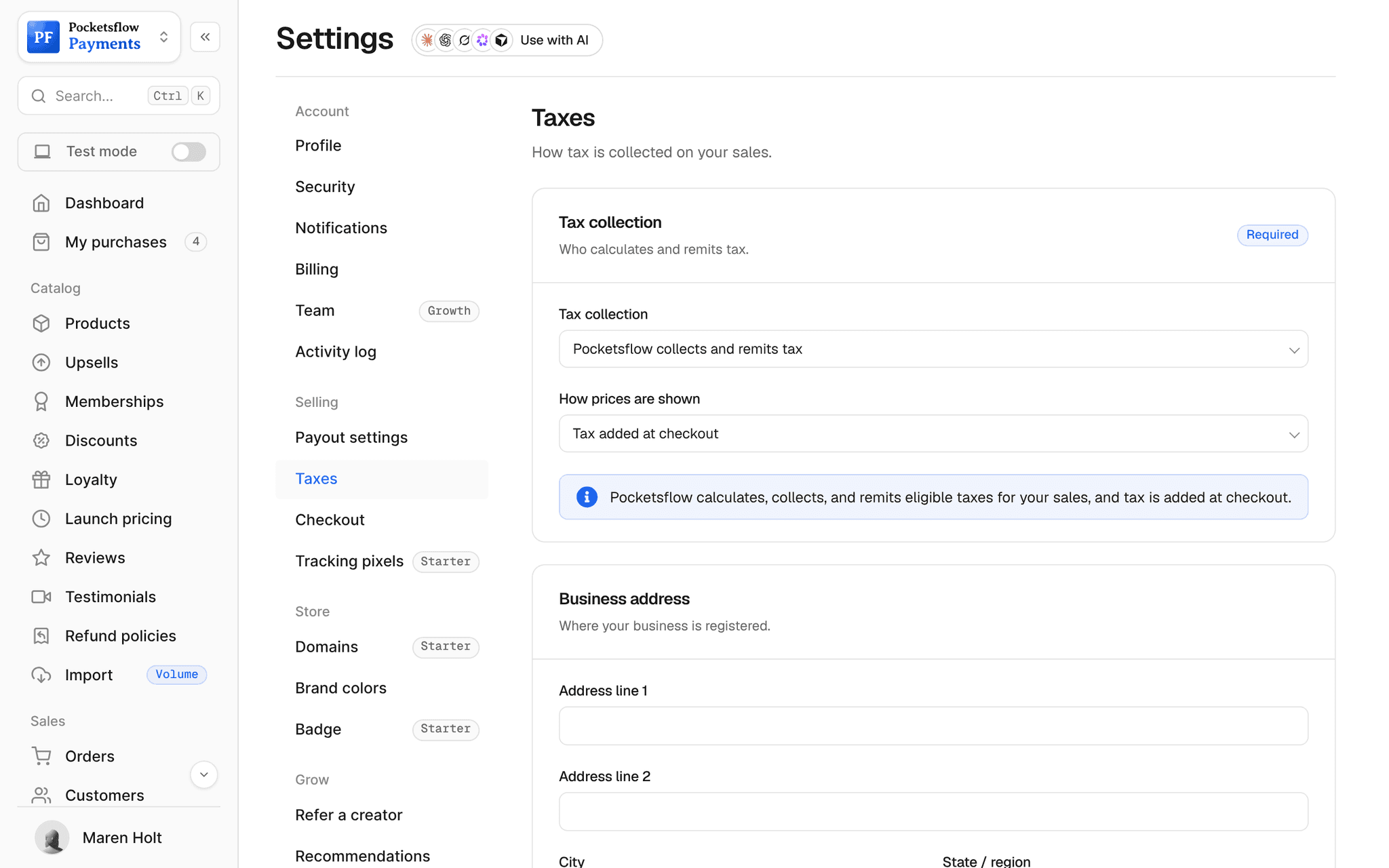
Every product and subscription comes with a checkout: email, payment, done. Pick a template to match your brand, embed it on your own site, or open a session from one API call. Tax is added for the buyer's country and shown before they pay.


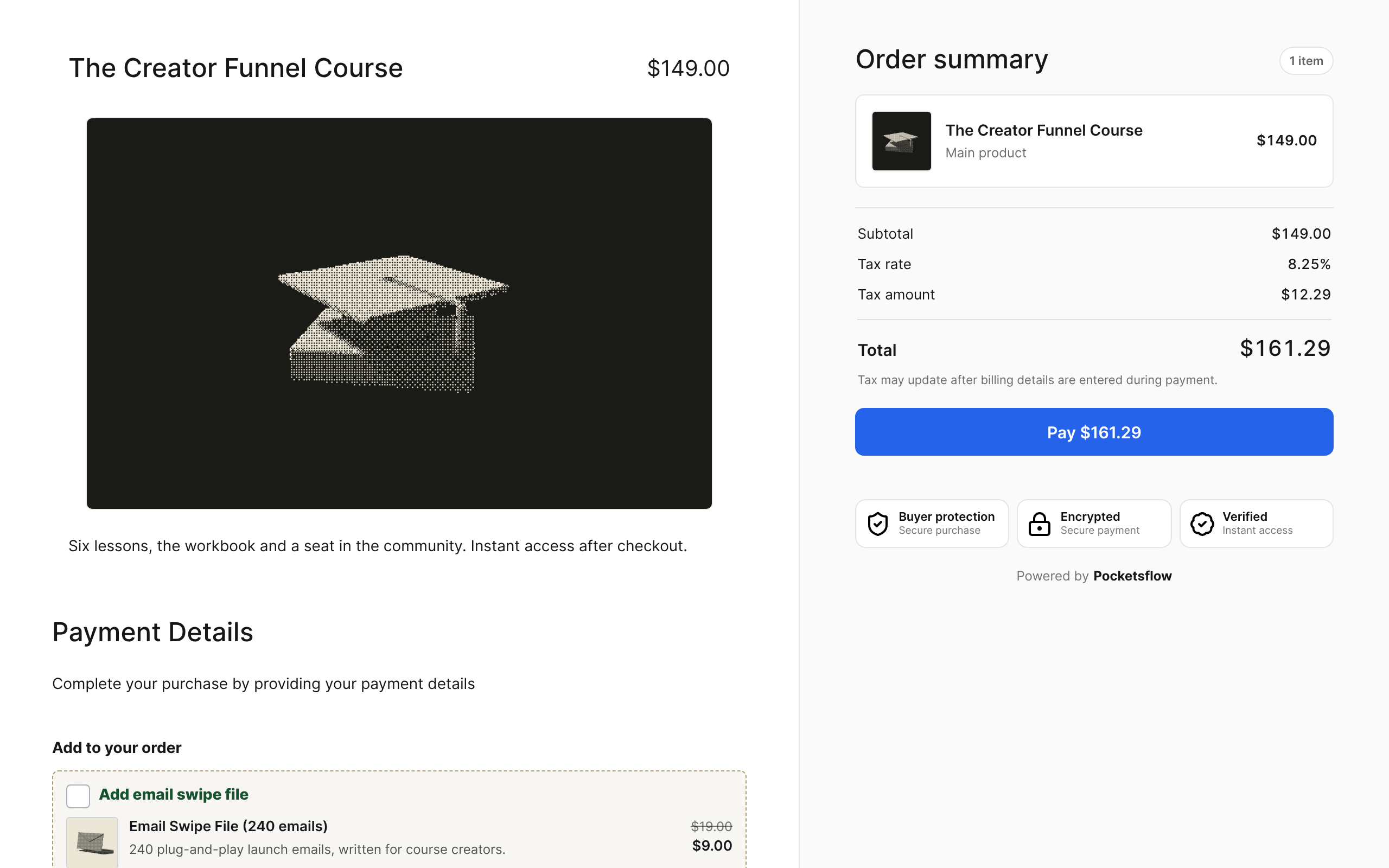
- estimated per sale, no monthly fee
- 4.7% + $0.30
- checkout templates
- 13
- checkout layouts
- 10
- to open a checkout session
- 1 call
// inside pocketsflow
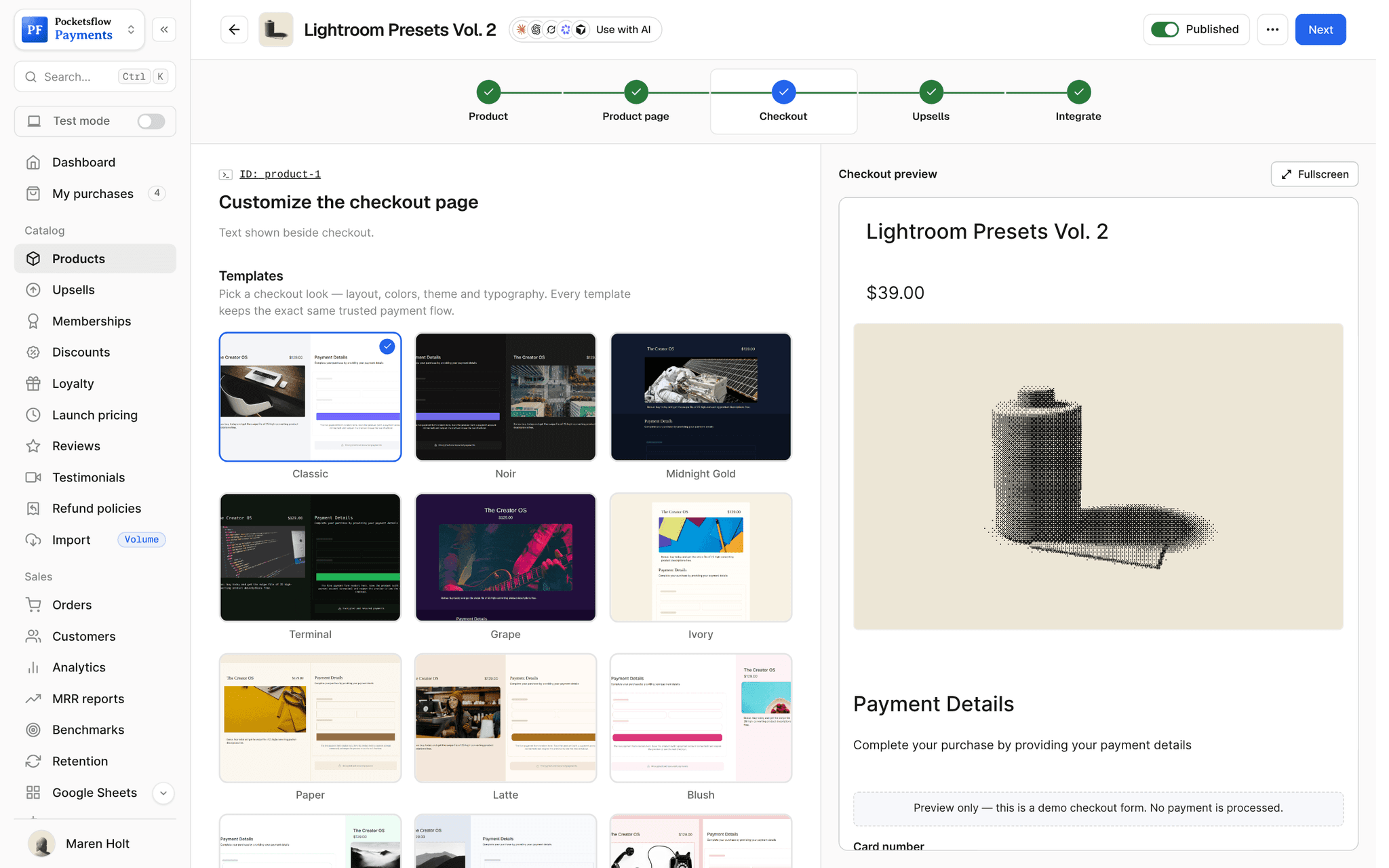
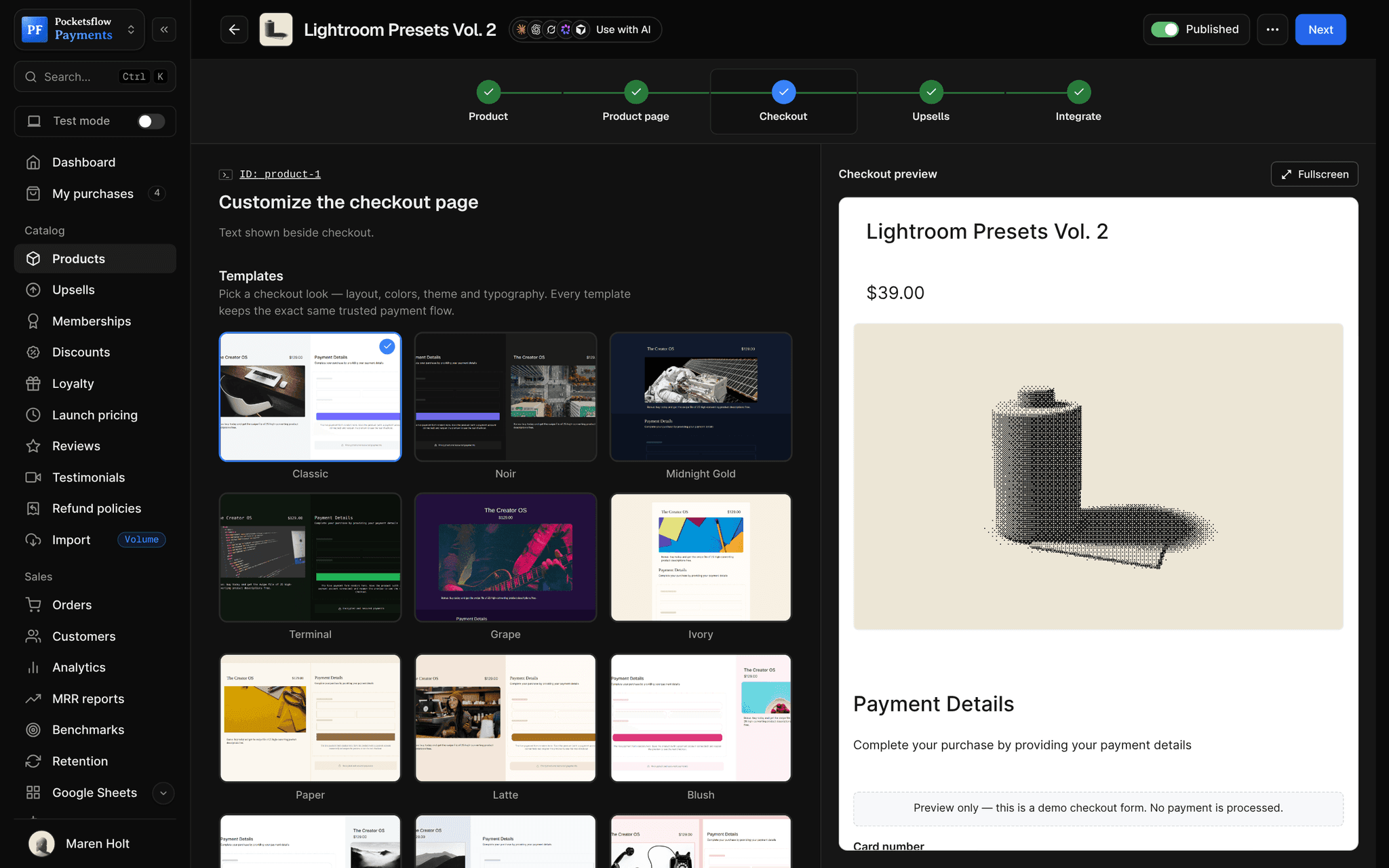
See how it works in the dashboard.
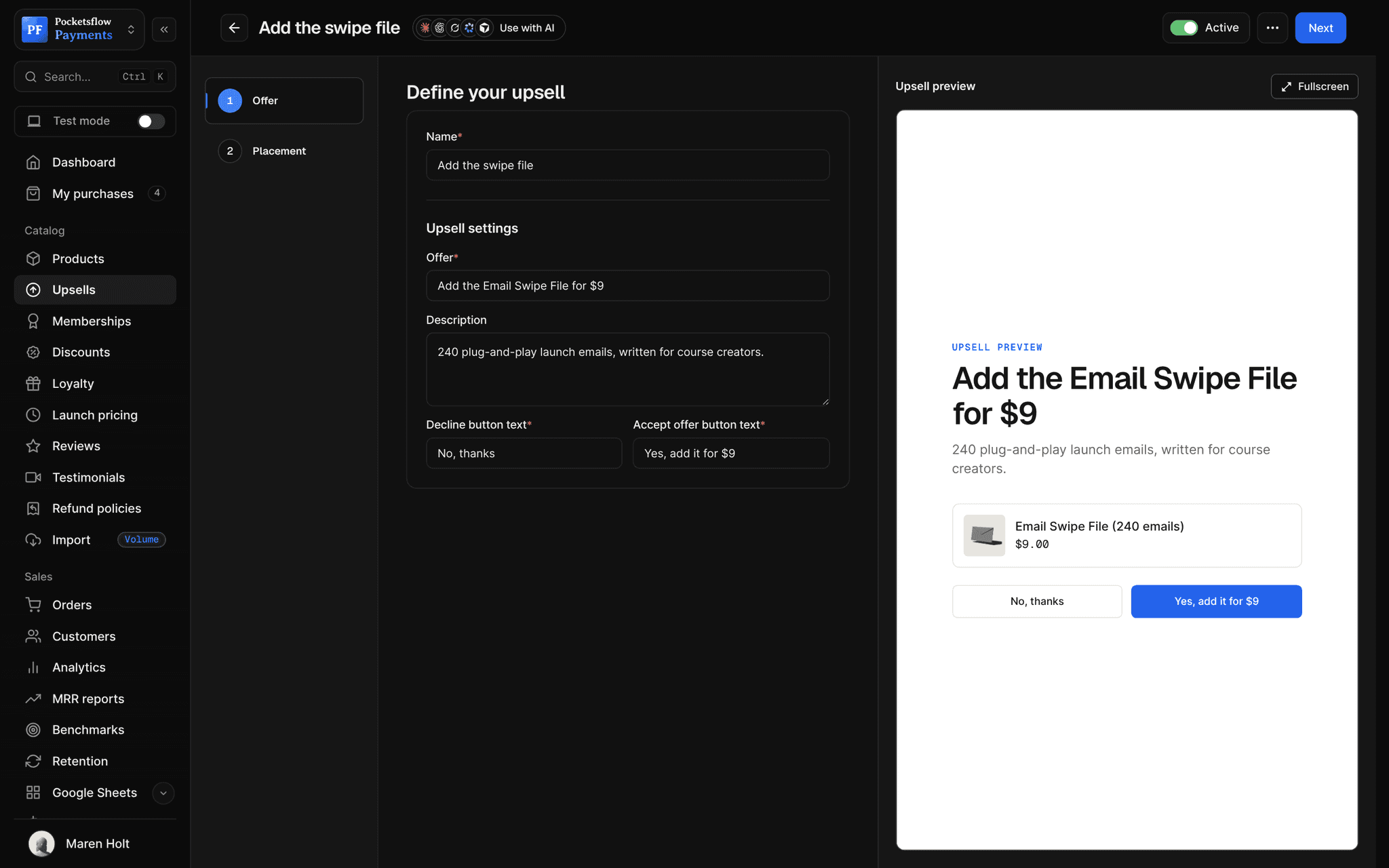
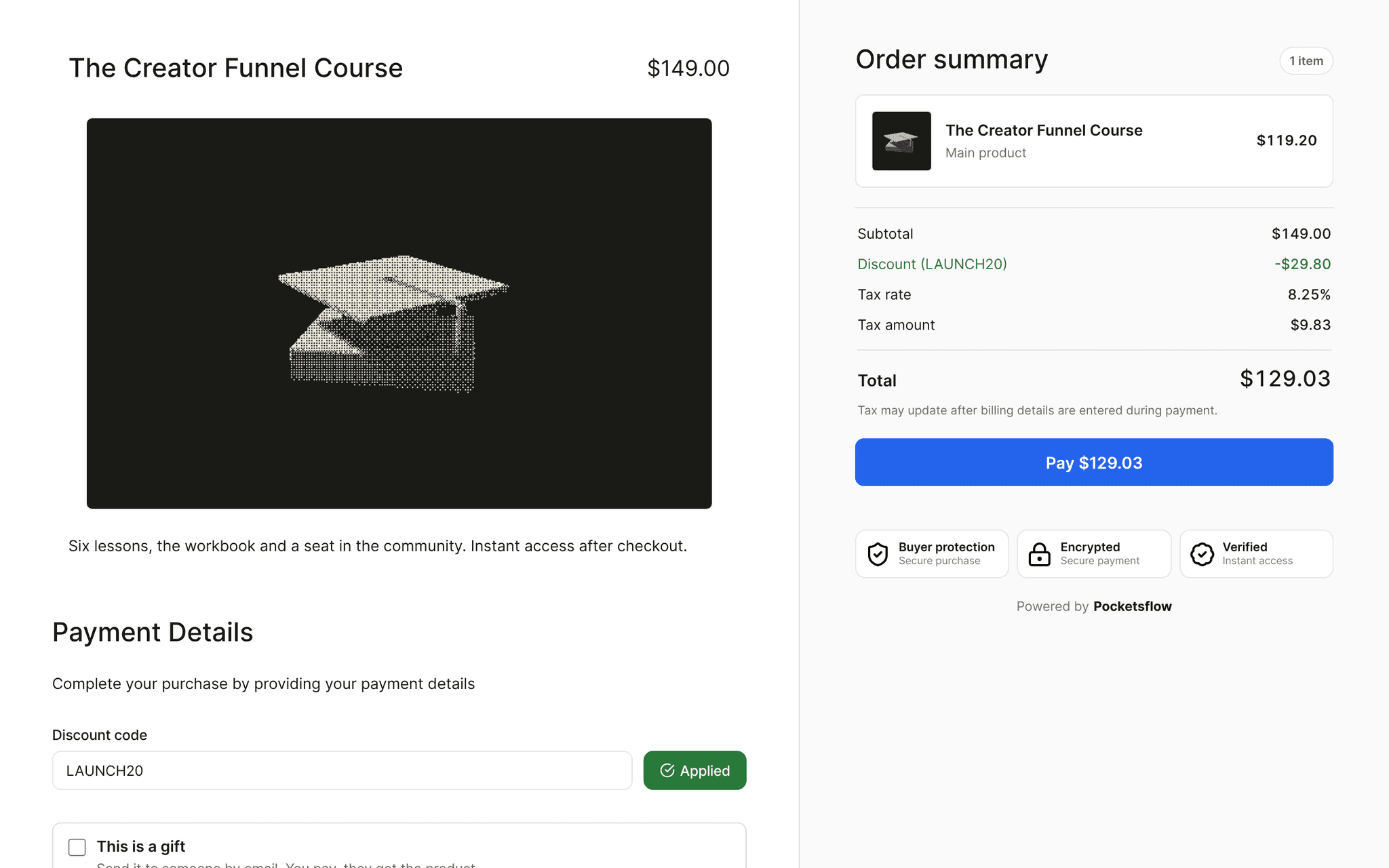
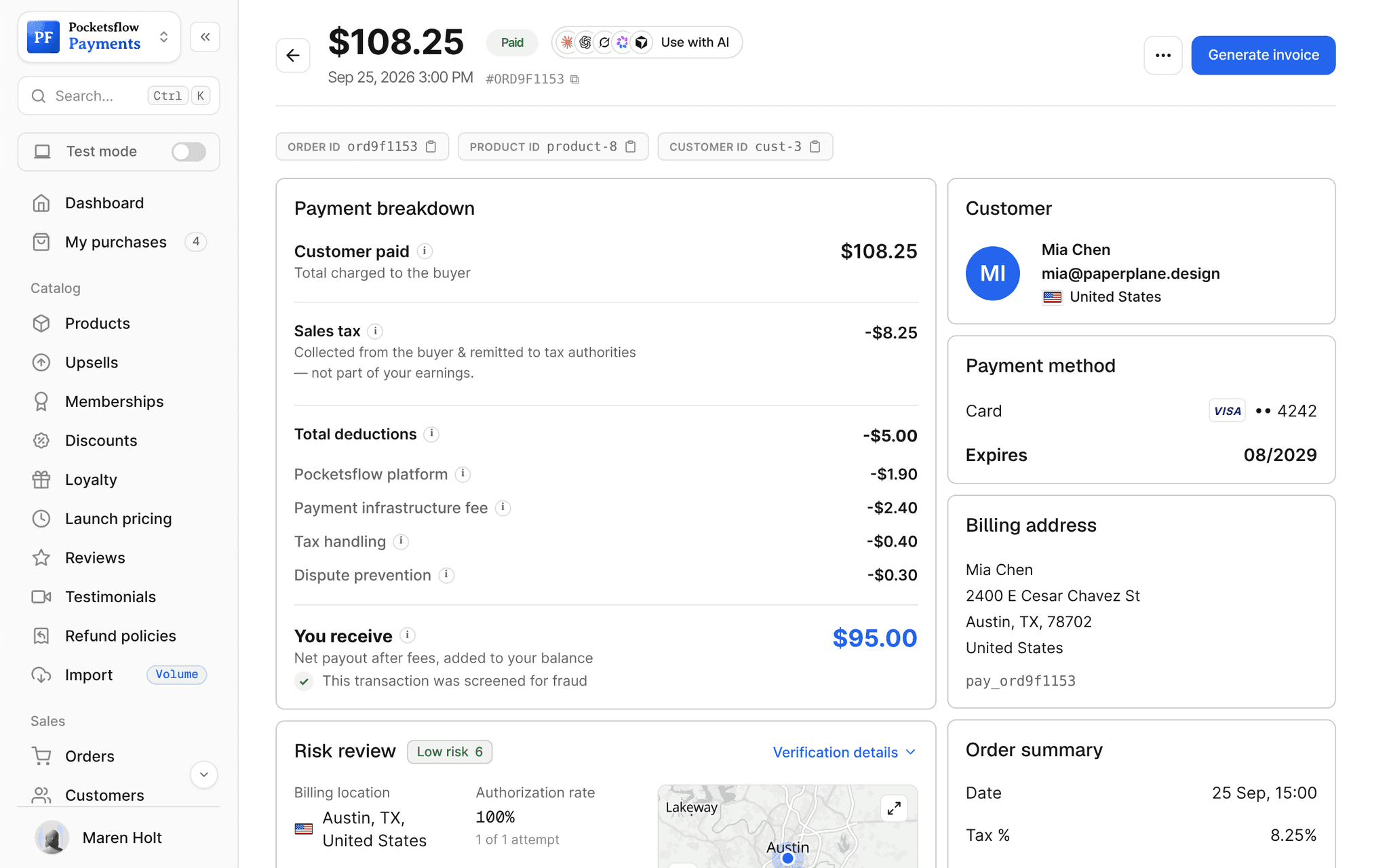
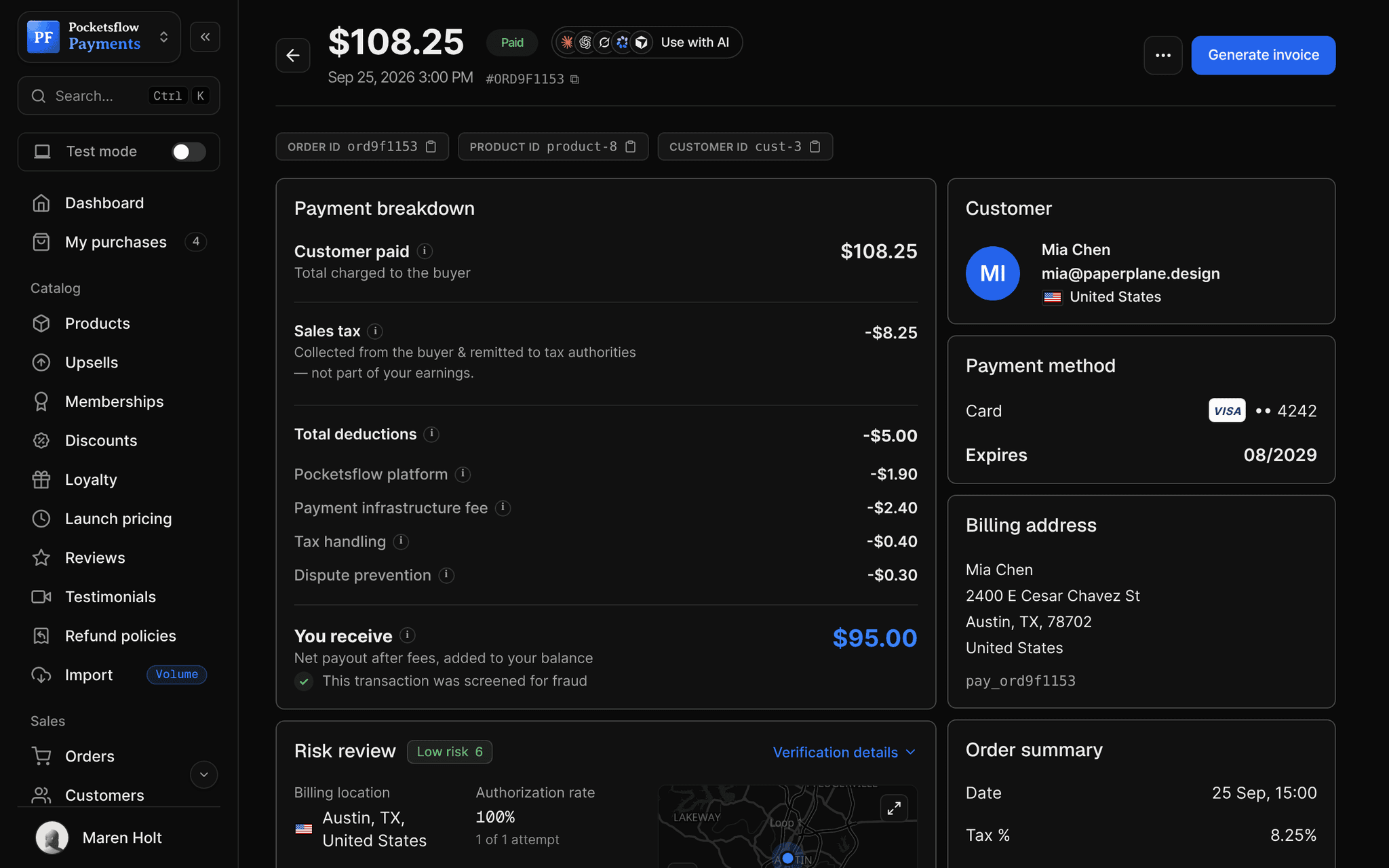
// more screens
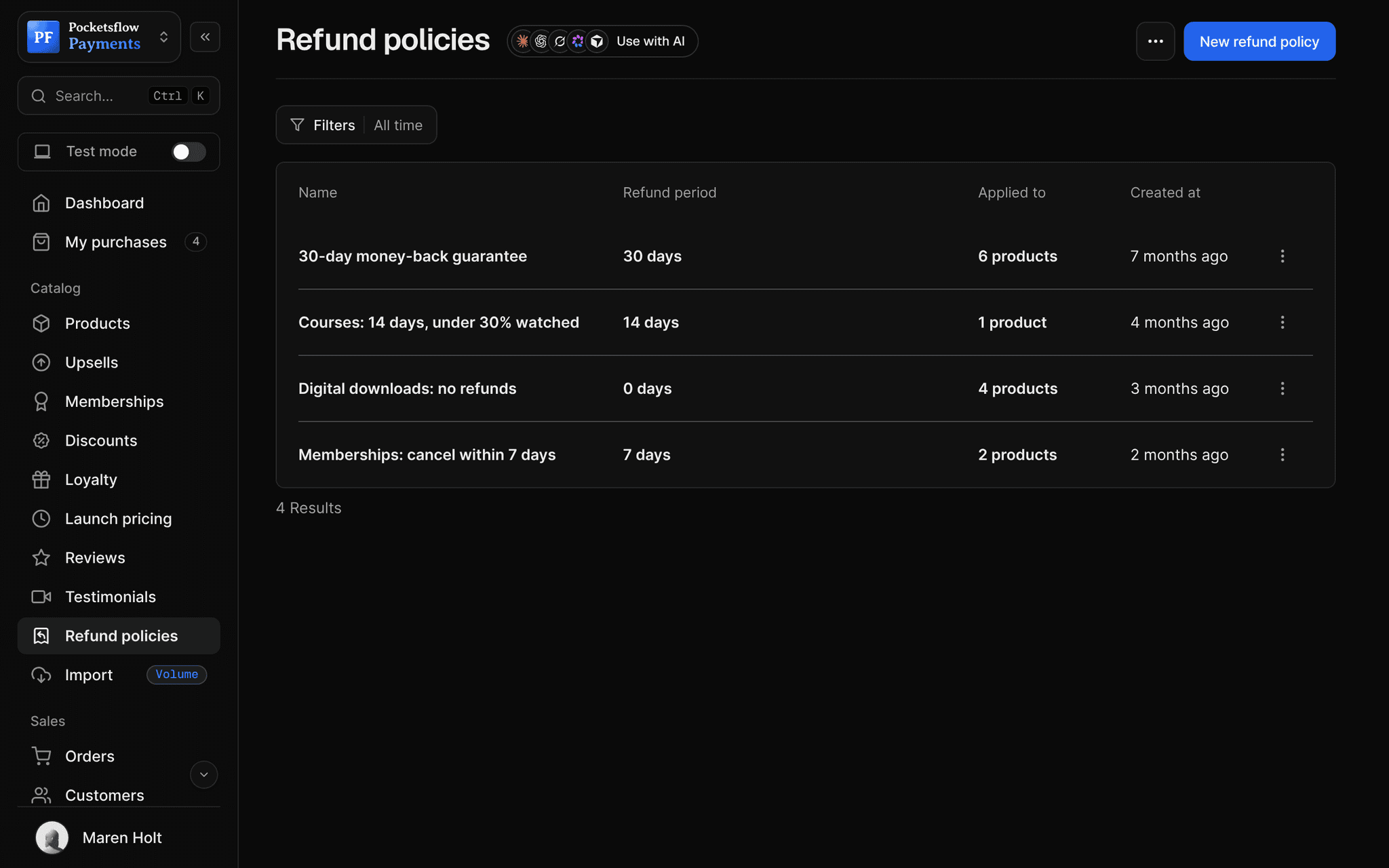
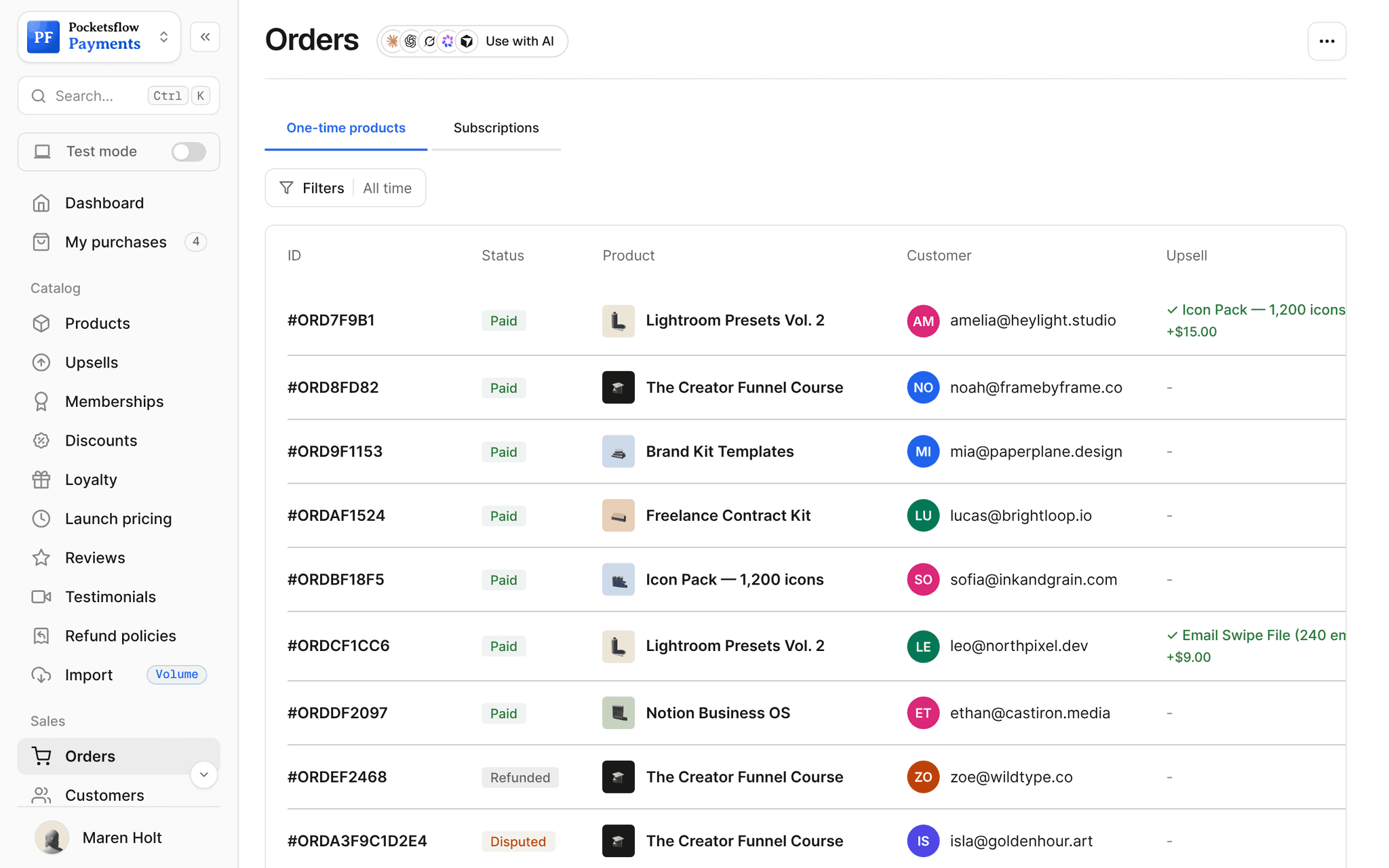
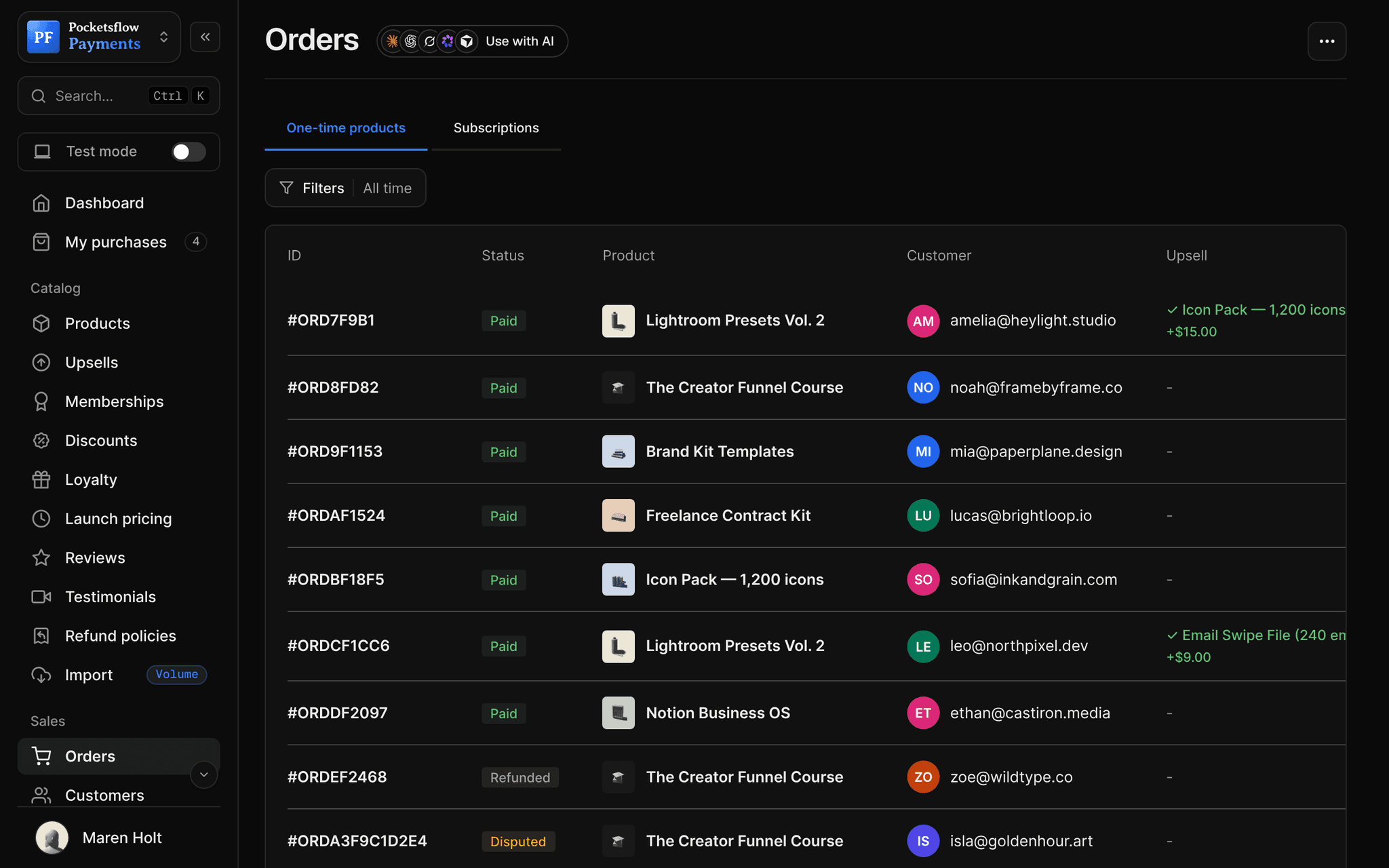
Every screen you will use.
// use cases
Wherever your buyers are.
Link in a bio or a post
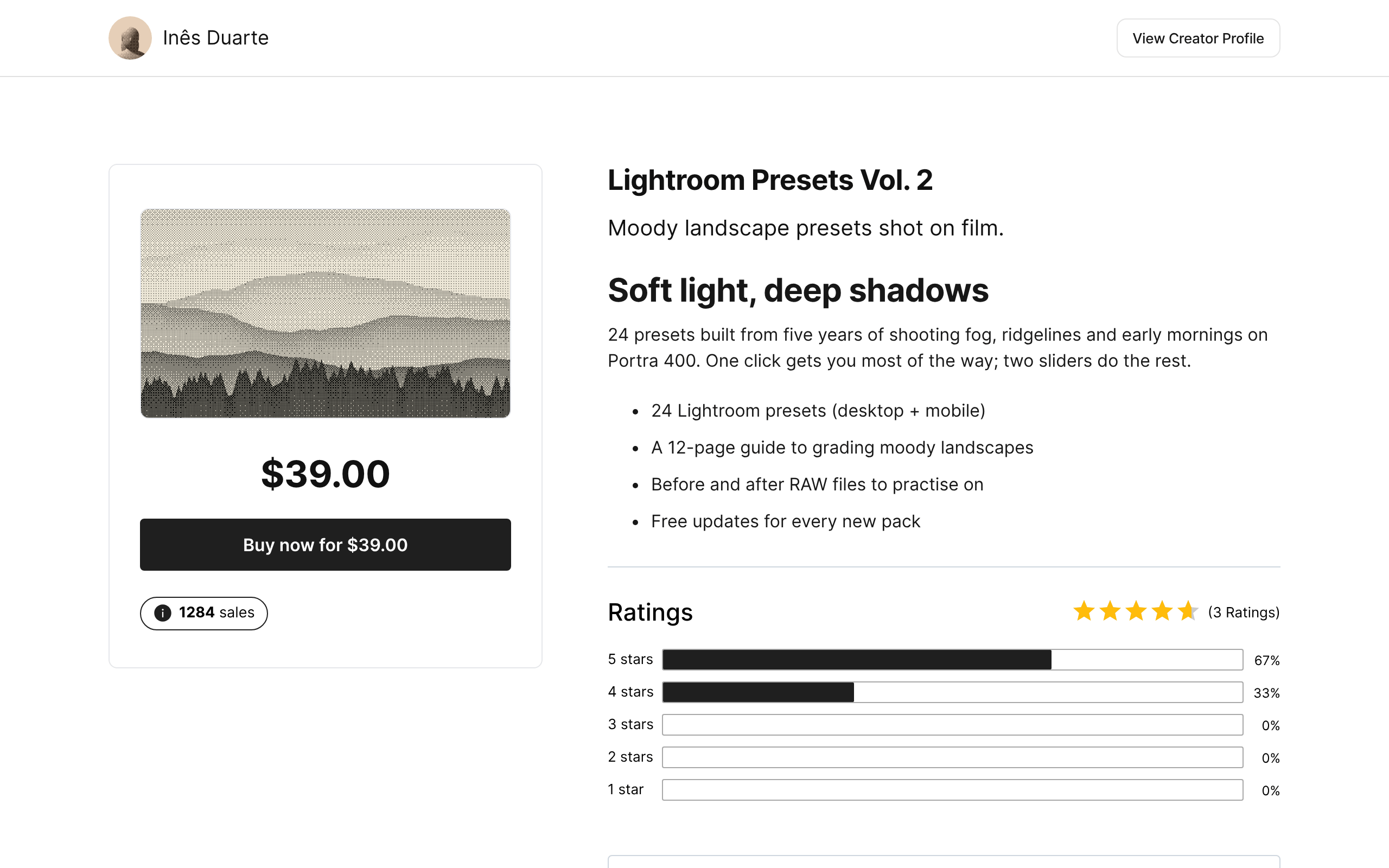
Share the hosted checkout link anywhere people already follow you.
Lightroom Presets Vol. 2$39
Embedded on a landing page
Buyers pay without leaving your page; you get resize and success events.
Launch page offer$49
Pricing page in an app
Open a checkout session from your backend with one API call.
Pro plan$29 / month
Order bump offers
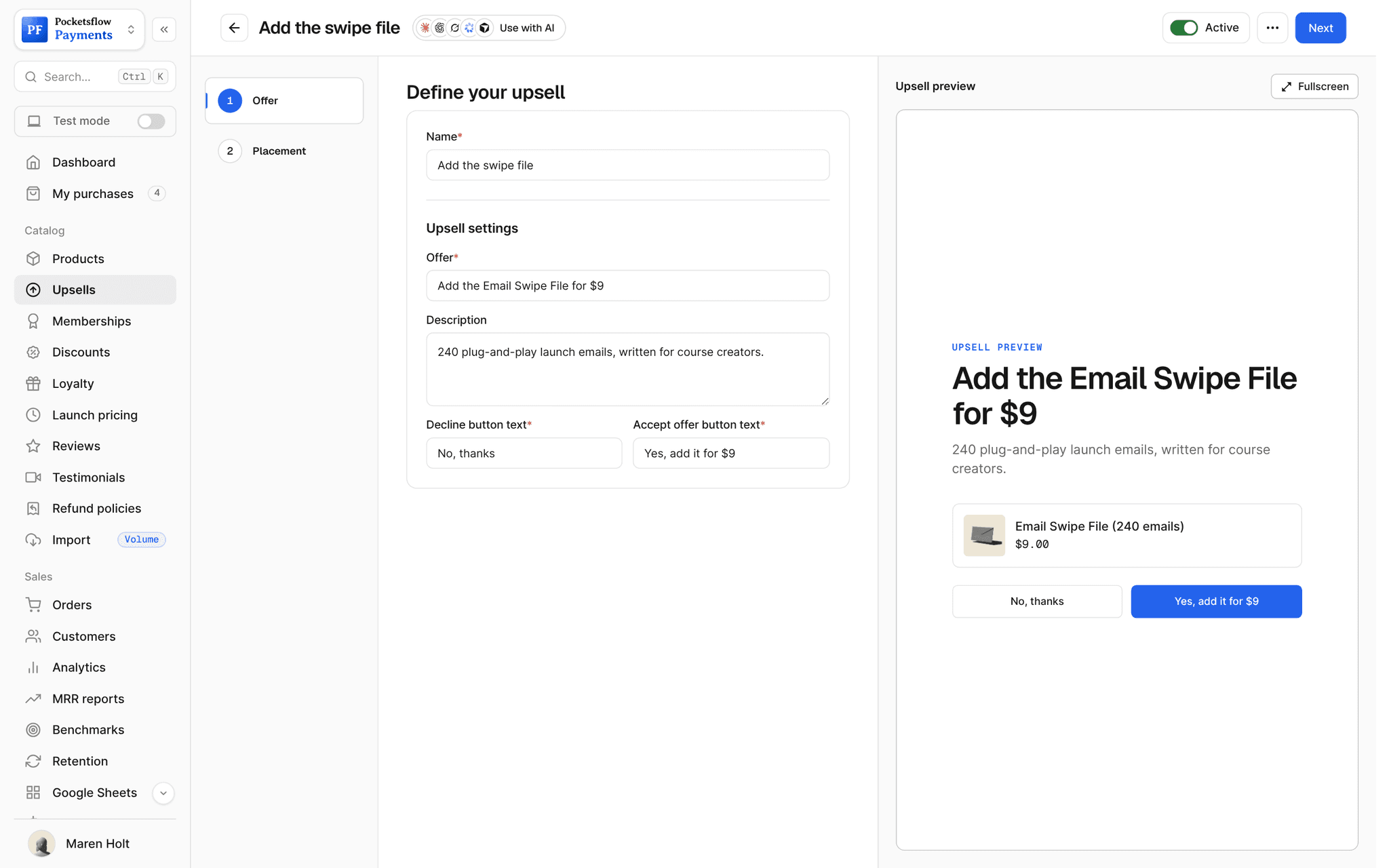
A cheap, obvious add-on right next to the payment form.
Email Swipe File$9
Launch weeks
A discount code and a countdown in your own copy.
LAUNCH20 on a course20% off
Free lead magnets
A one field checkout that collects the email.
Launch ChecklistFree
// how it works
Live in four steps.
Create the product
Every product and subscription gets a checkout automatically.
Pick a template
Choose one of 13 looks: layout, light or dark, fonts, corners and a five color palette.
Choose the fields
Email is always collected. Turn on first and last name only if you need them.
Share, embed or call the API
Use the link, embed the iframe, or create a session with POST /checkout/sessions.
// ai
Let your agents run and grow your business.
Connect Claude, ChatGPT, Codex, Grok, Cursor or any MCP client once. Then ask in plain words, and every change lands in your dashboard.
 Claude · Desktop app
Things to ask
- Give me the checkout link for my presetslist_products · create_checkout_session
- Add the swipe file as a $9 order bumpcreate_upsell
- Make a 20% code for this weekend's checkoutcreate_discount
- Ask for first and last name at checkoutupdate_product
- How many checkouts turned into orders today?list_orders
- Send order events to my sitecreate_webhook
// included
Everything included.
- One checkout for products and subscriptions
- 13 templates over 10 layouts, light or dark
- Five color palette, fonts, corners and borders
- Embedded mode in your layout or payment only
- Checkout sessions from the API and SDK
- Cards, Apple Pay, Google Pay, crypto and local methods
- Prices shown in the buyer's local currency
- Discount codes and order bumps
- Optional first and last name fields
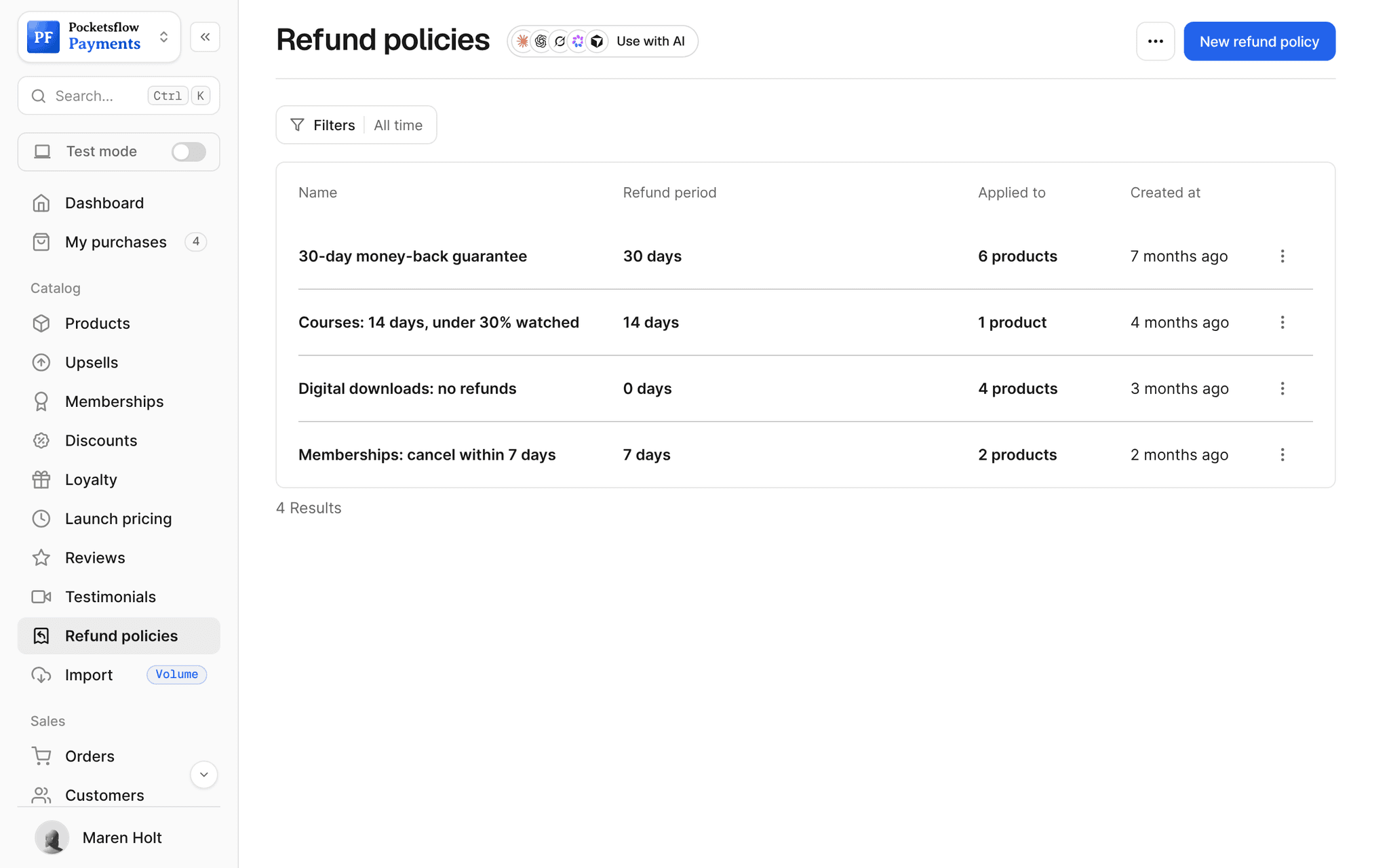
- Refund guarantee and top review on the checkout
- Abandoned checkout email an hour after a buyer leaves
- Tax calculated and shown before payment
// why pocketsflowWhy sellers pick Pocketsflow.
Nothing to build
Every product already has a checkout. Share the link and sell.
Matches your brand
Templates and a palette make it look like your site, not ours.
Merchant of Record
Tax, fraud checks, 3D Secure and chargebacks are handled.
One fee
4.7% + $0.30 estimated per sale, itemized on every order.
// connect
It's easy. Even your AI can do it.
Add Pocketsflow to the AI you already use, sign in and click Allow access. No API key, no code.
- 01Paste into your AI appThen sign in and click Allow.www.pocketsflow.com/mcp
Add Pocketsflow
Paste the server URL as a connector in your AI app.
- 02
Sign in and allow
Your AI opens Pocketsflow. Click Allow access.
- 03
Ask for anything
Products, orders, refunds, emails, in plain words.
import { Pocketsflow } from "pocketsflow";

const pf = new Pocketsflow({
  apiKey: process.env.POCKETSFLOW_API_KEY,
});

// A one time product. Use subscriptionOffers.create() for plans.
const product = await pf.products.create({
  name: "Pro license",
  price: 49,
});

// A hosted checkout for that product.
const session = await pf.checkout.create({
  productId: product._id,
  successUrl: "https://example.com/welcome",
  customerEmail: "buyer@example.com",
});

// Send the buyer to session.url. Payment, tax, and delivery
// are handled; order.completed fires to your webhook.
redirect(session.url);
Checkout is an API call.
Create a checkout, attach a product, and let Pocketsflow handle the transaction lifecycle: payment, tax, delivery, and the receipt.
Every resource is an HTTPS endpoint under one base URL with Bearer API keys. Live and test keys are scoped to their own data; the OpenAPI spec is served at /docs.json.
// faq
Common questions.
Do I need to build my own checkout?
No. Every product and subscription comes with a ready checkout. Share the link, embed it on your site, or open a session from the API.
Can I embed the checkout on my website?
Yes, as an iframe inside your own layout or as the payment form only. Allow payment on the iframe so Apple Pay and Google Pay can show. The embed posts resize, processing and success messages to your page.
Which payment methods do buyers see?
Cards, Apple Pay and Google Pay where available, crypto, bank transfer, and local methods (such as bank debit or iDEAL) in supported countries. Buyers see prices in their local currency.
Can I change how the checkout looks?
Yes. Pick one of 13 templates and adjust the layout, theme, fonts, corners, borders and five colors. The payment flow stays the same.
What if a buyer leaves before paying?
If they typed their email before leaving, Pocketsflow sends them one recovery email about an hour later with a link back to their checkout.
What does it cost?
No monthly fee and no setup fee. Each sale carries one itemized transaction cost, 4.7% + $0.30 estimated (about $5.00 on a $100 sale), covering the platform, payment infrastructure, tax handling and dispute prevention. Selling $50,000 or more a month? The Volume plans lower the platform fee to 1% or 0.5%.
Who handles sales tax and VAT?
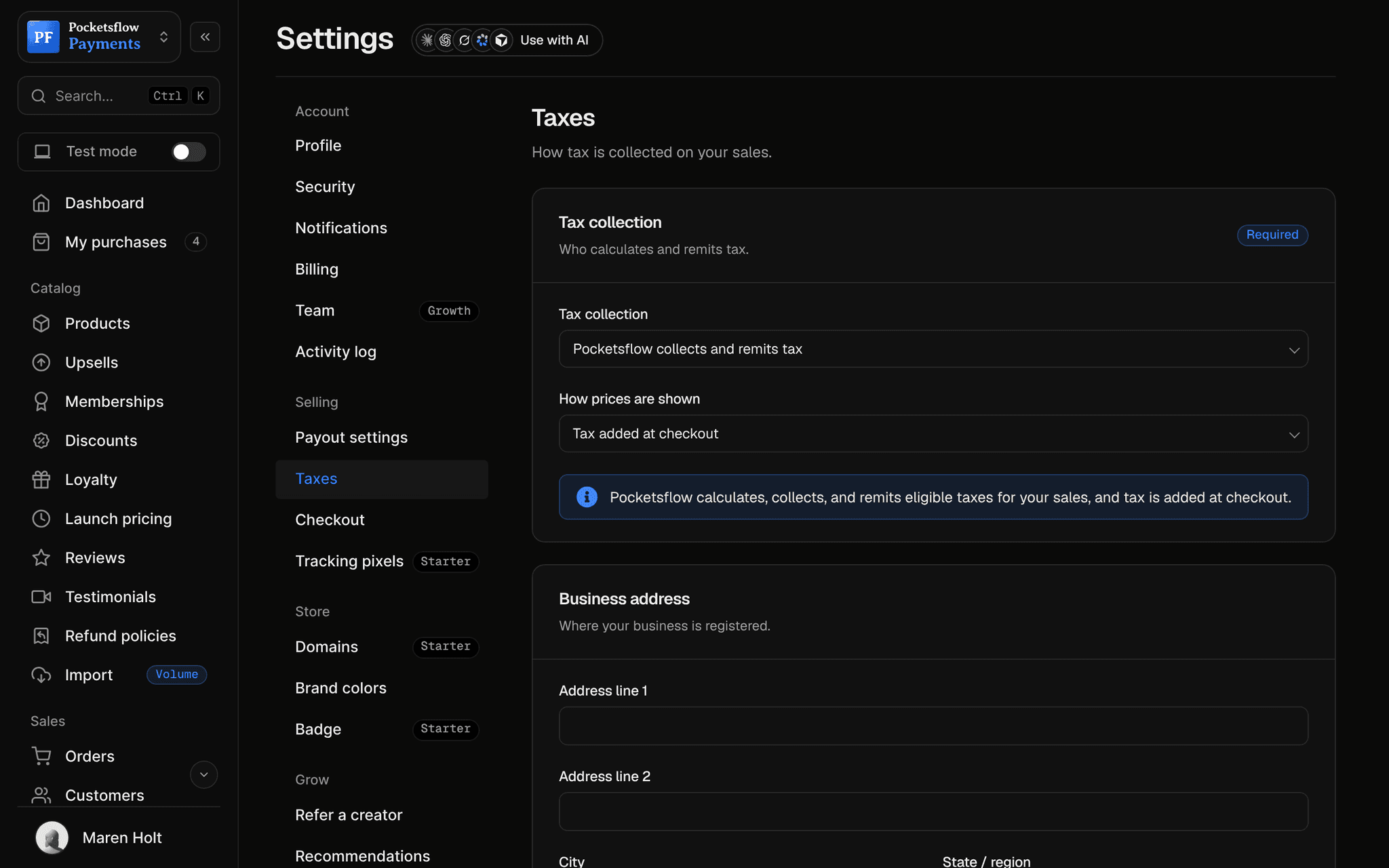
Pocketsflow is the Merchant of Record. By default it calculates, collects and remits eligible sales tax and VAT on every sale, handles fraud checks and chargebacks, and sends the buyer an invoice. You can also choose to remit tax yourself in Settings, Taxes.
Can my AI do this for me?
Yes. Add the Pocketsflow MCP server to Claude, ChatGPT, Codex, Grok, Cursor or any MCP client, sign in and click Allow access. No API key. Your AI can then create products, set prices and discounts, open checkouts, read orders and send emails, and every change shows up in your dashboard.
// related
Keep exploring.
Open your store today.
Sell your first product in minutes, keep more of every sale, and let the AI you already use run the busywork.