GrowEmail Automations
Emails that run themselves.
Draw the flow once: a trigger, a few emails, a delay, a branch. Pocketsflow sends the right email to each person when they buy, subscribe, open, click or get tagged, while you work on the next thing.


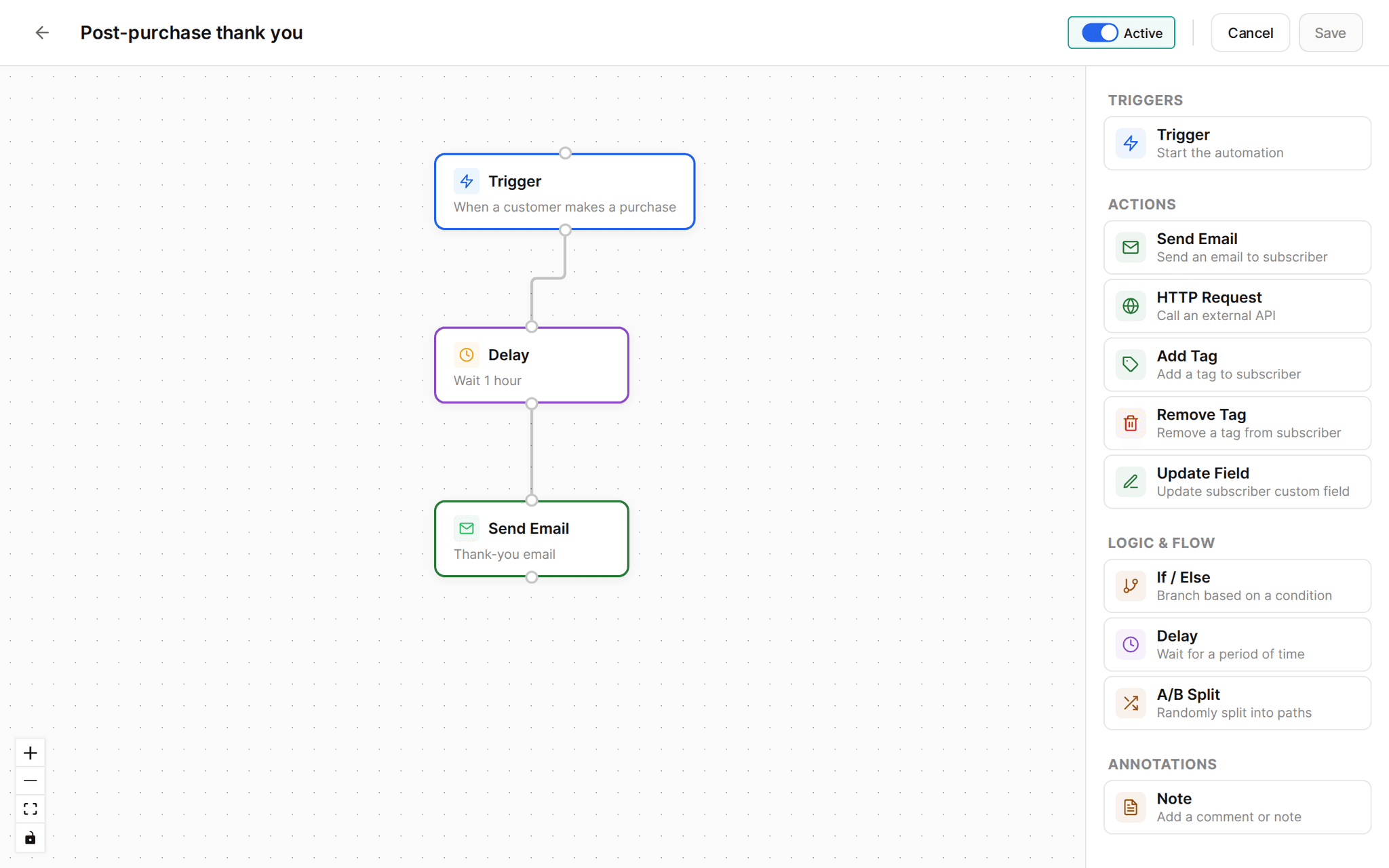
- triggers: purchase, subscriber, open, click, tag and more
- 7
- steps: emails, delays, branches, tags, fields, webhooks
- 8
- random split into paths
- A/B
- a month on the email plans
- $99
// inside pocketsflow
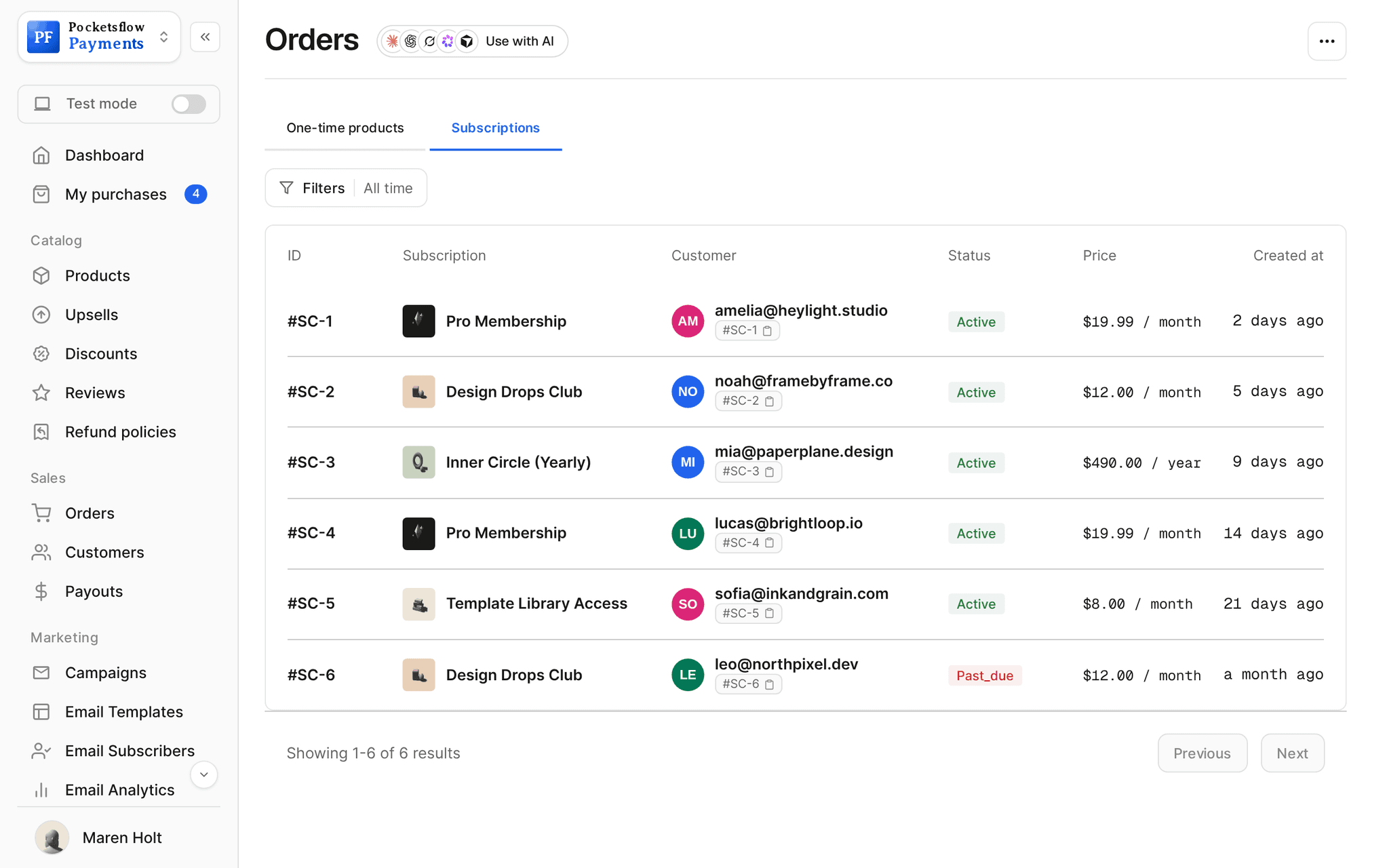
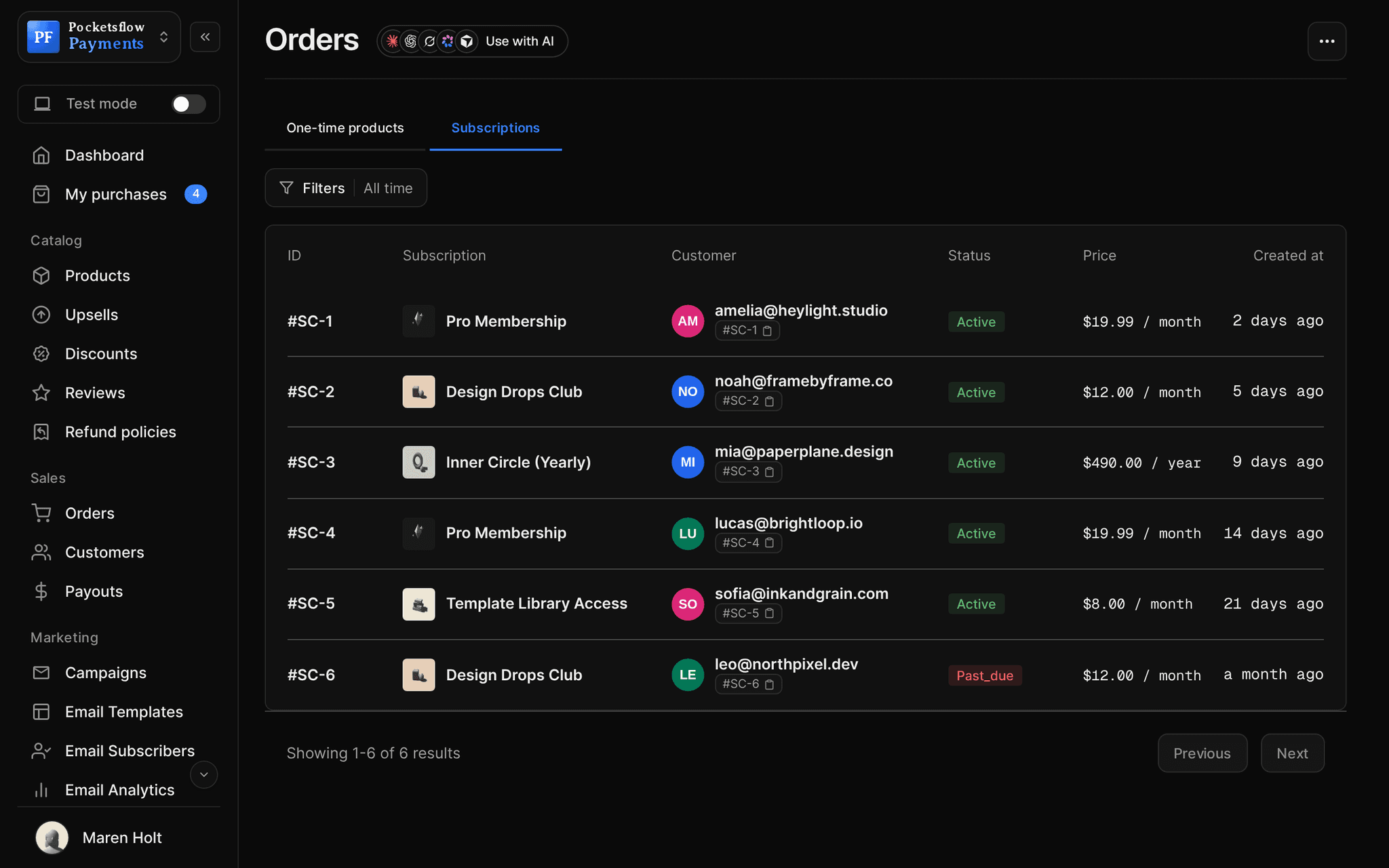
See how it works in the dashboard.
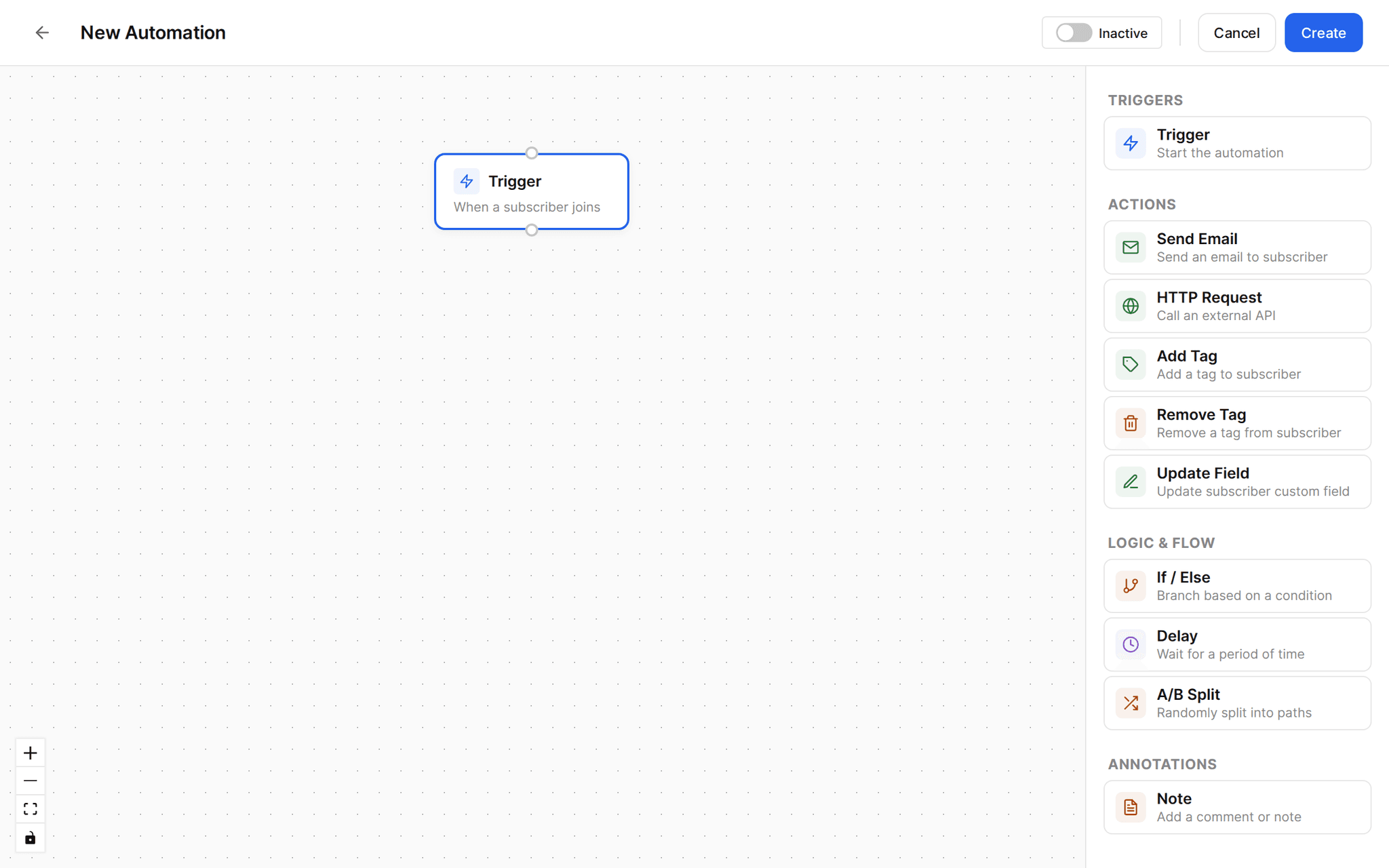
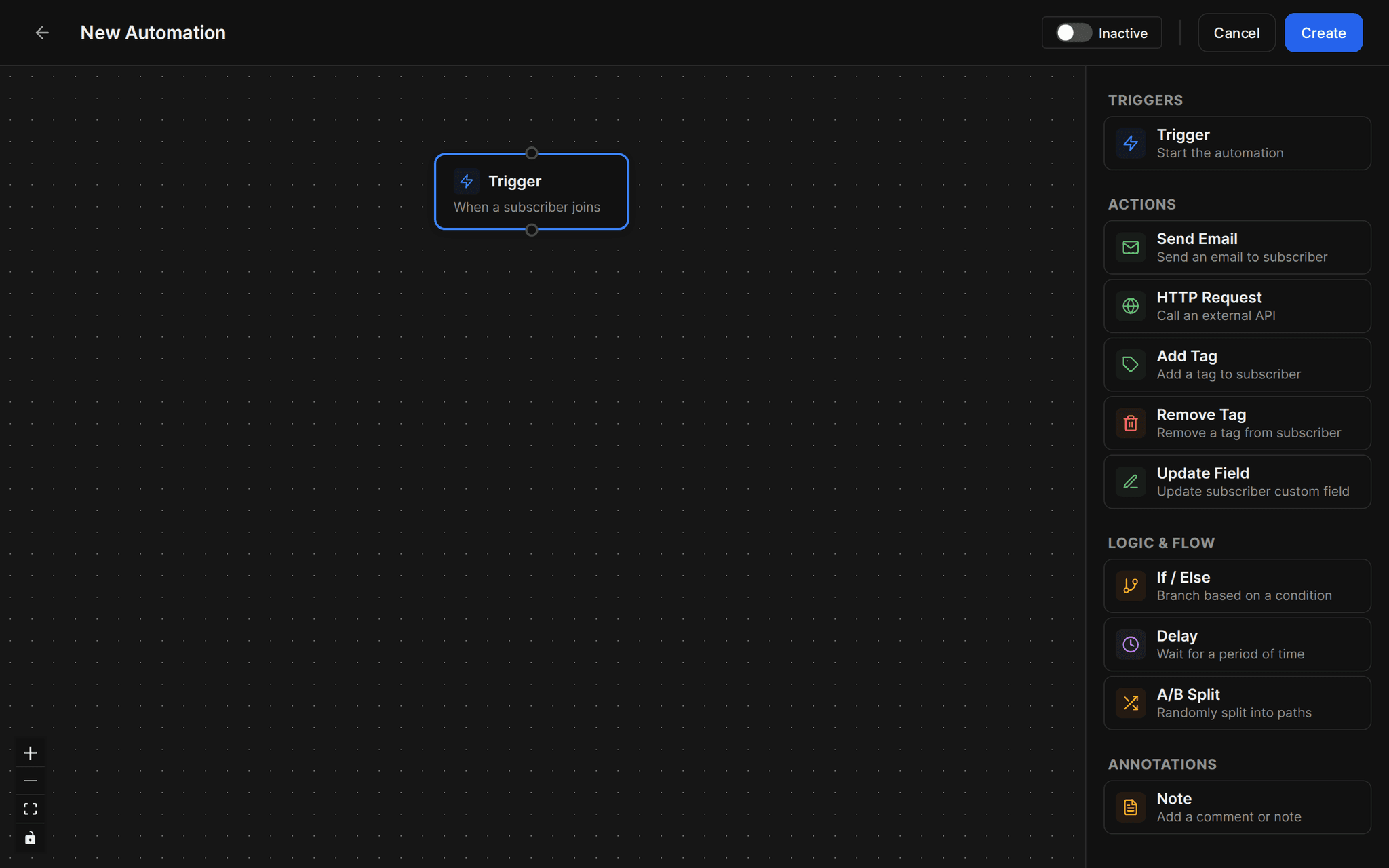
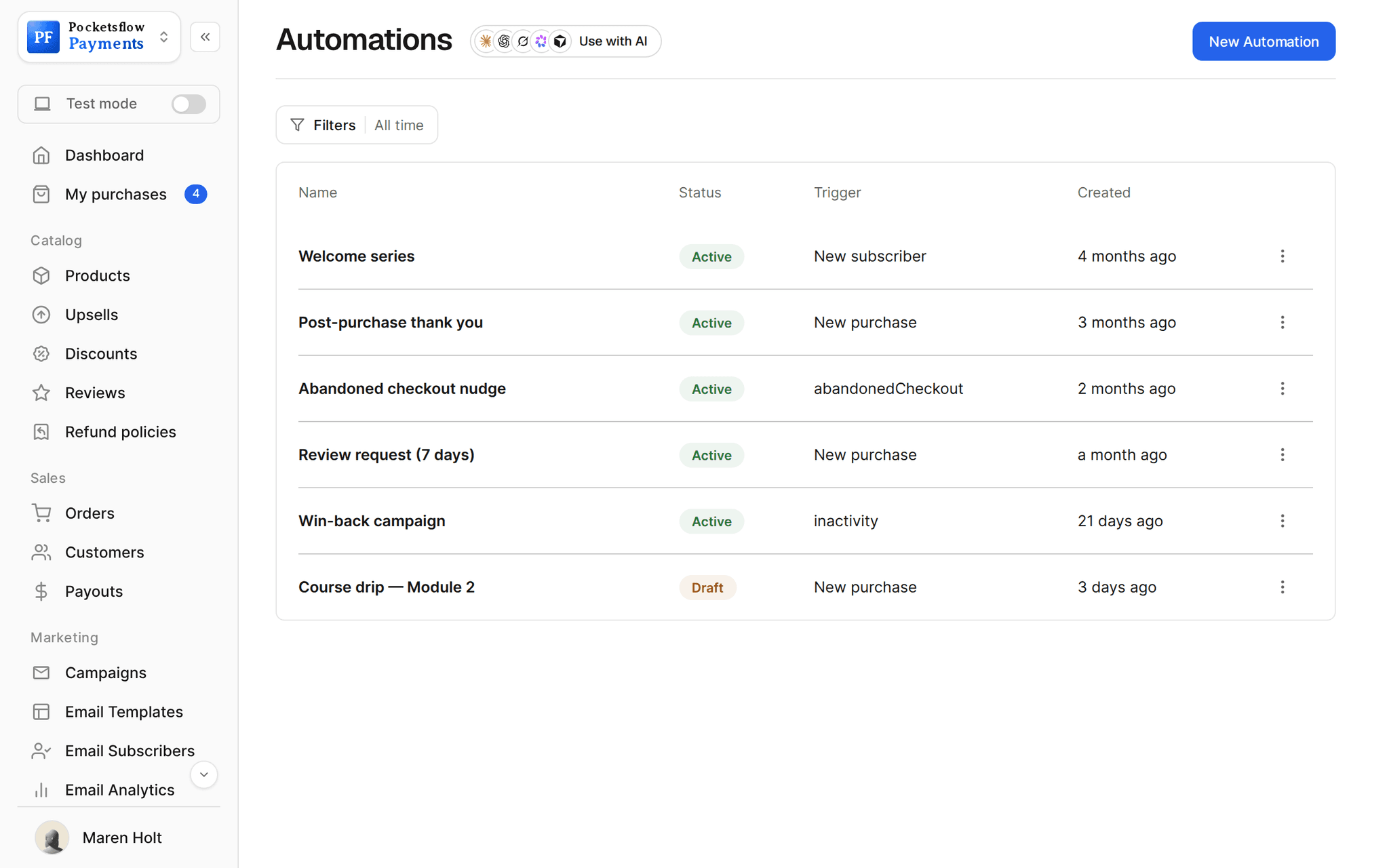
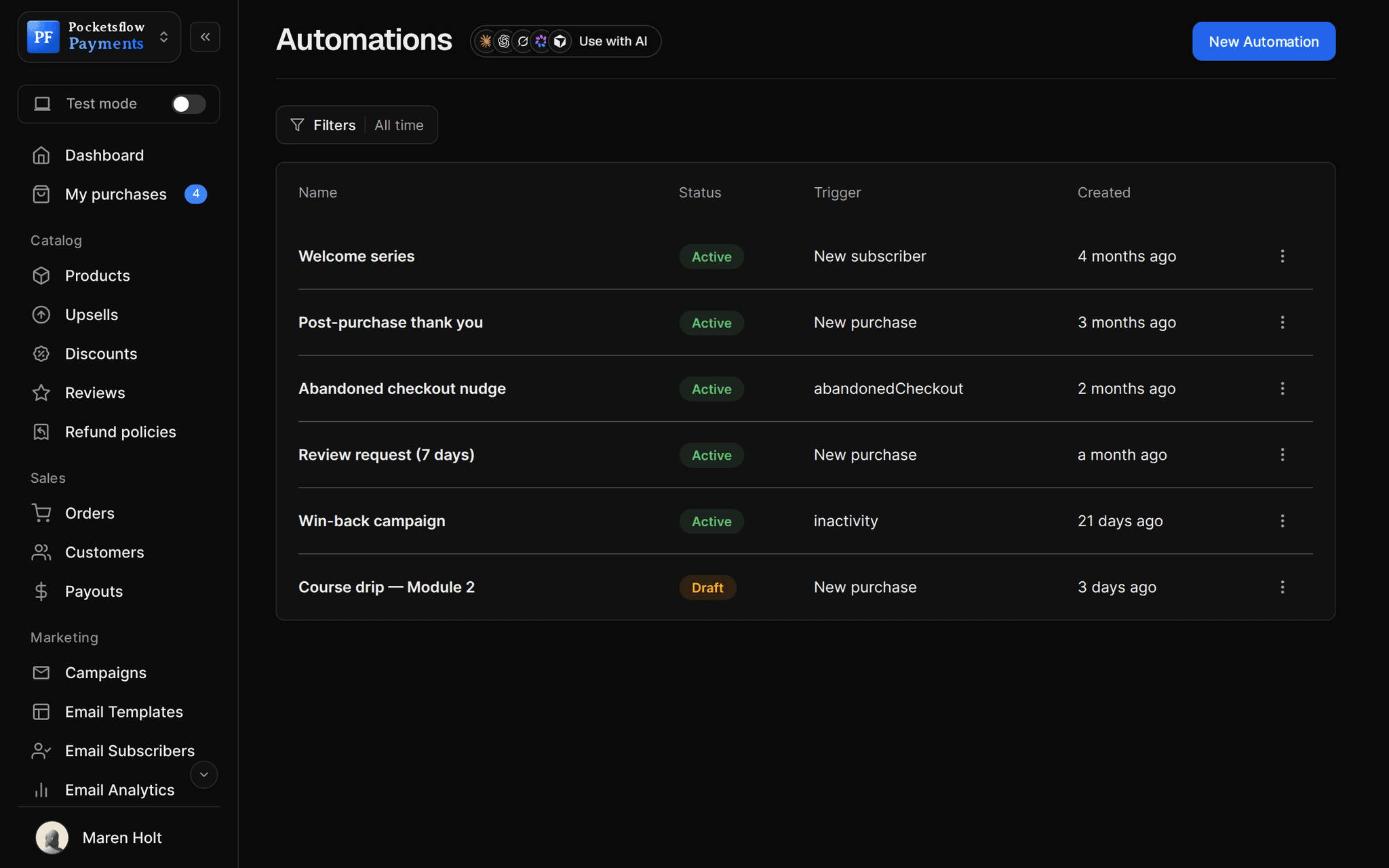
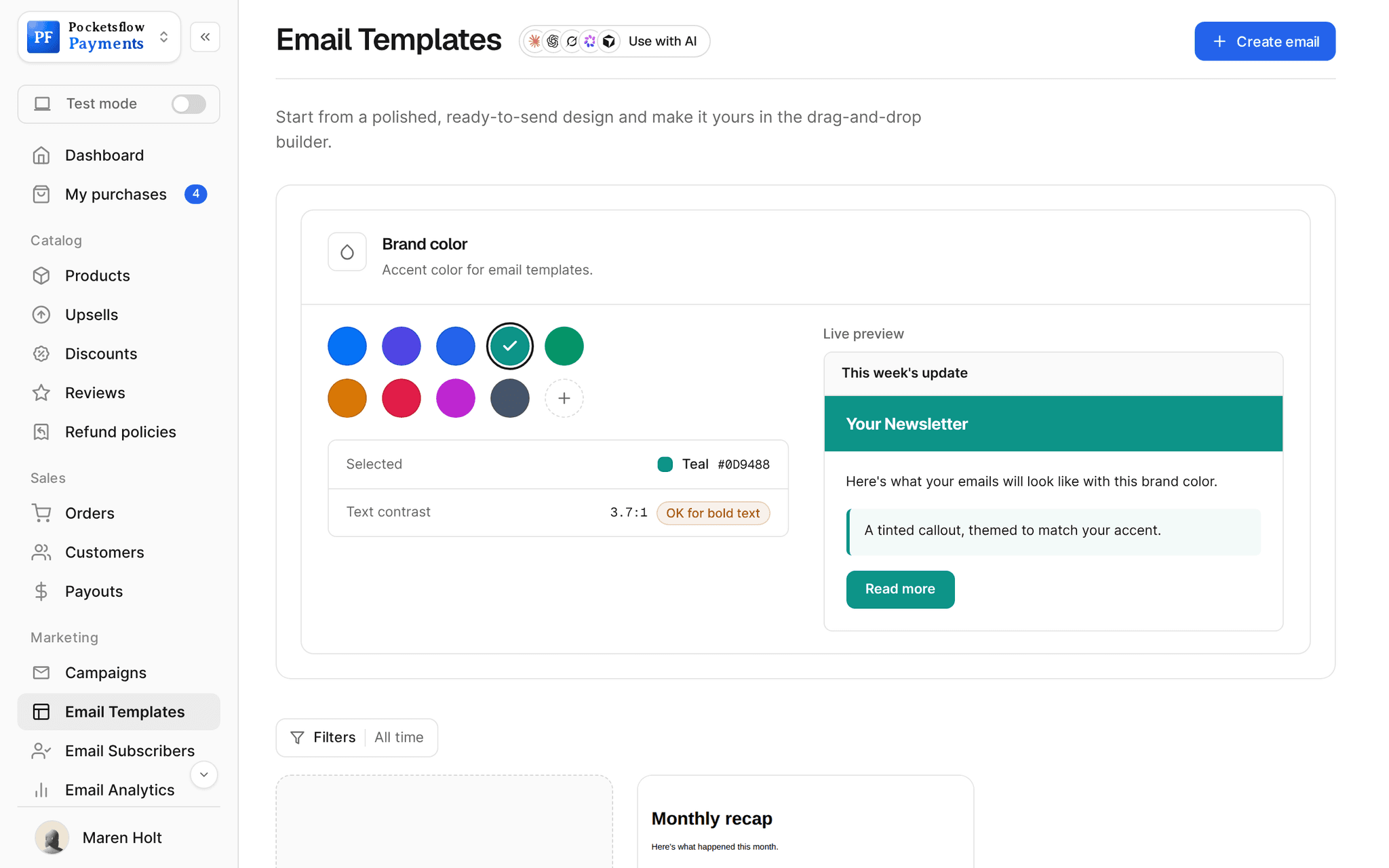
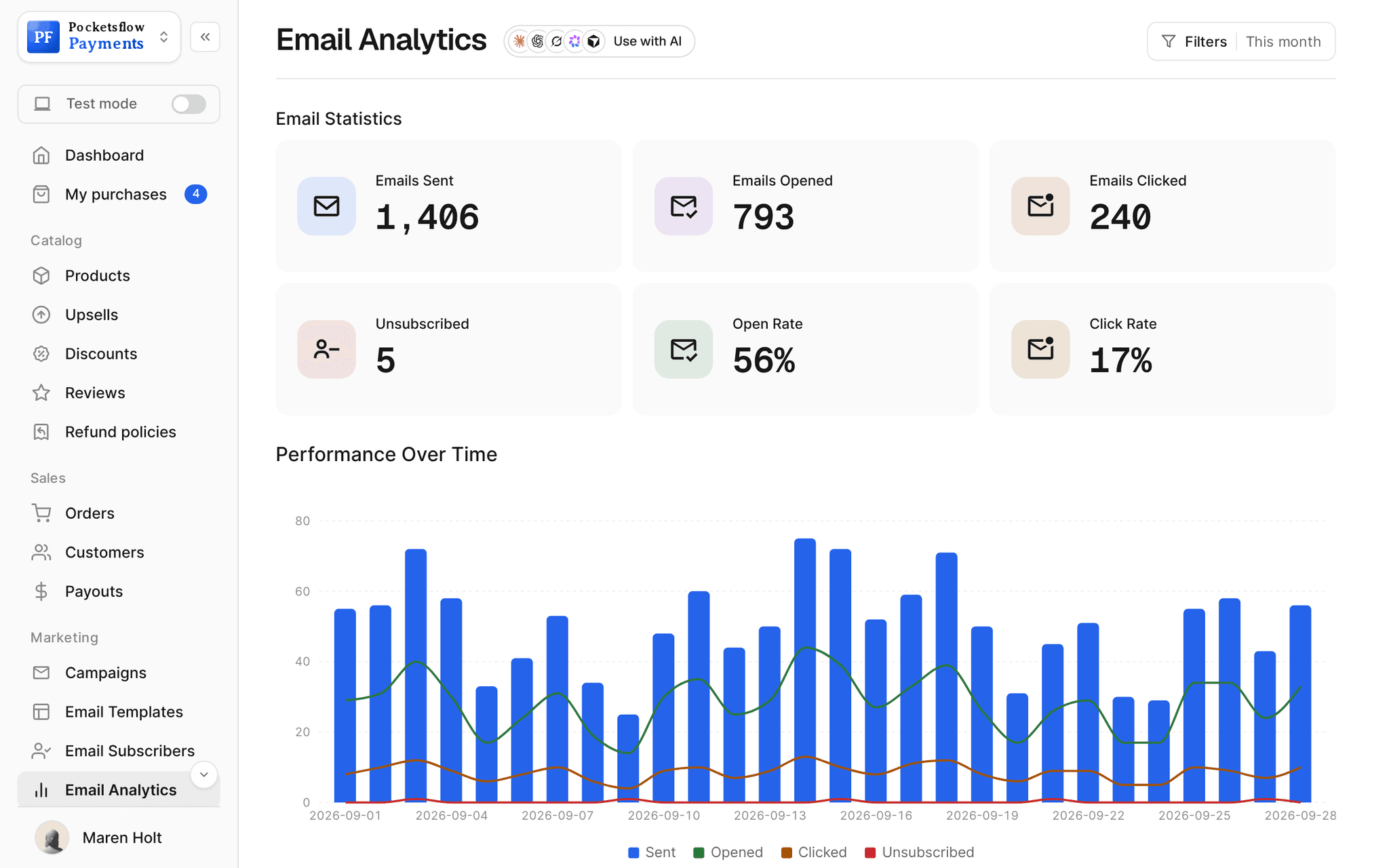
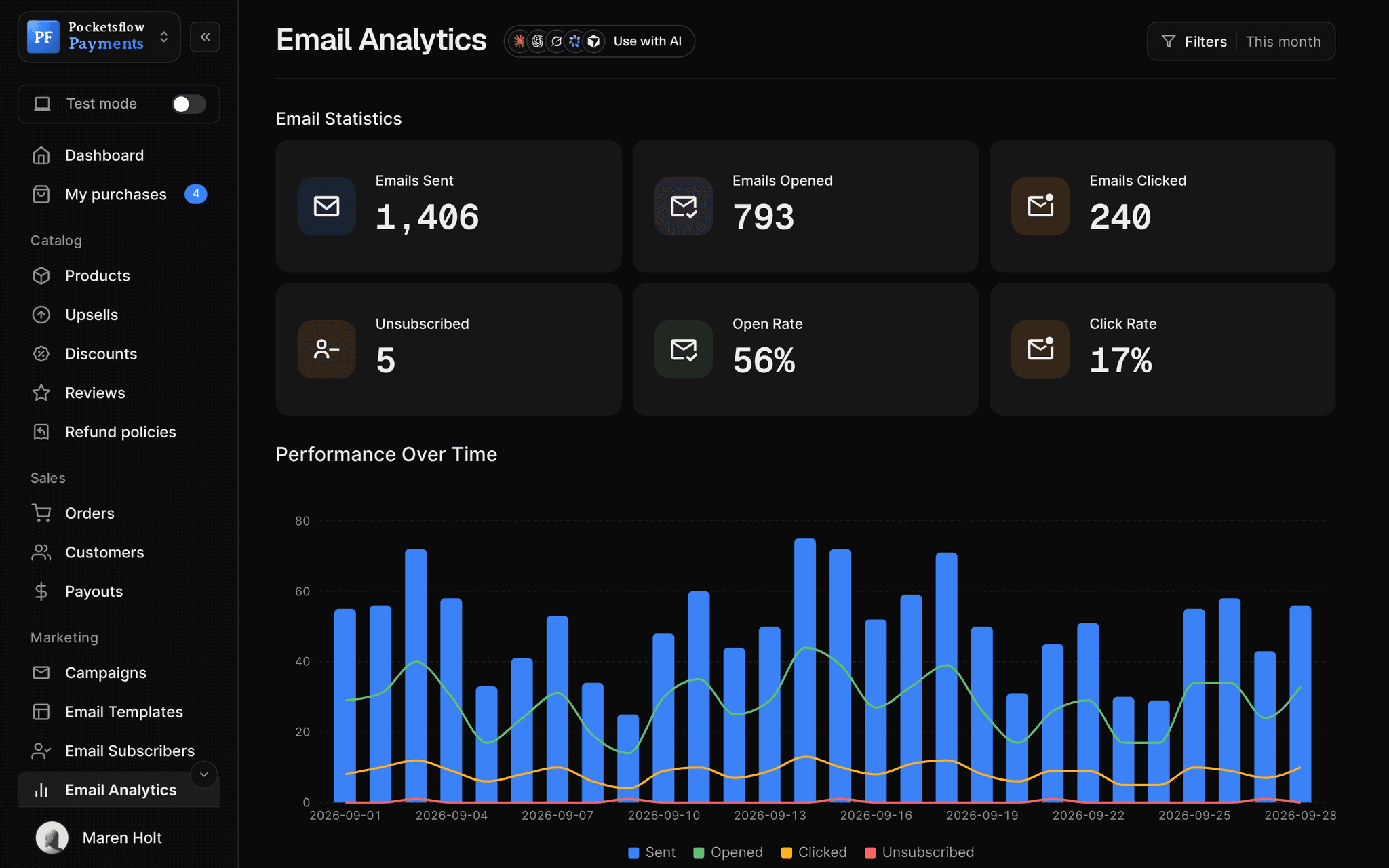
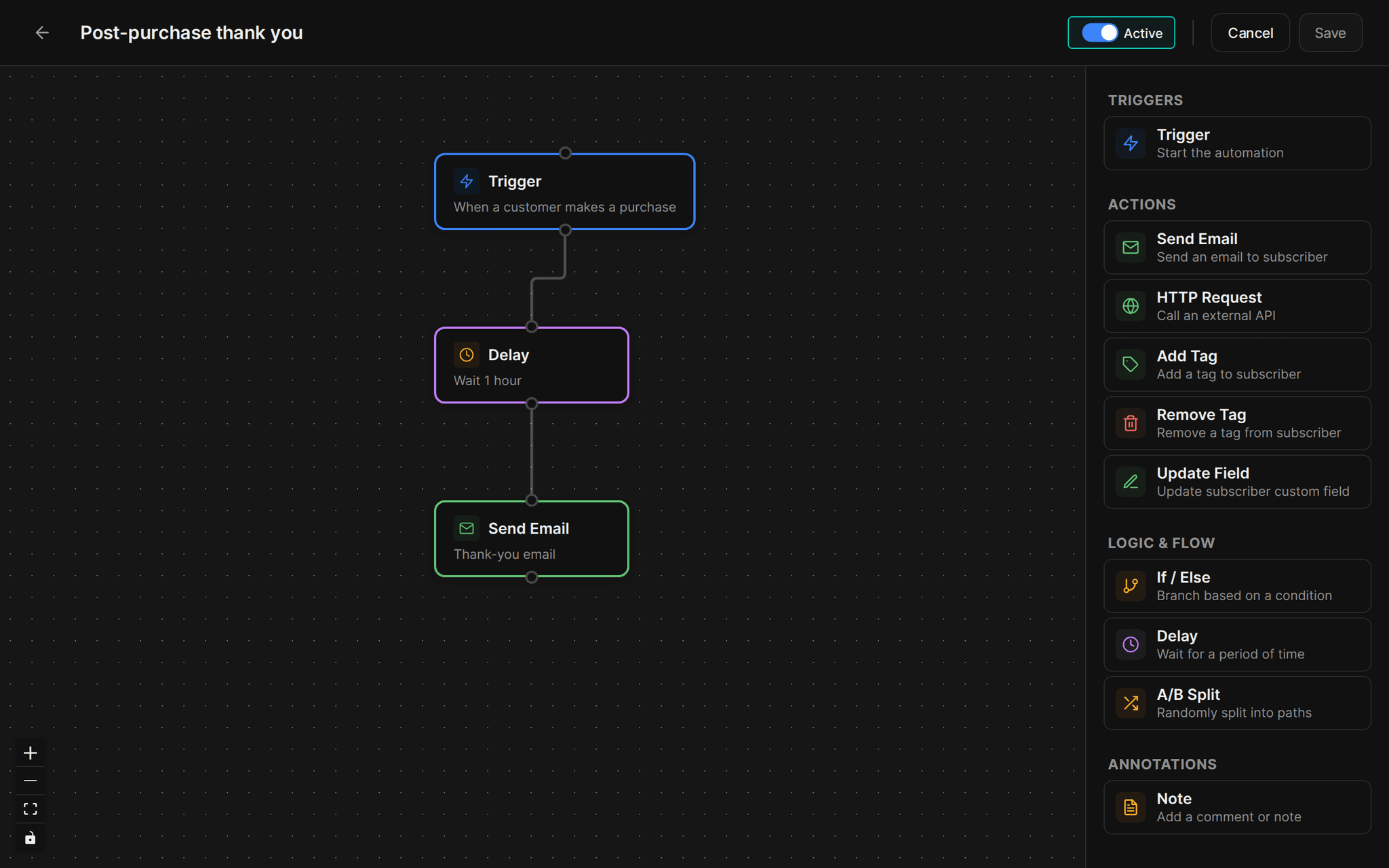
// more screens
Every screen you will use.
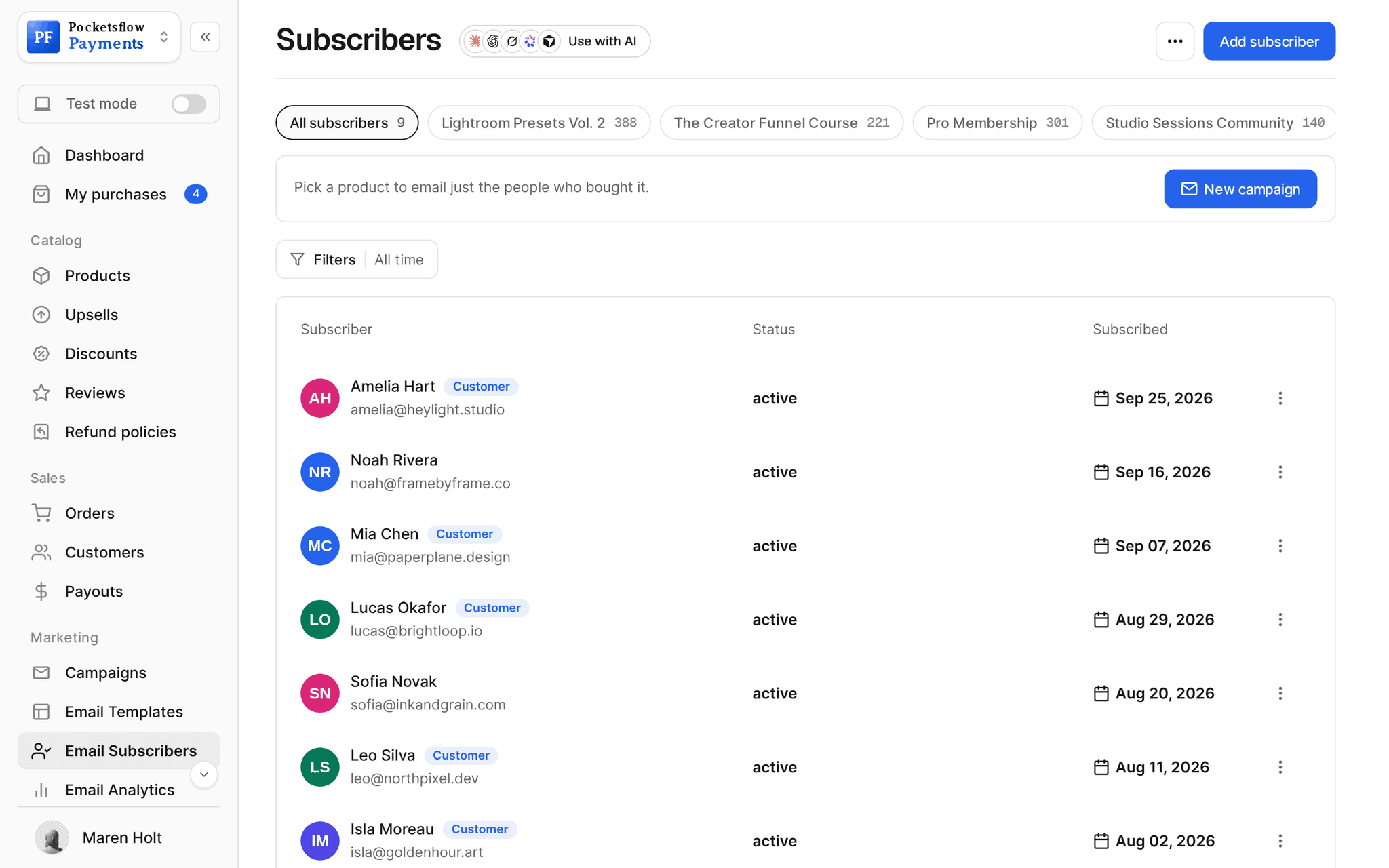
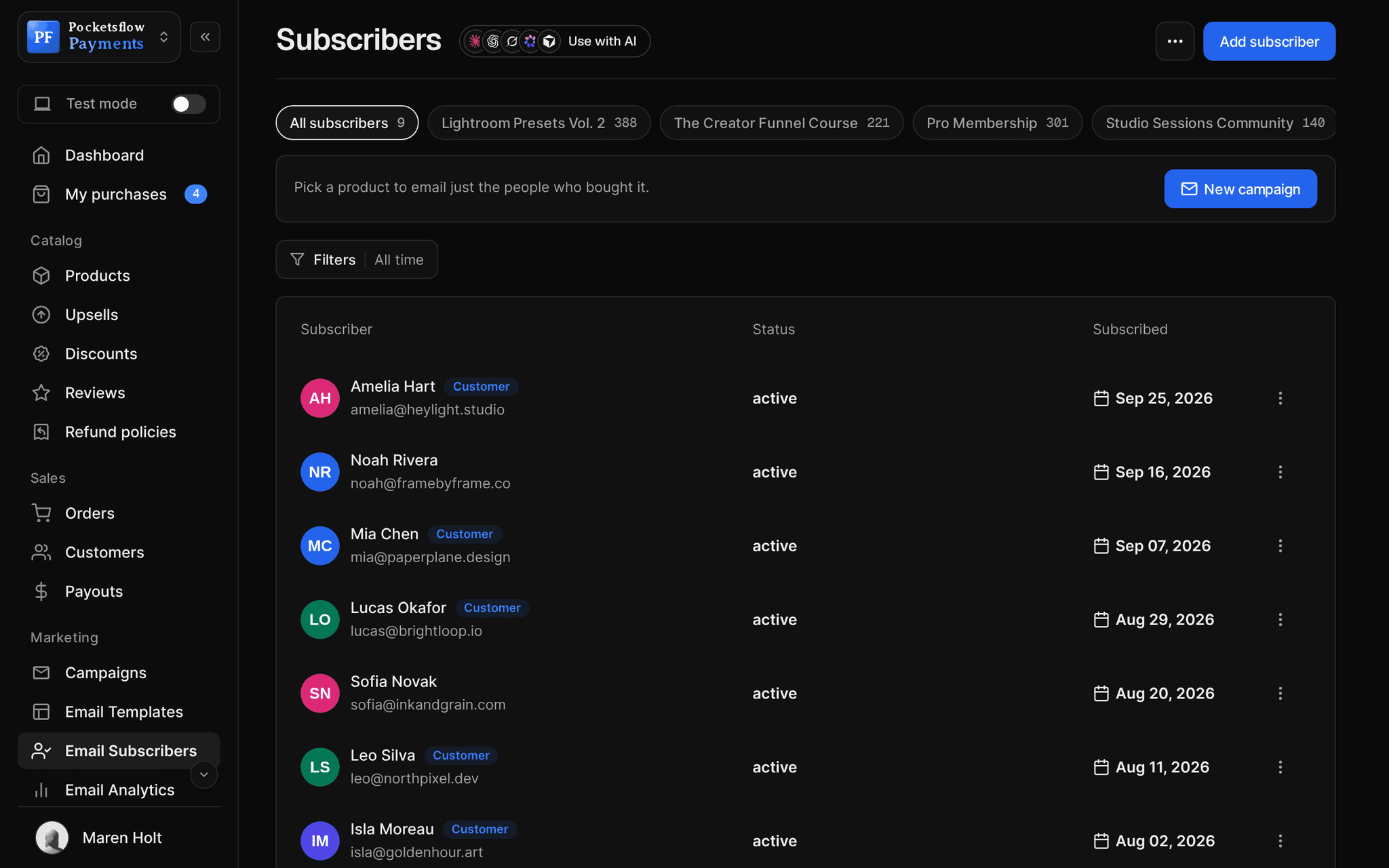
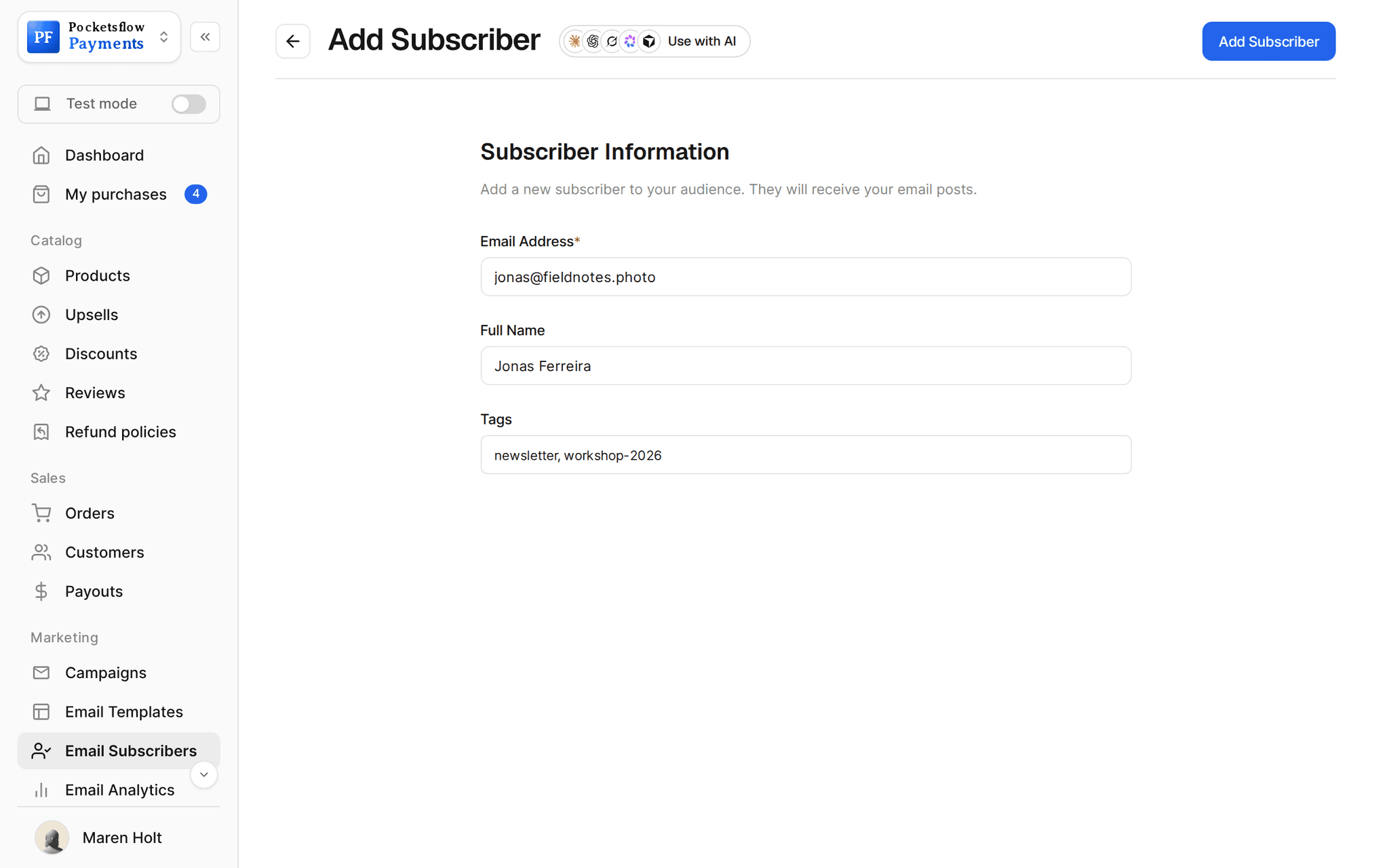
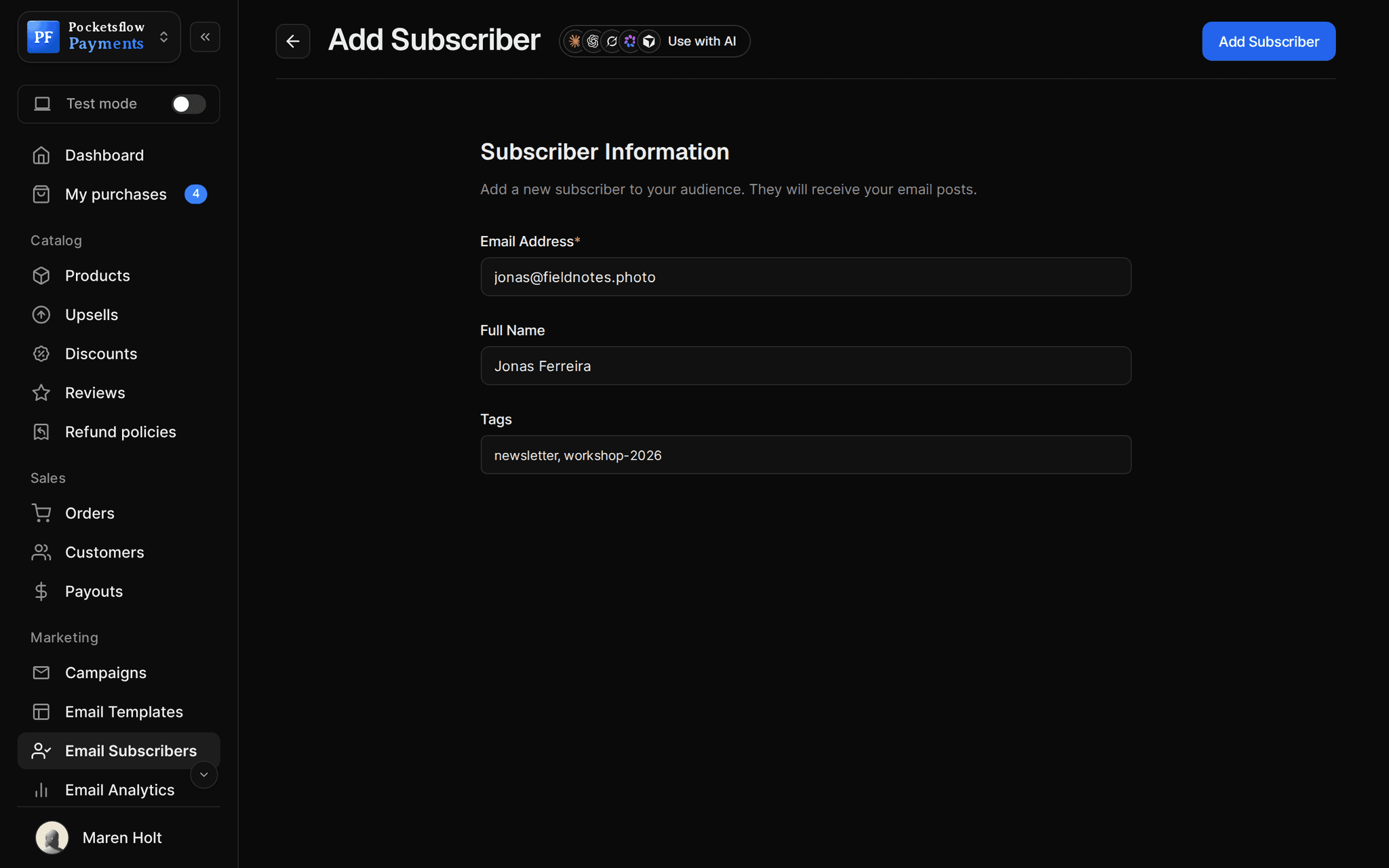
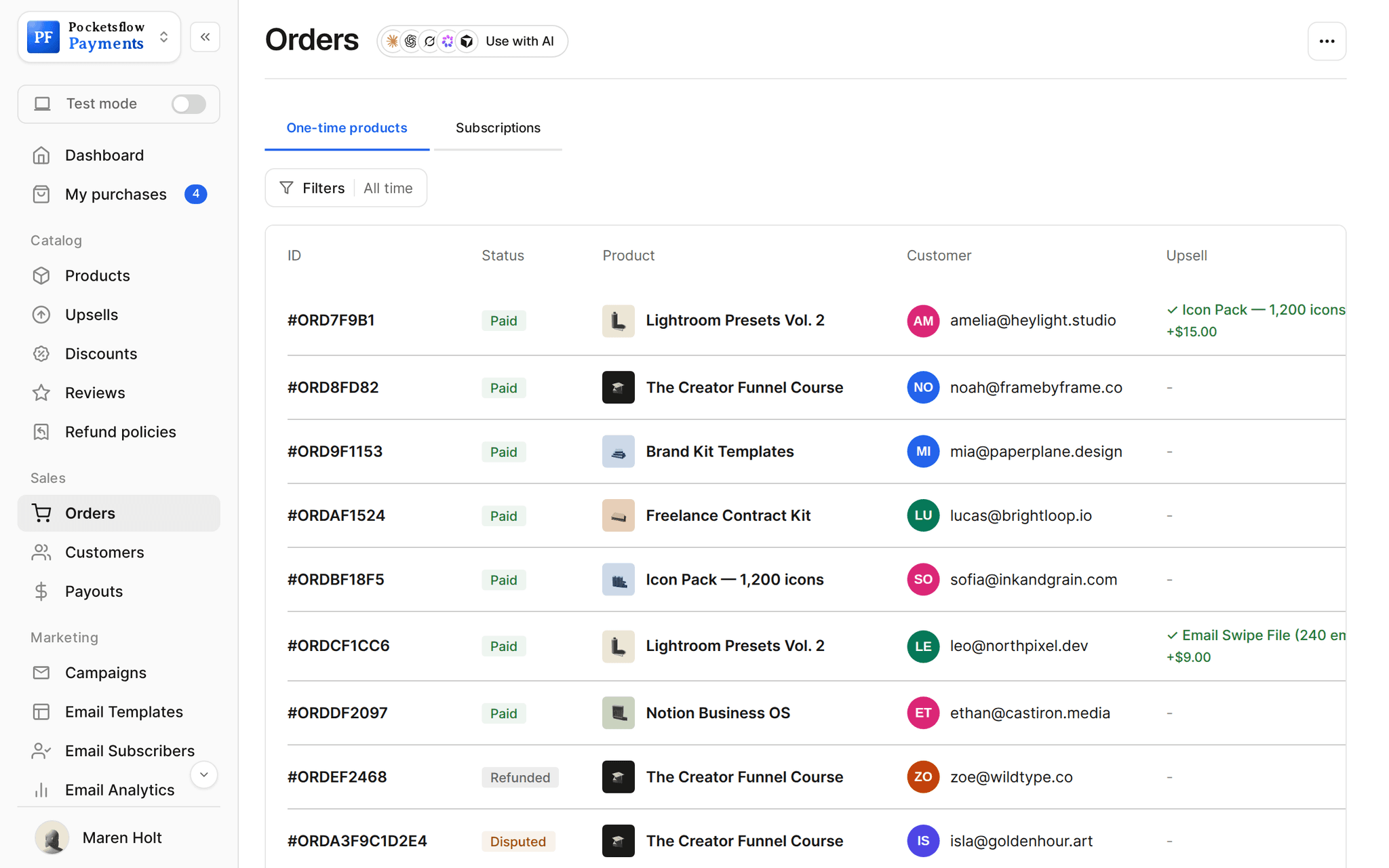
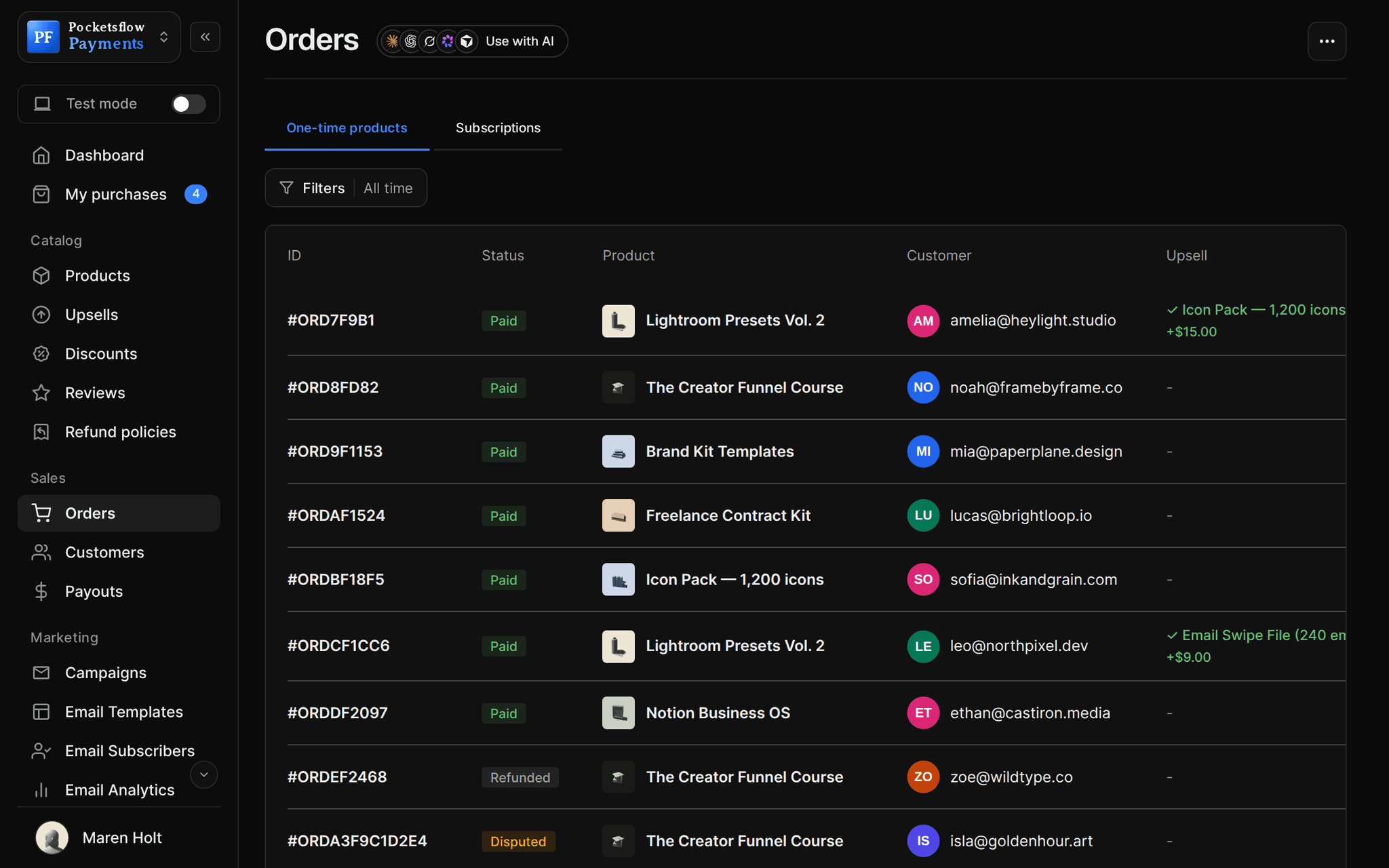
// use cases
Flows sellers run.
Welcome series
Three emails over a week for new subscribers.
Welcome seriesnewSubscriber
Post purchase thanks
A thank you and a getting started guide an hour after purchase.
Post purchase thank younewPurchase
Review requests
Ask for a review seven days after purchase.
Review request (7 days)newPurchase
Course drip
Point students to the next module each few days.
Course drip, Module 2newPurchase
Member onboarding
Rules, links and the first event for new members.
Welcome to the clubsubscriptionCreated
Win backs
A comeback note and a code when someone cancels.
We saved you a seatsubscriptionCancelled
// how it works
Live in four steps.
Pick a trigger
A purchase, a new subscriber, an open, a click, a tag, or a subscription created or cancelled.
Add the steps
Send email, wait, branch with if / else, split A/B, add or remove tags, update a field, or call a URL.
Turn it on
Switch the automation to active. New events start new runs.
Watch and refine
Check opens and clicks, then adjust delays, copy or branches.
// ai
Or just ask your AI.
Connect Claude, ChatGPT, Codex, Grok, Cursor or any MCP client once. Then ask in plain words, and every change lands in your dashboard.
 Claude · Desktop app
Things to ask
- Send a thank you to everyone who bought todaylist_orders · send_email
- Welcome every new subscriber with our launch emaillist_subscribers · send_email
- Draft the three emails for my welcome seriescreate_post
- Who subscribed this week?list_subscribers
- Send cancelled members a comeback notelist_customers · send_email
- Fire my webhook when someone buyscreate_webhook
// included
Everything included.
- Visual flow builder
- Purchase and new subscriber triggers
- Email opened and clicked triggers
- Tag added trigger
- Subscription created and cancelled triggers
- Send email steps with your templates
- Delays between steps
- If / else branches on tags, opens, clicks, purchases and fields
- A/B splits into random paths
- Add tag, remove tag and update field
- HTTP request step to call your own tools
- Notes on the canvas for your team
// why pocketsflowWhy sellers pick Pocketsflow.
Triggers from real sales
Flows start on actual purchases and subscriptions, not a CSV sync.
Branch on behavior
Opened, clicked, purchased, tagged: send each person the next right email.
Connect your stack
An HTTP request step pings your own tools mid flow.
Part of the email plans
Automations come with the email plans, from $99 a month.
// connect
It's easy. Even your AI can do it.
Add Pocketsflow to the AI you already use, sign in and click Allow access. No API key, no code.
- 01Paste into your AI appIt's a connector address, not a web page.api.pocketsflow.com/mcp
Add Pocketsflow
Paste the server URL as a connector in your AI app.
- 02
Sign in and allow
Your AI opens Pocketsflow. Click Allow access.
- 03
Ask for anything
Products, orders, refunds, emails, in plain words.
import { Pocketsflow } from "pocketsflow";

const pf = new Pocketsflow({ apiKey: process.env.POCKETSFLOW_API_KEY });

// Hear about sales and signups at your own URL.
const webhook = await pf.webhooks.create({
  url: "https://your-app.com/webhooks/pocketsflow",
  events: ["order.completed", "order.refunded"],
  description: "Order notifications",
});

console.log(webhook._id);
Trigger emails from code.
Create a checkout, attach a product, and let Pocketsflow handle the transaction lifecycle: payment, tax, delivery, and the receipt.
Every resource is an HTTPS endpoint under one base URL with Bearer API keys. Live and test keys are scoped to their own data; the OpenAPI spec is served at /docs.json.
// faq
Common questions.
Do I need a paid plan for email?
Selling never needs a plan. Email campaigns, automations, reusable templates and open and click analytics are part of the email plans, from $99 a month for 3,000 subscribers. The free plan keeps up to 500 subscribers. See the pricing page for every tier.
What can start an automation?
A new purchase, a new subscriber, an email opened or clicked, a tag being added, or a subscription being created or cancelled.
What can an automation do?
Send an email, wait, branch with if / else, split traffic A/B, add or remove a tag, update a subscriber field, or make an HTTP request to another tool.
What can I branch on?
Whether someone has a tag, opened or clicked an email, purchased a product, a field's value, or how many days they have been subscribed.
Can I pause an automation?
Yes. Set it to inactive or keep it as a draft while you work on it.
Can my AI do this for me?
Yes. Add the Pocketsflow MCP server to Claude, ChatGPT, Codex, Grok, Cursor or any MCP client, sign in and click Allow access. No API key. Your AI can then create products, set prices and discounts, open checkouts, read orders and send emails, and every change shows up in your dashboard.
// related
Keep exploring.
Start accepting payments today.
Sell your first product today, and let the AI you already use run the busywork.