GrowAudience
One source of truth for your audience.
Customers and subscribers live next to the orders that made them. See who bought what, from where, and how often; sync buyers to your list automatically; and email any product's buyers in one step.


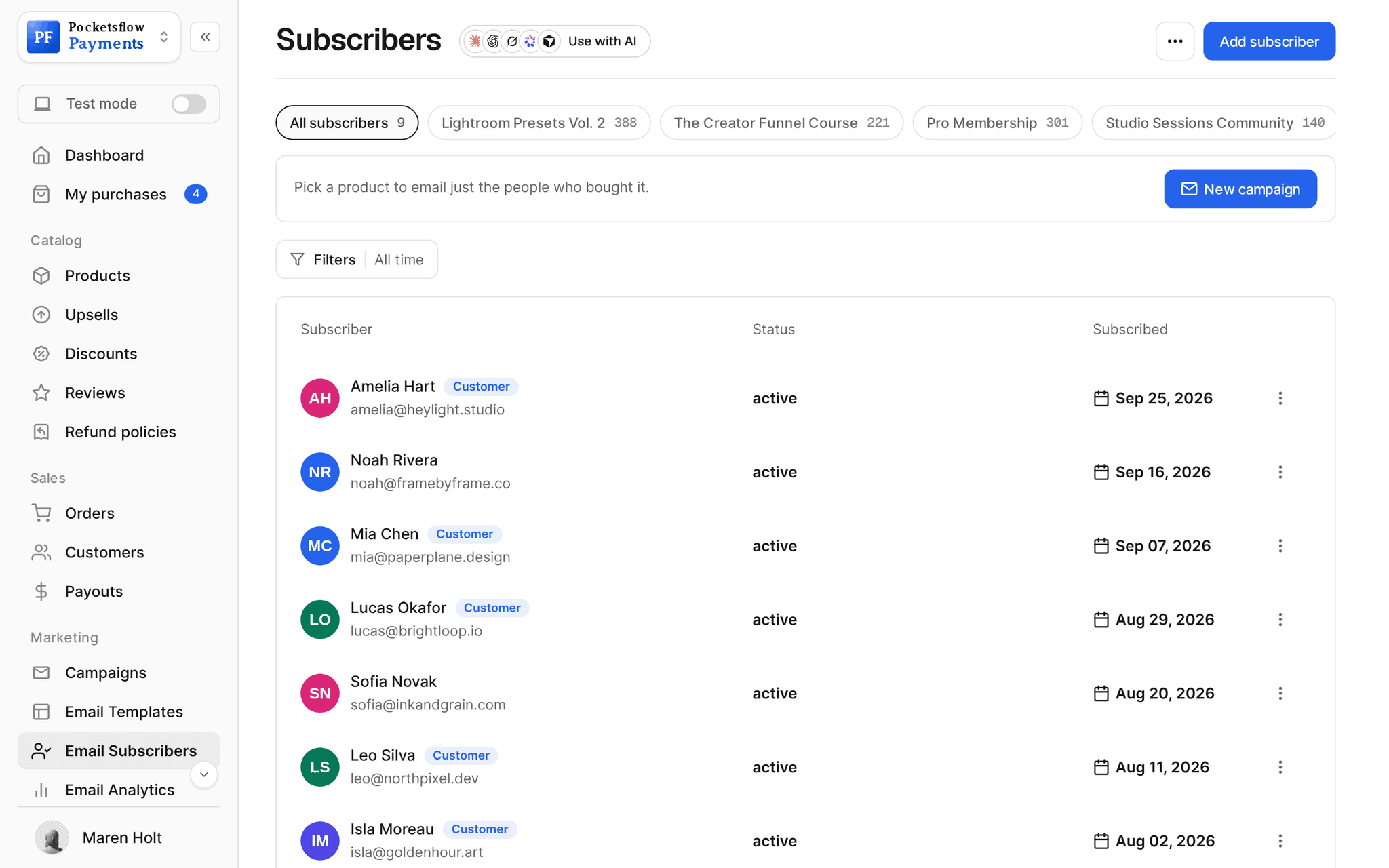
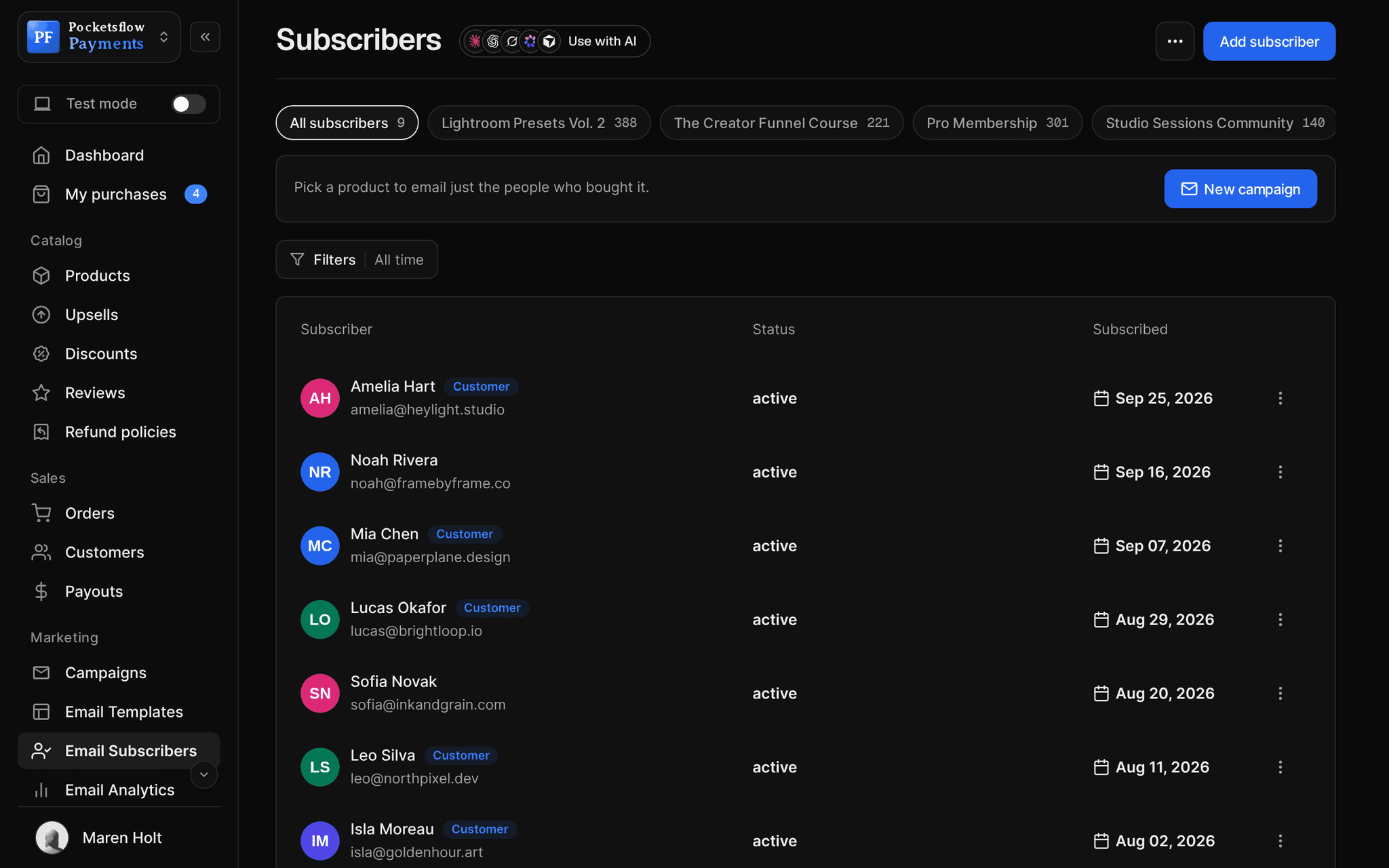
- list for buyers and subscribers
- 1
- import and export
- CSV
- subscribers on the free plan
- 500
- estimated per sale, no monthly fee
- 4.7% + $0.30
// inside pocketsflow
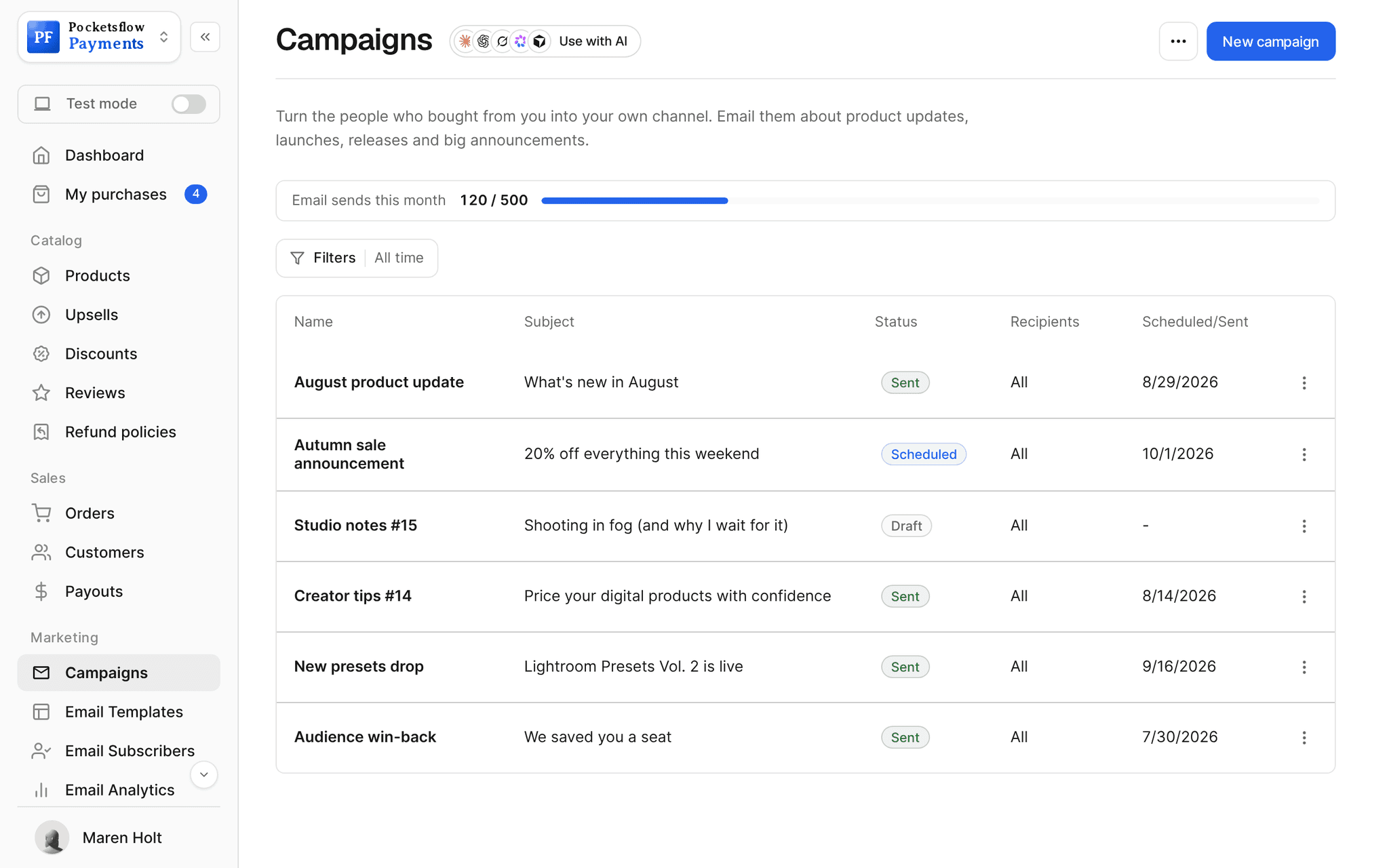
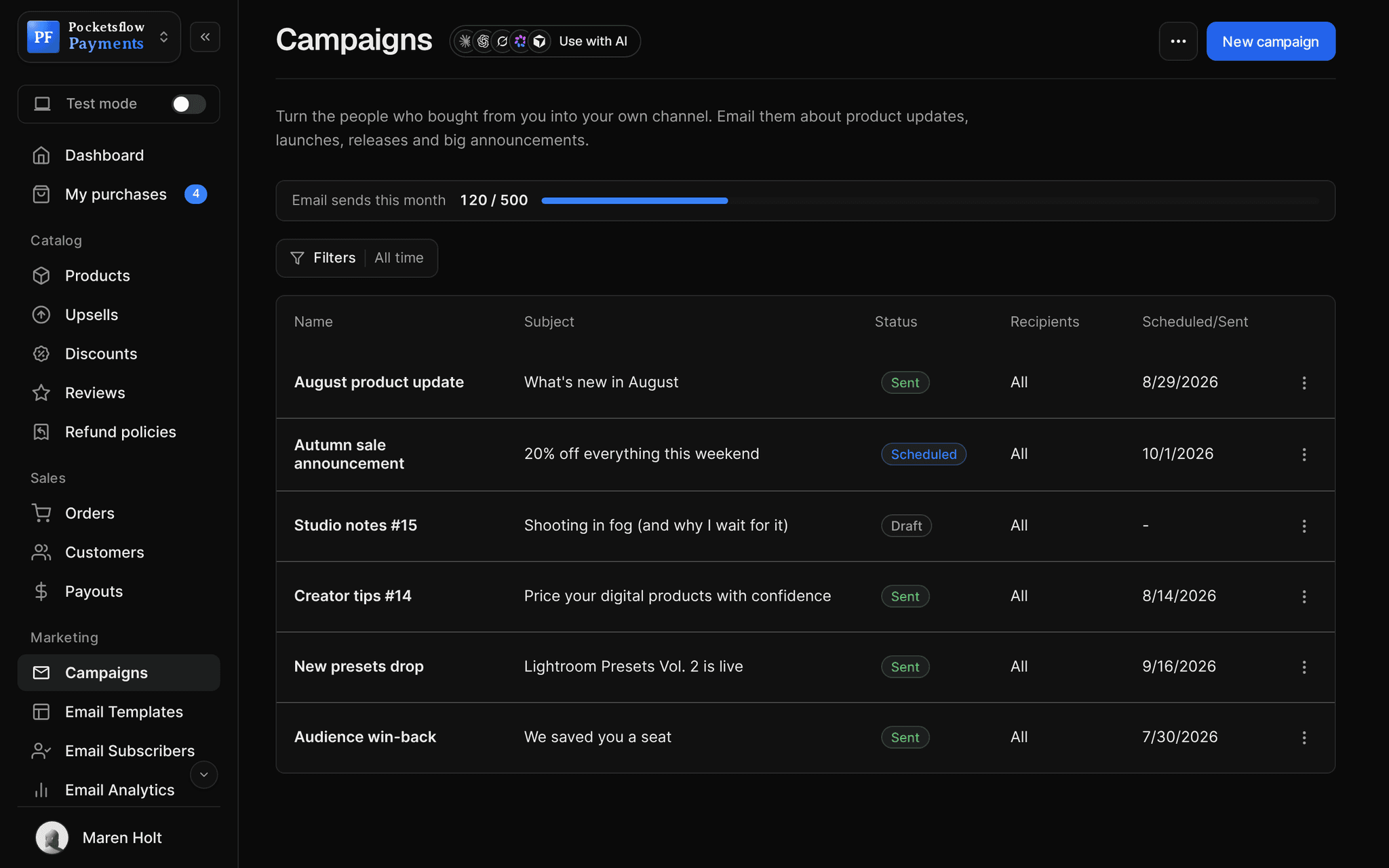
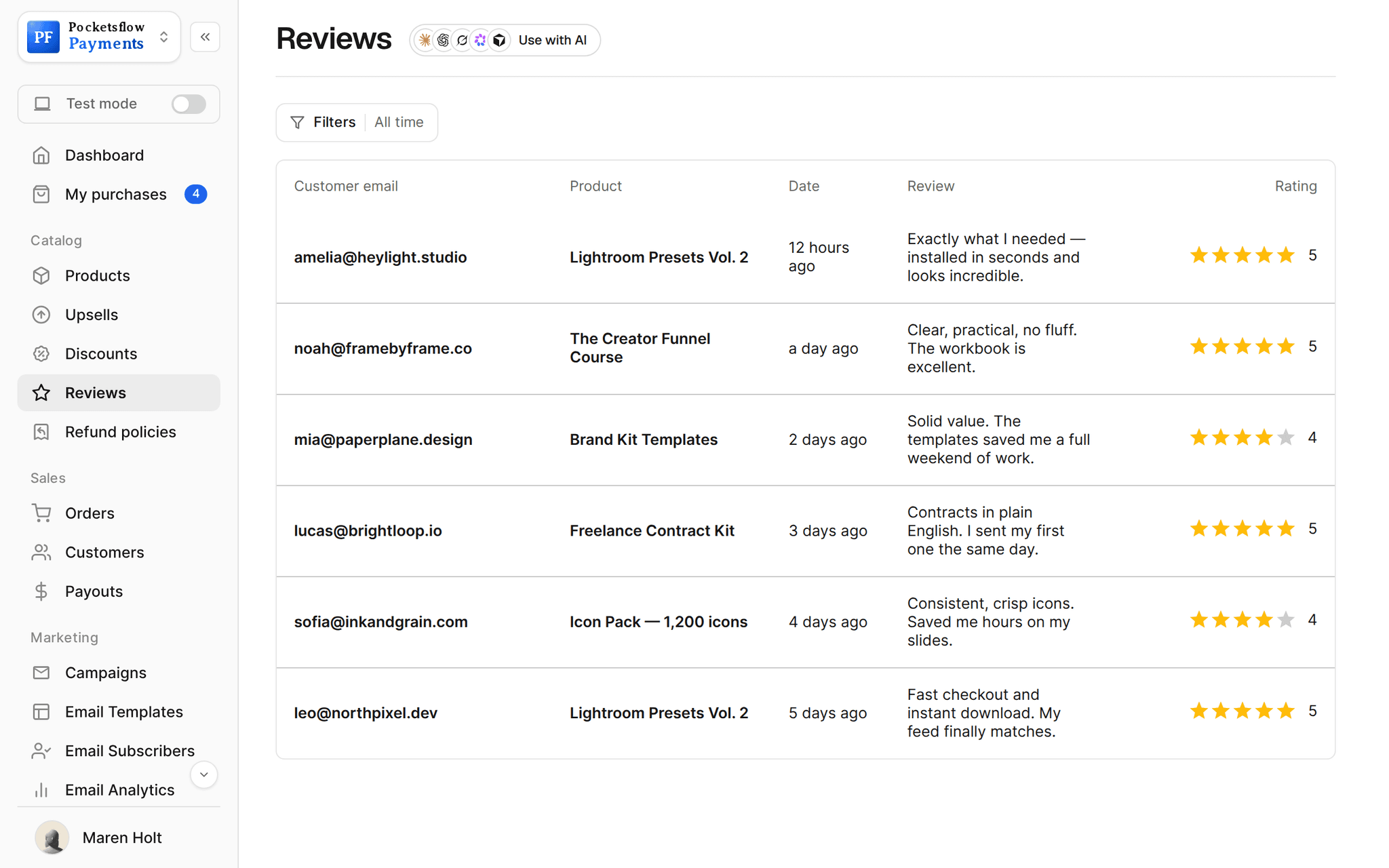
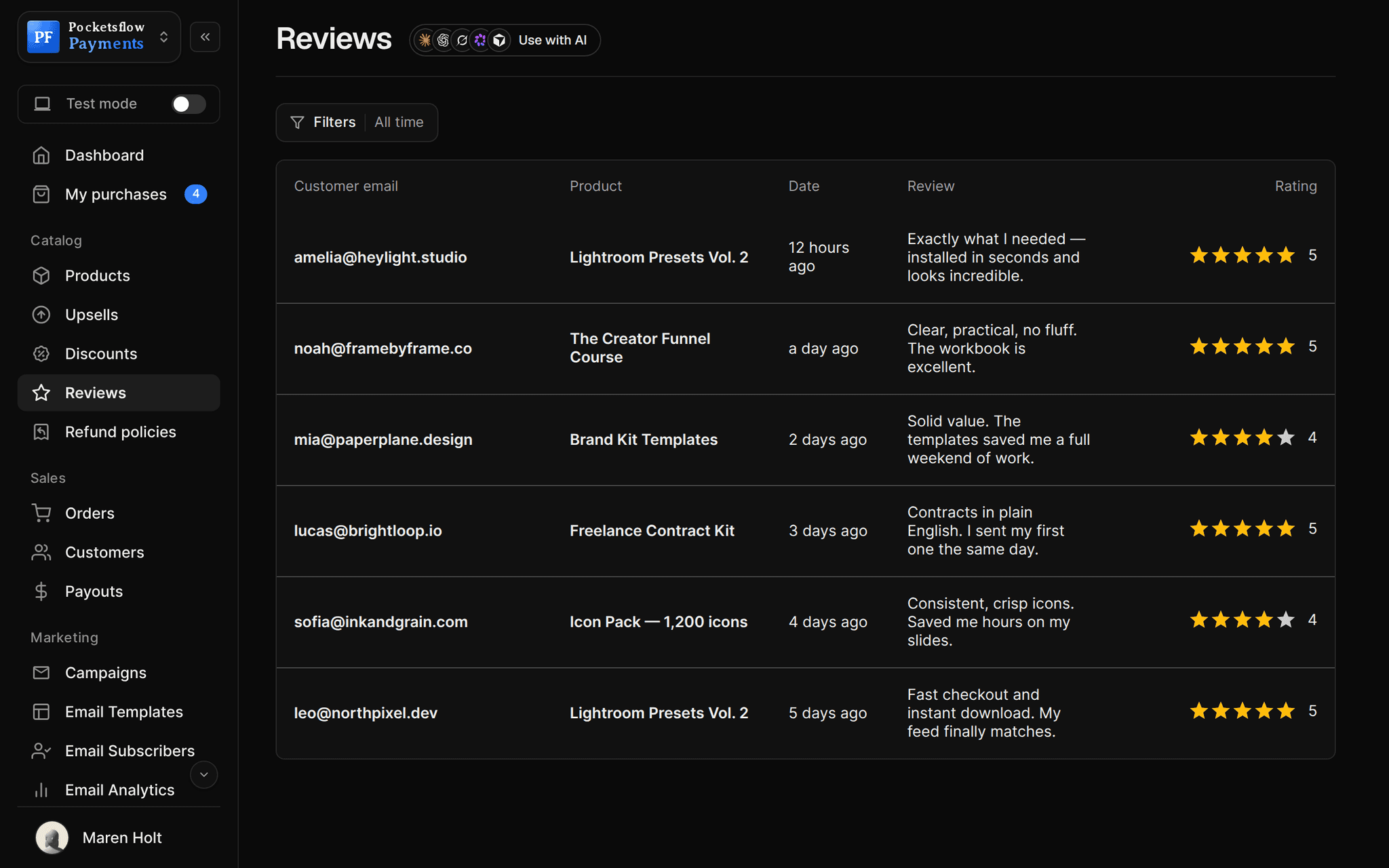
See how it works in the dashboard.
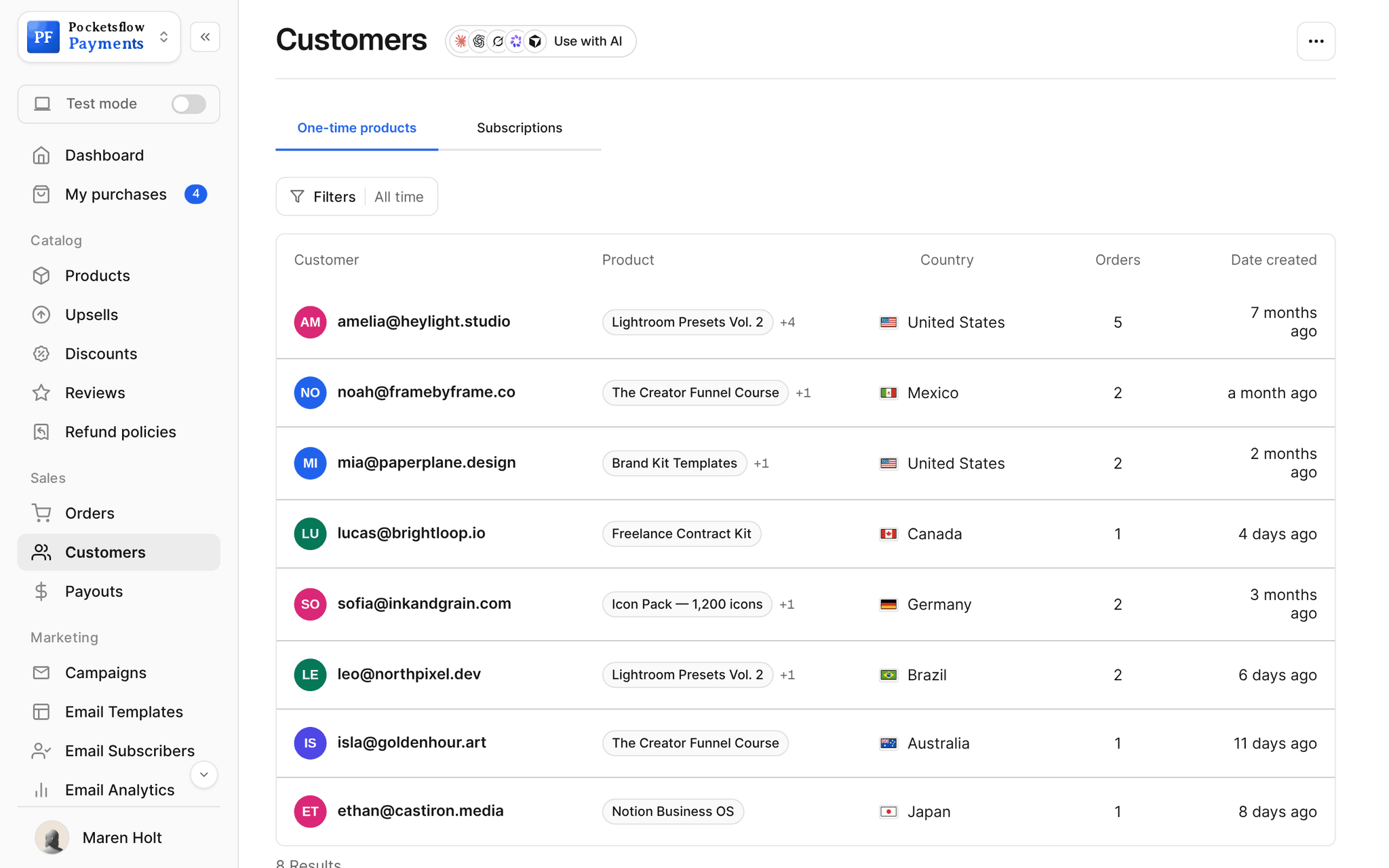
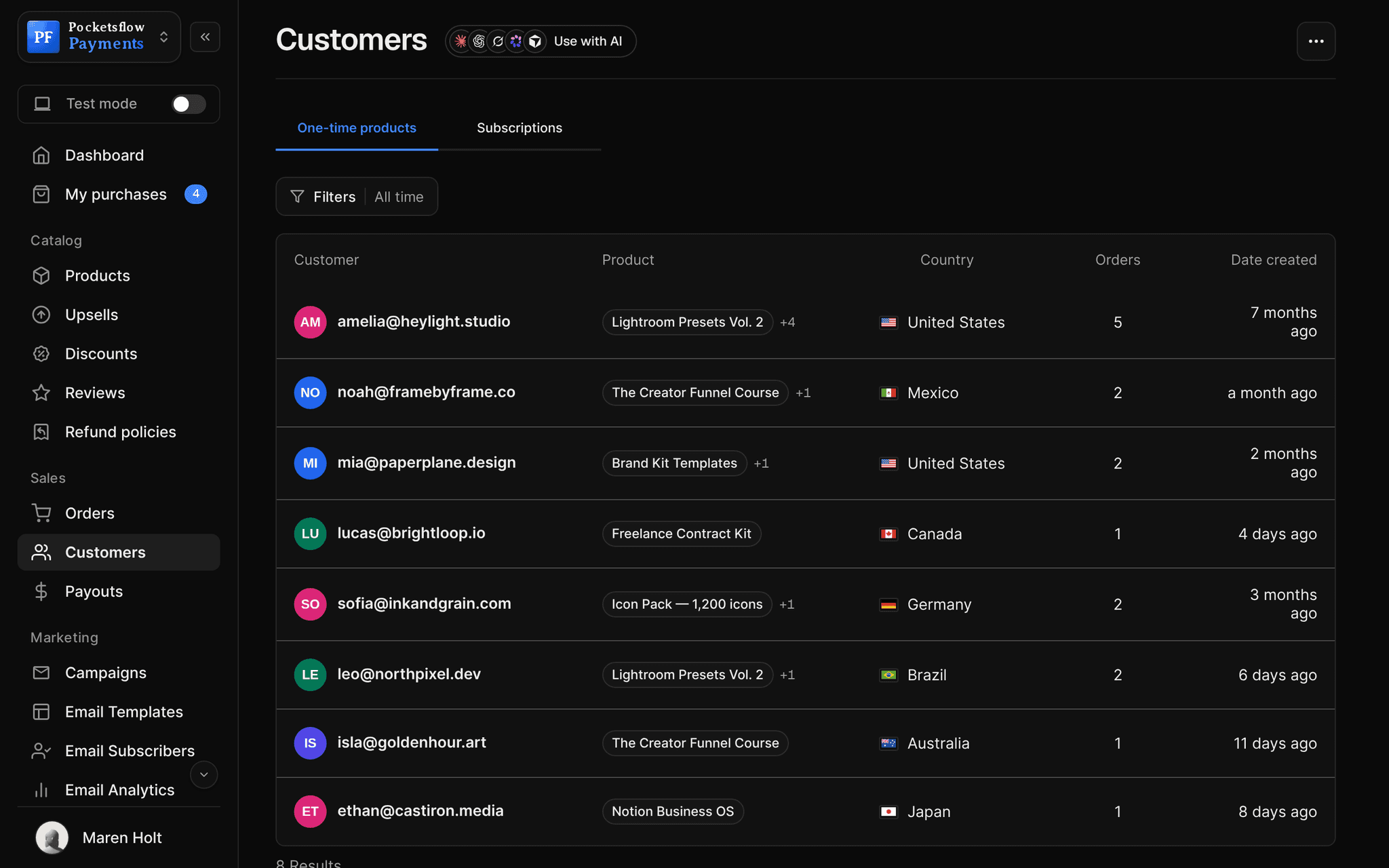
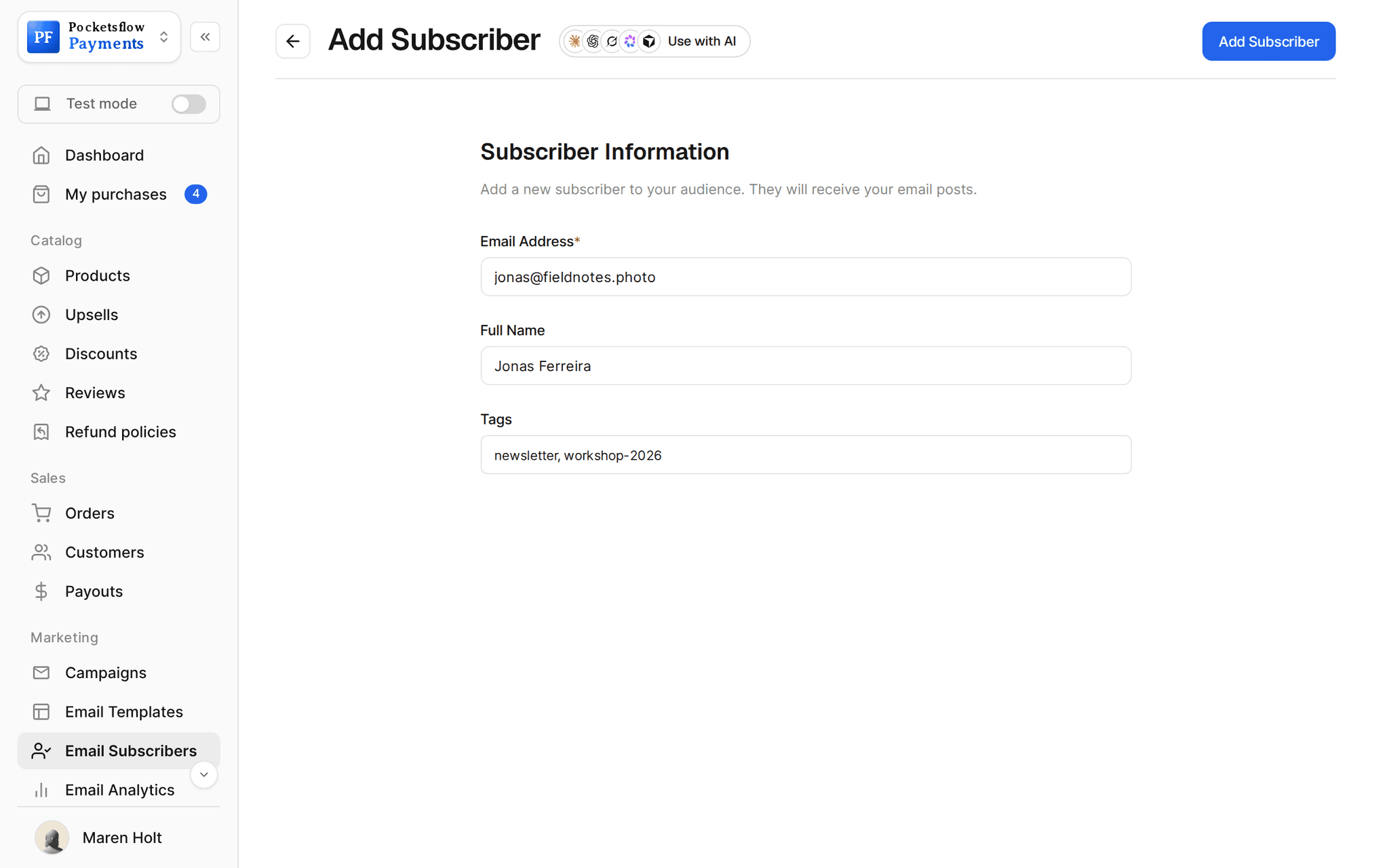
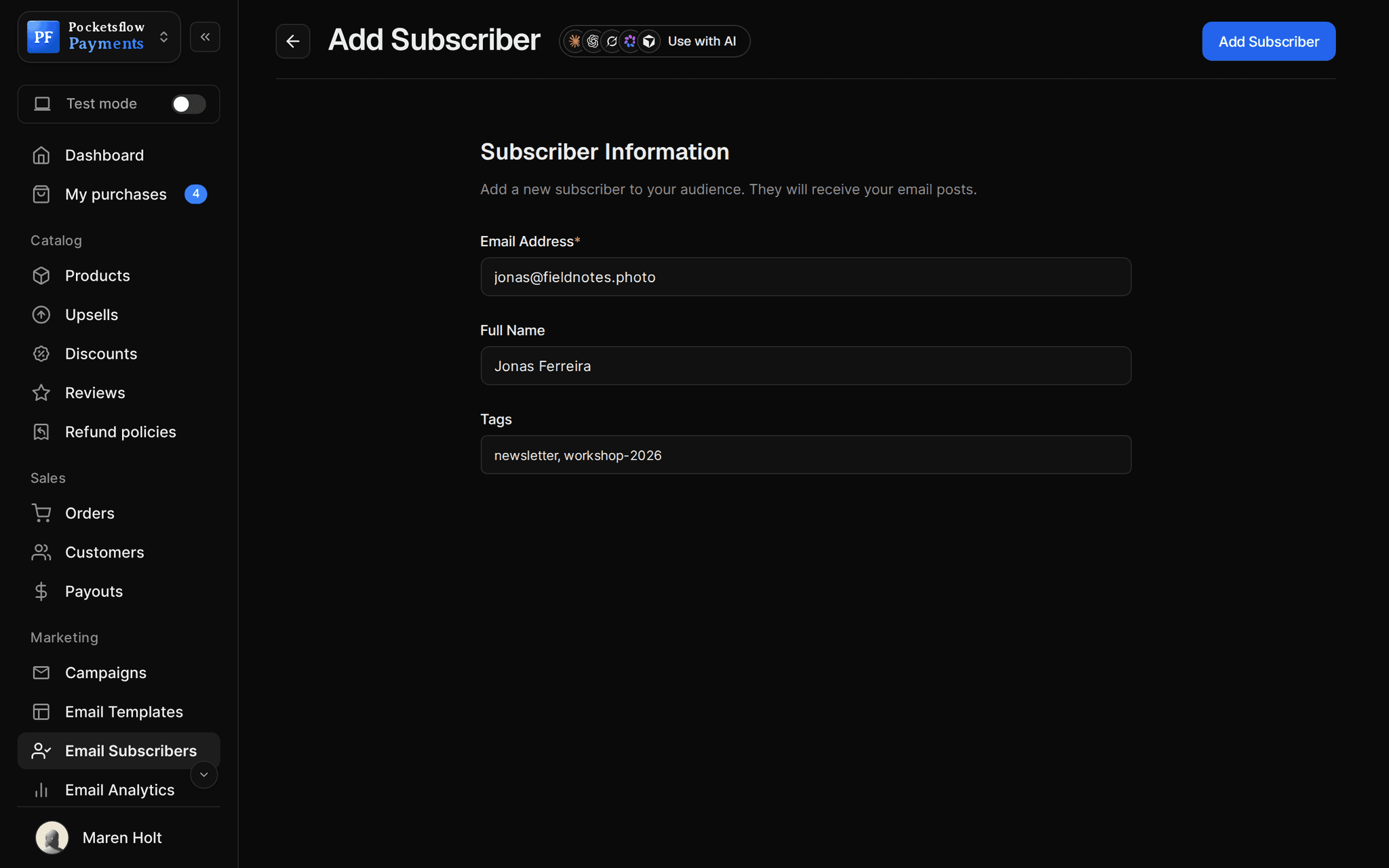
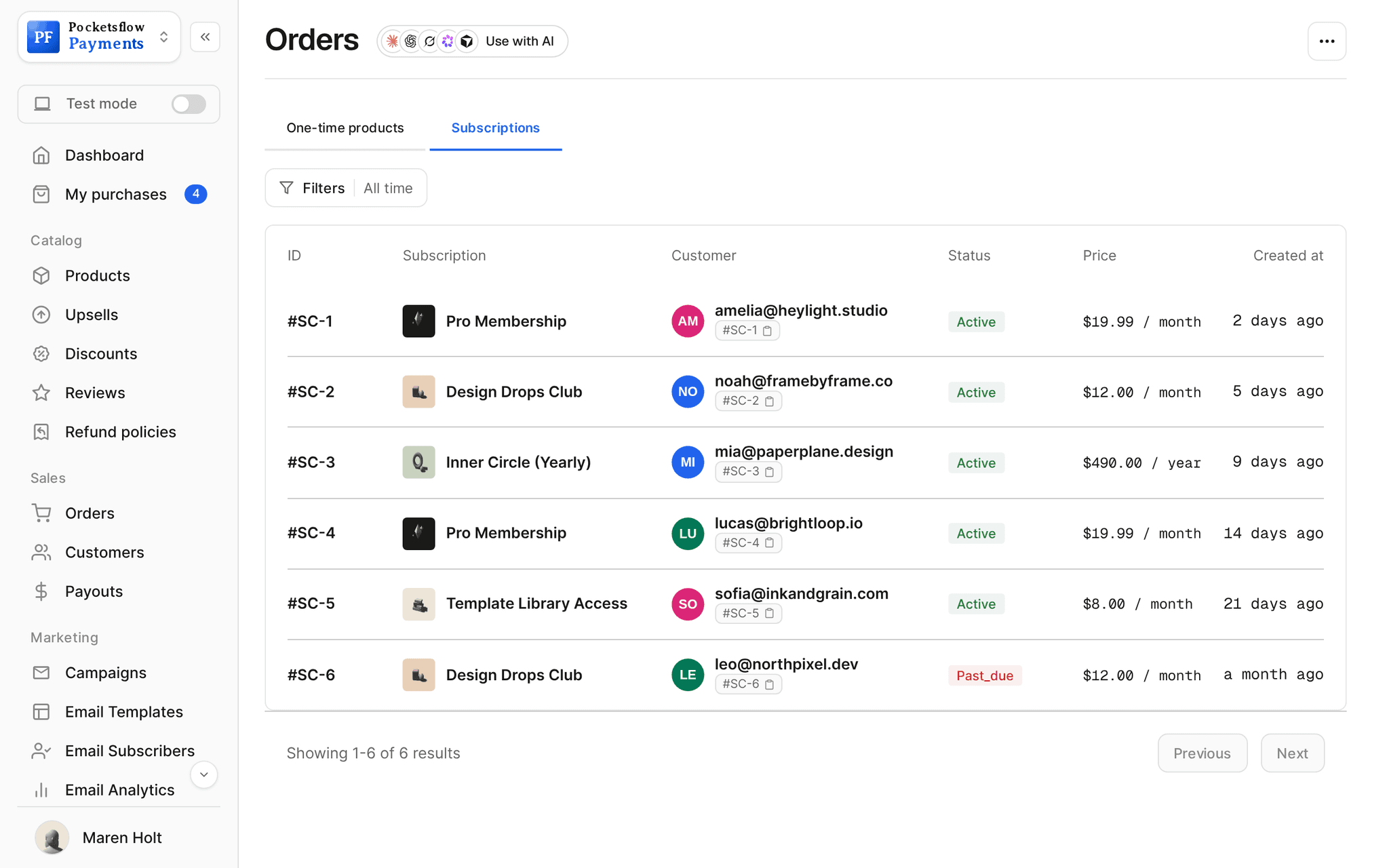
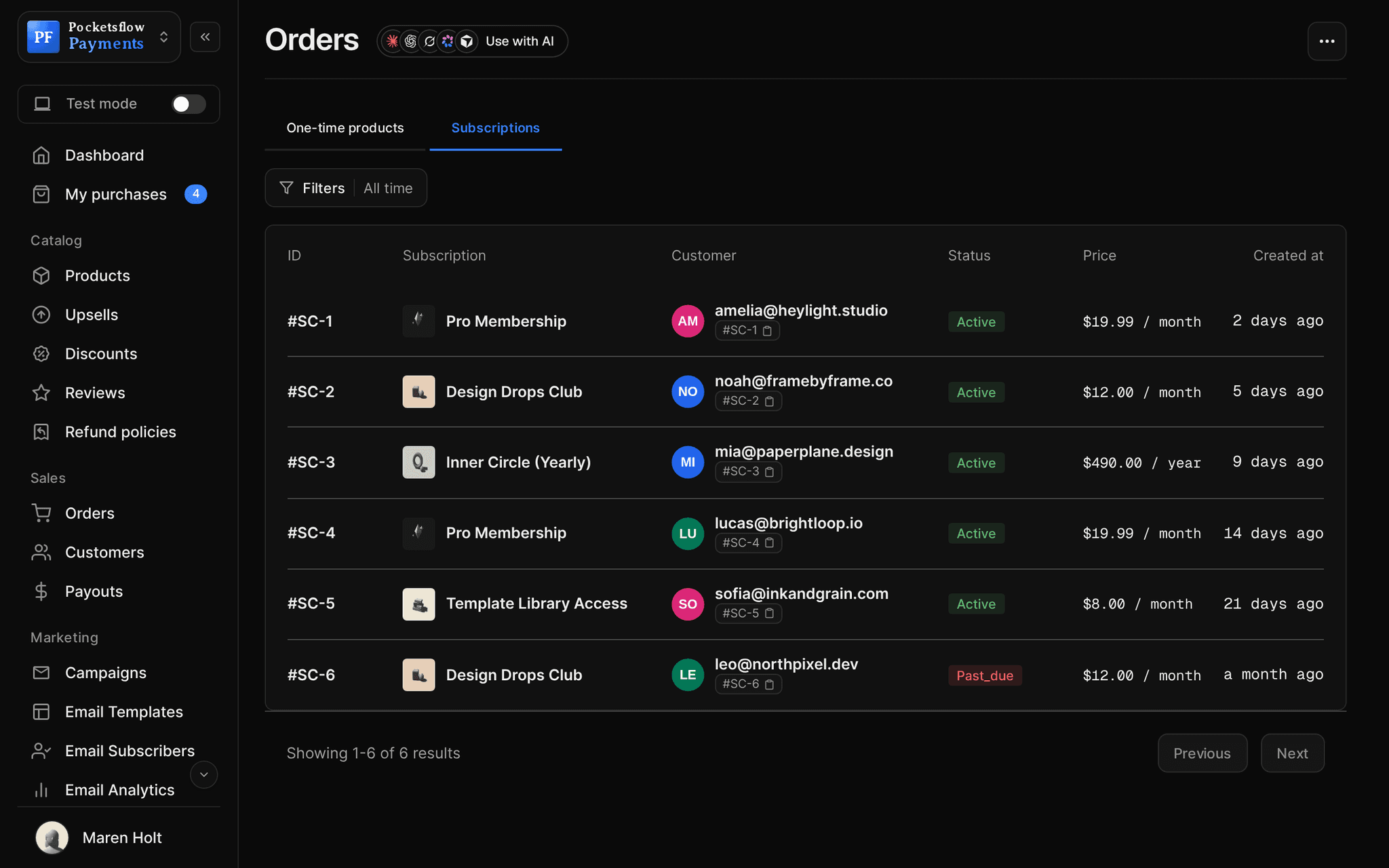
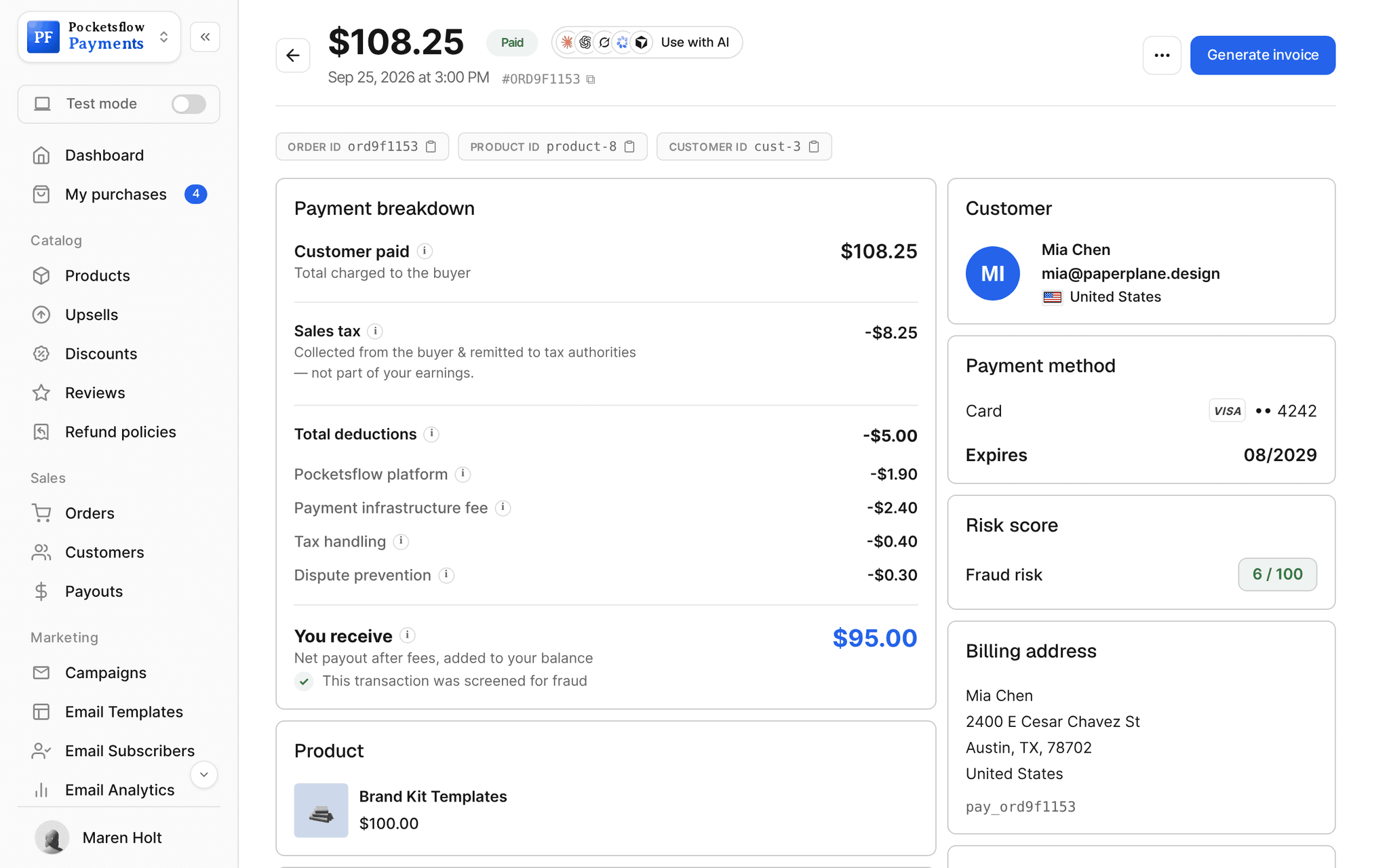
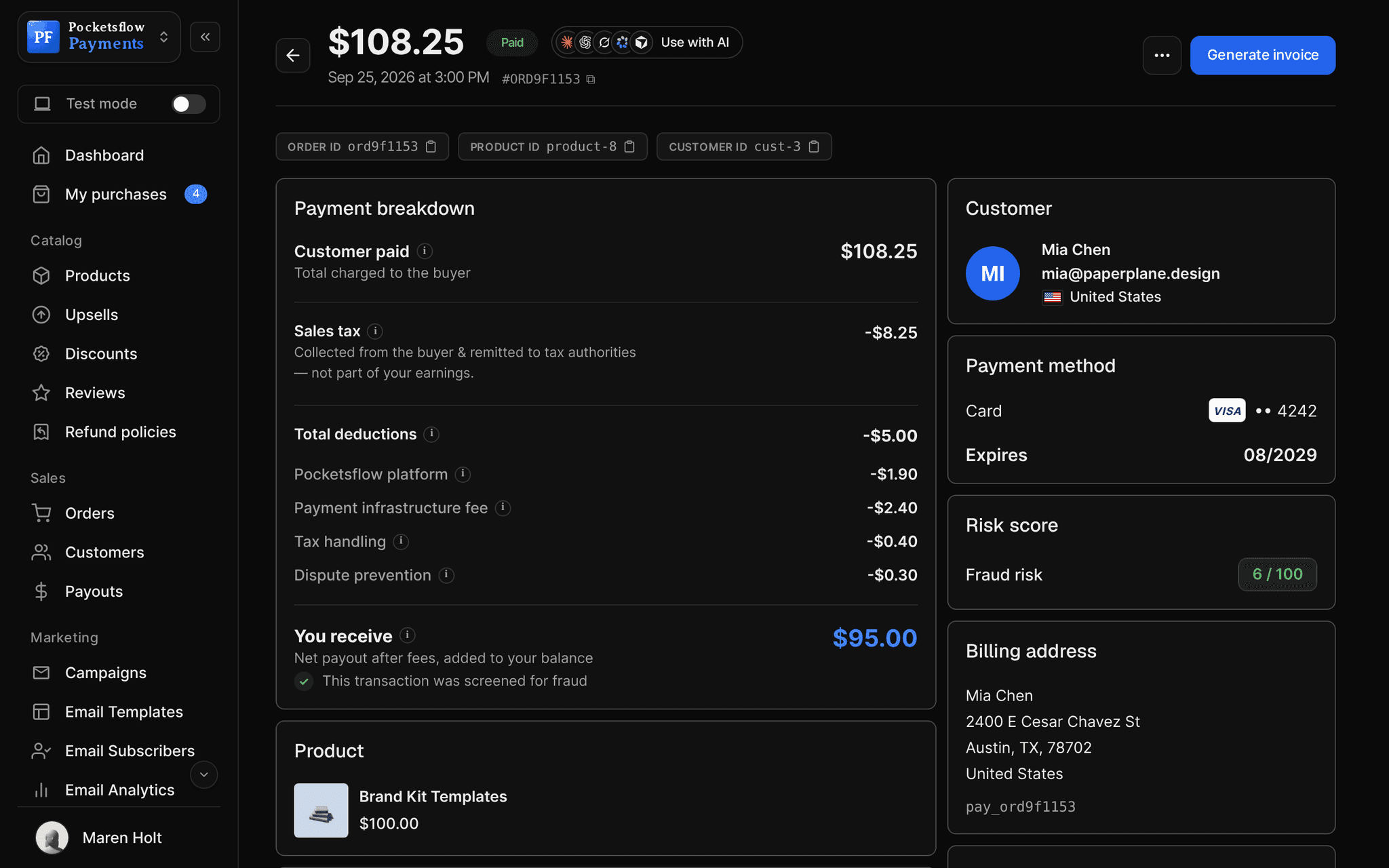
// more screens
Every screen you will use.
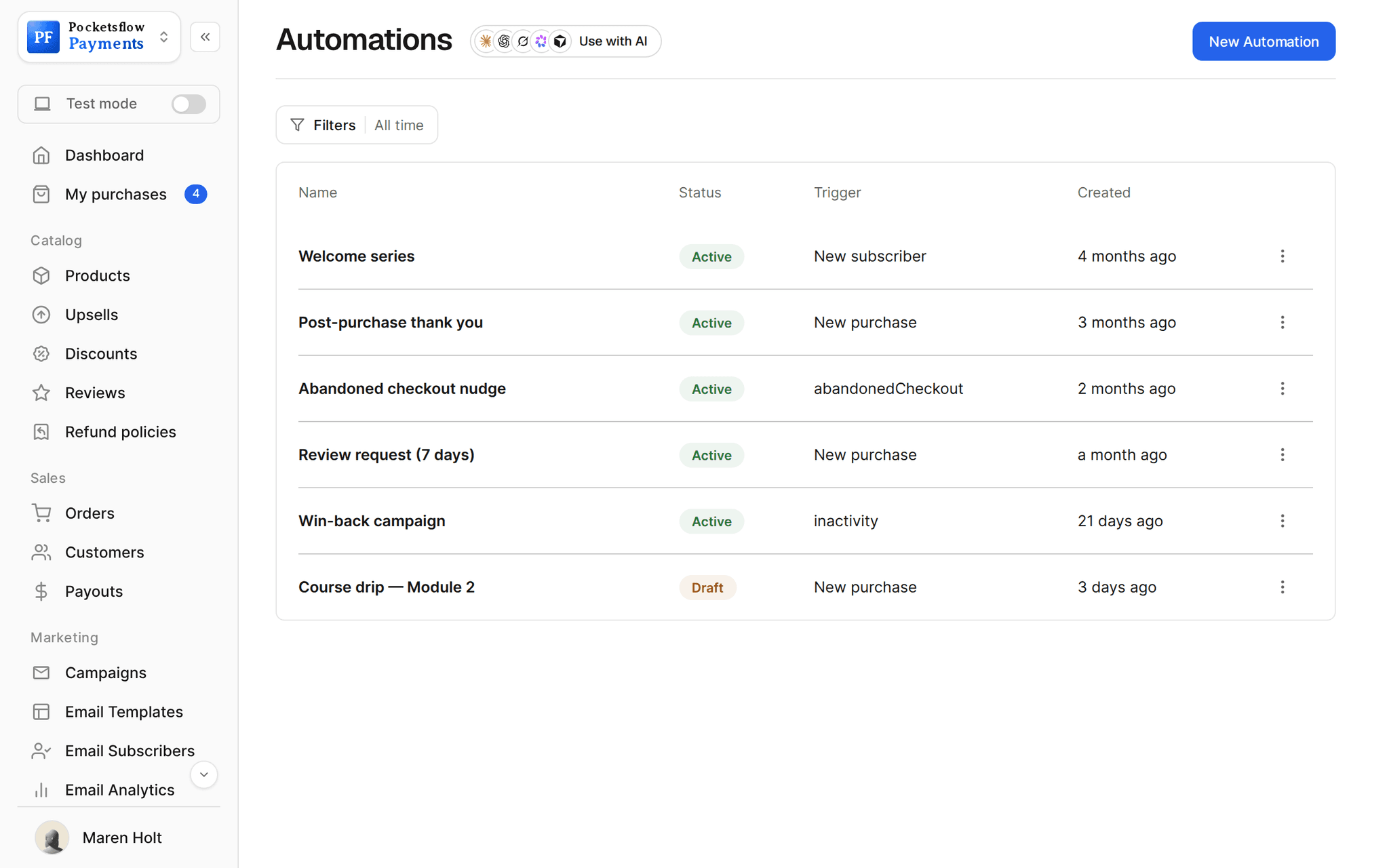
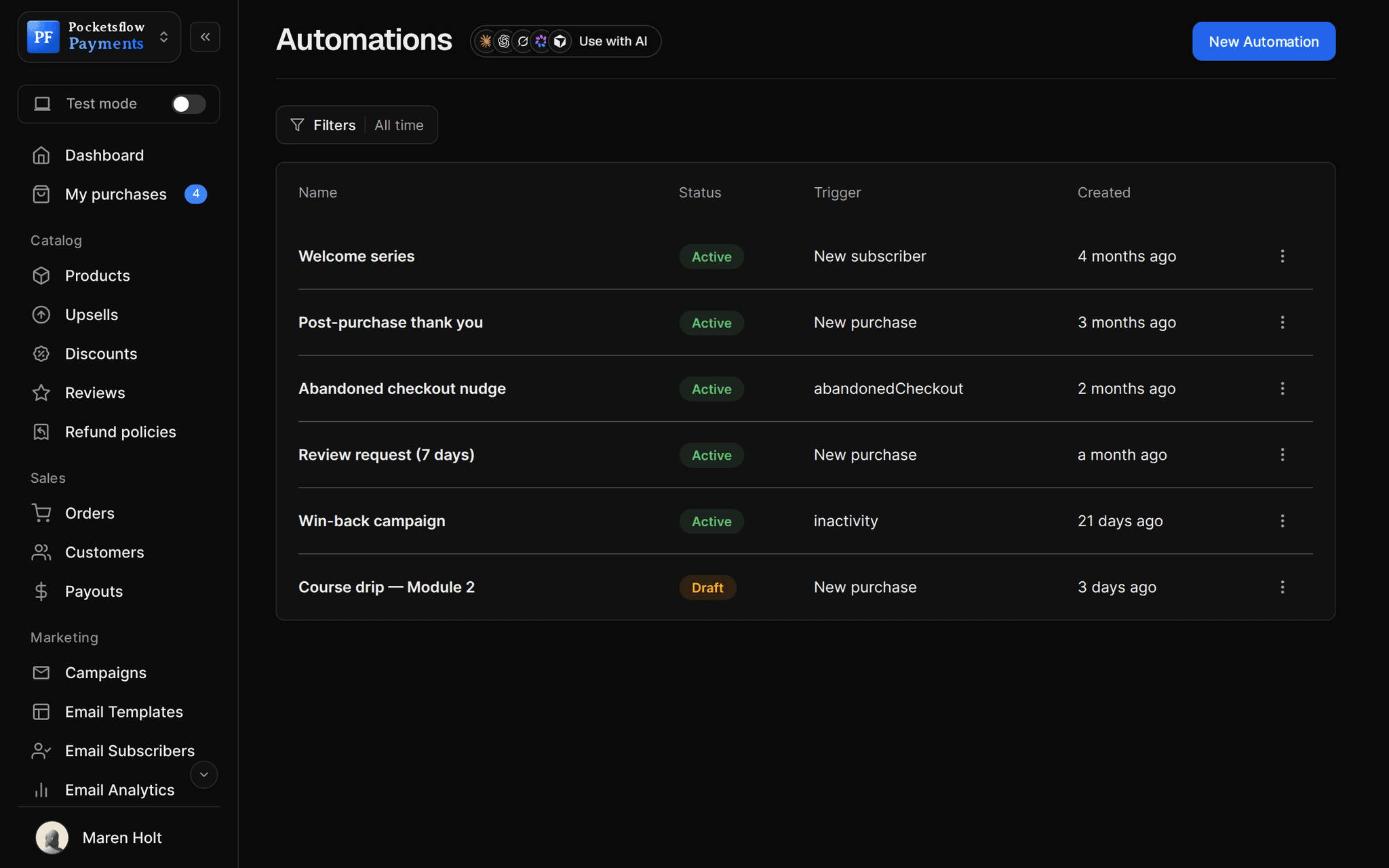

// use cases
What sellers do with their audience.
Know your best buyers
Sort customers by orders and thank the ones who keep coming back.
VIP thank youTHANKS15
Email by product
Tell buyers of one product about its update.
Course, module 6Campaign
Migrate a list
Import a CSV of opted in contacts with tags.
Old newsletter listCSV
Sync buyers
Paying customers join your list, tagged customer, if you turn it on.
Audience syncSetting
Accounting and CRM
Export customers as CSV for your other tools.
Quarterly exportCSV
Referral programs
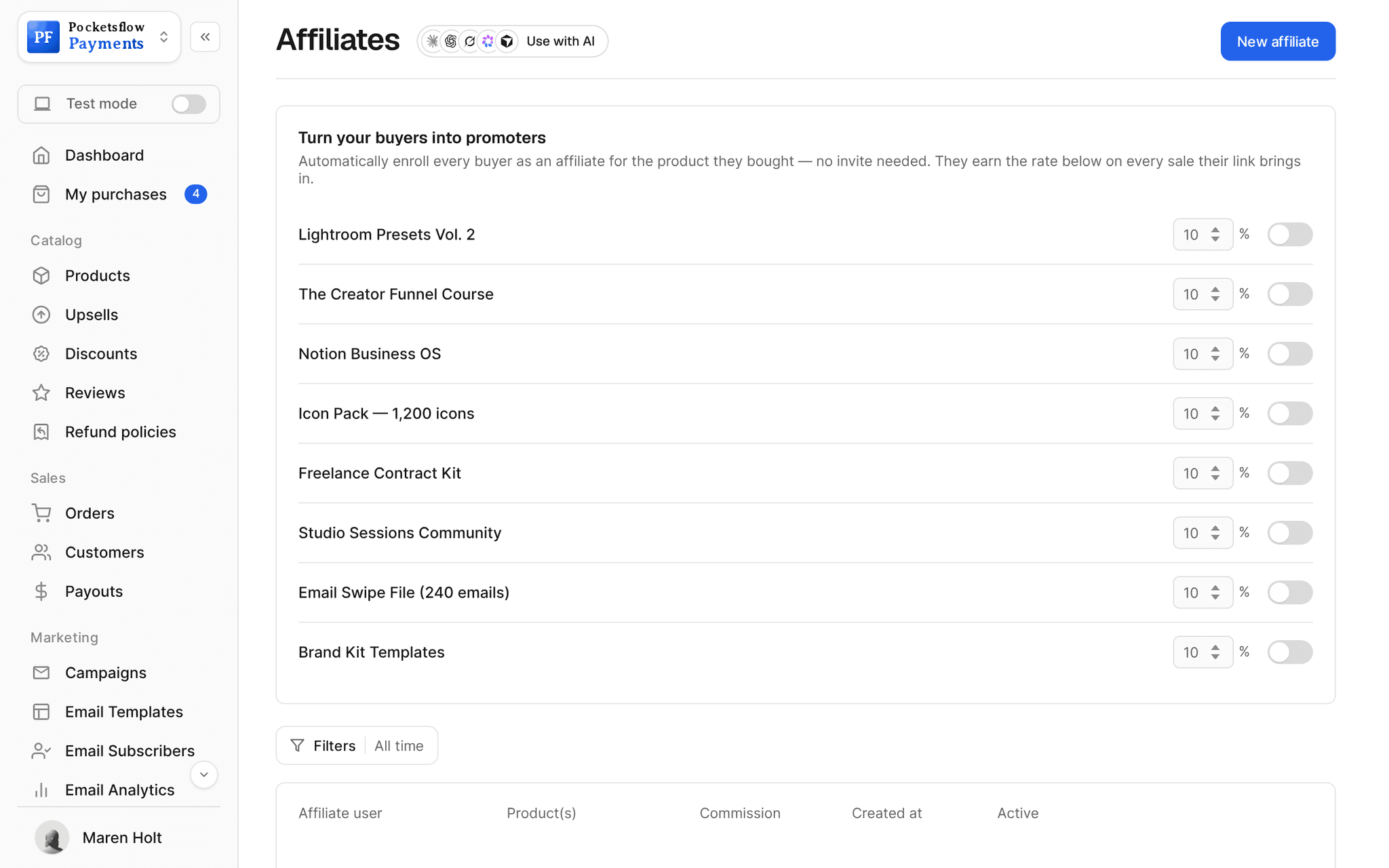
Make happy buyers affiliates with a commission rate.
Customer referrals10%
// how it works
Live in four steps.
Sell
Every order creates or updates a customer with their country and order history.
Grow the list
Opt ins at checkout, your creator page form, imports, and buyer sync if you turn it on.
Organize
Tag people by hand or from automations, and use product audiences.
Reach out
Email a segment, start a flow, or export it to another tool.
// ai
Or just ask your AI.
Connect Claude, ChatGPT, Codex, Grok, Cursor or any MCP client once. Then ask in plain words, and every change lands in your dashboard.
Things to ask
- Who are my top 10 customers this month?list_customers
- Is this buyer on my email list?get_customer · get_subscriber
- How many subscribers joined this week?list_subscribers
- Remove this person who asked to be deleteddelete_subscriber
- Which countries do my buyers come from?list_orders
- Email the buyers of my course about the new modulelist_subscribers · send_post
// included
Everything included.
- Customers with country, orders and first purchase
- One time and subscription customer tabs
- Email subscribers with status and join date
- Product audiences: buyers of each product
- Tags on subscribers
- Buyer sync to your list, tagged customer
- Unsubscribed people never re added
- CSV import for subscribers
- CSV export for customers
- Add to audience from the customers list
- Affiliate enrollment for buyers
- API and MCP tools for customers and subscribers
// why pocketsflowWhy sellers pick Pocketsflow.
No exports between tools
Sales, list and segments in the same account.
Consent respected
Unsubscribes are honored and never re added by a sync.
Ready for email
Every audience is one click from a campaign or an automation.
Selling stays cheap
4.7% + $0.30 estimated per sale, no monthly fee to keep your customers.
// connect
It's easy. Even your AI can do it.
Add Pocketsflow to the AI you already use, sign in and click Allow access. No API key, no code.
- 01Paste into your AI appIt's a connector address, not a web page.api.pocketsflow.com/mcp
Add Pocketsflow
Paste the server URL as a connector in your AI app.
- 02
Sign in and allow
Your AI opens Pocketsflow. Click Allow access.
- 03
Ask for anything
Products, orders, refunds, emails, in plain words.
import { Pocketsflow } from "pocketsflow";

const pf = new Pocketsflow({ apiKey: process.env.POCKETSFLOW_API_KEY });

// Buyers and subscribers sync here automatically: no exports.
const customers = await pf.customers.list();

for (const customer of customers) {
  console.log(customer.email);
}
Your audience is an API call.
Create a checkout, attach a product, and let Pocketsflow handle the transaction lifecycle: payment, tax, delivery, and the receipt.
Every resource is an HTTPS endpoint under one base URL with Bearer API keys. Live and test keys are scoped to their own data; the OpenAPI spec is served at /docs.json.
// faq
Common questions.
Are buyers added to my email list automatically?
If you turn on audience sync, paying customers are added to your subscribers and tagged customer. People who unsubscribed are never added back.
Can I email only the buyers of one product?
Yes. Each product and subscription has an audience of its buyers, kept in sync with new sales.
Can I import my existing list?
Yes. Import a CSV of contacts who opted in, with tags. A sample CSV is in the dashboard.
Can I export my customers?
Yes. Export customers as CSV from the customers page, any time. Your data stays yours.
Can someone ask to be deleted?
Yes. Remove a subscriber from the dashboard, the API or your AI.
Can my AI do this for me?
Yes. Add the Pocketsflow MCP server to Claude, ChatGPT, Codex, Grok, Cursor or any MCP client, sign in and click Allow access. No API key. Your AI can then create products, set prices and discounts, open checkouts, read orders and send emails, and every change shows up in your dashboard.
// related
Keep exploring.
Start accepting payments today.
Sell your first product today, and let the AI you already use run the busywork.