GrowNewsletters
Your newsletter, next to your store.
Collect subscribers on your creator page and at checkout, write posts from templates, and schedule them. When a reader is ready to buy, your products and memberships are one click away, in the same account.


- subscribers on the free plan
- 1,000
- a month to send campaigns
- $15
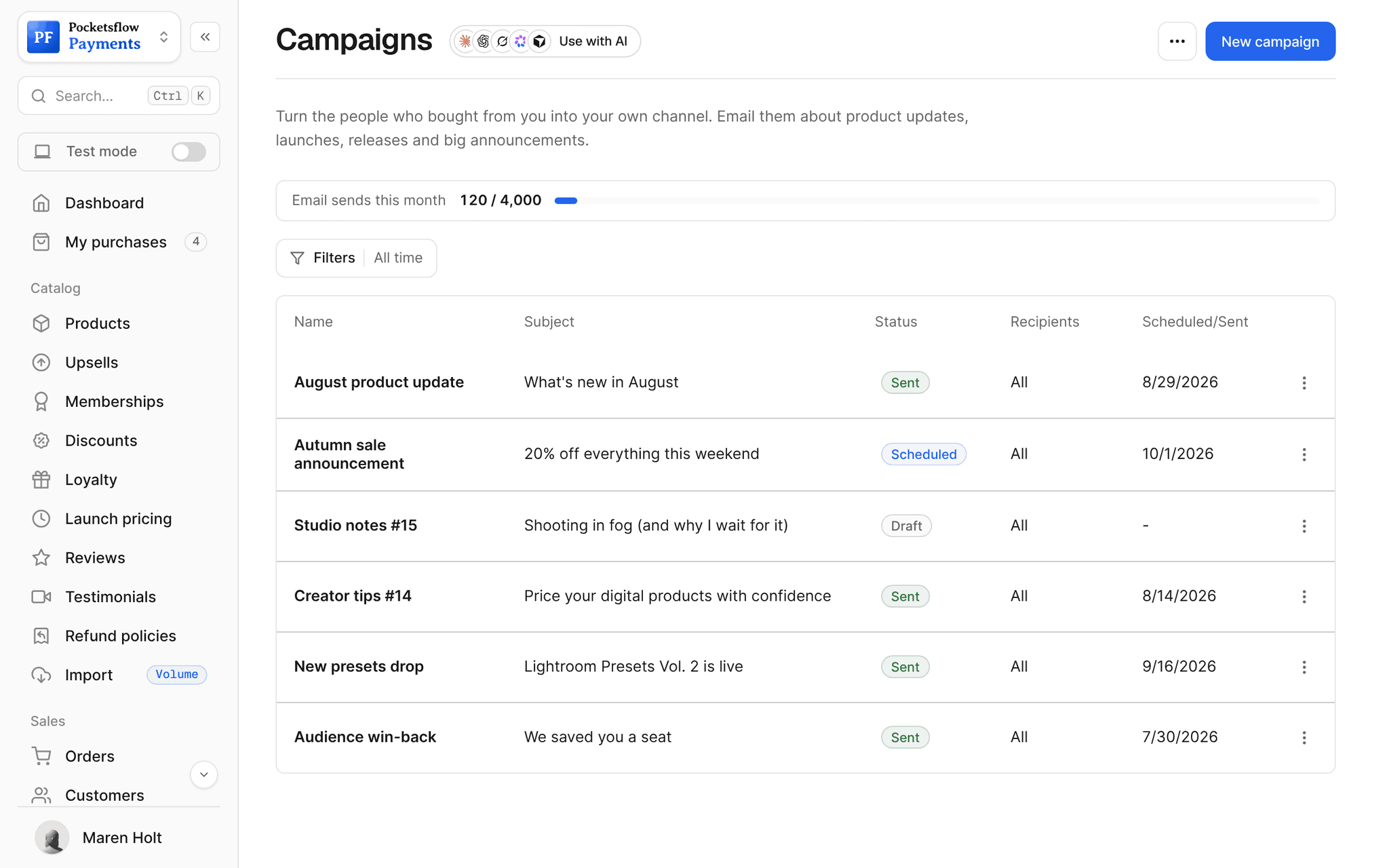
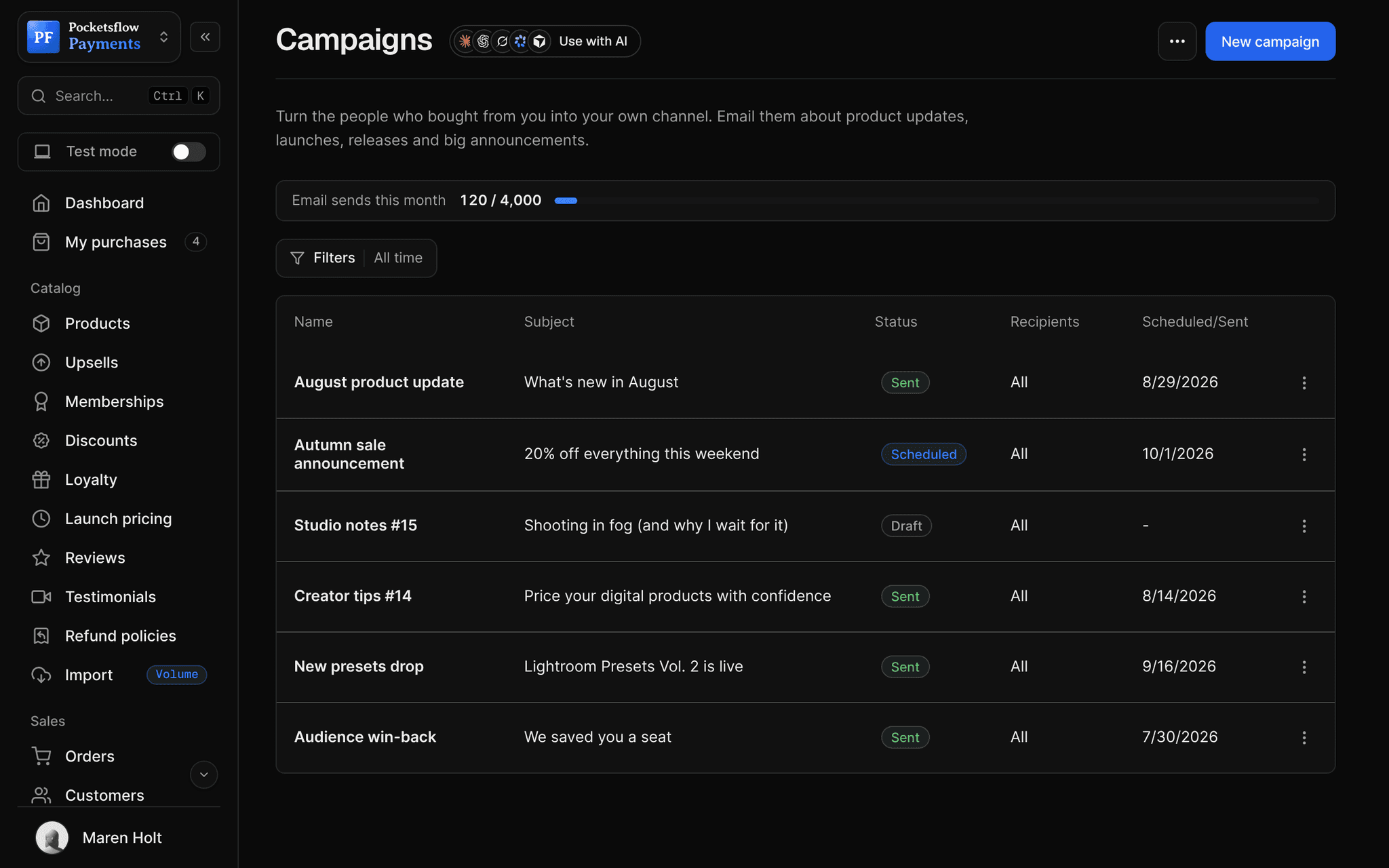
- post states: draft, scheduled, sent
- 3
- signup form styles: popup or embedded
- 2
// inside pocketsflow
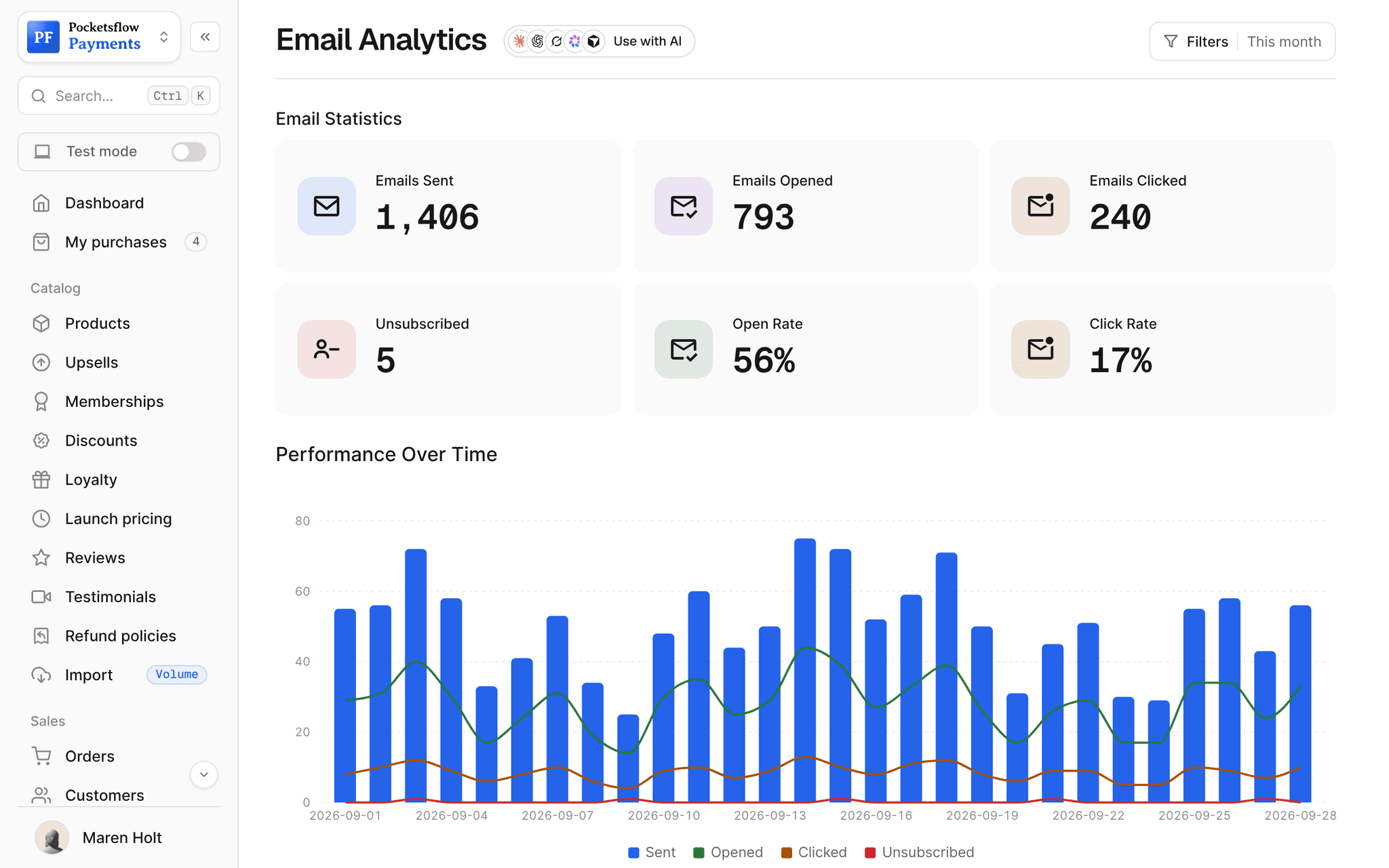
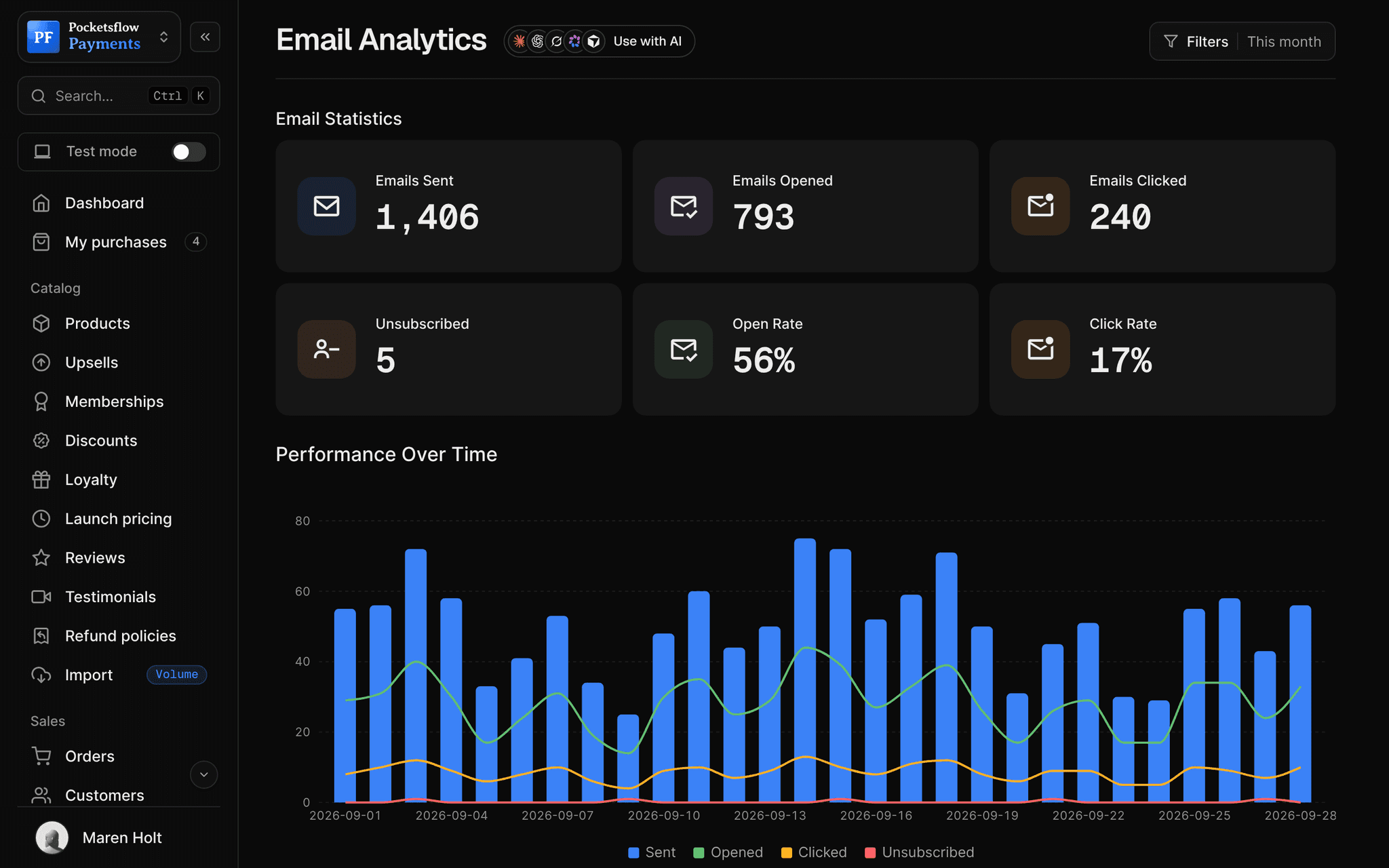
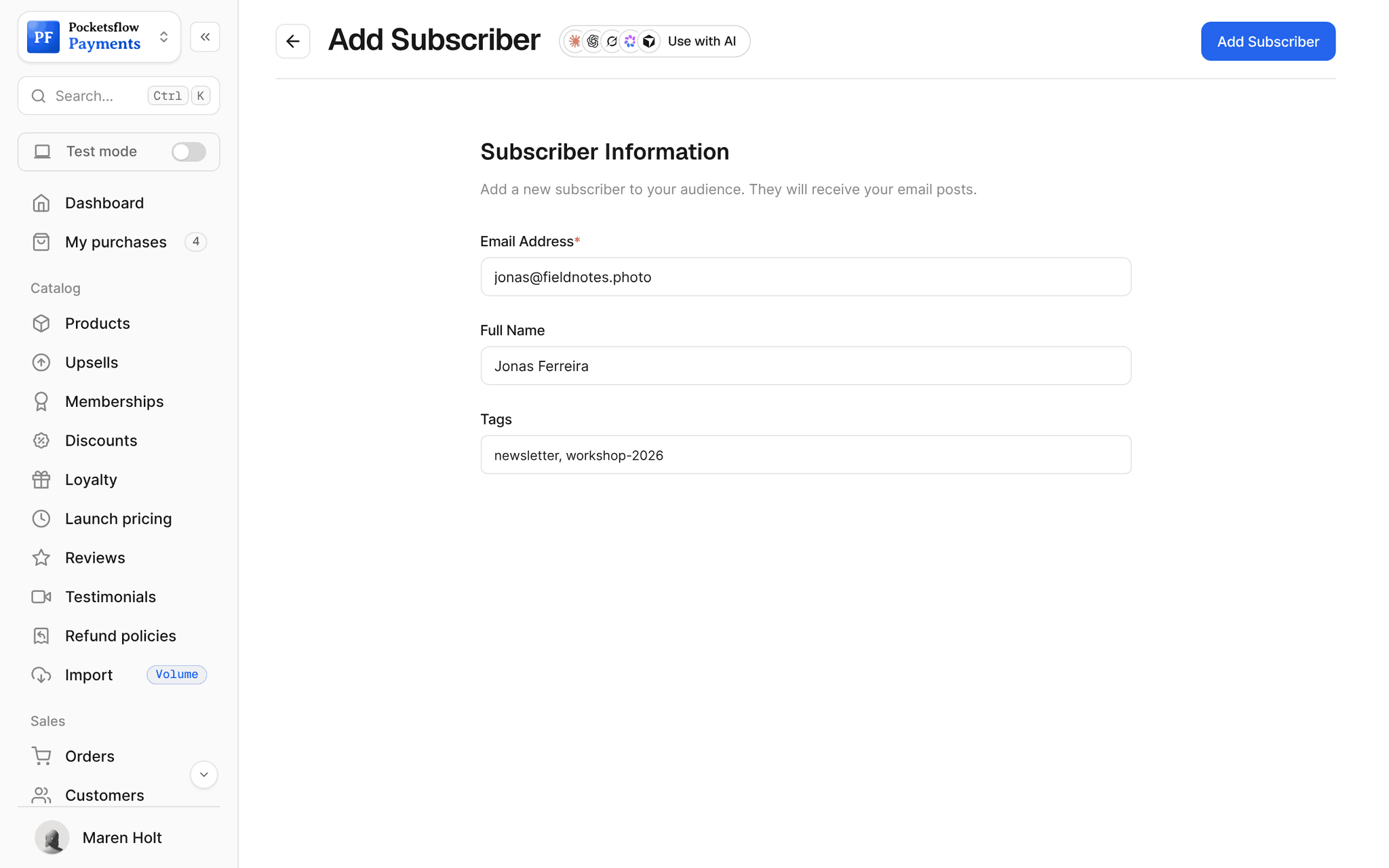
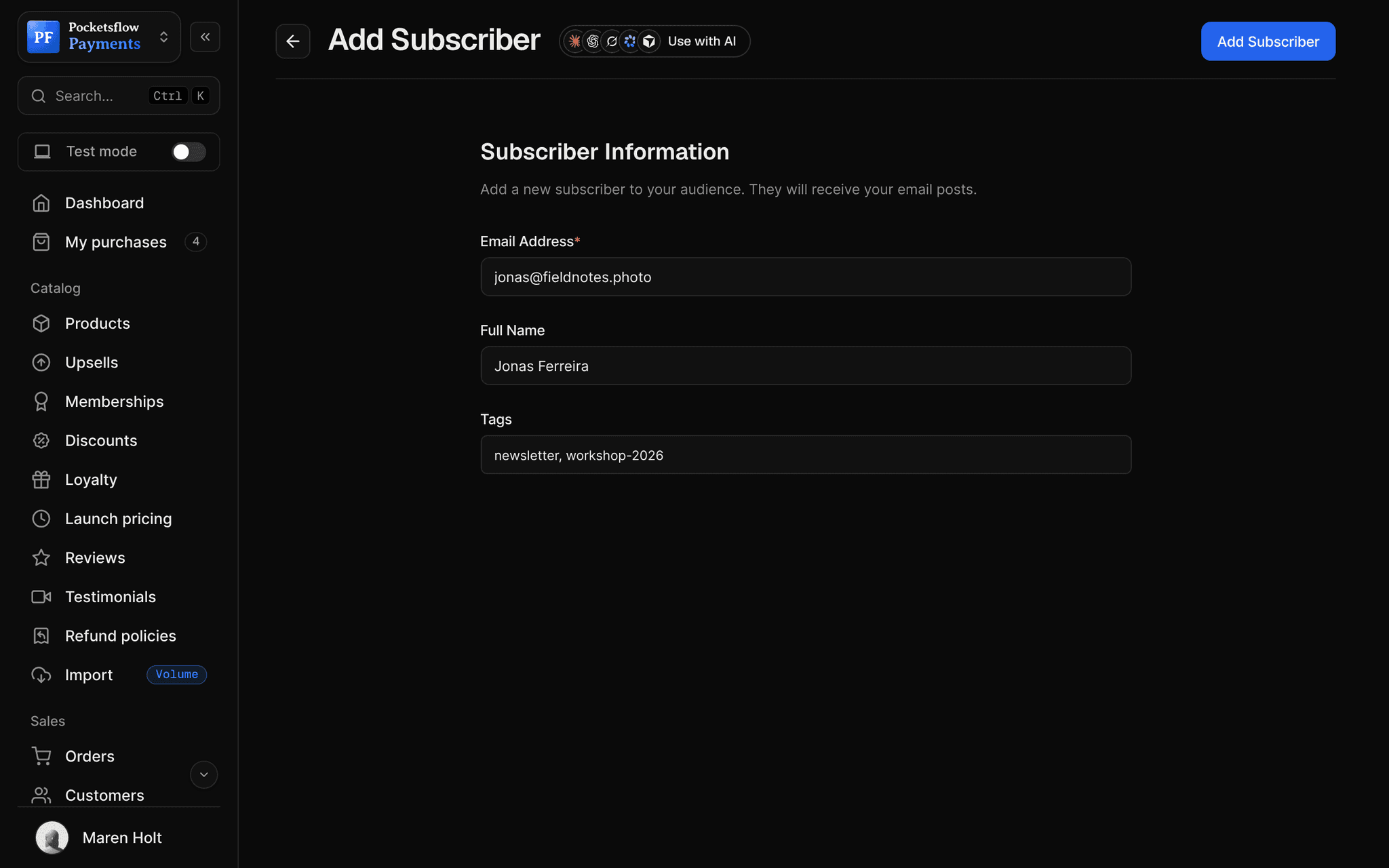
See how it works in the dashboard.
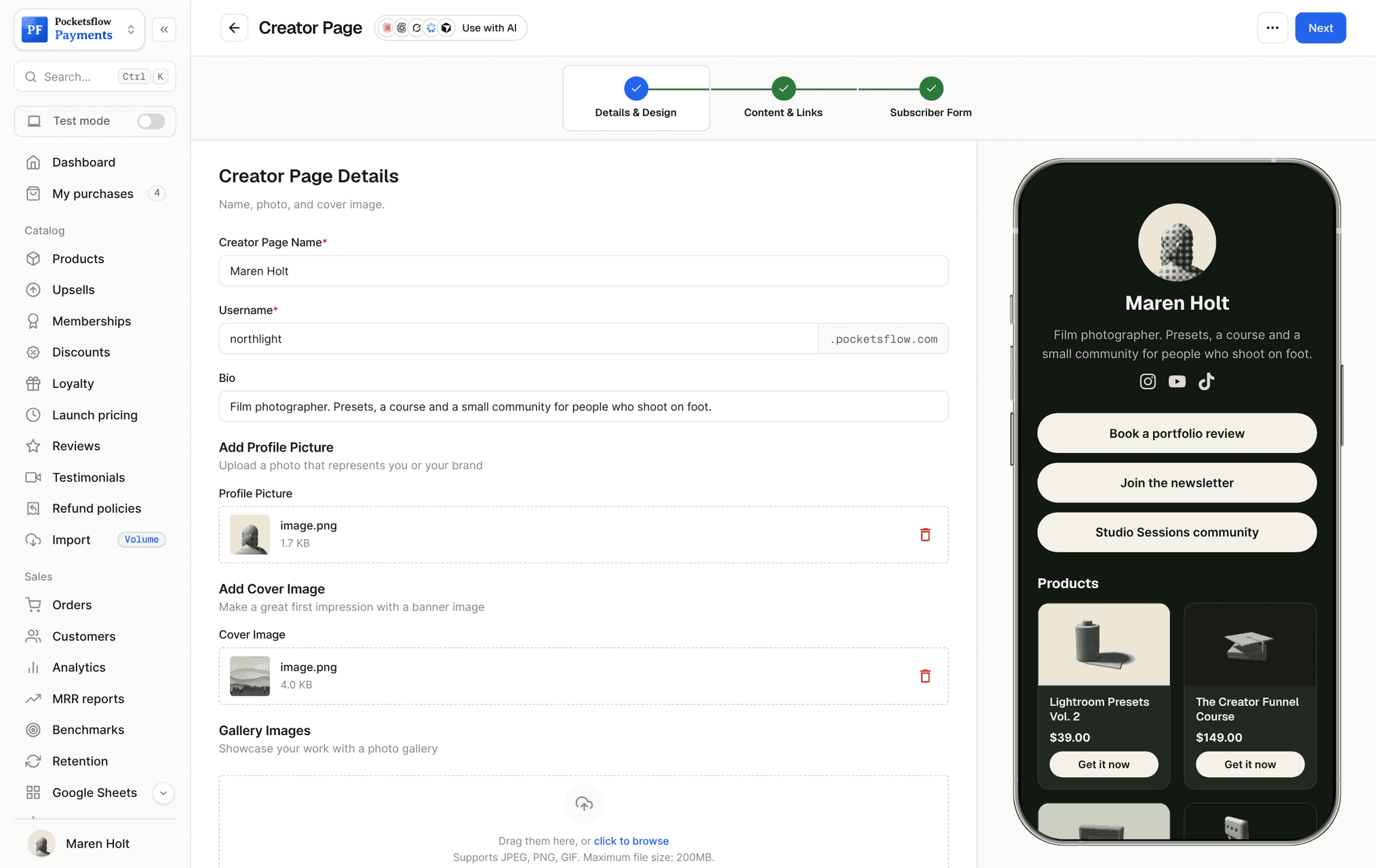
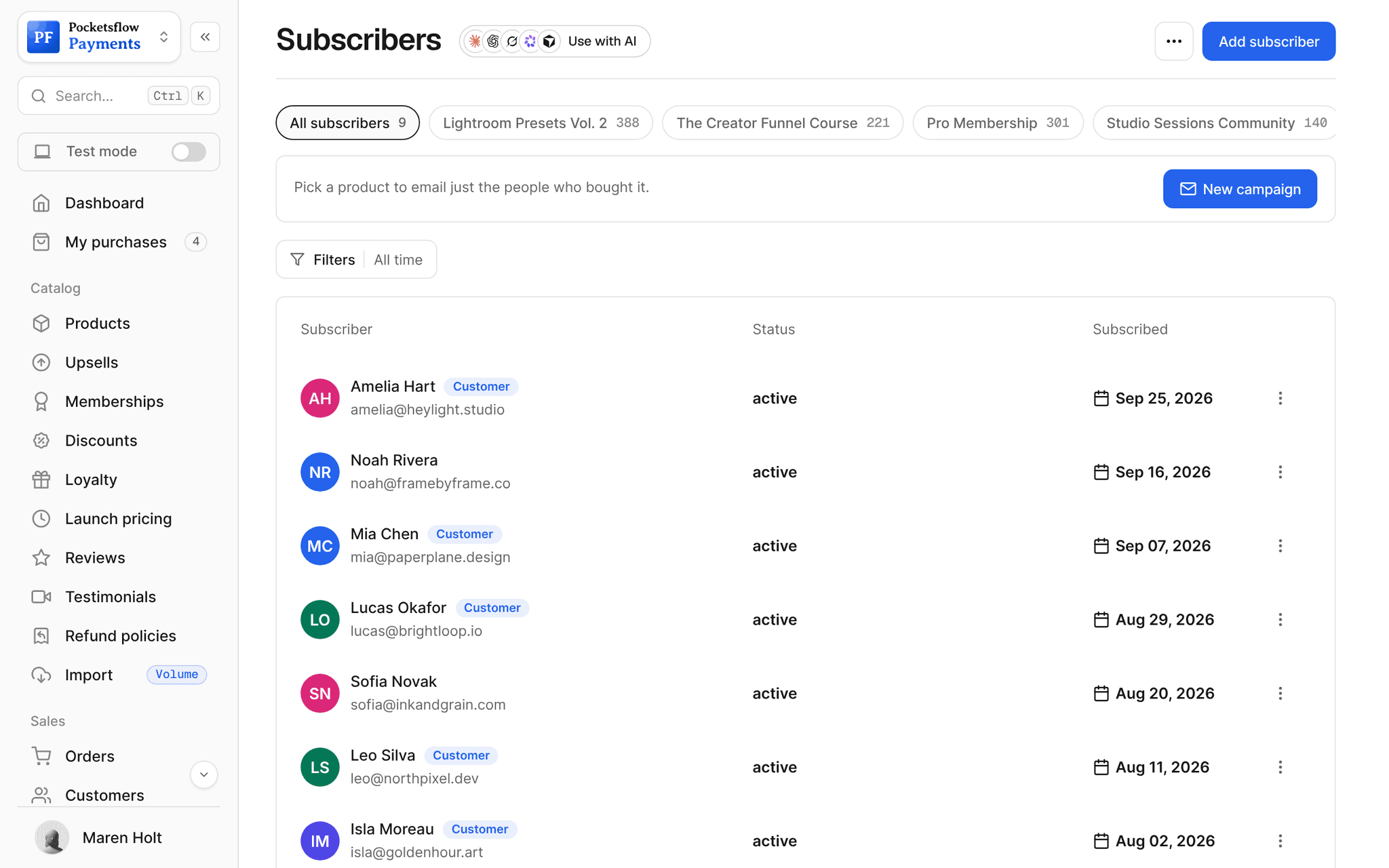
// more screens
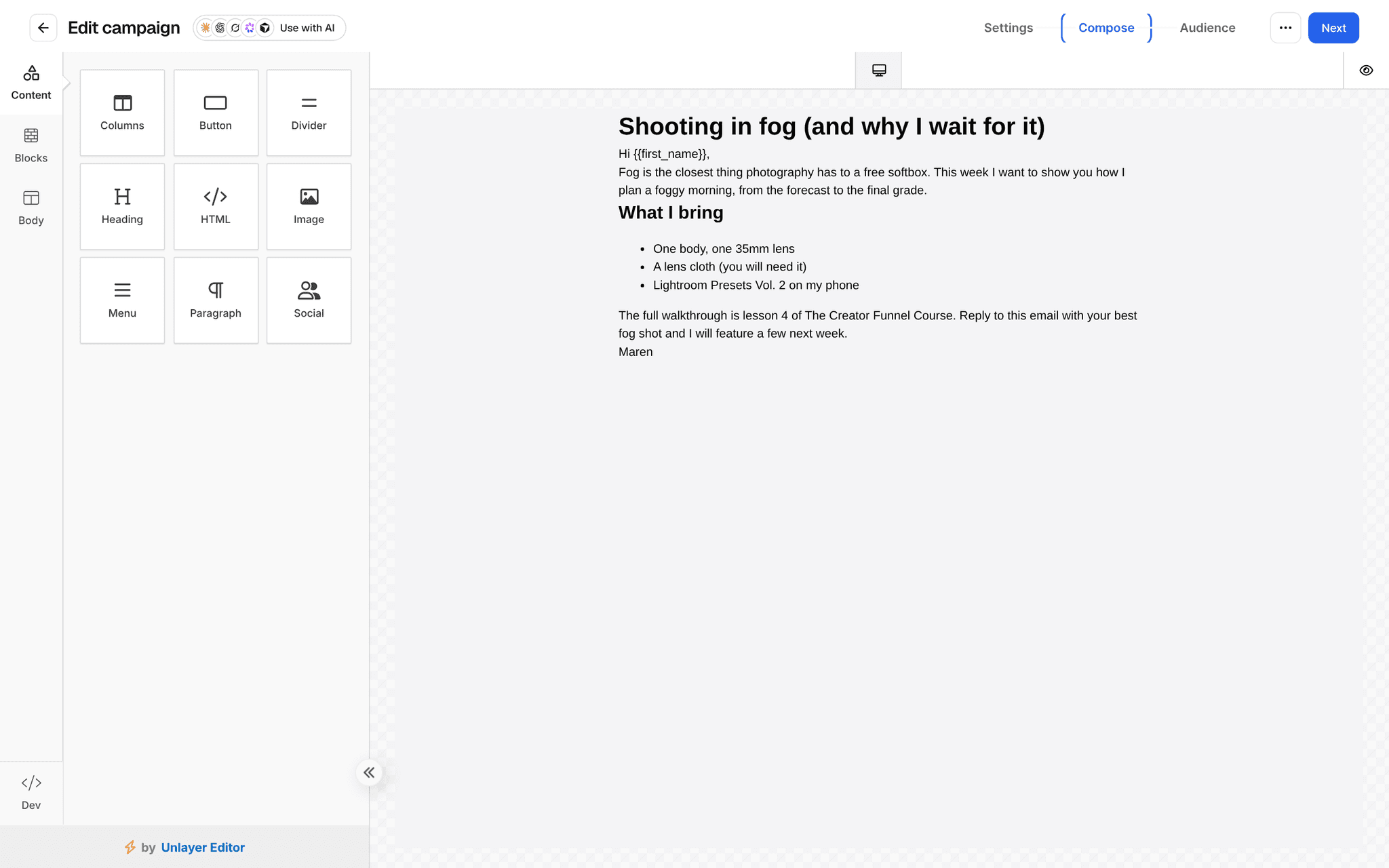
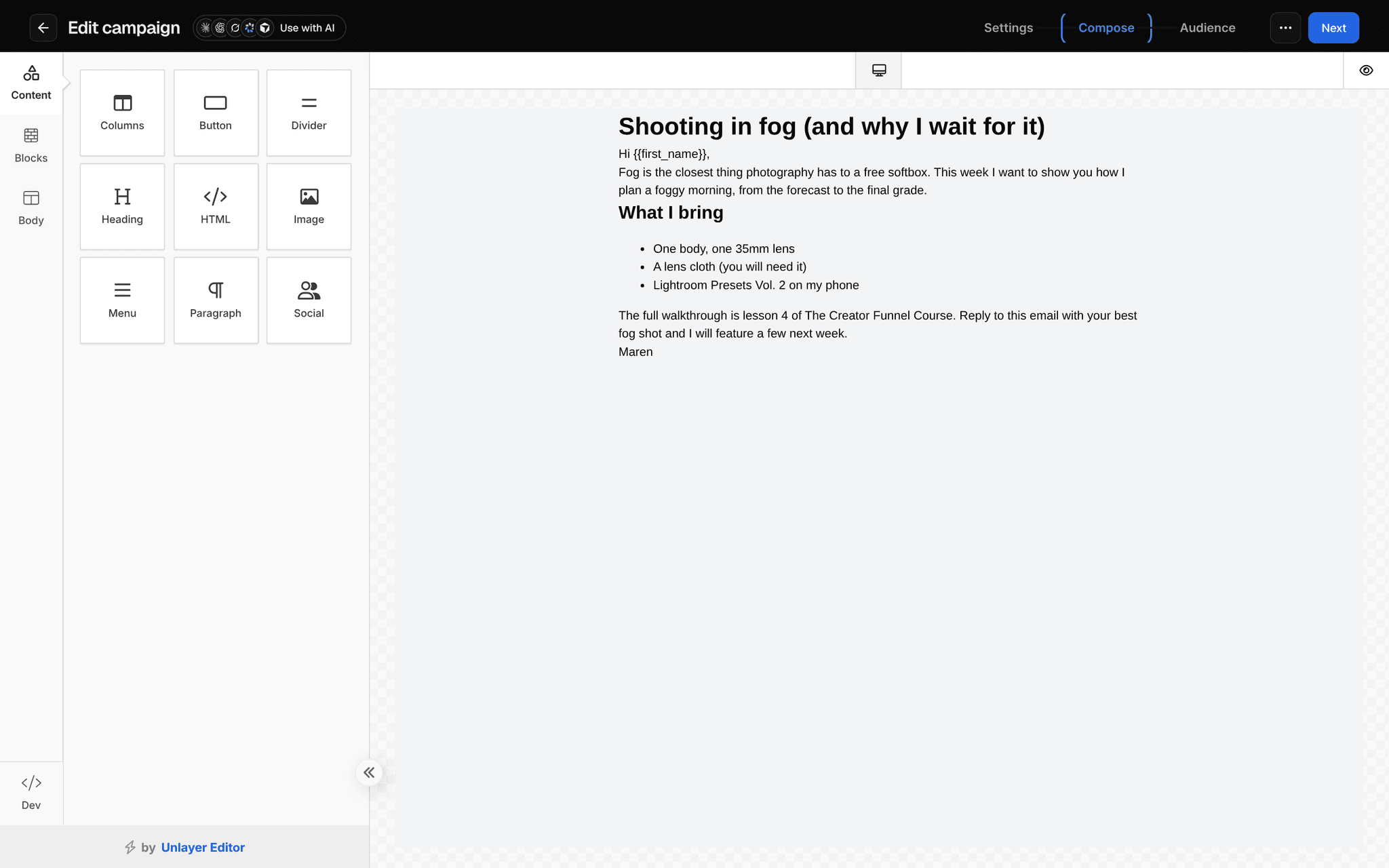
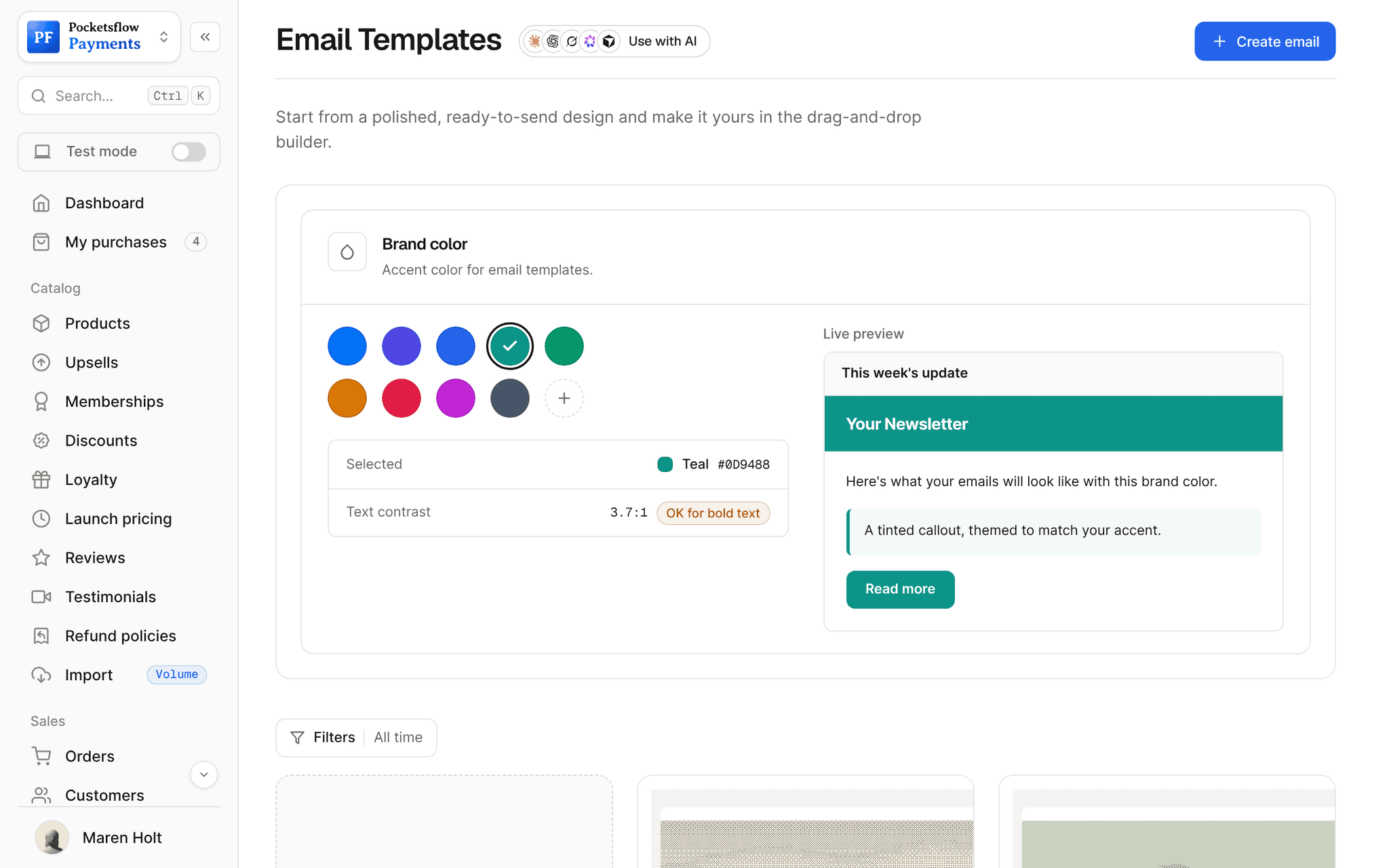
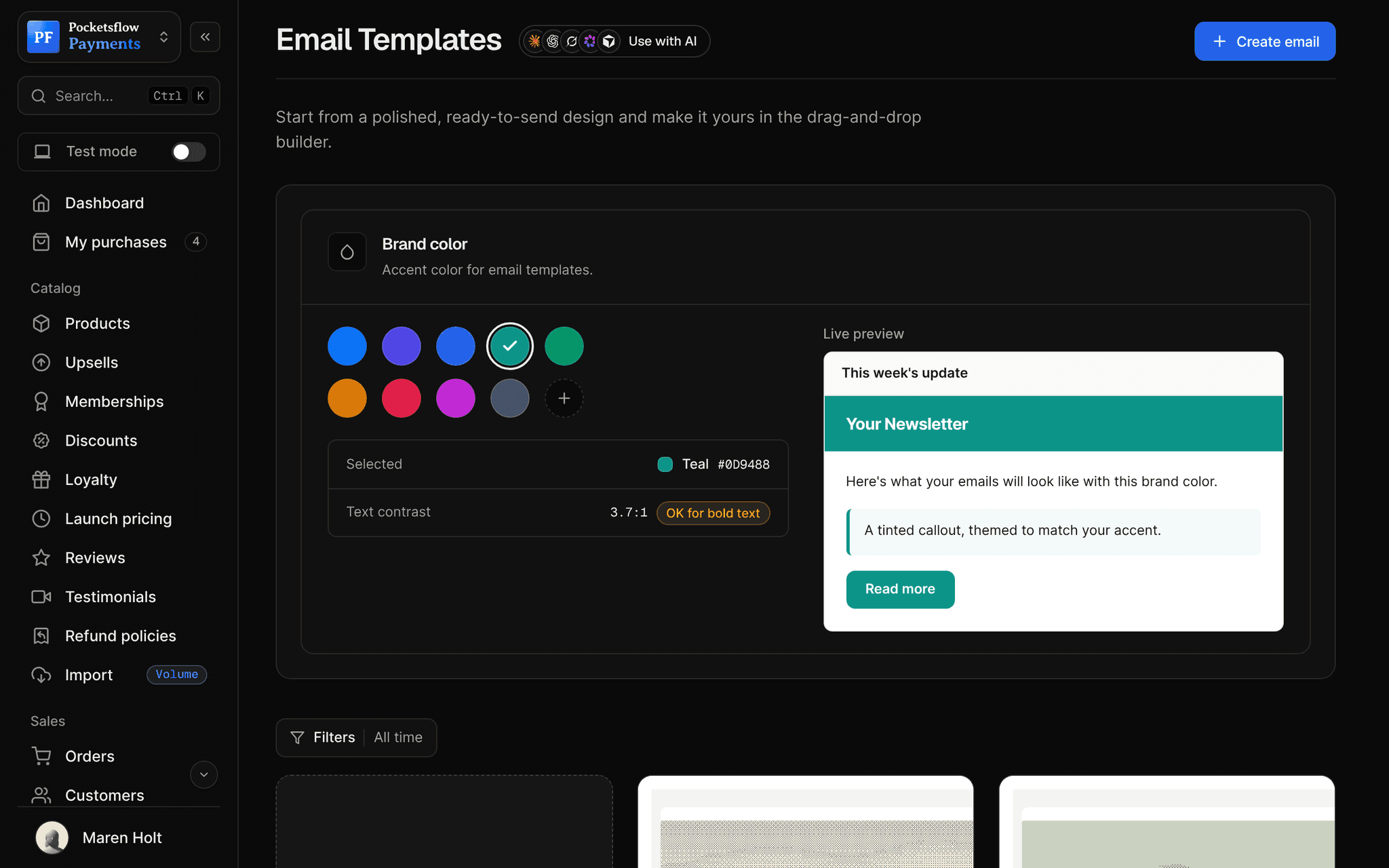
Every screen you will use.
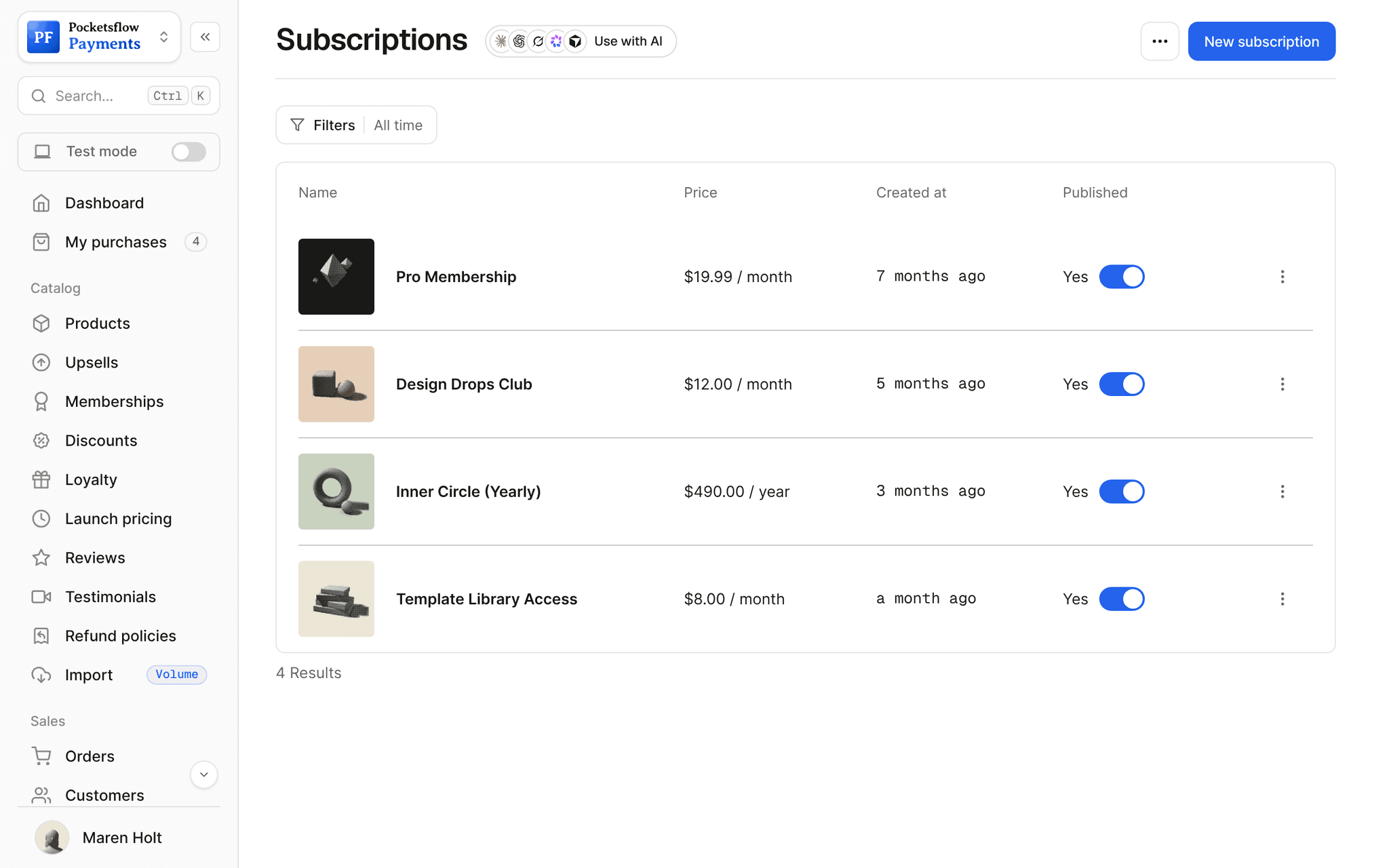
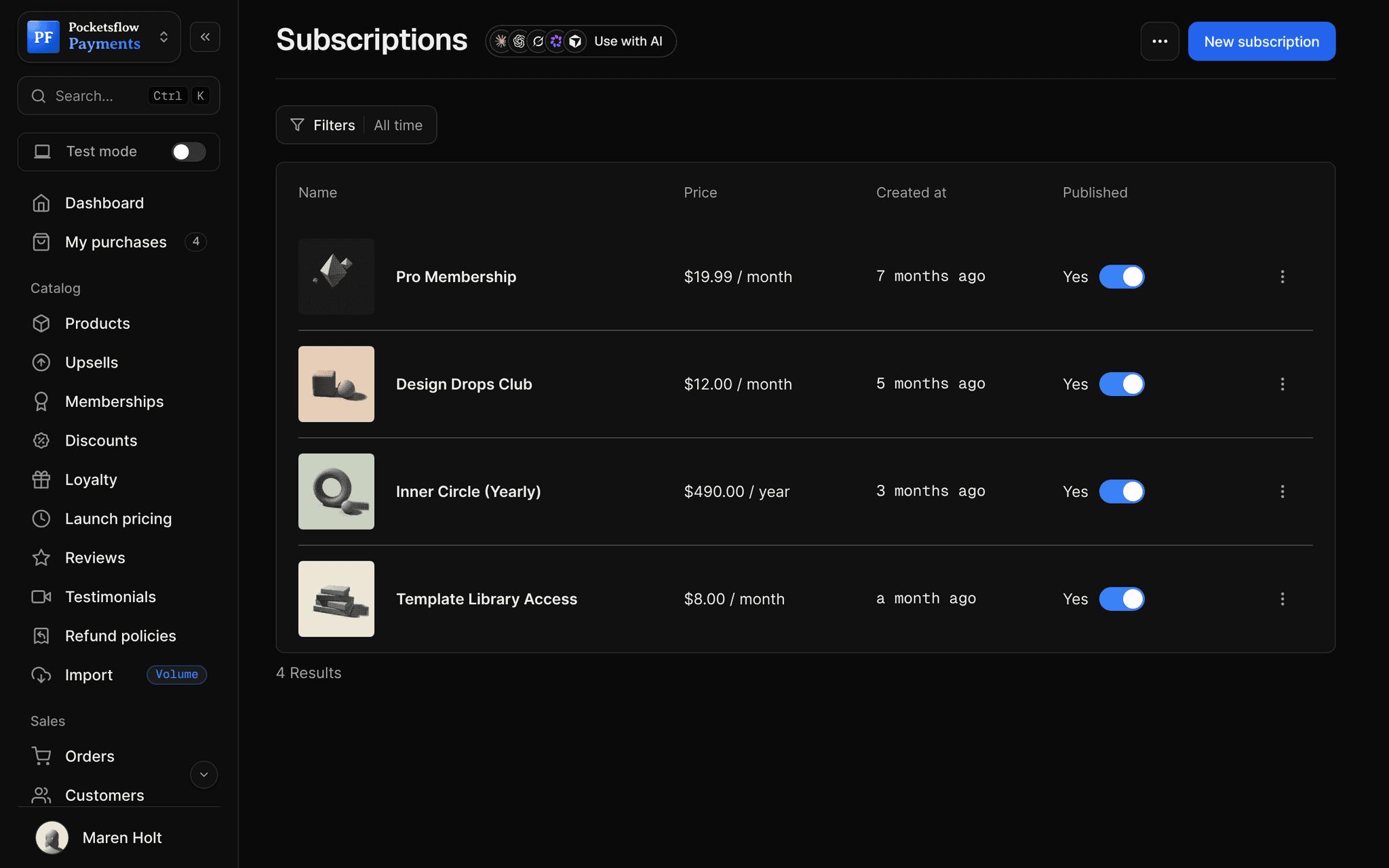
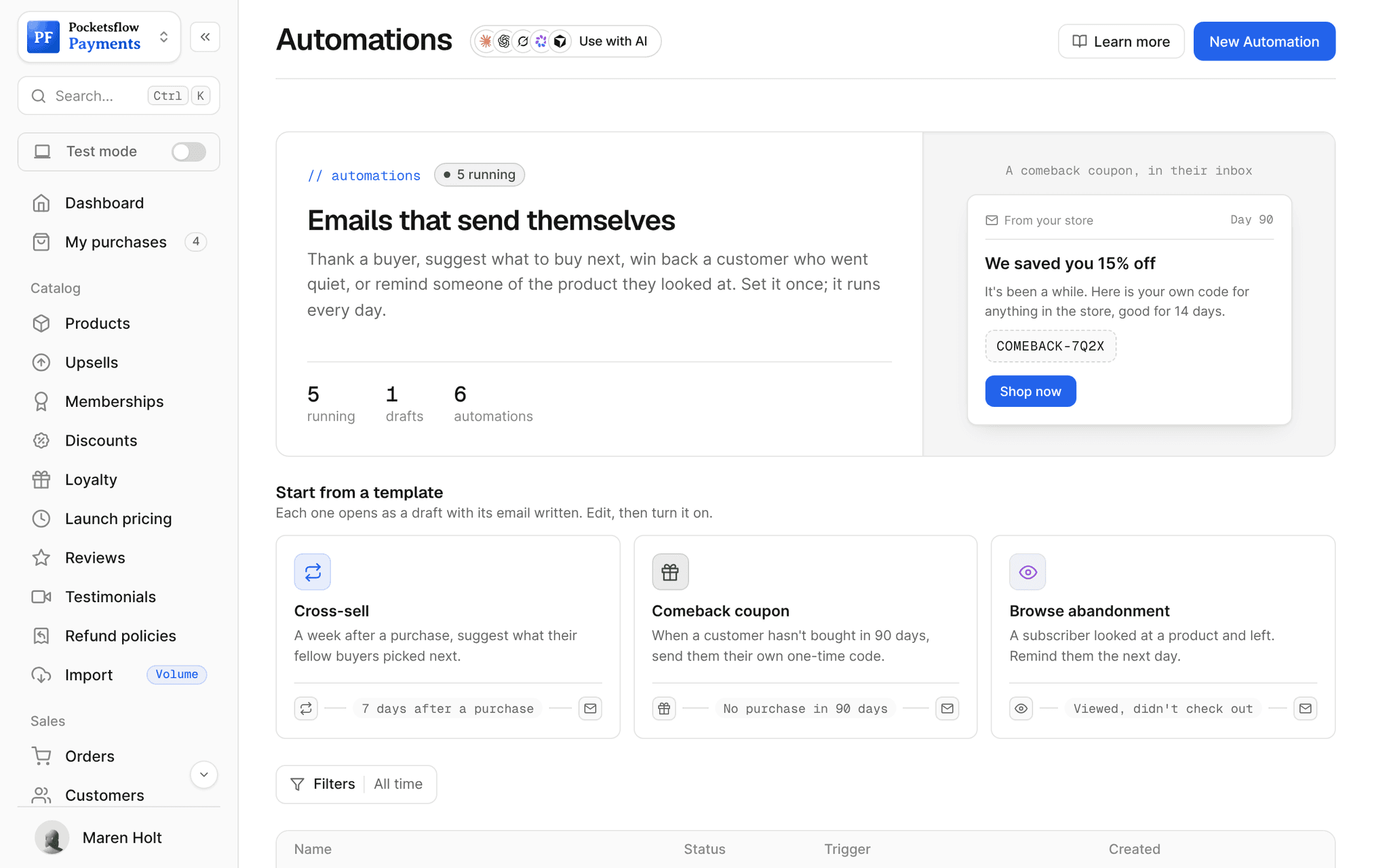
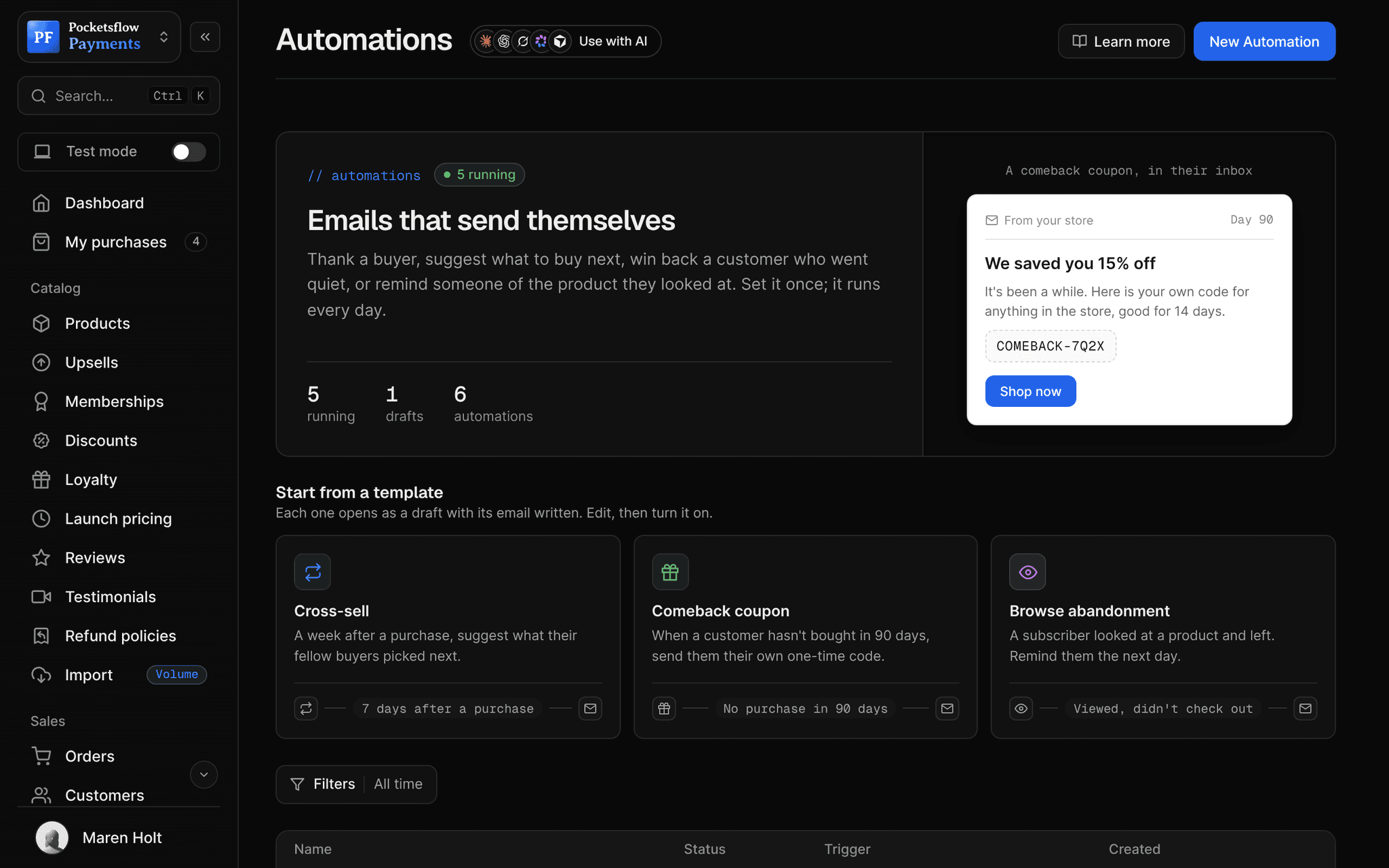
// use cases
Newsletters people run here.
Weekly creator newsletter
Tips and links each week, with your products at the end.
Creator tipsFree
Paid edition
A deeper weekly issue as a subscription.
Market Notes Weekly$5 / week
Launch list
Collect emails before a product exists, then email them on launch day.
Course waitlistFree
Release notes
Tell buyers what changed in your templates or app.
What's new in v2Free
Lead magnet follow up
Give a free download, then send a short series.
Launch ChecklistFree
Monthly recap
A monthly digest for members of your community.
Monthly recapMembers
// how it works
Live in four steps.
Add the signup form
Put a subscribe form on your creator page, and offer an opt in at checkout.
Set your sender
From name, reply to address and footer, plus a verified sending domain if you like.
Write and schedule
Start from a template, preview it, and send now or schedule a time.
Turn readers into buyers
Link products and memberships in each issue, and see opens and clicks.
// ai
Let your agents run and grow your business.
Connect Claude, ChatGPT, Codex, Grok, Cursor or any MCP client once. Then ask in plain words, and every change lands in your dashboard.
Things to ask
- Draft this week's issue and schedule it for Fridaycreate_post · update_post
- How many people subscribed this week?list_subscribers
- Send the issue now to everyonesend_post
- Show my last five postslist_posts
- Add the signup form to my creator pageupdate_creator_page
- Unsubscribe this reader who asked to leavedelete_subscriber
// included
Everything included.
- Subscribe form on your creator page
- Opt in at checkout
- CSV import and manual adds with tags
- Drafts, scheduled sends and instant sends
- Drag and drop builder and templates
- Brand color across templates
- Open, click and unsubscribe analytics
- Unsubscribe link handled for you
- From name, reply to and footer
- Welcome automations for new readers
- Paid editions as subscriptions
- API and MCP tools for posts and subscribers
// why pocketsflowWhy sellers pick Pocketsflow.
List and store together
Readers, buyers and members are one audience.
Start free
Collect up to 1,000 subscribers free; sending starts at $15 a month.
Paid newsletters built in
Charge for a paid edition with subscriptions, 4.7% + $0.30 estimated per charge.
Your AI as an editor
Draft, schedule and send from the AI you already use.
// connect
It's easy. Even your AI can do it.
Add Pocketsflow to the AI you already use, sign in and click Allow access. No API key, no code.
- 01Paste into your AI appThen sign in and click Allow.www.pocketsflow.com/mcp
Add Pocketsflow
Paste the server URL as a connector in your AI app.
- 02
Sign in and allow
Your AI opens Pocketsflow. Click Allow access.
- 03
Ask for anything
Products, orders, refunds, emails, in plain words.
# Send a campaign to up to 100 recipients in one call.
curl https://api.pocketsflow.com/newsletters/send \
  -H "Authorization: Bearer pk_live_..." \
  -H "Content-Type: application/json" \
  -d '{
    "to": ["customer@example.com"],
    "subject": "Your weekly update",
    "html": "<p>Hi there, here is what is new this week.</p>",
    "fromName": "Acme Studio",
    "replyTo": "hello@acme.com"
  }'

# 200 OK
# { "id": "665f1c2e…", "accepted": ["customer@example.com"], "status": "sent" }
Publish newsletters from the API.
Create a checkout, attach a product, and let Pocketsflow handle the transaction lifecycle: payment, tax, delivery, and the receipt.
Every resource is an HTTPS endpoint under one base URL with Bearer API keys. Live and test keys are scoped to their own data; the OpenAPI spec is served at /docs.json.
// email plans
Priced by your list, not your ambition.
Selling is free. Email plans add campaigns, automations, templates and analytics, with a monthly email allowance of three to four times your list.
| Plan | Free | Starter | Growth | Pro | Scale |
|---|---|---|---|---|---|
| Price | $0 | $15/ mo | $49/ mo | $119/ mo | $299/ mo |
| Subscribers | 1,000 | 3,000 | 10,000 | 25,000 | 75,000 |
| Emails a month | Paid plans only | 10,000 | 40,000 | 100,000 | 300,000 |
| Per 1,000 emails | Not included | $1.50 | $1.23 | $1.19 | $1.00 |
// faq
Common questions.
Do I need a paid plan for email?
Selling never needs a plan. Email campaigns, automations, reusable templates and open and click analytics are part of the email plans, from $15 a month for 3,000 subscribers and 10,000 emails. Each plan includes three to four emails per subscriber a month, and addresses that bounced or reported spam are skipped automatically. The free plan keeps up to 1,000 subscribers. See the pricing page for every tier.
How do people subscribe?
From the subscribe form on your creator page, by opting in at checkout, or when you import or add them with their permission. Buyers can also join automatically when audience sync is on.
Can I schedule posts?
Yes. Save a draft, schedule it for a date and time, or send it immediately.
Can I charge for my newsletter?
Yes. Sell a paid edition as a weekly, monthly or yearly subscription, and email paying subscribers as their own audience.
Can I import my existing list?
Yes. Import a CSV of people who opted in, with tags, and keep growing from your creator page.
Can my AI do this for me?
Yes. Add the Pocketsflow MCP server to Claude, ChatGPT, Codex, Grok, Cursor or any MCP client, sign in and click Allow access. No API key. Your AI can then create products, set prices and discounts, open checkouts, read orders and send emails, and every change shows up in your dashboard.
// related
Keep exploring.
Open your store today.
Sell your first product in minutes, keep more of every sale, and let the AI you already use run the busywork.