What you can sellCommunities
Turn your community into a membership.
Keep your community where it already lives (Discord, Slack, Telegram, a forum or a members area) and charge for the door. Members pay monthly or yearly, get the invite right after checkout, and your tools can revoke access the moment a plan ends.


- estimated per sale, no monthly fee
- 4.7% + $0.30
- billing frequencies: weekly, monthly, yearly
- 3
- free for any number of days
- Trials
- subscription lifecycle webhook events
- 6
// inside pocketsflow
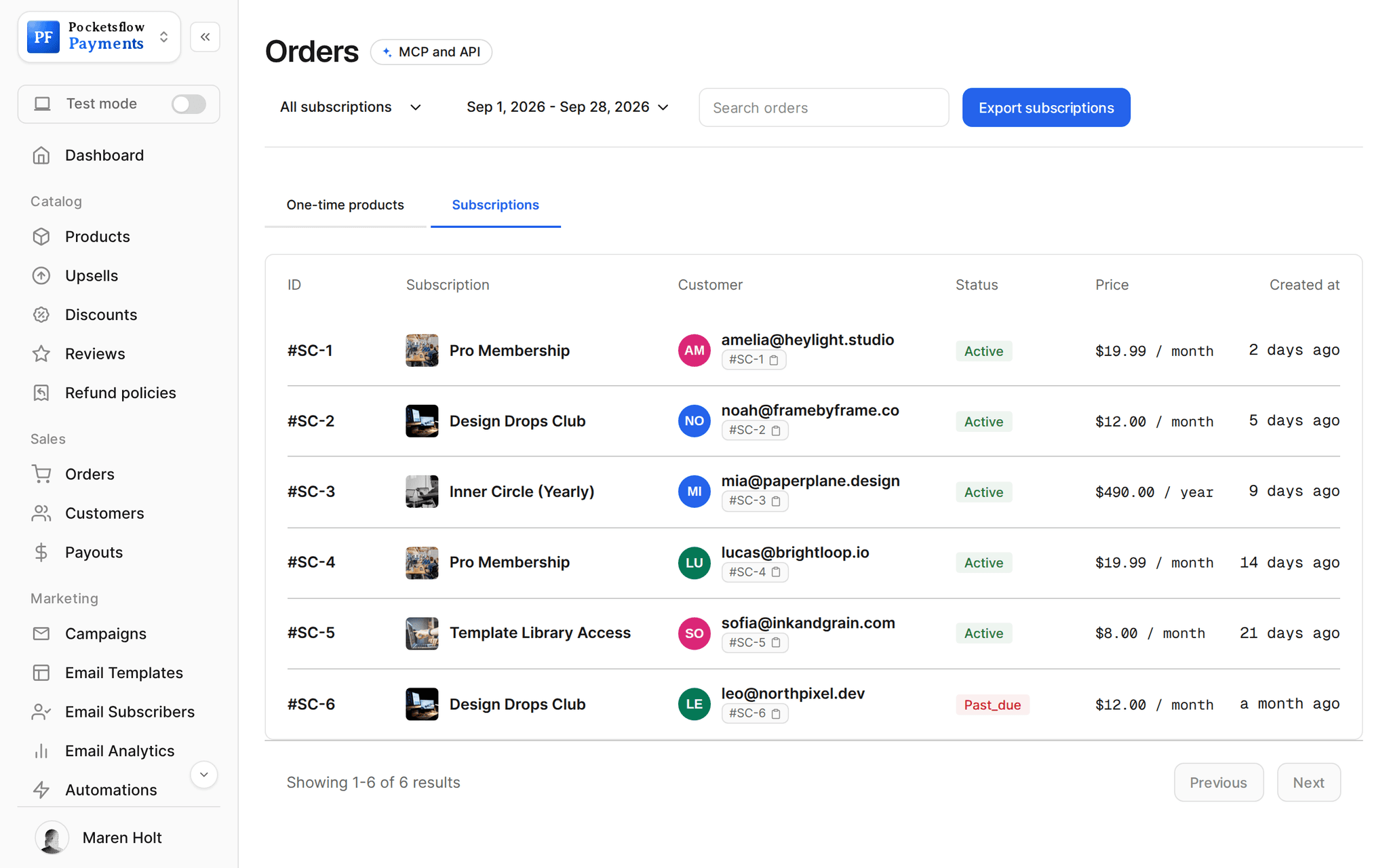
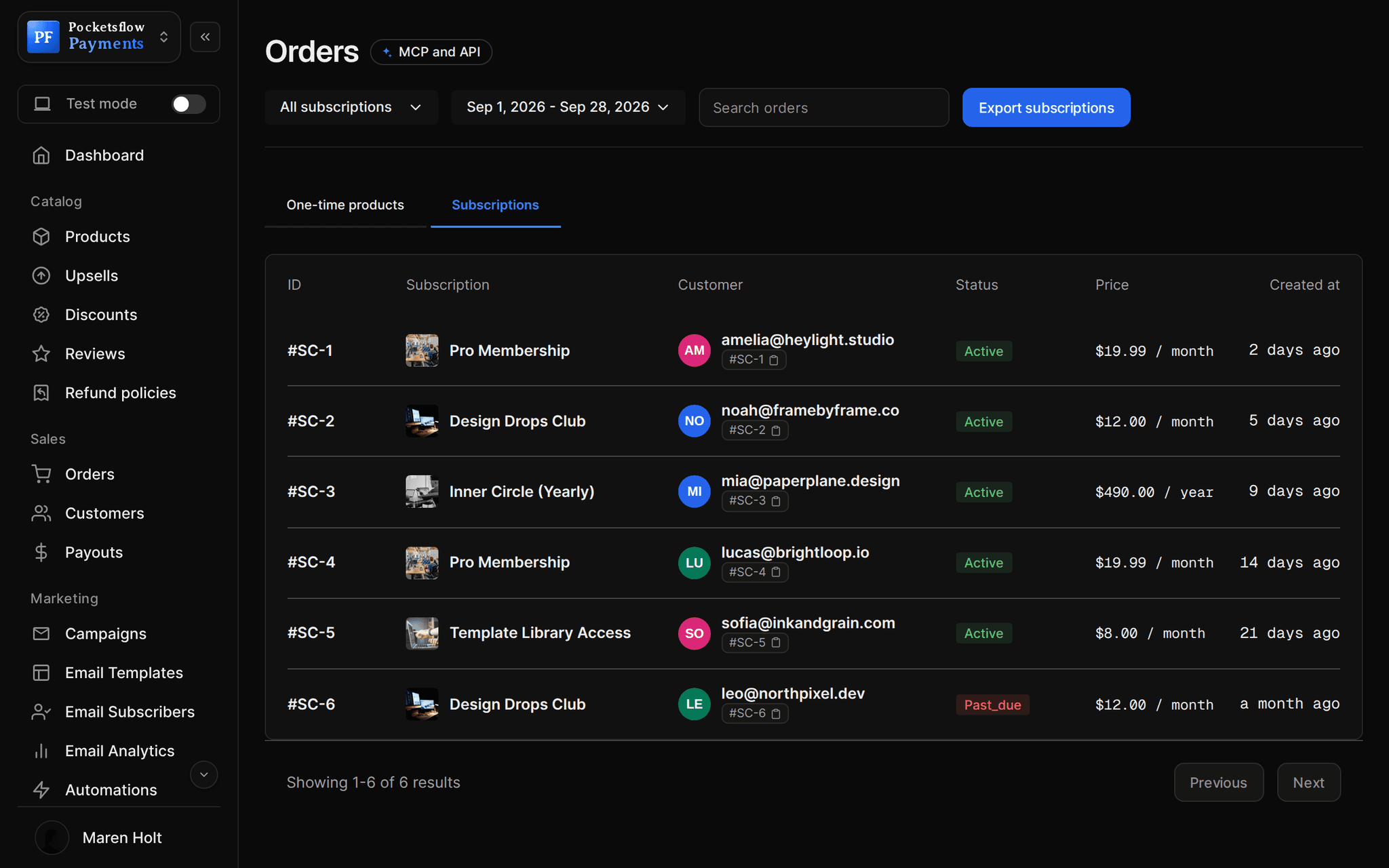
See how it works in the dashboard.
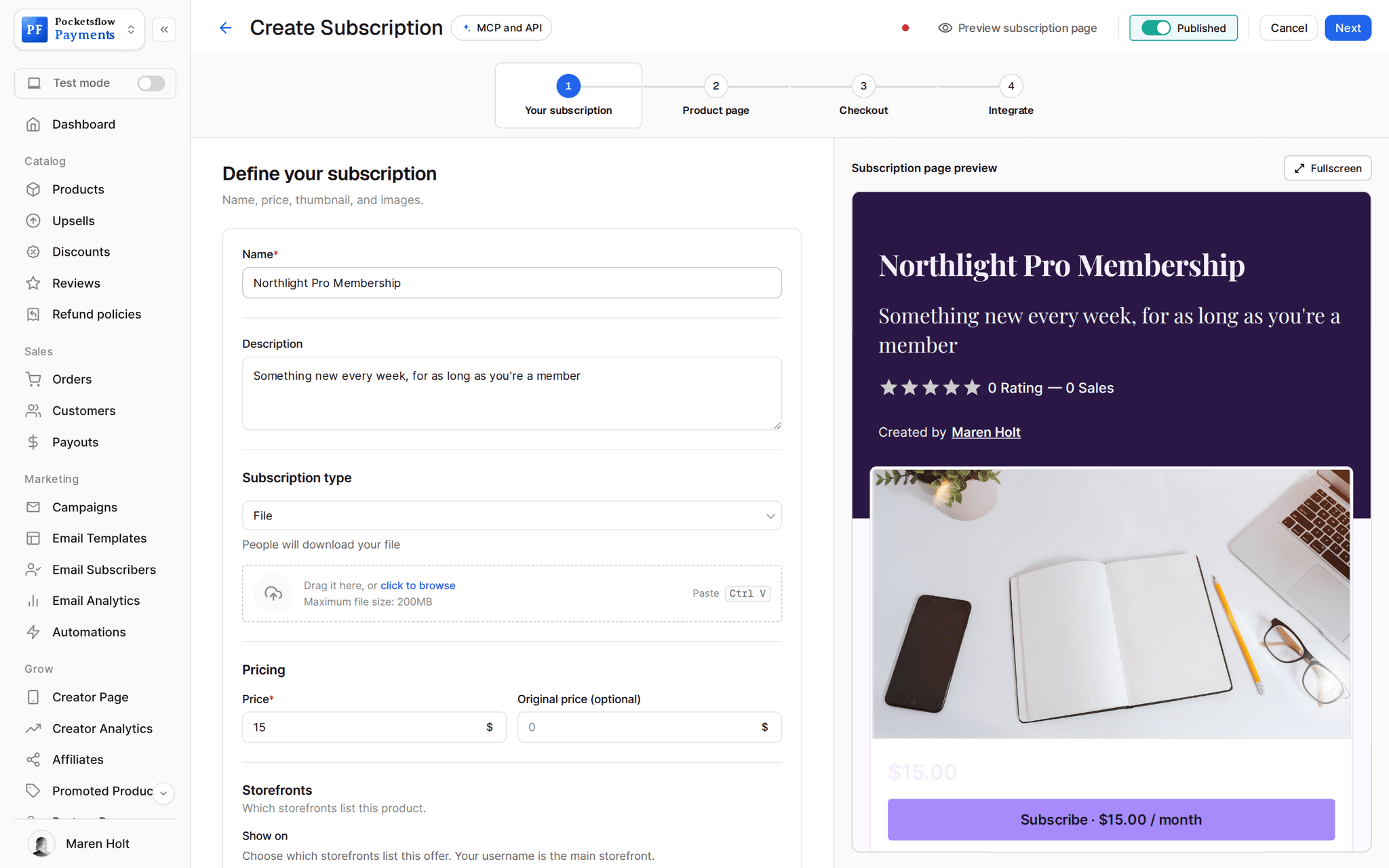
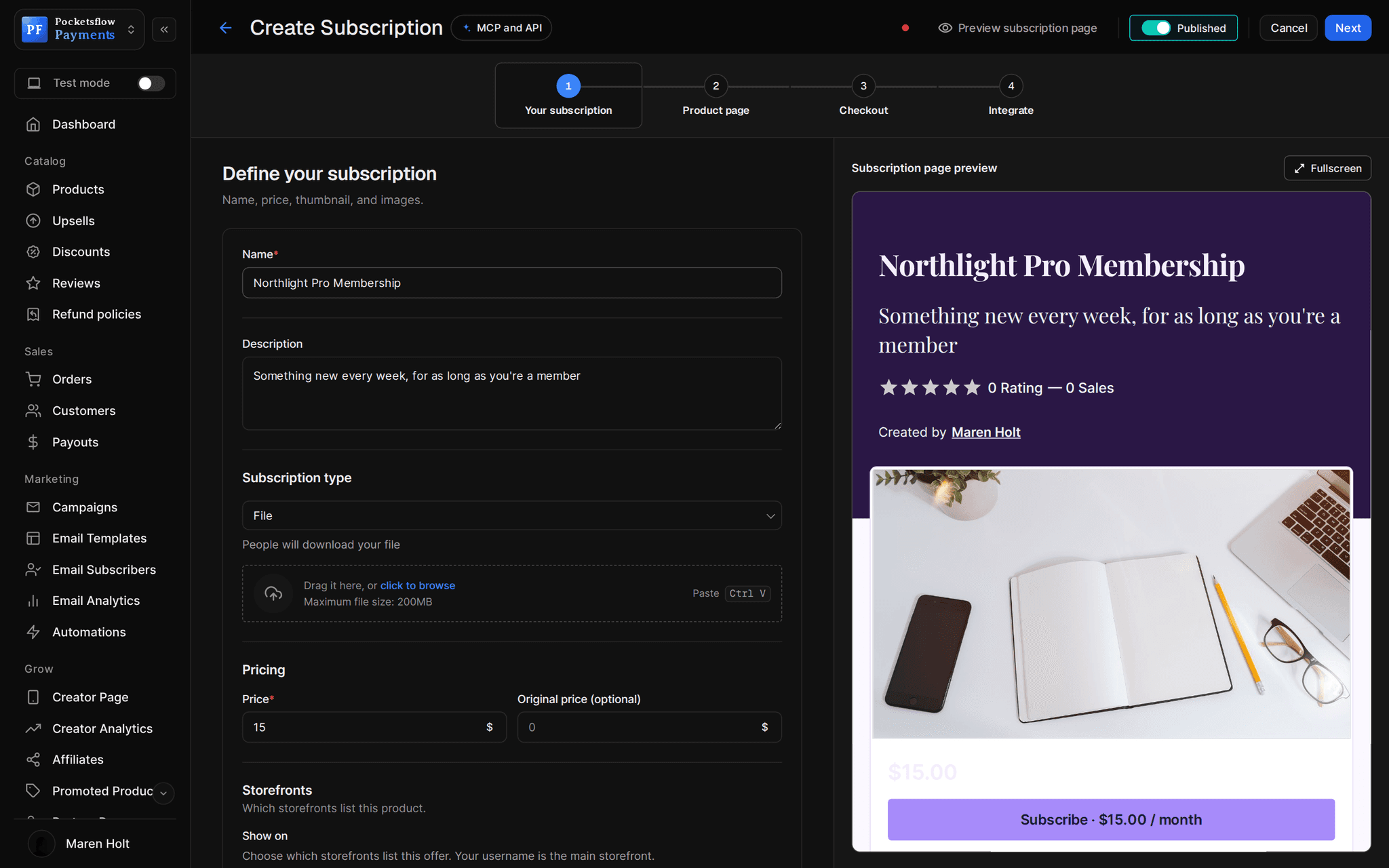
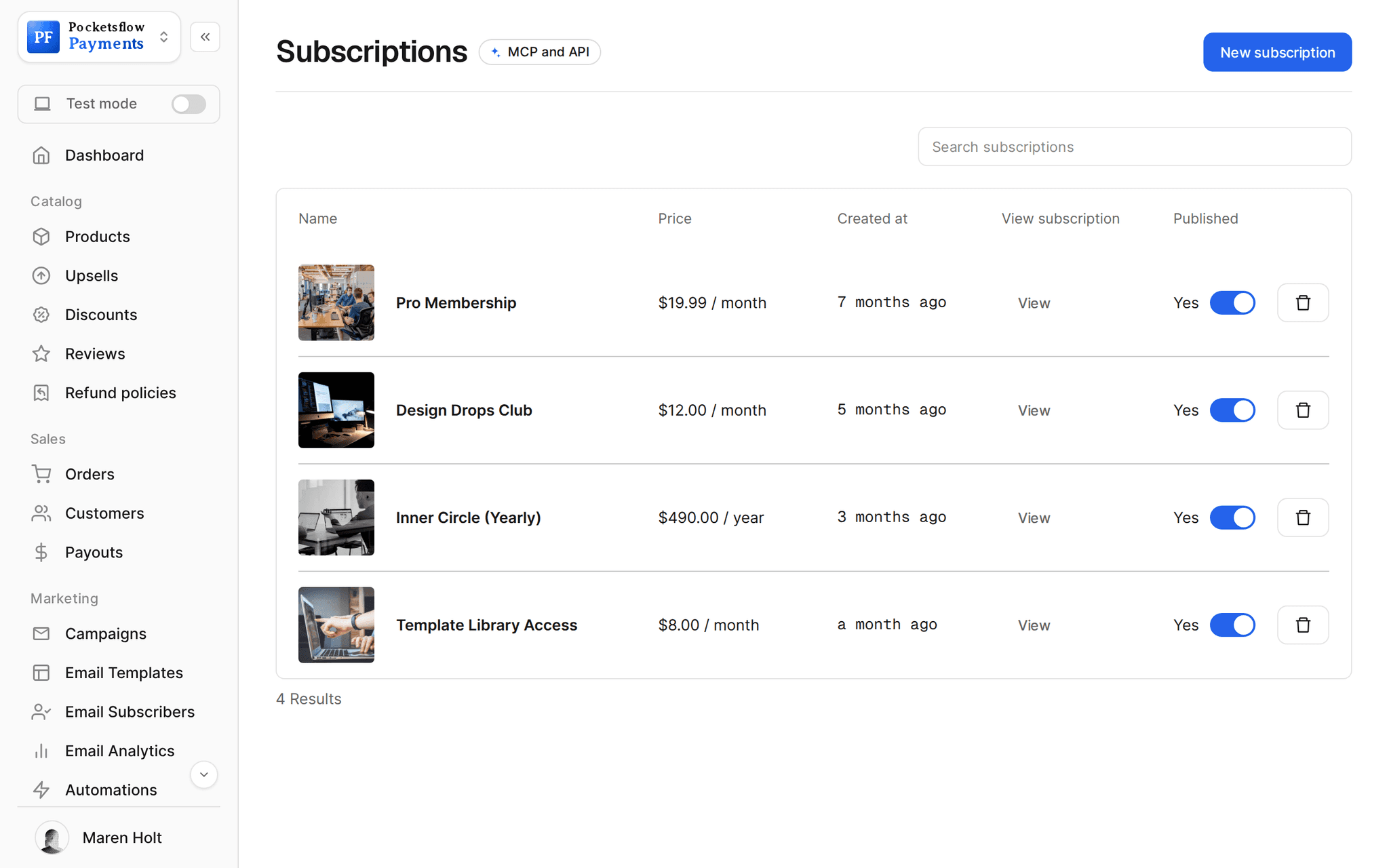
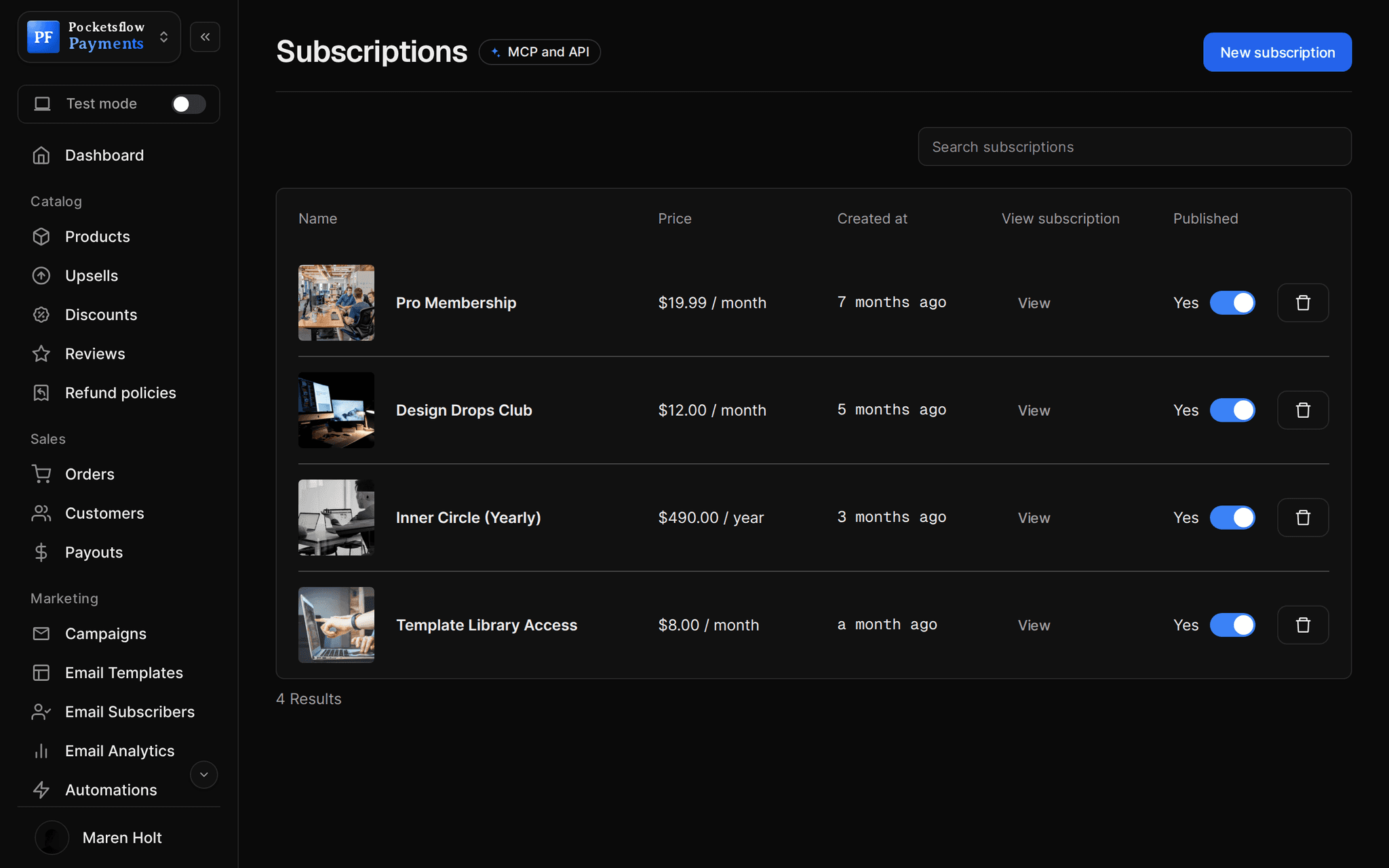
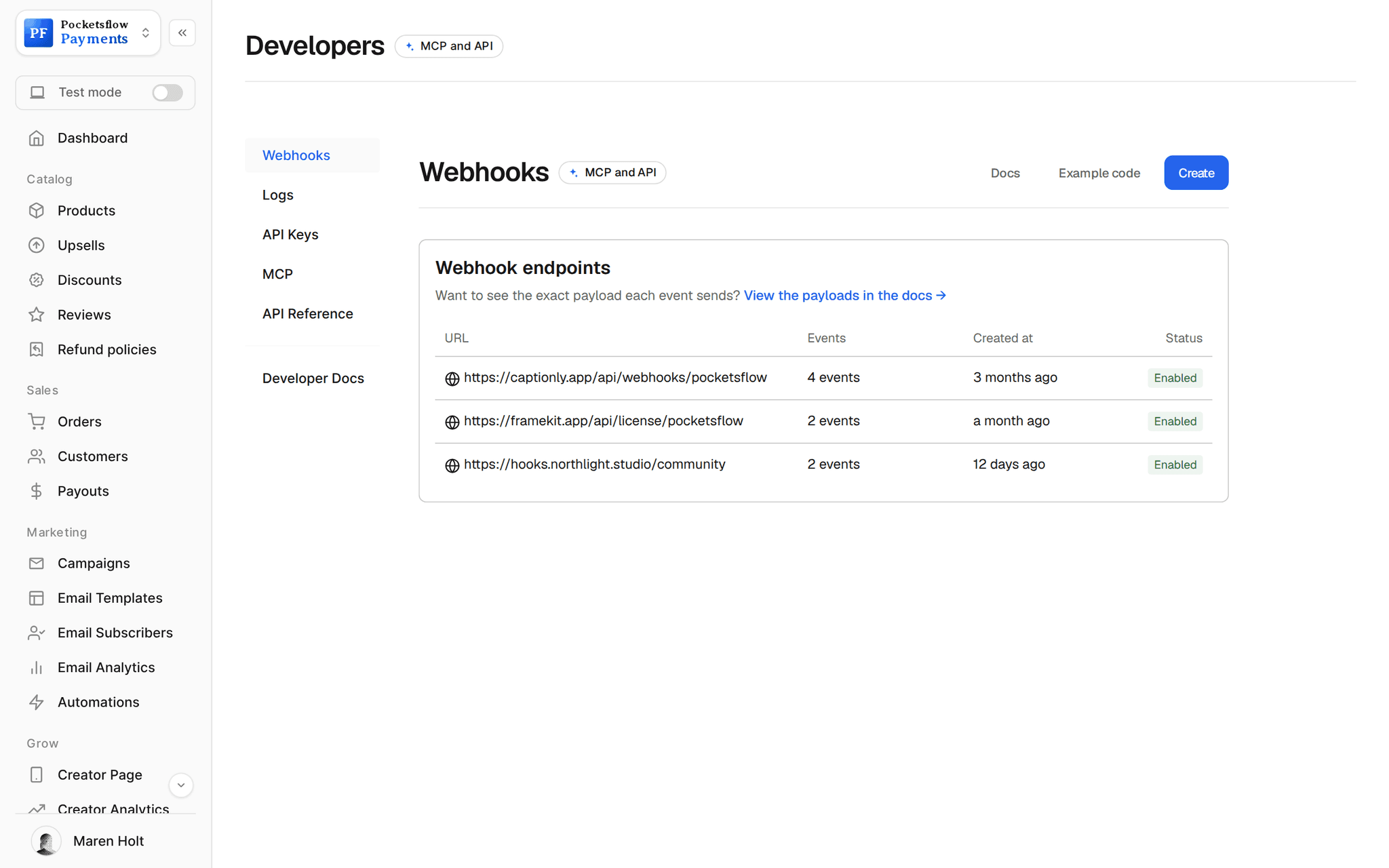
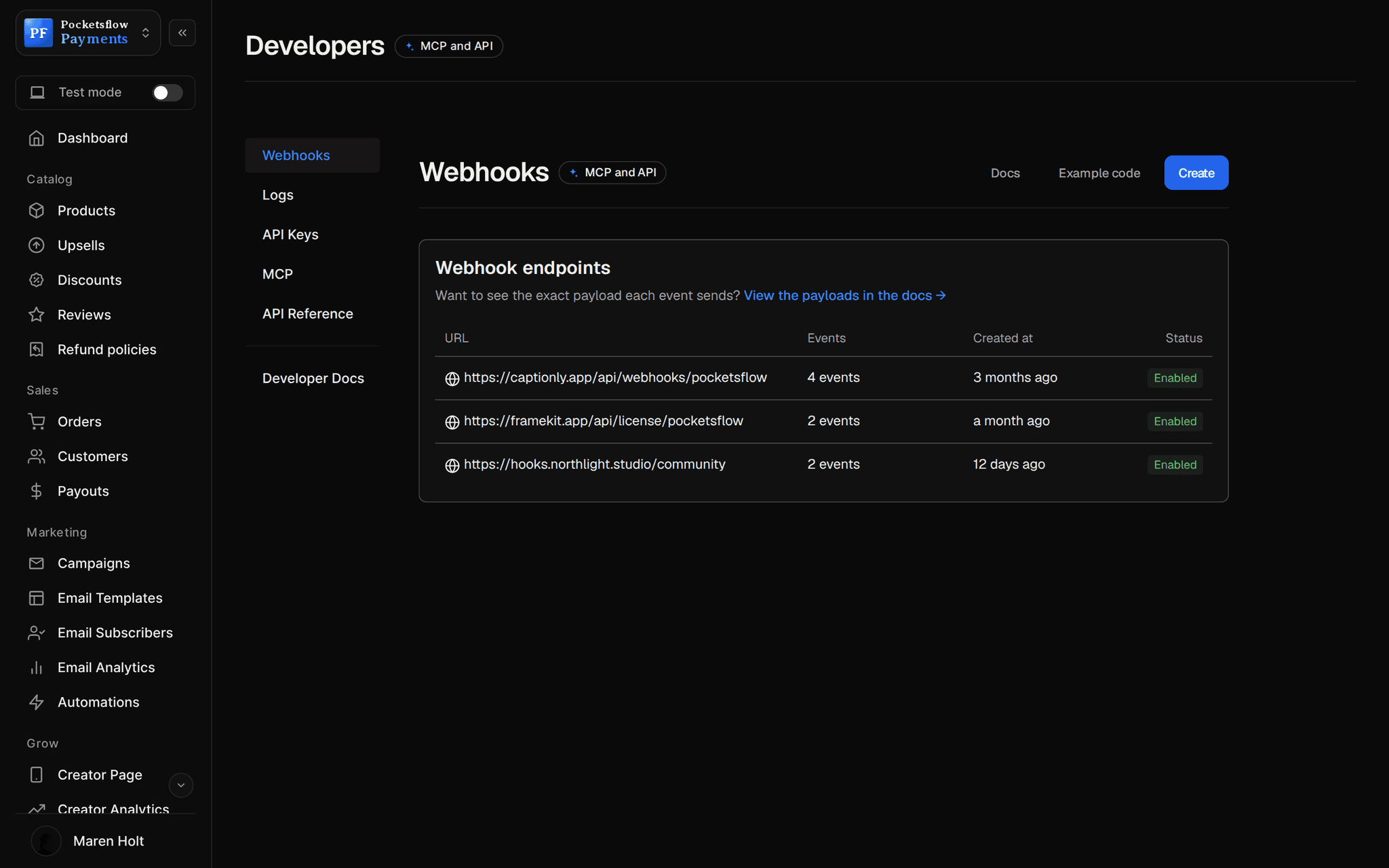
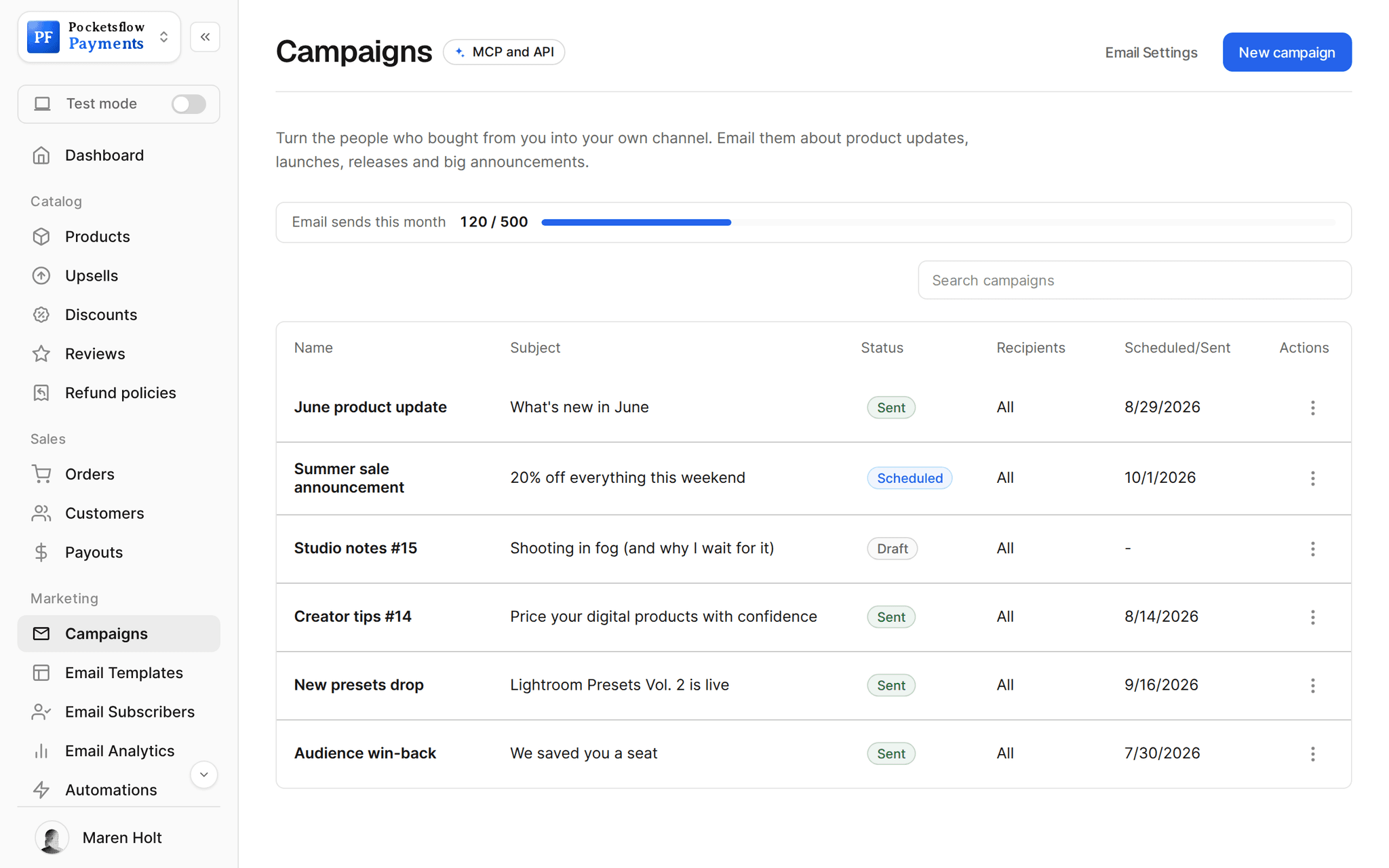
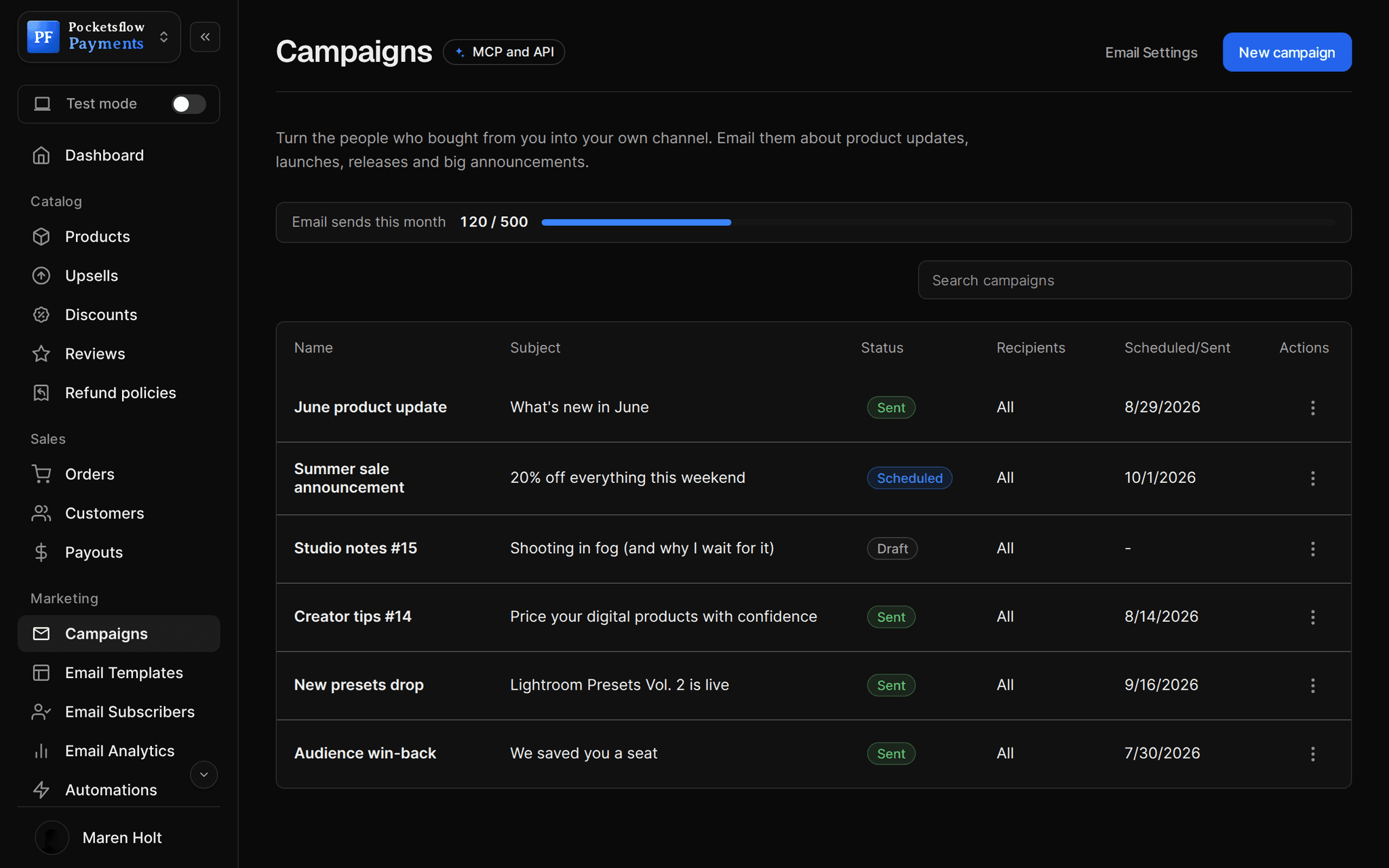
// more screens
Every screen you will use.
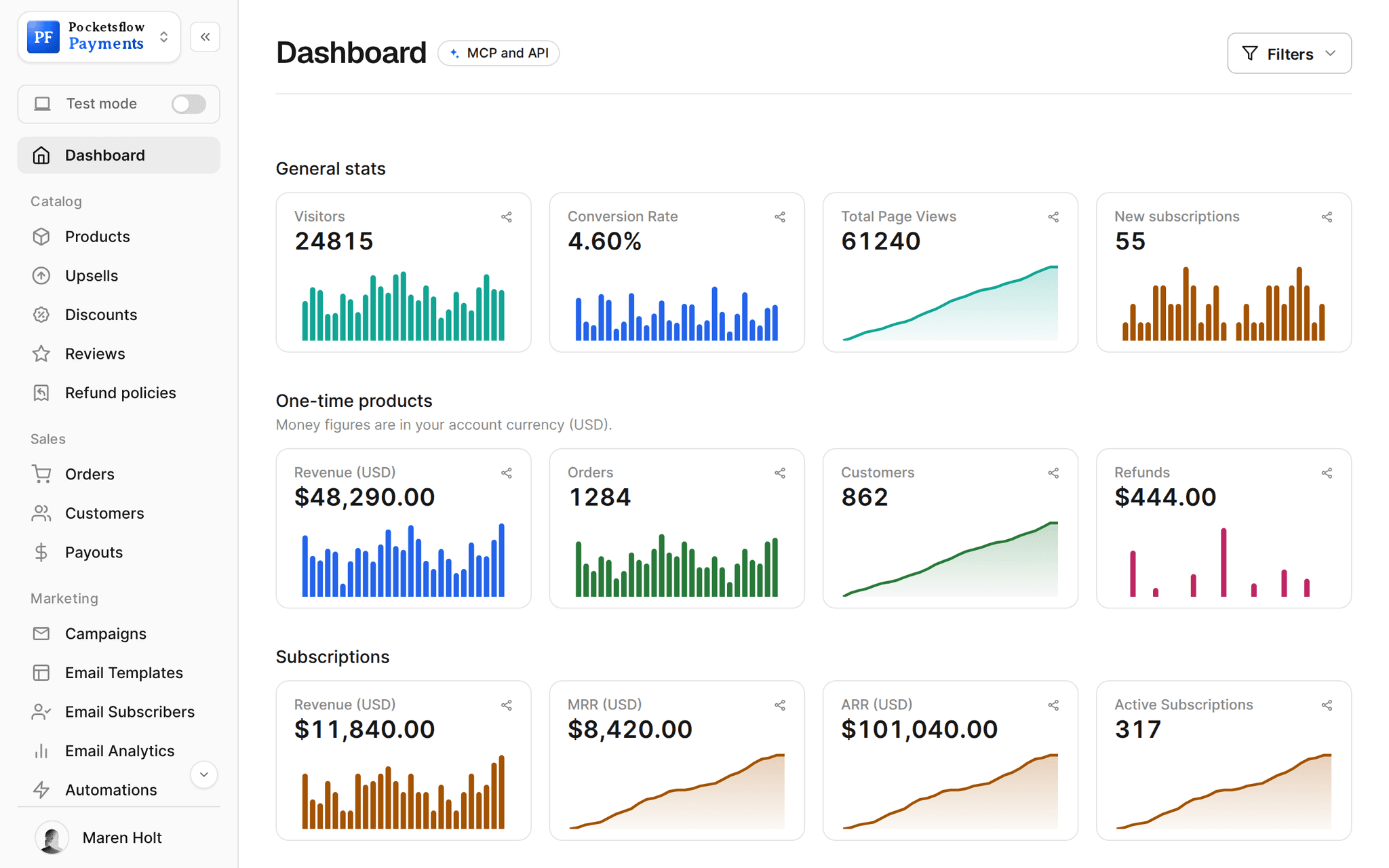
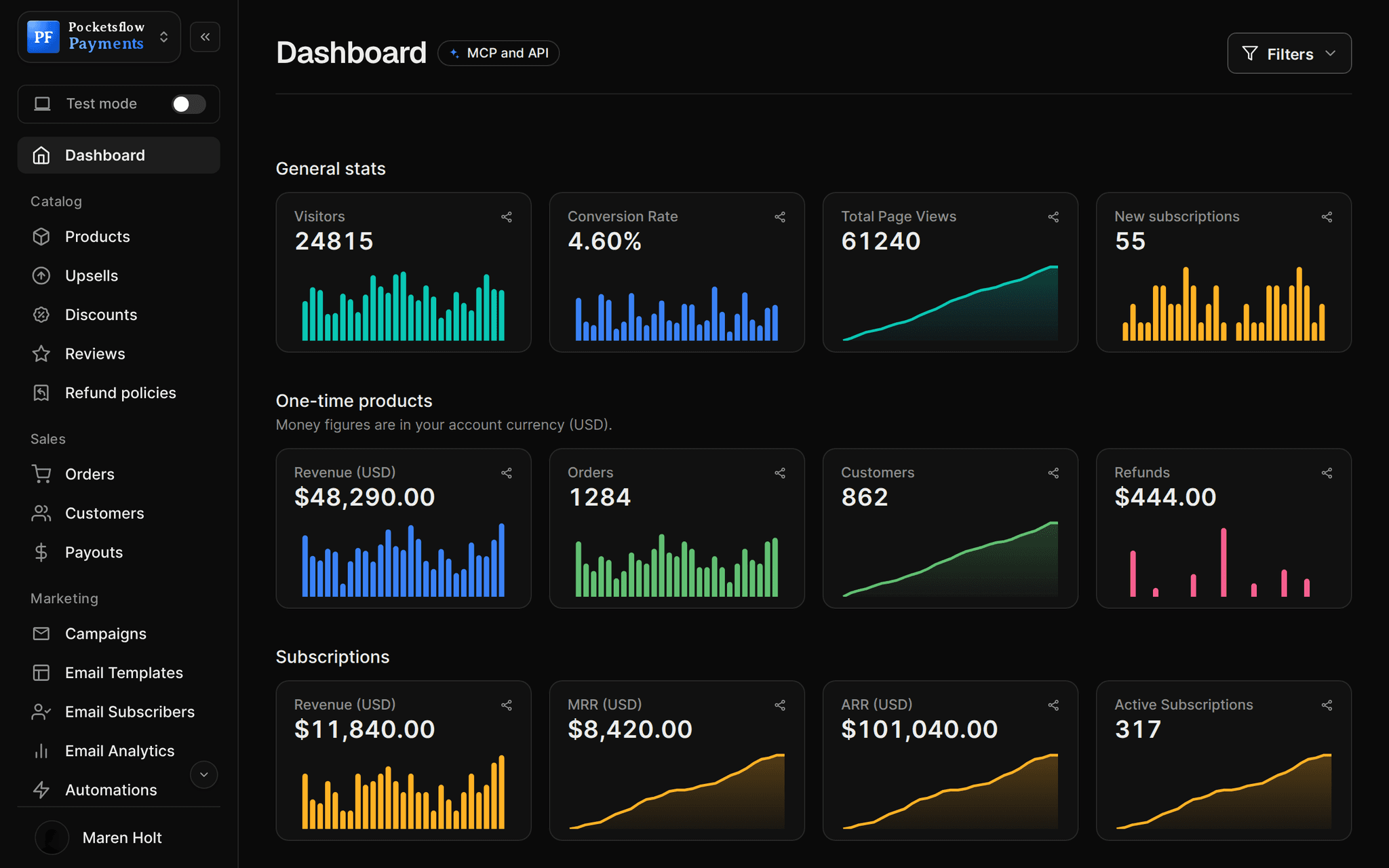
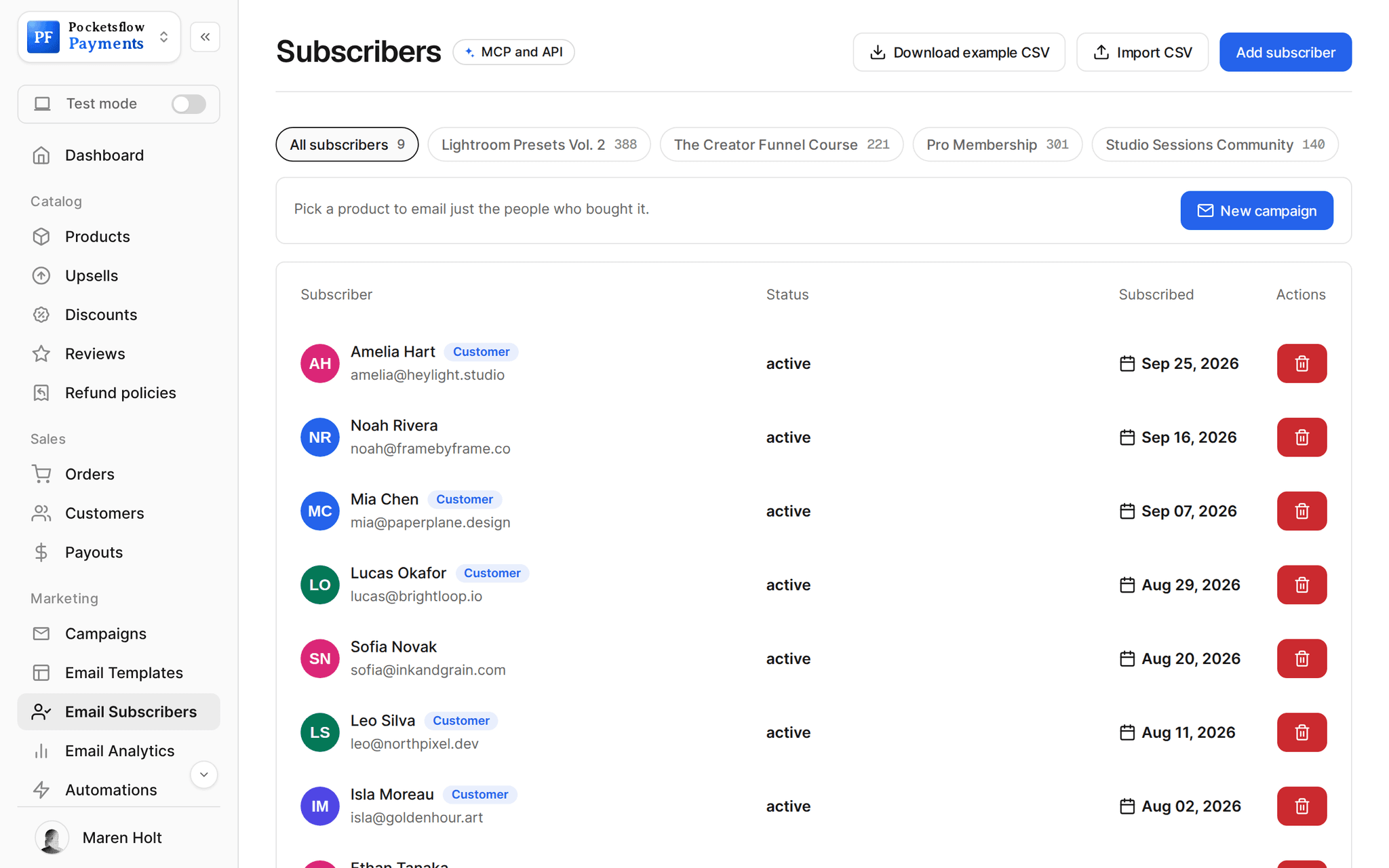
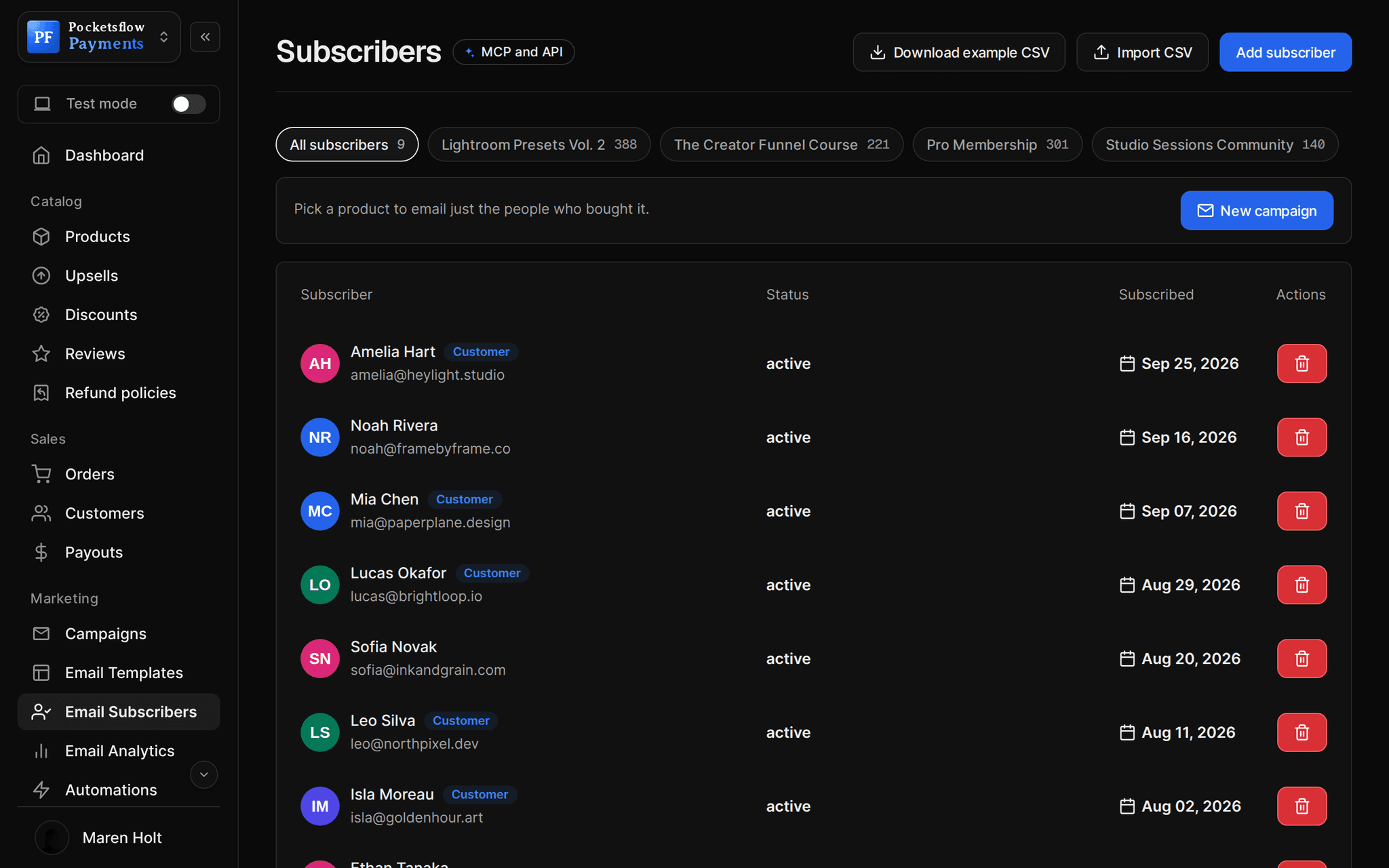
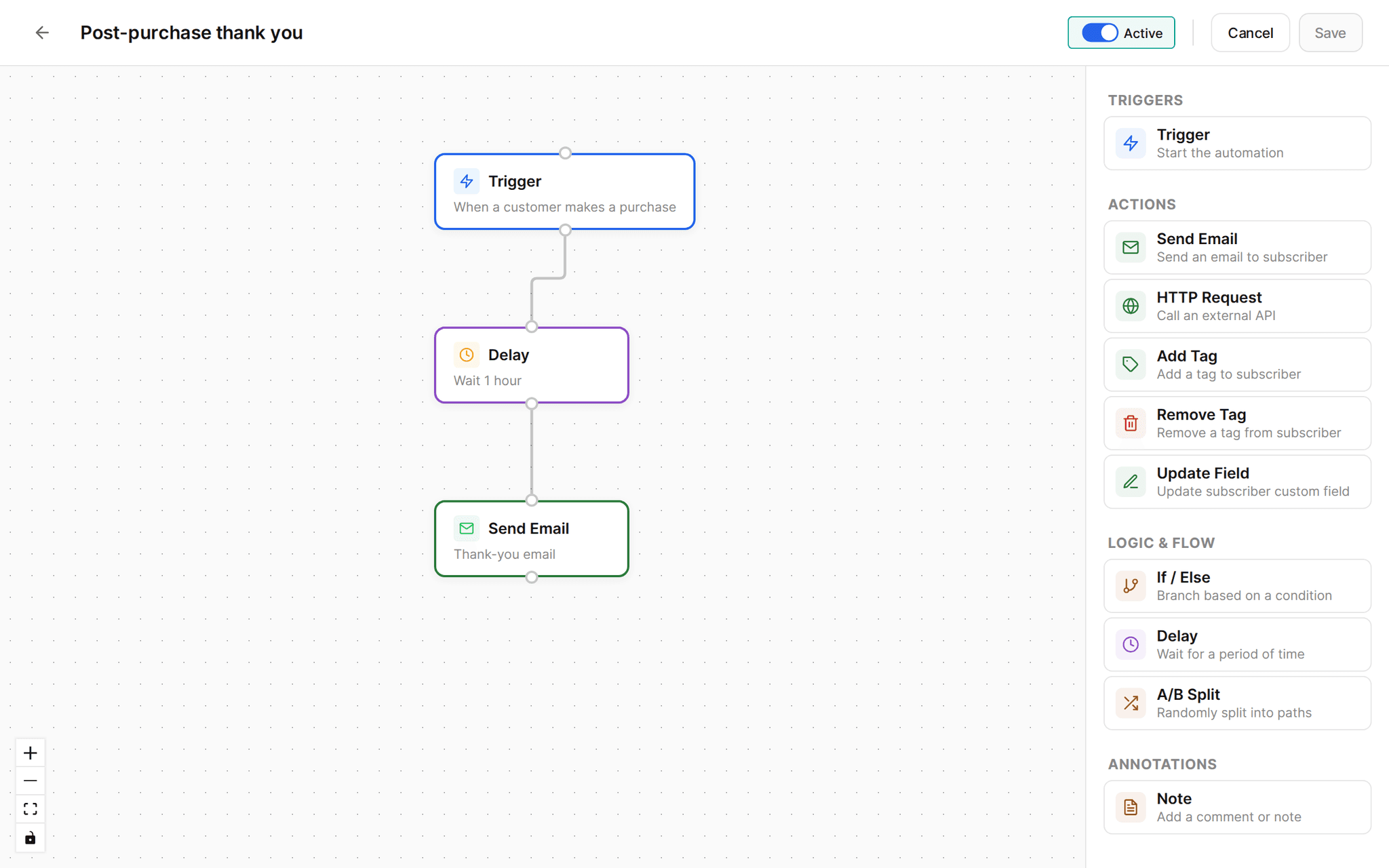
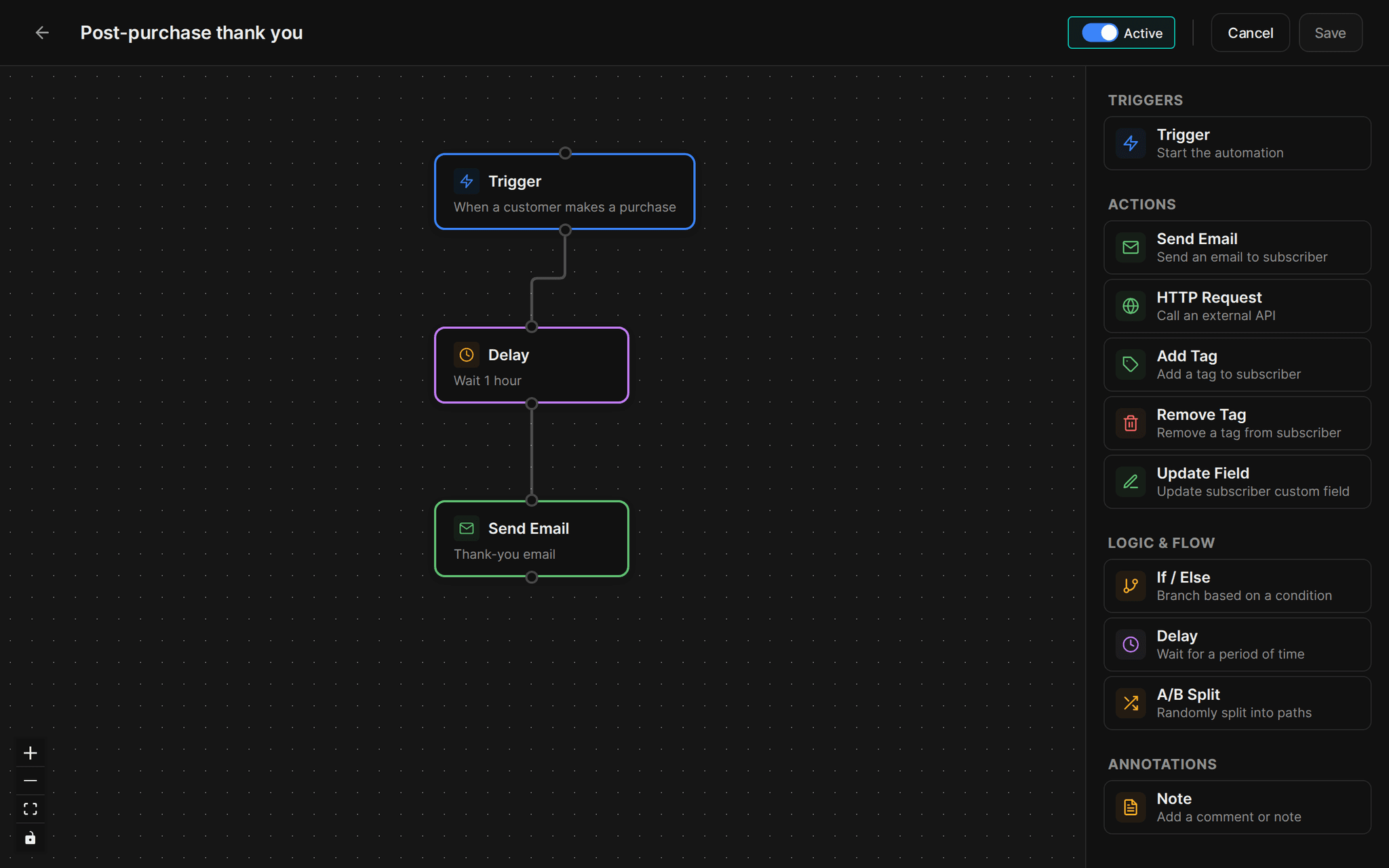
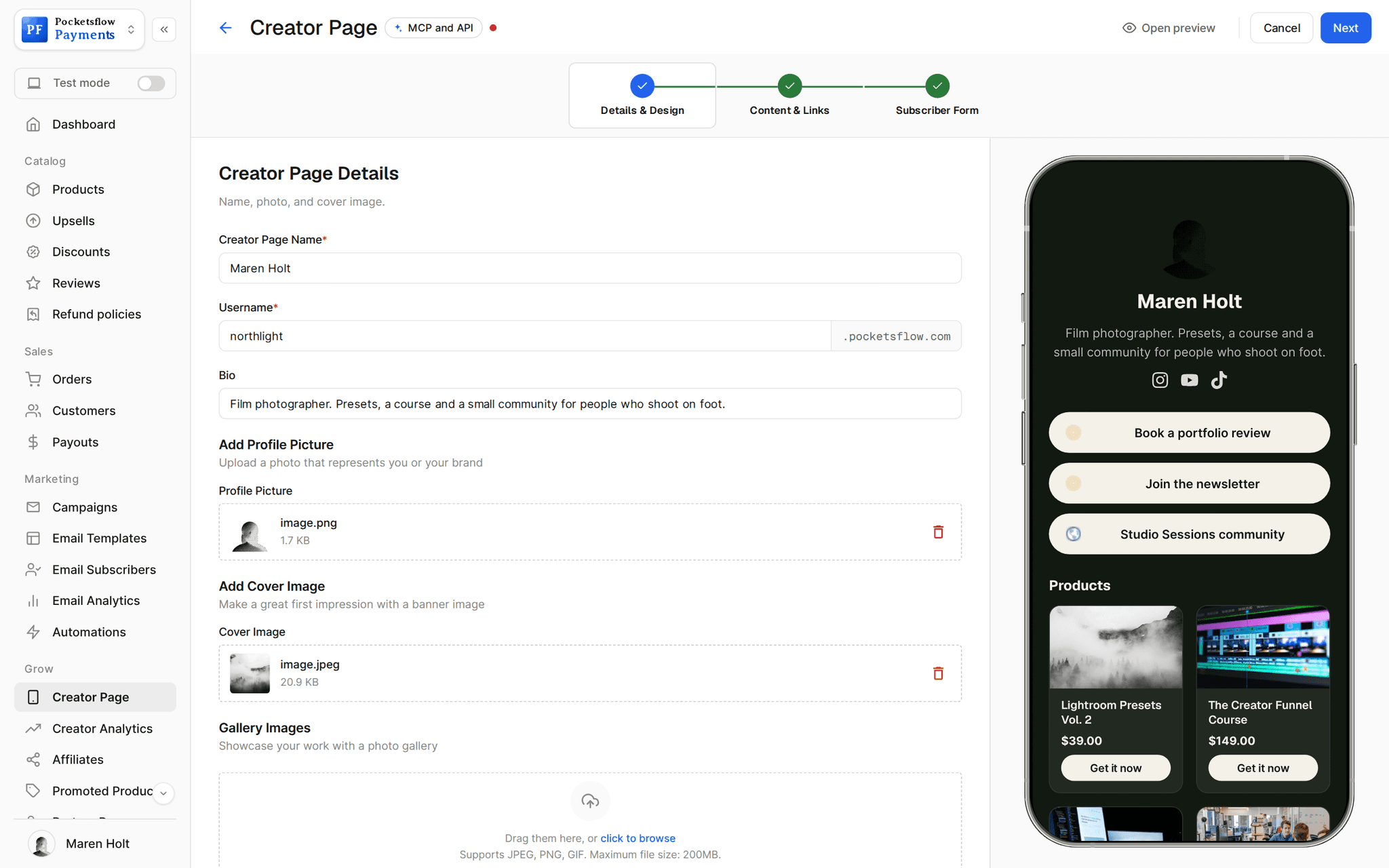
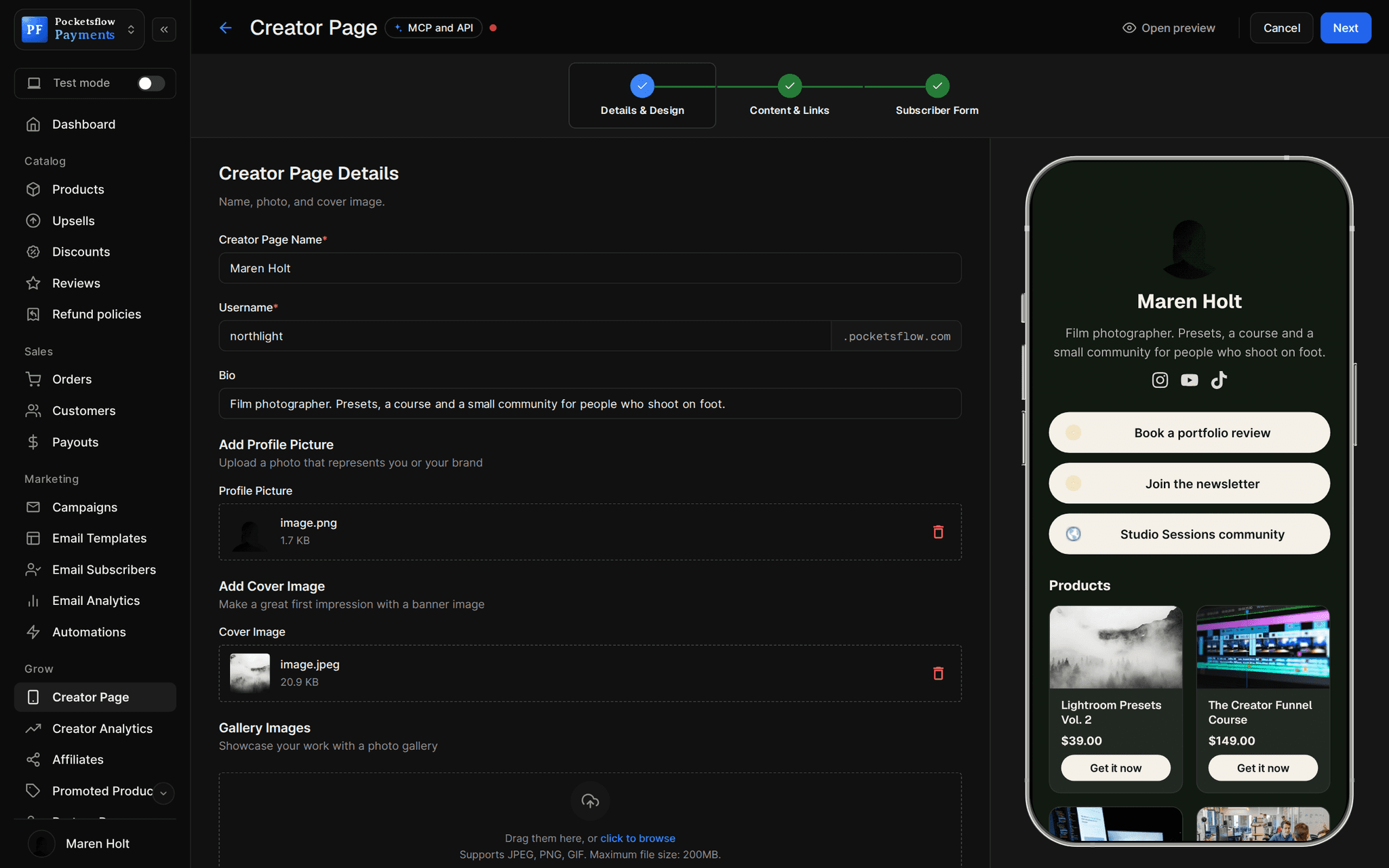
// use cases
Communities people charge for.
Discord servers
Deliver the invite as the link, and have your bot remove members when a plan ends.
Studio Sessions Community$12 / month
Slack groups
A yearly plan for a peer group of founders or operators.
Founders Circle$490 / year
Telegram and WhatsApp channels
Paid signal or alert channels billed weekly or monthly.
Crypto Signals Weekly$15 / week
Members areas
Unlock a section of your site from the subscription webhooks.
The Archive$8 / month
Masterminds and cohorts
A high ticket yearly membership with live calls.
Inner Circle$1,200 / year
Fan clubs
Supporter tiers with pay what you want on a one time entry.
Backstage Pass$5+
// how it works
Live in four steps.
Create a subscription
Pick monthly or yearly (or both), set the price and an optional free trial.
Deliver the invite
Use your community invite or members area link as what subscribers get.
Automate access
Listen for customer.subscription.created and .deleted to add and remove members.
Keep members engaged
Announce sessions by email, welcome new members with an automation, and watch MRR.
// ai
Or just ask your AI.
Connect Claude, ChatGPT, Codex, Grok, Cursor or any MCP client once. Then ask in plain words, and every change lands in your dashboard.
 Claude · Desktop app
Things to ask
- Launch a $12 monthly community with a 7 day trialcreate_subscription_offer · create_checkout_session
- How many active members do I have?list_customers
- Pause Sam's membership for a monthpause_subscription
- Email members about Thursday's live sessionsend_post
- Offer 30% off the yearly plan to monthly memberscreate_discount · send_post
- Send member events to my Discord botcreate_webhook · test_webhook
// included
Everything included.
- Weekly, monthly and yearly memberships
- Free trials in days
- Invite link delivered after checkout
- Lifecycle webhooks to add and remove members
- Past due status while a renewal retries
- Pause, resume and cancel
- Subscriber portal for cards and cancellation
- Discount codes for yearly upgrades
- Email campaigns and welcome automations
- Audience filtered by plan
- Membership page templates
- Global tax handled on every renewal
// why pocketsflowWhy sellers pick Pocketsflow.
Keep your platform
Your community stays on Discord, Slack or your site. Pocketsflow handles the paying.
Access that follows billing
Webhooks tell your bot or site the moment a member joins, fails a payment or leaves.
Tax handled
Merchant of Record on every renewal, in every country.
No monthly fee
4.7% + $0.30 estimated per charge, only when members pay.
// connect
It's easy. Even your AI can do it.
Add Pocketsflow to the AI you already use, sign in and click Allow access. No API key, no code.
- 01Paste into your AI appIt's a connector address, not a web page.api.pocketsflow.com/mcp
Add Pocketsflow
Paste the server URL as a connector in your AI app.
- 02
Sign in and allow
Your AI opens Pocketsflow. Click Allow access.
- 03
Ask for anything
Products, orders, refunds, emails, in plain words.
import { Pocketsflow } from "pocketsflow";

const pf = new Pocketsflow({ apiKey: process.env.POCKETSFLOW_API_KEY });

// A recurring plan with a trial. Subscribers manage cards and
// plans themselves from their portal.
const offer = await pf.subscriptionOffers.create({
  name: "Pro Membership",
  price: 29,
  frequency: "monthly",
  trialPeriod: 7,
});

// Renewals retry on failure, and MRR stays visible on the dashboard.
console.log(offer._id);
Grant and revoke access from code.
Grant access when a subscription starts and revoke it when it ends. Every lifecycle change arrives as a signed webhook.
Every resource is an HTTPS endpoint under one base URL with Bearer API keys. Live and test keys are scoped to their own data; the OpenAPI spec is served at /docs.json.
// faq
Common questions.
Does Pocketsflow host the community?
No. Your community stays where it is (Discord, Slack, Telegram, a forum or your own members area). Pocketsflow sells and bills the membership and tells your tools who should have access.
How do members get in after paying?
Set your invite or members area link as what the subscription delivers. Members are taken to it right after checkout, and their activation email links to their subscriber portal.
How do I remove people who stop paying?
Listen for customer.subscription.deleted (and invoice.payment_failed if you want to warn first) with a signed webhook, and remove the member in your bot or site.
Can I offer monthly and yearly plans?
Yes. Publish one subscription per period and price, and show both on your page.
Can members try it first?
Yes. Add a free trial of any number of days. The card is collected up front and the first charge runs when the trial ends.
What does it cost?
No monthly fee and no setup fee. Each sale carries one itemized transaction cost, 4.7% + $0.30 estimated (about $5.00 on a $100 sale), covering the platform, payment infrastructure, tax handling and dispute prevention. Above $10,000 a month in sales, talk to us about reduced fees.
Who handles sales tax and VAT?
Pocketsflow is the Merchant of Record. By default it calculates, collects and remits eligible sales tax and VAT on every sale, handles fraud checks and chargebacks, and sends the buyer an invoice. You can also choose to remit tax yourself in Settings, Taxes.
Can my AI do this for me?
Yes. Add the Pocketsflow MCP server to Claude, ChatGPT, Codex, Grok, Cursor or any MCP client, sign in and click Allow access. No API key. Your AI can then create products, set prices and discounts, open checkouts, read orders and send emails, and every change shows up in your dashboard.
// related
Keep exploring.
Start accepting payments today.
Sell your first product today, and let the AI you already use run the busywork.